Overview
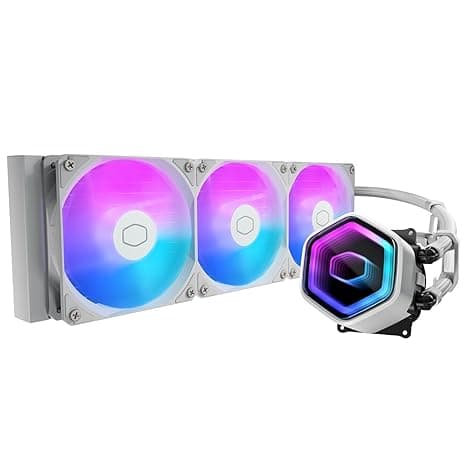
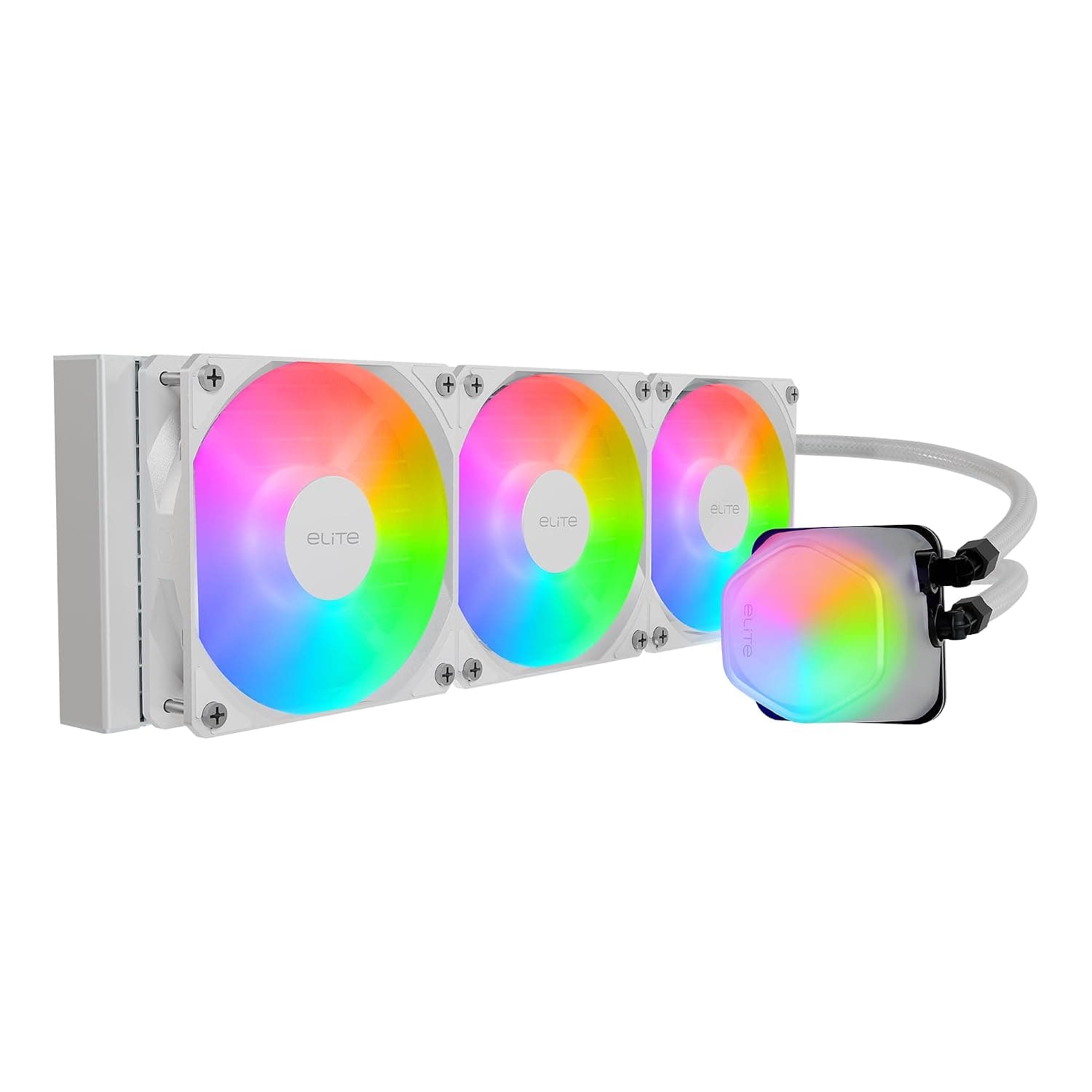
The Cooler Master 360 Elite is an all-in-one liquid cooler that pairs a 360mm radiator holding three 120mm fans with a dual-chamber pump. It is a strong candidate if you have a mid-tower or larger case, run a Core i7/i9 or Ryzen 7/9 class CPU, and want a white or ARGB-themed build.
It is oversized if your case cannot mount a 360mm radiator, or if you mainly game on a mid-range CPU.
On Amazon.co.Check the retailer's page for the latest user reviews.
Supported sockets are Intel LGA 1851/1700/1200/115x and AMD AM5/AM4, so Core Ultra 200S and Ryzen 7000/9000 processors are covered. The pump mounts without tools and the three 120mm ARGB PWM fans come pre-installed on the radiator, which keeps installation simple even for first-time liquid cooling users.
This guide explains how to read the spec sheet, which cases it fits, how it compares with air coolers and LCD-equipped 360mm AIOs, and the problems buyers most often run into.
Key Specs and How to Read Them
| Item | Value |
|---|---|
| Radiator | 360mm (394 x 119 x 28 mm) |
| Fans | 120mm x 3 (ARGB / 4-pin PWM) |
| Max fan speed | 2100 RPM |
| Noise level | 30 dBA (rated) |
| Pump | Dual chamber (3-pin power) |
| Sockets | Intel LGA 1851/1700/1200/115x, AMD AM5/AM4 |
| Materials | Copper, aluminum, plastic |
The rated 30 dBA comes with no stated test conditions. Three 120mm fans at their full 2100 RPM are very unlikely to stay at 30 dBA, so treat the figure as a low-to-mid speed reference.
Under heavy load the noise rises with fan speed. If quiet operation matters, set a gentler fan curve on your motherboard.
A dual-chamber pump keeps the cold plate and the pump in separate chambers, so warm coolant does not flow straight back into the pump. The materials are listed as copper, aluminum and plastic.
As with most AIOs, the cold plate that touches the CPU is likely copper and the radiator aluminum, but check the product page for the exact breakdown.
Compatibility Guide
CPU sockets and mounting hardware
Supported sockets are LGA1851, LGA1700, LGA1200, LGA115x, AM5 and AM4. LGA1851 uses the same cooler hole spacing as LGA1700, so LGA1700 hardware fits.
AM5 also keeps the AM4 mounting layout.
The included hardware needs checking. This cooler reportedly launched around 2021, and some coolers from that period added LGA1700 brackets later or shipped them separately on request.
If you plan to use a Core Ultra 200S or 12th-14th Gen Core CPU, confirm on the product page or in the manual that your unit includes LGA1700/1851 hardware.
Physical clearance in your case
The case is where most installs go wrong. The radiator measures 394 x 119 x 28 mm, and with 25mm fans the total thickness is 53mm.
Even in a case listed as supporting 360mm radiators, a top mount can hit VRM heatsinks or tall memory.
| Mount position | What to check |
|---|---|
| Top | At least 53mm between the roof and the top edge of the motherboard; clearance over VRM heatsinks and RAM |
| Front | Maximum GPU length drops by roughly 53mm; warm radiator exhaust is blown toward the GPU |
| Both | Room for the 394mm length; tubes reach from the pump to the radiator without strain |
For a front mount, subtract the radiator and fan thickness from the case's maximum GPU length. High-end GPUs longer than 300mm often stop fitting at this point.
Power and headers
The pump uses a 3-pin connector, the fans use 4-pin PWM, and the lighting uses a 3-pin 5V addressable RGB (ARGB) header. Plugging the ARGB cable into a 4-pin 12V RGB header can damage the LEDs. The two headers look alike, so always check the label printed on the board.
Without an ARGB header the pump and fans still work, but you cannot control the lighting.
Connect the pump to a header labeled AIO_PUMP or PUMP_FAN. If nothing is plugged into CPU_FAN, some boards show a warning at boot.
Power draw is small, so size your power supply for the CPU and GPU.
Installation Tips
- Fit the backplate and socket brackets to the motherboard first 2.
Mount the radiator in the case (the fans are already attached) 3. Remove the protective film from the cold plate, apply paste, and seat the pump on the CPU 4.
Connect the pump, fan and ARGB cables to their headers 5. In the BIOS, check that the pump speed reads correctly and the fans spin
Leaving the protective film on the cold plate is the most common beginner mistake, and it sends CPU temperatures very high. Look at the cold plate before installing.
Pre-applied paste may vary between units, so check its state before deciding whether to add your own.
Radiator orientation matters too. If the pump sits higher than the radiator, air collects in the pump and causes noise and weaker cooling.
A top mount is the safest choice. For a front mount, the usual advice is to put the tubes at the bottom.
Product Info
The price depends heavily on when you check. On Amazon.co.jp it was ¥15,529 as of July 7, 2026 and ¥19,505 as of August 24, 2026.Check the retailer's page for the latest price.
According to the Amazon listing, the manufacturer is Cooler Master and APPI STORE handles sales and shipping. Who handles warranty claims can depend on the retailer, so confirm before buying.
Included items are Intel/AMD mounting kits, a backplate, thermal compound and a manual. A fan hub is reported on some revisions only.
The cooler sits in the mid-high tier. The 360mm radiator and dual-chamber pump give enough thermal headroom for hot CPUs.
It skips extras such as an LCD screen, which keeps the price down. It is a cooler you pick for the balance of cooling and looks.
Comparison with Alternatives
The 360mm class splits into distinct directions. Comparing where each one puts your money is more useful than comparing spec numbers.
| Direction | Examples | Difference from this cooler |
|---|---|---|
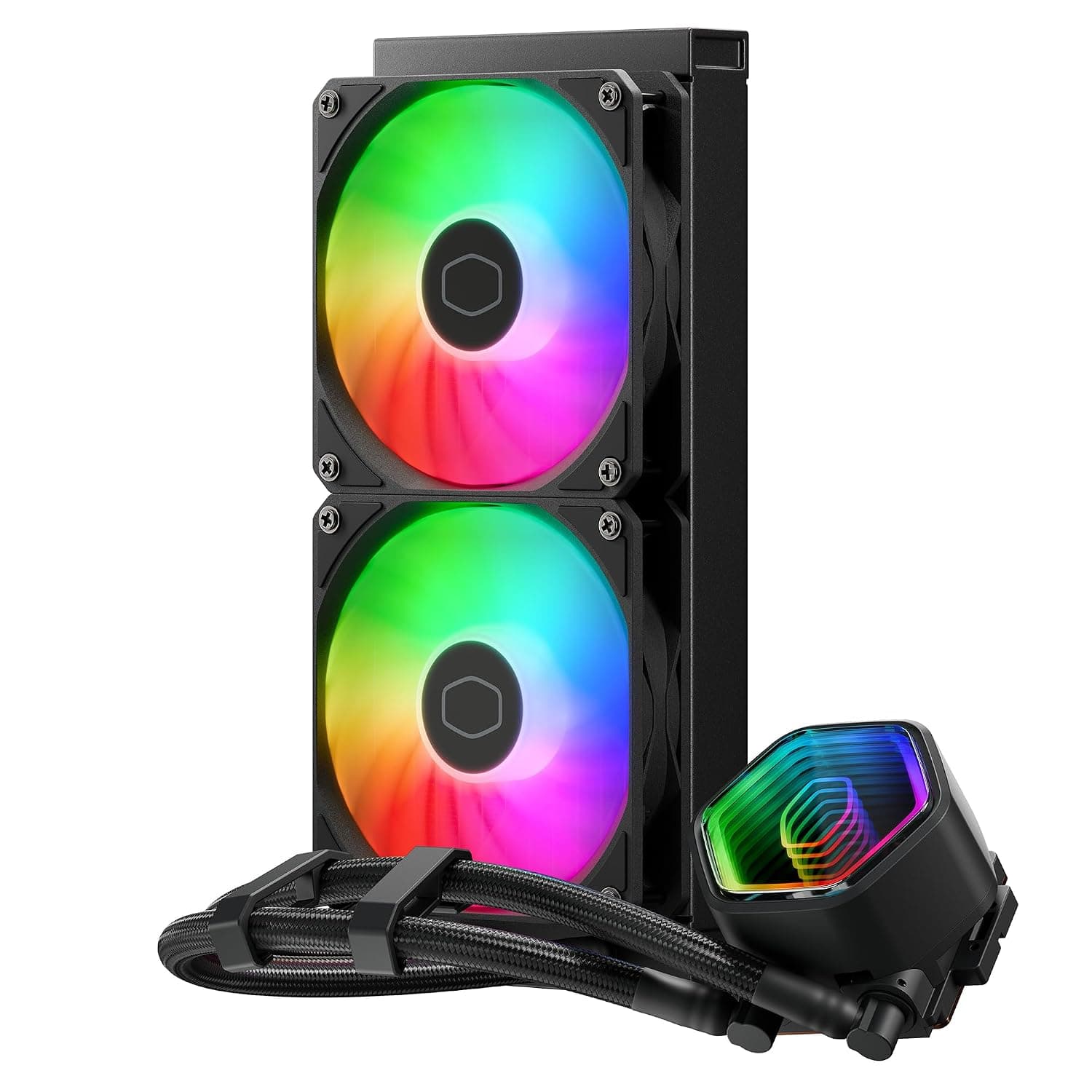
| 360mm AIO with LCD | Thermalright Elite Vision 360 (IPS LCD), ID-COOLING SL360 (2.1-inch LCD), NZXT Kraken Elite 360 v2 | The pump has a screen for temperatures or images. This cooler has no screen and costs less |
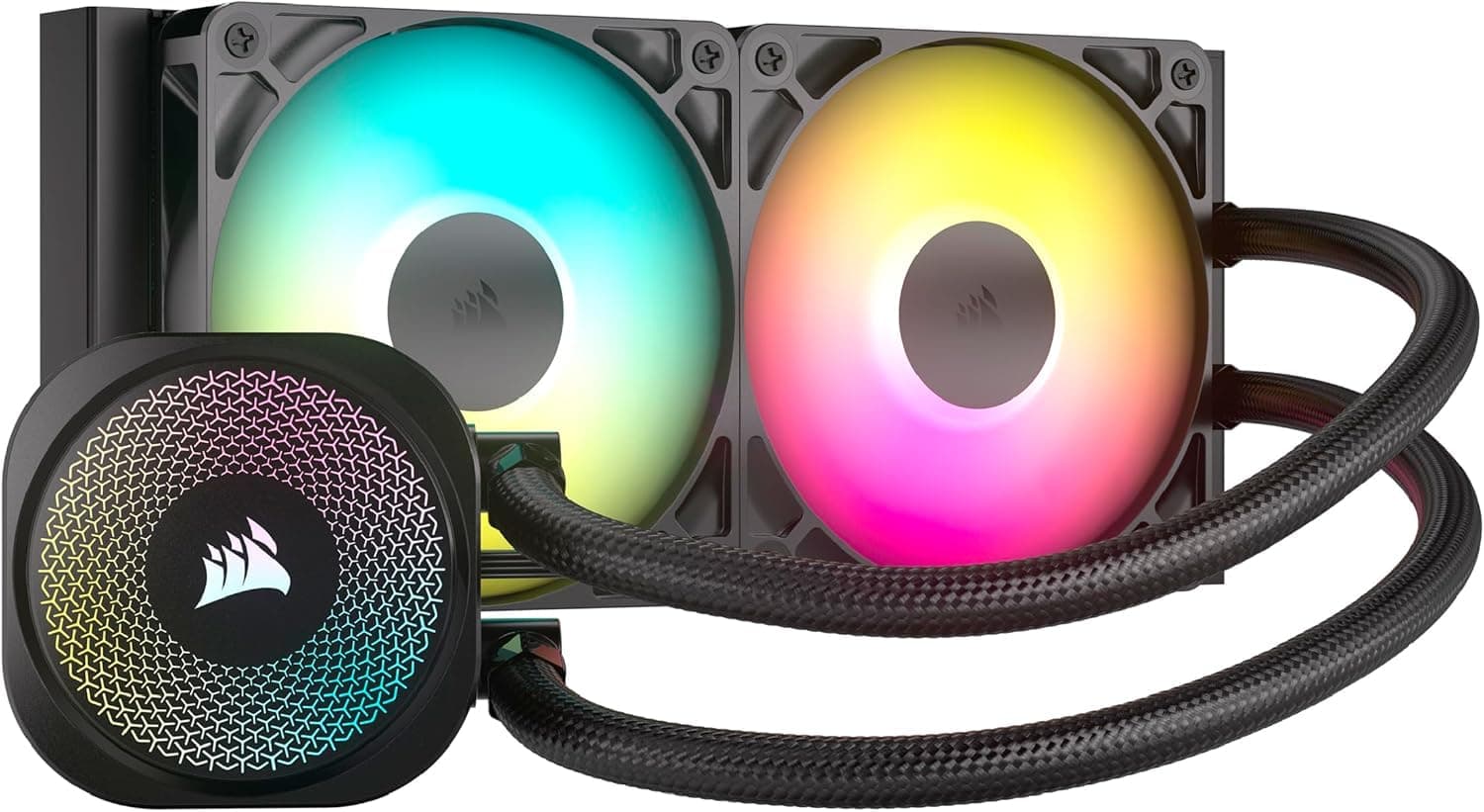
| RGB ecosystem | CORSAIR H150 RGB | Easier to match lighting with the same brand's peripherals. This cooler relies on motherboard ARGB control |
| High-end air cooler | Thermalright Phantom Spirit 120 SE | No pump to fail and no case radiator support needed. Liquid cooling wins on looks and headroom at full load |
If you want a screen on the pump, choose an LCD model. If case compatibility and long service life come first, choose an air cooler.
This cooler fits in between: 360mm cooling and a white look without paying for a display.
Who It's For
- High-end CPU users: CPUs like the Core i9 and Ryzen 9 stay under heavy load for long stretches, and the large 360mm radiator handles that. Long gaming sessions and video exports need less fan speed.
- White-themed builds: The white body and translucent pump dome match white cases and memory. Syncing the lighting with other parts through motherboard ARGB control makes the build look consistent.
- Noise-sensitive users: The fans can stay at low speed under light load, and the dual-chamber pump is designed to limit vibration. Users who tune their own fan curves get the most out of this.
- First-time liquid cooling users: The fans come pre-installed and the pump mounts without tools. Once you have checked case clearance, it is about as hard to install as a large dual-tower air cooler.
Before You Buy
Case support is the biggest hurdle. Mini-ITX and compact Micro-ATX cases almost never fit it.
Even cases rated for 360mm radiators can run into the 53mm thickness, which blocks top-mounted RAM or a front-mounted long GPU. Besides the case spec sheet, look for real builds that put a 360mm AIO in the same case.
It is overkill for mid-range CPUs. If you mostly game on a Core i5 or Ryzen 5, a good air cooler is enough.
An air cooler has no pump to fail and costs less. A 360mm AIO makes sense for hot CPUs or when looks come first.
Treat any AIO as a consumable. Pumps wear out, and coolant slowly evaporates over the years.
Weaker cooling or new noises after several years of use are common to all AIOs. A stopped pump makes the CPU overheat quickly, so check the pump speed in the BIOS or a monitoring tool from time to time.
Do not be alarmed by Ryzen 7000 temperatures. Ryzen 7000 chips are designed to boost until they reach around 95°C under load.
A high reading alone does not mean the cooler is faulty. Check whether clock speeds are dropping, not only the temperature.
**Check the seller and the listing. In this listing the seller is APPI STORE, and the warranty contact can differ by seller. This guide is based on Amazon listing data, which can contain errors. Before ordering, use the images and title to confirm that the color, included brackets and fan count match the product you want.
FAQ
Q. Does it work with Core Ultra 200S (LGA1851)? A.
Yes. LGA1851 is a listed socket, and it shares the LGA1700 hole spacing.
Just confirm that your unit includes LGA1700/1851 hardware.
Q. Is the rated 30 dBA really quiet? A.
No test conditions are given, so treat it as a low-to-mid speed figure, not a 2100 RPM value. To keep it quiet under load, set a gentler fan curve.
Q. Should the radiator go on the top or the front? A.
Top is the safer choice because air is less likely to collect in the pump. For a front mount, put the tubes at the bottom and allow for about 53mm less GPU length.
Q. Can I use it without an ARGB header? A.
Cooling works normally, but you cannot control the lighting from the motherboard. Never connect it to a 4-pin 12V RGB header.
Q. Is it better than an air cooler? A.
For mid-range CPUs, an air cooler usually wins on price and reliability. A 360mm AIO like this one makes sense for hot high-end CPUs or when you want a cleaner-looking build.
Product Disclosure (Amazon)
- Manufacturer: Cooler Master
- Seller: APPI STORE
- Fulfilled by: APPI STORE
- ASIN: B0946GJ4GX
- Note: This article covers a manufacturer-made product based on Amazon listing details.