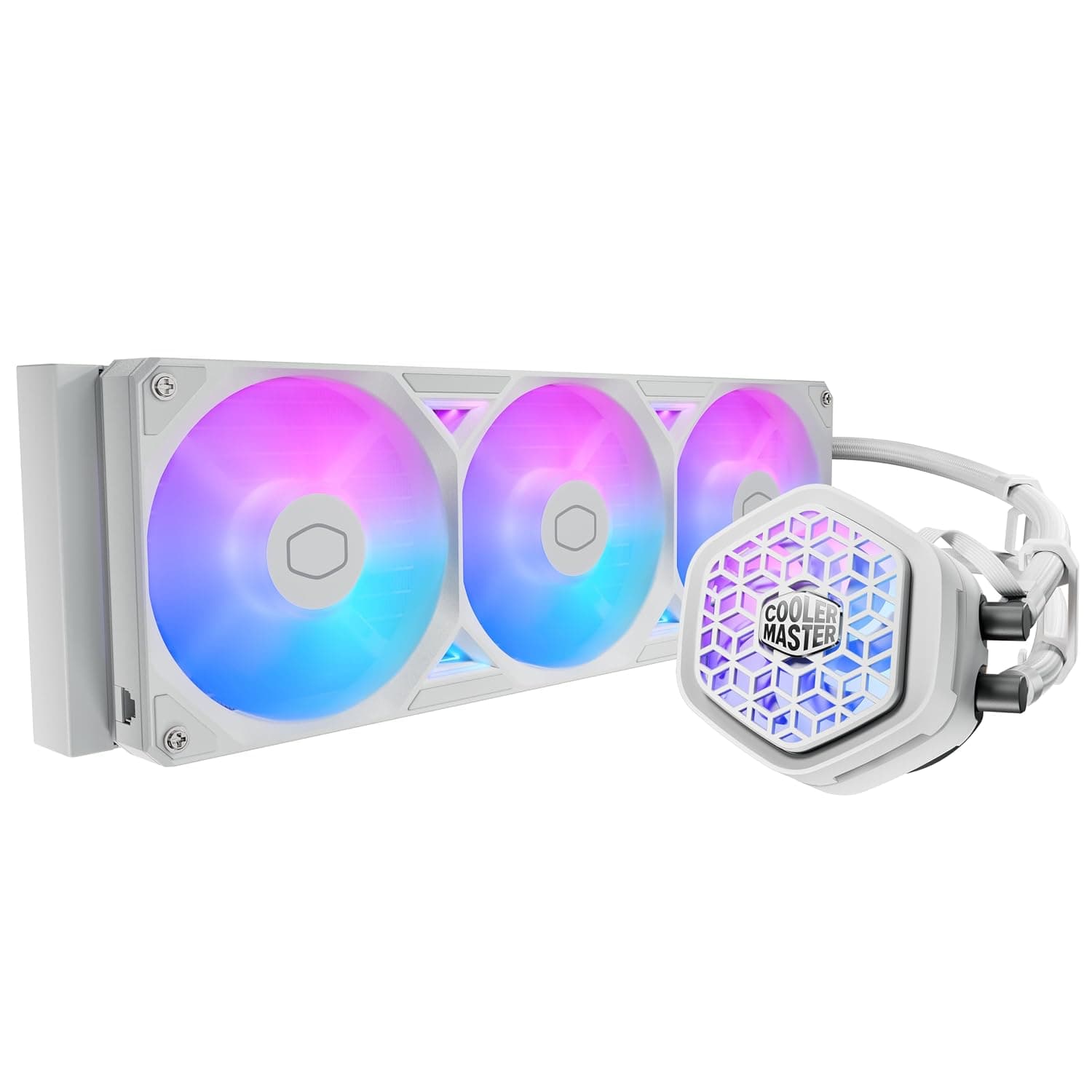
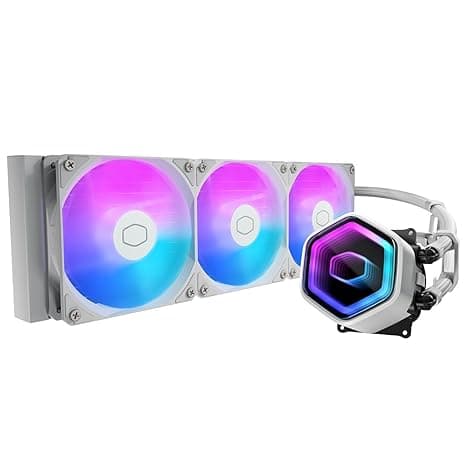
This article takes a deep look at the ID-COOLING SL360 — White 360mm AIO CPU Cooler with 2.1-inch LCD Display: how to read the specs, what to check before you install it, how it compares with rivals, and who should skip it.
Overview
Here is the short answer. The ID-COOLING SL360 White suits people who want a 360mm AIO and a pump-head LCD in one package, in a white mid-tower or larger build.
If your case cannot fit a 360mm radiator, or you don't care about the screen, it is an expensive choice. Part of what you pay for is the display and the white styling, not just the cooling, and keeping that in mind is the best way to avoid regret.
The SL360 is an all-in-one liquid CPU cooler with a 360mm radiator. Its headline feature is a 2.1-inch, 480×480 LCD on the pump unit.
The screen can show images, GIFs, and MP4 videos, as well as live data such as CPU temperature and fan speed. The white finish blends into light-colored cases, and the ARGB lighting helps tie the whole build together.
Cooling comes from three 120mm FDB (fluid dynamic bearing) fans, model AF127. Each fan is rated for up to 78 CFM of airflow and 2.68 mmH2O of static pressure.
Static pressure tells you how hard a fan can push air through radiator fins, so it matters a lot for AIO fans. The pump runs at up to 2500 RPM ±10% on 12V DC.
ID-COOLING's Space software lets you adjust fan curves and choose what the LCD shows.
Compatibility Guide
The listed sockets are Intel LGA2066/2011/1700/1200/1151/1150/1155/1156/1851 and AMD AM4/AM5. LGA1851 is generally reported to share LGA1700's cooler mounting-hole spacing, so LGA1700 hardware usually carries over.
Mounting kits can differ between production batches, though, so if you are building on Core Ultra (LGA1851), confirm support on the product page or in the bundled manual.
In practice, people run into trouble with the case and wiring more often than with the socket. The table below lists the main checks.
| Check | What to look at | Common mistake |
|---|---|---|
| Radiator mount | Does the top or front of the case support 360mm? | A case rated for 280mm will not take a 360mm radiator |
| Thickness | Top clearance for the radiator plus fans (usually 25mm thick) | A top mount hits RAM or VRM heatsinks |
| Front mount | The radiator takes away GPU length | A long graphics card no longer fits |
| Fans and pump | Free 4-pin PWM headers (CPU_FAN, AIO_PUMP, etc.) | Plugging the pump into a header that slows it down |
| ARGB | A 3-pin (5V) ARGB header on the motherboard | Plugging into a 4-pin (12V) RGB header and damaging the LEDs |
| LCD content | A data link from the PC (such as an internal USB header) | No free header, so the LCD can't be used |
The fans connect in a daisy chain, which keeps the wiring for all three tidy. To sync the ARGB lighting, your motherboard needs a 3-pin ARGB header.
To show images or temperatures, the screen needs a data link from the PC. Most LCD AIOs use an internal USB 2.0 header, so check the manual for how the SL360 connects and make sure you have a free header.
Product Info
| Item | Value |
|---|---|
| Radiator | 360mm |
| Fans | 120mm × 3 (FDB bearing) |
| Max airflow / static pressure | 78 CFM / 2.68 mmH2O |
| Pump speed | 2500 RPM ±10% |
| LCD | 2.1-inch / 480×480 |
| Cooling type | AIO liquid |
As of September 2026, the price on Amazon.co.jp was ¥29,588.
Prices change with sales and seller stock, so check the product page for the current price before you buy. At the same time, the Amazon rating was 4.4 out of 5 from 65 reviews.
That rating is good, but the review count is still small, so a few unusually good or bad units can shift the average. Reading what reviewers say about pump noise and how defects were handled tells you more than the star count.
The box includes Intel and AMD mounting kits, thermal paste, screws, and a manual. The cooler appears to have launched around 2023.
Warranty terms and who handles claims can depend on the seller, so check the listing.
The SL360 sits in the upper-mid price range for AIO coolers. Its LCD and white styling are real advantages over similarly priced rivals.
If you only care about cooling, cheaper 360mm AIOs are available.
Comparison with Competitors
There are more 360mm AIOs with LCDs than there were a few years ago. Based on the details in each product's name, they compare like this.
| Product | LCD | Color | Why pick it |
|---|---|---|---|
| ID-COOLING SL360 White | 2.1-inch / 480×480 | White | You want a white build and care about screen resolution |
| Thermalright Elite Vision 360 ARGB White | IPS / 320×320 | White | You want to compare more white LCD 360mm options |
| NZXT Kraken Elite 360 v2 | Yes | Black | You want to manage everything in NZXT CAM |
| CORSAIR H150 RGB | None | Dark | You don't need a screen and use iCUE for RGB |
On resolution alone, the SL360's 480×480 is sharper than Thermalright's 320×320, and you will notice the difference with GIFs and photos. If you will only use the screen to show temperatures, the resolution gap hardly matters.
In that case, matching your software with your case and other components will make you happier over time.
Installation Tips
- Decide whether the radiator goes on the top or the front first.
A top-mounted exhaust is the most natural setup for airflow. 2.
For a front mount, point the tubes downward. If the pump is the highest point in the loop, air in the loop collects there and can cause noise.
- Always peel the protective film off the cold plate.
A forgotten film is a classic cause of very high temperatures right after a build. 4.
Plug the pump into AIO_PUMP, CPU_FAN, or another header that keeps it at a steady speed, and check that the BIOS isn't throttling it hard. 5.
Finally, set your fan curve and LCD content in the software.
Best Use Cases
- White builds: If your case and parts are white, the SL360 White can be the centerpiece. The ARGB fans and LCD also change the look of your desk.
- People who like to watch their temps: The LCD shows live system data, which is handy for overclocking or heavy work like video exports. You can see temperatures without opening any software.
- Power-hungry CPUs: A 360mm radiator has more surface area than a 240mm one, so it can cool with lower fan speeds. Actual temperatures depend heavily on the CPU and its power settings, so treat this as a general guide.
If you're on a tight budget or don't care about the LCD, consider ID-COOLING's display-free models (such as the DashFlow series) or another cheaper 360mm AIO. If your case can't fit a 360mm radiator, look at 280mm or 240mm models or a strong air cooler.
Before You Buy
Check your case's radiator support first. The most common reason for returns is that the cooler didn't fit, not that it cooled poorly.
Even in a case listed as 360mm-ready, a top mount can hit motherboard heatsinks or tall RAM. Check the radiator and fan thickness and the tube length on the product page.
Decide whether the LCD is worth it to you. The ¥29,588 price as of September 2026 includes the display and the white finish.
If cooling is all you want, the same money buys a bigger air cooler or a 360mm AIO without a screen. If you are likely to enjoy the screen for a week and then stop looking at it, it makes sense to skip it.
Some features depend on software. You customize the LCD and fan curves in the vendor's software.
Tools like this are usually made for Windows, and the display may only update while the software is running. If you plan to use Linux or another OS, check how much of the LCD functionality works there.
AIO trade-offs. The pump wears out over time, unlike an air cooler's heatsink.
If the pump stops, your CPU heats up quickly, so for long-term use it is a good idea to set temperature alerts in the BIOS or software.
Inconsistent listing details and the seller. In the product data, AM4/AM5 and LGA1851 appear in some socket lists but not others.
The seller is a third-party shop (北海道輸入市場), not the manufacturer. Listing details can be wrong, so use the photos and product name to confirm you have the right item, and check whether warranty claims go through the seller or ID-COOLING.
If you are going for an all-white build, also keep in mind that white housings and sleeving show dirt easily.
FAQ
Q. Does it work with Core Ultra (LGA1851)? A.
It is listed as LGA1851-compatible. LGA1700 mounting hardware usually carries over because the hole spacing is the same, but kits can vary, so check the support table in the manual.
Q. Can the LCD show my own images and videos? A.
Yes. It supports images, GIFs, and MP4 videos.
The screen is 480×480, so square images are less likely to get cropped.
Q. Can the ARGB sync with my motherboard? A.
Yes, if you connect it to a 3-pin ARGB header. It is not compatible with 4-pin 12V RGB headers, so don't plug it into one.
Q. Will it fit a case rated for 280mm?
A. No. A 360mm radiator is as long as three 120mm fans, so your case needs 360mm support.
Q. Is it quiet? A.
FDB fans are designed to keep bearing noise low, but at their full 78 CFM rating they will be audible. Set a fan curve so they spin slower during everyday use.
Product Disclosure (Amazon)
- Manufacturer: ID-COOLING
- Seller: 北海道輸入市場
- Fulfilled by: 北海道輸入市場
- ASIN: B0CBRPSQHQ
- Note: This article covers a manufacturer-made product based on Amazon listing details.