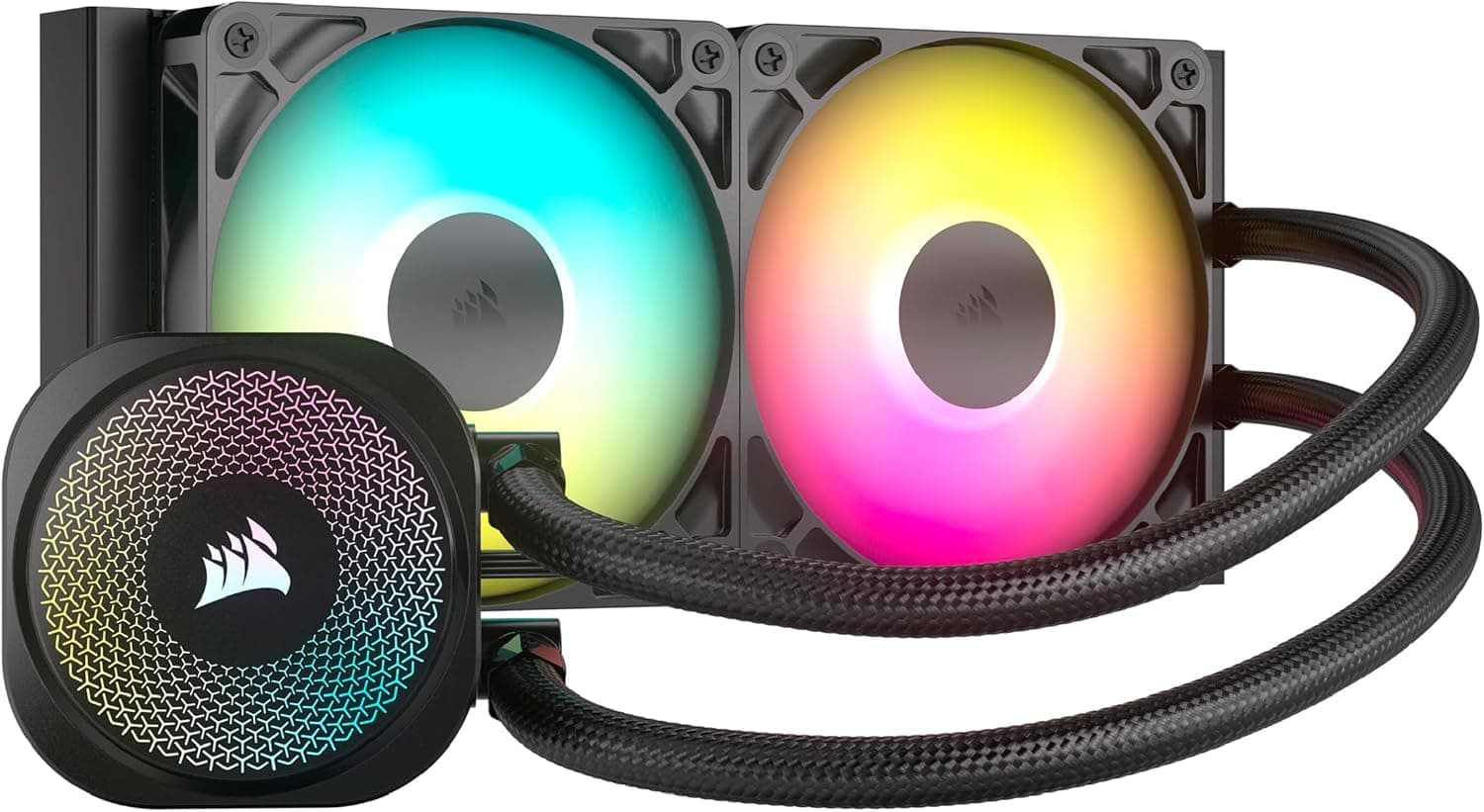
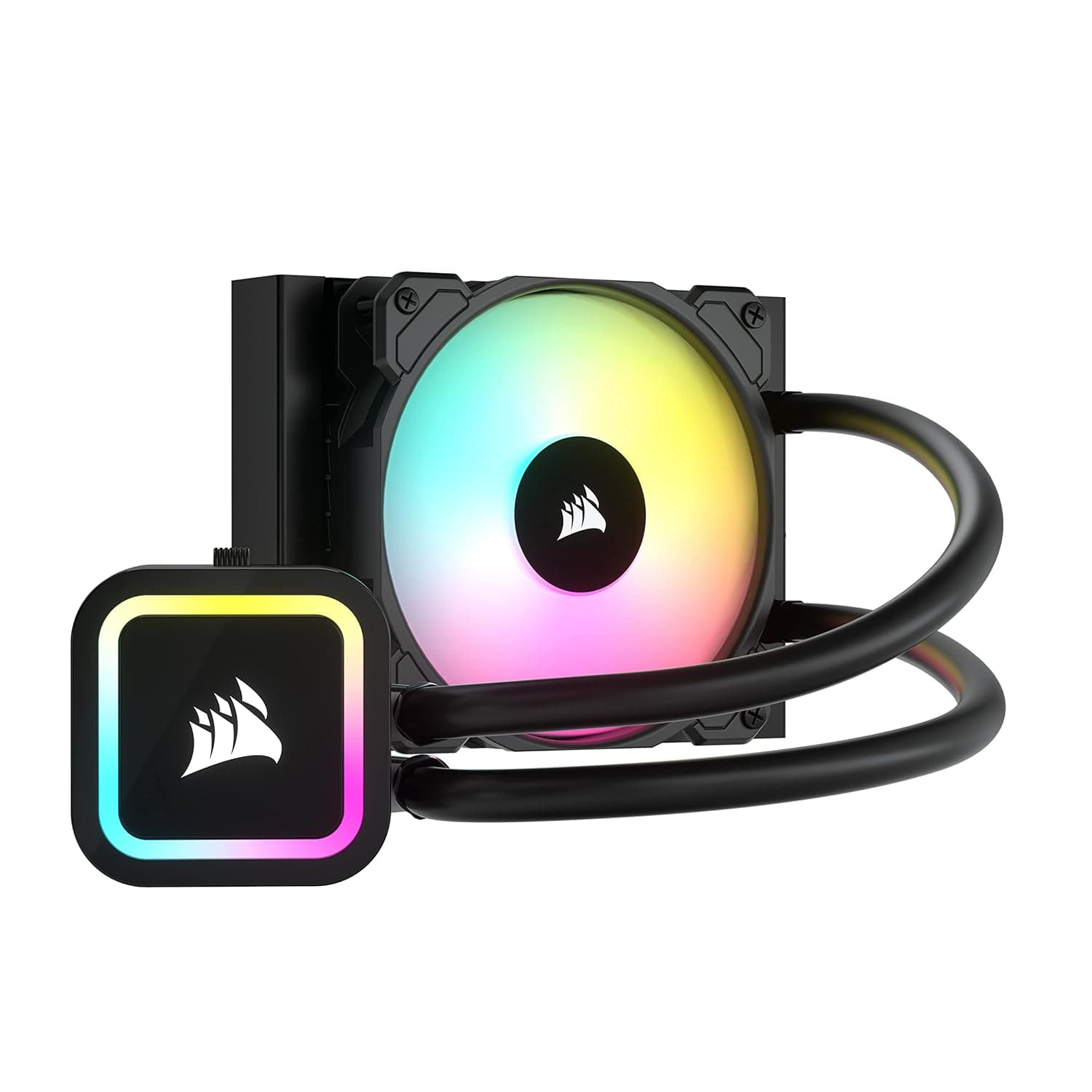
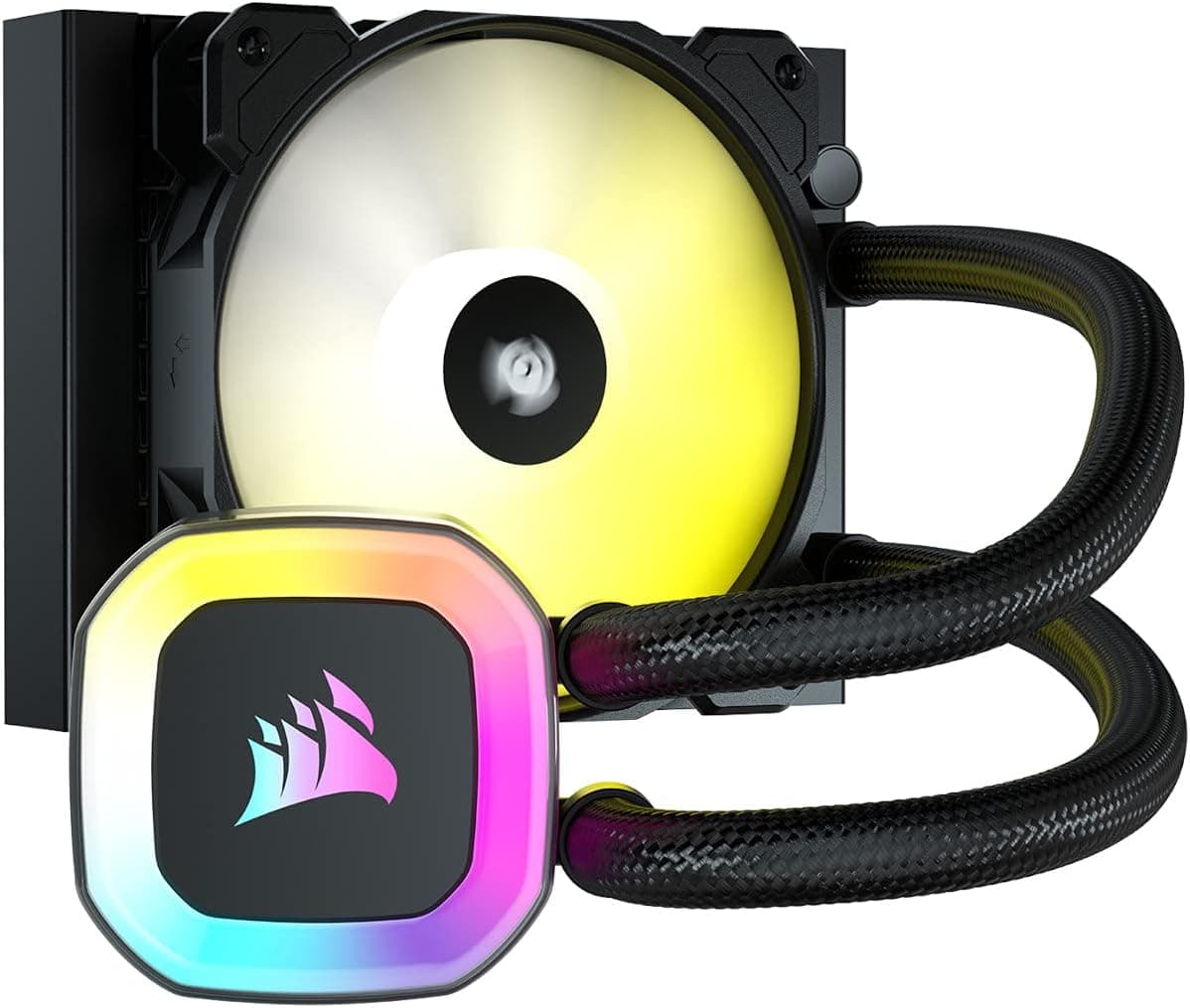
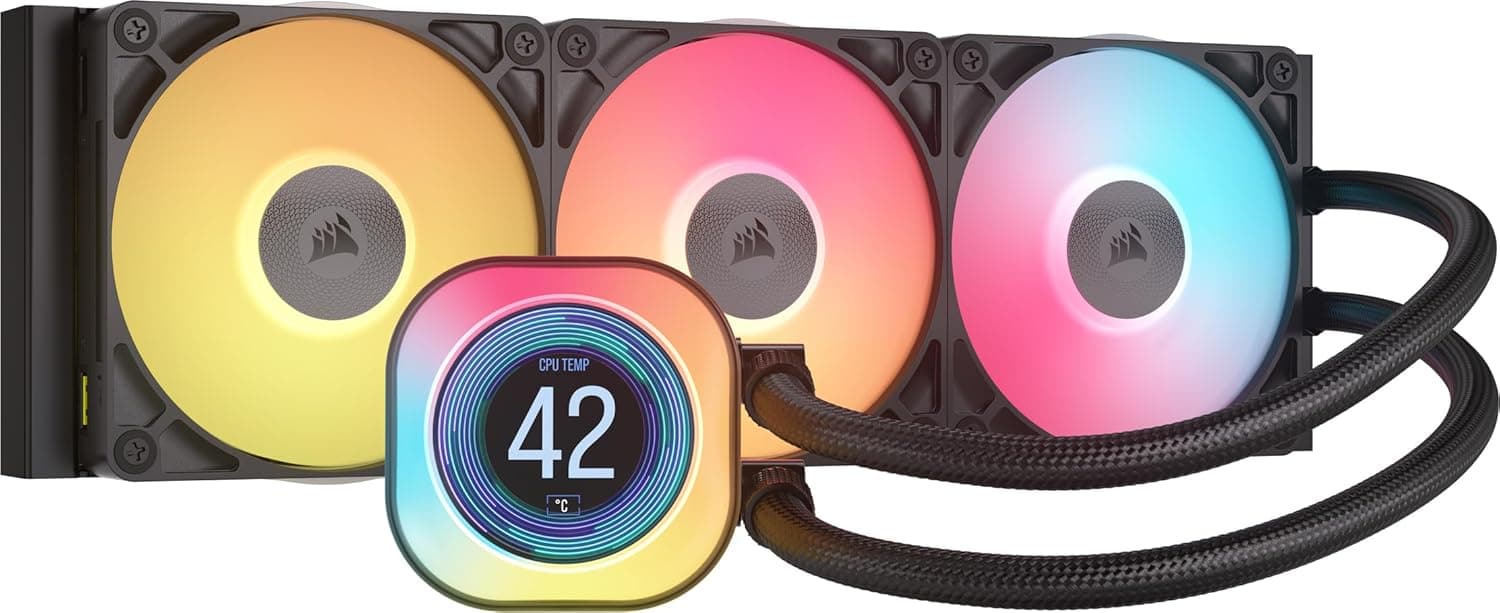
This article covers the CORSAIR H150 RGB 360mmラジエーター適用 ARGB対応簡易水冷 CPU クーラー 3 基の SP RGB ELITE Series PWM 120 mm ファン付属 CW-9060054-WW. It goes through compatibility, installation and who should skip it.
Overview
In short, the CORSAIR H150 RGB (model CW-9060054-WW) is a 360mm all-in-one liquid CPU cooler for people who want 360mm cooling lit from their motherboard's ARGB header, without buying an extra controller. It pairs a 397 x 120 x 27 mm radiator with three SP RGB ELITE PWM 120mm fans that top out at 1500 RPM.
That makes it a good match for gaming PCs that push Core i7 or Ryzen 7 class CPUs hard. It is overkill for cases that can't take a 360mm radiator, and for low-power CPUs that an air cooler handles fine.
The pump head has 13 addressable RGB LEDs and each fan adds 8 more. You control the lighting from the motherboard's 5V ARGB header or through an optional iCUE Commander CORE XT.
Rated noise is 28 dBA, and the 1500 RPM fan limit points to a quiet-first design. Supported sockets are Intel LGA1700/1200/115X and AMD AM5/AM4.
The mounting is described as tool-free, which helps first-time liquid cooler users.
On Amazon.co.jp it is rated 4.6 out of 5 across 1,310 reviews (as of September 2026).
It has been on sale for a long time and its rating has held up, which is reassuring.
Cooling and Noise Expectations
A 360mm radiator is one of the larger sizes among AIO coolers. With three 120mm fans' worth of surface to shed heat, it can hold the same temperature as a 240mm unit at lower fan speeds.
That makes quiet operation easier.
The 1500 RPM fan limit says a lot about this product. It isn't built to brute-force heat with maximum airflow.
It is built to run quietly at everyday loads, and the 28 dBA rating fits that approach. Noise figures depend on the maker's test conditions, though.
How loud it feels will vary with your case, where you mount it and how sensitive you are to pump noise.
One caution: the latest high-end CPUs running all-core loads with no power limits produce a lot of heat. They can reach their thermal limit even under a 360mm AIO.
This isn't specific to this cooler. Setting a power limit in the BIOS alongside the cooler is the practical approach.
Compatibility Guide
CPU Sockets
The listed sockets are Intel LGA1700, LGA1200 and LGA115X, plus AMD AM5 and AM4. The included mounting kit covers all of them.
Sockets not on that list, such as Intel's newer LGA1851, can't be confirmed from the data here. If you're building on a newer platform, check CORSAIR's support information for a compatible bracket.
Case Radiator Clearance
This is where most mistakes happen. The radiator measures 397 x 120 x 27 mm, a bit longer than a typical 360mm radiator.
Even a case listed as supporting 360mm may have little spare length, so check the actual clearance at both the top and the front mount.
Thickness is also easy to miss. Add a typical 25mm fan to the 27mm radiator and you get about 52mm in total.
For a top mount, check for conflicts with motherboard heatsinks near the top edge and with tall memory. For a front mount, check the length of your graphics card.
Fan and Lighting Connections
The fans use 4-pin PWM, so the motherboard's fan headers control their speed. Lighting goes to the motherboard's 5V ARGB header (3-pin: +5V/DATA/GND).
Plugging it into a 12V RGB header (4-pin) by mistake can damage the LEDs, so check the header labels carefully. For detailed control in iCUE software, you need the separately sold iCUE Commander CORE XT.
Installation and Layout Tips
A general AIO rule: don't make the pump the highest point in the loop. Air collects at the high point, and air in the pump causes noise and weaker cooling.
A top-mounted radiator is easy to live with because air gathers in the radiator. For a front mount, pointing the tubes downward is the safer layout.
Choose the fan direction to suit your case's overall airflow. Front intake gives the CPU fresh air, but pushes radiator-warmed air into the case, which can raise GPU temperatures.
Top exhaust keeps heat out of the case, but the radiator is then cooled by warmer internal air. Both have trade-offs, so decide based on how hot your GPU runs and how your case fans are set up.
For cabling, you'll be handling PWM and ARGB leads for three fans. Check beforehand that you have enough splitters or motherboard headers so build day goes smoothly.
Product Info
As of September 25, 2026, the price on Amazon.co.jp was ¥21,800.
Prices change with sales and stock, so check the product page before buying. The cooler was released in late 2021, and CORSAIR lists a 5-year warranty.
In the box: the radiator, pump head, three SP RGB ELITE PWM 120mm fans, Intel and AMD mounting hardware, thermal compound and all the screws you need.
| Item | Detail |
|---|---|
| Radiator dimensions | 397 x 120 x 27 mm |
| Fans | 120 mm x 3 (SP RGB ELITE PWM) |
| Max fan speed | 1500 RPM |
| Noise level | 28 dBA |
| Pump head RGB LEDs | 13 |
| RGB LEDs per fan | 8 |
| Supported sockets | Intel LGA1700/1200/115X, AMD AM5/AM4 |
Three things stand out in this table: the radiator is on the long side, the fan speed is modest, and ARGB is meant to be driven by the motherboard. This cooler balances quiet running and looks rather than chasing peak cooling.
Compared With Alternatives
In CORSAIR's lineup, this is a mid-to-high tier model. Next to the pricier H150i ELITE CAPELLIX series, it has fewer pump-head LEDs and no bundled iCUE controller.
The 360mm cooling setup itself is the same. If you don't need everything managed in one software suite, this model is a cheaper way into 360mm cooling.
Other 360mm coolers take different visual approaches, such as a pump head with an LCD screen or an all-white look. If you don't need a display and want your ARGB synced through the motherboard, this cooler's simplicity suits you.
If your case has room, a 420mm AIO is worth a look. If your case is small, compare 120mm or 240mm AIOs and dual-tower air coolers.
For mid-range CPUs especially, a strong air cooler can mean less upkeep over the years, since pump wear and leaks aren't a concern.
Best Use Cases
- Gaming PC builders (intermediate to advanced): The 360mm radiator keeps Core i7 or Ryzen 7 class CPUs stable under heavy loads. It also suits builders who want matching ARGB across the whole PC.
- Noise-conscious users: The fans top out at 1500 RPM with a 28 dBA rating. With PWM control scaling fan speed to load, it runs very quietly at idle.
- Users syncing lighting through the motherboard: You can match it to your other parts in the motherboard's utility without buying a controller.
- First-time AIO users: The tool-free mount makes installation fairly easy. Always confirm 360mm case support and socket compatibility first.
Before You Buy
It generally won't fit Mini-ITX or other compact cases. A 397mm radiator mostly needs a mid-tower or larger with 360mm support.
Don't rely on a case's 360mm label alone. Measure.
It's usually more than a Ryzen 5 / Core i5 class CPU needs. Low-heat CPUs are often well served by an air cooler or a 240mm AIO, and the extra cost and effort may not pay off.
Full iCUE control needs a separate controller. On its own, this cooler can't be controlled per-device in iCUE.
You need to add the separately sold iCUE Commander CORE XT. If you run a CORSAIR-based setup and want everything managed in software, include that cost in your budget.
Understand AIO wear. The pump is a moving part, and coolant slowly evaporates over the years.
After several years you may notice a change in pump noise or weaker cooling. Keep the 5-year warranty in mind and look into any new noises early.
Unlisted sockets aren't guaranteed to work. The listed sockets are LGA1700/1200/115X and AM5/AM4.
For any other platform, confirm a compatible bracket exists before you buy.
FAQ
Q. Can I control the lighting from my motherboard alone? A.
Yes. Connect it to the motherboard's 5V ARGB header (3-pin) and control it from the motherboard's utility.
For detailed control in iCUE software, you need the separately sold iCUE Commander CORE XT.
Q. Does it work with AM5?
A. Yes, AMD AM5 is listed as supported, along with AM4 and Intel LGA1700/1200/115X.
Q. Will it fit any case listed as supporting 360mm? A.
Not always. The radiator is 397mm long and about 52mm thick with fans attached.
Check your case's clearance and the space around memory and the graphics card.
Q. How quiet is it? A.
Rated noise is 28 dBA and the fans max out at 1500 RPM. How it sounds depends on your case, mounting and load, but it is designed to be quiet.
Q. Should I choose this or an air cooler? A.
If you run a Core i7 / Ryzen 7 or higher under heavy loads and care about looks, this cooler is a good candidate. For a mid-range CPU where you want less long-term upkeep, a strong air cooler is well worth considering.