Overview
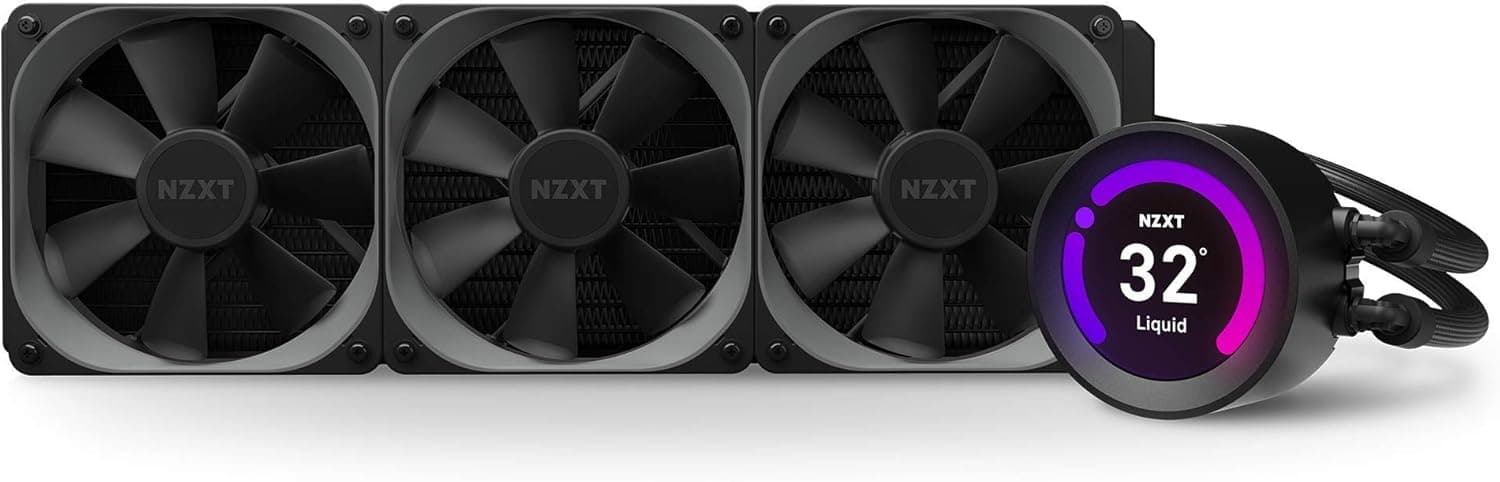
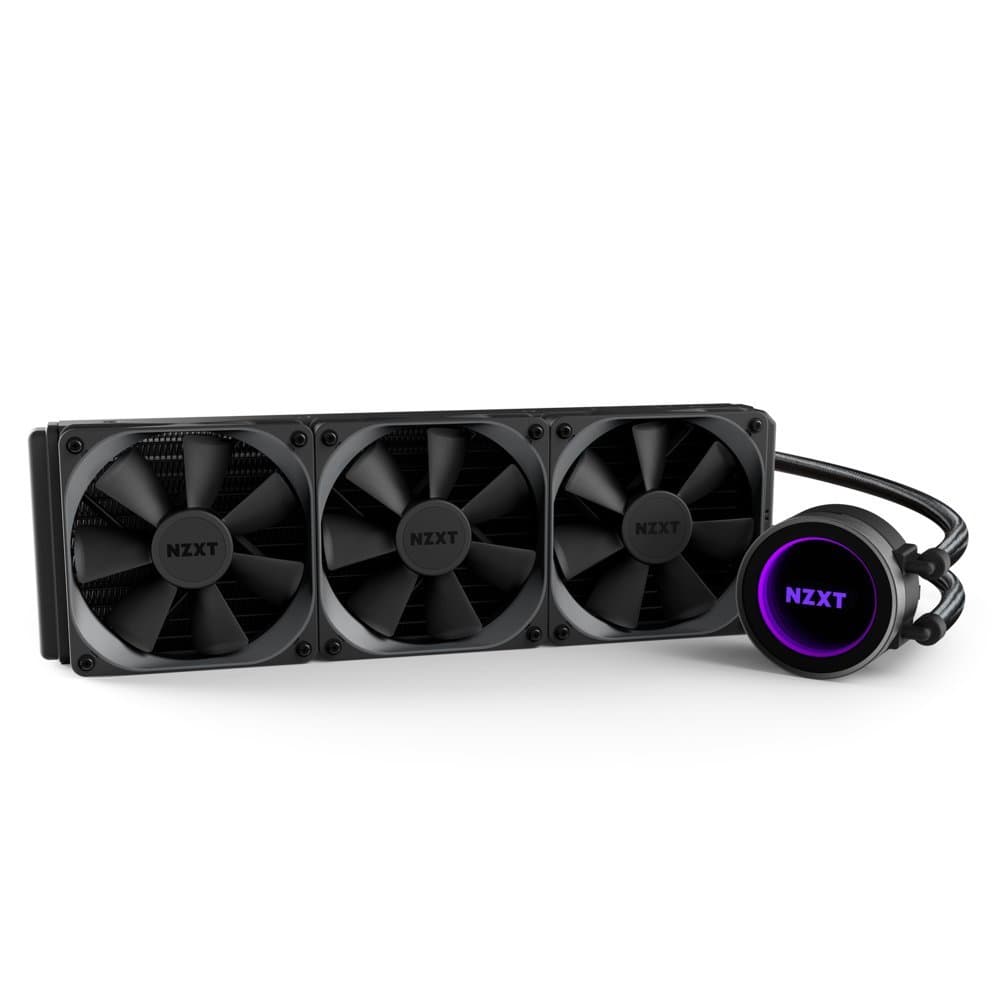
The NZXT Kraken Elite 360 v2 Black is the latest high-end AIO CPU cooler from NZXT, featuring a 2.72-inch IPS display on the pump head that can show system stats or custom GIFs. Under the hood, the new Turbine Pump delivers high pressure and flow, paired with three 120mm FDB fans for quiet yet effective cooling. The 360mm radiator provides ample thermal capacity for today's most demanding CPUs, including Intel Core i9 and AMD Ryzen 9 series. Compatible with Intel LGA1851/1700/1200/115x and AMD AM5/AM4 sockets, it covers virtually all modern desktop platforms.
Positioned in the premium AIO segment, the Kraken Elite 360 v2 competes with the ASUS ROG Ryujin and Corsair iCUE H150i Elite. Its key differentiators are the customizable display, six-year warranty, and deep integration with NZXT CAM software for fan/pump control and lighting. Cooling performance is solid for a 360mm unit, easily handling CPUs with TDPs up to around 280W.
Compatibility Guide
Socket support includes Intel LGA1851, LGA1700, LGA1200, LGA1151/1150/1155/1156, and AMD AM5/AM4. The mounting mechanism uses a universal bracket with thumbscrews, making installation straightforward. The radiator measures 120 x 401 x 27 mm, requiring a case that can accommodate a 360mm radiator either at the top or front. Most mid-tower cases with sufficient clearance will work, but always double-check clearance for the pump height (65 mm) and tube routing.
The included fans are standard 120 x 120 x 25 mm PWM units, each with a 4-pin connector. They can be controlled directly from the motherboard or via NZXT's CAM software if using the optional RGB & Fan Controller. The pump also uses a 4-pin PWM connection, allowing motherboard-based speed monitoring.
Product Info
Released in late 2024, the Kraken Elite 360 v2 sits at the high end of the AIO cooler market, priced around ¥37,840 in Japan. It comes with a six-year manufacturer warranty when purchased through authorized channels. The cooler is rated for CPUs with TDPs up to approximately 280W, making it suitable for overclocked high-end processors. Market positioning is "premium AIO with display," targeting users who value aesthetics as much as cooling performance.
Best Use Cases
- Gaming PC Builders: Ideal for gamers who want both top-tier CPU cooling and a visually striking build. The display can show real-time CPU temperature or FPS, adding both function and flair. If you're on a tight budget or use a solid-side-panel case, a non-display AIO like the Kraken 360 would be more cost-effective.
- Content Creators: For video editors and 3D artists who run prolonged CPU-intensive tasks, the 360mm radiator and efficient pump maintain stable temperatures under sustained load. The quiet fans also help keep noise levels low during recording or editing sessions. However, if absolute silence is the priority, consider a high-end air cooler or a custom loop.
- PC Modding Enthusiasts: Those who want to personalize their build beyond standard RGB will appreciate the ability to upload custom GIFs to the pump display. It's a great way to match a theme or show off a logo. Just be aware that the display customization requires the CAM software to be running at all times.
Things to Consider
First and foremost, your case must support a 360mm radiator. Top-mounting may interfere with large VRM heatsinks or tall memory modules, so measure clearance carefully. The pump head is 65 mm tall, which could be an issue in some ITX or compact cases. While cooling performance is strong, some competing 360mm AIOs like the Arctic Liquid Freezer III 360 offer slightly better thermal performance at a lower price point. The display, while nice, adds cost and requires CAM software, which has mixed reviews for stability. If you don't need the display, the standard Kraken 360 offers the same cooling at a lower price.
FAQ
Q: Can I use the same mounting bracket for Intel LGA1700 and LGA1851?
A: Yes, the Kraken Elite 360 v2 supports both sockets with the included bracket. Just ensure you select the correct standoff height as indicated in the manual.
Q: What can I display on the pump screen?
A: Through NZXT CAM software, you can display system information (CPU/GPU temperature, clock speeds, FPS) or custom GIF images up to 640x640 pixels. Short animated GIFs are also supported.
Q: Can I replace the fans with other 120mm fans?
A: Yes, the fans are standard 120mm PWM units, so you can swap them for any other 120mm fan. However, for best cooling performance, choose fans with high static pressure. Note that the stock fans have no LEDs, so if you want RGB, you'll need to replace them with RGB fans.