This article takes a close look at the NZXT T120 White RC-TN120-W1 — Minimalist high-performance air CPU cooler, sold in Japan as NZXT CPUクーラー 空冷 T120 White RC-TN120-W1 FN1806. It covers compatibility, cooling limits, and what to check before you buy.
Overview
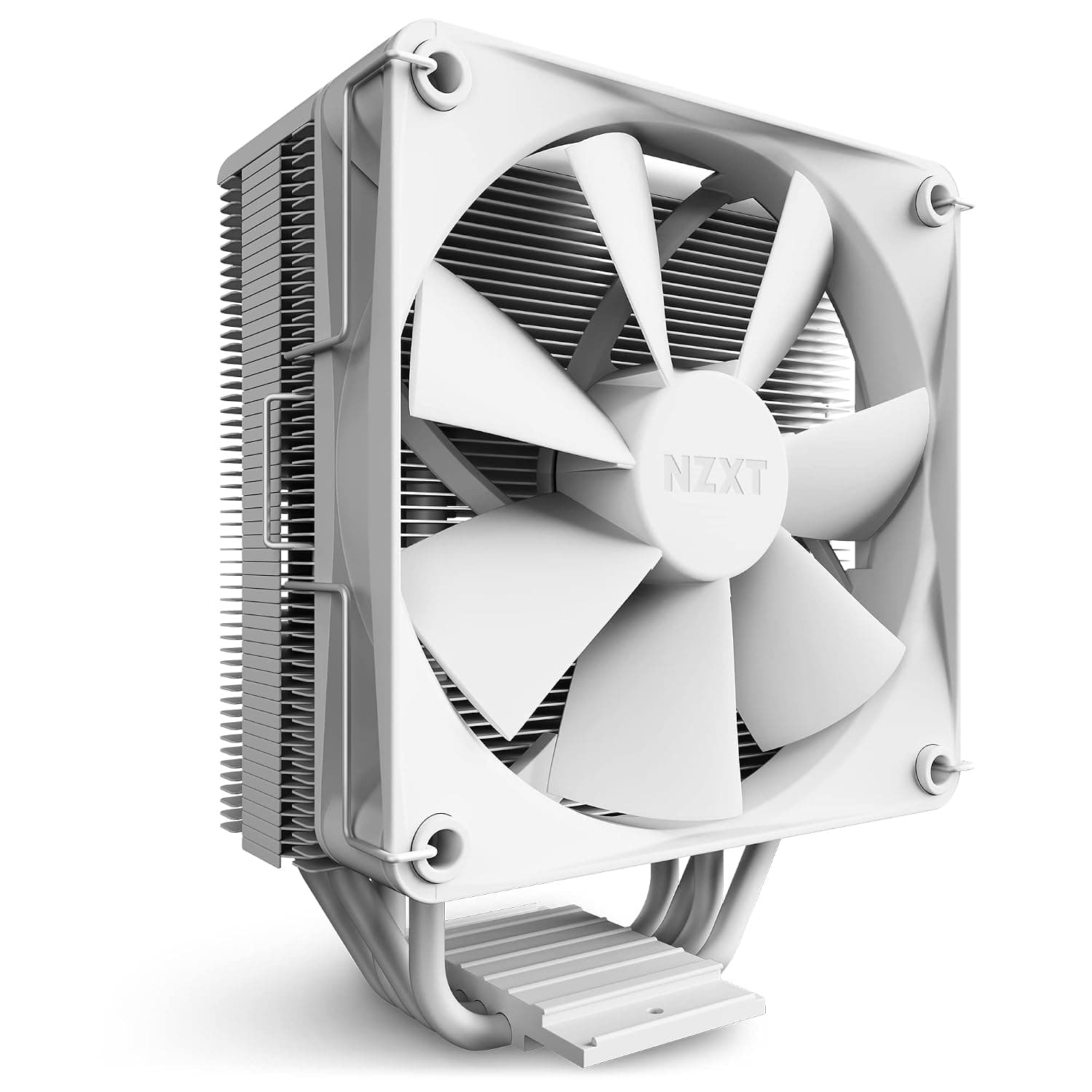
The NZXT T120 White (model RC-TN120-W1 FN1806) is a single-tower air CPU cooler with one 120mm fan. Its four copper heat pipes touch the CPU heat spreader directly (direct-contact design), and the heatsink fins are aluminum.
The fan uses 4-pin PWM control, and the listed specs give a maximum speed of 2500 RPM and a noise level of 32 dBA.
In short, it is a good-looking, standard-size air cooler for white-themed gaming PCs built around a Core i5 or Ryzen 5. It does not have much cooling headroom for running high-core-count CPUs at full load for long periods.
If that is your workload, step up to a stronger cooler.
The heatsink and fan are both white, with the restrained design typical of NZXT.Check the retailer's page for the latest user reviews.co.
Cooling Performance: How Far Can It Go?
Four heat pipes, a single tower, and one 120mm fan put this cooler in the middle of the air-cooler range. It cools better and runs quieter than a stock CPU cooler.
It is still clearly below dual-tower coolers with six or more heat pipes and below AIO liquid coolers with 240mm or larger radiators. What it can handle depends less on which CPU you use and more on how long you load every core.
Games rarely keep every core at full load, so a Core i5 or Ryzen 5 stays comfortably cool. Long all-core work such as video encoding or 3D rendering is different.
With high-clock chips like the Core i5-13600K or Ryzen 5 7600X, temperatures tend to approach the CPU's limit, and the CPU's built-in protection lowers clock speeds. That is normal, designed behavior rather than a fault, but it does mean you are leaving performance on the table.
| CPU and workload | How well the T120 White fits |
|---|---|
| Core i5 / Ryzen 5, gaming and daily use | Plenty of cooling |
| Core i5-13600K / Ryzen 5 7600X, long all-core loads | Runs close to thermal limits; expect higher fan speeds |
| Core i7/i9 or Ryzen 7/9, sustained heavy loads | Not enough; choose a stronger air cooler or an AIO |
| Overclocking | Not recommended |
This table is a rough guide based on the cooler's design, not on measured results. Room temperature, case airflow, and motherboard power settings all change the outcome a lot.
Some motherboards remove CPU power limits by default, which makes the same CPU run hotter. If temperatures look high, check the power settings in your BIOS.
Compatibility Guide
Supported sockets are Intel LGA1700, LGA1200, and the LGA115x family, plus AMD AM5 and AM4. That covers most builds with 12th to 14th Gen Intel Core, Ryzen 7000/9000 on AM5, and Ryzen 5000 and older on AM4.
LGA1851, the socket used by Core Ultra 200S processors, is not on the listed support list. Its mounting-hole spacing is said to match LGA1700, but check NZXT's official compatibility list before you buy for that platform.
In practice, physical size causes more failed builds than the socket does. The T120 White is listed at 154mm tall.
Most ATX and mATX mid-tower cases allow CPU coolers around 160mm or taller, so it fits most of them. The compatibility data includes ITX as a motherboard size, but small ITX cases and slim cases often cannot fit a 154mm cooler.
Always check the CPU cooler height limit in your case's spec sheet.
Watch for RAM clearance too. A single-tower cooler with one 120mm fan leaves more room over the memory slots than larger coolers do.
Even so, memory with tall heat spreaders can hit the bottom edge of the fan. Sliding the fan upward may solve this, but it also makes the whole cooler taller, so check that against your case limit.
On motherboards with large VRM heatsinks around the socket, also confirm that the mounting hardware and the base of the heatsink do not collide with them.
The fan uses a 4-pin PWM connector and plugs into the motherboard's CPU_FAN header. With PWM control, the fan slows down at light load and speeds up as load rises.
You can set a fan curve in the BIOS or motherboard utility to choose your own balance between quiet and cool.
Product Info
| Item | Details |
|---|---|
| Cooling type | Air (single tower) |
| Fan | 120mm × 1 (included) |
| Max fan speed | 2500 RPM |
| Noise level | 32 dBA |
| Fan connector | 4-pin PWM / 12V |
| Heat pipes | 4 (direct contact) |
| Materials | Aluminum heatsink, copper heat pipes |
| Height | 154mm |
| Socket support | AM4 / AM5 / LGA115x / LGA1200 / LGA1700 |
When the data was collected on September 14, 2026, Amazon.co.jp listed it at ¥8,400.
Prices change with sales and stock, so check the product page for the current price before you buy.Check the retailer's page for the latest price.
The cooler was released in late 2022. The listed accessories are one 120mm fan, Intel and AMD mounting kits, thermal paste, and an installation manual.
The warranty is said to be two years for units from the official Japanese distributor. Grey-import units and third-party sellers may offer different terms, so check the seller's listing.
It is available from online retailers and from electronics stores that carry PC parts.
Comparison with Competitors
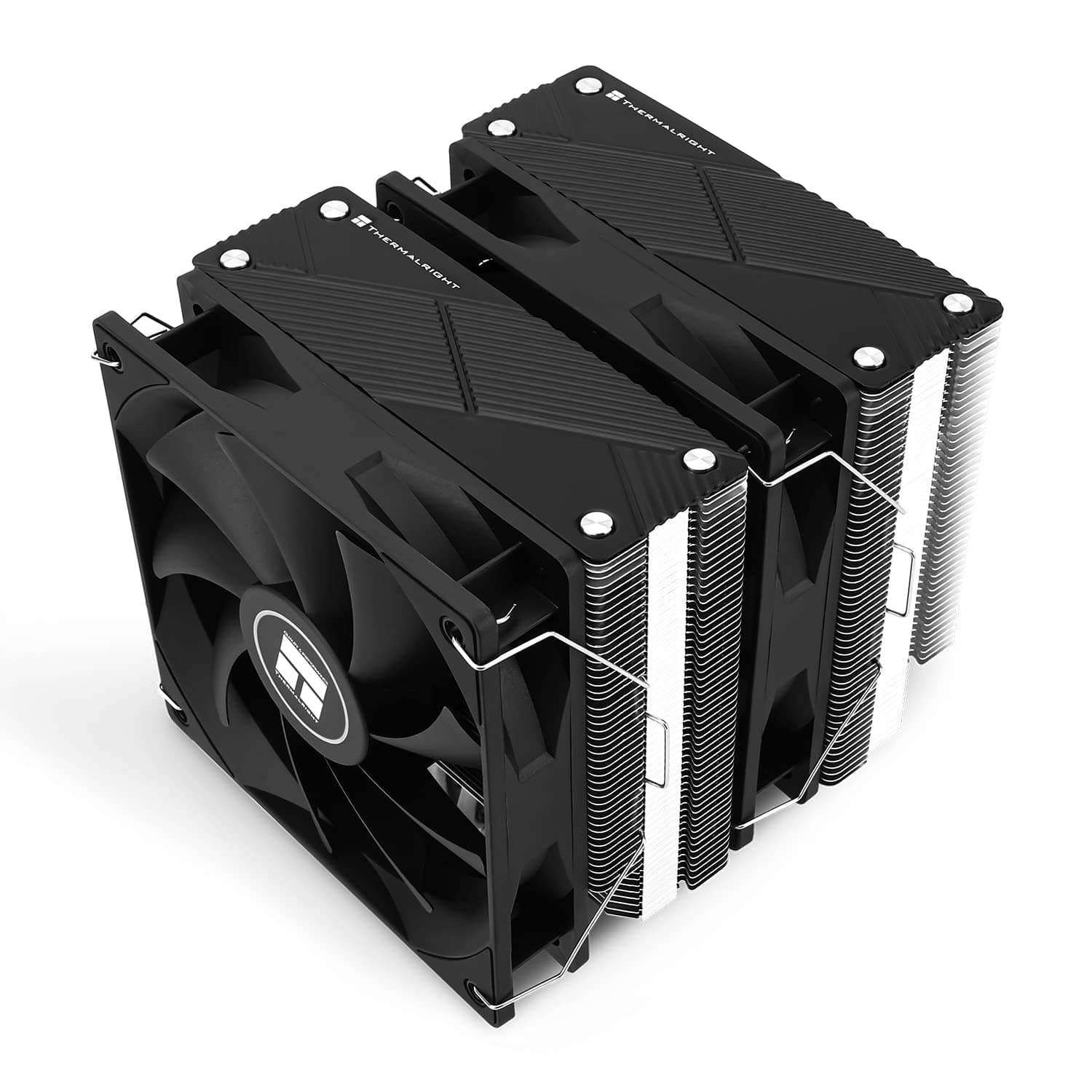
With two heatsink stacks and more heat pipes, they can reach higher cooling capacity than the T120 White. The trade-off is a larger, heavier cooler that raises the risk of RAM and case conflicts and takes more effort to install.
The reasons to choose the T120 White are ease of use and looks, not maximum cooling. Its simple single-tower design is easy to install, and it matches white cases and motherboards.
The Noctua NH-U12S redux and the Cooler Master Hyper 212 are also 120mm single-tower coolers and are close to it in character.
If you really need to cool a high-core-count CPU, a 240mm AIO such as the NZXT Kraken Elite 240 is worth considering. It does bring concerns that air coolers avoid: pump lifespan, higher cost, and finding a place for the radiator.
A 120mm-radiator AIO such as the CORSAIR iCUE H60x RGB ELITE often cools about as well as a single-tower air cooler, so switching for reasons other than looks makes little sense.
Installation Steps and Tips
Pick the mounting kit for your platform (Intel or AMD) and fit the backplate and brackets.
If the cooler's contact surface has a protective film, remove it.
Forgetting this badly hurts cooling. 3.
Apply a suitable amount of thermal paste, place the cooler, and tighten the screws a little at a time in a diagonal (cross) pattern. 4.
Attach the fan so air flows from the front of the case toward the rear exhaust fan. 5.
Plug the fan into CPU_FAN and confirm in the BIOS that its speed is detected.
A single-tower cooler is fairly easy to swap even after the motherboard is in the case. If the mount uses a backplate, though, you need access to the back of the motherboard.
Check the size of the case's CPU cutout beforehand to make the job easier.
Best Use Cases
- White-themed builds: The all-white heatsink and fan stay consistent with the rest of the build, even when visible through a glass side panel.
- Core i5 / Ryzen 5 gaming PCs: It has enough cooling for gaming loads and stays quiet most of the time thanks to PWM control.
- First-time builders who value easy installation: The simple single-tower design leaves less room for mistakes than large air coolers or AIOs.
It is not a good fit if you run a Core i7/i9 or Ryzen 7/9 for daily video editing or rendering, or if you plan to overclock. For those builds, look at dual-tower air coolers or AIOs with radiators of 240mm or larger.
Things to Check Before Buying
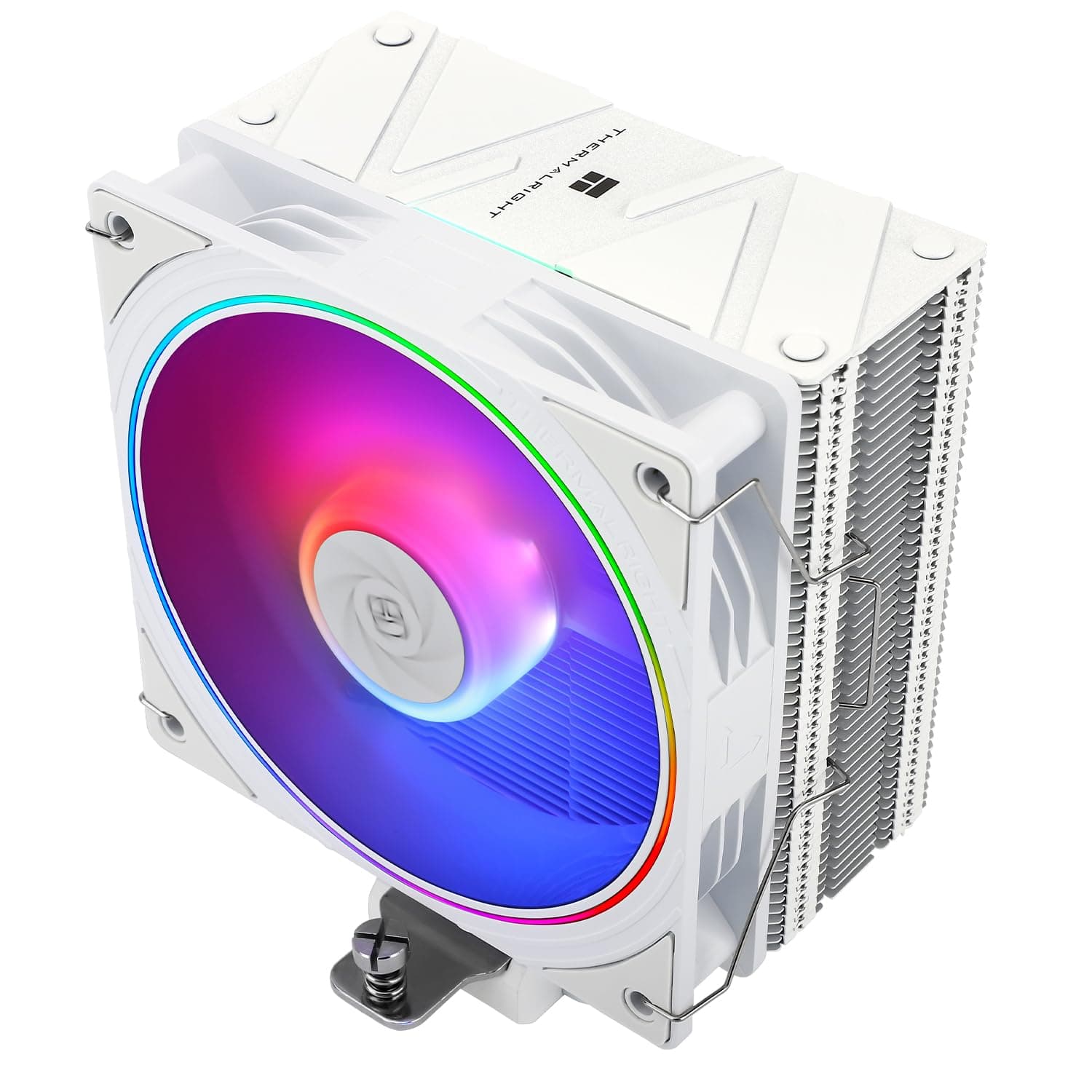
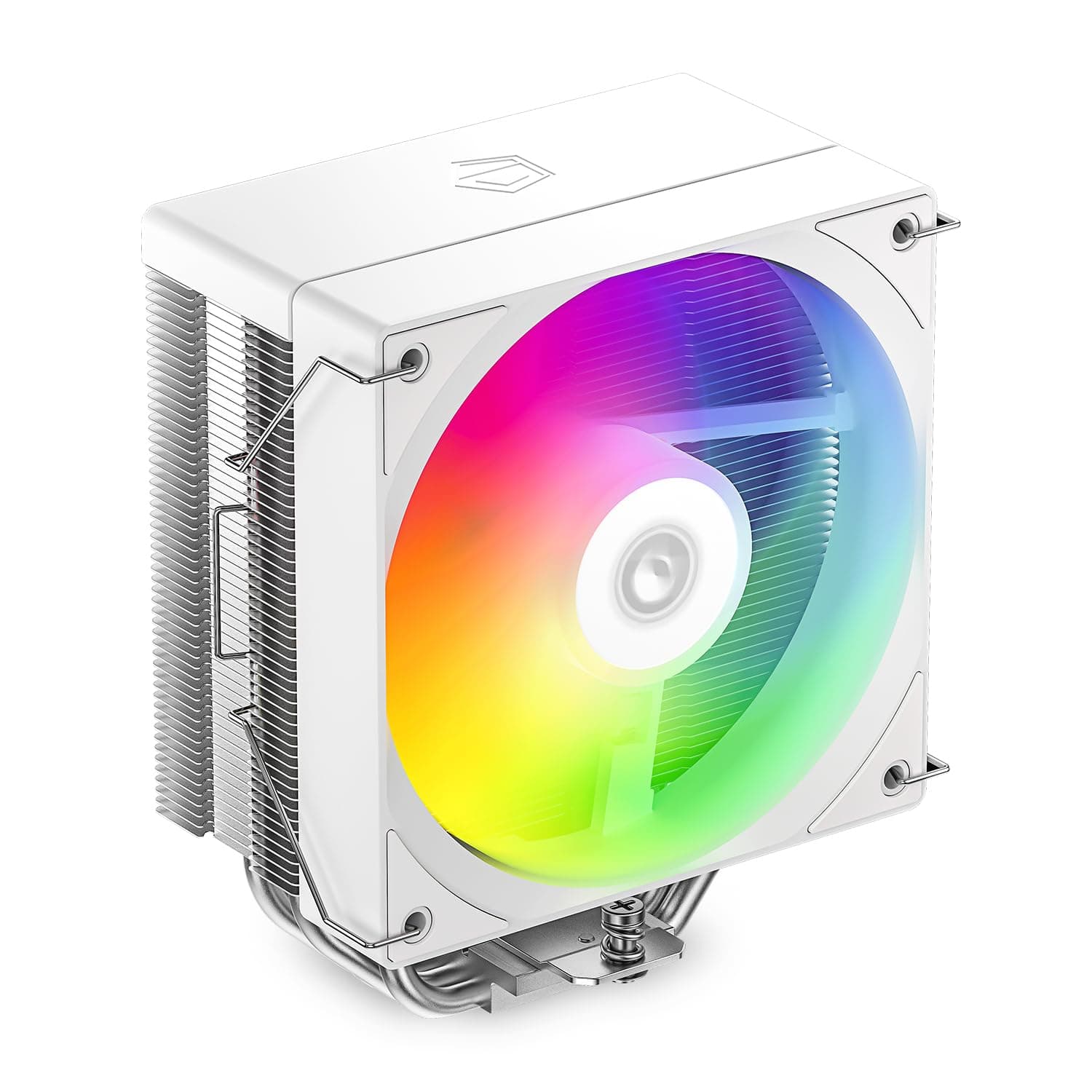
Check the product page to see whether the fan lights up. An earlier version of this article described the cooler as having an ARGB F120 RGB fan.
However, the listed specs say nothing about lighting, and the product name has no RGB label. NZXT also sells an RGB-fan version of the T120 series, so details from a similarly named model may have been mixed in.
If you want lighting, use the product images and name to confirm that you are buying an RGB version. If you do not need lighting, this does not matter.
The 32 dBA figure is the listed value at full speed. The fan can spin up to 2500 RPM, so expect noticeable airflow noise under heavy load.
If quiet matters, set a gentler fan curve and find a balance between temperature and noise that works for you. How loud it sounds also depends heavily on your case's sound dampening and where the PC sits.
At 154mm tall, it may not fit small cases. Supporting ITX motherboards does not mean it fits ITX cases.
Compare the cooler's height with your case's limit, and if there are only a few millimeters to spare, remember that fan position changes the total height.
Check newer sockets against the official list. LGA1851 is not on the listed support list.
If you plan to move to a newer CPU later, think about future socket support now so you do not have to buy another cooler.
Check for extra mounting clips if you want two fans. Only one fan is included.
A push-pull setup needs a second fan bought separately, and you should confirm whether clips for a second fan are included. Adding a fan to a single tower brings limited gains anyway.
If cooling falls short, upgrading the cooler itself makes more sense than adding a fan.
FAQ
Q. Can it cool a Ryzen 7 7800X3D? A.
For mostly gaming use, temperatures should stay in a practical range in most setups. Ryzen 7000 CPUs are designed to run at high temperatures, so a high reading alone is no cause for alarm.
If you often run long all-core loads, a stronger cooler is the safer choice.
Q. Does it work with a Core i5-14600K on LGA1700? A.
The socket is supported. It works well for gaming, but clocks drop more easily during long all-core workloads.
Setting proper power limits in the BIOS makes the chip easier to manage.
Q. Do I need to buy thermal paste? A.
Thermal paste is listed as included, so you do not need to buy any for the first installation. You will need to apply new paste whenever you remount the cooler, so a spare tube is handy.
Q. Does the fan light up? A.
Lighting cannot be confirmed from the listed specs or the product name. If you want lighting, check the product page images and name for the RGB version before you buy.
Q. Is there a black version? A.
The W1 at the end of the model number means white. Check the color options on the product page to see whether other colors are available.
Product Disclosure (Amazon)
- Manufacturer: NZXT
- ASIN: B0BFZLJR6P
- Note: This article covers a manufacturer-made product based on Amazon listing details.