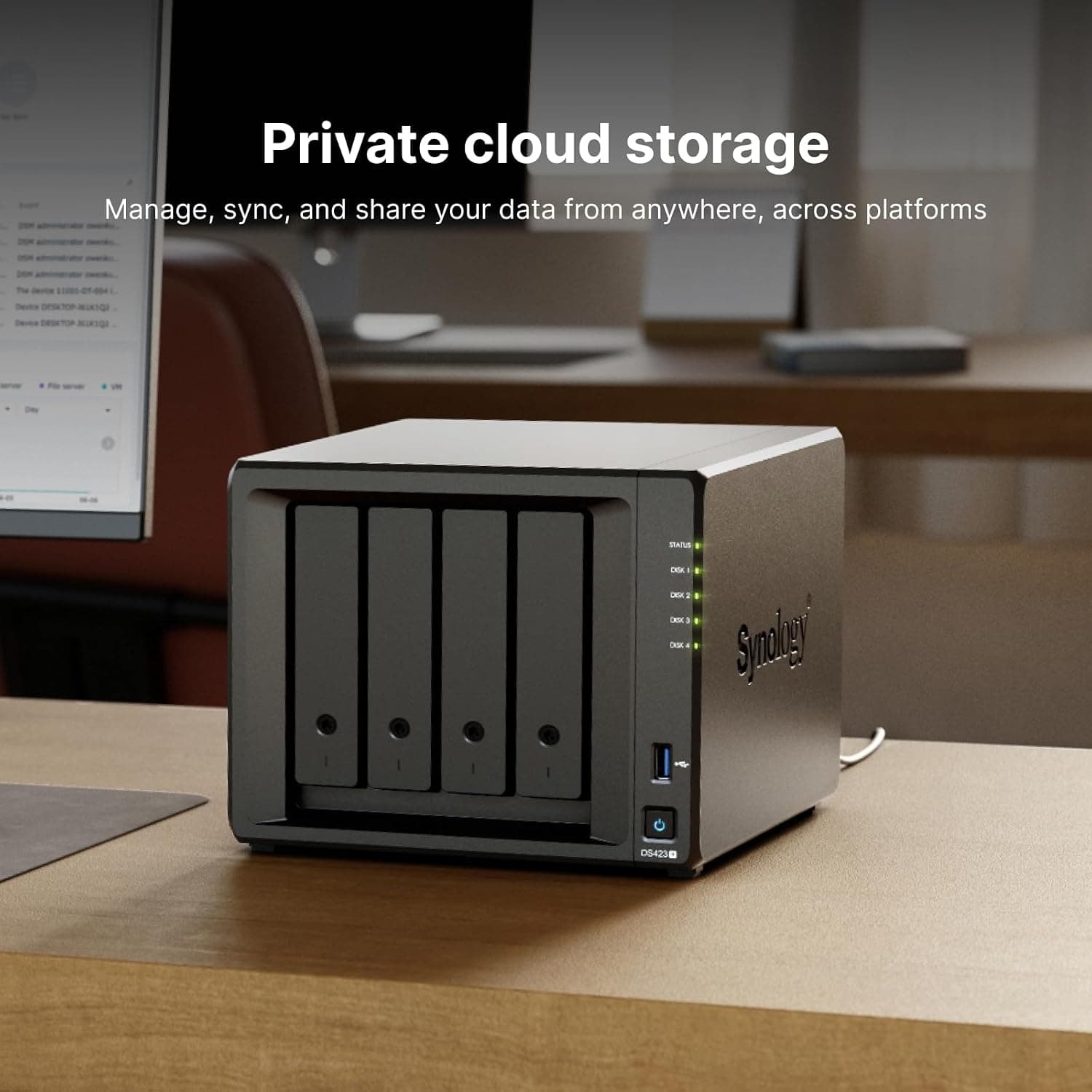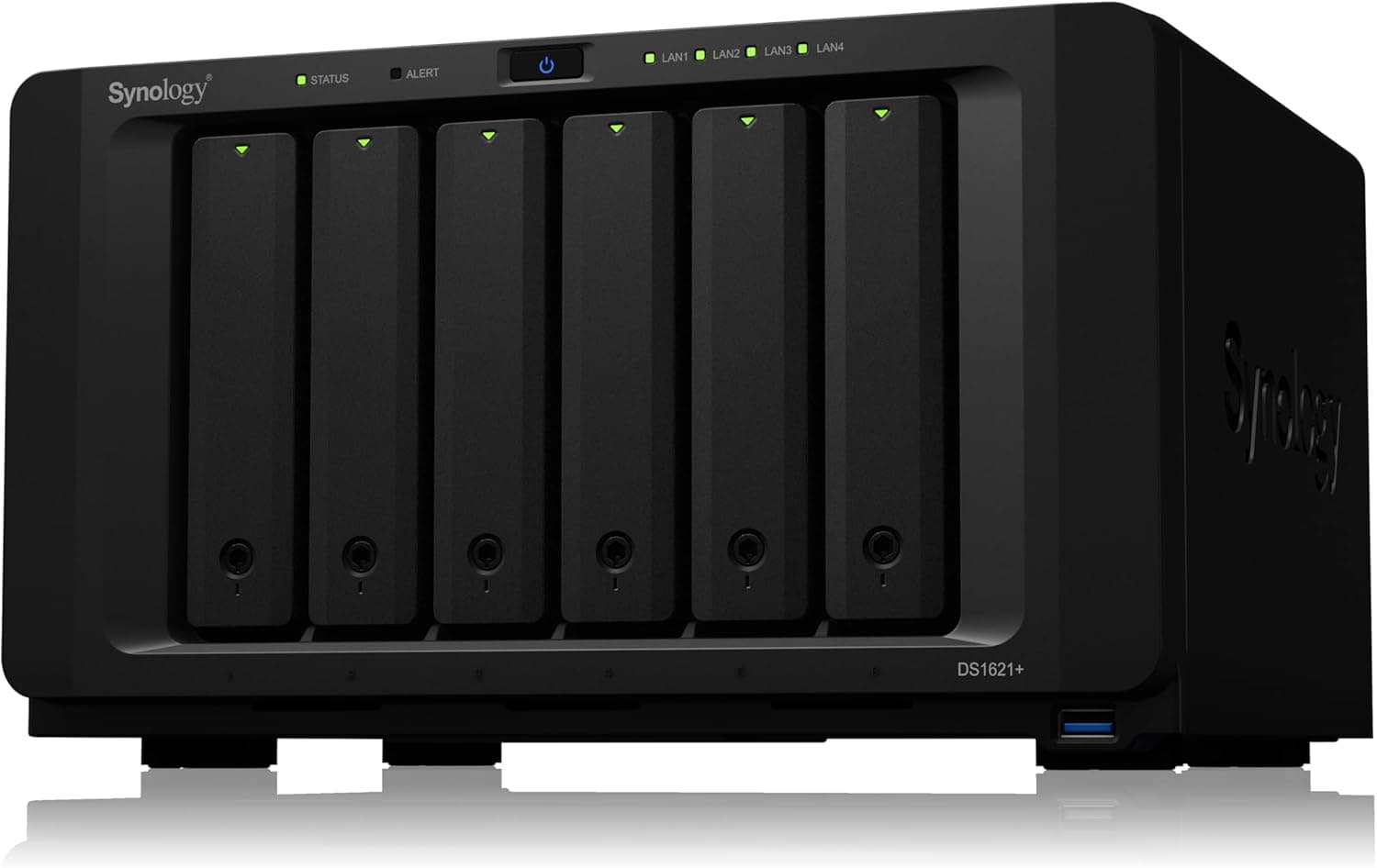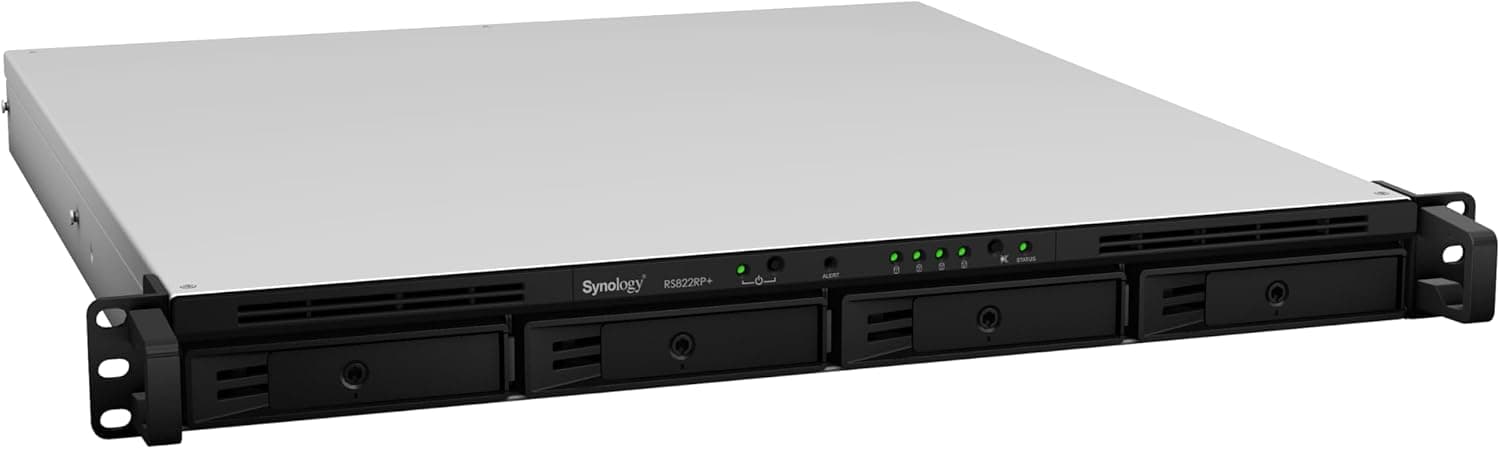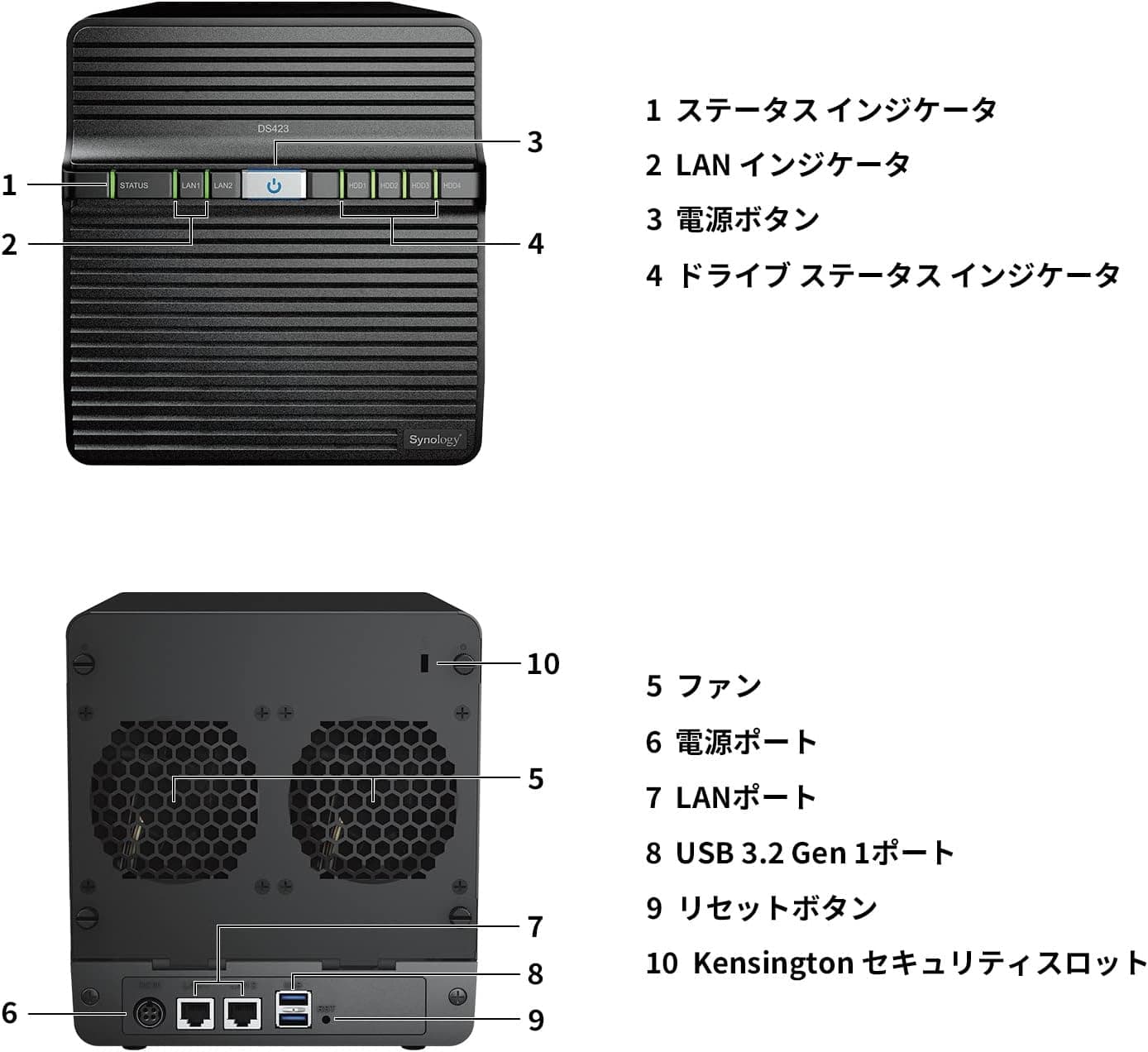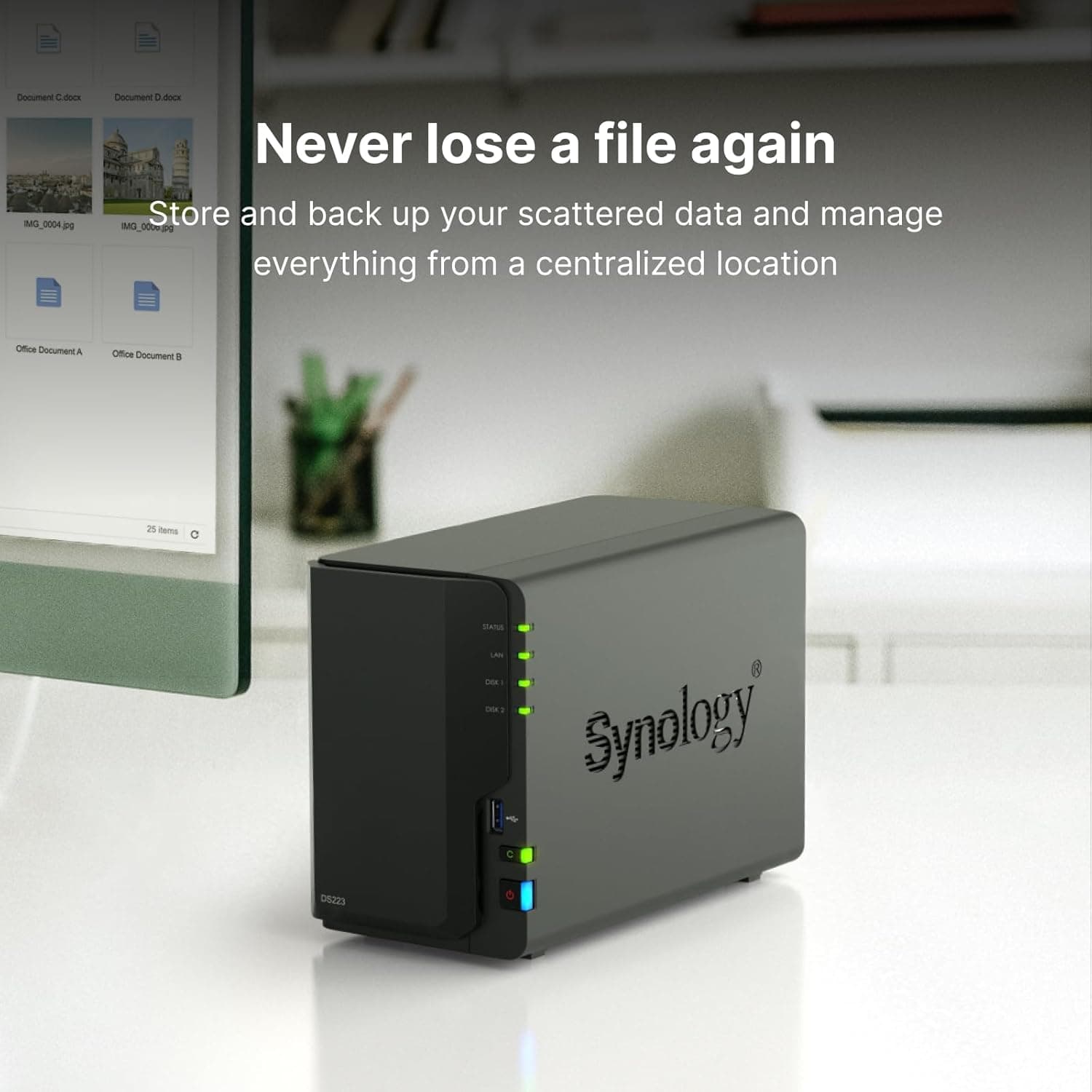
This article takes a close look at the Synology DS223 — 2-Bay NAS Kit with Quad-Core CPU and 2GB RAM, focusing on what you should know before buying it.
Overview
Here is the short answer. The DS223 is a 2-bay NAS that reliably handles photo backup, PC backup, and file sharing for a family or a small team.
It is not built for memory upgrades, fast networking, or heavy workloads such as virtual machines. If your use case is clear and modest, it is an easy, reasonably priced choice.
Inside is a Realtek RTD1619B quad-core processor (Cortex-A55, 1.7 GHz) with 2 GB of DDR4 memory that cannot be expanded.
Drives are not included, so you need to buy 2.5-inch or 3.5-inch SATA HDDs or SSDs separately.
The listed maximum internal raw capacity is 32 TB (16 TB × 2). Everything is managed through Synology's DiskStation Manager (DSM), a browser-based interface for file sharing, backup, snapshots, and photo management.
The unit measures 108 mm wide × 233 mm deep × 165 mm high and weighs about 1.25 kg (unit only), small enough for a desk side or a media cabinet.
It carries a 3-year warranty, and units sold through Japan's authorized distributor include phone support, which helps first-time NAS buyers.
Compatibility Guide
Drives
The bays accept 3.5-inch and 2.5-inch SATA HDDs and SSDs (SATA III).
There is no M.2 slot, so NVMe SSD caching is not an option.
For a NAS that runs around the clock, NAS-rated hard drives are the usual choice over desktop drives. Synology publishes a list of tested drives, so it is worth checking your model against it before buying.
Our listing data marks hot-swap as not supported. To replace a drive, shut the NAS down from DSM and wait until the power is off.
Even if Synology's latest spec sheet says otherwise, powering down before swapping drives is the safest way to protect your data.
Networking
There is a single Gigabit Ethernet port. Under good conditions, expect a real-world ceiling of around 110 MB/s.
That roughly matches what a single hard drive can read and write, so everyday file sharing and backups rarely feel slow. However, if your PC or router supports 2.5 GbE or 10 GbE, the DS223's 1 GbE port will still cap your speed.
Link aggregation is not available.
USB, Power, and Clients
Two USB 3.2 Gen 1 ports let you connect external drives for backup or a UPS (uninterruptible power supply).
Power comes from an external DC adapter. If power cuts or lightning storms are a concern where you live, connecting a UPS and enabling automatic shutdown helps prevent drive failure and file system corruption.
Both Btrfs and ext4 are supported. Btrfs enables snapshots and data integrity checks, so it is the sensible default unless you have a specific reason to pick ext4.
You can access the NAS from Windows, macOS, Linux, iOS, and Android.
Memory
The 2 GB of memory is fixed. That is enough for file sharing and photo backup, but running many packages (apps) or serving many users at once will eat into it quickly.
Keep in mind before buying that there is no option to add memory later.
Product Info
| Item | Detail |
|---|---|
| Processor | Realtek RTD1619B quad-core Cortex-A55 1.7 GHz |
| Memory | 2 GB DDR4 (non-expandable) |
| Drive bays | 2 (3.5/2.5-inch SATA HDD/SSD) |
| Max internal raw capacity | 32 TB (16 TB × 2) |
| LAN | 1 × Gigabit RJ-45 |
| USB | 2 × USB 3.2 Gen 1 |
| Dimensions | 108 mm W × 233 mm D × 165 mm H |
| Weight | About 1.25 kg (unit only) |
| Warranty | 3 years |
The table boils down to three points: a low-power ARM CPU, fixed memory, and one 1 GbE port. All three are fine for basic home and small-office use, but they leave little room to grow.
On the other hand, the simple layout means fewer decisions during setup.
As of August 31, 2026, Amazon.co.jp listed it at ¥53,800.
Drives are sold separately, so the real cost is that price plus two drives. For example, if you want 4 TB of usable space in RAID 1, you need two 4 TB drives.
Prices change with sales and other factors, so check the product page for the current price.
Check the retailer's page for the latest user reviews. That is a solid number of reviews with a high rating, which suggests most buyers of this entry-level NAS are satisfied.
Keep in mind, though, that much of that praise likely reflects how easy it is to set up, not how it performs under heavy workloads.
DS223j vs. DS223 vs. Higher-End Models
Here is where the DS223 sits among Synology's 2-bay models.
| Model | CPU | Memory | Best for |
|---|---|---|---|
| DS223j | Realtek RTD1619B 4-core 1.7 GHz | 1 GB DDR4 | Low-cost file storage and backup only |
| DS223 | Realtek RTD1619B 4-core 1.7 GHz | 2 GB DDR4 (fixed) | Everyday use, including photo management, with some headroom |
| DS225+ | Intel Celeron J4125 | — | Running more apps or growing your use over time |
The DS223j and DS223 use the same CPU; the main difference is 1 GB versus 2 GB of memory. Memory matters when photo indexing and other packages run at the same time, so the DS223 makes sense if photo management is your main use.
For plain file storage, the DS223j is enough.
If you want to run many apps or expect to use the NAS more heavily later, starting with a Plus-series model such as the DS225+ often costs less in the long run. Because the DS223's memory cannot be upgraded, outgrowing it means buying a new unit.
Best Use Cases
Families who want to collect phone photos and videos in one place. Synology Photos can automatically back up photos from smartphones and share albums with family members.
It suits households that would rather keep photos at home than keep paying monthly cloud storage fees. It is not strong at converting video in real time while streaming, though, so if a home-theater media server is your main goal, look at a higher-end model.
People who want one backup destination for several PCs and Macs. The DS223 works as a target for macOS Time Machine and Windows File History.
Setting every PC in the house to back up to the NAS automatically makes recovery much easier when a computer fails.
Small offices and SOHO teams that need shared files. For a team of up to about five people, the DS223 performs well as a file server.
User and folder permissions can be set from the DSM interface. Phone support through the authorized Japanese distributor also makes it easier to adopt in offices without a dedicated IT person.
Before You Buy
The unit alone is not usable. Drives are not included, so budget for two of them.Check the retailer's page for the latest price.
RAID 1 gives you the capacity of one drive. Both drives hold the same data, so 8 TB × 2 gives about 8 TB of usable space.
The OS also displays capacity in TiB rather than TB, so it looks a little smaller. If your photos and videos grow every year, buying at least twice your current needs helps avoid an early upgrade.
RAID is not a backup. RAID 1 keeps the NAS running when one drive fails.
Accidental deletions and ransomware damage are copied straight to the second drive. Turn on Btrfs snapshots for important data, and keep a separate copy on a USB external drive or in the cloud.
The 2 GB of memory cannot be expanded. Containers, virtual machines, or multi-camera surveillance recording will hit the limit quickly.
If you want to experiment in the future, a higher-end model from the start is less likely to leave you with regrets.
There is only one 1 GbE port. People who frequently edit or move large video files will find it limiting.
Even with a fast network, the DS223 becomes the bottleneck.
Power down before replacing drives. Our listing data marks hot-swap as not supported, so avoid pulling or inserting drives while the unit is on.
Review security settings before enabling remote access. Accessing the NAS from outside your home is convenient, but it is risky unless you follow the basics: do not keep the default admin account name, enable two-factor authentication, and keep DSM updated.
FAQ
Q. Are drives included?
A. No. Buy 3.5-inch or 2.5-inch SATA HDDs or SSDs separately.
Q. Can I start with one drive and add a second later? A.
You can start with one drive. If you plan to add a second drive later for redundancy, choosing a volume type such as Synology's SHR at setup makes the transition easier.
Check Synology's support documentation for the exact steps.
Q. Can I upgrade the memory?
A. No. It is fixed at 2 GB DDR4. If you want more headroom, consider a higher-end model.
Q. Should I choose the DS223j or the DS223? A.
They share the same CPU; the DS223j has 1 GB of memory and the DS223 has 2 GB. As a rule of thumb, pick the DS223j for file storage and backup only, and the DS223 if you also want photo management with more headroom.
Q. How much does it cost? A.
As of August 31, 2026, Amazon.co.jp listed it at ¥53,800 (drives not included).
Prices change, so check the product page when you buy.
Product Disclosure (Amazon)
- Manufacturer: Synology
- Seller: Amazon.co.jp
- Fulfilled by: Amazon.co.jp
- ASIN: B0BRNBVTJK
- Note: This article covers a manufacturer-made product based on Amazon listing details.