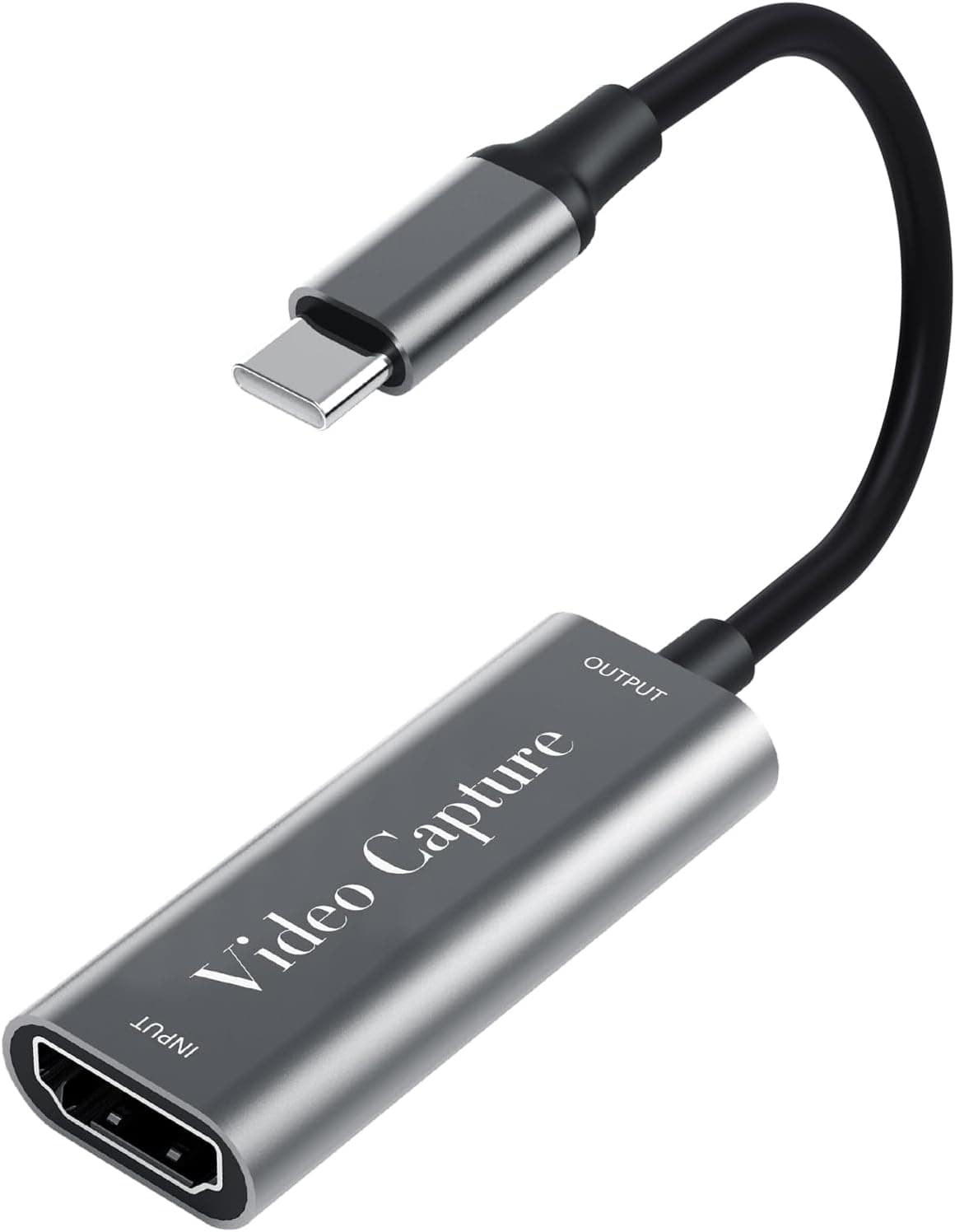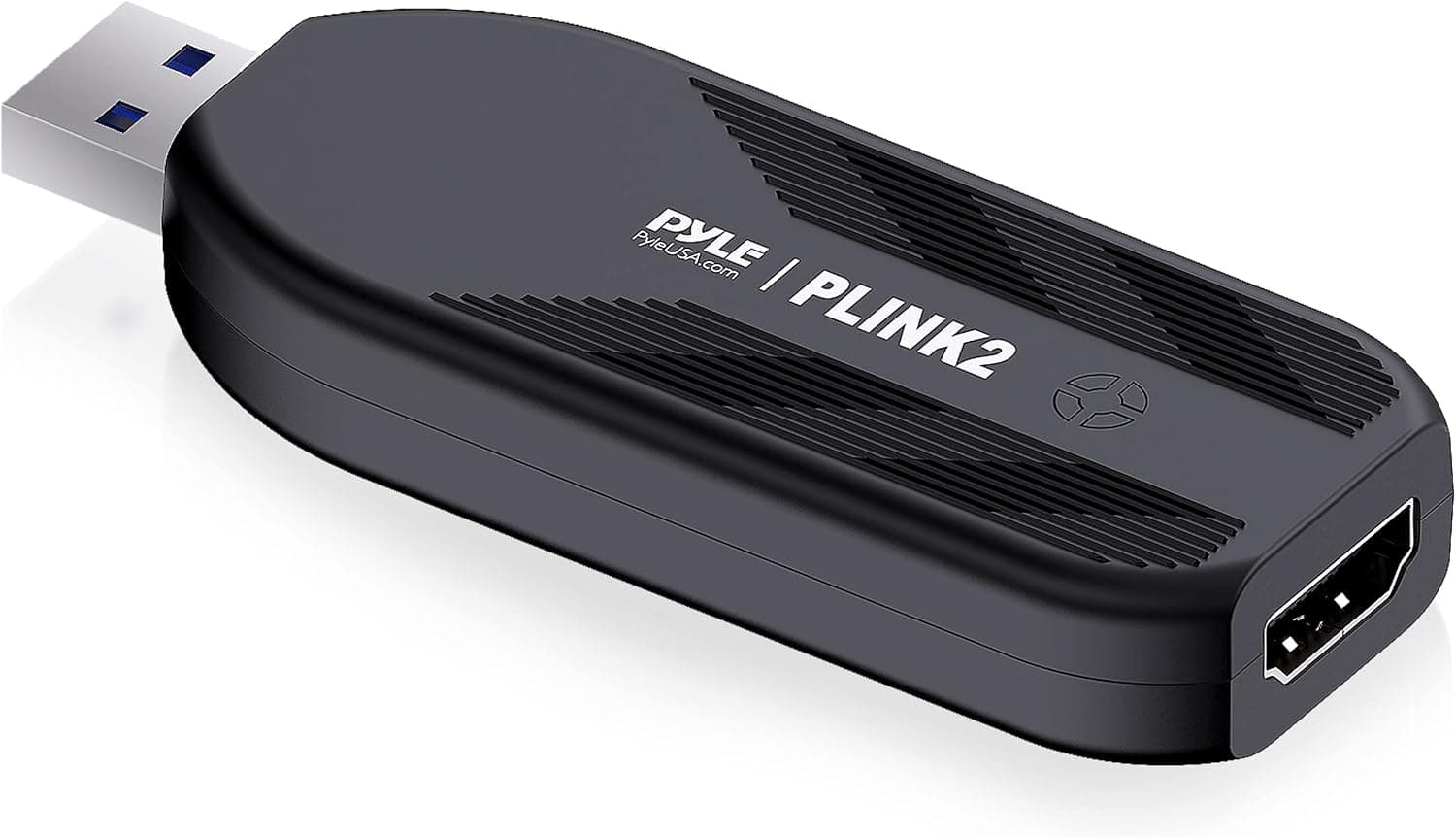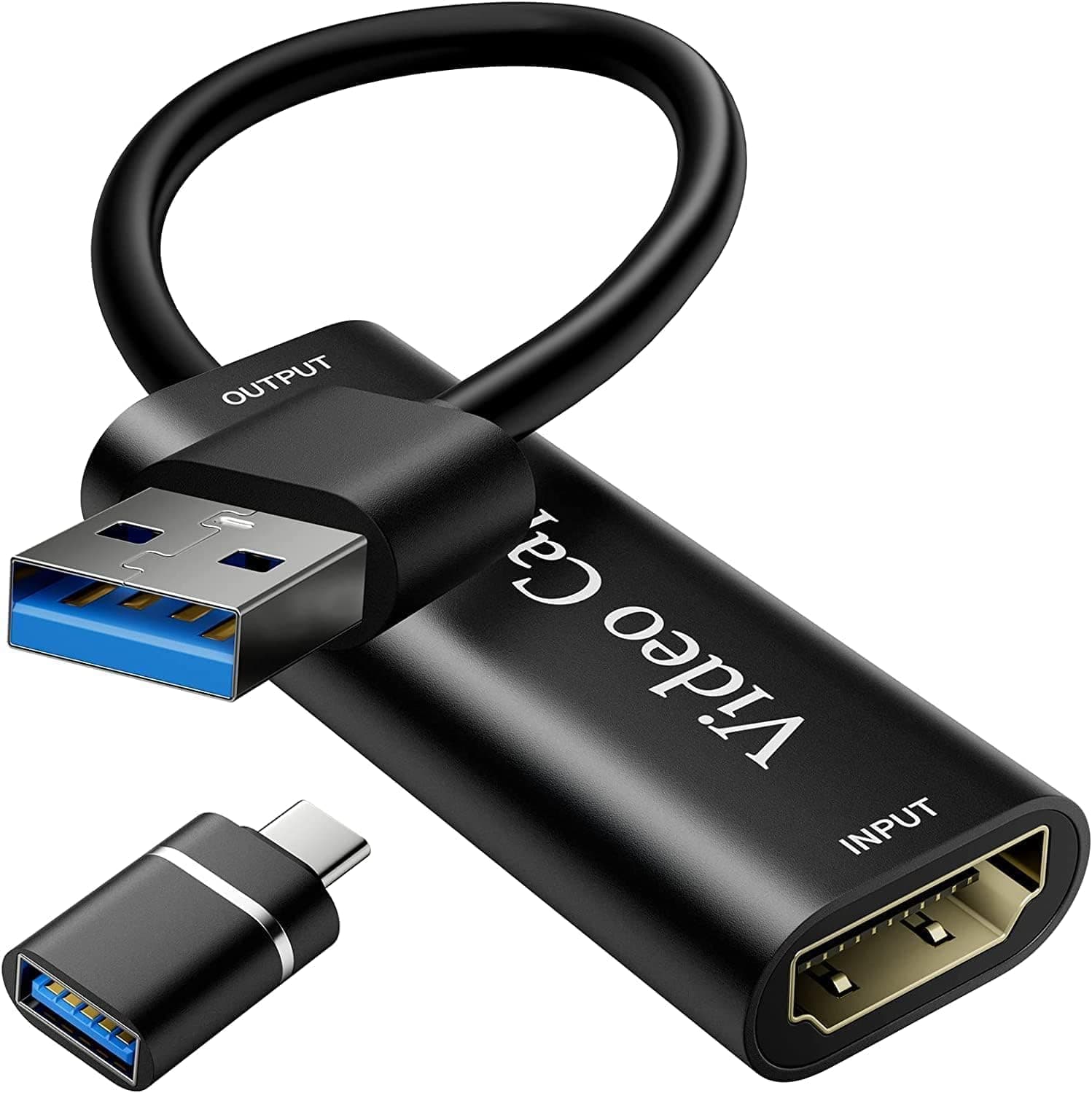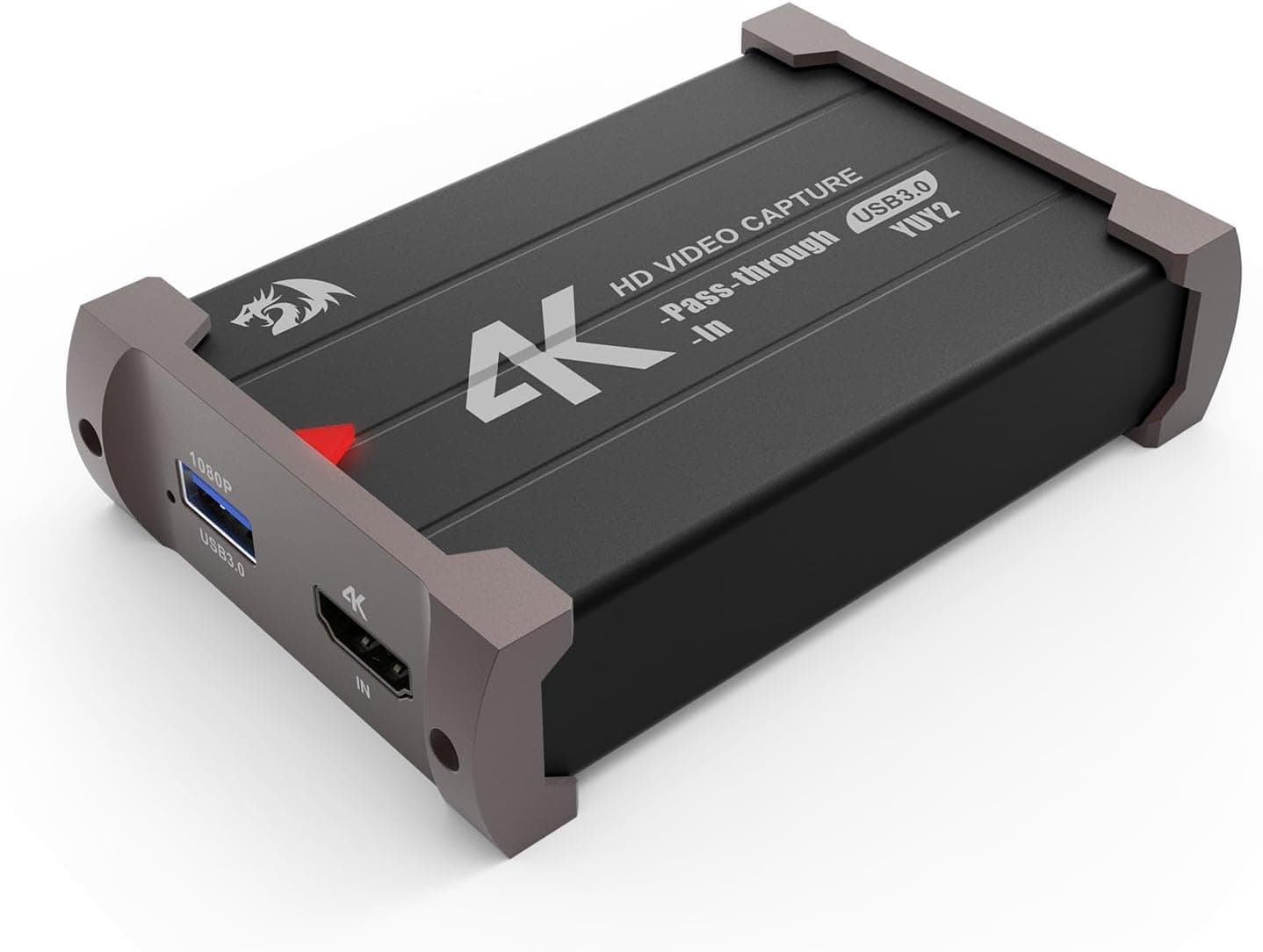
The Redragon VC-321 オーディオ&ビデオキャプチャカード HDMI USB ブラック (Redragon VC-321 HDMI/USB audio & video capture card, black) is an external adapter that pulls video from any HDMI source into your PC over USB. This article focuses on what the spec sheet alone won't tell you: whether it fits your setup, and exactly where you'll have to compromise.
Overview
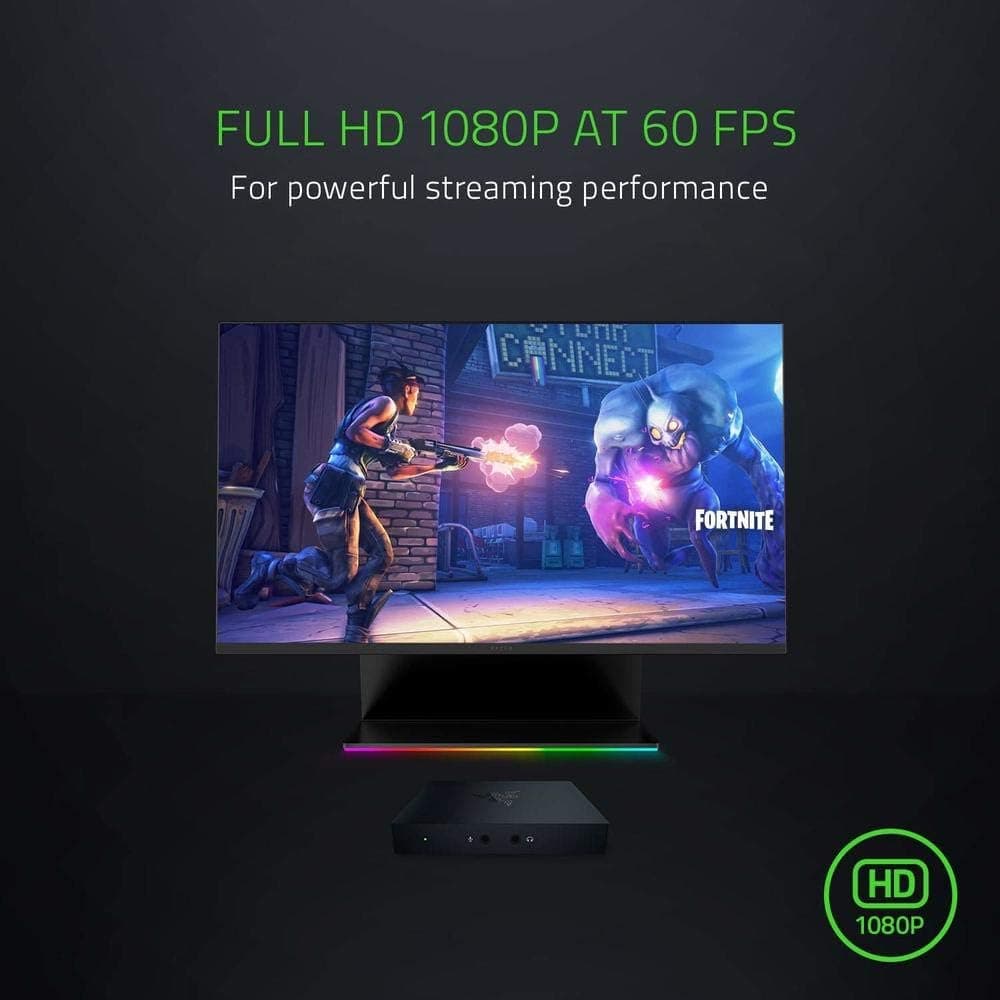
The Redragon VC-321 is an entry-level external HDMI capture device that pairs 1080p/60fps capture with 4K (3840×2160) / 60fps pass-through. The verdict up front: it suits people who play in 4K but are happy streaming and recording in 1080p, and it is not for anyone who needs the footage itself in 4K.
Getting that distinction wrong is the single most common source of regret with this class of product.
It connects to the PC over USB 3.0 Type-A and runs on USB bus power, so there is no wall adapter to find room for — it simply sits between your console and your monitor.
Windows 10/11 and macOS are both supported with no driver installation. It behaves as a standard UVC/UAC class device, which in practice means it shows up as a "Video Capture Device" in OBS Studio and as a camera in Zoom or Microsoft Teams.
As a purchase signal, the Amazon.co.Check the retailer's page for the latest user reviews.
That is a modest sample — enough to say opinion isn't sharply split, but small enough that a handful of new reviews could move the average.
Quick Answer: Which Bucket Are You In?
| What you want to do | Does the VC-321 cover it? | Notes |
|---|---|---|
| Stream Switch / PS5 gameplay at 1080p60 | Yes | The core use case |
| Play on a 4K/60 monitor while streaming | Yes | Pass-through handles 4K/60 |
| Record or archive in 4K | No | Capture tops out at 1080p/60fps |
| Capture 120fps or 144fps footage | No | Capture is capped at 60fps |
| Turn a mirrorless camera into a webcam | Mostly | Requires clean HDMI out on the camera |
| Record with HDR intact | No | Capture path assumes 1080p SDR |
The dividing line is unusually clean: 4K/60 on the side you look at, 1080p/60 on the side you keep. That one sentence explains almost everything about this product.
The sections below unpack each row.
Connectivity & Compatibility
HDMI in, HDMI out, USB 3.0 Type-A to the PC, powered over the bus. Here are the places people actually get stuck.
1. Laptops with only USB-C. The connector is Type-A, so thin-and-light laptops and tablets will need an adapter or hub.
Check that the hub is genuinely USB 3.0 (5 Gbps).
A near-uncompressed 1080p/60fps stream does not fit comfortably in USB 2.0's 480 Mbps, and the symptoms are dropped frames, silently reduced resolution, or degraded color depth.
If a hub misbehaves, plug straight into a built-in USB 3.0 port to isolate the problem.
2. Port generation. USB 3.0 ports are often marked with blue plastic, but many recent machines skip the color coding.
Device Manager on Windows or System Information > USB on macOS will confirm which bus the VC-321 landed on.
3. HDCP. This applies to capture hardware generally: copy-protected video cannot be captured.
Netflix, Blu-ray players, and some PS5 apps fall under this. To stream PS5 gameplay you must turn off "Enable HDCP" in the console settings — game output still works fine with it disabled.
Most "my capture window is black" reports trace back to exactly this.
4. Pass-through versus capture resolution. Pass-through carries 4K/60 to your display, while the PC receives 1080p/60.
If the console outputs 4K, your monitor keeps the 4K signal and your stream gets the downscaled version. One caveat: leaving HDR enabled can make the captured image look washed out or flat even though the monitor looks fine.
Turning HDR off on the console is the quickest fix if stream quality matters more.
5. Source devices. Anything with an HDMI output is fair game — Nintendo Switch, PS5, PS4, Xbox Series X|S, Xbox One, digital cameras, or a second PC.
For mirrorless and DSLR bodies, the deciding factor is whether the camera offers clean HDMI output (no shooting info overlaid on the signal).
6. Audio. Power comes over USB, and audio rides along with the HDMI signal.
There is no microphone input or headphone jack on the unit, so commentary has to be mixed in OBS as a separate track from a PC-connected mic. If you specifically want the capture device to handle mic mixing, look at models with dedicated audio jacks.
Product Info
Key specifications, unchanged from the published figures:
| Item | Value |
|---|---|
| Capture resolution | 1080p / 60fps |
| Pass-through resolution | 4K (3840×2160) / 60fps |
| Input interface | HDMI |
| Output interface | HDMI |
| PC connection | USB 3.0 Type-A |
| Supported OS | Windows 10/11, macOS |
| Power | USB bus power |
| Color | Black |
Check the retailer's page for the latest price.co.jp as captured on 2 September 2026** (ASIN: B0FHVDKJQ4). Capture hardware pricing moves with stock levels and sales, so treat that figure as a snapshot and check the product page for the current number before buying. Availability on overseas marketplaces for this exact model is inconsistent and seller pricing varies, so buying domestically in Japan is generally the lower-friction route.
Getting 4K/60 pass-through under the ¥10,000 mark is the value story here. Budget USB capture sticks in the few-thousand-yen range typically have no pass-through port at all, which forces you to play while watching a laggy preview window.
Avoiding that is the practical benefit the VC-321 buys you.
Product Disclosure (Amazon)
- Manufacturer: Redragon
- Seller: 輸入雑貨店|Honolulu Store
- ASIN: B0FHVDKJQ4
- Note: This article covers a manufacturer-made product based on Amazon listing details.
How It Compares
Among HDMI-to-USB capture devices, the compromises shift by price bracket.
- Budget USB 2.0 sticks (e.g. Ezcap158-class): Fine for meetings and camera capture, but a step behind for stable 1080p/60fps. Whether you need 60fps is the deciding question.
- Peer USB 3.0 devices with 4K pass-through: The feature lists look nearly identical. Real differences show up in chassis heat, bundled cable quality, and how clearly the device names itself in OBS — none of which appear on a spec sheet.
- True 4K recorders (Elgato 4K60 Pro-class): They keep footage in 4K, but cost an order of magnitude more, and internal cards need a PCIe slot. If you only publish at 1080p, that spend is hard to justify.
- Professional multi-channel cards (Blackmagic Design DeckLink family): Built for SDI and simultaneous multi-input recording in production environments, not an upgrade path from hobby streaming.
Real-World Setup Tips
In OBS Studio, add a Video Capture Device source, set Resolution/FPS to Custom, choose 1920×1080 at 60fps, and pick either MJPEG or YUY2 as the video format. YUY2 looks better but consumes far more USB bandwidth; MJPEG is compressed and therefore lighter.
Stuttering? Use MJPEG.
Chasing image quality? Use YUY2.
Also enable OBS's option to output the capture device's audio, otherwise you'll finish a session only to find the recording is silent. Do a one-minute test recording and confirm the audio meters are moving before going live.
The pass-through path simply passes the signal along, so there's no perceptible delay on your monitor. The PC preview, by contrast, carries tens of milliseconds of delay — unavoidable when video is being encoded and shipped over USB.
Before You Buy
It does not record in 4K. This is the most frequent misunderstanding.
A big "4K" on the listing refers to pass-through only; what reaches your PC caps at 1080p/60fps. If you want 4K gameplay uploaded as 4K, this device cannot do it.
It does not capture above 60fps. Playing at 120 or 144fps still yields a 60fps capture.
Competitive streamers who want high-frame-rate footage preserved will find that limiting.
Check your USB port shape and bandwidth first. Type-A means USB-C-only laptops need an adapter, and a USB 2.0-class hub will not hold 1080p60 steady.
"I already own an adapter, so I'm fine" is the classic route to dropped frames.
Don't forget HDCP. Leave HDCP enabled on a PS5 and your stream goes black.
People have returned working units over this — suspect the console setting before assuming hardware failure.
**The review sample is small. The rating is high, but that isn't enough data to judge long-term heat or durability. If you plan long streaming sessions, check early on whether the chassis runs uncomfortably hot.
Verify the listing details yourself. For accessories like this, the Amazon seller and shipper are often an importer rather than the manufacturer — that is the case here, and it can mean warranty support runs through the retailer.
Listing metadata (manufacturer, model number) is also occasionally entered incorrectly on pages of this type, so confirm from the product images and title that what you're buying really is the Redragon VC-321.
Who should skip it: creators who need 4K source footage, competitive streamers recording above 60fps, anyone wanting mic mixing on the capture device itself, and anyone who needs HDR preserved in the recording. Spending more up front is cheaper than buying twice.
Best Use Cases
- New streamers: Covers the most common job — pulling Nintendo Switch or PS5 output into OBS Studio or Streamlabs — with no drivers to install, while 4K pass-through keeps your own screen at full resolution.
- Meetings and classrooms: Feed a document camera, tablet, or mirrorless camera into Zoom or Teams. Driverless operation matters when the machine isn't yours.
- 1080p video production: Recording gameplay or tutorial footage at 1080p/60fps for editing is comfortably within its range.
If source resolution or frame rate directly determines the value of your work, buy up the range instead.
FAQ
Q. Can I record a 4K input signal as-is? A.
No. 4K (3840×2160) / 60fps pass-through is supported, but capture to the PC tops out at 1080p/60fps.
Recording in 4K requires a higher-end 4K-capable card.
Q. Will it work on a USB 2.0 port? A.
It will connect, but USB 2.0 bandwidth makes stable 1080p/60fps capture unlikely — expect dropped frames or automatic resolution reduction.
Use a USB 3.0 port directly.
Q. How much latency is there? A.
Essentially none on the HDMI pass-through display. The PC preview adds tens of milliseconds, which is fine for streaming.
Play off the pass-through screen, not the preview.
**Q. My PS5 shows a black screen. A. Almost certainly HDCP. Disable HDCP in the PS5 settings. Copy-protected content from streaming services cannot be captured by design.
Q. Can I mix mic audio on the device? A.
No — there are no audio jacks on the unit. Handle commentary as a separate track in OBS from a PC-connected microphone.
Q. Does it work on a Mac? A.
Yes, Windows 10/11 and macOS are supported with no drivers. Because the connector is USB Type-A, recent Macs will need a USB-C adapter or hub.