Overview
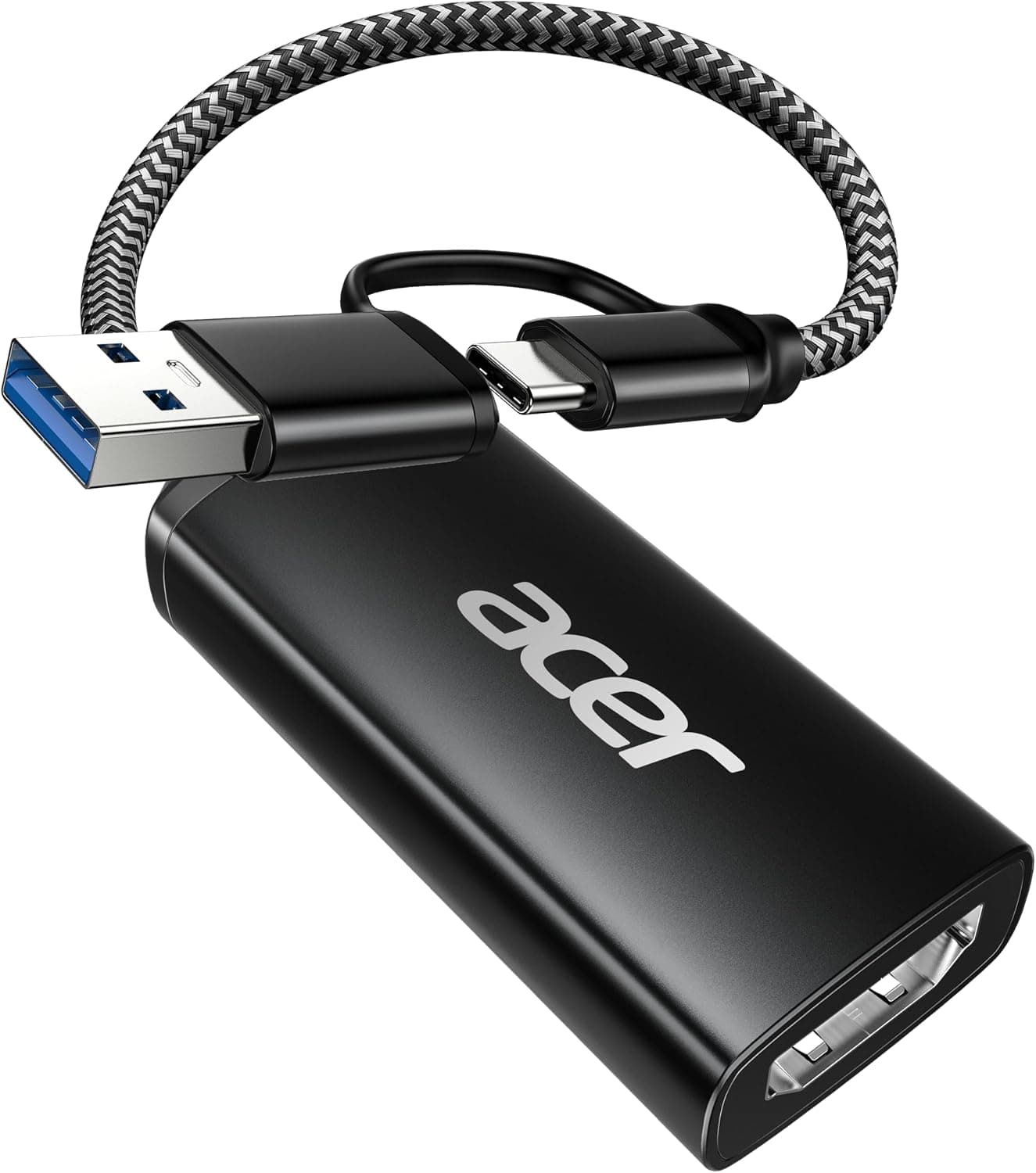
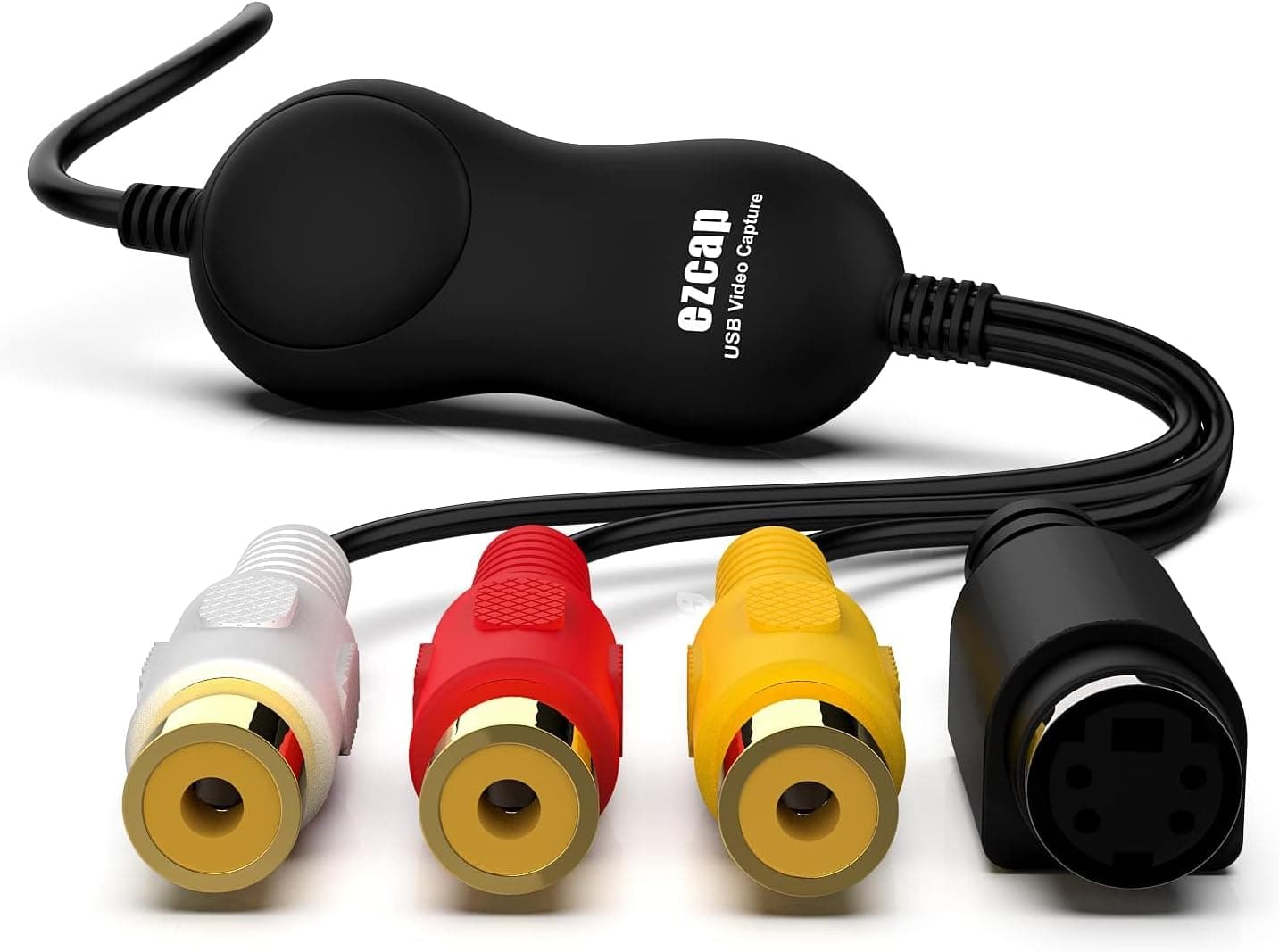
The Ezcap158 USB Video Capture Card HDMI brings HDMI video into your computer over USB 2.0.
Its spec sheet lists a maximum resolution of 1080p, and it supports Windows and macOS. In short, it is an entry-level device for people who want to get console or camera video onto a PC with minimal fuss, and it is not for anyone who needs high-end, high-frame-rate capture.
The unit measures 68 x 26 x 15 mm and weighs 21g, so it fits easily in a bag. It is described as plug-and-play with no driver installation, and you pick it as a video source in apps like OBS Studio, Zoom, or Teams.
On Amazon.co.Check the retailer's page for the latest user reviews. With so few reviews, treat the number as a rough guide only.
Compatibility Guide
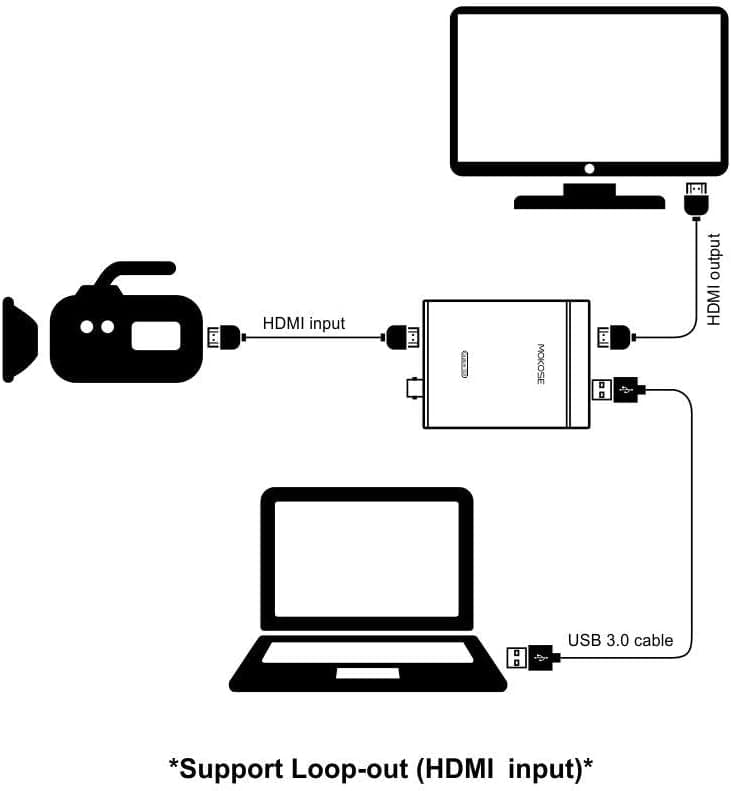
Setup is simple: connect your source (console, camera, PC) to the HDMI input, then connect the USB side to your computer. Supported operating systems are Windows and macOS.
The key point is USB 2.0.
Its bandwidth is limited, so 4K input is not supported; the stated ceiling is 1080p, which suits Full HD recording and streaming.
Common pitfalls:
- Avoid sharing the PC's USB port with other devices through a hub, if you want stable behavior
- Check the listing for what is included, and make sure you already own HDMI and USB cables
- If you play while capturing, plan a setup that lets you see the game on a TV or monitor rather than only through the PC preview
- In meeting apps or on a Mac, select this device manually as the video source
Product Info
rmation
| Item | Value |
|---|---|
| Input interface | HDMI |
| Output interface | USB 2.0 |
| Max resolution | 1080p |
| Dimensions | 68 x 26 x 15 mm |
| Weight | 21g |
As of September 27, 2026, Amazon.co.jp showed ¥6,309. Prices change with sales, so check the product page for the latest figure.
Its strengths at this price are small size and easy setup. Features common on higher-end cards, such as pass-through output or high-frame-rate recording, are not listed in the specs, so don't count on them.
Product Disclosure (Amazon)
- Manufacturer: EzCAP
- Seller: Amazon US
- Fulfilled by: Amazon US
- ASIN: B0D1C6ZKTY
- Note: This article covers a manufacturer-made product based on Amazon listing details.
Recommended Users
- Capture beginners: people who want to try recording or streaming game video on a PC before moving to a higher-end card.
- People using camera video in meetings or lectures: connect a camera's HDMI output and use it as a video source in Zoom or Teams.
- Travelers: people who want a small, light device to carry between computers.
Before You Buy
The biggest trade-off is USB 2.0 with a 1080p ceiling.
If you plan to stream fast competitive games or ingest 4K material, a USB 3.0 model will likely serve you better.
The spec data here lists no frame-rate figure, so confirm smoothness on the product page or from user reports.
Check the return terms on the sales page before buying.
Listing details such as the title and seller can differ from the actual product depending on how the seller entered them. Use the photos and title to confirm you are buying the Ezcap158.
FAQ
Q. Do I need to install a driver? A.
It is presented as plug-and-play. Behavior can vary by system, so check the product page's instructions.
Q. Can it capture 4K?
A. No. It uses USB 2.0 and the stated maximum resolution is 1080p.
Q. Are HDMI and USB cables included?
A. Check the listing. If you don't have cables, plan to buy them separately.
Q. Does it work on both Windows and Mac?
A. The compatibility notes list both Windows and macOS.
Q. Can I use it for meetings or lectures? A.
Yes, connect a camera with HDMI output and select the device as the video source in your meeting app.