Overview
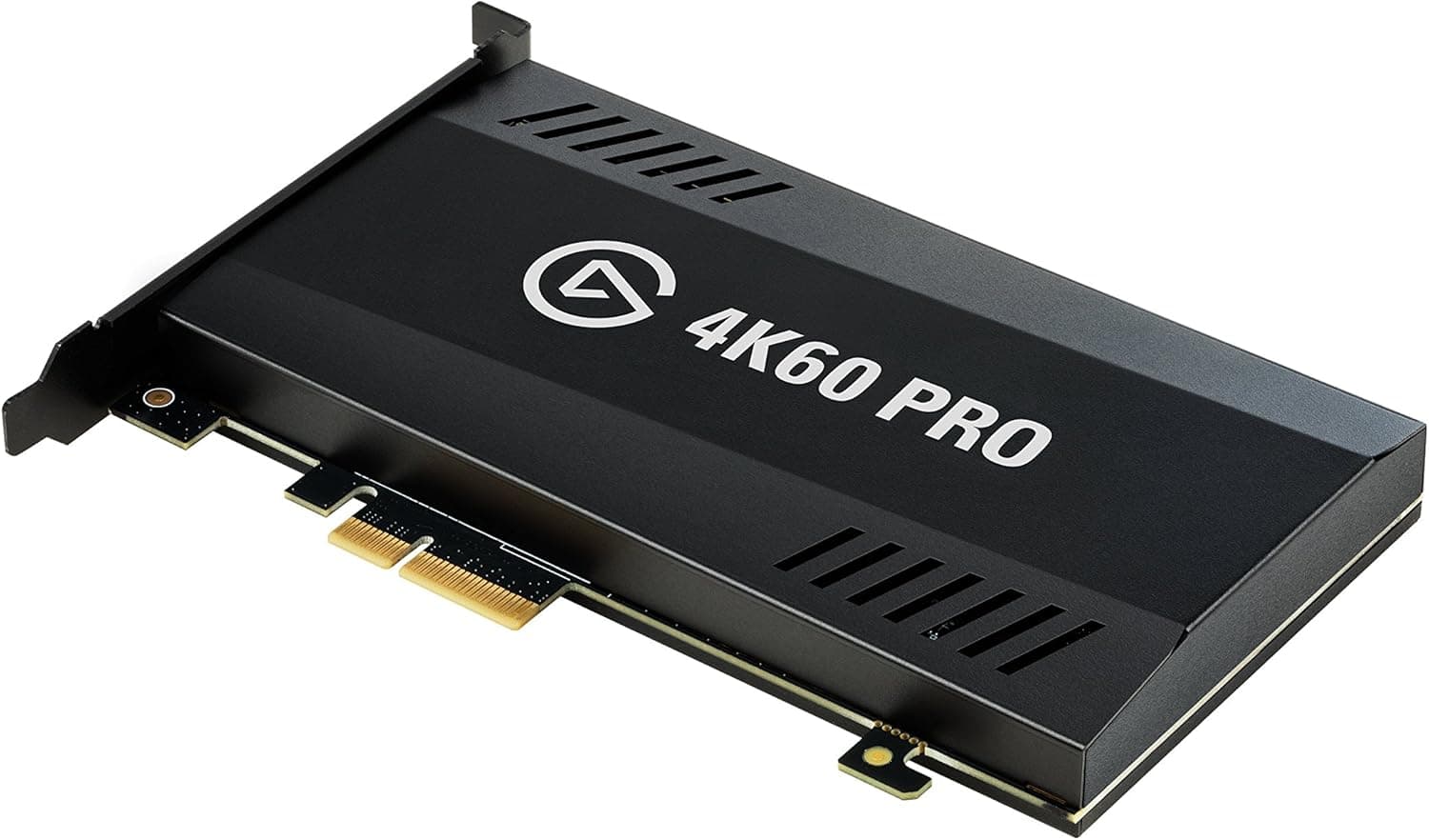
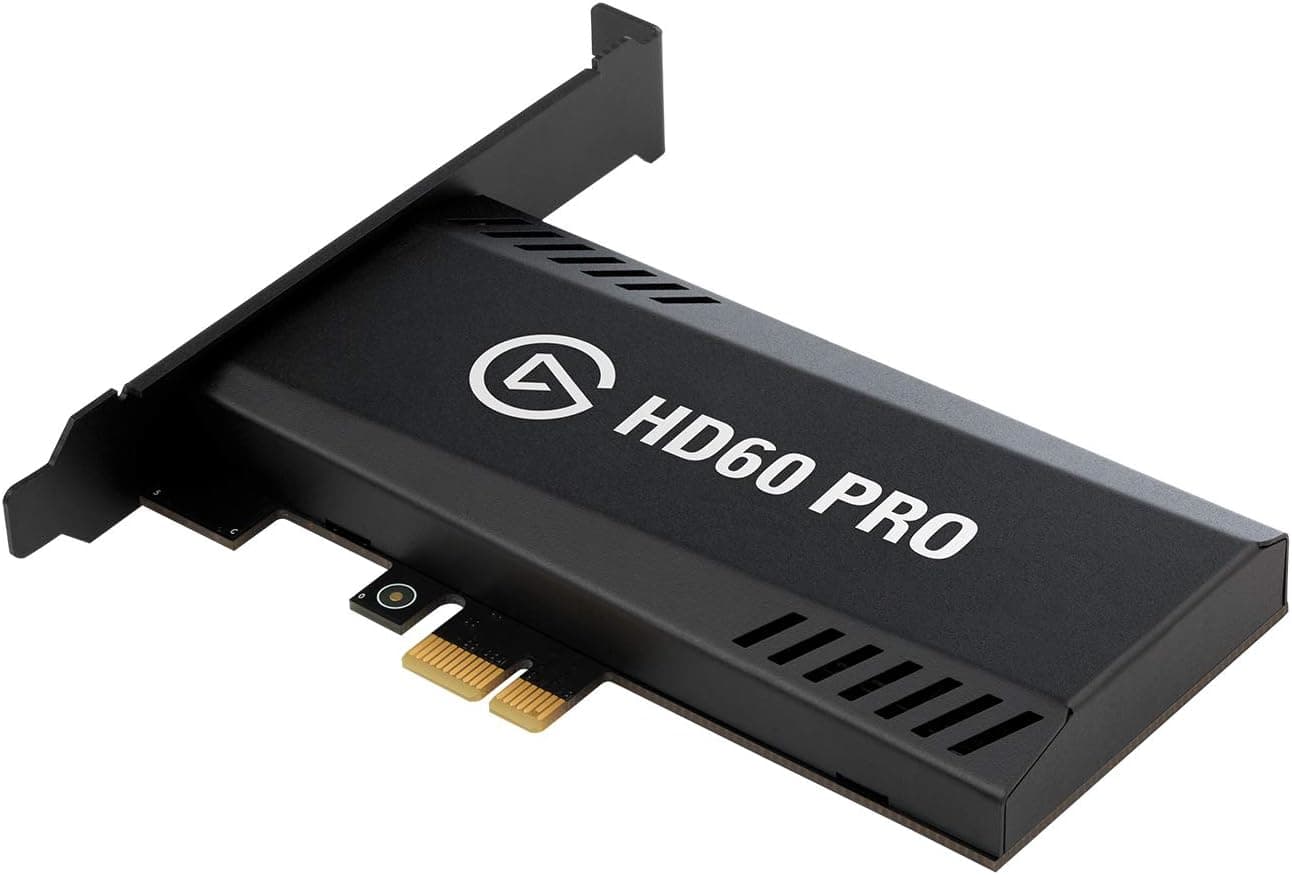
The Elgato Game Capture HD60 Pro is an internal capture card that installs directly into a PCI Express x1 slot on your motherboard. It captures HDMI input at up to 1080p60 and has been a streaming staple since its 2015 debut. The short verdict: it suits people who want to run 1080p60 recording and streaming entirely inside one desktop PC, and it does not suit anyone planning around 4K, HDR, or portable setups.
On Amazon.co.jp it holds 660 reviews averaging 4.4 out of 5 (88% positive, captured June 2026) — steady standing for a product nearly a decade old.
Its core advantages are low latency from the PCIe path and the fact that it consumes zero USB bandwidth. A typical streaming desk has a mic interface, webcam, external SSD, and controller all fighting over USB; the HD60 Pro sidesteps that contention entirely.
Capture, clipping, and export are handled by the bundled Game Capture HD software, and many users also expose it as a source inside OBS Studio.
Spec Sheet
| Item | Specification |
|---|---|
| Max capture resolution | 1080p (1920x1080) |
| Max frame rate | 60 fps |
| Interface | PCI Express x1 (PCIe 2.0 x1) |
| Supported OS | Windows 10 / Windows 7 SP1 (64-bit) |
| HDMI input | 1 |
| Passthrough output | Not supported |
| Warranty | 1 year |
The most consequential line here is the second from the bottom: no passthrough output. That single limitation decides post-purchase satisfaction more than anything else, so read the caveats section before committing.
The top three rows remain perfectly usable numbers if your use case fits, but the missing passthrough is a hardware-level constraint no software can work around.
Connectivity & Compatibility
Supported operating systems are Windows 10 and Windows 7 SP1 (64-bit). macOS is not supported, so rule this card out if you plan to run it on an Apple Silicon Mac or a MacBook. The card connects over PCI Express x1 (PCIe 2.0 x1) and drops into any free x1 slot. Usefully, an x1 card also fits physically longer x4, x8, or x16 slots, which is the practical escape route when your x1 slots are already occupied.
Physical clearance is the real gatekeeper. Modern GPUs routinely occupy 2.5 to 3 slots, and the x1 slot sitting directly beneath the x16 slot is often buried under a GPU heatsink or backplate.
Open your case and count the actual free slots under the GPU before buying — judging from the motherboard manual's block diagram alone is how people end up with a card that will not fit. On mini-ITX and micro-ATX boards, M.2 heatsinks and chipset fans cause similar conflicts.
Power is a non-issue: the card draws from the slot and has no supplementary power connector, so adding it to an existing build almost never requires a PSU upgrade. Only the card itself is included — no HDMI cable — and drivers and software are downloaded from the official site, so you need an internet connection for first setup.
Installation Notes
The process is simple: power down, unplug the PSU, seat the card in a free PCIe x1 slot, screw down the bracket, and boot. Then download and install Game Capture HD from the official site and connect your source device over HDMI. Confirm the card appears in Device Manager before installing software — it makes troubleshooting far easier.
The most common failure is a black screen, and the usual culprit is HDCP. Where your console allows HDCP to be disabled, disable it.
Content that enforces HDMI copy protection, such as streaming service apps, cannot be captured by design — that is not a defect, so check this before starting a return. The second frequent mistake is leaving the card unsecured because of tight case clearance; the weight of an HDMI cable then lifts the card and causes intermittent contact.
Always fasten the bracket screw.
Real-World Impression
A 1080p60 ceiling looks modest in 2026, but it lines up reasonably well with what streaming platforms actually accept. For most general-tier accounts, 1080p60 is effectively the practical upper bound for delivery, so 4K capture often ends up downscaled anyway. Unless you specifically want 4K archives, the resolution cap rarely becomes the bottleneck.
The internal form factor genuinely helps in a permanent setup. There is no extra dongle, USB cable, or HDMI run cluttering the desk, which means simpler wiring and fewer connection faults from repeated plugging.
The trade-off is mobility: moving it to another machine means opening a case, so it is a poor fit for taking to a friend's place or an event. The 4.4 average across 660 reviews (captured June 2026) reads largely as approval of that set-and-forget stability.
Product Info
Released in 2015, the card is still circulating through retailers and marketplaces. Listed pricing was ¥48,982 as captured in June 2026 and ¥48,980 on Amazon.co.jp as captured in August 2026, while an eBay US listing showed $79.00 as captured in July 2026. That gap is enormous and likely reflects scarce new stock commanding a premium alongside used and grey-market street prices. All of these are point-in-time figures that shift with sales and stock, so always check the current price on the product page.
Warranty is the standard one year. Only the card is included; no HDMI cable.
Drivers and software come from the official site. Review standing on Amazon.co.jp was 660 reviews at 4.4 out of 5, equivalent to 88% positive, captured June 2026.
Market position is entry-to-mid tier for people getting serious about game streaming.
Bear in mind this is a previous-generation product. While new-stock listings approach ¥50,000, current external models can often be had for less.
Do not read ¥48,980 as the fair going rate — weigh it against the alternatives below first.
Alternatives
| Product | Connection | Passthrough | Character |
|---|---|---|---|
| Elgato Game Capture HD60 Pro | PCIe x1 (internal) | No | Permanent desktop install, no USB load |
| Elgato Game Capture HD60 X | USB (external) | Yes | Works with laptops too |
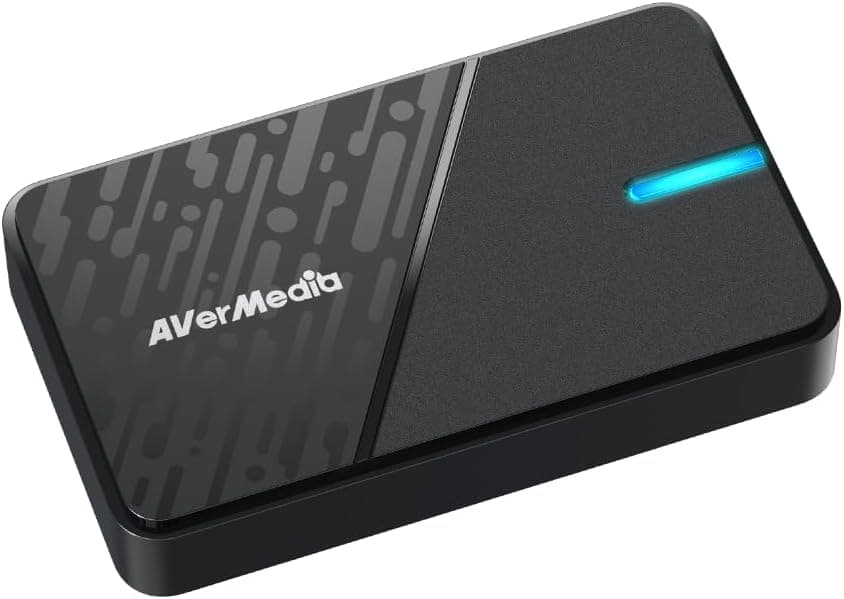
| AverMedia Live Gamer Duo (GC570D) | PCIe (internal) | — | Dual HDMI inputs for multi-source |
| NZXT Signal HD60 | USB (external) | Yes (zero-lag) | 1080p60 external entry option |
The HD60 X is the external USB model with passthrough and laptop support — the more sensible pick if you are not committing to a desktop install. The AverMedia Live Gamer Duo (GC570D) takes two HDMI inputs on one card, covering console-plus-camera or dual-PC workflows.
Prices move constantly, so compare all candidates on the same day rather than trusting a figure quoted elsewhere.
The case for the HD60 Pro specifically holds when three conditions line up: permanent desktop installation, a desire to keep USB ports and bandwidth free, and 1080p60 being enough. Break any one of those and an external model is the more rational buy.
Best Use Cases
It suits streamers running a permanent desktop broadcast setup. The low-latency PCIe path keeps play and broadcast comfortably in sync, which matters in shooters and fighting games where reaction time counts. It also suits owners of an existing build who simply want to add capture by installing one card into a free PCIe x1 slot.
It is equally useful when you need USB ports and bandwidth reserved for other gear. On a desk with an audio interface, webcam, external SSD, and controller all connected, moving capture onto PCIe removes one whole category of problems.
If 1080p60 is enough for you, or your main use is recording console footage for later editing, the performance is more than adequate.
It is a poor fit for laptop users, macOS users, anyone who wants zero-latency passthrough monitoring, and anyone who needs 4K or HDR capture. If any of those four describe you, choose a current external model instead.
Things to Consider
The biggest pitfall is the absence of HDMI passthrough. Most external capture devices include an HDMI output that sends the console signal straight to a monitor with no added delay; the HD60 Pro has none. With a console connected, you watch your own gameplay through the software preview, which always carries a delay of several frames or more. You can add a separate HDMI splitter to feed a monitor, but splitters introduce their own HDCP and resolution headaches plus extra hardware and setup. If your goal is plugging in a console and playing lag-free, skip this card outright.
Second is physical clearance. The x1 slot usually sits right beneath a large GPU, and a triple-slot card will block it.
Open the case and count real free slots before ordering. An internal card also lacks the external unit's fallback of simply being moved to another machine if it does not fit.
On specifications, there is no 4K or HDR capture. Taking PS5 or Xbox Series X output in at full 4K/HDR requires a higher-end or current-generation product.
Also note Windows-only OS support, that no HDMI cable is included, and that HDCP-protected content cannot be captured by design.
On price, mind the spread between ¥48,982 (captured June 2026), ¥48,980 (captured August 2026), and $79.00 on eBay US (captured July 2026).
The same model number carries wildly different street prices across new, used, and parallel-import stock. Before spending close to ¥50,000, compare against current external models.
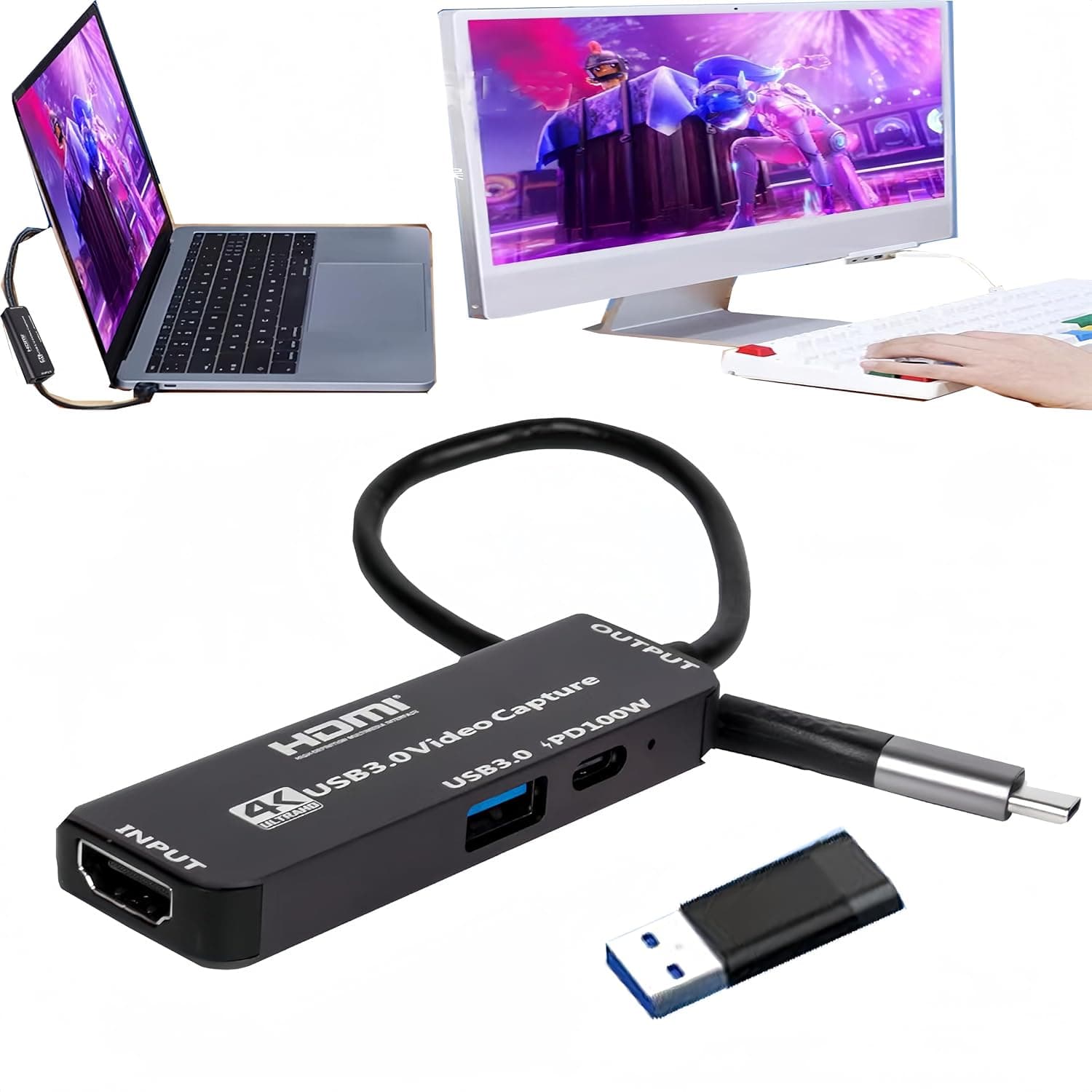
Separately, listing metadata on retail pages — manufacturer, model number, compatibility claims — is sometimes wrong. Verify the product from the images and title, and check whether the seller is actually offering new stock, before you buy.
FAQ
Q. Can I use it with a PS5 or Nintendo Switch? A.
You can connect them if you drop the output to 1080p60, but with no passthrough you will be watching a delayed software preview, and 4K/HDR capture is unsupported. For console-centric use, a passthrough-equipped external model fits better.
Q. Does it work on a Mac?
A. No. Supported systems are Windows 10 and Windows 7 SP1 (64-bit).
Q. My PCIe x1 slots are all occupied. Is that the end of it? A.
No — an x1 card also seats in longer x4, x8, or x16 slots, so use a free larger slot. Watch for GPU clearance and airflow.
Q. Does it work with OBS Studio? A.
Beyond the bundled Game Capture HD software, it is commonly added as a capture device source in OBS. Install the drivers and confirm Windows recognizes the card first, then add it as a source.
Q. Is buying used a reasonable option? A.
With no supplementary power and no moving parts, a working unit is a fair choice. But the one-year manufacturer warranty generally applies to the original purchaser only, so do not count on it — look for a stated working-condition check in the listing.
Product Disclosure (Amazon)
- Manufacturer: Elgato
- ASIN: B015E3OT54
- Note: This article covers a manufacturer-made product based on Amazon listing details.