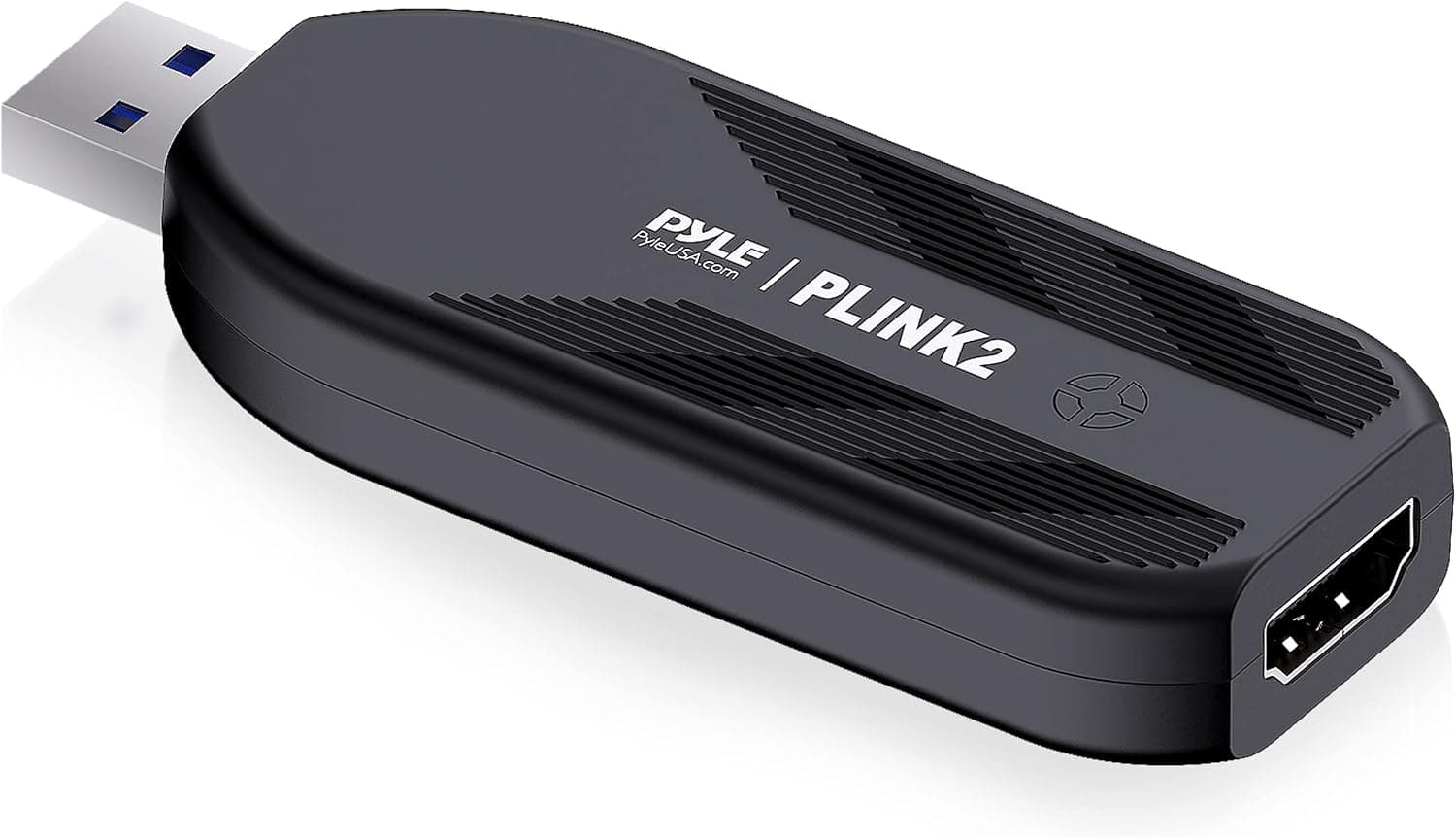
A closer look at the Pyle PLINK 2 HDMI capture card — including the one spec that decides whether it fits your setup.
Overview
The Pyle PLINK 2 is an external HDMI capture card that connects over USB 3.1 Gen 1.
It handles 4K@30FPS, 1440p@60FPS and 1080p@120FPS, and works plug-and-play with no driver installation. The short version: it is a strong pick for pulling a camera or external device into your PC, and a poor pick for playing a console game on a TV while recording it.
The reason is the lack of HDMI passthrough, covered below.
The unit measures 86.1 × 32.0 × 13.0 mm and weighs about 113g.
It runs on USB bus power with no external adapter, which makes it easy to throw in a bag alongside a laptop for on-site recording.
Compatibility Guide
One HDMI input, one USB 3.1 Gen 1 output.
Supported operating systems are Windows 7/8/10, macOS 10.9 or later, and Linux, and it appears as a standard video device in OBS Studio, XSplit and similar software.
It is an external, bus-powered device, so there are no slots, clearances or PSU headroom to worry about.
The common failure points:
| Pitfall | What to check |
|---|---|
| Plugged into USB 2.0 | 4K30 and 1080p120 need bandwidth. Use a USB 3.0+ port directly, not a hub |
| HDCP-protected sources | Blu-ray players and some streaming boxes cannot be captured |
| No cable in the box | Unit only. Bring your own High Speed HDMI cable for 4K30 |
| USB-C adapters | Adapters can make the link unstable — test without one first |
Camera settings matter too. DSLRs and action cams often ship with overlays (grids, record indicators) enabled on the HDMI output, and those overlays get captured.
Find the clean HDMI output option on the camera before you blame the capture card.
Product Info
Key specs: 4K@30FPS / 1440p@60FPS / 1080p@120FPS capture, USB 3.1 Gen 1, Windows 7/8/10 · macOS 10.9+ · Linux, 86.1 × 32.0 × 13.0 mm, about 113g, plug-and-play with no driver required.
Check the retailer's page for the latest price. Prices move often and sales happen, so check the product page for the current figure.
As a frame of reference, USB 3.0 1080p-only units sit a tier below this price, and passthrough-equipped models sit a tier above.
Check the retailer's page for the latest user reviews. That is a modest sample, so read the low-star reviews to see whether they describe defects or simply a mismatch in expectations.
The package contains the unit only; no HDMI cable.
What No 4K Passthrough Actually Means
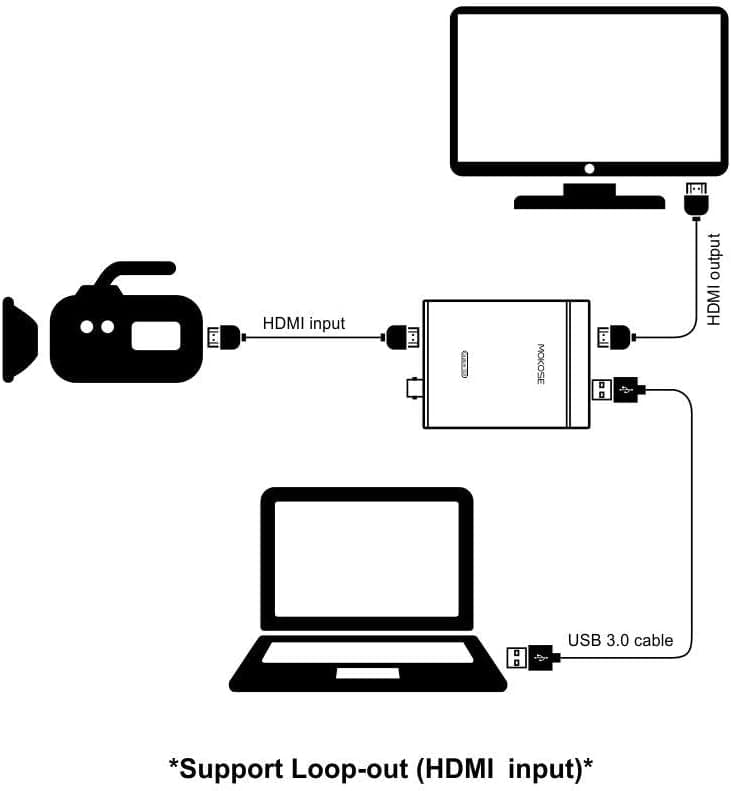
The single most important spec here is the absence of an HDMI output. Video goes to the PC and nowhere else — you cannot mirror it to a TV or monitor.
In practice, if you connect a PS5 or Switch, the screen you play on is the software preview on your PC. That preview carries several frames of latency, which makes action or rhythm games unplayable.
Workarounds mean adding an HDMI splitter, which brings extra cost and HDCP complications.
For camera work — webinars, a second angle in a stream, recording a performance — nobody needs to watch the feed in real time, so the missing passthrough costs you almost nothing. That is why this card reviews well in camera roles specifically.
How It Compares
Capture cards split roughly into USB 2.0 1080p units, USB 3.0 4K-input units like this one, and passthrough-equipped cards aimed at console streaming.
The PLINK 2 sits in the middle: 4K input and 1080p120 are competitive numbers at this price, but there is no passthrough and no hardware encoding. Without hardware encoding, your CPU or GPU carries the encode load — on a laptop, capturing at 1080p rather than 4K is far more stable.
Best For
- Anyone turning a DSLR or action cam into a webcam. Paired with a clean HDMI output, the image quality is nothing like a built-in camera, and bus power keeps the cabling minimal.
- Business users recording meetings, webinars or seminars. Feed an external camera or switcher straight into the PC; no drivers means it works on locked-down loaner machines.
- New streamers buying their first card. 1080p120 leaves room to grow.
- People who travel with their gear. 113g and no power brick is a real advantage on location.
If you want to play a console game on a TV while recording it, buy a passthrough card instead.
Before You Buy
The compromise, again, is no passthrough. Seeing "4K" on the box, it is easy to assume you can push 4K to a TV while recording.
The 4K figure describes the input side only — and it caps at 30FPS. For smooth 60FPS you must drop to 1440p or lower.
Second, recording at 4K30 spikes both CPU load and storage use. With no hardware encoder, weaker PCs will drop frames and drift out of audio sync.
In real use, 1080p60 is the sweet spot; save 4K for material where fine detail genuinely matters.
Check shipping before ordering. The Amazon listing shows Amazon US as both seller and shipper while the price is quoted in yen, so delivery origin, lead time and import handling may vary by stock situation.
Confirm the estimated arrival date at checkout.
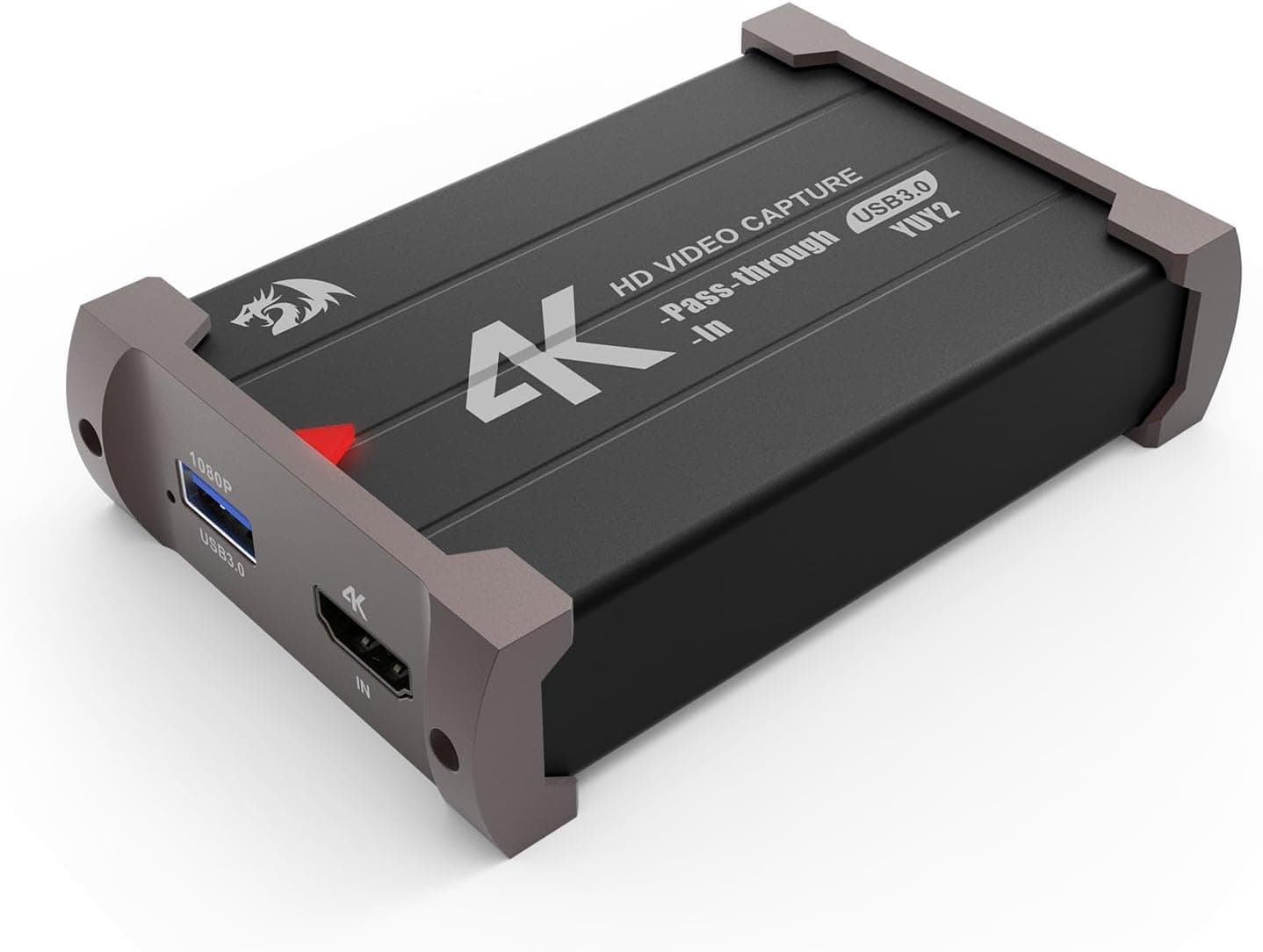
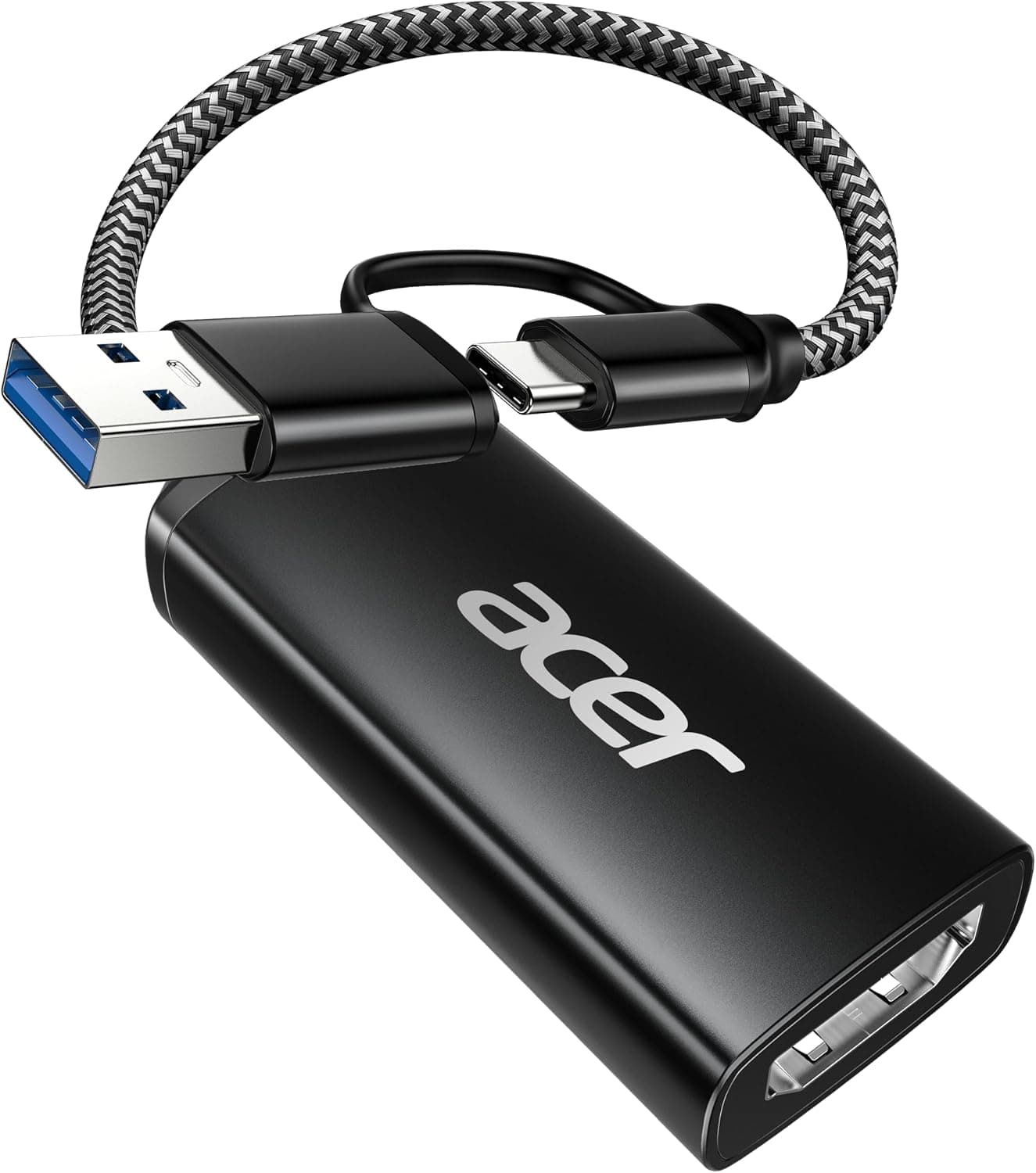
Capture cards are also a category where listing data (model number, bundled items, supported resolutions) sometimes disagrees with the physical product, because similar-looking OEM units are sold under many brands. Verify the product image and title match before ordering — in particular, check that the pictured unit has a single HDMI input and no output port, matching the spec sheet.
On audio: HDMI video and audio arrive together, but your own microphone is a separate PC input mixed in OBS. There is no mic jack on the device itself.
FAQ
Q. Can I record PS5 or Switch gameplay at 4K while it shows on my TV? A.
No. There is no passthrough output, so you would need a separate HDMI splitter.
If playing while recording is the main goal, choose a passthrough model.
Q. Can it record 4K at 60FPS?
A. No. 4K is capped at 30FPS. Use 1440p@60FPS for 60 frames, or 1080p for the lightest load.
Q. Are drivers really unnecessary? A.
The compatibility notes list it as plug-and-play, recognized as a standard video device on Windows, macOS and Linux. In OBS you add it as a video capture device.
Q. Will it work through a USB hub or USB-C adapter? A.
Sometimes, but bandwidth and power make it unreliable. Test on a direct USB 3.0+ port on the PC first.
Q. Is an HDMI cable included?
A. No. The box contains the unit only.
Q. Can I capture Blu-ray or streaming services?
A. No. HDCP-protected sources cannot be captured. That is by design, not a fault.
Product Disclosure (Amazon)
- Manufacturer: Pyle
- Seller: Amazon US
- Fulfilled by: Amazon US
- ASIN: B09KM6H518
- Note: This article covers a manufacturer-made product based on Amazon listing details.