Overview
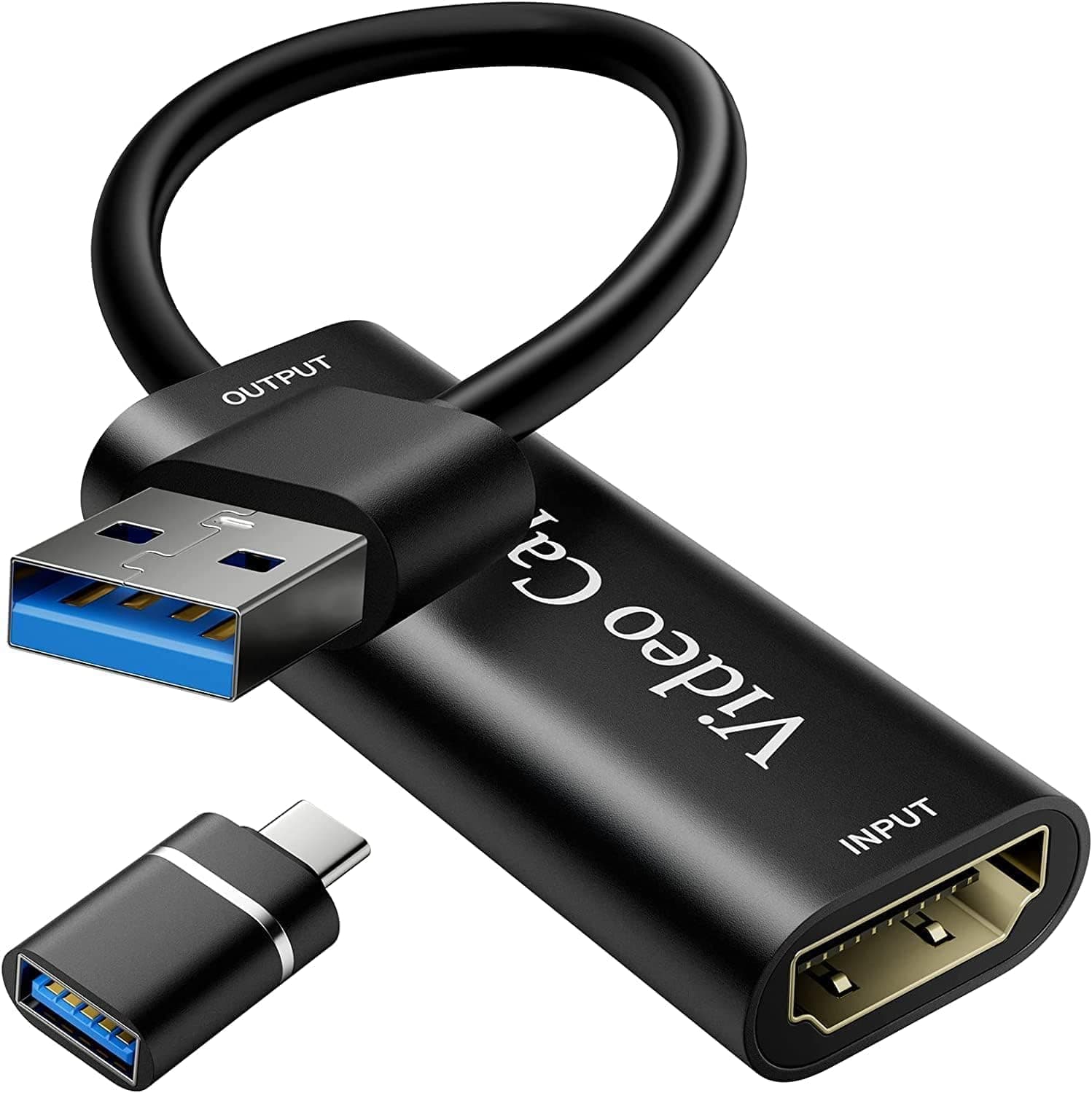
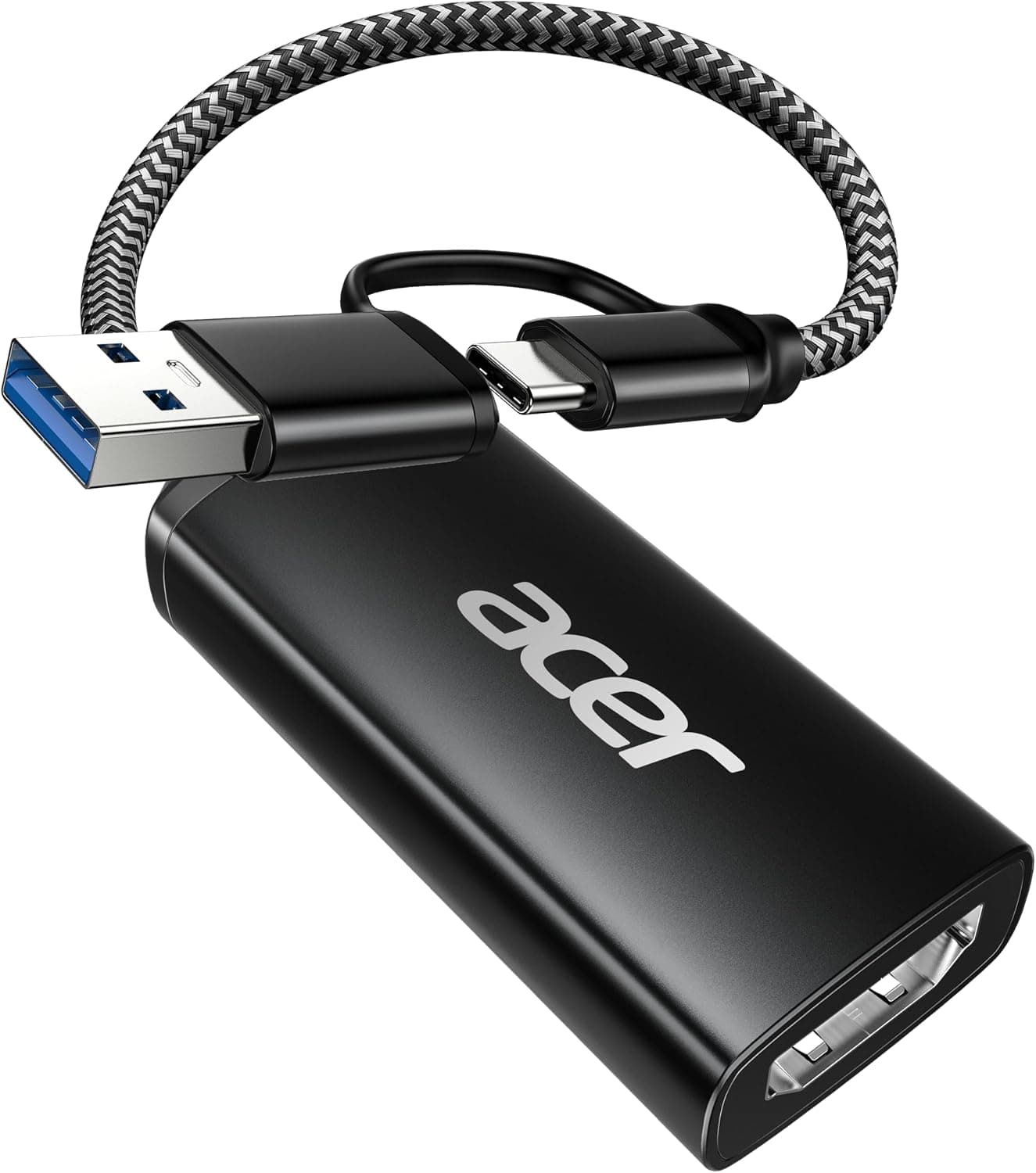
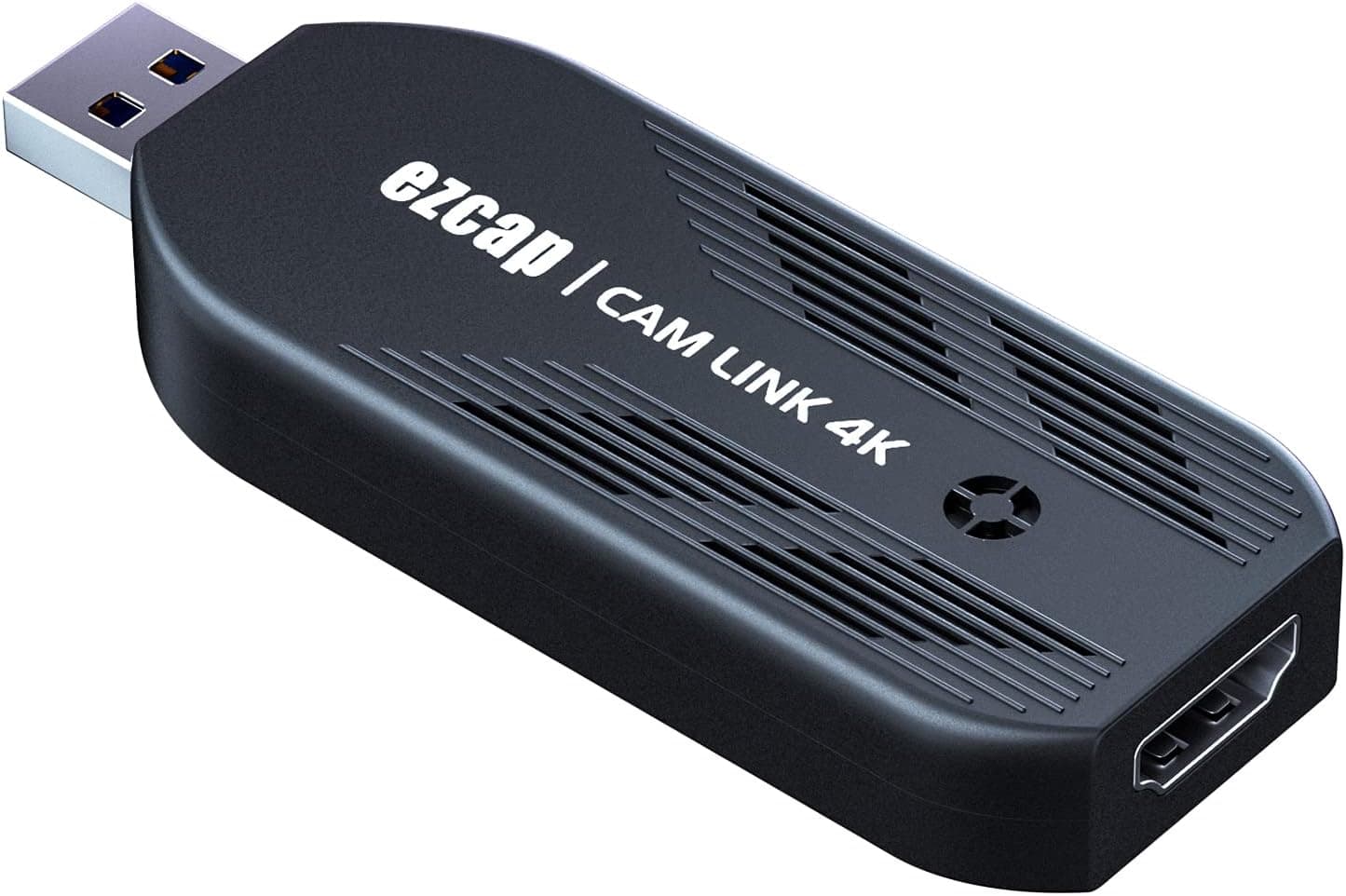
The Mwin Cam Link 4K is a compact, budget-friendly external capture card designed to bring HDMI video into your PC or Mac via USB 3.0. It supports input resolutions up to 4K30fps and capture resolutions including 4K30fps, 1080p120fps, and 1440p60fps, making it a versatile tool for live streaming, video conferencing, and recording. This plug-and-play device requires no drivers and works with popular software like OBS Studio, Zoom, Microsoft Teams, and VLC. It's an ideal entry-level solution for anyone looking to use a DSLR, mirrorless camera, or game console as a high-quality video source without breaking the bank.
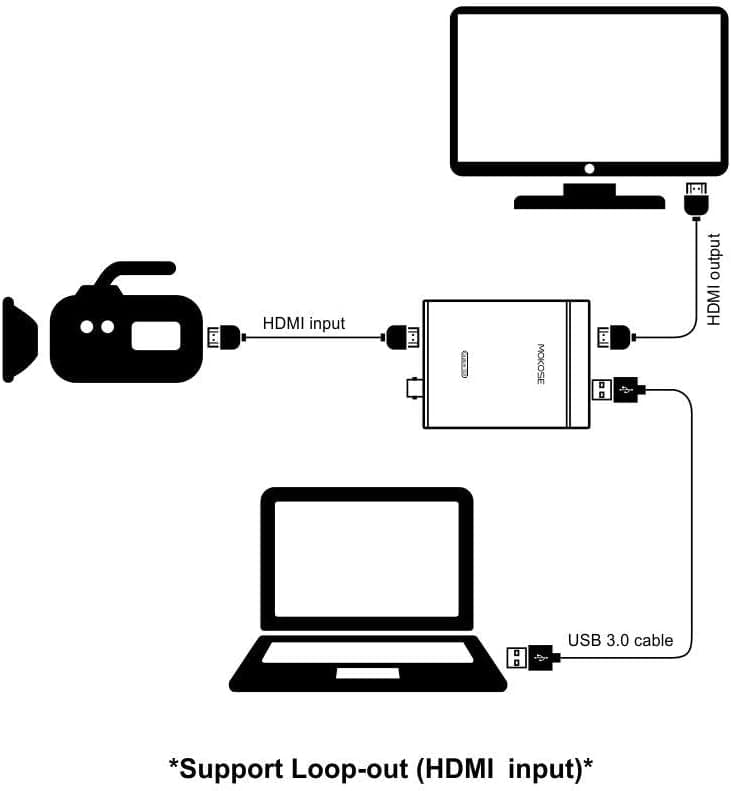
HDMI input (no passthrough output) and USB 3.0 Type-A output. Compatible with Windows and macOS — no driver installation needed. Works with OBS Studio, VLC, Amcap, Zoom, Teams, Google Meet, and most UVC-compliant capture software. Connects to game consoles (PS4/PS5, Xbox, Nintendo Switch) via HDMI, then to PC via USB. Does NOT support HDCP-encrypted content — streaming apps on consoles may need HDCP disabled in settings. HDMI cable is not included; you'll need to supply your own.
Released around 2022, the Mwin Cam Link 4K is sold primarily through at approximately ¥10,600 (tax included). Warranty follows the manufacturer's standard terms (check with your retailer for details). The package contains only the capture card itself — no cables are included. Market positioning is squarely entry-level.Check the retailer's page for the latest price. However, it lacks 4K60 passthrough and high-end features found in premium cards from Elgato or AVerMedia.
Live streaming beginners: Perfect for new streamers on Twitch or YouTube who want to capture console or camera footage without a large investment. Easy setup with OBS. Not suitable if you need 4K60 passthrough. Remote workers: Upgrade your video call quality by using a DSLR or mirrorless camera as a high-end webcam via this capture card. Works seamlessly with Zoom and Teams. * Budget-conscious creators: Students or hobbyists who need basic capture functionality at the lowest possible cost. The trade-off is no passthrough output and limited to 4K30 capture.
Capture is limited to 4K30fps — if you need 4K60fps recording, look at the Elgato 4K60 Pro or AVerMedia Live Gamer 4K. No HDMI passthrough output means you cannot play on a monitor while capturing without using an HDMI splitter. HDCP is not supported, so protected content (Netflix, etc.) will not display. No cables included — you must purchase HDMI and USB cables separately.
Q: Can I use this capture card with a Nintendo Switch? A: Yes. Connect the Switch dock to the capture card via HDMI, then connect the card to your PC via USB. It works with OBS and other software. Note that HDCP-protected apps (like Netflix on Switch) will not display. Q: Does it work with a smartphone? A: Only if your phone supports HDMI output via USB-C or Lightning to HDMI adapter. Most modern Android phones with USB-C can output video, but iPhones require a Lightning-to-HDMI adapter. Q: Can I capture 4K60fps video with this? A: No. The maximum capture resolution is 4K30fps. For 4K60fps capture, consider the Elgato 4K60 Pro or AVerMedia Live Gamer 4K.
Product Disclosure (Amazon)
- Manufacturer: Mwin
- Seller: Amazon US
- Fulfilled by: Amazon US
- ASIN: B09XXBTBYB
- Note: This article covers a manufacturer-made product based on Amazon listing details.