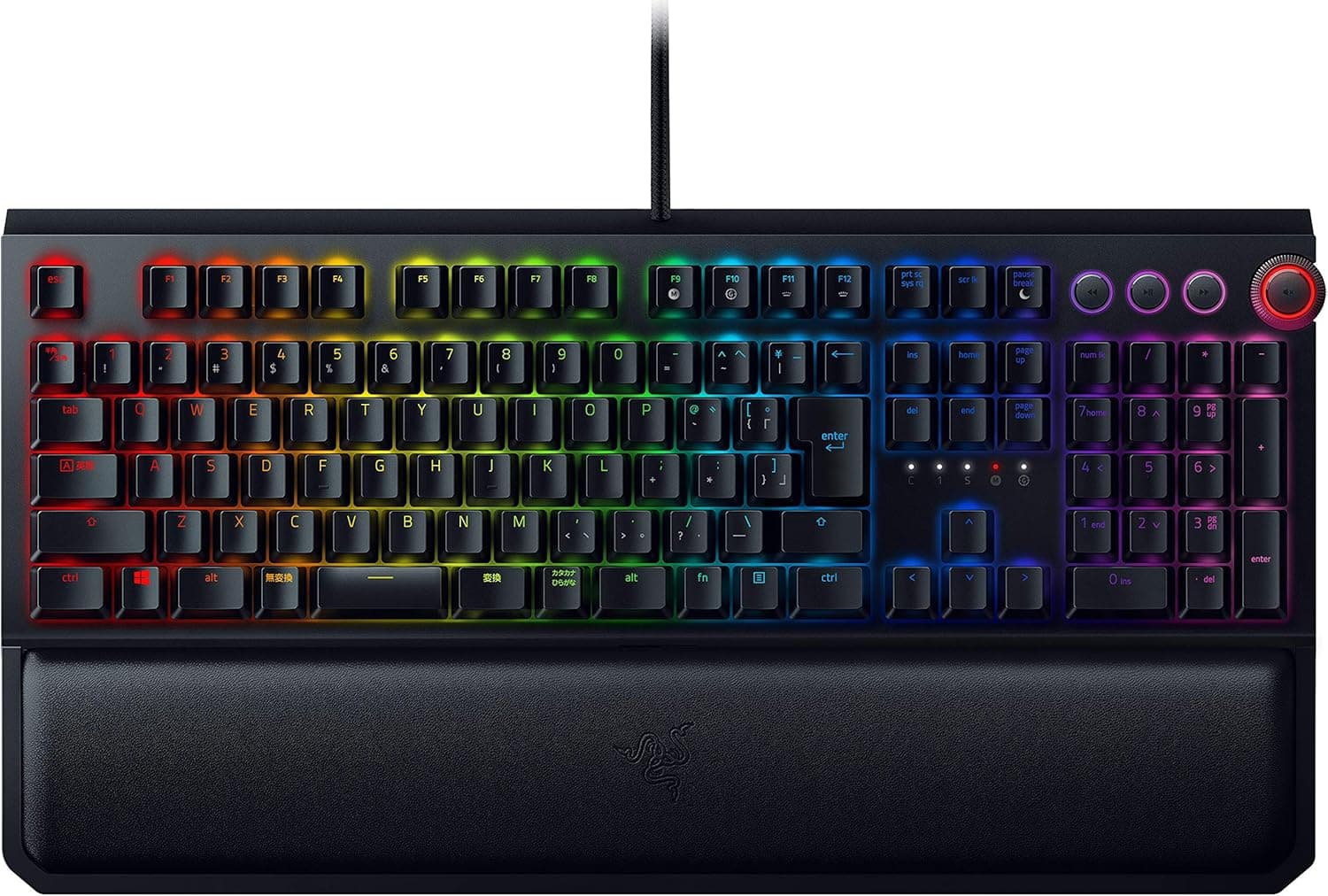
Overview
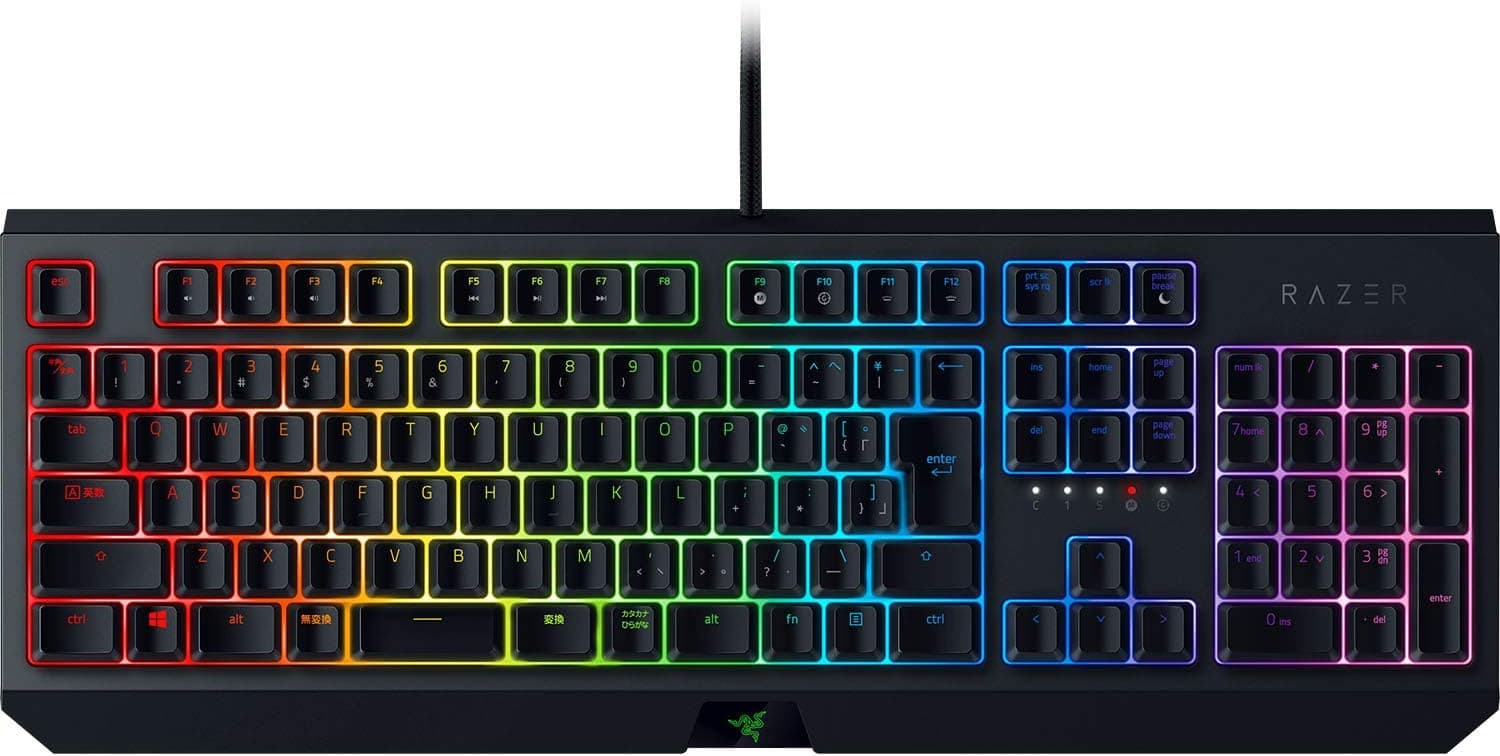
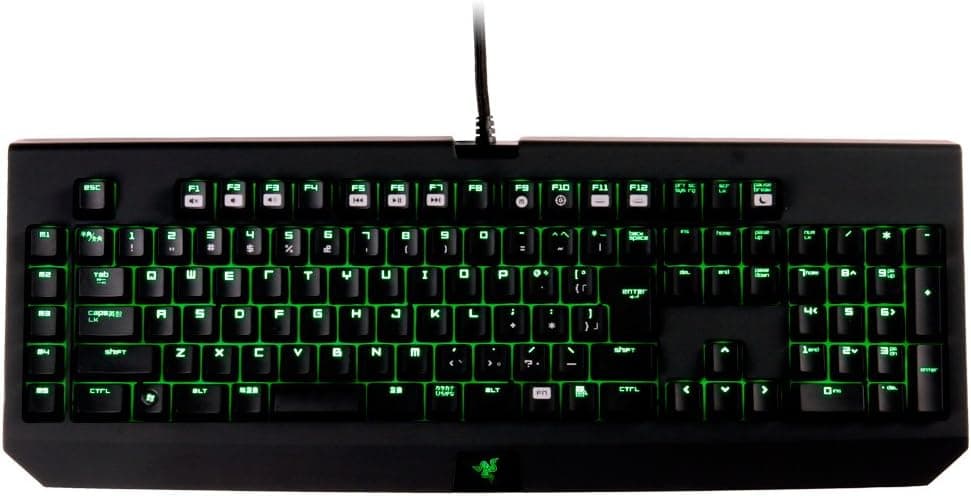
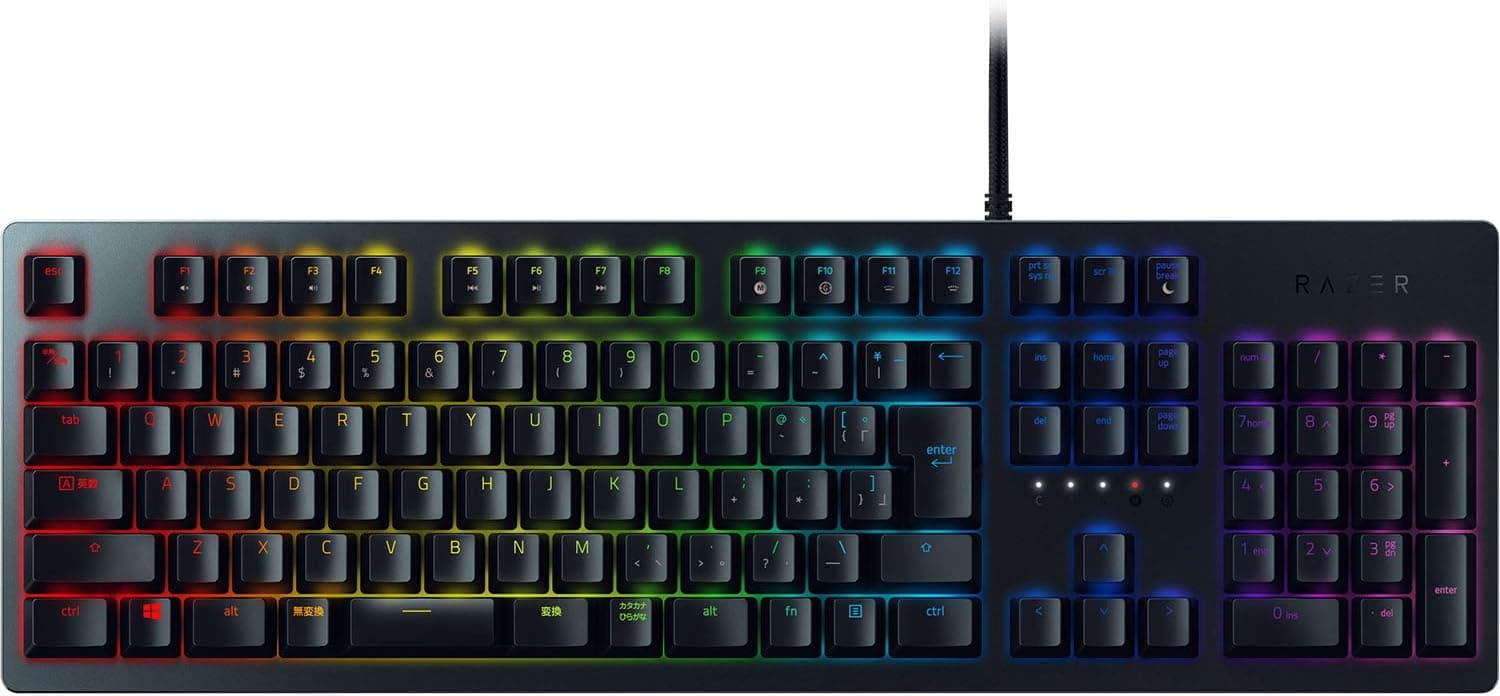
The Razer BlackWidow Elite JP Orange Switch — Full-size mechanical gaming keyboard with silent click is the Japanese JIS-layout (109-key) version of Razer's full-size BlackWidow Elite. Its Razer Orange switches have a tactile bump but no audible click.
It is still a sensible pick if you want a JIS board with a numpad and a clear tactile bump without the clack, or if you want to route your headset and mouse cables through the keyboard. It is not the right tool if you want rapid trigger, adjustable actuation, or wireless.
The feature list covers switches rated for 80 million keystrokes, per-key Razer Chroma RGB, and a multi-function digital dial for volume, brightness, scrolling and more. It also has a detachable leatherette ergonomic wrist rest and passthrough for one USB 2.0 port and one 4-pole 3.5mm audio jack.
Onboard memory holds up to five profiles.
The BlackWidow Elite first launched overseas in autumn 2018, so it is at least a generation behind Razer's current keyboards. That has pushed street prices down.
On Amazon.co.jp it was rated 4.4 out of 5 from 214 reviews (about 88% positive) as of June 2026, a steady rating for a product that has been on sale this long.
How the Razer Orange Switch Feels
The Orange switch has a small tactile bump partway through the press, but unlike Razer Green it has no click mechanism. When the spec sheet mentions a click feel, it means what you feel under your finger, not a sound.
Razer lists it at roughly 1.9mm actuation and about 45g of actuation force, so a light press registers the key.
Quiet is relative, though. You still get bottom-out noise when you press a key all the way down, plus stabilizer noise on large keys like the spacebar, just as with any mechanical board.
If you share a room late at night or worry about your mic picking up typing, plan on typing more lightly or adding O-rings.
In games, the bump makes it harder to miss or ghost a keypress. For rapid tapping and quick direction changes, though, some players prefer a linear switch such as Razer Yellow.
The heavier your typing load, the more you will appreciate the Orange switch.
Compatibility Guide
The keyboard is wired USB only, with no Bluetooth or 2.4GHz wireless.
It is a full-size (100%) board that includes a numpad and the digital dial.
The listed compatibility covers Windows, macOS, PS4 and Xbox One. Razer Synapse, the software for full customization, assumes Windows.
On macOS, expect basic typing plus whatever profiles you have already saved to onboard memory. On PS4 and Xbox One you get basic keyboard input only, without detailed lighting or macro control, and keyboard support also varies from game to game.
The passthrough design is easy to overlook. This kind of passthrough usually just extends the signals through the cable to your PC, and this board plugs into the PC with separate plugs for the passthrough in addition to the keyboard's own USB.
Before buying, check that your PC has enough free USB ports and what its audio jacks look like. Some PCs have one 4-pole combo jack, while others have separate 3-pole headphone and mic jacks that may need a splitter.
The product photos show the cable ends.
Because the passthrough is USB 2.0, it works well for a mouse, a flash drive or a wireless dongle, but not for fast external SSDs.
High-power devices may also behave unreliably.
On the desk, the full-size body plus the wrist rest takes up a lot of depth. On a desk around 60cm deep, or where a monitor stand's feet reach far forward, check that it fits along with the space you need for mouse movement.
Product Info
| Item | Detail |
|---|---|
| Switch | Razer Orange (tactile, quieter) |
| Keystroke lifespan | 80 million |
| Layout | Japanese JIS (109 keys) |
| Backlight | Razer Chroma RGB (per-key) |
| Onboard memory | Up to 5 profiles |
| Passthrough | USB 2.0 x1, 4-pole 3.5mm audio x1 |
| Dial | Multi-function digital dial (volume, brightness, scroll, etc.) |
| Wrist rest | Detachable, leatherette ergonomic |
| Model | RZ03-02622900-R3J1 |
The numpad, dial, wrist rest and passthrough all come in the box, so there is nothing extra to buy. If you would not use those extras, though, they just take up desk space.
Prices move a lot, so here they are with their capture dates. On Amazon.co.jp (ASIN B07N8VC689) the price was ¥25,121 as of June 20, 2026 and ¥16,580 as of August 26, 2026.
That is a swing of more than ¥8,000 in about two months, and prices also change with sales and stock. Check the product page for the current price before buying.
The eBay entry was only a search results page, with no captured price. When buying overseas, you may get a unit without the Japanese layout or without Japanese distributor warranty, so check the layout and model number carefully.
Software and Onboard Memory
Detailed lighting, key remapping and macros are set up in Razer Synapse. You can save the results to onboard memory (up to five profiles) and then use them on another PC without Synapse installed.
That helps if you cannot install software on a work machine.
Synapse may ask you to sign in with a Razer account the first time, and some people dislike another background app. If you want to configure once and uninstall, store your settings onboard first.
Some features, such as synced Chroma effects, only work while Synapse is running, so test what carries over on your own setup.
Best Use Cases
- Gamers who also type a lot in Japanese: The JIS layout gives you the large Enter key and familiar IME keys, and the tactile bump helps you catch typos. It suits people who want one board for both writing and gaming.
- Heavy numpad users: Spreadsheet work, number entry, and MMOs or RPGs with macros bound to the numpad all benefit from the full-size layout plus dial.
- People who want wrist support out of the box: The included wrist rest means no separate purchase.
- Anyone tidying cables: Plug a headset, mouse or flash drive into the back of the keyboard. This is especially handy when the PC sits under the desk.
- Users switching between PCs: Five onboard profiles let you carry your setup between home and work.
Who Should Skip It
- FPS players who want rapid trigger or adjustable actuation: These are conventional mechanical switches, and you cannot adjust the actuation point the way you can on magnetic switches. Newer magnetic-switch boards will serve you better if you want the fastest counter-strafing.
- Anyone who wants wireless: This board is wired only.
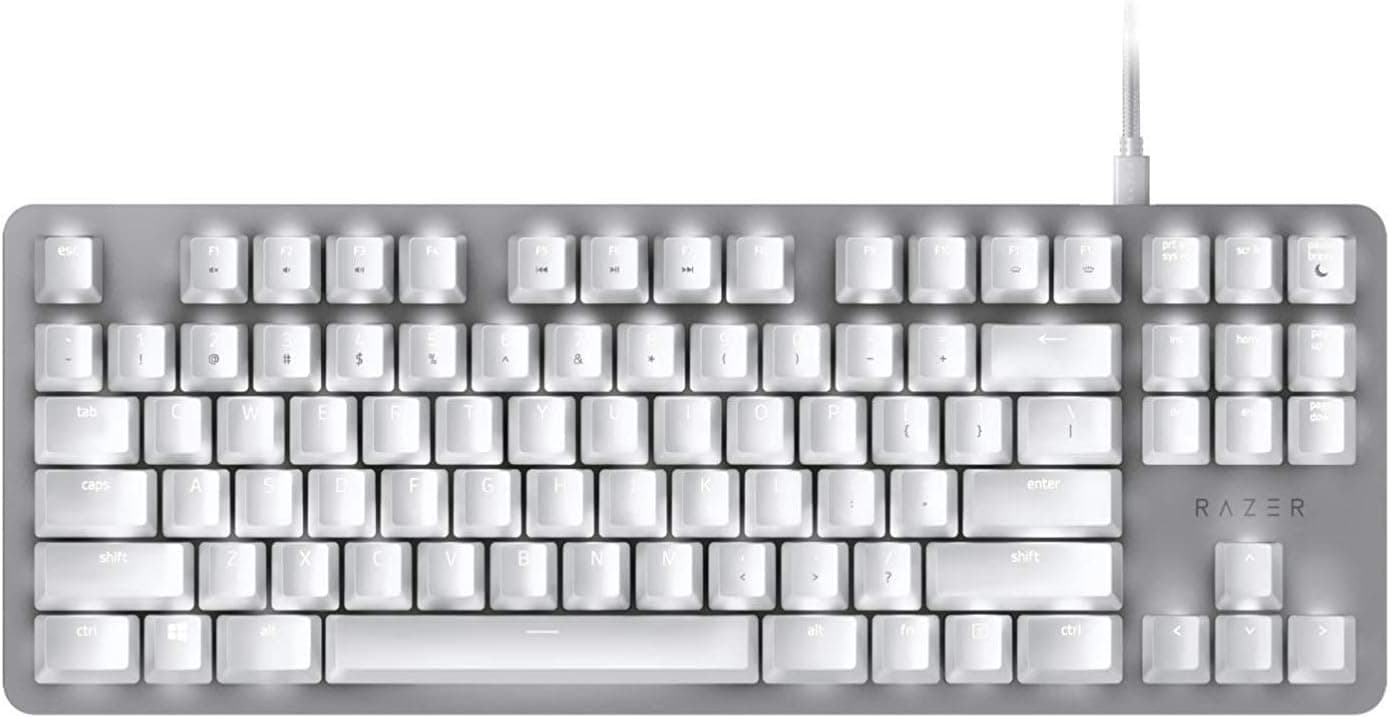
- Small desks or wide mouse movements: The full-size board plus wrist rest is large. A TKL or 75% board fits better.
- Anyone who needs near-silence: There is no click, but bottom-out and stabilizer noise remain.
- Mac-first users: Detailed setup in Synapse assumes Windows.
Alternatives
Among wired full-size mechanical boards, the CORSAIR K70 RGB MK.2 line is the classic comparison.
It offers an aluminum frame and dedicated media keys for people who value rigidity and build quality. The BlackWidow Elite sets itself apart with both USB and audio passthrough, a wrist rest in the box, and quiet tactile switches.
If you want wireless, a low-profile board like the Logitech G915 X LIGHTSPEED is the obvious alternative. Low-profile keys feel very different from the BlackWidow Elite's standard mechanical keys.
Pick the Elite if you want deeper travel and a firm feel, or a low-profile wireless board if you want a light feel and a tidy desk.
For competitive FPS, magnetic-switch boards such as the Keychron K10 HE are worth comparing, since newer boards win on adjustable actuation and rapid trigger. Many of them ship in US layout, though, so the BlackWidow Elite still has a place for anyone set on a Japanese layout.
Things to Consider
Do not overestimate the quiet. The Orange switch drops the click but is not silent.
If low noise is your top priority, consider quiet linear switches or adding O-rings.
Passthrough uses several ports on your PC. Because the passthrough just extends the signals through the cable, the keyboard takes up several USB ports and audio jacks.
On a PC with few free ports, or a laptop, you may prefer to plug in only the keyboard's own USB.
The price swings a lot. Captured prices differed by more than ¥8,000 between June and August 2026.
If you are not in a hurry, it can pay to watch the price for a while.
Full customization needs Windows Synapse. If you cannot install software on the target machine, set up your profiles on another PC first and save them to onboard memory.
Check the listing carefully. In our collected data, the Amazon.co.jp page was recorded under the label Amazon US.
It is the same domestic ASIN, so that is harmless. Overseas stores or grey imports, however, may sell a unit with a US layout or no warranty.
Confirm Japanese layout and model RZ03-02622900-R3J1 from the photos and title before buying.
It is an older model. The BlackWidow Elite launched in 2018, and stock and availability change often.
If you plan to use it for years, check the warranty terms before you buy.
FAQ
Q. Is the Orange switch loud? A.
It has no Green-style click, but bottom-out and large-key noise remain. It is best described as quiet for a mechanical keyboard.
Q. Does it work on a Mac? A.
Typing works. Detailed Synapse setup assumes Windows, so the practical approach is to build profiles on a Windows PC and save them to onboard memory.
Q. Does it work on PS4 or Xbox One? A.
Basic key input works over USB. Lighting and macro control are not available, and support also depends on each game.
Q. Can I use USB 3.0 devices on the passthrough? A.
They will plug in, but they run at USB 2.0 speed.
Think mice and dongles, not fast drives.
Q. Is the wrist rest removable?
A. Yes. Take it off if your desk is too shallow.
Product Disclosure (Amazon)
- Manufacturer: Razer(レイザー)
- ASIN: B07N8VC689
- Note: This article covers a manufacturer-made product based on Amazon listing details.