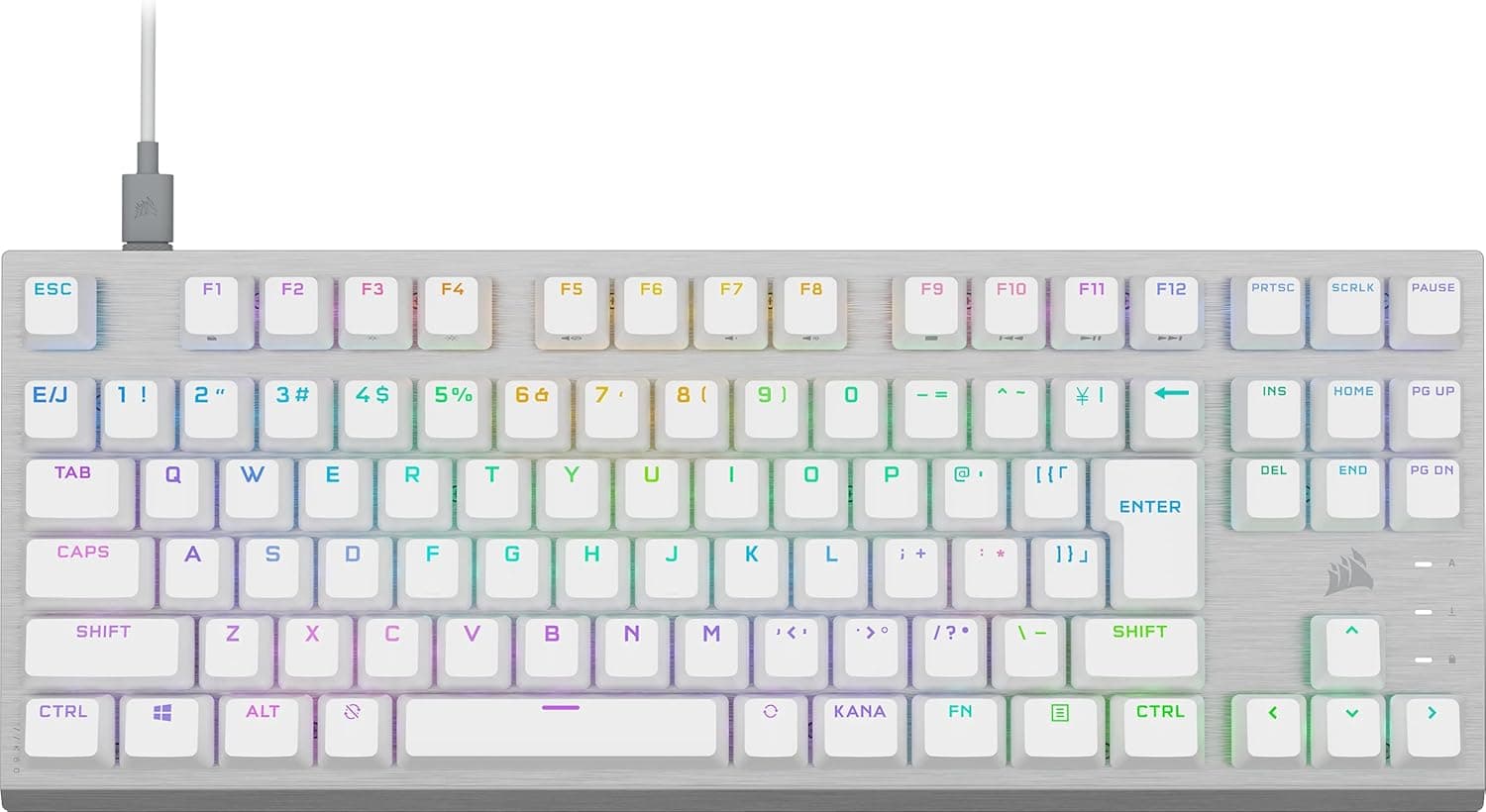
The RECCAZR Wave-Key Wireless Keyboard and 3-Level DPI Silent Mouse Combo, Pink is a full-size 2.4GHz set that uses a curved wave key layout and a wrist rest to reduce strain during long typing sessions.
This article works through the published specs and the listing data, with particular attention to the things buyers only notice after unboxing: the key layout, the receiver, and the batteries.
Overview
This is an entry-to-mid-range ergonomic combo. The keyboard is a 104-key full-size board, so the number pad is always available — a good match for accounting, data entry, and general remote office work.
The detachable wrist rest supports the hands, and folding feet on the underside adjust the typing angle. The bundled mouse offers three DPI steps (roughly 800/1200/1600) with silent clicks, and both devices share a single nano USB receiver, so only one USB port is consumed.
The link is 2.4GHz with a stated range of up to 10 meters.
The short verdict: this is not a product you buy for typing feel or response speed — it is a product you buy for posture and a quieter desk. Expect mechanical switch feedback or gaming-grade latency and you will be disappointed.
Need to type during a call without broadcasting it, or find your wrists aching by late afternoon, and it does exactly what it promises.
| Use case | Fit |
|---|---|
| Office and remote typing | Excellent — quiet operation and wrist support |
| Spreadsheets and numeric entry | Excellent — full 104-key layout with a number pad |
| Switching between devices | Limited — no Bluetooth; you move the receiver |
| Carrying it around | Limited — full size plus wrist rest takes space |
| Gaming | Not suitable — latency and rollover are unpublished |
Compatibility Guide
The combo supports Windows XP/Vista/7/8/10/11 and macOS. Plug the nano receiver into a USB port and it works — no drivers, no configuration software (DPI is changed with a button on the mouse itself).
The practical pitfalls are these:
- You need a USB-A port. The receiver is USB-A, so thin laptops and tablets with USB-C only will need a hub or adapter. Count your free ports before ordering.
- Avoid the port next to USB 3.0 devices. The 2.4GHz band is vulnerable to USB 3.0 interference; a receiver in an adjacent port can produce jumping cursors or dropped characters. Move it to another port, or run it to the desktop on a USB extension cable. The 10-meter figure assumes line of sight and shrinks behind a metal desk or a rear-panel port.
- The receiver generally cannot be replaced. Combos of this type are usually paired at the factory, and a generic third-party receiver will not re-pair with them. Decide where the receiver lives before you start moving the set around.
- On macOS, the legends do not match the behavior. This is a Windows-oriented layout, so the Windows key acts as Command and Alt as Option. Remapping modifiers in macOS keyboard settings makes it usable, but do not expect dedicated Mac volume or brightness keys.
- 104 keys means a US (ANSI) layout. A Japanese JIS keyboard has 108 or 109 keys, with kana legends and dedicated IME keys. On a 104-key board you toggle the Japanese IME with Alt+` and several symbol positions differ. If you are used to JIS, this is the single biggest trap — check the legends in the product photos before ordering.
Setup and Daily Use
Power comes from one AAA alkaline cell each for the keyboard and the mouse. These are not rechargeable devices, so keep spares in a drawer.
NiMH rechargeables run at a nominal 1.2V rather than 1.5V, which can shorten runtime or cause unstable behavior in single-cell devices, so start with ordinary alkalines.
Remove the cells if the set will sit unused for months, to avoid leakage damage.
Many 2.4GHz combos sleep when idle, which means the very first keystroke after a pause can be swallowed.
Getting into the habit of tapping Shift once before you start typing avoids dropped characters in password fields.
Treat the wrist rest as a place to rest between bursts, not a pivot to type from. Anchoring your wrists and moving only your fingers increases pressure on the carpal tunnel — the intended posture is forearms floating while typing, wrists resting during pauses.
No ergonomic keyboard compensates for a desk and chair at the wrong height.
The spill-resistant design with drainage holes is not waterproofing. If liquid gets in, pull the battery immediately, turn the unit over, and let it dry fully before powering it again.
Light-colored housings show skin oils quickly, so plan on wiping it down with a well-wrung cloth from time to time.
Product Details
| Item | Value |
|---|---|
| Connection | 2.4GHz wireless (nano USB receiver) |
| Layout | 104-key full size |
| Mouse DPI | 3 adjustable levels (approx. 800/1200/1600) |
| Compatible OS | Windows XP/Vista/7/8/10/11, macOS |
| Wireless range | Up to 10 m |
| Color | Pink |
| Battery | AAA cells (one each for keyboard and mouse) |
The listed price on Amazon.co.jp was ¥16,715 as captured on 27 August 2026.
That is a snapshot, not a fixed figure — combos like this move with sales and coupons. It also sits at the higher end for an entry-to-mid ergonomic set, so check the current price and any coupon on the product page and compare it against alternatives in the same bracket before committing.
Review data captured on 1 June 2026 shows 438 ratings at 4.1 out of 5 stars, equivalent to roughly 82% positive.
A three-digit review count makes the average reasonably trustworthy, but 4.1 also means real complaints exist.
Reading ten or so of the low-star reviews, looking specifically for comments about layout, battery life, and receiver sensitivity, is the most efficient research you can do on a product like this.
RECCAZR is a Chinese peripheral brand, and this set belongs to the entry-to-mid tier of ergonomic combos. The package contains the keyboard, mouse, wrist rest, nano receiver, and AAA batteries.
This article covers the pink version; other colors of the same model may be offered. Return and exchange terms follow the listing (typically around 30 days).
Who It's For
It suits office workers and remote employees who type for hours, especially in environments where noise itself is a constraint — shared offices, libraries, note-taking during video calls, call centers. The silent mouse and quiet keys are the point of the product, not a side feature.
It also fits number-pad-heavy work such as accounting, inventory, and data entry, where a tenkeyless board would slow you down. If you want fewer cables on the desk, or can only spare one USB port, the shared-receiver design is genuinely practical.
For anyone comfortable with a US layout, the comfort-per-yen here is straightforward.
Before You Buy
The layout is the main risk. 104 keys is a US key count, so workflows built around kana legends or dedicated Japanese IME keys do not transfer directly.
Symbol positions differ, which shows up immediately in programming or heavy punctuation work. Zoom into the product photos and check the Enter key shape before ordering.
There is no Bluetooth. The connection is 2.4GHz through the bundled receiver only.
You cannot pair it with a tablet or phone, there is no multi-device switching, and devices without a USB port are out. If you move between machines all day, this is the wrong product.
It is not for gaming. Switch type, polling rate, and N-key rollover are all unpublished, and a battery-powered wireless design is not built around low latency to begin with.
Buy dedicated gaming peripherals for competitive titles.
Typing feel is hard to verify in advance. Switch mechanism, key travel, and weight are not disclosed.
Silent mouse switches generally trade away some tactile snap, so if you like a crisp click, expect it to feel softer. Buying unseen means accepting that uncertainty.
Treat listing data and price with caution. Amazon product pages sometimes carry manufacturer names, model numbers, or OS claims that do not match the physical item, and the price will have moved since the 27 August 2026 capture.
Confirm you are looking at the right product using both the images and the title.
Comparing Alternatives
If you want to keep a Japanese layout in a wireless full-size board, look first at something like the EPOMAKER TH108 JIS. Layout adaptation is something people either absorb easily or never do, and a daily work keyboard is not the place to gamble.
If silence matters but you also want typing feel, and a cable is acceptable, quiet-switch wired boards such as the Corsair Skiff 100 Quiet or the iRocks K85R RGB are worth comparing. Wired means no batteries, no receiver, and no interference.
For a desk-bound setup, a plain wired board like the Microsoft Wired Keyboard 600 also remains a sensible option.
On the other hand, if a one-box set including a wrist rest and zero added cables is your priority, this combo's packaging is a real advantage. Decide your priority first, then compare.
FAQ
Q. Is it a Japanese (JIS) layout? A.
104 keys is a US layout count; JIS boards have 108–109 keys with kana legends and dedicated IME keys. Confirm the legends in the product photos before ordering.
Q. Can it connect over Bluetooth?
A. No. It uses 2.4GHz through the bundled nano USB receiver only, so a USB-A port is required.
Q. How long do the batteries last? A.
Runtime is not published. It takes one AAA cell each for the keyboard and mouse and is not rechargeable, so keep spares on hand.
Q. Can I game on it? A.
It will work, but no latency specifications are published and it is not recommended. Use dedicated gaming gear for competitive play.
Q. What if I lose the receiver? A.
These combos are usually factory-paired and generally cannot be re-paired with a generic receiver, so losing it likely means losing the set. Choose a fixed place to store it.