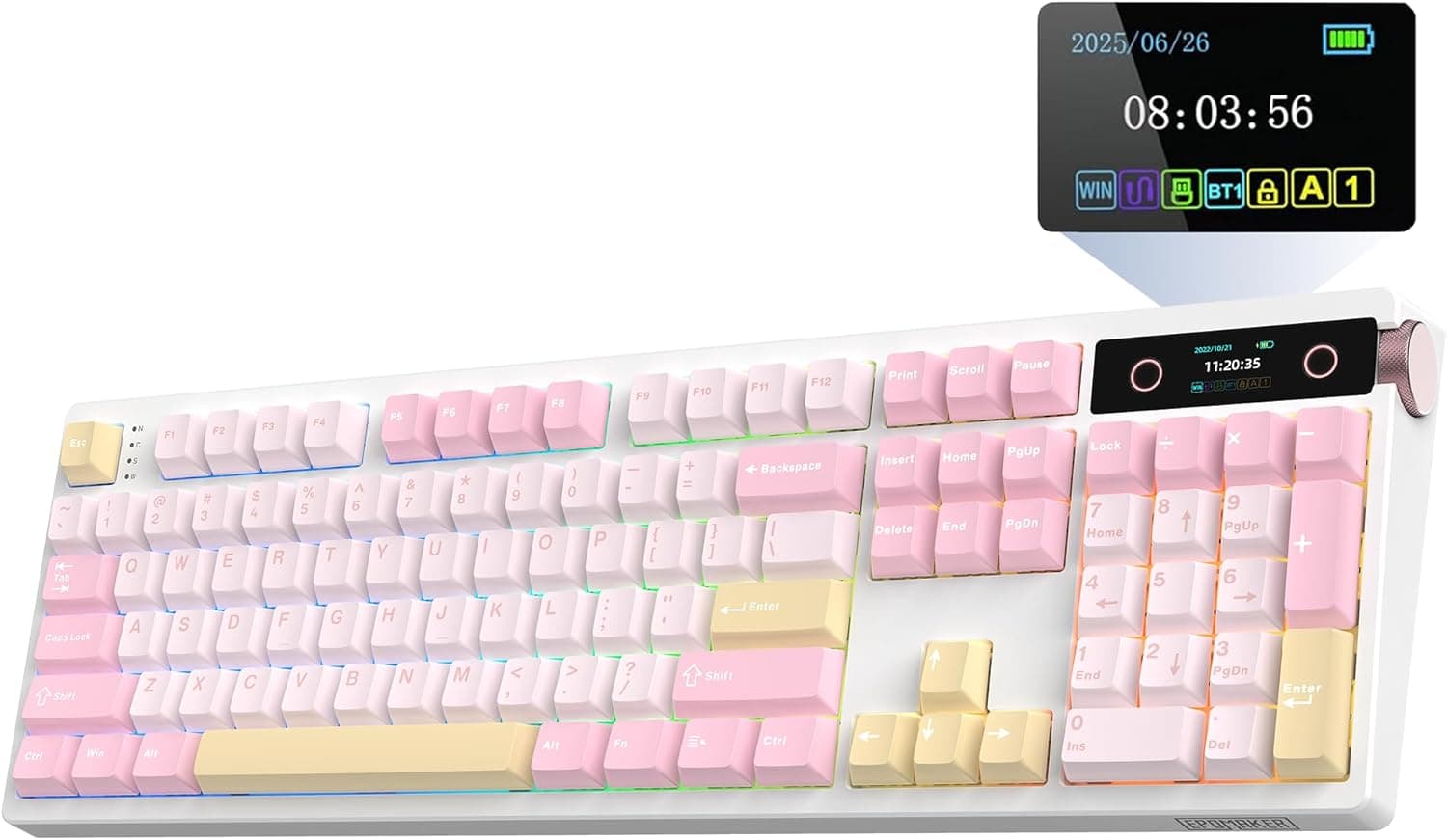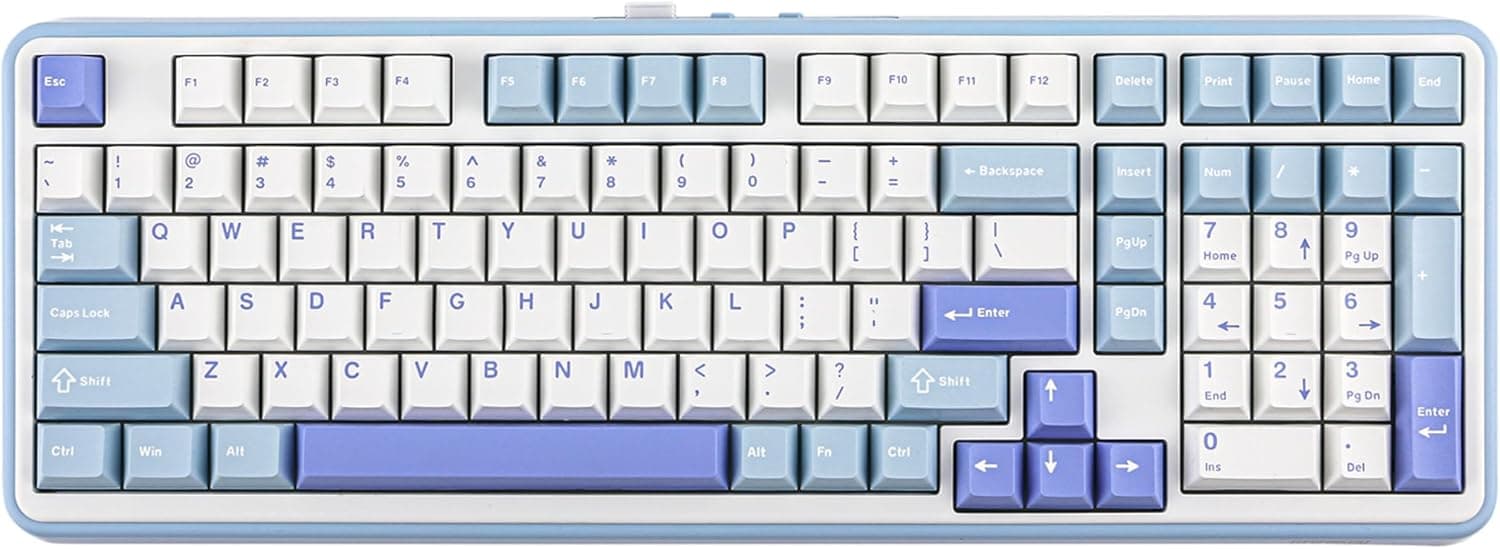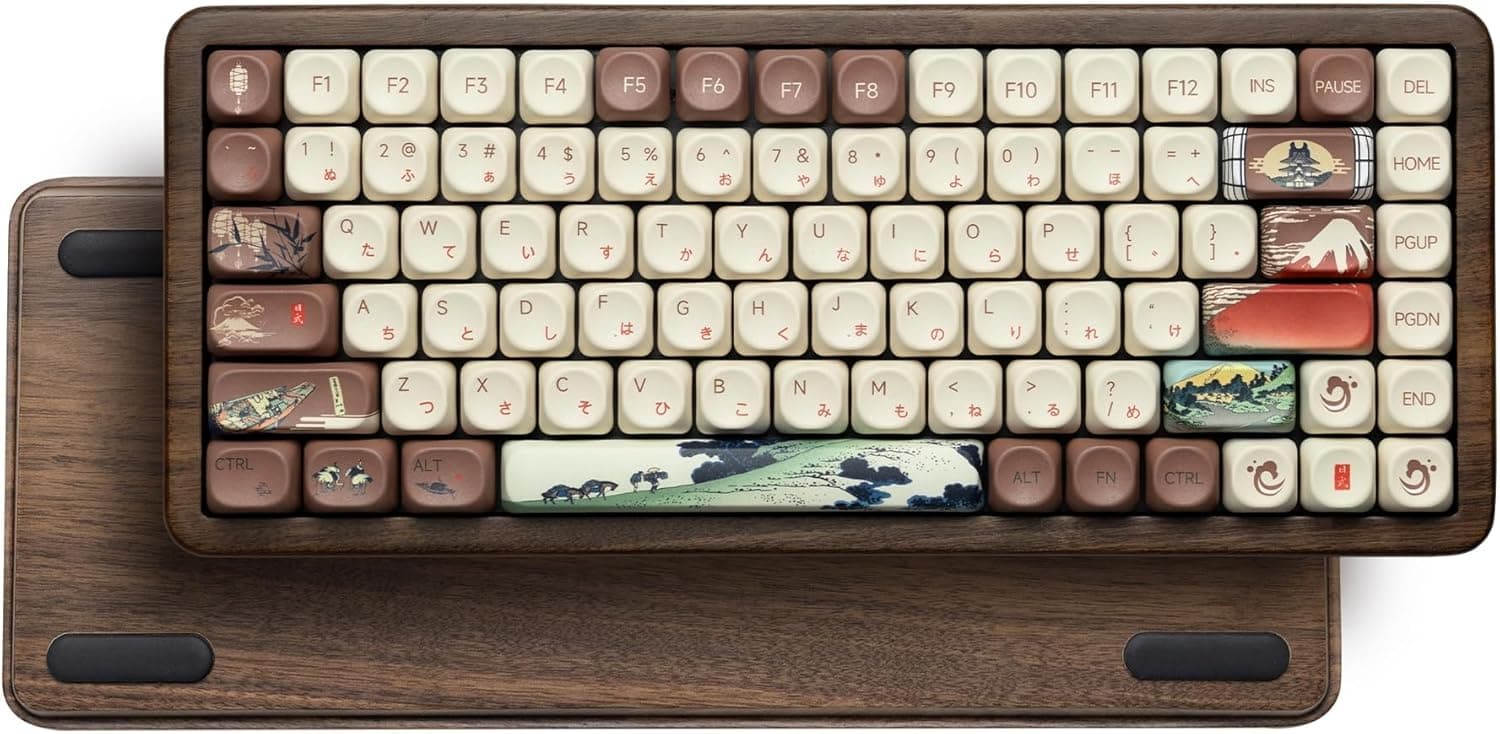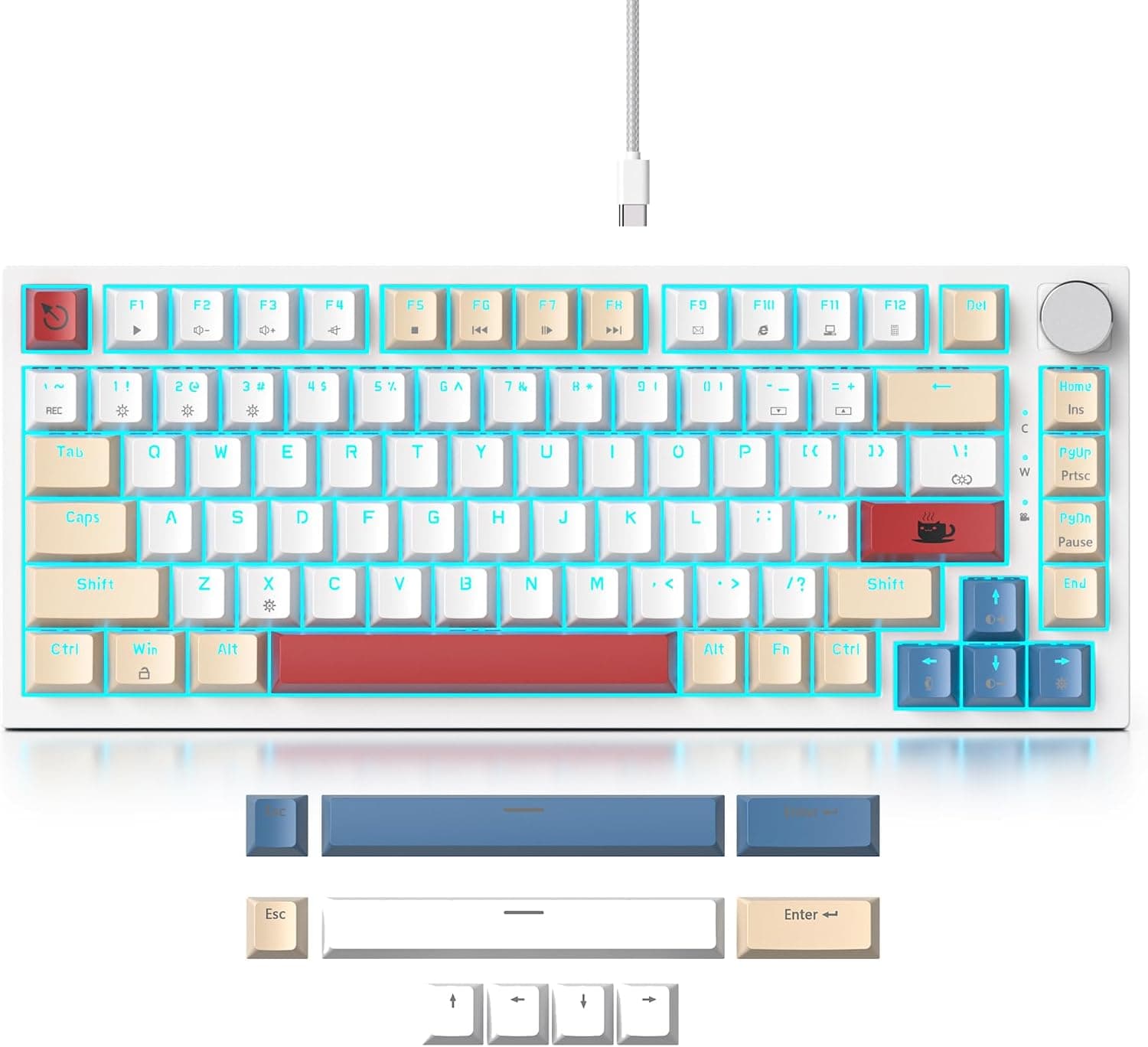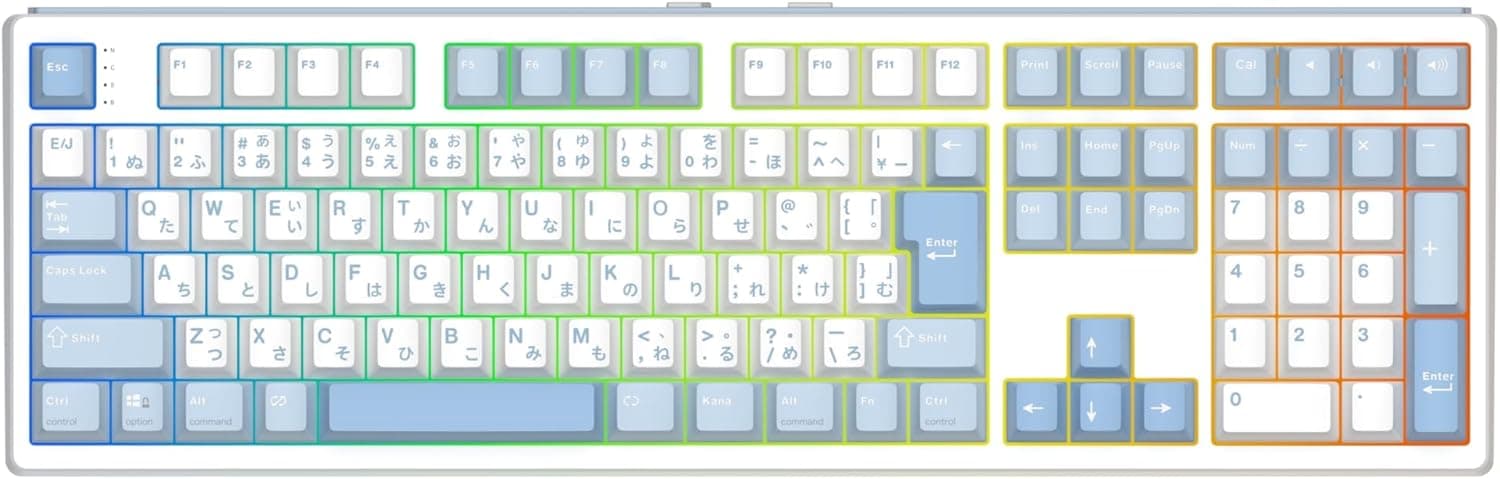
The EPOMAKER TH108 JIS 日本語配列フルサイズワイヤレスゲーミングキーボードテンキー付き 2.4GHz covers four boxes that rarely appear together: a JIS layout, a full-size board with a numpad, wireless connectivity, and swappable switches.
This article walks through the published specs, where the board fits, and the pitfalls that only show up after you buy.
Overview
The EPOMAKER TH108 JIS is a full-size wireless mechanical keyboard built around Japanese input. It uses a JIS layout with 112 keys including the numpad (some listings state 108 keys — see the caveats section).
Connectivity covers three modes: 2.4GHz wireless, Bluetooth 5.0, and USB-C.
The built-in 10,000mAh battery is rated for up to 200 hours of wireless use.
The board is hot-swappable with 5-pin sockets, uses a gasket mount for a softer typing feel, ships with PBT double-shot keycaps, and offers customizable RGB lighting. Two switch options are available: Sea Salt Silent (quiet linear) and Creamy Jade (linear).
The short version: this board suits people who will not move to a US layout, want fewer cables on the desk, and still want to tune the feel later. Full-size JIS boards require dedicated tooling and keycap sets, so the field is already narrow; add wireless and hot-swap and the list shrinks fast.
The value here is the overlap of requirements, not any single headline spec.
Both stock switch options are linear, meaning no bump partway down. If you prefer tactile or clicky feedback, the stock configuration will miss — but hot-swap means you can change it.
Compatibility Guide
| Mode | Best for | Watch out for |
|---|---|---|
| 2.4GHz (bundled dongle) | Gaming and latency-sensitive use | Occupies a USB-A port; losing the dongle has no easy substitute |
| Bluetooth 5.0 | Tablets, laptops, multi-device use | Rated by the maker for up to 5 paired devices; wake-from-sleep can lag briefly |
| USB-C wired | Charging while typing, the most reliable link | Cable included; polling rate is not published |
Windows, macOS, and Android are supported, and the board is described as working with consoles such as PS5 and Nintendo Switch. Console keyboard support depends on the console firmware, and some systems will not enumerate a 2.4GHz dongle — test over USB-C first if consoles are your main target.
The JIS layout includes the 無変換, 変換, and カナ keys, so Japanese IME switching works the way you already expect on Windows. Moving to a US layout changes both symbol placement and IME habits, and speed drops until you re-learn it.
For that audience, the JIS layout itself is the compatibility story. Dedicated mute and volume keys are also on board.
Dimensions are 445 x 140 x 33 mm, and this is where buyers most often trip. A 445 mm width is large even among full-size boards.
On a 600 mm-deep desk with a palm rest in front and mouse room to the right, anything narrower than a 1000 mm top gets cramped. If you use a sliding keyboard tray, measure its inner width before ordering.
At 33 mm tall this is not a low-profile board, so a palm rest is close to mandatory for long sessions.
On macOS, JIS recognition and modifier placement (Command/Option, kana/eiji handling) differ from Windows, and you may need to set the layout explicitly in system settings. Mac-first users should know that tradeoff going in.
The board carries Japanese technical standard certification (技適), so wireless use in Japan is legal and unproblematic.
Product Info
| Item | Value |
|---|---|
| Keys | 112 |
| Connectivity | 2.4GHz / Bluetooth 5.0 / USB-C |
| Battery | 10000mAh |
| Wireless runtime | Up to 200 hours |
| Switch type | Linear |
| Switch options | Sea Salt Silent (quiet linear) / Creamy Jade (linear) |
| Hot-swap | 5-pin compatible |
| Keycaps | PBT double-shot |
| Backlight | RGB (customizable) |
| Mount | Gasket |
| Dimensions (W×D×H) | 445 x 140 x 33 mm |
| Certification | 技適 certified |
Amazon.co.jp listed the board at ¥15,600 as captured on 2026-09-18.
Keyboards swing a lot on sales and coupons, so treat that figure as a snapshot and check the product page for the current price. Note that the collected "Amazon US" entry carries the same yen figure and a Japanese URL, so it is not usable as an overseas price; this article therefore quotes no figure other than the Japanese one.
Against that price, the combination of a 10,000mAh cell, PBT double-shot caps, a gasket mount, and hot-swap sockets is a genuinely full feature set. The battery in particular is large by wireless-keyboard standards, which matters if you dislike hunting for a charging cable.
Release timing is given as around 2025, though the exact date is unconfirmed. Warranty follows manufacturer policy with no stated term.
Accessories include a USB-C cable, a keycap puller, and spare switches. Epomaker-JP is the listed seller for the domestic market.
How It Compares
The gaming keyboard market now splits three ways, and none of them is simply better.
First, wired magnetic (Hall effect) boards built around rapid trigger. Adjustable actuation makes them strong for FPS reaction times, and JIS full-size versions exist.
But they are usually wired-only and you cannot swap in mechanical switches. The TH108 JIS trades that ceiling for cable-free use and a feel you can change later.
Second, compact 75% and 96% wireless boards. They win on desk space and mouse room, but the numpad either disappears or gets squeezed.
If number entry is part of your daily work, that gap does not close with practice — which is the main reason to pick the TH108 JIS.
Third, wired custom mechanicals. They are efficient if you only want feel per yen, but the cable stays.
What the TH108 JIS gives up in exchange for wireless is weight from the battery and a slightly more complex mode-switching routine.
Reading the Ratings
Check the retailer's page for the latest user reviews. That is a strong score, but 42 samples is thin — you cannot read it with the same confidence as a several-hundred-review staple.
Early-unit defect rates and one-year battery behaviour simply are not visible at that sample size.
With multi-mode wireless boards, complaints usually cluster around mode switching, wake-from-sleep, and companion software rather than typing feel. Within the return window, test all three connection modes, every key including the numpad, and the RGB and battery indicators.
Best Use Cases
- Office workers typing a lot of Japanese — the JIS layout plus numpad means zero relearning cost for documents and spreadsheets.
Wireless cleans up the desk, and Sea Salt Silent keeps it usable in shared rooms. Not for anyone who prefers tenkeyless or compact layouts.
- Gamers who like to tinker — 5-pin hot-swap sockets let you change switches with a puller, and RGB is customizable.
The gasket mount stays comfortable over long sessions. Competitive players chasing single-millisecond latency should plan on wired use, or look at a dedicated magnetic-switch board.
- Multi-device users — the maker rates Bluetooth for up to 5 paired devices, so one board can drive a PC, tablet, and phone.
If consoles are in the mix, confirm recognition over USB-C first.
- People tired of charging — 10,000mAh and up to 200 hours is generous for a wireless board, and USB-C lets you keep working while it charges.
Before You Buy
The key count is inconsistent across the listing data. The spec sheet says 112 keys while the form-factor field says full-size (108 keys).
JIS full-size boards land anywhere from 108 to 112 depending on how keys are counted, so neither is automatically wrong — but count the keys in the product photos yourself before ordering. Bottom-row widths and spacebar assignments are where regret usually starts.
The 200-hour figure has no stated test condition. Ratings like this are generally measured with the backlight off.
Assume runtime drops substantially with RGB on, and check the product page for the stated conditions.
10,000mAh means weight. The listing does not publish a weight, so no claim here — but a full-size board with a battery that large is not going to be light.
Fine for a fixed desk, wrong for daily transport.
Measure for 445 mm of width first. Losing mouse travel matters directly if you play at low sensitivity.
Both stock switches are linear. Tactile and clicky fans will want a swap, and a full-size board needs roughly 110 switches.
Factor that into the total cost. 5-pin sockets generally accept 3-pin switches as well, but confirm on the product page before buying.
macOS differences persist. Layout recognition and modifier placement are not identical to Windows; Mac-first buyers should accept that up front.
Listing data is not always correct. Retail product pages sometimes mix in another item's specs or price.
If a price, key count, or accessory line looks off, confirm the product from the title and photos before ordering.
FAQ
Q. Is 2.4GHz good enough for gaming? A.
For general play, yes. If you manage latency at the millisecond level, use USB-C wired.
Having three modes lets you stay wireless day to day and go wired for matches.
Q. Can I change the switches later? A.
Yes — 5-pin hot-swap means no soldering. Pull the keycap and switch with the bundled puller, and insert new switches straight down so the pins do not bend.
Budget around 110 switches for a full-size board.
Q. Does it work on PS5 or Nintendo Switch? A.
It is described as compatible, but console keyboard support depends on firmware and some systems will not accept a 2.4GHz dongle.
Test over USB-C first.
Q. How quiet is it? A.
Sea Salt Silent linears keep noise low enough for shared offices or late nights. It is not silent — large keys like space and enter still make themselves heard.
Q. What happens when the battery runs out?
A. Plug in USB-C and keep typing while it charges. Work does not stop.
Product Disclosure (Amazon)
- Manufacturer: EPOMAKER
- Seller: Epomaker-JP
- Fulfilled by: Amazon
- ASIN: B0FZR7D2J4
- Note: This article covers a manufacturer-made product based on Amazon listing details.