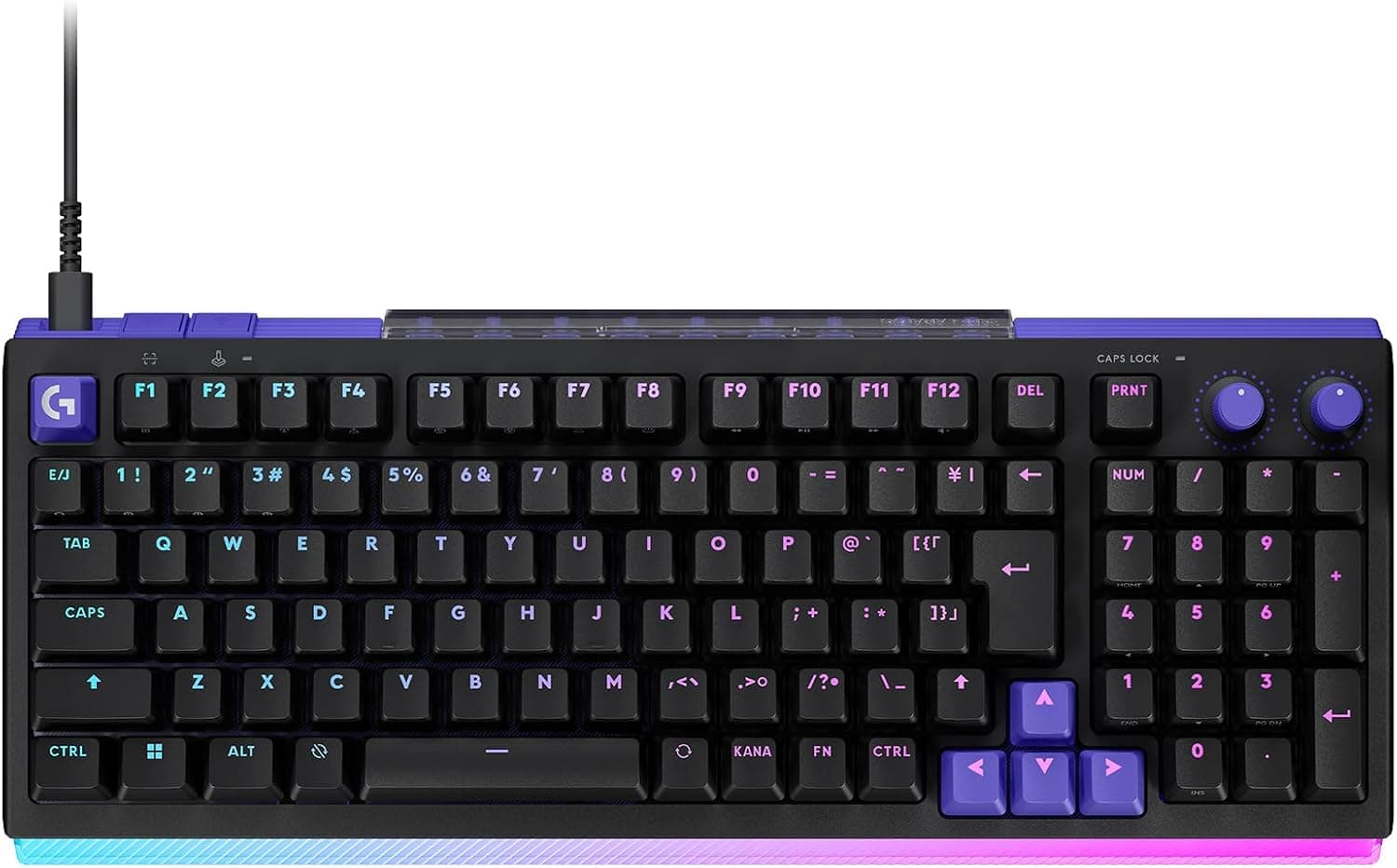
This article takes a close look at Logicool G 8000Hz ラピッドトリガー ホットスワップ G512 X 98 ゲーミングキーボードリニアガスケットマウント日本語配列 G512X-98-LNBK アクチュエーションポイント調整可能有線磁気式アナログスイッチメカニカル LIGHTSYNC RGB テンキー ゲーミングキーボード (black, Windows, Japan domestic retail model), covering both how to read the spec sheet and what actually matters in daily use.
Overview
The short version: the G512 X 98 (model G512X-98-LNBK) is for people who want rapid trigger without giving up a Japanese (JIS) layout and a numpad. It combines rapid-trigger-capable magnetic analog switches, all-key hot-swap, an 8000Hz polling rate and a gasket-mounted chassis — features that are usually split across different products.
The manufacturer calls this two-tier switch design dual-swap.
Competitive magnetic keyboards are overwhelmingly 60%, 65% or 75% boards in ANSI layouts. A magnetic board with a JIS layout and a numpad is a rare thing, and that is this keyboard's clearest reason to exist.
It suits the one-desk, two-jobs pattern: spreadsheets and numeric entry during the day, shooters at night.
It is not cheap. The captured price on Amazon.co.Check the retailer's page for the latest price.
Whether that is worth paying depends on the conditions under which rapid trigger and 8000Hz actually help, which is the next section.
Rapid Trigger and 8000Hz Are Two Different Things
These two get mentioned in the same breath, but they work differently and pay off in different situations. Confusing them is the usual reason a buyer ends up saying it does not feel that different.
| Feature | What it does | Where it pays off |
|---|---|---|
| Rapid trigger | Releases the instant you lift, re-triggers the instant you press again, with no fixed reset point | Counter-strafing (A/D flicks), strafe shooting, fast repeats in rhythm games |
| Actuation point adjustment | Changes how deep a key must travel before it registers | Deeper on WASD to avoid mistypes, shallower on keys you want to feather |
| 8000Hz polling | Reports input to the PC 8000 times per second, roughly every 0.125 ms | Reducing timing jitter on high-refresh setups |
In numbers: a typical 1000Hz board reports about every 1 ms, and 8000Hz about every 0.125 ms.
The gap is under a millisecond at worst. That is not the same category of change as rapid trigger, which alters how the input itself behaves.
Treat 8000Hz as something that starts to matter on a 240Hz-plus display with CPU headroom to spare. Rapid trigger, by contrast, is noticeable regardless of your monitor.
Prioritise rapid trigger first and 8000Hz second.
Compatibility Guide
The supported OS is Windows 10 or later, and the connection is wired USB-C. Actuation point tuning, rapid trigger behaviour and LIGHTSYNC RGB sync all run through Logitech G HUB.
The honest framing is that you can type without the software, but most of the reason to buy this board lives inside it.
If you intend to run 8000Hz, mind the cable path. USB hubs, KVM switches, monitor-integrated USB ports and long extension cables can quietly drop or destabilise the polling rate.
Plug straight into a port on the PC itself. Note also that 8000Hz generates interrupts eight times as often as 1000Hz, so on a CPU-constrained build it can increase frame-time variance rather than reduce it.
If something feels off, step down to 1000Hz or 2000Hz and compare.
For macOS and Linux, the official compatibility note says Windows 10 or later and nothing more. Basic typing usually works over standard USB HID, but full G HUB configuration is outside supported territory.
If Mac use is part of your plan, confirm the wording on the product page before buying.
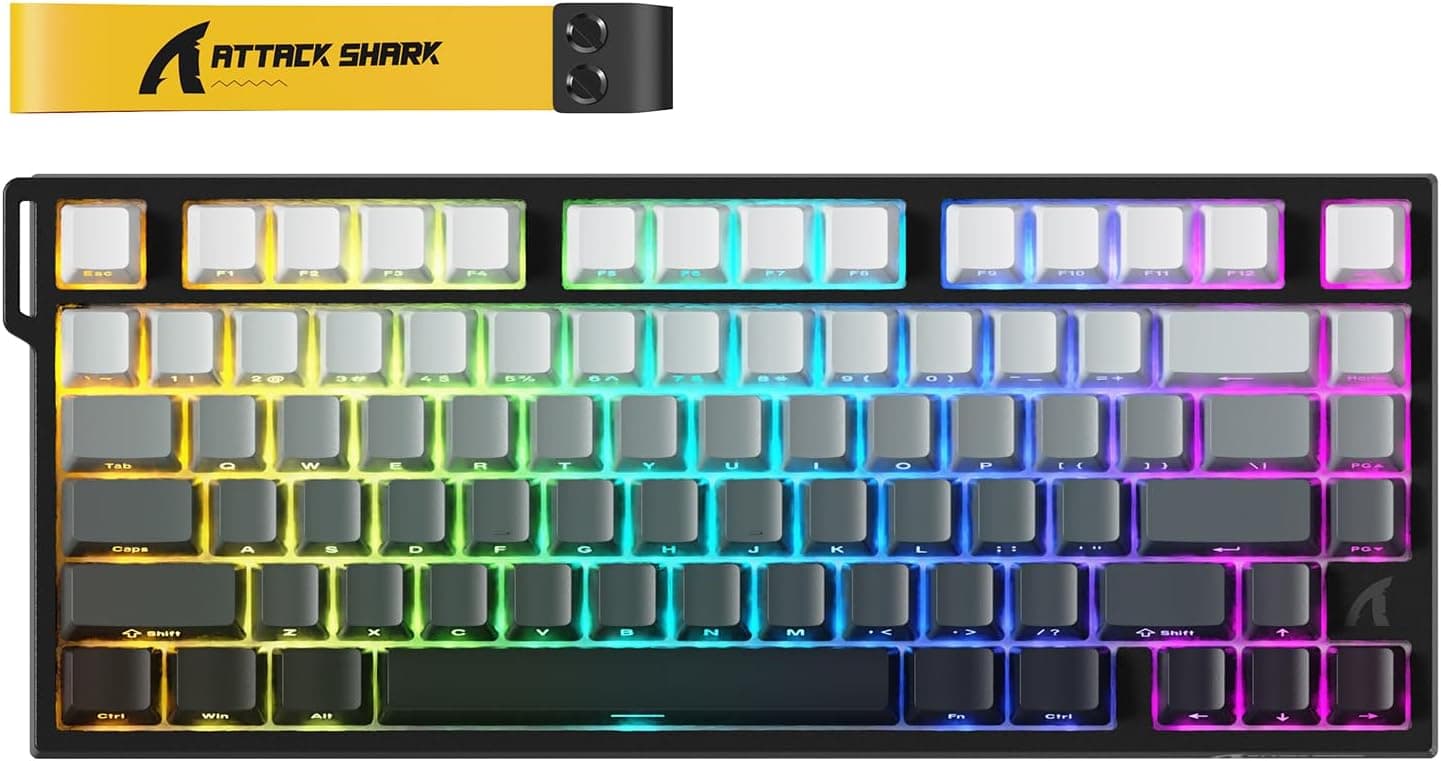
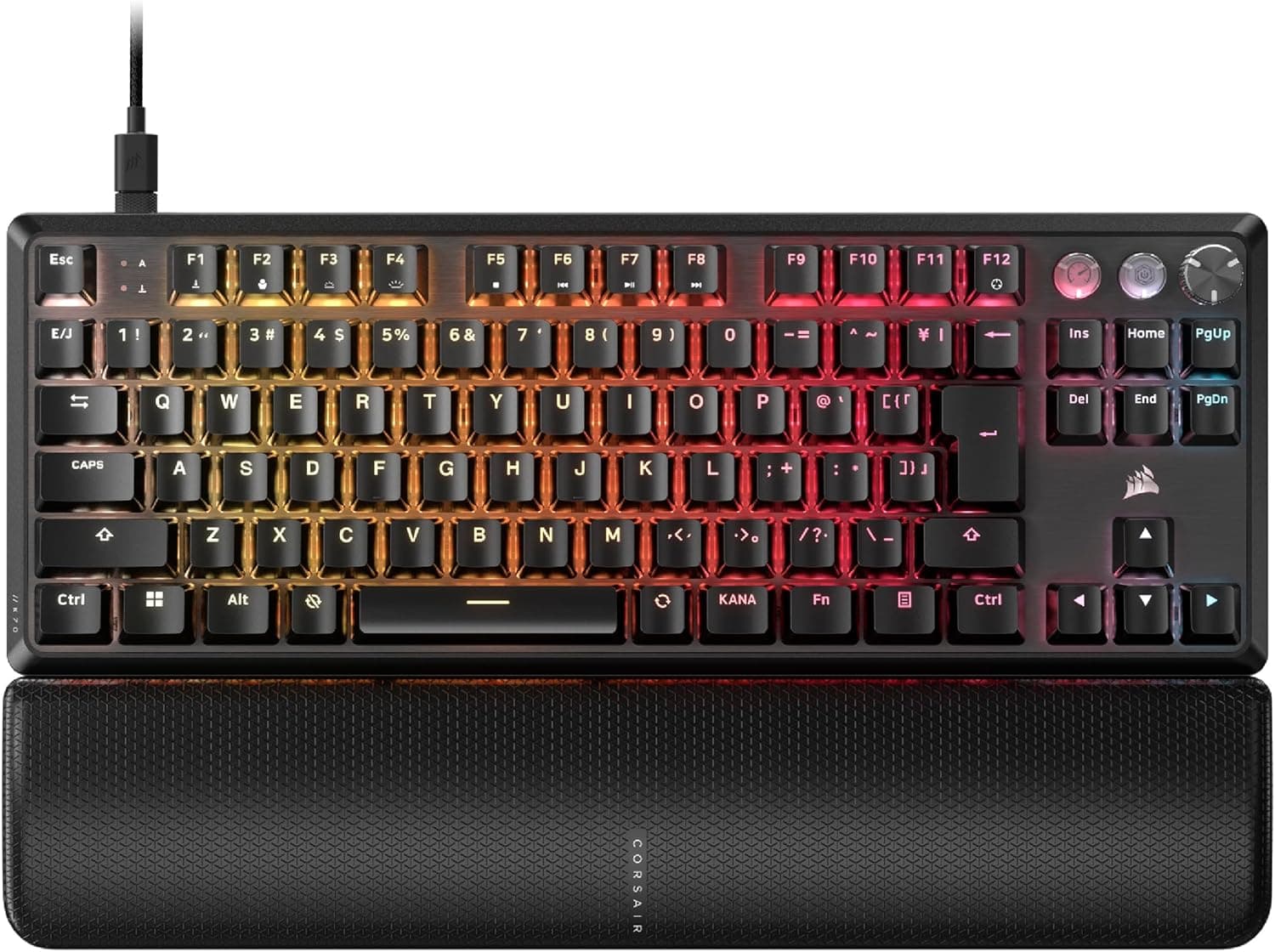
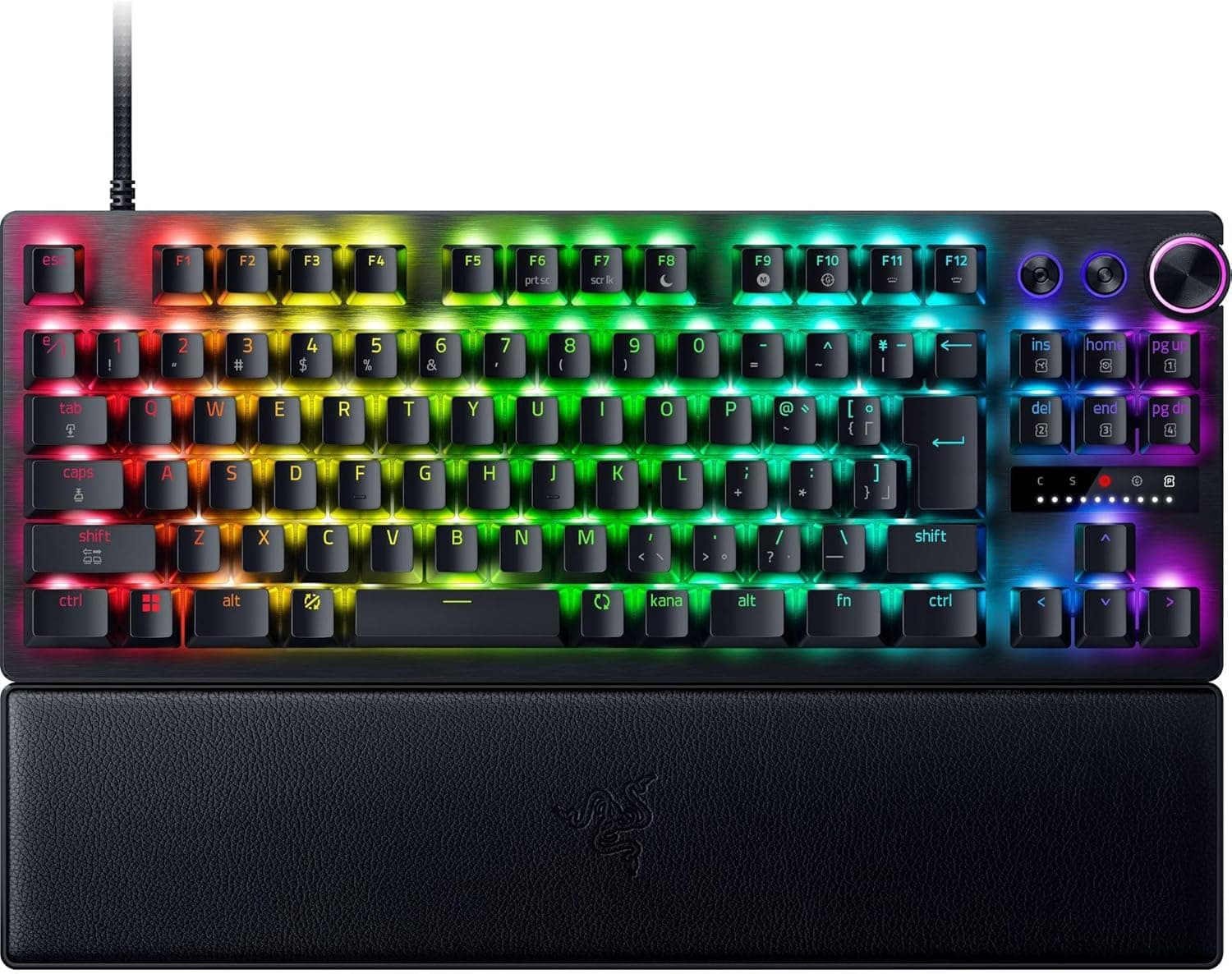
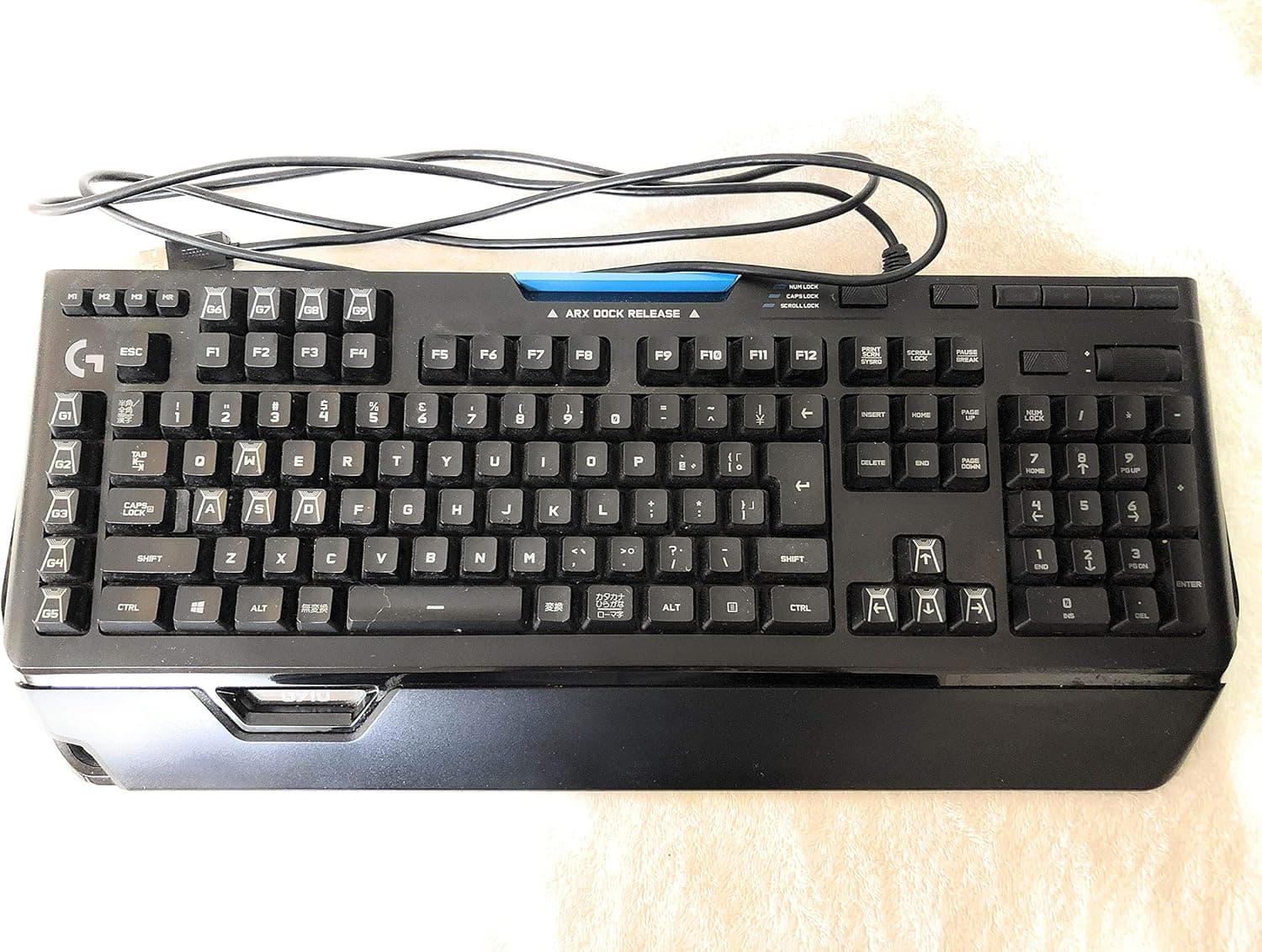
Physically, 98 keys is a compressed full size — roughly ten percent fewer keys than a Japanese full-size board of about 108. As the product name indicates, the numpad stays; the navigation cluster is what gets squeezed, which is how the width comes down.
The palm rest is sold separately, and because a gasket mount flexes under the hands, wrist-rest users should check height compatibility too.
Product Info
rmation
The headline specifications:
| Item | Value |
|---|---|
| Polling rate | 8000 Hz |
| Key count | 98 |
| Switch type | Magnetic analog / mechanical hot-swap |
| Connection | Wired USB-C |
| Layout | Japanese (JIS) |
| Backlight | LIGHTSYNC RGB |
| Structure | Gasket mount |
co.jp as of 18 September 2026.
Keyboard pricing moves with stock and sales, so the figure here is a snapshot from the moment it was captured — check the product page for the current number. No concrete figure was captured for the marketplace listing (an eBay search), so this article does not quote one.
Check the retailer's page for the latest user reviews. A five-review average can swing half a point on a single outlier.
Read it as nothing worse than no obvious complaints yet, and do not build a purchase decision on it. At this stage, waiting a few weeks changes how much you actually know about the product.
On switches, every key accepts hot-swapped mechanical switches, and certain keys additionally accept magnetic analog switches — the two-tier arrangement. Confirm on the product page which keys take the magnetic switches (all of them, or a subset around WASD).
Rapid trigger works only on keys fitted with a magnetic switch; keys left on mechanical switches do not get it. That is the easiest point to misread.
How It Compares
Three alternatives sit in the same budget. First, dedicated magnetic boards at 60 to 75 percent: they push hardest on rapid trigger tuning and chassis rigidity and free up desk space, but there is no numpad and most are ANSI.
Second, 8000Hz mechanical boards: better typing-feel options and deeper customisation, but rapid trigger is impossible by design. Third, JIS full-size mechanical boards: much cheaper, at the cost of giving up actuation point adjustment entirely.
This keyboard aims at the middle of those three rather than winning any single axis. If the combination — trying magnetic and mechanical on one board while keeping a JIS layout and numpad — is what you value, it is a sensible buy.
If you only want rapid trigger refined to the limit, a dedicated board is the cleaner answer; if you only want typing feel, the same money buys a more elaborately built keyboard.
Who It Is For
Competitive players who will not abandon the JIS layout. Moving to ANSI changes the spacebar length and the position of the conversion keys, and performance drops for weeks while you adapt.
Getting rapid trigger without paying that cost is this board's core value.
People who game and enter numbers on the same machine. Spreadsheets, accounting and CAD entry all lean on the numpad; going tenkeyless usually costs more productivity than it saves in desk space.
A 98-key layout is the compromise built for exactly this.
Tinkerers who tune by swapping switches. All-key hot-swap means silent linears for late-night typing, or heavier springs to cut mistypes, with no soldering.
Being able to compare magnetic and mechanical in the same chassis is a genuinely useful way to learn what you prefer.
Before You Buy
Check that your setup can use 8000Hz. On a 60Hz or 144Hz display with a busy CPU, the difference is hard to feel.
Think of the price premium as buying rapid trigger and the layout, not the polling rate. If your only option is a USB hub, 8000Hz may not be stable in the first place.
A 98-key board is a shrunk full size, not the same thing. Insert, Delete, PageUp/PageDown and Home/End are often repositioned or resized, which trips up touch typists first.
Study the layout image before buying and find the keys you use every day. The same applies to the JIS-specific conversion keys.
Wired only. USB-C, no wireless.
That is a coherent trade for 8000Hz, but it rules the board out if you want a tidy desk or plan to carry it between devices.
** As noted, a 4.2 built on that sample says nothing yet about durability or unit variance. Early-batch issues, if any, have not surfaced. If you are not in a hurry, waiting has real value.
Do not take the listing metadata at face value. In the data behind this article, the overseas price field was labelled Amazon US yet pointed at the same Japanese page and the same yen figure.
Listing details disagreeing with themselves is not unusual. Cross-check the product photo, the title and the model number G512X-98-LNBK before ordering — JIS versus ANSI, and numpad versus tenkeyless, are frequently sold side by side under one series name.
G HUB stays resident. Keeping the fine-grained settings means keeping the software installed.
If you avoid background utilities, check first how much of your configuration can live in onboard memory.
FAQ
Q. Can you really feel 8000Hz? A.
The gap versus 1000Hz is under a millisecond at worst. It starts to matter with a 240Hz-plus display and CPU headroom; for most people rapid trigger is by far the bigger change.
Q. Does rapid trigger work on every key? A.
Only on keys fitted with magnetic analog switches. Keys left on mechanical switches have a fixed actuation and reset, so neither rapid trigger nor actuation tuning applies.
Check the product page for which keys accept magnetic switches.
Q. Can I reuse my existing mechanical switches? A.
Hot-swap boards generally accept MX-compatible 3-pin and 5-pin switches; confirm the supported types on the product page or in G HUB support material. Magnetic and standard mechanical switches are not interchangeable — a mechanical switch in a magnetic socket will not be sensed magnetically.
Q. Can I use it without G HUB? A.
Typing works, but actuation tuning, rapid trigger settings and detailed lighting control are software features. Since that is most of the reason to buy this board, treat G HUB as effectively required.
Q. Is it quiet? A.
A gasket mount decouples the plate and PCB from the case, so with the same switches it usually sounds calmer than a typical tray mount. Most of the sound, though, comes from the switches and keycaps — if quiet is the goal, use the hot-swap sockets to fit silent linears or silent tactiles.
Product Disclosure (Amazon)
- Manufacturer: Logicool G(ロジクール G)
- Seller: Amazon.co.jp
- Fulfilled by: Amazon.co.jp
- ASIN: B0GWLHR3Y2
- Note: This article covers a manufacturer-made product based on Amazon listing details.