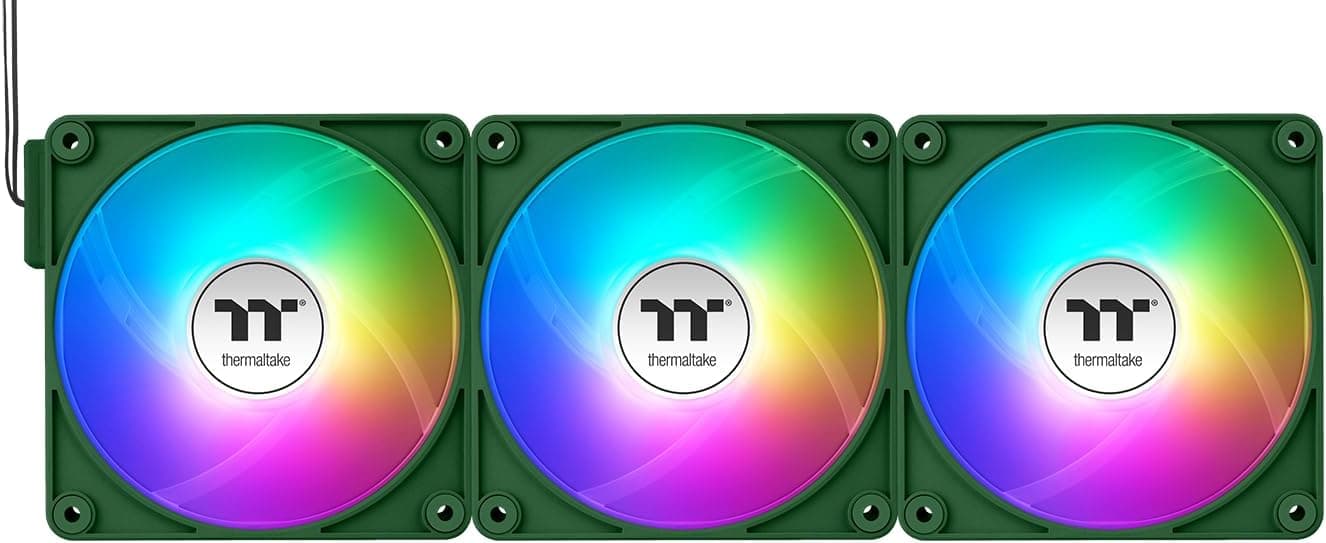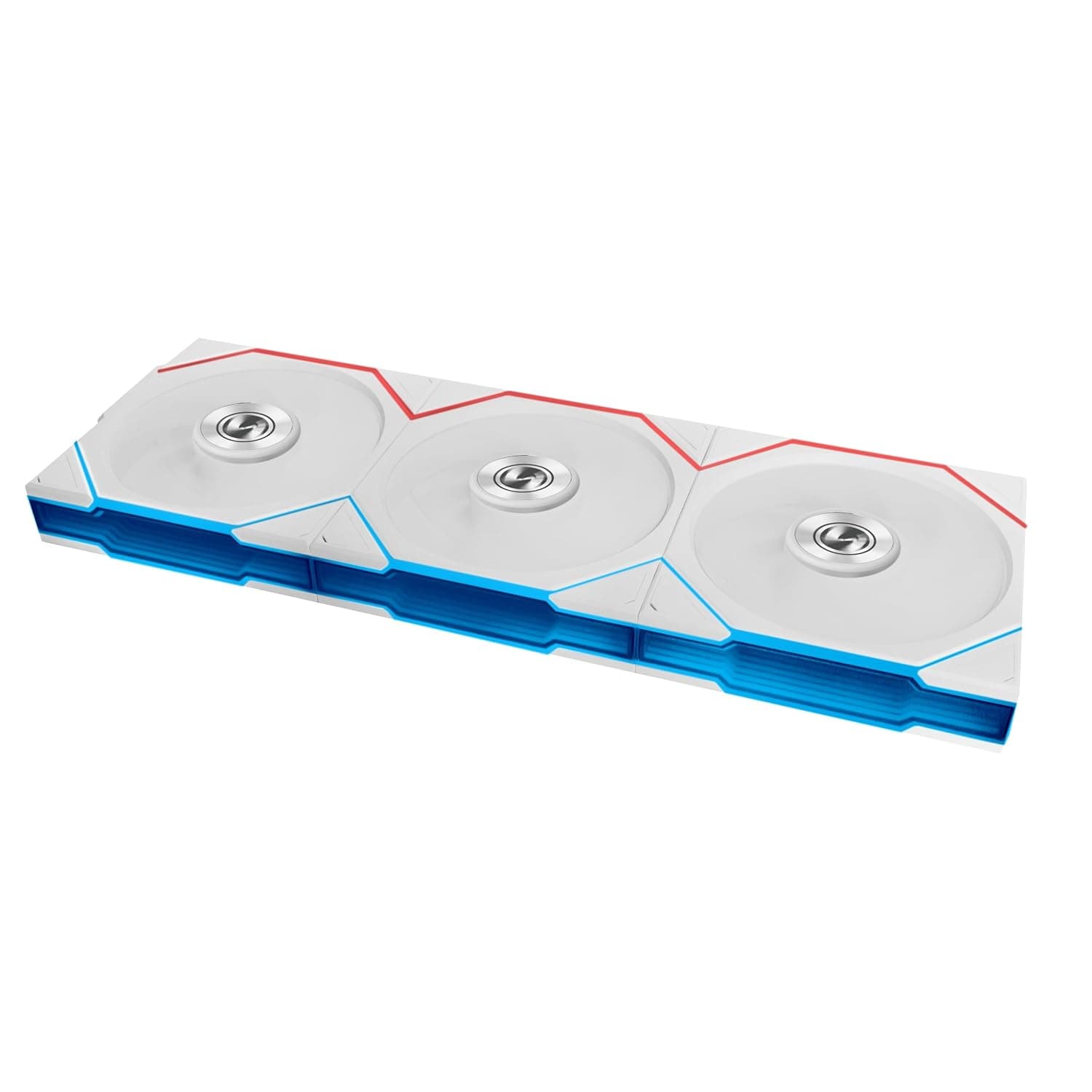
Lian Li UNIファンTLフレックス120リバースブレードARGB PWMファン (UNI FAN TL Flex 120 Reverse Blade, 3-pack white) answers two demands at once: add fans without adding cables, and show the blade face through the side panel. Short version — if your build uses front or bottom intake and you look at it through glass, this design pays off directly.
If you need a single fan, or you do not care about lighting, it is not worth the money.
Overview
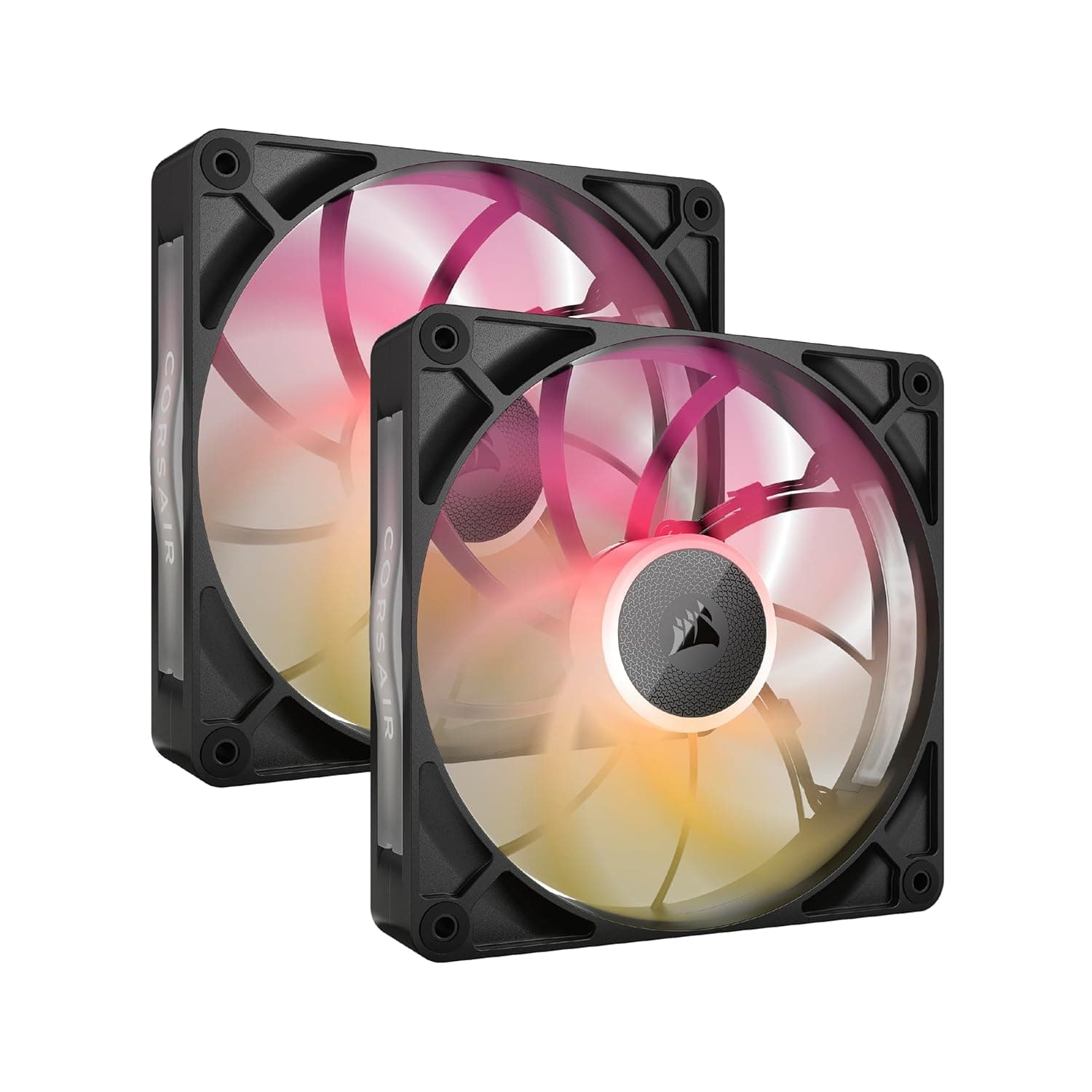
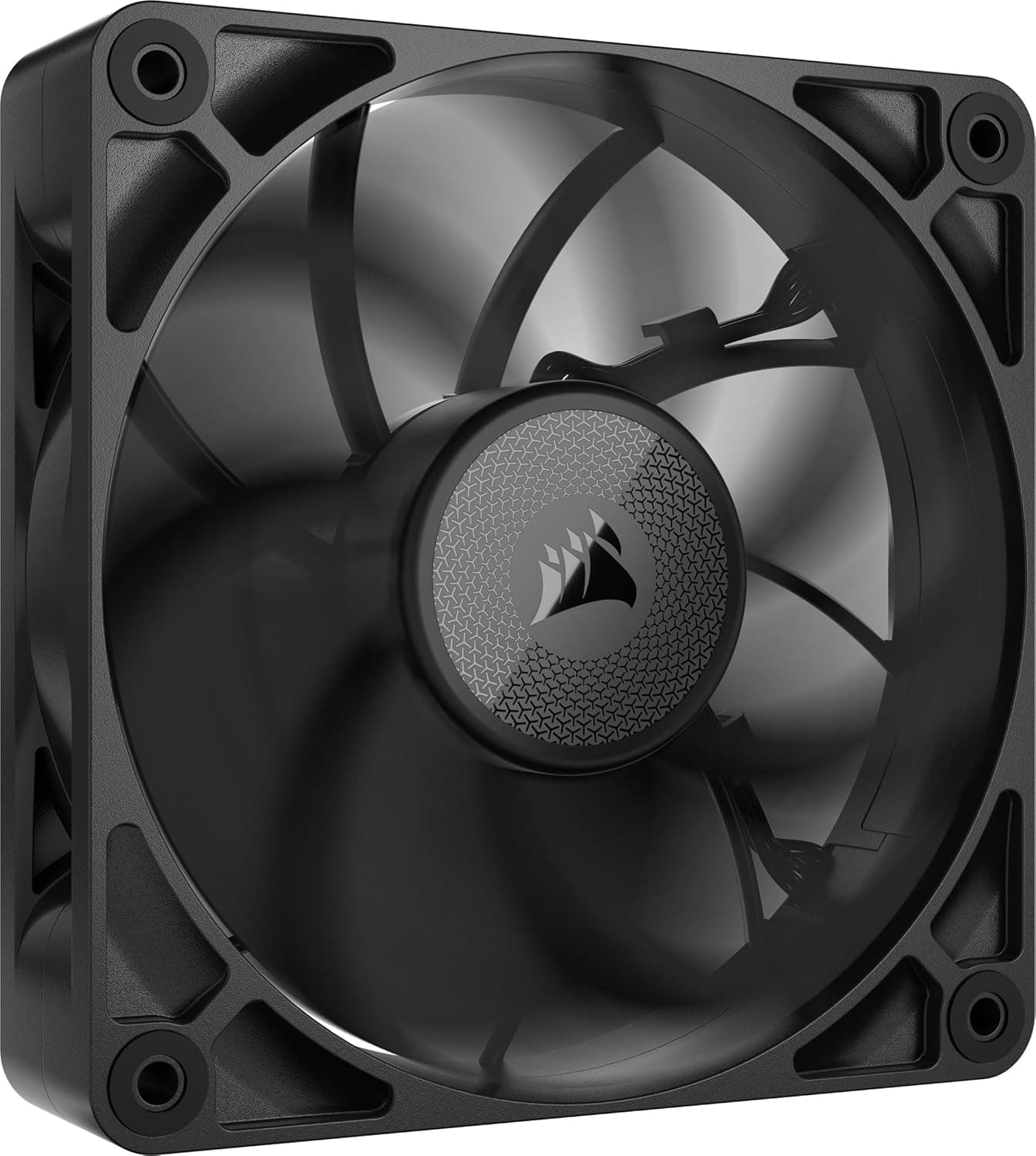
This is the reverse-blade version of the UNI FAN family, keeping the modular daisy-chain link and flipping the blade orientation. A normal fan shows the front of its blades on the intake side and the motor hub plus support struts on the exhaust side.
With front or bottom intake, that means the face visible from outside the glass is the hub side, and the ARGB blades point away from the viewer. Reverse blades exist to resolve exactly that mismatch: you swap the visible face without changing the airflow direction.
On the cooling side, the numbers are 2300 RPM maximum, 83.4 CFM airflow, 2.66 mmH2O static pressure and 31 dBA noise.
The bearing is FDB (fluid dynamic) and the blades are LCP (liquid crystal polymer), a stiff material chosen to limit blade flex at high RPM. 83.4 CFM is near the top of the 120mm class, and 2.66 mmH2O is enough to push air through a radiator or a dust filter.
The Amazon.co.jp rating is 4.6 out of 5 across 23 reviews (92% positive) — a high score on a thin sample.
The 3-pack includes an L-Wireless controller, a PWM/ARGB hub, cables, a magnetic RGB cover and standoff screws. You can drive the fans through L-Connect 3, through motherboard PWM/ARGB headers, or wirelessly via the bundled controller.
Compatibility Guide
Mounting is the standard 120mm pattern, and each fan measures 120 × 120 × 25 mm. That fits case panels, 120mm radiator sections and compatible air coolers, but not slots that only clear a slim (15mm-class) fan.
Because UNI FAN frames use their side faces for the link mechanism and connectors, measure your clearance first if memory heatsinks, cable pass-throughs or a pump head sit right next to the fan row.
Electrically there are two paths: a 4-pin PWM connector and a 5V 3-pin ARGB connector. All three fans chain into the bundled hub, and the hub runs one cable to a PWM header and one to an ARGB header, so header usage stays minimal.
ARGB sync covers ASUS Aura Sync, Gigabyte RGB Fusion, MSI Mystic Light and ASRock Polychrome; on older boards with no ARGB header, the bundled controller still handles the lighting.
The easy thing to miss is the wireless requirement. The L-Wireless controller needs one internal USB 2.0 header on the motherboard.
Mini-ITX and some MicroATX boards ship with only one, and it is often already claimed by an AIO pump controller, the front-panel USB, or another ARGB box. Count your headers before buying, and budget for a splitter if you are short.
The spec sheet lists 5 V rated voltage and 4.08 W power draw.
PWM fan motors normally run from a 12V header while 5V belongs to the ARGB LEDs, so reading that 5 V as the ARGB rail is the natural interpretation — but it is not something to state as certain, so check the product page if you are calculating a tight power budget. Either way, if 4.08 W is per fan, three of them land around 12 W, which is nothing for a normal ATX supply.
Product Details
The captured price was ¥25,811 for the 3-pack on Amazon.co.jp as of 8 September 2026.
Divided three ways, that is roughly ¥8,600 per fan — upper-tier pricing once you include ARGB, the link mechanism and the wireless controller. Prices move often, especially during sales, so confirm the current figure on the product page.
Note also that the entry labelled as the overseas listing carries the same ASIN and the same yen price, so it is a duplicate of the domestic listing, not a USD price.
| Item | Value | How to read it |
|---|---|---|
| Dimensions (per fan) | 120 × 120 × 25 mm | Standard thickness, not slim-fan compatible |
| Max speed | 2300 RPM | High for a case fan; 50–70% is plenty day to day |
| Airflow | 83.4 CFM | Top tier for the 120mm class |
| Static pressure | 2.66 mmH2O | Enough for radiators and filters |
| Noise | 31 dBA | Figure at full speed; much quieter lower down |
| Bearing | FDB | Long-life, low-noise design |
| Blade material | LCP | Stiff, resists flex |
| Connectors | 4-pin PWM + 5V 3-pin ARGB | Standard headers |
Every figure above is a rated maximum. In practice you will rarely run 2300 RPM, and a curve set to 50–70% lands well under the 31 dBA ceiling.
The flip side is that this is not a low-RPM silence specialist — it is built to have headroom on tap when the load arrives. Package dimensions are 11 × 15.8 × 13.3 cm, the warranty is listed as 2 years from the maker, and the release is given as late 2025; confirm accessories and warranty terms on the product page before ordering.
How It Compares
The key idea: a reverse blade fan is not a faster fan, it is a differently oriented one. It does not beat the standard version on cooling numbers — it rescues layouts where airflow direction and the face you want to see disagree.
So replacing every fan in the case with reverse units is a mistake. Use standard fans where the blade face already shows (usually top and rear exhaust seen from inside), and reverse units only at intake positions where the glass would otherwise show the hub.
Other reverse-blade options include the Thermaltake CT120 Reverse EX ARGB Sync 3-pack and the JONSBO ZA-360WR reverse set, both covered in separate articles on this site. UNI FAN TL Flex wins on total cable reduction thanks to the link system and wireless control, but the rivals are realistic if you want to spend less.
And if you do not need lighting at all, the same budget buys considerably more plain fans — that is the trade you are making.
Installation Notes
Check airflow direction first. With reverse blades, guessing the direction from the blade shape will mislead you every time, so read the arrows moulded into the frame.
Get this wrong and you end up with a visually perfect build whose internal airflow fights itself — a temperature problem that is hard to diagnose later.
Wiring goes: chain the three fans, one cable into the bundled hub, then one PWM lead and one ARGB lead to the motherboard. For wireless operation, connect the L-Wireless controller to an internal USB 2.0 header and install L-Connect 3.
Tie the fan curve to a motherboard temperature sensor or coolant temperature rather than raw CPU temperature — CPU spikes make the fans surge audibly — and avoid a zero-RPM floor if you want predictable behaviour.
Best Use Cases
- Builders chasing clean wiring — daisy-chaining cuts both header count and cable bulk. The more fans in the build, the bigger the win, and it shows most in cases with cramped cable routing space.
- Anyone who wants blades visible on the intake side — for front or bottom intake behind glass, this is the only clean fix. You no longer have to compromise airflow direction for looks.
- Gamers and creators who want quiet plus headroom — with 2300 RPM and 83.4 CFM available, you can idle quietly and only spin up under load. At 2.66 mmH2O it is also viable on a radiator.
- Builds that will grow — getting the hub and controller up front makes it easier to add matching fans later.
It is the wrong buy if you need only one fan, do not care about lighting, or are optimising for price. In those cases standard-blade TL fans or plain non-ARGB 120mm fans give far better value.
Before You Buy
The price assumes you want three. At ¥25,811 captured on 8 September 2026, that is about ¥8,600 per fan.
For one or two fans it is poor value; the maths only works for a three-fan run — a triple front intake, a triple bottom intake, or a 360mm radiator.
Do not make every fan a reverse fan. Reverse blades are not a premium upgrade of the standard model.
Mix them in where the visible face demands it, otherwise you have simply overpaid for ordinary fans.
Wireless control needs a free internal USB 2.0 header. Plenty of boards, Mini-ITX especially, have only one, already contested by an AIO or the front panel.
Without that header, the wireless part of the price is wasted and the non-Flex TL fans make more sense.
Some features assume resident software. Fine-grained lighting and unified sync run through L-Connect 3.
If you refuse background software, you will drive these from motherboard PWM/ARGB headers only and leave roughly half the product's value unused.
Match series and generation when expanding. Link and control compatibility can differ between UNI FAN generations.
Verify at the model-number level rather than assuming your existing fans will chain to these.
23 reviews is a thin sample. The 4.6/5 score (92% positive) is good, but that few ratings cannot tell you much about unit variance or early failure rates.
Treat it as a hint, not evidence.
Listing data can be inconsistent. In this dataset the overseas price field repeated the domestic ASIN and yen figure, and Amazon pages sometimes carry manufacturer or model numbers belonging to a different product entirely.
Before ordering, confirm from the images and title that you are looking at the reverse-blade 3-pack in white.
One more cosmetic note: white plastic can shift in tone over time depending on heat and light exposure, so expect some colour drift relative to other white parts in a long-lived build.
FAQ
Q. Standard TL or the reverse version? A.
Decide by which face the glass shows. Where a standard fan already presents its blades — typically top and rear exhaust — buy standard.
Use reverse only at intake spots where you would otherwise stare at the hub.
Q. My board has no 5V ARGB header. Can I still use them? A.
Yes. The bundled controller drives the lighting on boards with no ARGB header.
You lose unified sync with the motherboard software, not the lighting itself.
Q. Are they suitable for radiators? A.
With 2.66 mmH2O, 83.4 CFM and standard 25mm thickness, yes, on 120mm radiator sections.
Direction errors hurt most here, so confirm the arrows on the frame.
Q. Can I run more than four? A.
The bundled hub supports up to four fans per group. Beyond that you need another hub or controller, so settle on your final fan count before buying extras.
Q. Do reverse blades cool worse? A.
This model is rated at 83.4 CFM and 2.66 mmH2O, which is strong for the class.
There is no direct side-by-side figure against the standard version here, so no numerical verdict is possible — treat it as a question of orientation, not of capability.
Q. Is 31 dBA quiet? A.
That is the value at full 2300 RPM. Set a curve around 50–60% and perceived noise drops sharply, so day-to-day quietness depends mostly on your fan curve.