This article takes a close look at the UNI FAN SL120 V2 BK Single Pack — Interconnect Case Fan with Fluid Dynamic Bearing, focusing on what you should check before buying.
Overview
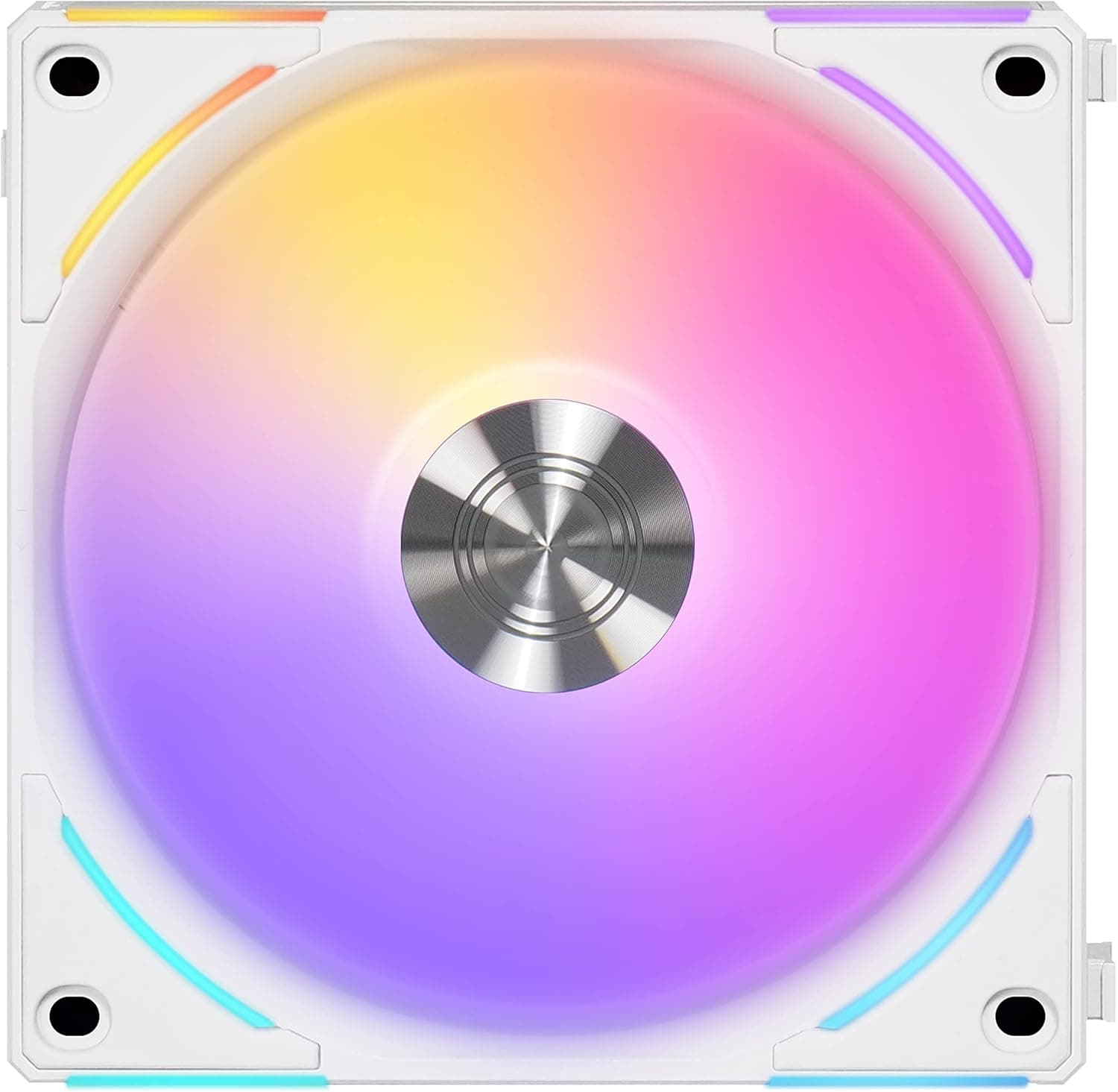
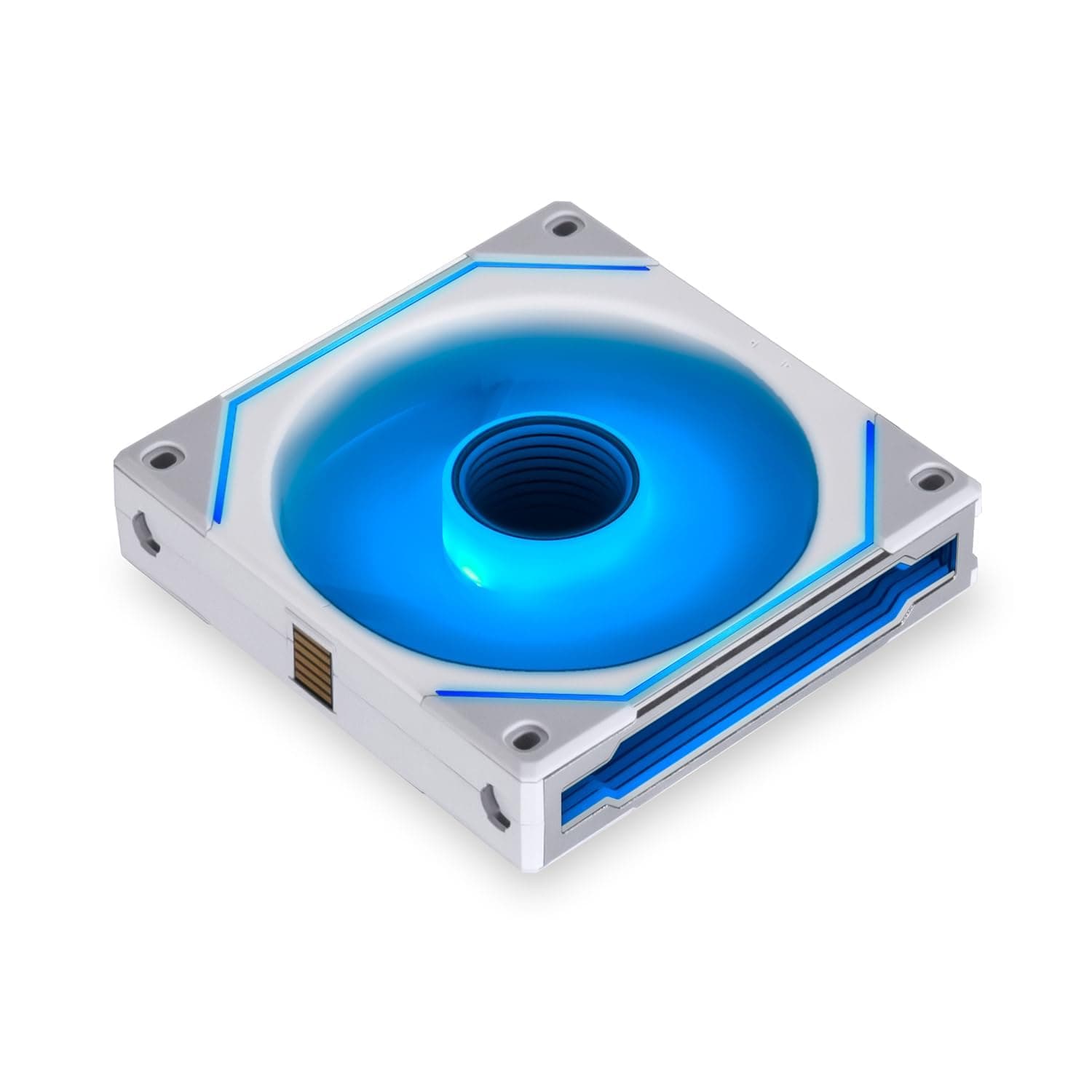
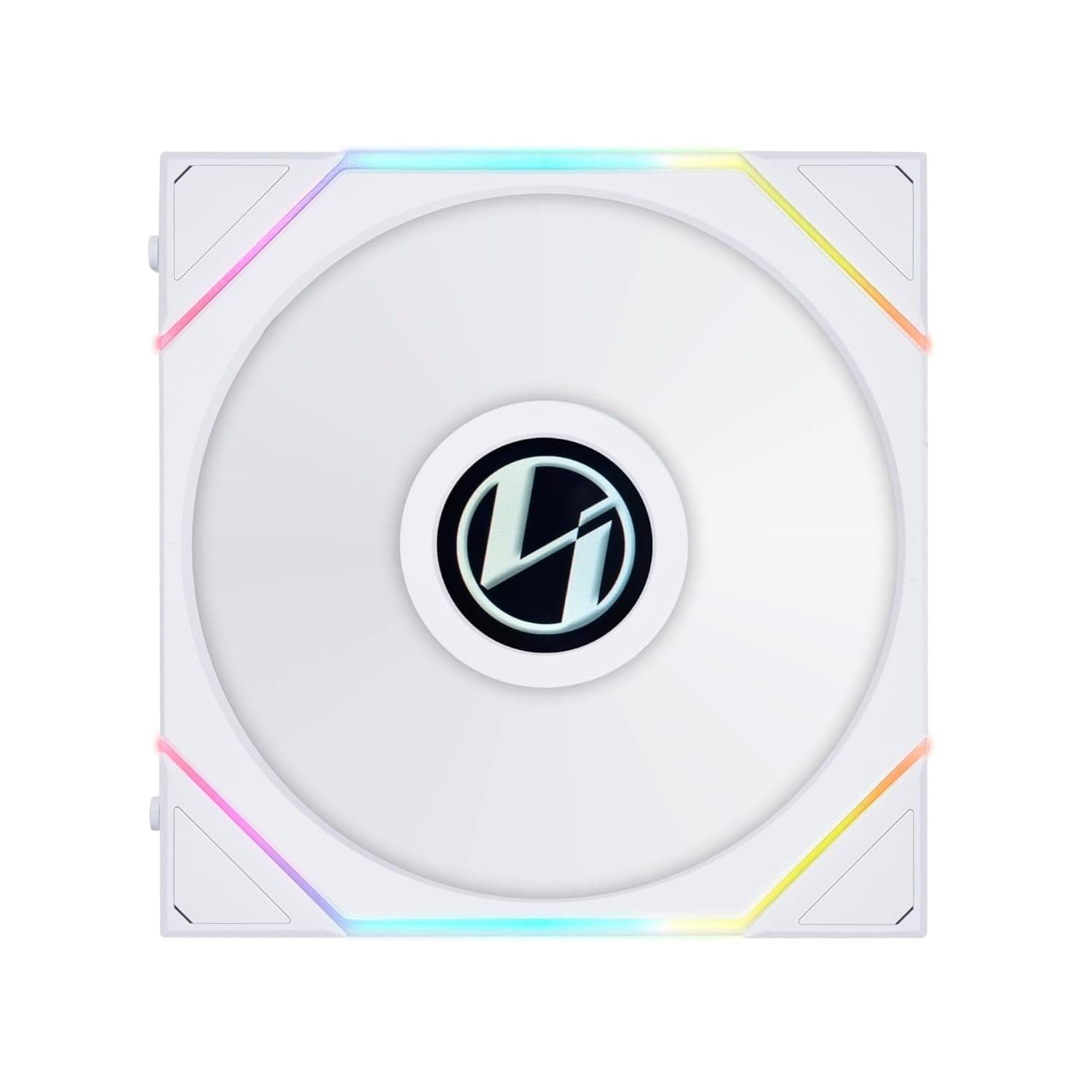
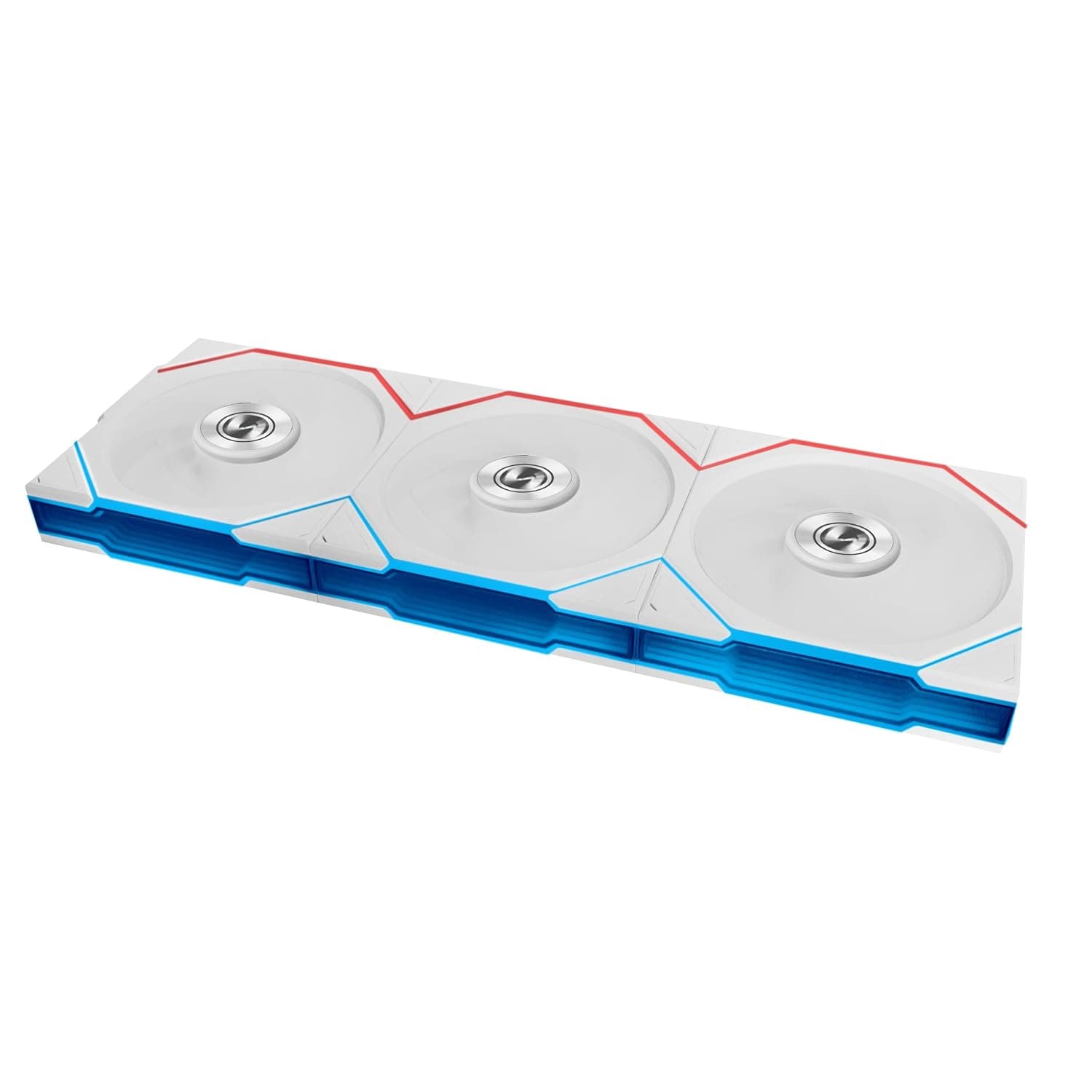
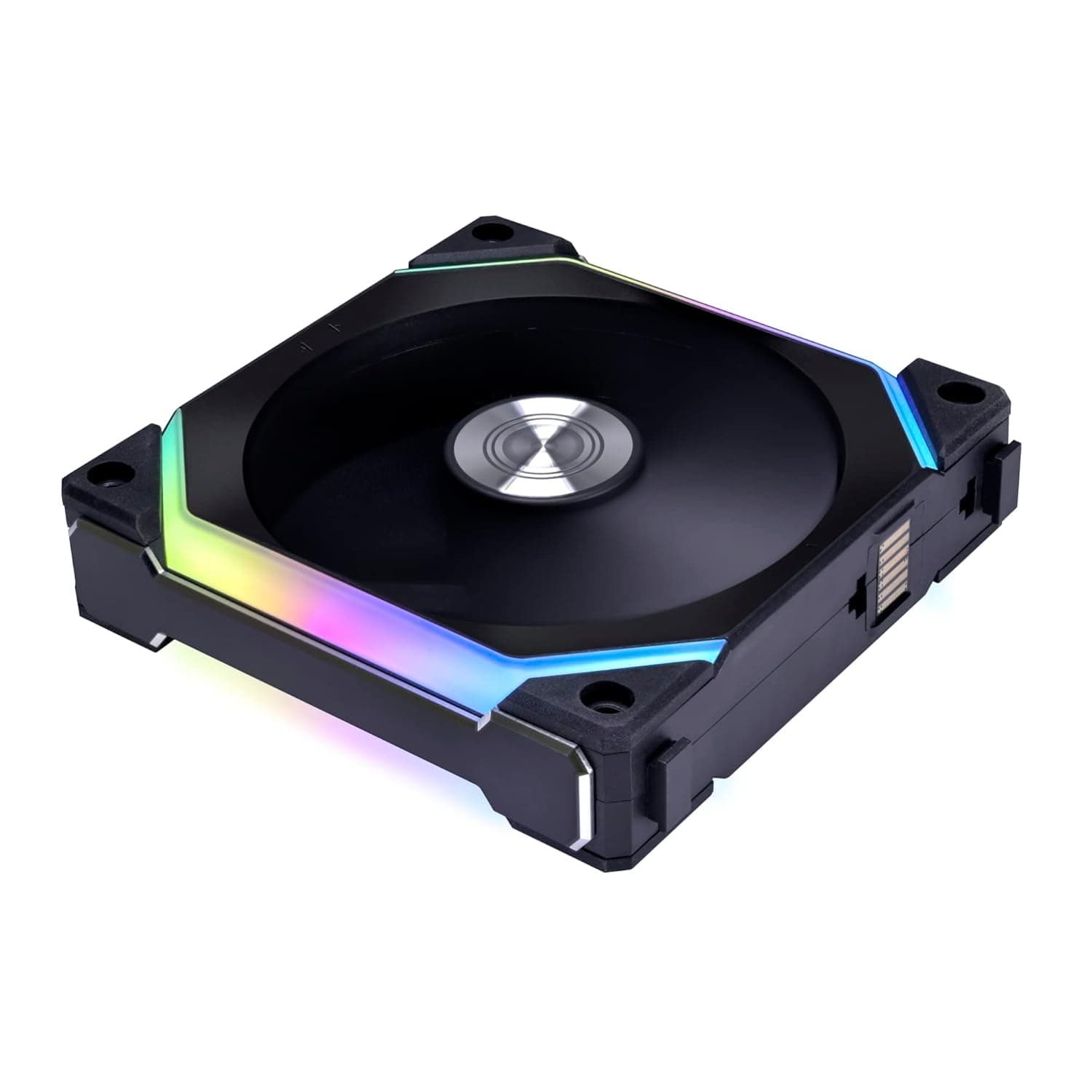
The UNI FAN SL120 V2 is Lian Li's second-generation 120mm interlocking case fan, and this listing is the black single pack. Adjacent fans slide together without screws, and power and ARGB signals pass through the contacts between them.
That means only a few cables run back to the motherboard or controller, no matter how many fans you line up.
The short version: think of this single pack as an add-on fan for people who already own a UNI FAN SL V2 controller. The single pack does not include a controller, so on its own it cannot deliver the main benefits of an interlocking system.
If you are new to UNI FAN, start with a kit that includes the controller.
On paper it offers 110 m³/h of airflow, 29.2 dBA of noise, 2.5 W of power draw, and a fluid dynamic bearing (FDB).
It is 28mm thick, 3mm thicker than the usual 25mm case fan. It is built for people who want clean cabling and unified software control of RGB and fan speed, not for people who just want cheap cooling.
Compatibility Guide
Mounting and Size
The fan measures 120mm x 120mm x 28mm. Its mounting holes match standard 120mm fans, so it fits 120mm fan mounts in ATX and MicroATX cases, as well as 120mm-based radiators (240mm, 360mm, and so on).
Don't underestimate the extra 3mm, though.
- Top of the case: Top-mounted fans often end up just millimeters from VRM heatsinks or the 8-pin CPU power connector.
- Radiators: The combined stack is radiator plus 28mm. A case that barely fit a radiator with 25mm fans may not fit this one.
- Screw length: Thicker fans can outgrow the screws you already have when mounting to a radiator. Check the included screws and their lengths on the product page.
- Large CPU coolers and long GPUs: If front or bottom fans sit close to a big heatsink or a long graphics card, measure the real parts to be sure.
Wiring and Control
The listed connector is 4-pin PWM, and the fan supports PWM speed control. However, its power and ARGB wiring uses a proprietary connector designed to run through a dedicated Lian Li controller, which then connects to your motherboard's fan and ARGB headers.
Whether you can plug the fan straight into a motherboard 4-pin header like an ordinary fan is something to confirm on the product page or in the included documentation. Unified RGB and speed control in L-Connect 3 requires the controller.
Watch Out for Different UNI FAN Generations
UNI FAN comes in several generations and variants, and different types often do not share interlocks or controllers. If you are buying this as an add-on, confirm that your existing fans and controller are also SL V2 (SL120 V2).
The listed chain limit is 6 fans (up to 2 clusters), so also check how many fans your controller supports per channel.
Product Info
| Item | Value |
|---|---|
| Fan dimensions | 120mm x 120mm x 28mm |
| Speed | 0–1900 RPM (manufacturer rated) |
| Airflow | 110 m³/h |
| Noise level | 29.2 dBA |
| Power consumption | 2.5 W |
| Bearing type | Fluid dynamic bearing (FDB) |
| Connector | 4-pin PWM |
| Max daisy-chain | 6 fans (up to 2 clusters) |
| Software | L-Connect 3 |
Some context for these numbers: 110 m³/h is solid airflow for a 120mm fan. The 29.2 dBA figure is best read as a rated value near top speed; real-world noise depends heavily on your fan curve.
At 2.5 W per fan, even the listed maximum of six fans adds up to only about 15 W, so power supply capacity is not a concern.
A fluid dynamic bearing is generally considered longer-lived and quieter than a basic sleeve bearing.
This is the second-generation UNI FAN SL120, released in late 2022, in black. The standard manufacturer warranty is stated as 2 years.
Units sold through an authorized Japanese distributor are often supported by that distributor, so check the warranty terms when you buy.
As of June 2, 2026, Amazon.co.jp listed it at ¥2,682.
For reference, an eBay listing showed $27.00 as of July 2026.
Prices change often with sales and stock, so check the product page for the current price before buying.
Check the retailer's page for the latest user reviews. Interlocking fans fit some setups very well and others poorly.
Read that high score as satisfaction among buyers who set it up correctly with a controller, not as a promise that a standalone purchase will feel the same.
Recommended Users
- Existing UNI FAN SL V2 owners adding one more fan: This is where the single pack makes the most sense. Plug it into a free controller port and a new top or rear fan matches your existing lighting and speed control.
- Builders who want minimal cabling: Three fans can run on what is effectively one cable. The benefit is most visible in glass-panel cases where cable clutter shows.
- Users who want unified control in L-Connect 3: Lighting effects and fan curves live in one app, so you don't have to juggle motherboard RGB software and separate fan settings.
- Liquid-cooling users who want matching radiator fans: Linking two or three fans on a 240mm or 360mm radiator unifies both wiring and lighting. Just check the 28mm clearance first.
Alternatives
The Corsair LL120 and Thermaltake Pure 12 ARGB are common comparisons in the showcase-fan space. The LL120's dual-ring lighting looks great, but each fan runs its own cables, so wiring and controller management get complicated as you add fans.
The SL120 V2's clear difference is that the fans physically lock together and share cabling.
Thermaltake ARGB fans and similar options often cost less. If easy linking and unified software control matter most, though, the all-in-one feel of a UNI FAN setup built around L-Connect 3 is a real advantage.
Other brands also offer magnetically linked fans and their own single-cable systems. In practice, pick the system that matches the controller and software you already use.
| Aspect | UNI FAN SL120 V2 | Typical standalone ARGB fan |
|---|---|---|
| Cabling | Consolidated through interlocking | Fan cable plus ARGB cable per fan |
| Control | Dedicated controller + L-Connect 3 | Motherboard headers or a hub |
| Thickness | 28mm | Mostly 25mm |
| Single-fan use | Best as an add-on (controller needed) | Works standalone more easily |
On the other hand, if you don't need lighting and only care about cooling and noise, a non-LED high-static-pressure fan gives better value. Buy an interlocking fan for easier cabling and management, not for raw cooling per yen.
Things to Consider
The single pack does not include a controller. This is the most common mistake.
When someone buys just this single pack and then can't figure out how to connect it or can't get the lights working, this is almost always why. For a new build, choose a kit or buy the controller separately.
Who should skip it: If you only need one or two fans, don't care about LEDs or software control, or want to run everything from motherboard fan headers, the controller requirement makes this pricier and more roundabout than necessary. A standard 25mm 120mm fan will be simpler.
28mm is a trade-off. Some buyers expect a little extra cooling headroom from the added depth.
But in ITX cases or cases with tight top clearance, the fan may not fit at all. If a 25mm fan only just fits in your build, assume this one won't.
Mind the linking direction. With interlocking fans, whether the links line up depends on how the fans face and whether they blow in or out.
Layouts that mix intake and exhaust, or flip only some fans, may not connect the way you want. Decide the orientation before you link them.
Software versions: Earlier versions of L-Connect 3 had stability problems at times. Install the latest version, and expect to update the controller firmware as well.
Reading the listing: UNI FAN products of different generations, colors, and pack sizes are sold under similar names. Before you buy, confirm from the product images and title that the listing matches all three: SL120 V2, BK (black), and Single Pack.
FAQ
Q. Can I use this single pack by itself? A.
It's not impossible, but you need the dedicated controller to get consolidated cabling and L-Connect 3 management. If you plan to run just one fan on its own, an ordinary fan is the simpler choice.
Q. Can I link it with the original UNI FAN SL120 or other UNI FAN models? A.
Different UNI FAN generations and types often don't share interlocks or controllers. Check the model numbers of your existing fans and controller, and stick with the SL V2 line to be safe.
Q. Can I mount it on a radiator? A.
The 120mm mounting holes are standard, so it will physically attach. Because it is 28mm thick, check that the radiator plus fan fits in your case and that your screws are long enough.
Q. Is it quiet? A.
It has a rated noise level of 29.2 dBA and uses a fluid dynamic bearing.
Real-world noise depends mostly on fan speed, so tuning a lower curve in L-Connect 3 or on the motherboard keeps it quiet.
Q. How many fans can I chain? A.
The listed limit is 6 fans (up to 2 clusters). The practical limit also depends on your controller, so check its manual too.
Product Disclosure (Amazon)
- Manufacturer: リアンリー(Li LIAN LI)
- ASIN: B0BLSNG4P3
- Note: This article covers a manufacturer-made product based on Amazon listing details.