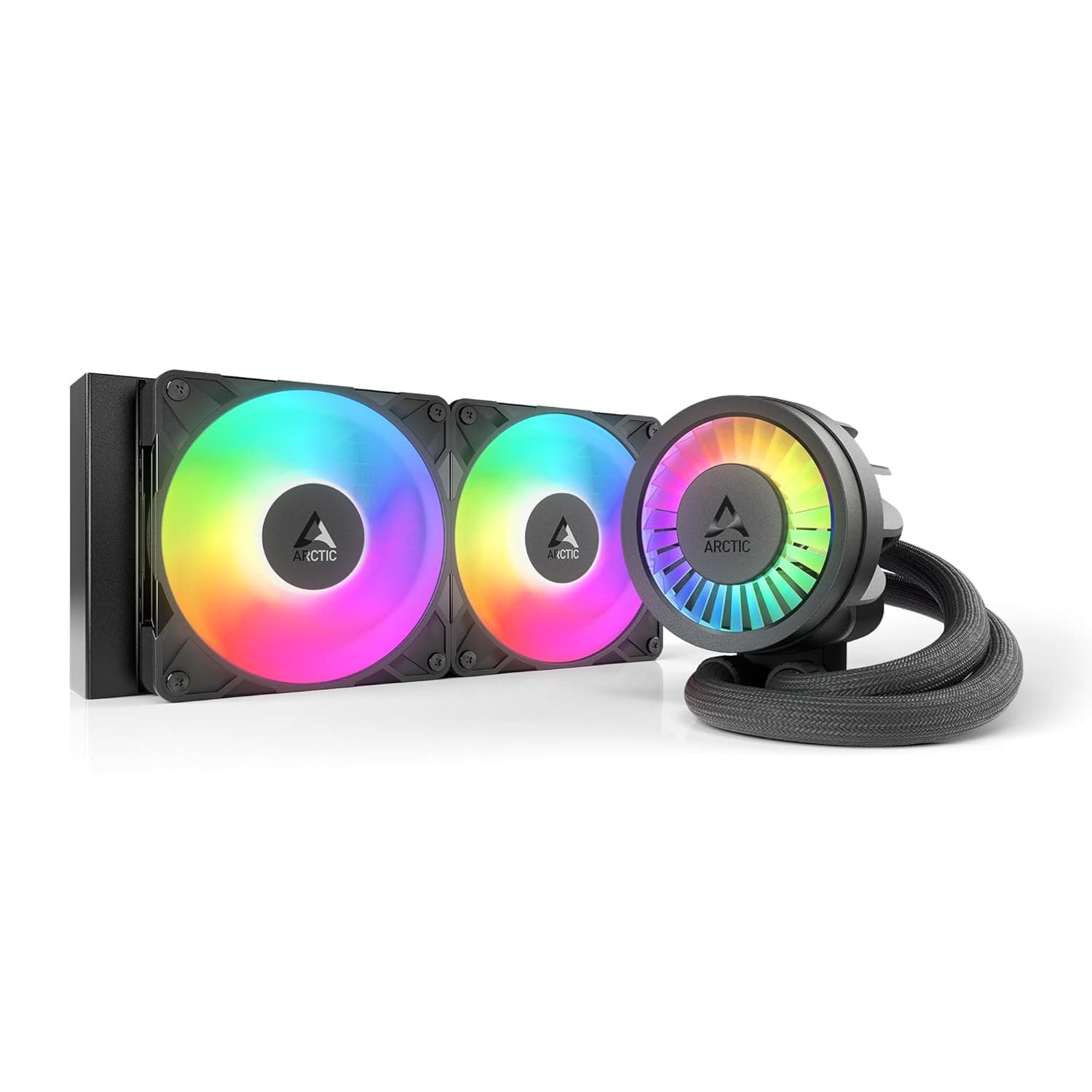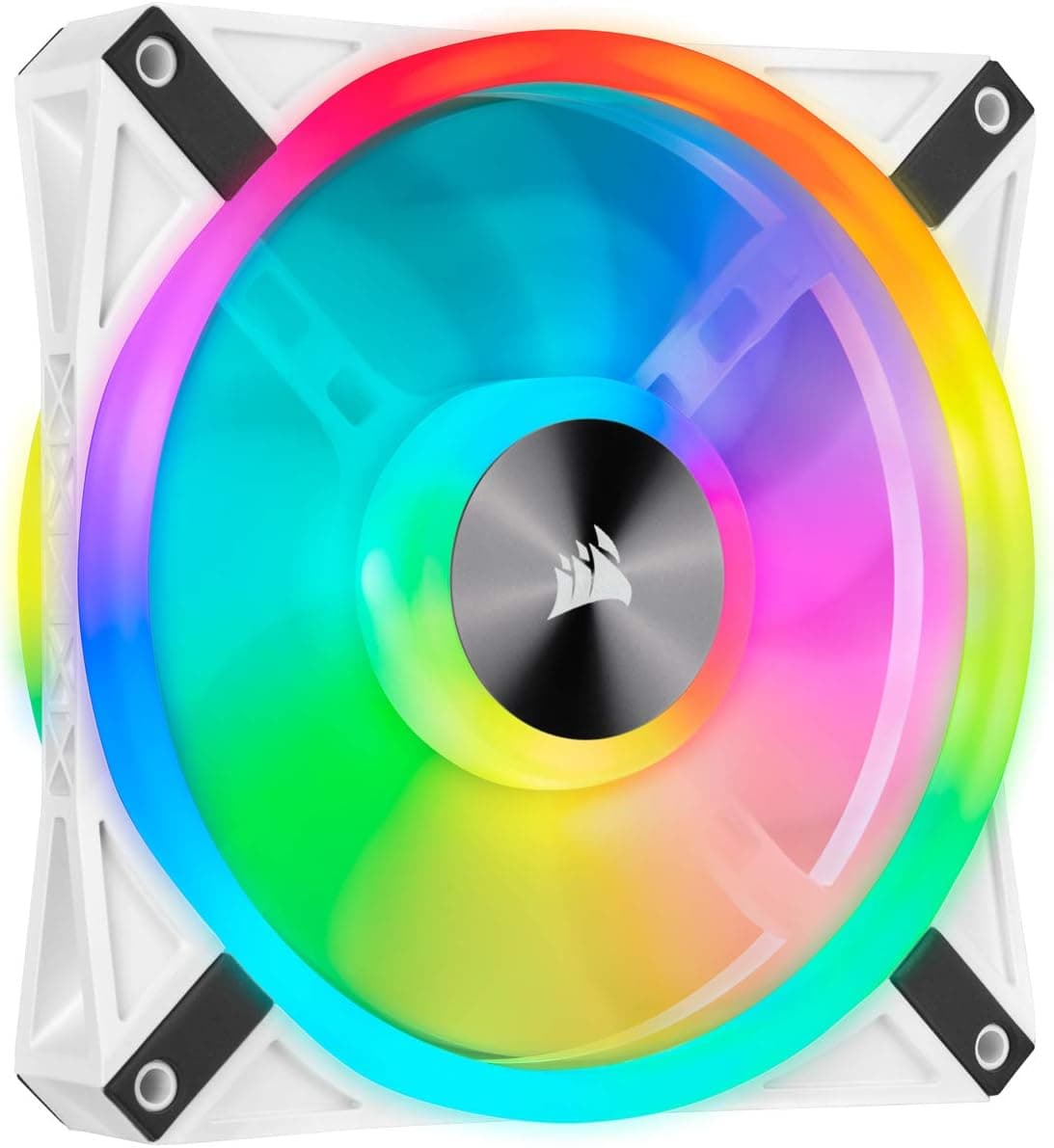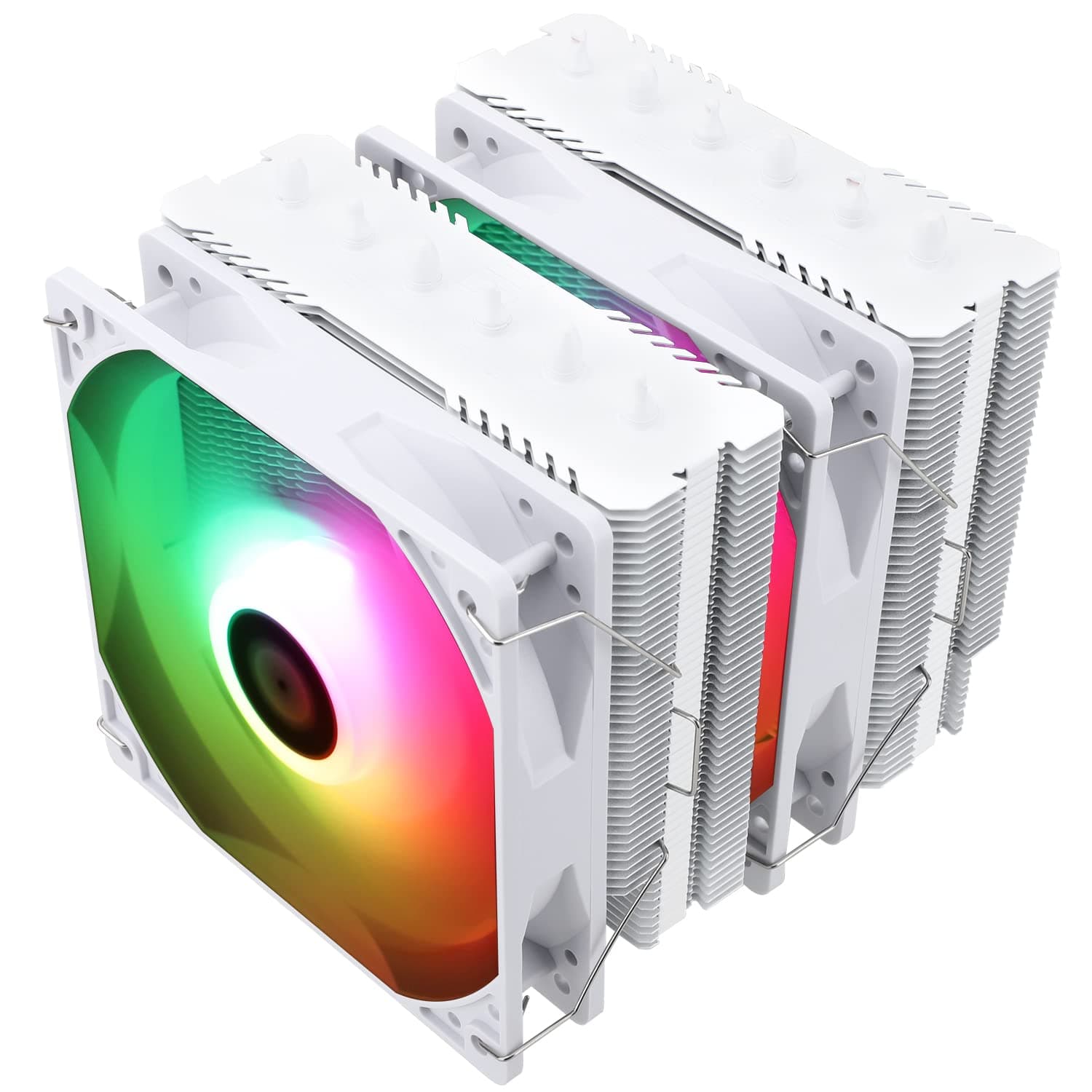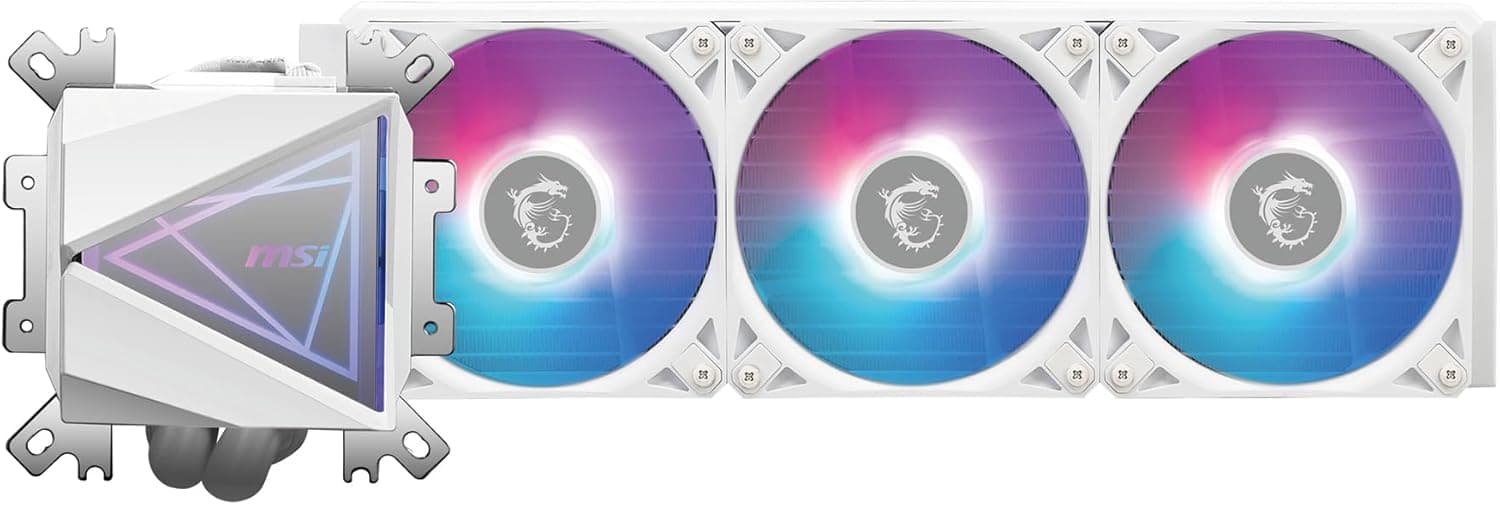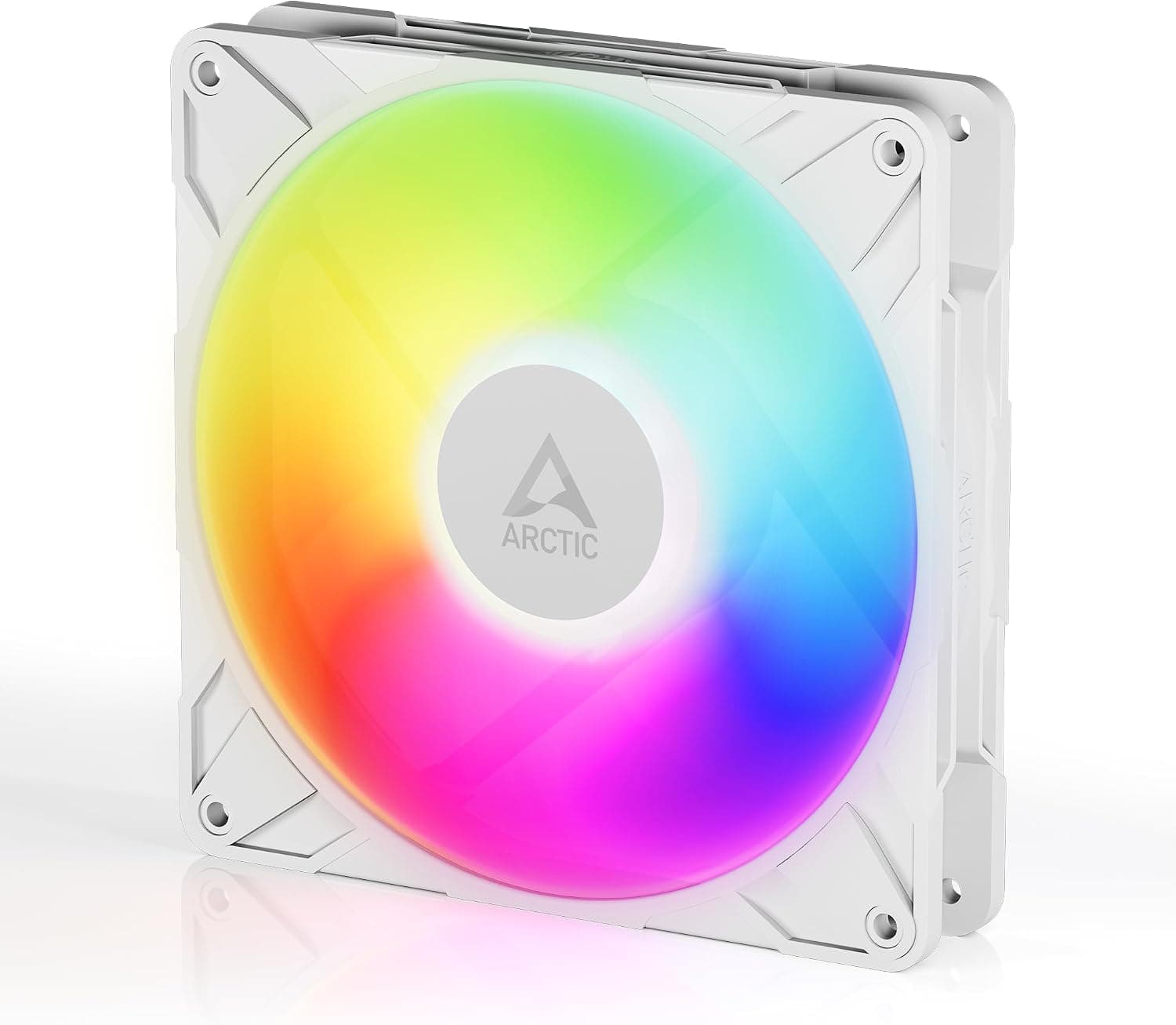
This article covers ARCTIC P14 Pro A-RGB (ホワイト).
Overview
The ARCTIC P14 Pro A-RGB (White) is a premium 140mm case fan that delivers high static pressure and a wide speed range of 400–2500 RPM. It features a fluid dynamic bearing (FDB) for long-term quiet operation, and a 5V digital RGB connector for customizable lighting. The fan is designed to excel in both high-airflow case setups and radiator cooling applications. One standout feature is the 0 RPM mode: when the PWM signal drops below 5%, the fan stops completely, allowing for silent operation during idle or low-load scenarios. The included Y-splitter cable lets you run multiple P14 Pro A-RGB fans from a single header, simplifying cable management. Positioned as a mid-to-high-end option, the P14 Pro A-RGB offers a compelling balance of performance, noise, and features at a competitive price point. It is particularly attractive for builders who want a capable ARGB fan without paying a premium for flagship models.
Compatibility Guide
The P14 Pro A-RGB uses standard 140mm mounting holes (140×140×27mm) and fits most PC cases and radiators. It requires a 4-pin PWM header for fan control and a 3-pin 5V ARGB header (5V, Data, Ground) for lighting. Motherboards without an ARGB header will need a separate controller. Practical pairing examples include using it as front intake in high-airflow cases like the Fractal Design Meshify 2 or Corsair 4000D Airflow, or as a radiator fan on 240mm, 280mm, or 360mm radiators. The 27mm thickness is standard, so clearance issues are rare.
Product Info
The ARCTIC P14 Pro A-RGB (White) was released in late 2025. It retails for around ¥1,980 in Japan, making it one of the most affordable 140mm ARGB fans in its performance class. The warranty is 6 years, which is generous for this price bracket. Market positioning: mid-to-high-end. The fan excels in static pressure (approximately 2.4 mmH₂O) and maximum airflow (about 110 CFM), making it ideal for restrictive environments like dense radiators and mesh panels. The 0 RPM mode and FDB bearing also appeal to noise-conscious users.
Best Use Cases
- Gamers building a quiet but effective cooling setup: The P14 Pro A-RGB stays silent at low loads and ramps up to high static pressure when needed. It pairs well with games that push the CPU/GPU, like Cyberpunk 2077 or Starfield. - Water-cooling enthusiasts: With high static pressure, this fan is excellent for pushing air through thick radiators. The white color scheme also complements all-white builds. - RGB enthusiasts on a budget: The digital 5V ARGB allows for smooth lighting effects controlled by motherboard software, and the price is lower than many competing RGB fans. - Users who want decent performance without overspending: Compared to Noctua or be quiet! models, the P14 Pro A-RGB offers similar or better airflow at a fraction of the cost, especially when buying multiple units.
Things to Consider
At maximum RPM (2500 RPM), the fan produces noticeable noise. For a quiet build, setting a flat PWM curve below 1500 RPM is recommended. The 0 RPM mode helps, but only when the system is truly idle. If your motherboard lacks a 5V ARGB header, you will need to buy an ARGB controller separately. This adds cost and complexity. Additionally, the fan is not designed for use as a CPU cooler fan; it is strictly a case or radiator fan. While the price is low, the fan lacks the premium packaging and accessories of higher-end models. Some users may also prefer the slightly more refined noise profile of Noctua’s NF-A14, but the P14 Pro A-RGB offers better value for most builders. ## FAQ
Q: Can I use this fan as a CPU cooler fan? A: No, it is intended for case or radiator use only. For CPU cooling, look for dedicated CPU cooler fans. Q: How does it compare to the Noctua NF-A14? A: The P14 Pro A-RGB has higher maximum airflow and static pressure, plus ARGB lighting, at a lower price. The Noctua is quieter at low speeds and has a slightly better build quality. Choose based on your priorities. Q: Does it come with a controller? A: No, it only includes a Y-splitter cable. For RGB control you need a motherboard with a 5V ARGB header or a separate controller.
Product Disclosure (Amazon)
- Manufacturer: ARCTIC
- Seller: ARCTIC HK Ltd
- Fulfilled by: Amazon
- ASIN: B0DPX688L7
- Note: This article covers a manufacturer-made product based on Amazon listing details.