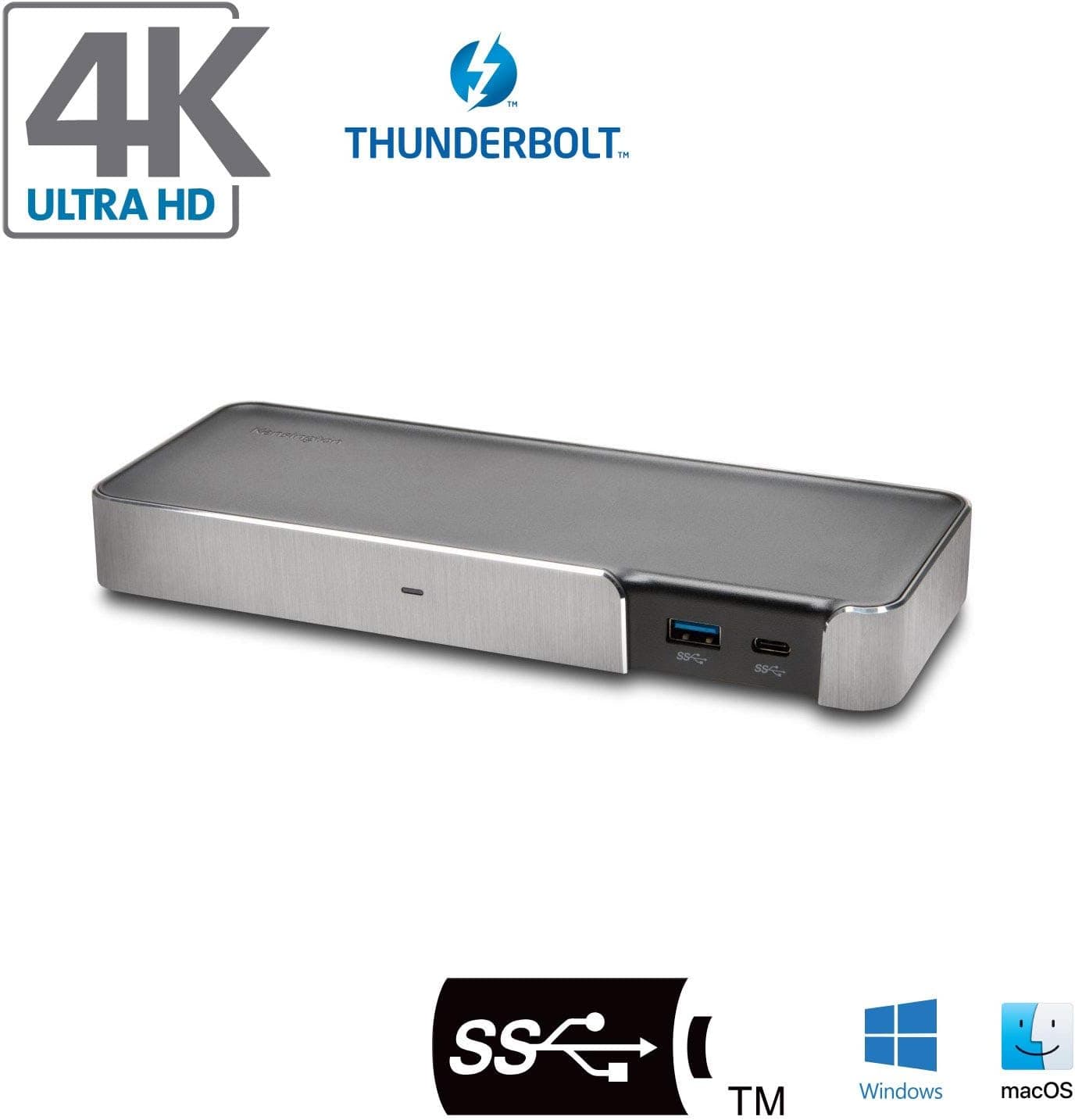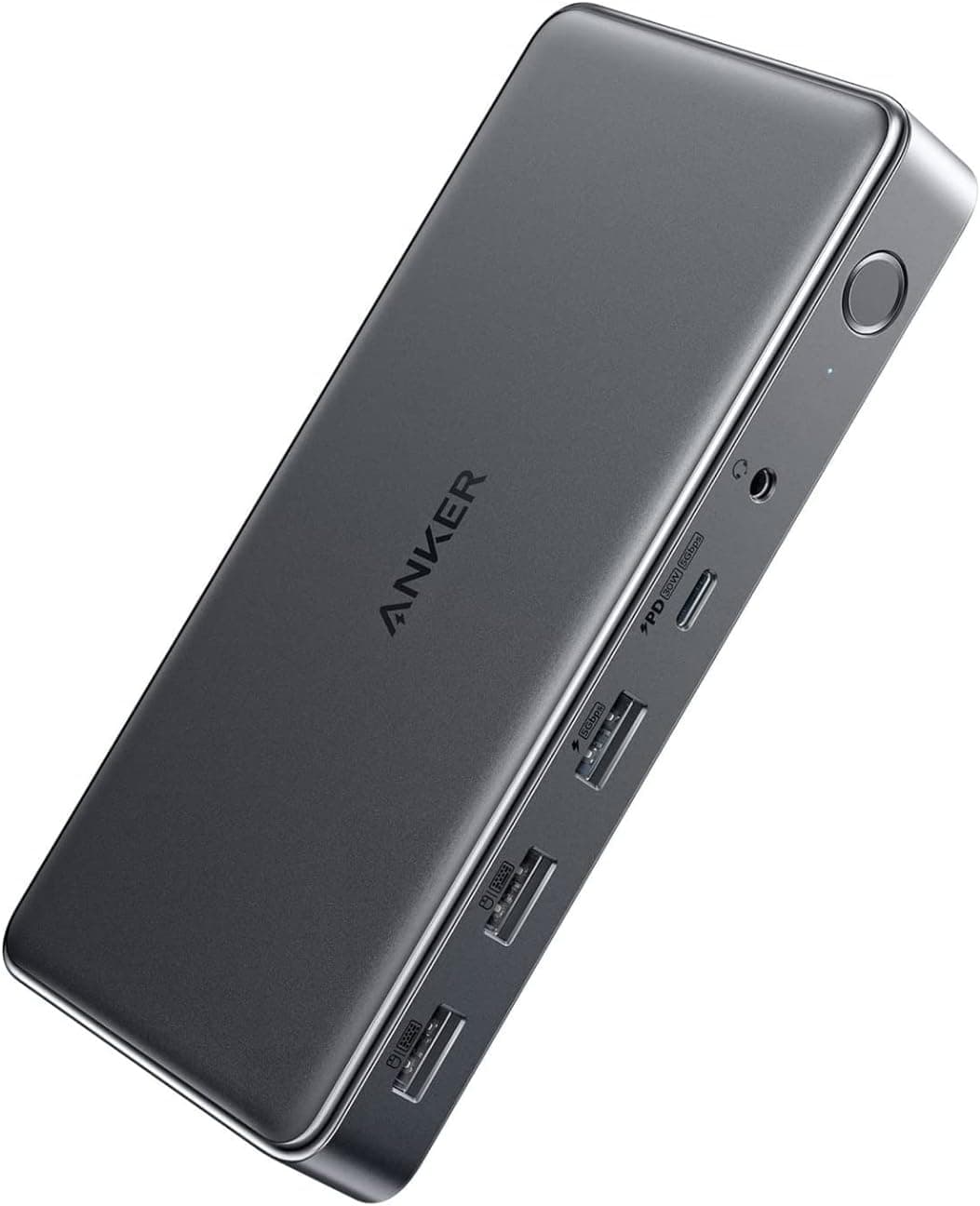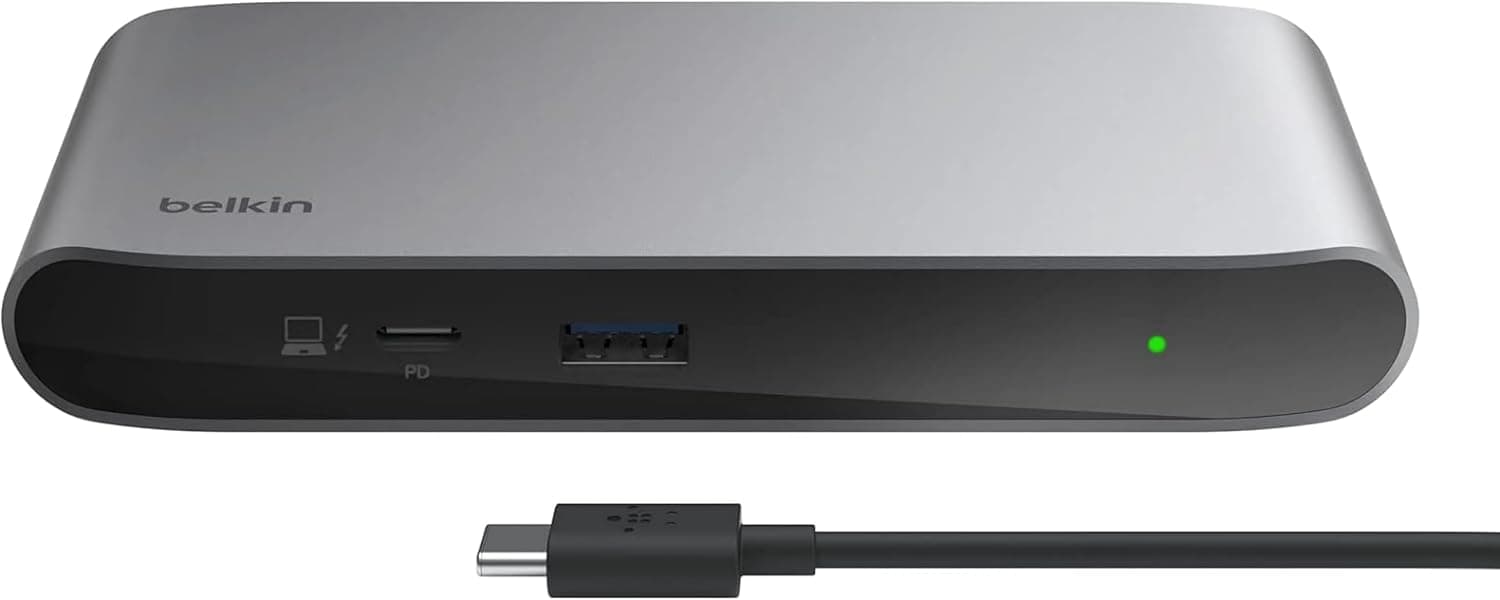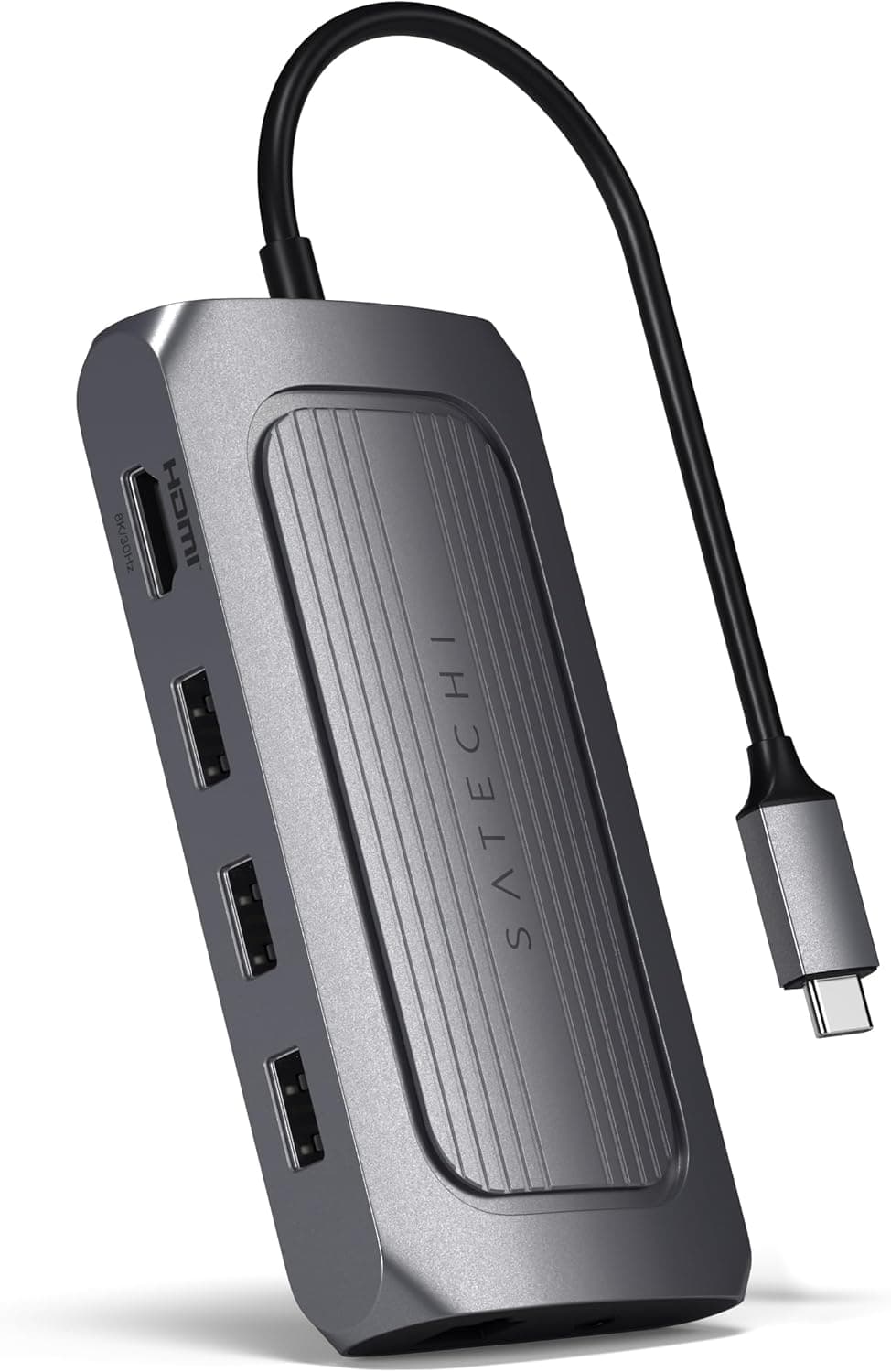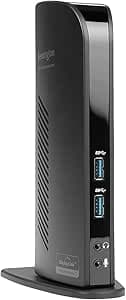
This article covers Kensington K33972US USB Docking Station by Kensington.
Overview
The Kensington K33972US USB Docking Station is a legacy-friendly dock designed to expand the connectivity of older laptops. It connects via USB 3.0 Type-A and provides HDMI and VGA video outputs, along with two additional USB 3.0 ports. This dock is particularly useful for users who need to add an external monitor to a laptop that lacks modern video outputs like HDMI or DisplayPort. Officially listed as compatible with the Microsoft Surface Pro 7, the K33972US works with any Windows PC that has a USB-A port. It is powered by an external AC adapter, ensuring stable operation even when multiple peripherals are connected. While it does not support dual monitors simultaneously, it offers a straightforward way to turn a single-screen laptop into a more productive workstation.
Connectivity & Compatibility
The dock uses a USB 3.0 Type-A interface (5 Gbps) to connect to the host computer. It includes one HDMI port (up to 1080p) and one VGA port (also up to 1080p). Only one video output can be active at a time, so you must choose between HDMI and VGA. Two additional USB 3.0 Type-A ports are available for connecting peripherals such as a mouse, keyboard, or flash drive. Compatibility is limited to Windows 7 and later. macOS is not officially supported, though some users have reported basic functionality with driver workarounds. The dock requires driver installation for video output; Kensington provides drivers on their website. The included AC adapter ensures the dock does not draw power from the laptop's USB port, which is important for older systems with limited USB power delivery.
Product Info
The Kensington K33972US was released in the mid-2010s and is now considered a legacy product. It is still available through retailers like , typically priced around ¥25,000. In today's market, it occupies a niche position for users who need USB-A connectivity and legacy video ports (VGA). The package includes the dock, an AC adapter, a detachable USB 3.0 cable, and a quick-start guide. Kensington offers a standard 2-year warranty. Drivers must be downloaded from the Kensington support page; no CD is included.
Best Use Cases
Users with older laptops lacking USB-C: If your notebook only has USB-A ports and you need to connect an external monitor, this dock is a practical solution. It works well with business-class laptops from the 2010s that have VGA or DVI monitors. Office workers needing a single external display: For tasks like spreadsheet work or document editing, adding one external monitor via HDMI or VGA can significantly improve productivity. The dock's simplicity makes it easy to set up and disconnect. * Surface Pro 7 owners: Since Microsoft's tablet only has one USB-A port and no video outputs, this dock provides a reliable way to connect a monitor and peripherals simultaneously. The external power supply ensures the Surface's battery isn't drained. However, this dock is not suitable for users who need dual monitors, high-resolution displays (above 1080p), or USB-C/Thunderbolt connectivity. For modern laptops, a USB-C dock with DisplayPort or HDMI 2.0 would be a better investment.
Product Disclosure (Amazon)
- Manufacturer: KENSINGTON COMPUTER
- Brand: Kensington
- Seller: ファインデリバリーサービス
- Fulfilled by: ファインデリバリーサービス
- ASIN: B00FF9V8CK
- Note: This article covers a manufacturer-made product based on Amazon listing details.