Overview
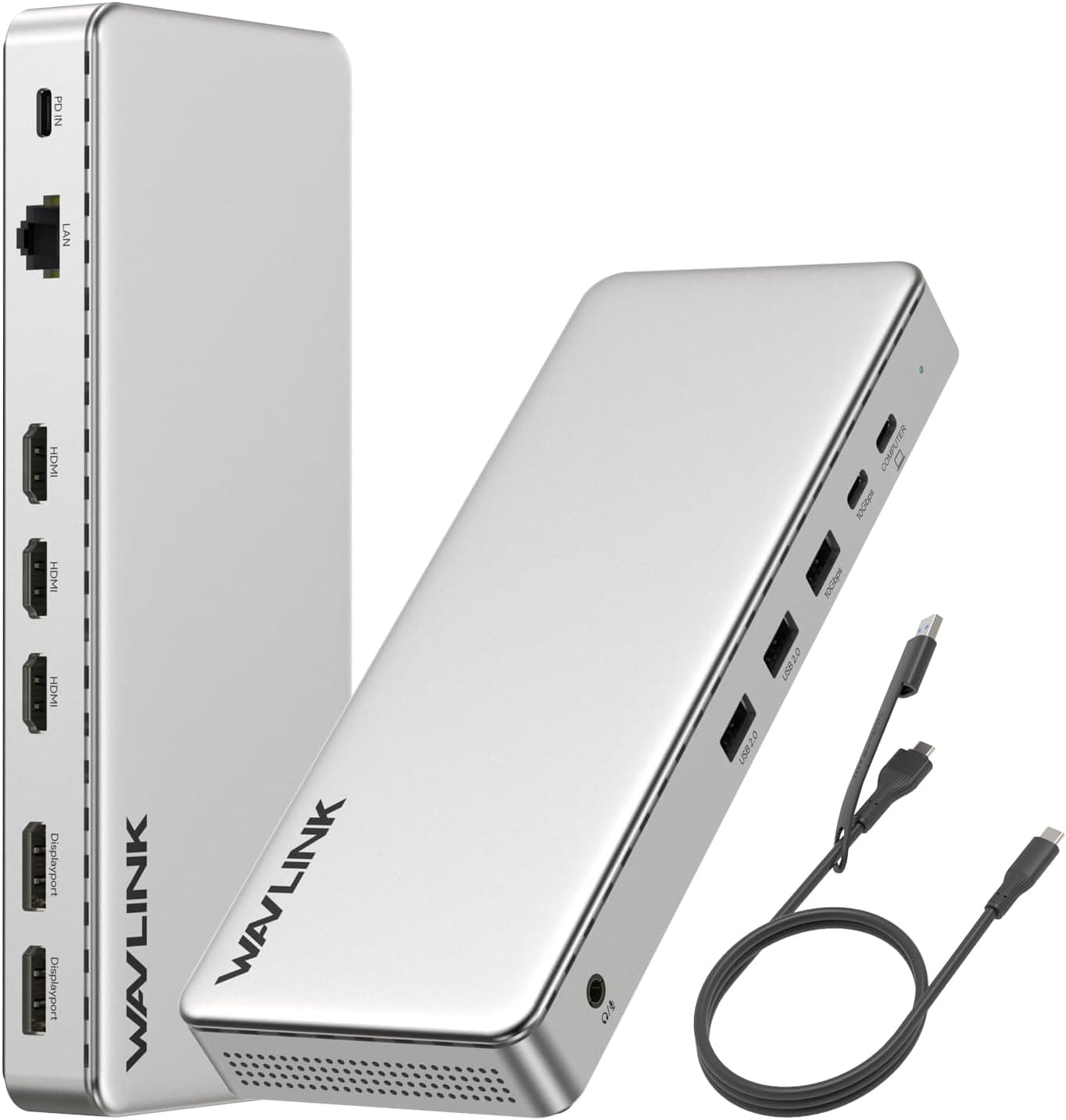
The WAVLINK WL-UM15P is a 15-in-1 USB-C docking station powered by the DisplayLink DL-6350 chipset. It allows you to connect up to three external monitors at 2K@60Hz from a single laptop, making it an ideal choice for productivity-centric users who need multiple screens for office work, data analysis, or spreadsheets. The dock also delivers 100W Power Delivery to the host laptop via the included 130W AC adapter, keeping your desk clutter-free.
Because it uses DisplayLink technology, video output works even on laptops without native DisplayPort Alt Mode over USB-C. It supports Thunderbolt 3/4 and a wide range of operating systems including Windows, macOS, Chrome OS, Android, Ubuntu, and HarmonyOS.
Connectivity & Compatibility
The WL-UM15P connects to your host computer via the included USB-C cable. It requires a USB-C port that supports DisplayPort Alt Mode or a Thunderbolt 3/4 port. DisplayLink drivers must be installed beforehand — this is not a plug-and-play device.
Supported OS list:
- Windows 11/10/8.1/8/7/Vista
- macOS 10.14 through 14.x (including Apple Silicon M1–M5)
- Chrome OS, Ubuntu, Android v5.0+ (with OTG cable, not included), HarmonyOS
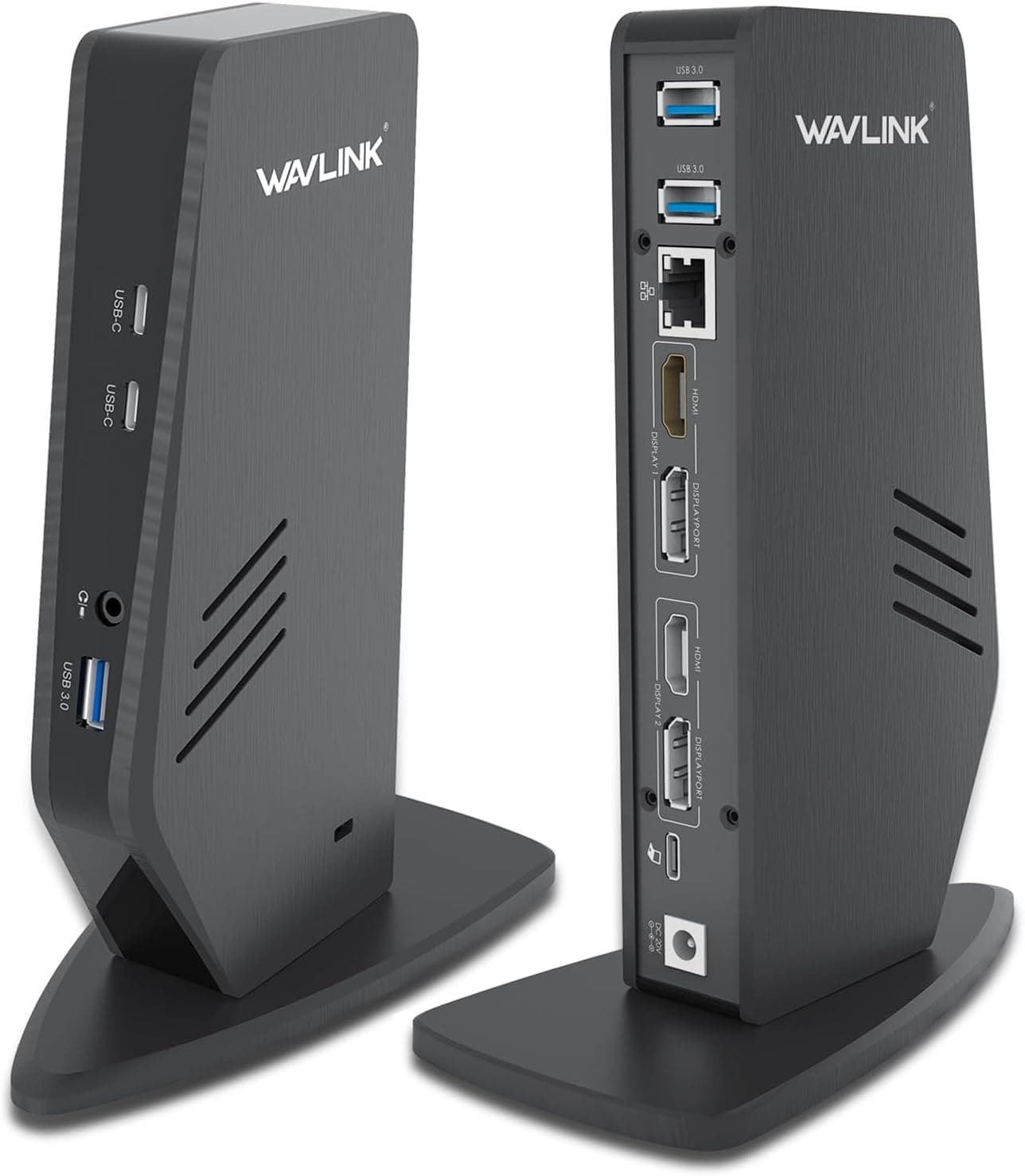
Port breakdown: - Video: 3× HDMI, 2× DisplayPort (note: HDMI and DP cannot be used simultaneously on the same display channel)
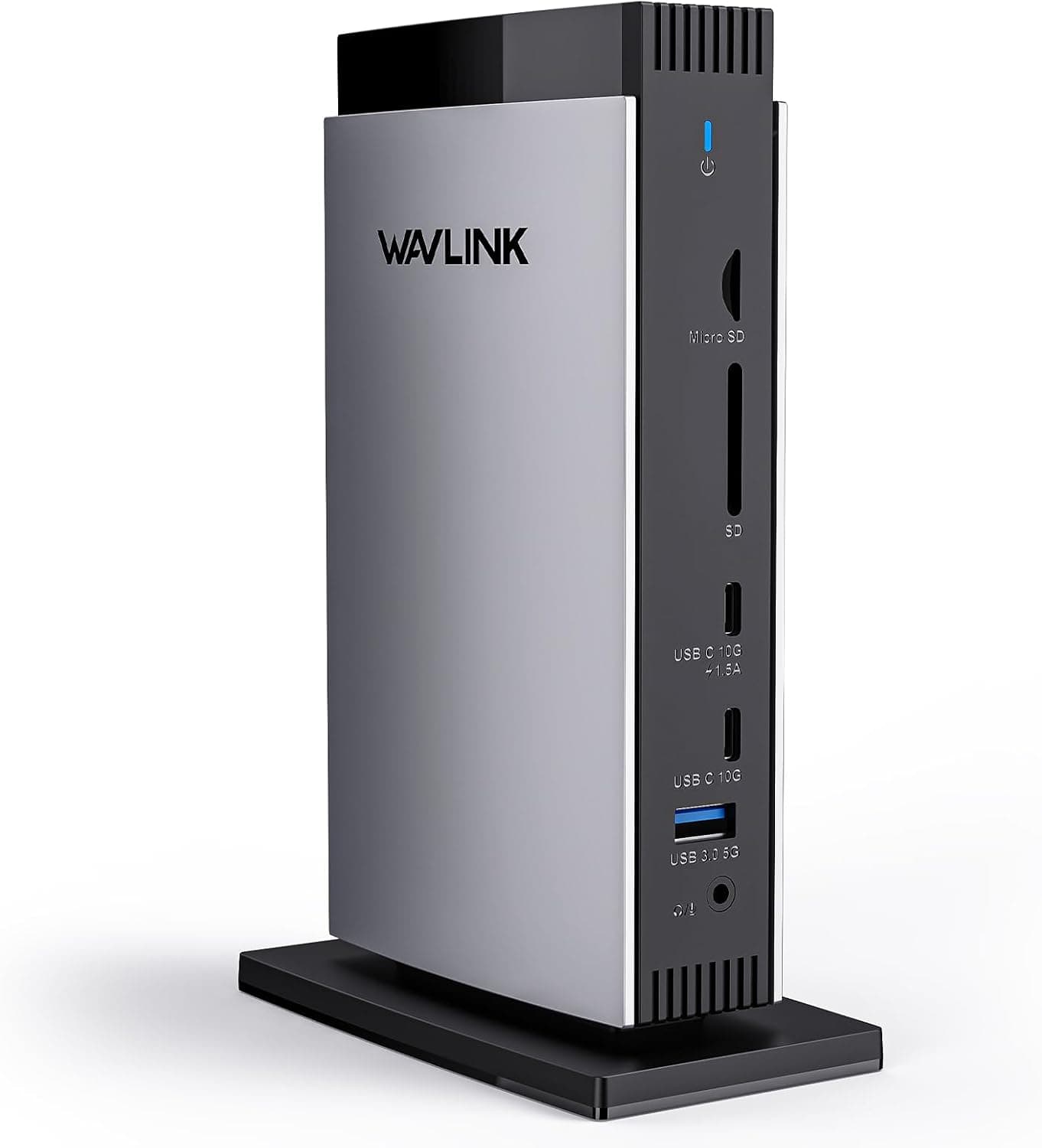
- USB: 2× USB-C 10Gbps, 3× USB-A 5Gbps
- Network: Gigabit Ethernet (RJ45)
- Storage: SD/TF card reader (up to 104 MB/s)
- Audio: 3.5mm combo mic/headphone jack
- Power: 100W PD output to host (via included 130W adapter)
Important: The host must have a USB-C port that supports video output. The dock is not recommended for gaming or professional video editing; its strength lies in office productivity.
Product Info
The WAVLINK WL-UM15P launched around 2023 as a mid-range DisplayLink dock. It sits between basic USB-C hubs and premium Thunderbolt docks in terms of features and price. Included in the box: the dock unit, 130W AC adapter, USB-C to USB-C cable (approx. 1m), and a quick-start guide. DisplayLink drivers are available for free download from the official DisplayLink website.
Best Use Cases
- Remote workers / home office users
Great for employees who need to connect a company-issued laptop to multiple monitors at home. The WL-UM15P enables triple-monitor setups even on laptops with only one USB-C port. However, if your IT policy restricts driver installations, this dock may not be suitable. - Business professionals handling data or spreadsheets
If you often work with large datasets, dashboards, or multiple windows simultaneously, the 2K@60Hz output provides crisp text without eye strain. Not a fit for 4K video editing or gaming — consider a Thunderbolt 4 dock for those needs. - Mac users (Apple Silicon or Intel)
MacBooks with Thunderbolt ports work well with this dock. While M1/M2 Macs natively support only one external display, the DisplayLink solution allows up to three. Be aware that major macOS updates may temporarily break driver compatibility. - Windows laptop owners lacking USB-C Alt Mode
Some business laptops have USB-C ports that only support charging and data, not video. The DisplayLink driver bypasses that limitation, enabling multi-monitor output. Best used in a fixed setup rather than hot-plugging frequently.
Product Disclosure (Amazon)
- Manufacturer: WAVLINK
- Seller: Amazon US
- Fulfilled by: Amazon US
- ASIN: B0H38YS6VY
- Note: This article covers a manufacturer-made product based on Amazon listing details.