Overview
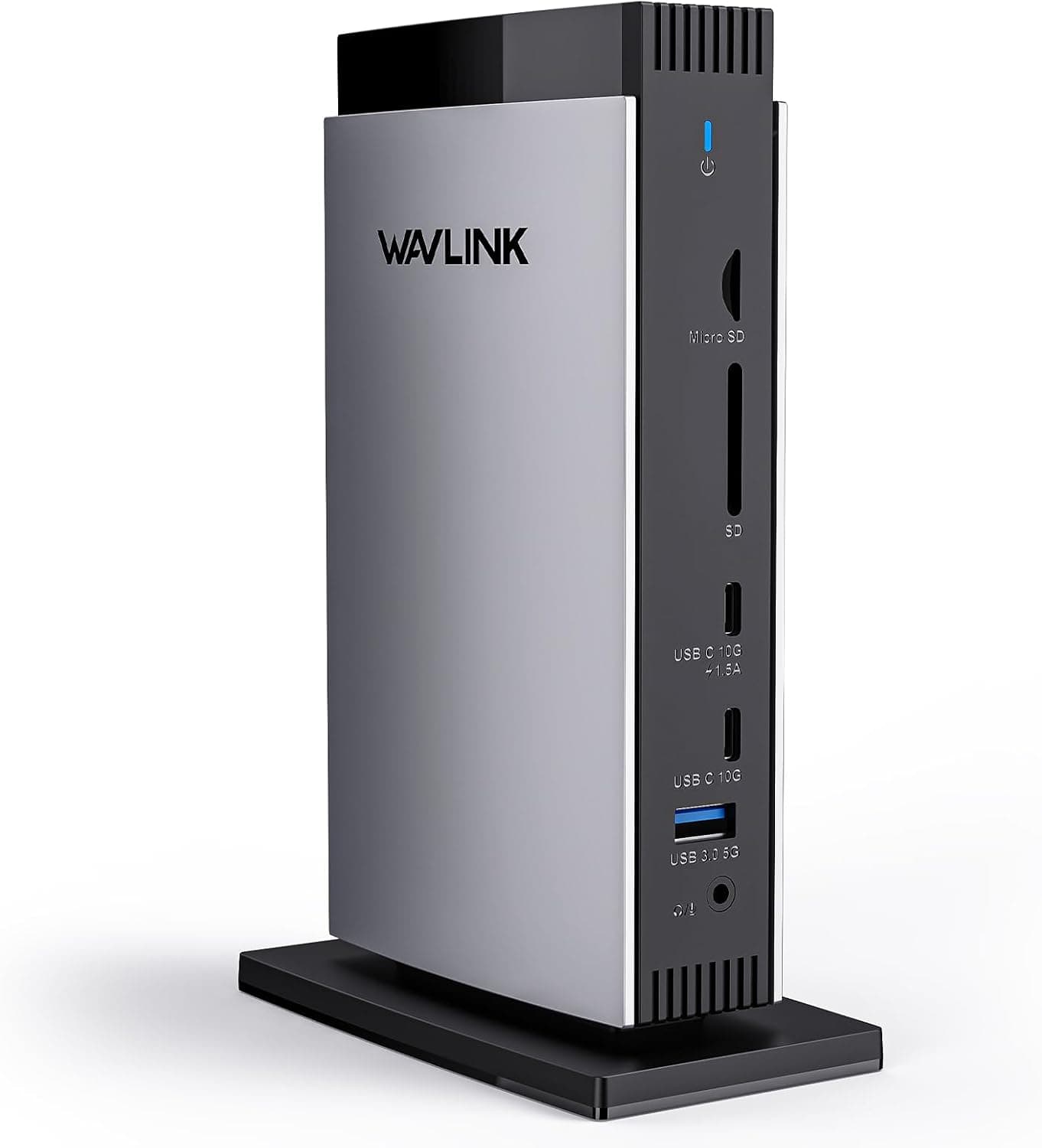
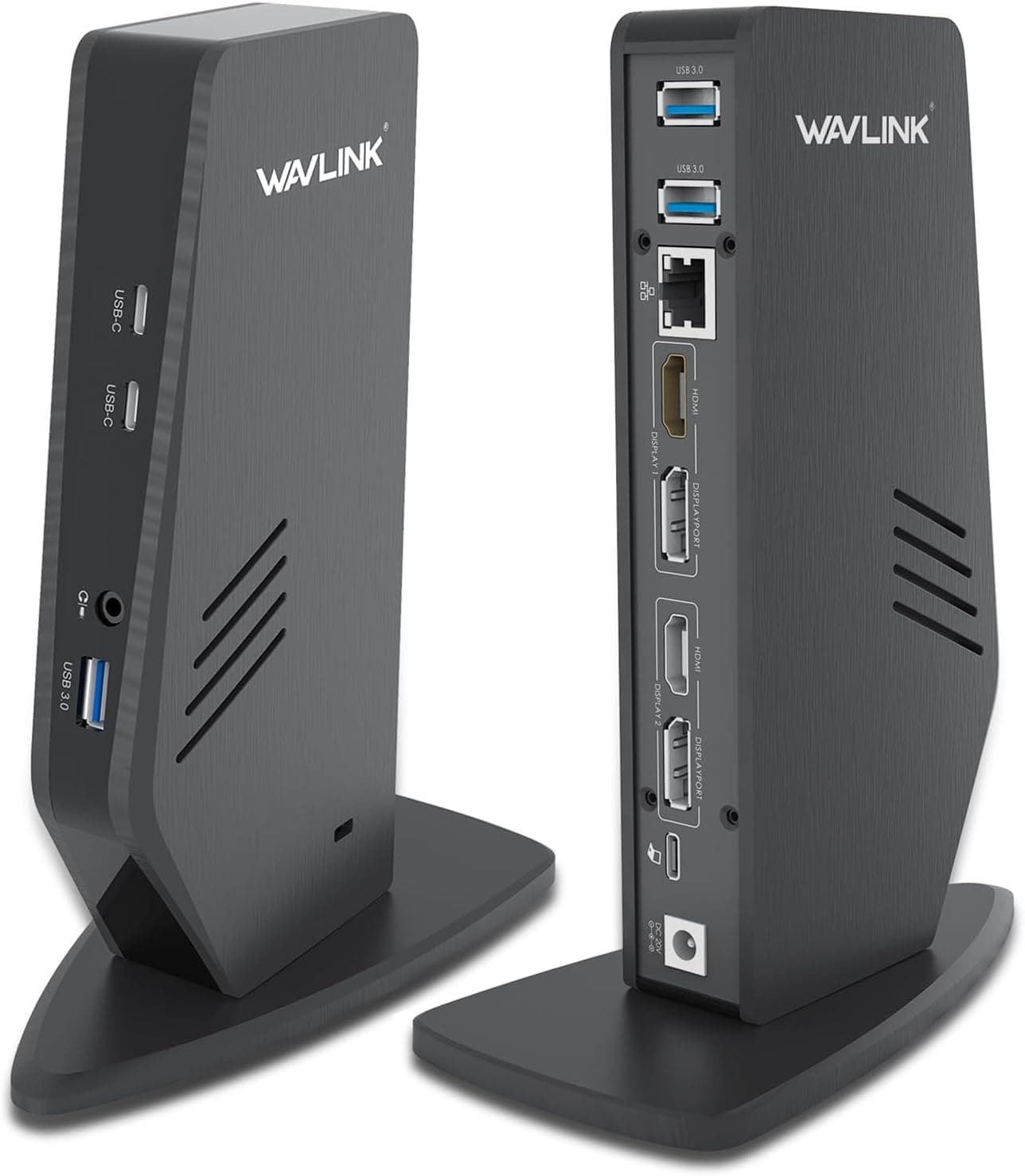
The WAVLINK DisplayLink Docking Station is a universal docking solution that lets you connect up to two external monitors at 5K resolution via a single USB-C cable from your laptop. It leverages DisplayLink technology to bypass hardware limitations, making it compatible with Thunderbolt 4/3, USB-C, and USB-A ports across a wide range of devices. The dock delivers up to 100W of Power Delivery to charge your laptop while handling video, data, and network traffic. This model is an upgraded version of the earlier UG69PD2, featuring a 130W power adapter (up from 100W) to ensure stable 100W charging to the host. It offers four video outputs: two DisplayPort 1.2 and two HDMI 2.0. In dual-DP mode, it supports up to 5120×1440 @60Hz (5K ultrawide) or 4096×2160 @60Hz (cinema 4K). There are also six USB 3.0 ports (5Gbps), gigabit Ethernet, and a combined audio/mic jack — everything you need to turn your laptop into a full desktop workstation with a single cable.
Host connection: USB-C (USB 3.1 Gen1, compatible with Thunderbolt 4/3), cable length 100cm Video outputs: 2× DisplayPort 1.2, 2× HDMI 2.0 Dual DP: up to 5120×1440 @60Hz or 4096×2160 @60Hz Dual HDMI or HDMI+DP: up to 3840×2160 @60Hz or 4096×2160 @60Hz USB ports: 5× USB 3.0 Type-A (5Gbps), 1× USB-C (5Gbps, data only) Networking: Gigabit Ethernet (10/100/1000Mbps) Audio: 3.5mm combo jack (headphone/mic) Supported OS: Windows 11/10/8.1/7, macOS 10.14–13.x, Chrome OS, Ubuntu 20.04/22.04, Android, Harmony OS * Note: Does not support Unix, Linux, or iPad OS. DisplayLink driver must be installed.
Released around late 2021, the dock is widely available on Japan for approximately ¥30,000. The package includes the 130W AC adapter, a 100cm USB-C to C cable, and a quick-start guide. Market positioning: this is a mid-range universal docking station aimed at users who need multi-monitor output without relying on Thunderbolt hardware. Its DisplayLink base makes it one of the few docks that can drive two external displays from Apple Silicon Macs and from Windows laptops with USB-C only. It’s a solid choice for productivity work, but the DisplayLink overhead means it’s less suitable for gaming or GPU-intensive tasks.
Remote workers and home office users: Get a clutter-free desk with a single cable that connects power, dual monitors, peripherals, and Ethernet. Ideal for increasing productivity with a multi-monitor setup. Mac users (including M1/M2): Apple Silicon Macs natively support only one external monitor, but with this dock you can add a second display. MacBook Air and Pro users will find it especially useful for coding, design, and spreadsheets. Laptop users without Thunderbolt: If your Windows laptop has a USB-C port but no Thunderbolt, this dock is a reliable way to run dual 4K monitors. Just install the DisplayLink driver and you’re set. Creative professionals and engineers: With two DP ports supporting 5K ultrawide, you can work on high-resolution timelines, code, or design layouts across two big screens. Just keep in mind that heavy graphics work (e.g., 4K video editing, 3D rendering) may feel sluggish due to DisplayLink compression. For gamers or users who need raw GPU performance, a native Thunderbolt dock or a direct HDMI connection is a better choice. This dock is optimized for productivity, not frame rates.