Overview
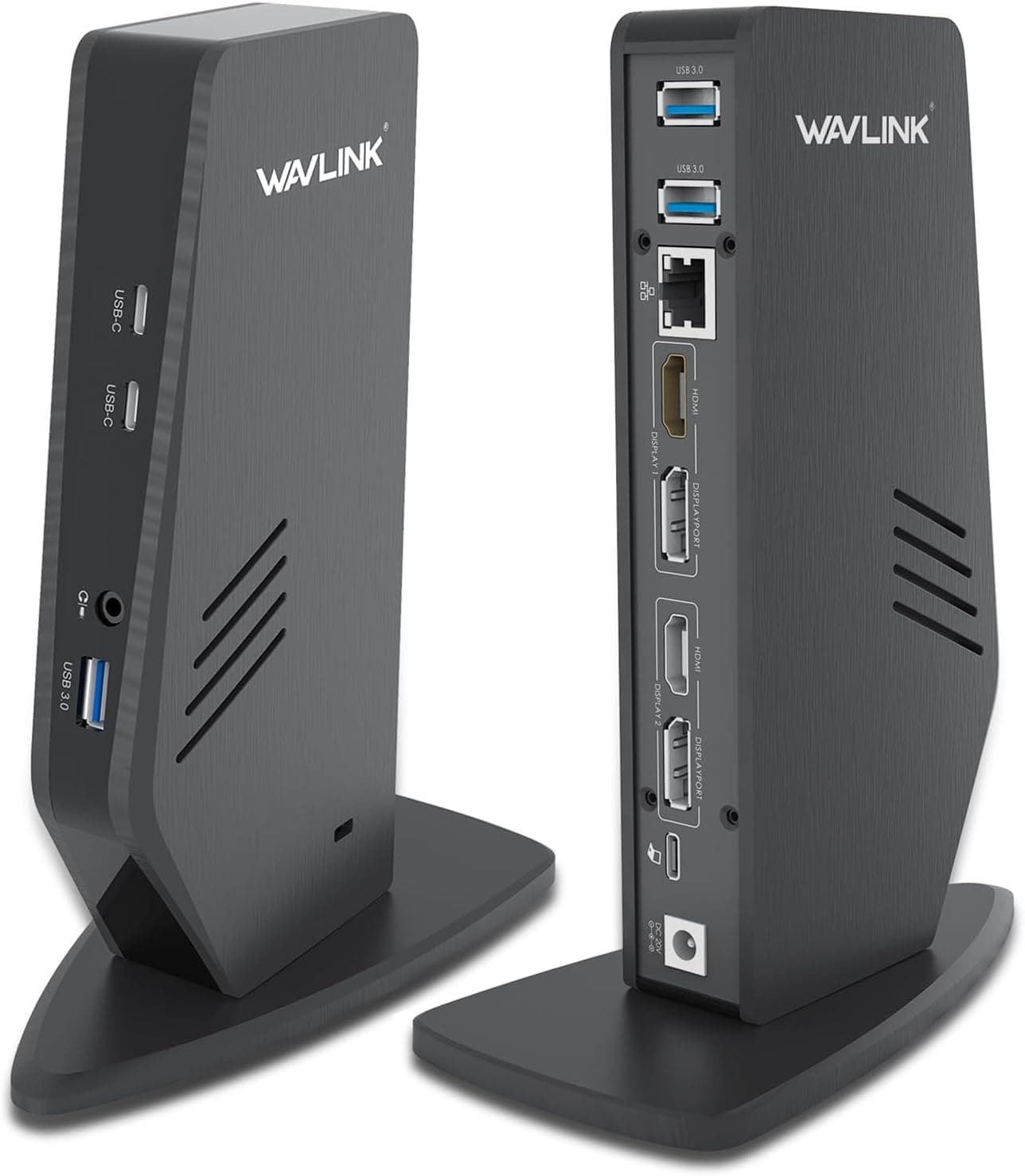
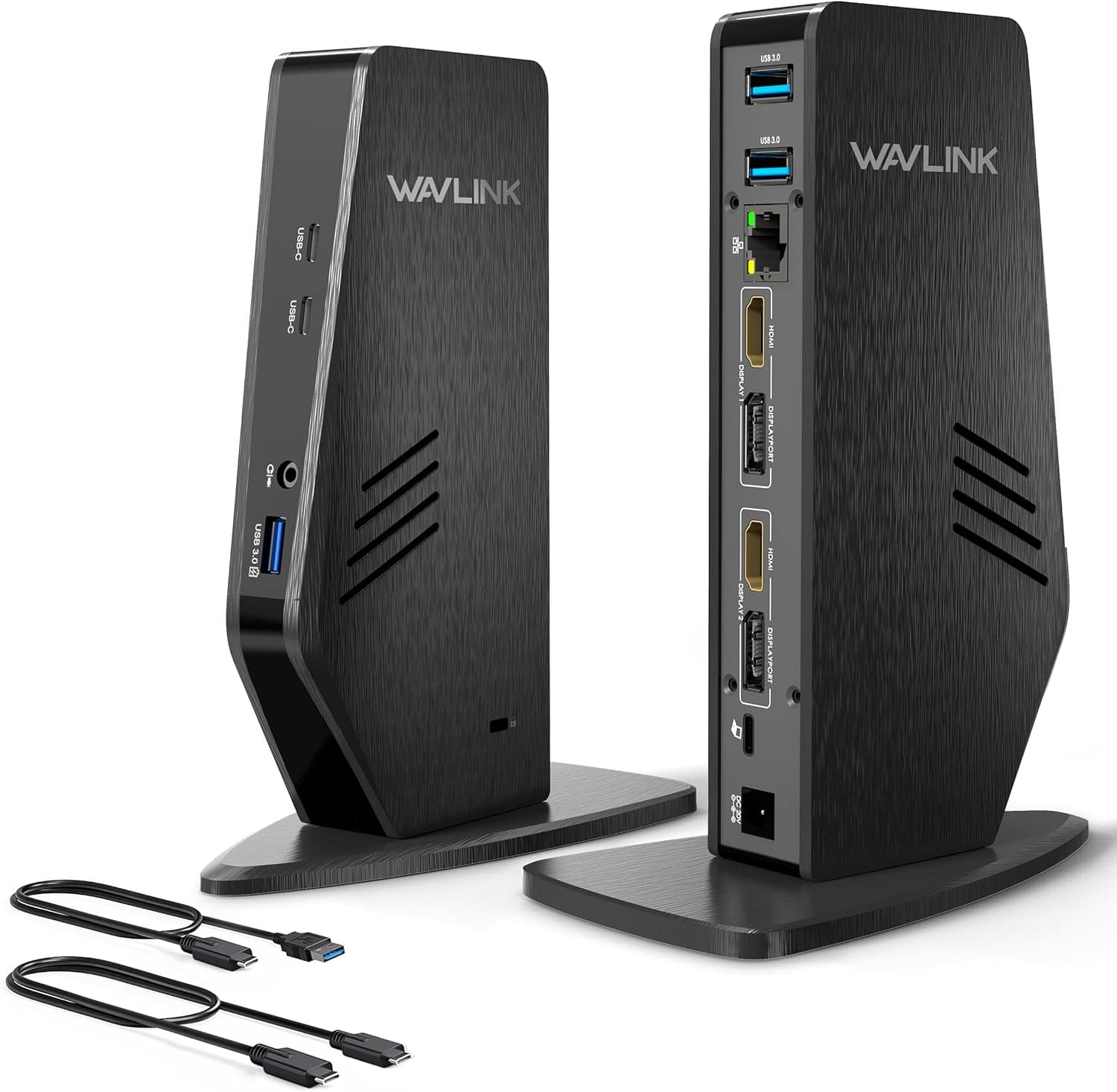
WAVLINK's latest USB-C docking station is a 13-port powerhouse designed for professionals who need dual 4K@60Hz external displays and 100W Power Delivery charging from a single cable. What sets this dock apart is its use of DisplayLink technology, which allows Apple Silicon Macs (M1 through M4) to drive two extended monitors — something Apple's native implementation doesn't support. With two HDMI 2.0 ports, two DisplayPort 1.2 outputs, Gigabit Ethernet, USB 3.0 ports, a 10Gbps USB-C port, and a combo audio jack, this dock aims to be the central hub for a clean, cable-managed desk setup. It's a practical solution for anyone who wants to connect multiple peripherals and displays to a laptop without constantly plugging and unplugging cables.
The host connection uses USB-C (USB 3.1 Gen2 / Thunderbolt 3/4 / USB4) and works with Windows 10+, macOS 11+, Chrome OS, Ubuntu 20.04/22.04, Android, and Harmony OS. macOS users must install the DisplayLink driver before use.
Released in late 2024, this dock sits in the mid-to-high tier of DisplayLink-based universal docks.Check the retailer's page for the latest price.
Apple Silicon Mac users who need dual external monitors If you own an M1/M2/M3/M4 MacBook and need more than one external display, this dock is one of the most affordable ways to get dual 4K extended desktops. It's ideal for developers, video editors, and data analysts who benefit from extra screen real estate. Windows laptop users building a one-cable desk setup Pair this dock with a Thunderbolt 4 or USB-C Windows laptop (Dell XPS, Lenovo ThinkPad, HP Spectre) to connect two monitors, wired Ethernet, and peripherals through a single cable — all while charging the laptop at up to 100W. Your desk stays tidy and your workflow stays uninterrupted. Not ideal for gaming or HDCP-protected content Because HDCP is not supported, this dock cannot output 4K streams from Netflix, Prime Video, or similar services. It also maxes out at 60Hz, so high-refresh-rate gaming monitors (120Hz/144Hz) won't reach their full potential. If you need those features, look for a Thunderbolt 4 native dock instead.
Before buying, be aware that the DisplayLink driver is mandatory — especially on macOS, where you'll need to grant accessibility permissions during setup. The initial configuration takes a few extra minutes compared to plug-and-play Thunderbolt docks. Also, the 100W PD charging only works if your laptop's USB-C port supports Power Delivery. If it doesn't, the dock will still power itself from the included 130W adapter, but your laptop won't charge through the dock. Compared to Thunderbolt 4 docks (Caldigit TS4, Anker PowerExpand), this WAVLINK model is significantly cheaper but relies on DisplayLink's software-based video rendering, which introduces a slight latency penalty. For office work, web browsing, and video editing, the difference is negligible. For real-time gaming or high-FPS scenarios, a native Thunderbolt dock is better.
Q: Can I use dual extended monitors with an M1 Mac? A: Yes, after installing the DisplayLink driver, M1/M2/M3/M4 Macs can run two external displays in extended mode. Note that video is rendered via software, so there's a tiny latency increase compared to native connections. Q: Is this dock good for gaming? A: It works for casual gaming at 60Hz, but HDCP incompatibility means you can't stream Netflix or Prime in 4K. High-refresh-rate gaming (120Hz+) is not supported. Q: Does the power adapter come included? A: Yes, a 130W power adapter is included. It provides up to 100W PD charging to the host laptop, provided the laptop's USB-C port supports Power Delivery.
Product Disclosure (Amazon)
- Manufacturer: WAVLINK
- Seller: Amazon US
- Fulfilled by: Amazon US
- ASIN: B0G4CN74RL
- Note: This article covers a manufacturer-made product based on Amazon listing details.