This article covers Kensington AD220S3 USB-C ドッキングステーション 12-in-1 USB-Cハブ 3モニター 85W充電 HDMI2個 VGA1個 イーサネット SD.
Overview
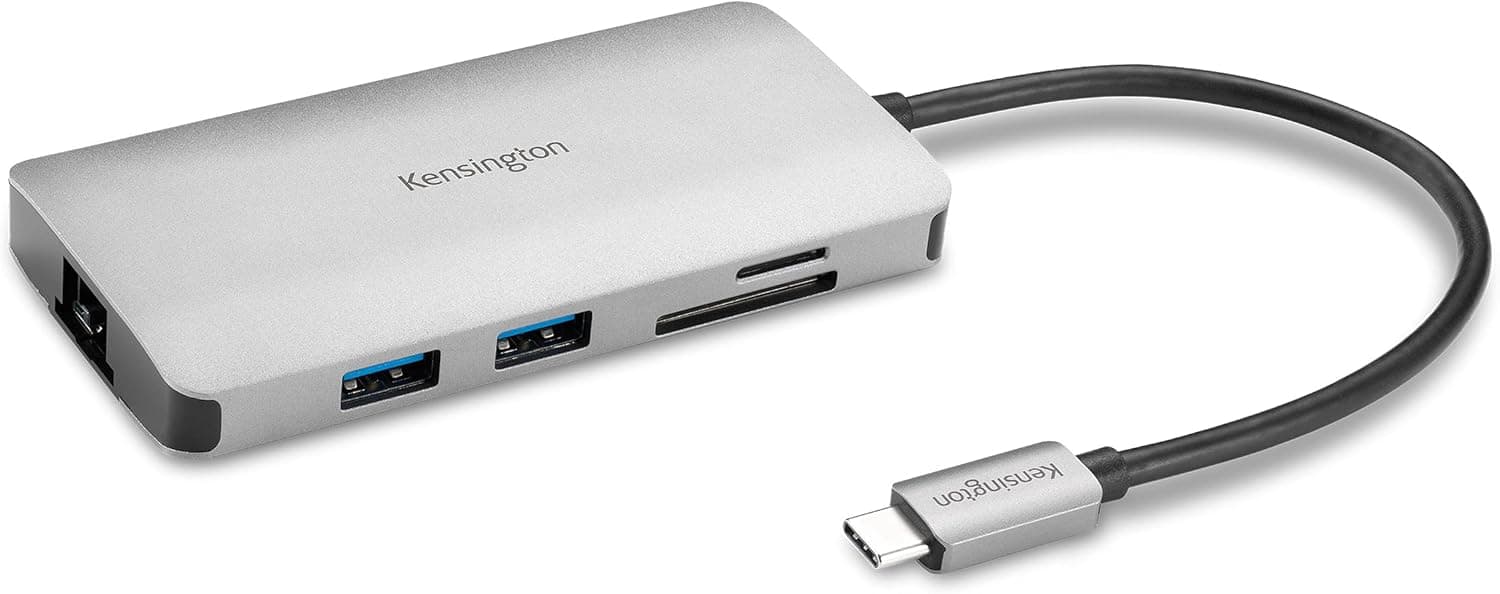
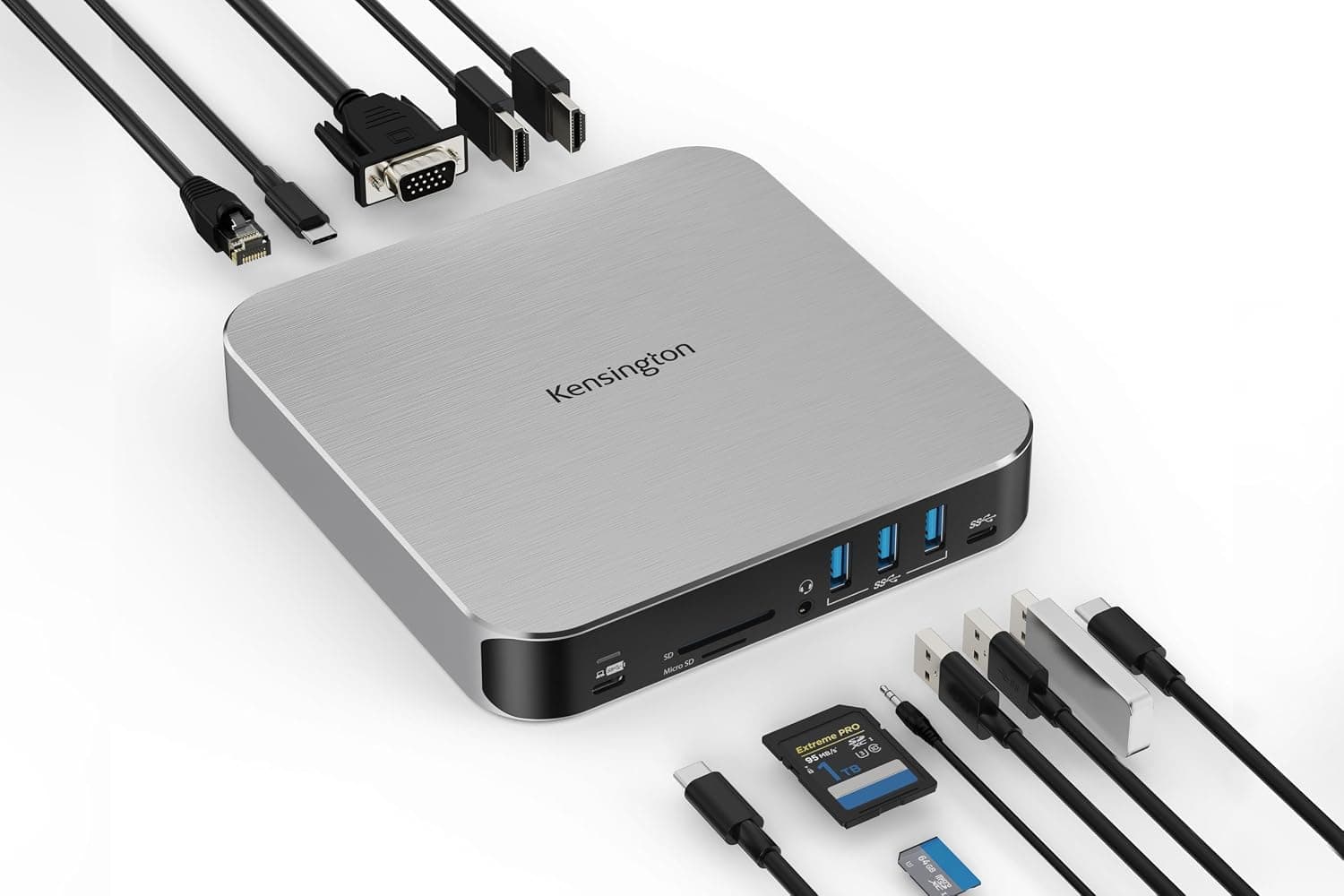
The Kensington AD220S3 USB-C Docking Station is a 12-in-1 hub that turns a single USB-C port into a full workstation connection. Its standout feature is triple-monitor support: you can drive up to three external displays simultaneously using two HDMI ports (one 4K@60Hz, one 4K@30Hz) and one VGA port (1080p@60Hz). Housed in a sleek aluminum chassis, the AD220S3 matches the aesthetic of modern ultrabooks like the MacBook Air and MacBook Pro. The included 1-meter USB-C cable connects to your laptop, and the dock can deliver up to 85W of power passthrough, keeping your notebook charged while you work.
Connectivity & Compatibility
The AD220S3 works with any laptop that supports USB-C Alt Mode, including Thunderbolt 4, USB4, and standard USB-C Alt Mode devices. It is compatible with Windows 10 or later and macOS 11 or later. For M1/M2/M3 MacBooks, a quick driver installation enables triple-display output—something Apple’s native support doesn’t offer. Video: 1× HDMI 2.0 (up to 4K@60Hz), 1× HDMI 1.4 (up to 4K@30Hz), 1× VGA (1080p@60Hz) USB: 1× USB-C Gen1 (5V/0.9A), 3× USB-A Gen1 (5V/0.9A), 1× USB-C power passthrough * Other: Gigabit Ethernet, SD/MicroSD card reader (UHS-I, SD3.0), 3.5mm combo audio jack Power delivery passthrough is rated at 85W. Kensington recommends using a 100W or higher power adapter if you plan to connect power-hungry peripherals like external SSDs.
Product Info
Released around 2024, the Kensington AD220S3 is priced at approximately ¥9,194 in Japan, placing it in the entry-to-mid-range docking station segment. It comes with a 2-year limited warranty and includes Kensington DockWorks software for managing connections and firmware updates. The package contains the dock, a 1-meter USB-C cable, and a quick-start guide.
Best Use Cases
MacBook users who need multiple external displays: The AD220S3 is one of the few docks that can drive three monitors from a single USB-C port on M1/M2/M3 MacBooks after installing the driver. Ideal for video editors, financial analysts, or anyone who benefits from a sprawling desktop. Windows laptops also work well, but the driver advantage is less pronounced. Mobile professionals who travel frequently: With one cable you get Ethernet, SD card access, USB peripherals, and display output—perfect for hotel rooms or co-working spaces. The 85W passthrough means you can leave your laptop charger at home. Users with legacy VGA equipment: The built-in VGA port lets you connect older projectors or monitors without an adapter. Great for conference rooms or classrooms that still use VGA. Just note that VGA is limited to 1080p@60Hz. Who should look elsewhere: If you need Thunderbolt 4 speeds (40Gbps) or a DisplayPort output, this dock isn’t the best fit. Also, laptops without USB-C Alt Mode support won’t work with this dock at all.
Product Disclosure (Amazon)
- Manufacturer: Kensington
- Seller: Amazon US
- Fulfilled by: Amazon US
- ASIN: B0D5D5W4NK
- Note: This article covers a manufacturer-made product based on Amazon listing details.