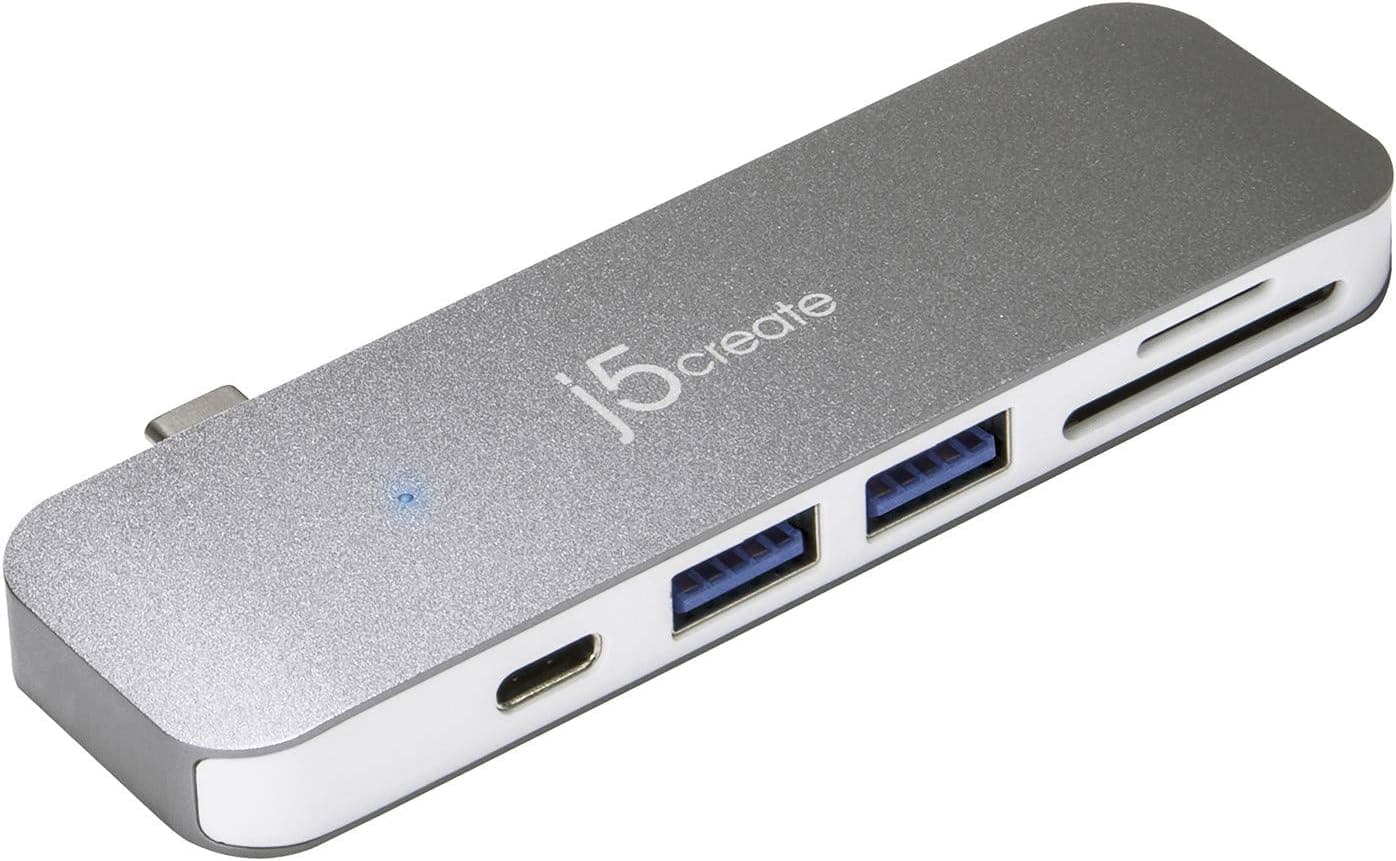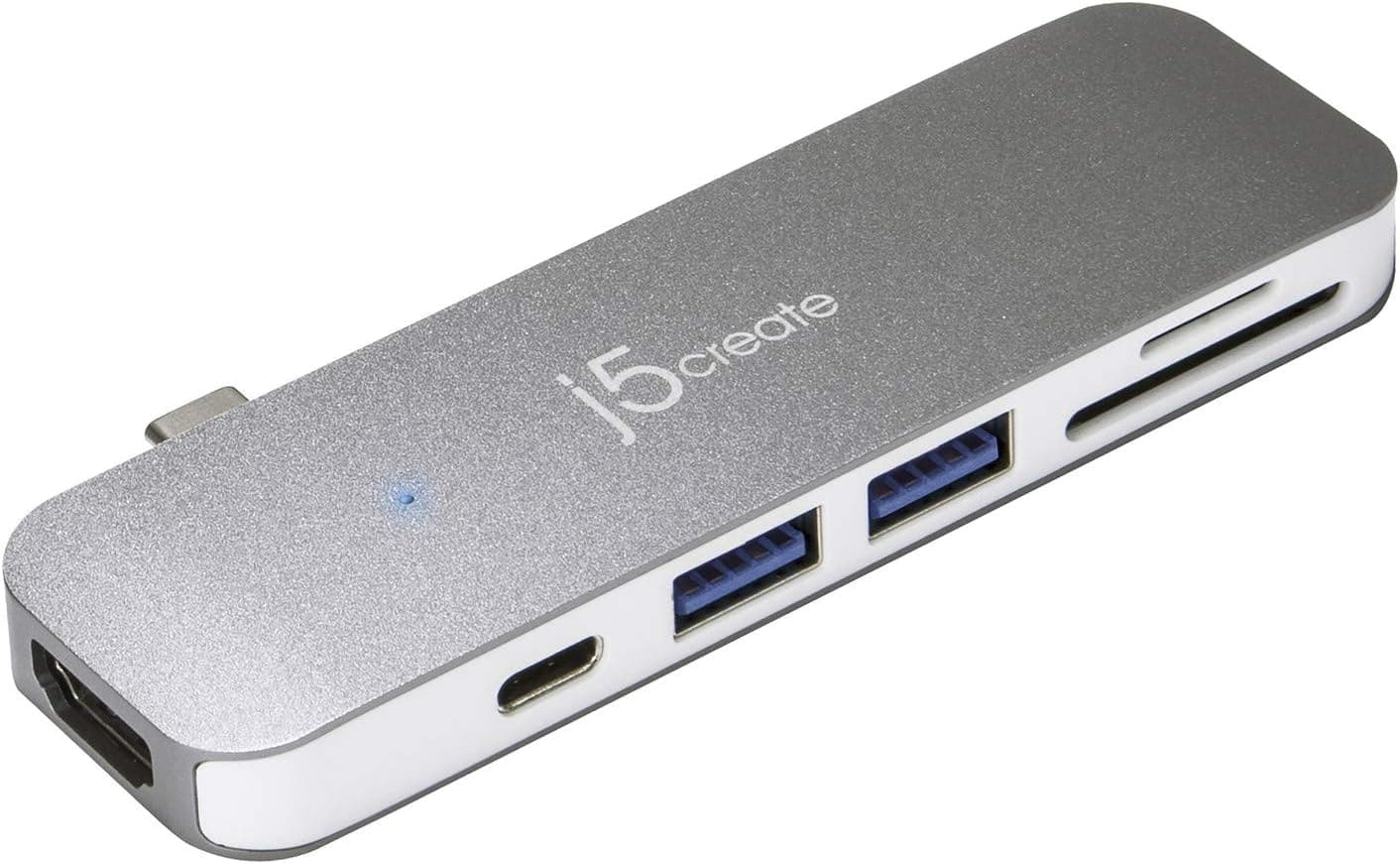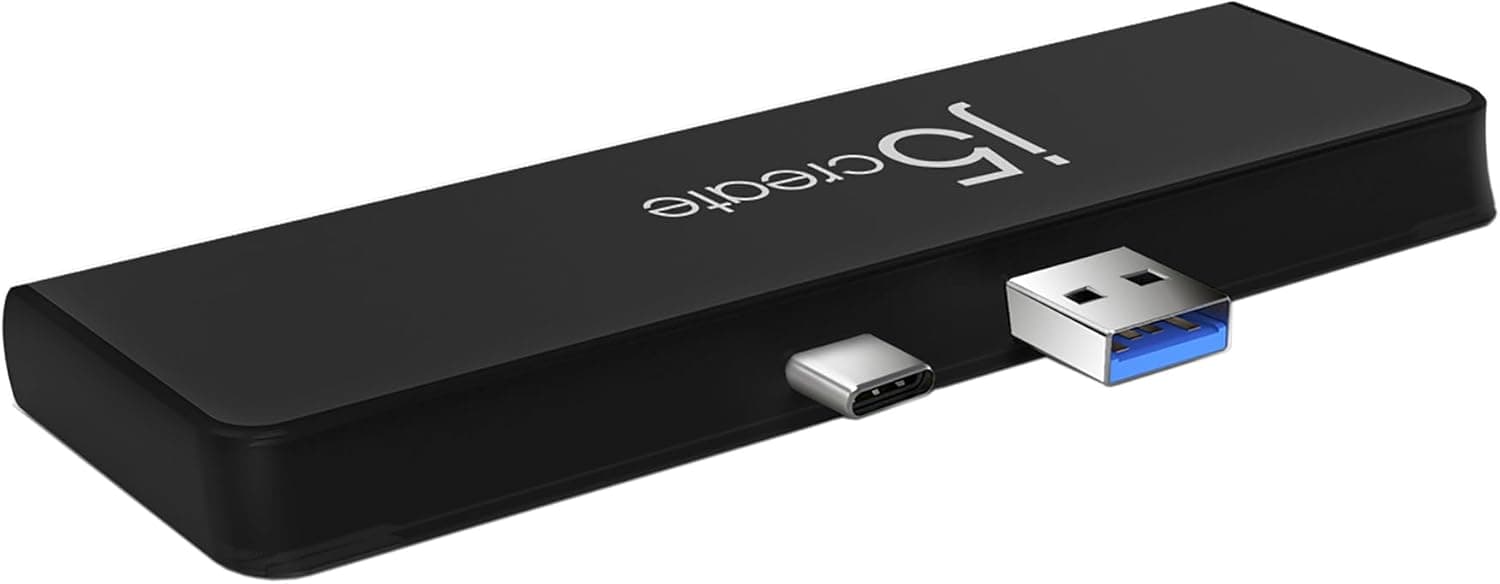
This article covers j5create Surface Pro 7. The j5create JCD324B is a 7-in-1 mini dock designed exclusively for the Microsoft Surface Pro 7 and Surface Pro 7+.
Its key differentiator is the custom-molded connector layout that matches the exact spacing between the USB-A and USB-C ports on the Surface Pro 7/7+ chassis, allowing the dock to snap directly onto the tablet without any dangling cables. This makes it one of the most portable expansion solutions for Surface users who need quick access to multiple ports on the go.
Inside this compact aluminum housing, the JCD324B packs a 4K 60Hz HDMI output with HDR support, two USB 3.1 Gen 2 Type-A ports (10Gbps each), one USB 3.1 Gen 2 Type-C port (10Gbps) with Power Delivery 3.0 pass-through charging up to 60W, and a combined SD/microSD 3.0 UHS-I card reader.
It is a true plug-and-play device — no drivers or external power brick required. The JCD324B is purpose-built for the Surface Pro 7 and Surface Pro 7+ only.
It connects directly to the tablet's built-in USB-A and USB-C ports, which are positioned at a specific distance from each other on the right side of the device. This design means the dock is not compatible with any other Surface model (Pro 8, Pro X, Surface Laptop, etc.) or any non-Microsoft device.
HDMI output: 1x HDMI 2.0 (4K @ 60Hz, HDR, 3D support) USB-A ports: 2x USB 3.1 Gen 2 (10Gbps) USB-C port: 1x USB 3.1 Gen 2 (10Gbps) with PD 3.0 pass-through (60W max) Card reader: SD 3.0 UHS-I + microSD 3.0 UHS-I (up to 104MB/s, supports cards up to 2TB) * All ports are located on one side of the dock for clean cable management Because the dock draws power and data through the Surface's own ports, there is no separate USB cable to lose or break.
The connection is firm and secure, though you should be careful not to bump the dock sideways when the Surface is on a desk. The j5create JCD324B launched around November 2020 and sits in the mid-range tier of Surface accessories.
It is priced well below Microsoft's official Surface Dock 2, making it an attractive option for users who want essential port expansion without spending a premium.Check the retailer's page for the latest price.
Surface Pro 7/7+ users who need a single-cable docking solution for a desk setup — If you regularly connect an external monitor, a mouse, a keyboard, and a USB drive to your Surface, the JCD324B lets you do it all through one compact attachment. The 4K 60Hz HDMI output is ideal for productivity tasks like spreadsheets, document editing, and presentations.
However, if you need dual external monitors, this dock only supports one HDMI output, so you would need a DisplayLink-based dock instead. Mobile professionals and students who work in coffee shops, co-working spaces, or meeting rooms — The dock's cable-free design means you can slide your Surface into a bag with the dock attached and set up in seconds at your destination.
The built-in SD/microSD reader is handy for photographers and videographers who need to offload footage on location. That said, the dock adds a small amount of bulk to the right side of the tablet, which may interfere with some tight-fitting sleeves or cases.
- Budget-conscious Surface Pro 7/7+ owners who want essential port expansion — At around ¥2,890, the JCD324B is significantly cheaper than Microsoft's Surface Dock 2 (around ¥20,000) while still covering the most common ports: HDMI, USB-A, USB-C, and SD card. It is a great value proposition for users who do not need Ethernet, audio jacks, or dual-monitor support.
However, if you frequently transfer large files via UHS-II SD cards, the UHS-I reader will be a bottleneck. The Anker hub connects via a short USB-C cable and works with any USB-C device, including Surface Pro 8 and later models, as well as laptops from Dell, HP, and Lenovo.
It offers similar port selection (HDMI 4K 30Hz, USB-A, USB-C PD, SD/microSD) but lacks the custom-fit design of the JCD324B. For Surface Pro 7/7+ users who prioritize portability and a clean look, the j5create dock is the better choice.
Another alternative is the Microsoft Surface Dock 2 (around ¥20,000). It provides two 4K 60Hz display outputs, Gigabit Ethernet, a 3.5mm audio jack, and 65W charging via a single USB-C connection.
It is far more capable but also much more expensive and requires a separate cable. The JCD324B is the right pick for users who want a simple, low-cost expansion without the complexity of a full docking station.
Product Disclosure (Amazon)
- Manufacturer: j5create
- Seller: j5create Outlet Park
- Fulfilled by: Amazon
- ASIN: B08J6G79S9
- Note: This article covers a manufacturer-made product based on Amazon listing details.