This article covers Kensington MD125U4 USB4 ポータブルドッキングステーション.
Overview
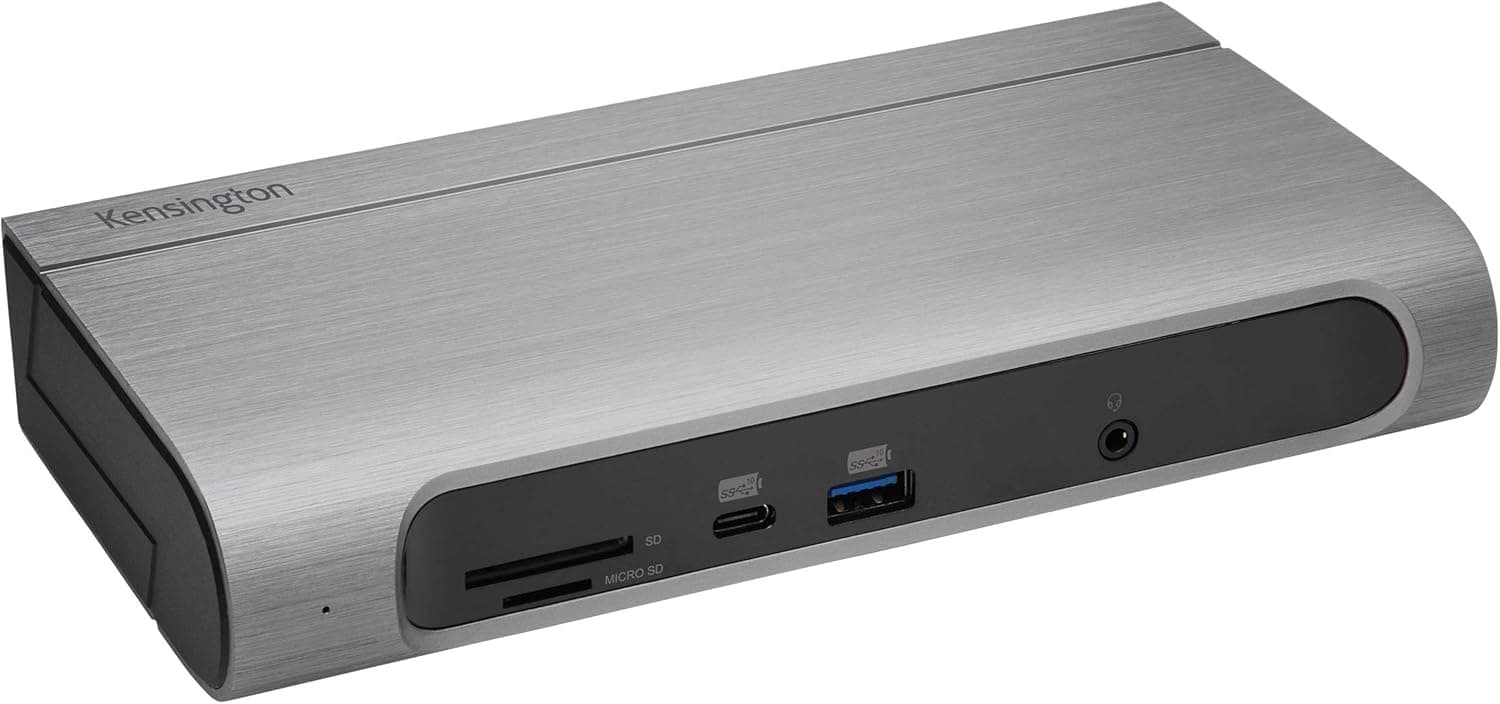
The Kensington MD125U4 USB4 Portable Docking Station is a compact, professional-grade dock designed primarily for Microsoft Surface devices. It leverages a USB4 host connection to deliver up to 40Gbps data transfer speeds, while keeping the footprint small enough to slip into a laptop bag pocket. For hybrid workers who move between home office and meeting rooms, this dock offers a practical balance of portability and connectivity. What sets the MD125U4 apart is its Designed For Microsoft Surface certification. Kensington worked directly with Microsoft to ensure reliable charging, stable video output, and seamless peripheral connectivity with Surface Pro, Surface Laptop, and Surface Studio models. That said, the dock also works with any Windows PC equipped with USB4, Thunderbolt 3/4, or USB-C 3.2 Gen2×2 ports, making it a versatile choice beyond the Surface ecosystem.
Connectivity & Compatibility
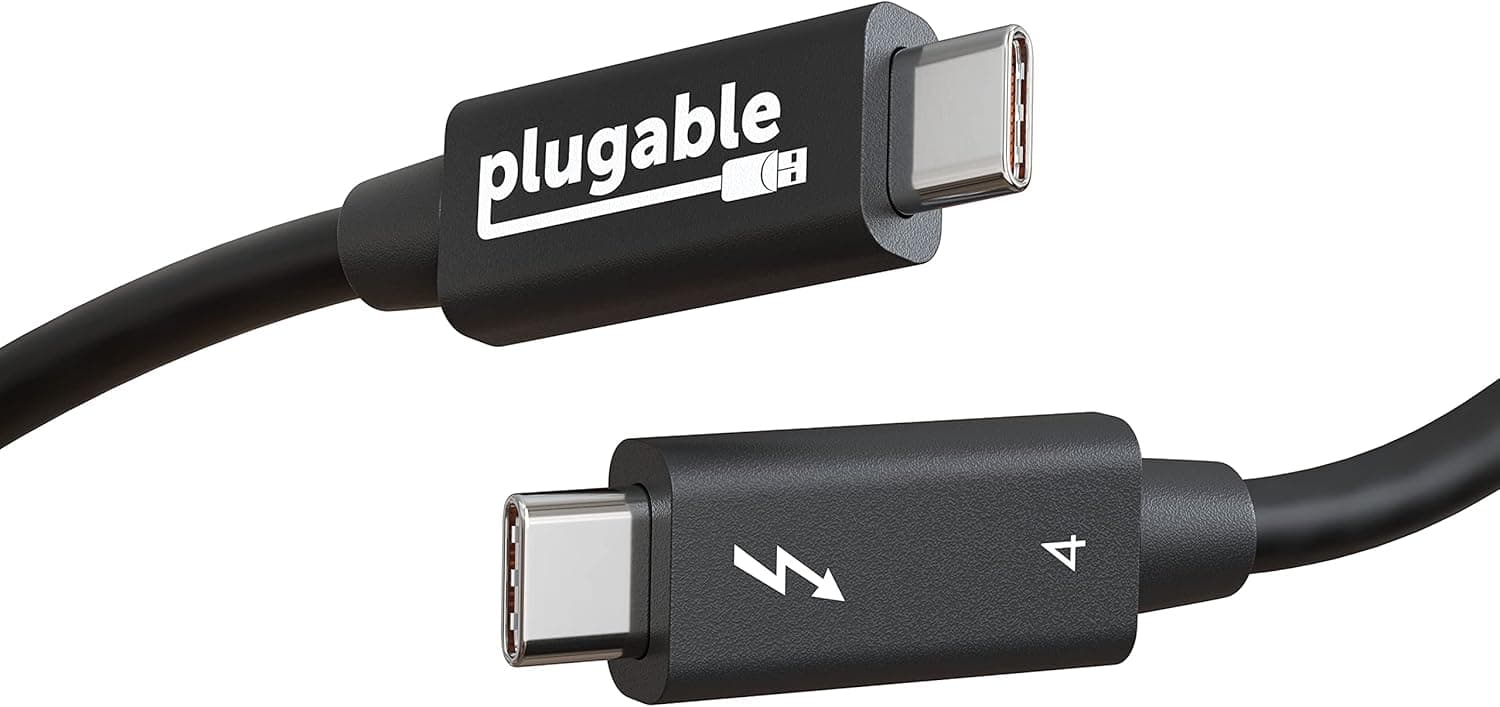
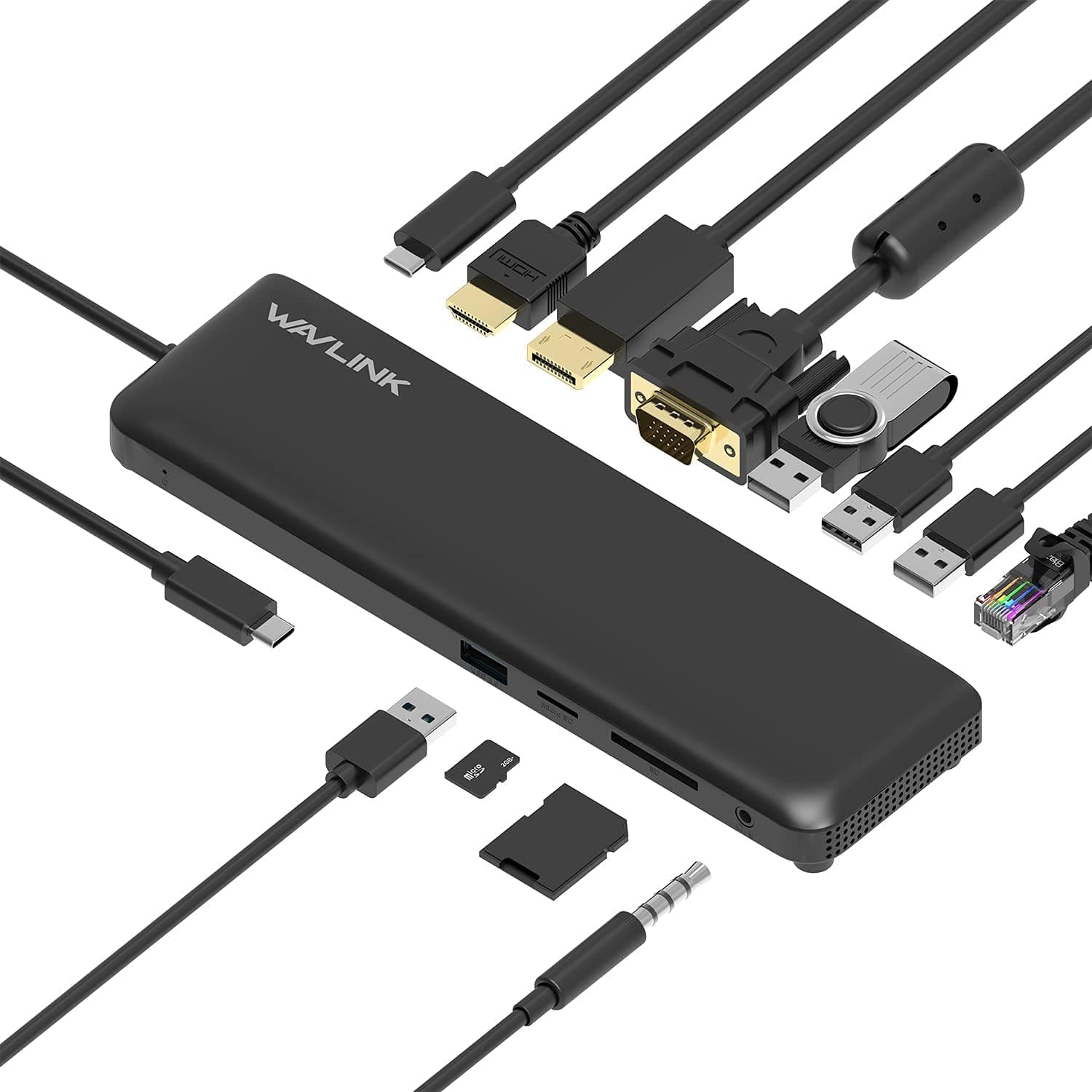
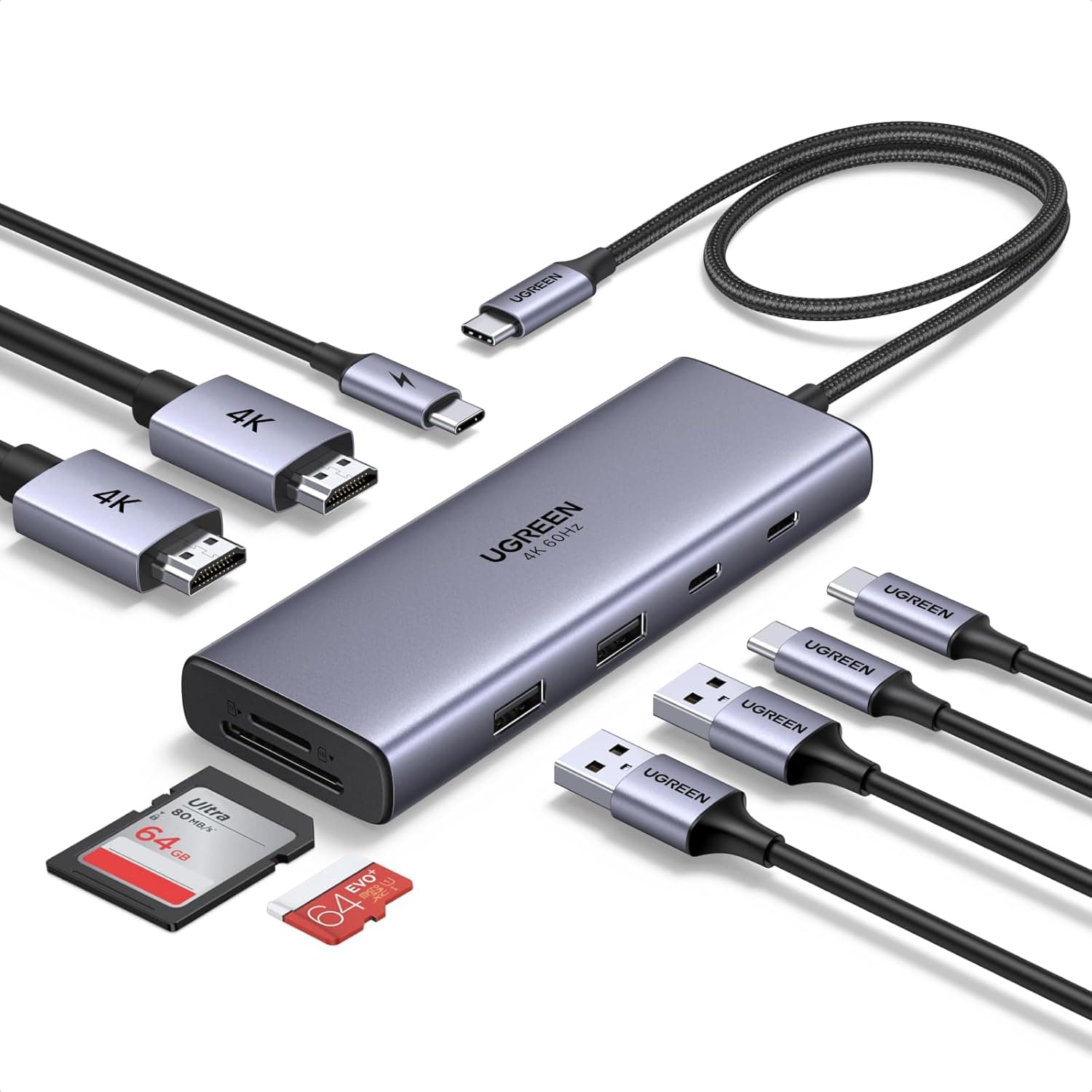
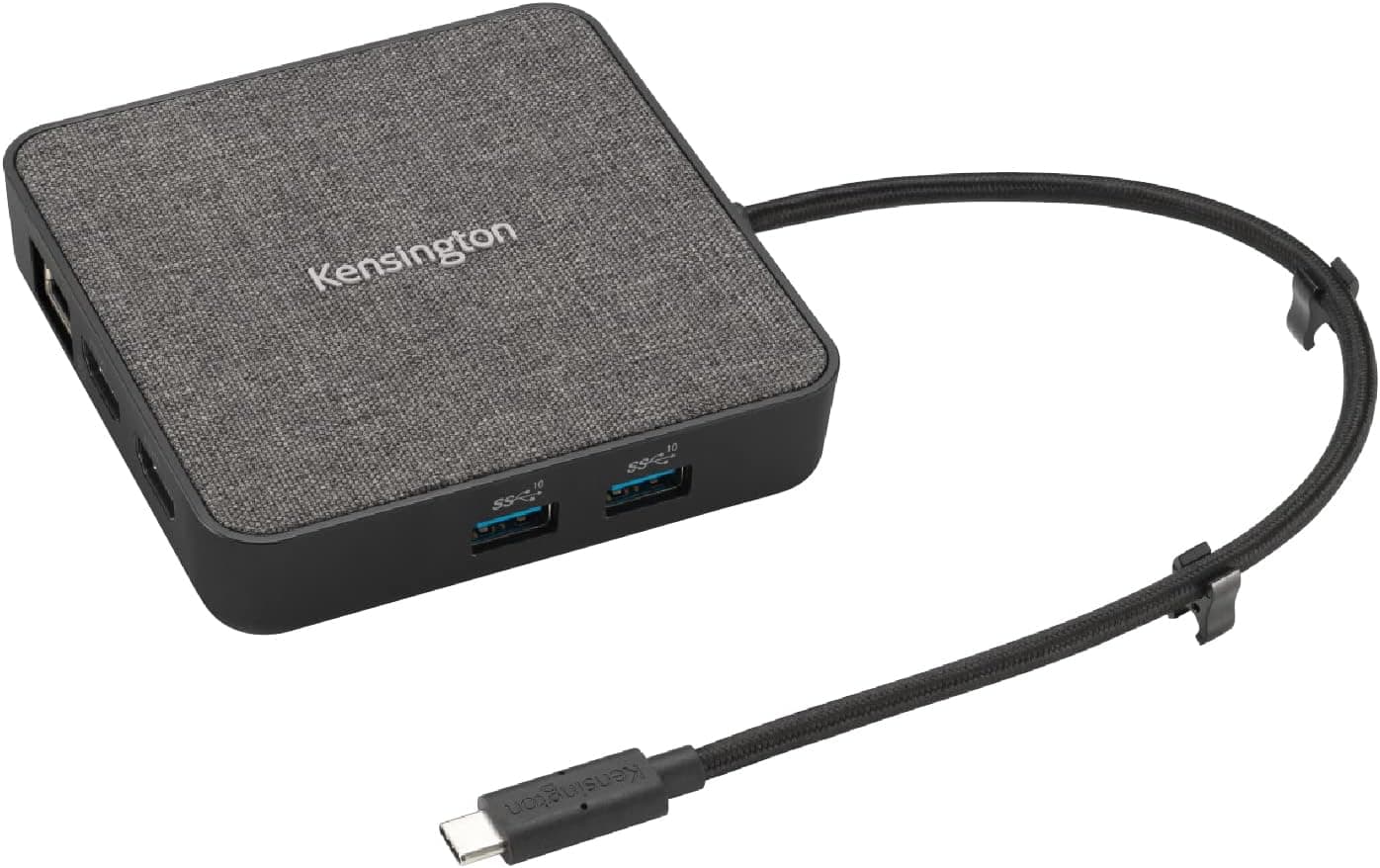
The MD125U4 connects to the host via a built-in USB4 cable (approx. 20 cm). It is backward compatible with Thunderbolt 3, Thunderbolt 4, and USB-C 3.2 Gen2×2 (20 Gbps) ports. Supported OS is Windows 10 and later; macOS is not officially supported. Video output is handled by two HDMI 2.1 ports. In single-monitor mode, you can drive up to 8K at 30 Hz. In dual-monitor mode, each port supports 4K at 120 Hz, which is excellent for creative workflows or multi-window productivity. Expansion ports include: 1× USB-C 3.2 Gen2 (data + power passthrough up to 100 W; bus-powered mode 5 V/0.9 A) 2× USB-A 3.2 Gen2 (5 Gbps each) * 1× 2.5 Gbps Ethernet (RJ-45) The 2.5 Gbps Ethernet port is a welcome addition for office environments where wired network speed matters.
Product Info
The Kensington MD125U4 launched in mid-2023. Its street price on Japan is around ¥5,900 (tax included), which is remarkably affordable for a USB4 dock. Kensington backs it with a 2-year warranty. The package includes the dock with an attached USB4 cable and a quick-start guide — no separate power adapter is included. Market positioning is squarely in the mid-range. Compared to Microsoft's own Surface Dock 2 (around ¥15,000), the MD125U4 costs less than half while offering faster USB4 data speeds and dual HDMI 2.1 output. It's a strong value proposition for Surface users who don't need Thunderbolt 4 certification.
Best Use Cases
Surface Pro / Surface Laptop owners: This is the primary target audience. The Designed For Microsoft Surface certification guarantees reliable charging and display behavior. Pair it with a Surface Pro 9 or Surface Laptop Studio for a clean, single-cable desktop setup with dual 4K monitors. Mobile professionals who travel frequently: The dock is small and lightweight, and the attached USB4 cable means no loose cables to lose. It fits easily in a laptop sleeve or small pouch. Perfect for coworking spaces, hotel rooms, or client offices. Users who need dual 4K at high refresh rates: With two HDMI 2.1 ports supporting 4K@120 Hz each, this dock is suitable for video editors, financial traders, or anyone who benefits from a spacious, high-refresh-rate multi-monitor setup. Budget-conscious buyers wanting USB4 speeds: At roughly ¥5,900, the MD125U4 undercuts most USB4 docks by a wide margin. If you need 40 Gbps bandwidth and dual HDMI output without paying a premium, this is one of the best value options available.
Things to Consider
macOS is not officially supported. While some users report basic functionality on Intel Macs with Thunderbolt 3, video output and charging may be unreliable. Apple Silicon Mac users should look elsewhere. The attached USB4 cable is only about 20 cm long. You'll need to place the dock very close to your laptop. If you prefer a longer cable, consider a USB4 extension cable (though not all extensions work reliably at 40 Gbps). To use the 100 W power passthrough, you must connect a USB-C charger rated at 80 W or higher to the dock's upstream USB-C port. No charger is included in the box, so factor that into your total cost. HDMI 2.1 8K output is limited to single-monitor mode. In dual-monitor mode, the maximum is 4K@120 Hz per display. Also, there is no DisplayPort output, so if your monitor only has DP input, you'll need an HDMI-to-DP adapter.
Product Disclosure (Amazon)
- Manufacturer: Kensington
- Seller: STKT.STORE WORLD
- Fulfilled by: Amazon
- ASIN: B0C6LWKBZG
- Note: This article covers a manufacturer-made product based on Amazon listing details.