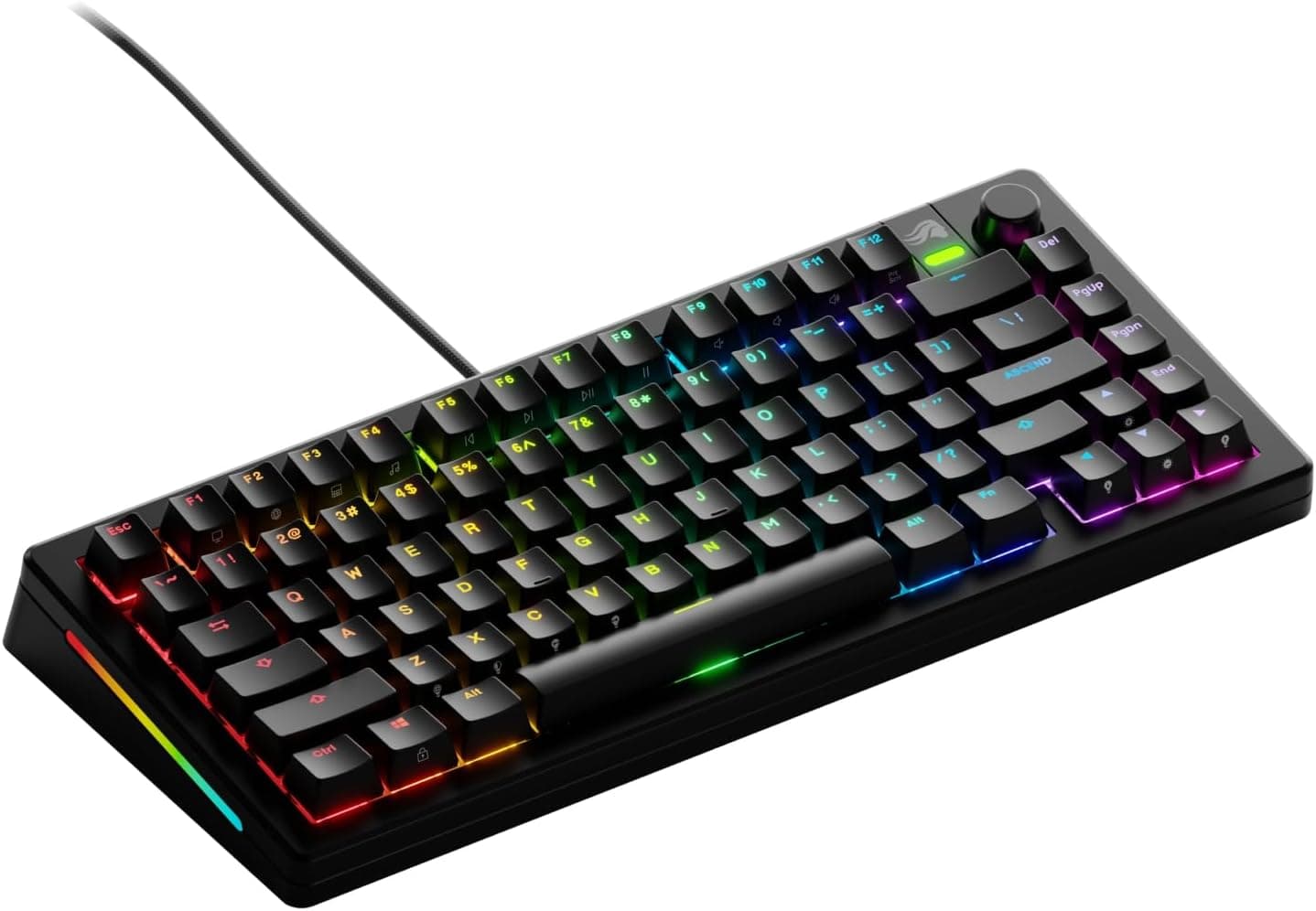
Overview
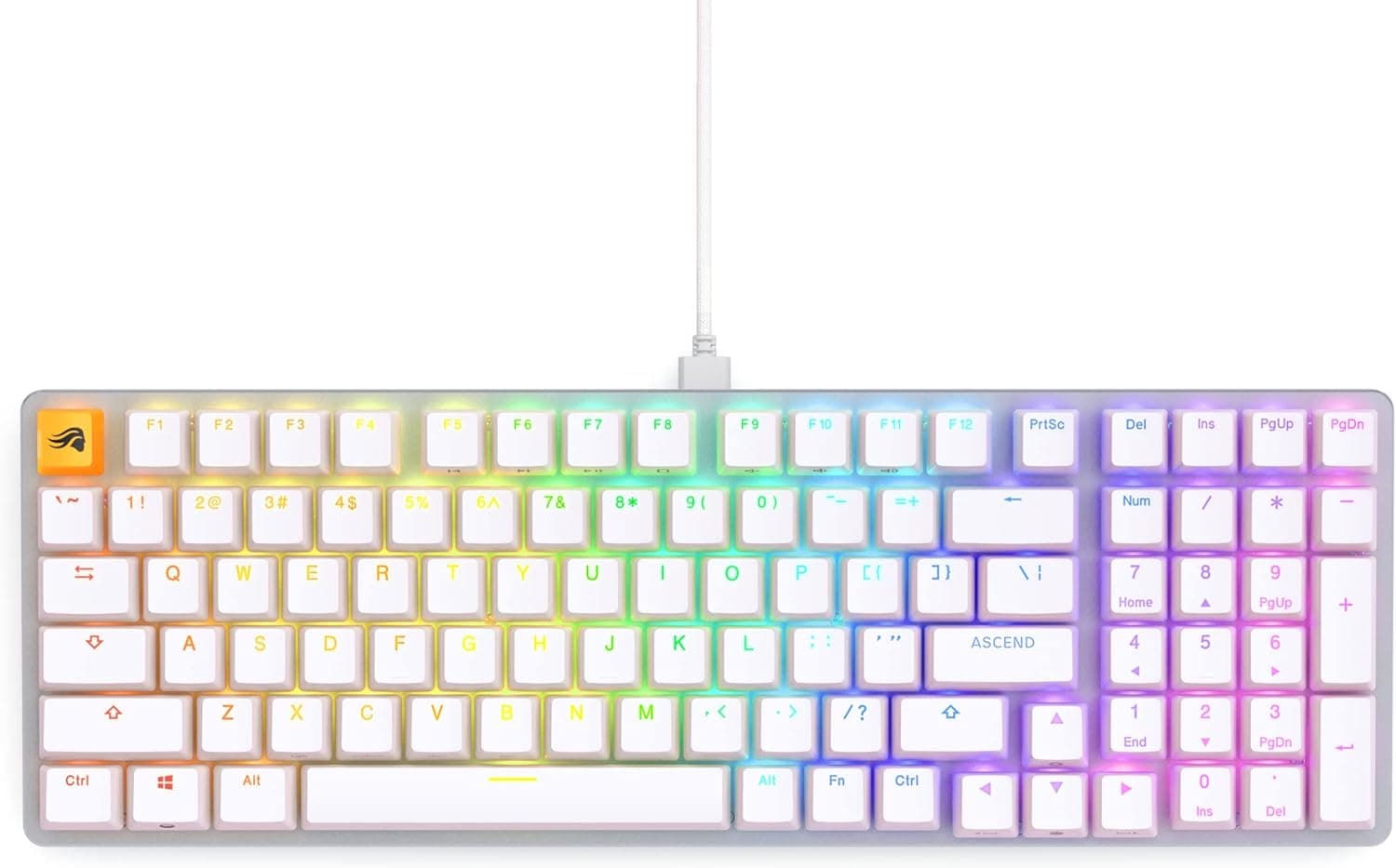
The Glorious GMMK 3 — listed on Amazon.co.jp as Glorious Gaming - GMMK 3 カスタム メカニカル ゲーミングキーボード ノブ付き 75% テンキーレスキーボード モジュラーガスケットシステム ダブルショット PBT キーキャップ アルミニウムスイッチプレート ホットスワップ対応スイッチ ANSI(ブラック) — is a wired 75% tenkeyless mechanical keyboard built around a single idea: you keep changing how it feels after you buy it.
If swapping switches, gaskets and keycaps to chase a specific sound and feel appeals to you, it is a strong pick. If you want a finished board straight out of the box, or you need a JIS layout, it is not.
The board measures 338 x 152 x 46 mm, roughly 100 mm narrower than a typical full-size keyboard while keeping the function row and arrow keys that smaller 65% boards give up. The switch plate is aluminum, the keycaps are GPBT double-shot PBT, and a programmable knob handles volume and media control.
On Amazon.co.Check the retailer's page for the latest user reviews.
That sample is small, so read it as an absence of widespread complaints rather than proof of long-term durability.
What Modular Actually Means Here
The centerpiece is the Modular Gasket System (MGS). Gasket mounting places compliant material between the PCB and the case to soften bottom-out impact; on the GMMK 3 that material itself is replaceable.
Firmer gaskets sharpen the outline of each keypress, softer ones absorb more of the shock. Normally, changing mount feel means buying a different keyboard — here it is a parts change.
The hot-swap PCB takes standard 3-pin and 5-pin MX-style switches, so you can move between linear, tactile and silent switches without soldering. The board ships with Fox switches; if they do not suit you, the keyboard itself does not have to be replaced (check the product page for actuation-force details).
Double-shot PBT keycaps resist the shine that develops on ABS caps, and the legends are moulded in rather than printed, so they do not wear off. The aluminum switch plate limits PCB flex and pushes the sound toward a tighter, firmer character.
Compatibility Guide
Connection is USB-C wired only; there is no Bluetooth or 2.4 GHz wireless.
It works with Windows and macOS, plus supported consoles. On consoles, expect text entry to work while in-game control depends entirely on the title, so verify your specific games before buying it for that purpose.
Anything that relies on Glorious CORE software, such as custom knob actions, should be treated as PC-only.
| Check | What this board assumes | Common mistake |
|---|---|---|
| Layout | ANSI (US) | JIS keycap sets and JIS-based settings will not fit |
| Connection | USB-C wired only | No wireless option; plan your cable routing |
| Switches | Hot-swap, MX-style 3/5-pin | Optical and other non-MX switches do not fit |
| Keycaps | Cherry MX compatible stems | You need a set marked ANSI/US |
| Width | 338 mm (152 mm deep) | No numpad; spreadsheet work needs a separate one |
| Height | 46 mm | A wrist rest is advisable at this height |
Layout deserves the most attention. ANSI gives you a long left Shift, a wide horizontal Enter and a long right Shift, and it has none of the henkan, muhenkan or hankaku/zenkaku keys a JIS board provides.
Japanese input still works, but IME toggling moves to Alt + ` or Ctrl + Space, and Windows must be set to treat the board as a US keyboard. Most keycap sets sold in Japan are cut for JIS, so buy only sets explicitly marked ANSI/US.
Keycaps use Cherry MX compatible stems on the standard 19.05 mm 1u pitch.
Note that 75% boards differ in how they split the bottom row and the right-hand column, so even a generic set can leave you with spare caps or gaps. Check the bottom-row key widths in the set contents before ordering.
Product Info
| Item | Specification |
|---|---|
| Brand | GLORIOUS |
| Style | GMMK 3 |
| Layout | 75% tenkeyless (ANSI) |
| Connection | USB-C (wired) |
| Switches | Fox switches, hot-swappable |
| Switch plate | Aluminum |
| Keycaps | GPBT double-shot PBT |
| Backlight | RGB |
| Color | Black |
| Dimensions (WxDxH) | 338 x 152 x 46 mm |
| Compatible devices | Mac, PC, supported consoles |
| Recommended use | Gaming, video editing, programming, study, daily use |
Check the retailer's page for the latest price.co.jp (captured 2026-09-06).
That places it in the mid-to-upper tier: roughly twice what a 10,000-JPY-class 75% gasket board costs. You are paying for a platform you will keep modifying, so if you only want a finished typing feel on day one, it will feel expensive.
Prices move with sales and exchange rates, so always confirm the current figure on the product page.
Glorious CORE software handles remapping, macros, RGB and knob assignments. By default the knob covers volume and media, but reassigning it to zoom, brush size or timeline scrubbing makes it genuinely useful for editing work — the more time you spend in a video editor or DAW, the more that single knob earns its place.
How It Compares
The 75% class is crowded, and the decision usually comes down to three questions.
- Do you want to tune the feel after purchase? Few boards offer replaceable gaskets on top of hot-swap sockets. If that is your requirement, the GMMK 3 has a clear position.
- Do you need wireless? This one is wired only, so it is a poor fit for moving between desks or pairing with a tablet. Wireless 75% boards with gasket mounting exist at lower prices.
- Is competitive responsiveness the priority? Magnetic (Hall effect) boards with rapid trigger, or boards marketed on high polling rates, optimize for key reset speed instead. If you can live without mechanical switch feel, those suit that goal better.
In short, pick the GMMK 3 as a platform to build on, not as a spec-sheet response-time winner.
Typing Feel and Sound Tuning
An aluminum plate with PBT caps generally lands on the higher, harder side acoustically. For a deeper, more muted sound, move to well-lubed linear switches and softer gaskets.
For a sharper, more defined keypress, pair firmer gaskets with tactile switches.
If you share a room, take calls or record with a microphone, silent switches are the quickest fix. Rattle from the stabilizers under large keys such as Space and Enter is worth addressing on its own — that alone changes the impression.
Because hot-swap and gasket changes are available, this board gives you far more recovery paths than usual when the stock feel is not what you hoped for.
Who It Is For
It suits people who enjoy pulling switches, trying different gaskets and swapping keycaps to dial in sound and feel. Programmers and writers who type for hours, video editors who want a knob mapped to editing actions, and gamers fitting a board into 338 mm of desk width are all good fits.
If you already own switches and keycaps and simply want a solid case and PCB to build on, the value proposition is especially strong.
It is a poor fit if you rely on a numpad, want a wireless desk, need a JIS layout, or expect a finished product that needs no attention after unboxing.
Before You Buy
ANSI is the biggest fork in the road. Coming from JIS, symbol positions change and the henkan/muhenkan keys are gone.
Most people adapt, but if you type symbols heavily at work or alternate with a JIS board daily, do not underestimate the switching cost.
It is wired only. Plan cable routing, length and thickness in advance. If wireless is a requirement, this board is out.
Be careful with price data. Overseas marketplace listings sometimes show figures far too low to be a complete keyboard; the data collected for this article included one such entry.
Those listings are usually keycaps, switches, spare parts or a different product entirely. Use the 34,097 JPY Amazon.co.jp figure (captured 2026-09-06) as your reference point and confirm the price at purchase time.
** The 4.5 average is good, but it says little about long-term durability or unit variance. Gaskets and hot-swap sockets are the parts you disturb repeatedly, so if you plan to swap often, pull switches straight up and avoid bending pins.
Expect follow-up spending. A full set of replacement switches costs several thousand yen, and a keycap set adds more.
Budget on the assumption that the board price is not the total.
Listing metadata is sometimes wrong. Manufacturer, model number and included-accessory fields occasionally belong to a different product.
Before ordering, confirm from the product images and title that you are buying the 75% ANSI, knob-equipped, black version.
FAQ
Q. Does it have a numpad? A.
No. It is 75% tenkeyless, so you keep the function row and arrow keys but lose the numpad.
Pair it with a separate numpad for heavy number entry.
Q. Is there a JIS (Japanese) layout version? A.
This configuration is ANSI (US). Japanese input works fine, but there are no henkan/muhenkan/hankaku-zenkaku keys, IME toggling moves to Alt + ` or Ctrl + Space, and Windows must be configured for a US keyboard.
Q. Can I use it wirelessly?
A. No. USB-C wired is the only connection.
Q. Can I change the switches myself? A.
Yes. The PCB is hot-swappable and accepts common 3-pin and 5-pin MX-style switches.
Optical and other incompatible types will not work.
Q. Does it work on a Mac? A.
Yes, over USB-C. The modifier arrangement follows Windows convention, so remapping Command and Option in macOS keyboard settings makes it more comfortable.
Check official sources for Glorious CORE OS support.
Q. Can I fit third-party keycaps? A.
Generally yes, thanks to Cherry MX compatible stems. Choose an ANSI-compatible set and check that it includes the keys a 75% layout needs.