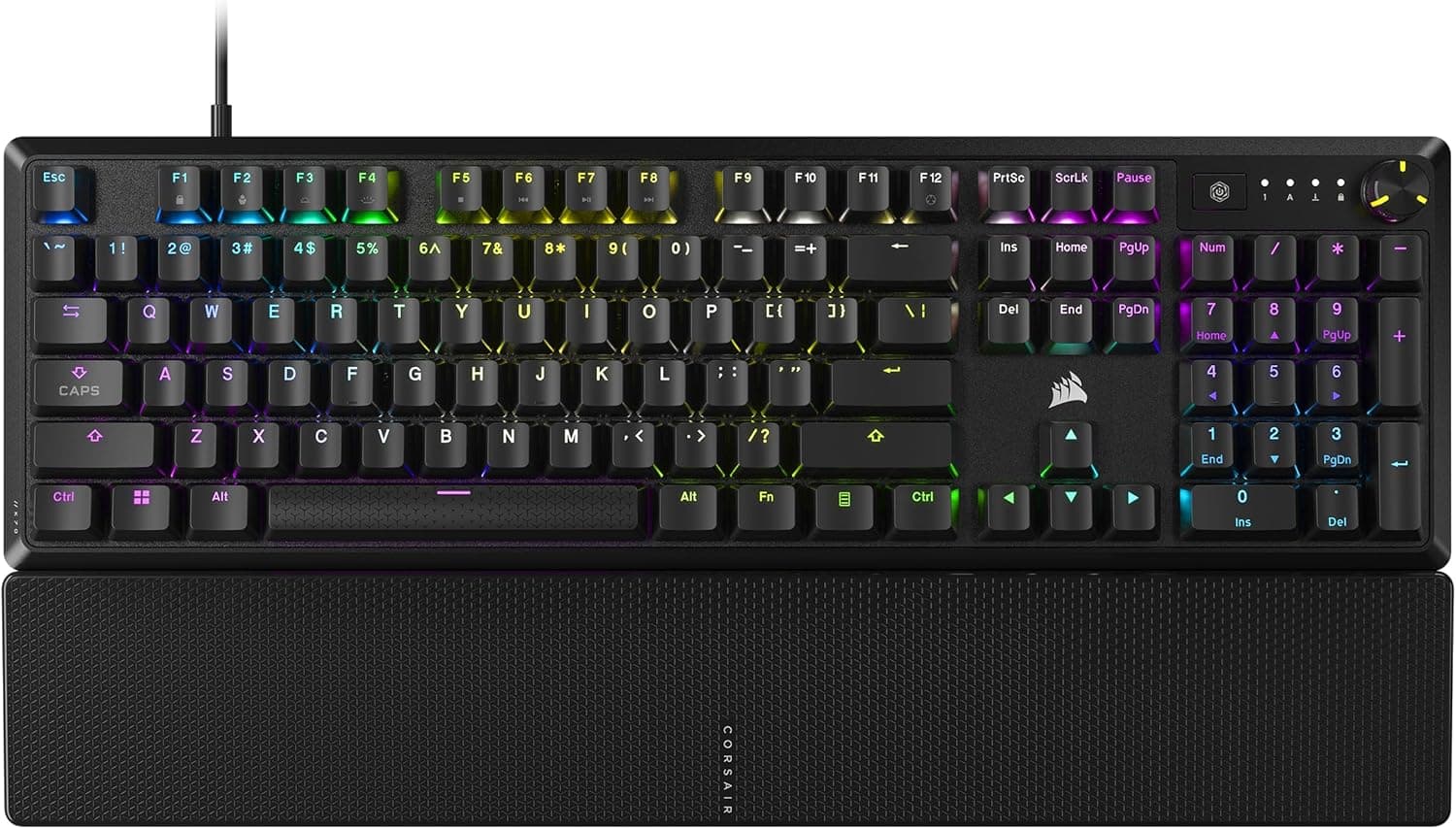
This article takes a closer look at the Corsair K70 CORE RGB mechanical gaming keyboard (palm rest, factory-lubed MLX Red linear switches, sound damping, media control dial, iCUE support, QWERTY NA layout, black), based on its published specs and real user ratings.
Overview
The Corsair K70 CORE RGB is the cost-conscious member of the K70 family: a full-size board that keeps the essentials and trims the extras. Its defining trait is the combination of factory-lubed MLX Red linear switches with dual-layer sound-damping foam, which preserves linear smoothness while cutting down case resonance.
The 104-key layout includes a numpad and a dedicated media control dial, and per-key RGB is fully controllable through iCUE.
The short version: this board suits people who want to step up from a cheap linear board without falling into the custom-keyboard rabbit hole. It is not for anyone shopping on hot-swap, wireless, or 8K polling.
On Amazon.co.jp it holds 3.9 stars from 552 ratings (roughly 78% positive, captured 2026-06-05) — neither loved nor loathed, which fits a product built around deliberate trade-offs.
Who It Is For (Quick Table)
| If you are | Fit | Why |
|---|---|---|
| After a quieter linear feel, out of the box | Great | Factory lube plus damping foam; no modding needed |
| A daily numpad and volume-dial user | Great | Full 104 keys plus a dedicated media dial |
| Short on desk space, or a low-sens FPS player | Mixed | Full-size eats width; TKL or 75% frees more room |
| Planning to swap switches later | Poor | No hot-swap listed in the spec data — do not assume it |
| Wanting a cable-free desk | Poor | Wired USB-A with a fixed, non-detachable cable |
As the table shows, the verdict hinges almost entirely on one question: is a wired full-size board what you want? If yes, the value here is strong.
If no, another form factor will make you happier.
Compatibility Guide
Connection is wired USB-A only, and the cable is fixed to the body. That has practical consequences.
Thin laptops or mini PCs with USB-C only will need an adapter or hub. Because the cable cannot be detached, you have to coil it for transport, and a damaged cable cannot be replaced on its own.
If you route cables behind the desk, check where the cable exits the chassis and how long it is before you commit to a layout.
The board works with Windows and macOS, and it can also be used with consoles such as PlayStation and Xbox. However, iCUE is PC software, so while the keyboard is plugged into a console you cannot change RGB profiles or key assignments.
Plan on either writing your settings to the board from a PC first, or living with the default lighting. On macOS, iCUE feature support can vary by version, so check the official compatibility notes if macros matter to you.
Physically, the keycaps use Cherry MX-compatible cross stems, so aftermarket sets will fit. That said, full-size boards vary in the sizing of right Shift, the spacebar and the numpad cluster, so pick a set explicitly labeled for 104-key US ANSI full-size.
Note also that this is a QWERTY NA (US) layout, not a Japanese JIS layout: symbol placement differs, and there are no dedicated IME toggle keys, so Japanese input switching has to be remapped at the OS level. This is the single most common source of post-purchase surprise.
The frame is aluminum over a plastic body. Aluminum-topped boards tend to be heavy and resist flex, but if you mount the keyboard on a monitor-arm tray or a thin slide-out shelf, confirm the weight rating first.
The palm rest attaches magnetically and pops off when you want the desk depth back.
Product Info
The spec sheet reads: 104 keys, MLX Red linear switches (factory lubed), USB-A, per-key RGB backlighting, Cherry MX cross-stem keycap compatibility, aluminum frame with a plastic body. The factory lubing deserves emphasis.
In the enthusiast world, lubing switches is fiddly, time-consuming work with real risk of ruining a switch; here it is already done. Lubing reduces scratchiness and spring ping, and the two foam layers absorb internal echo.
Compared with an unlubed linear board at a similar price, the sound skews away from a sharp clack and toward a muted thock.
On pricing: Amazon.co.jp listed it at ¥18,527 as captured on 2026-06-05, while Rakuten (America Good Vibes) listed ¥24,980 as captured on 2026-08-16.
Both are point-in-time snapshots and will move with sales and stock. The fact that the same product showed a gap of more than ¥6,000 between retailers is itself the lesson: compare a few sellers before buying.
Shops handling parallel imports may route warranty support differently from the domestic distributor, so weigh the warranty terms alongside the number.
User ratings sit at 3.9 stars from 552 reviews (captured 2026-06-05).
That review count is a healthy sample for a keyboard — large enough that a handful of DOA units cannot swing the average. A 3.9 most plausibly reflects two coexisting groups: buyers who found the feel and quietness above the price, and buyers frustrated by things that are specifications rather than defects (US layout, non-detachable cable, iCUE's footprint).
In other words, much of the negativity comes from mismatched expectations, and the caveats below can head most of it off.
How It Compares
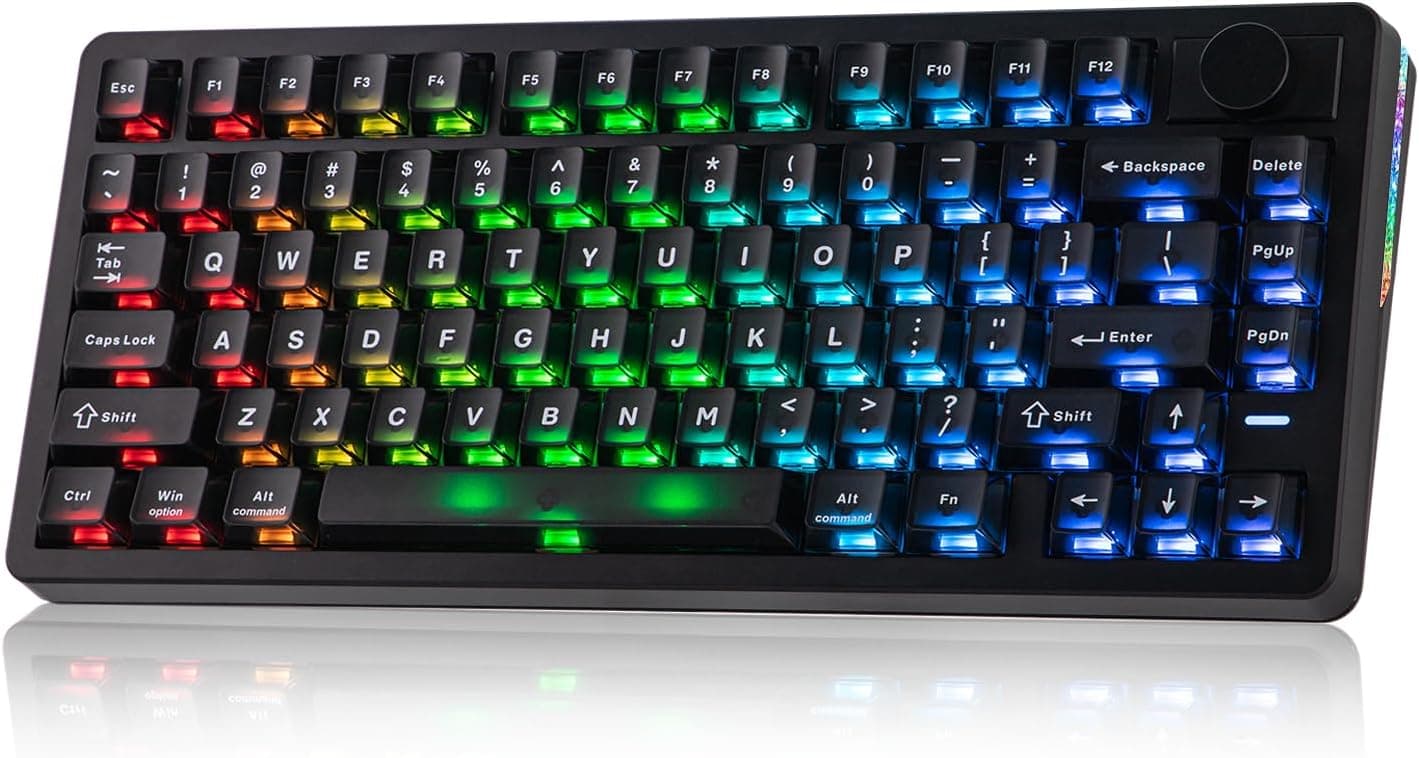
Rivals at this price fall into three camps. First, the feel-focused 75% and gasket-mount boards — the Ajazz AK820 or RK ROYAL KLUDGE R75, with knobs and hot-swap sockets.
They win on customization but drop the numpad. Second, practical dual-OS boards such as the Keychron C1 TKL, strong on straightforward layout and cost.
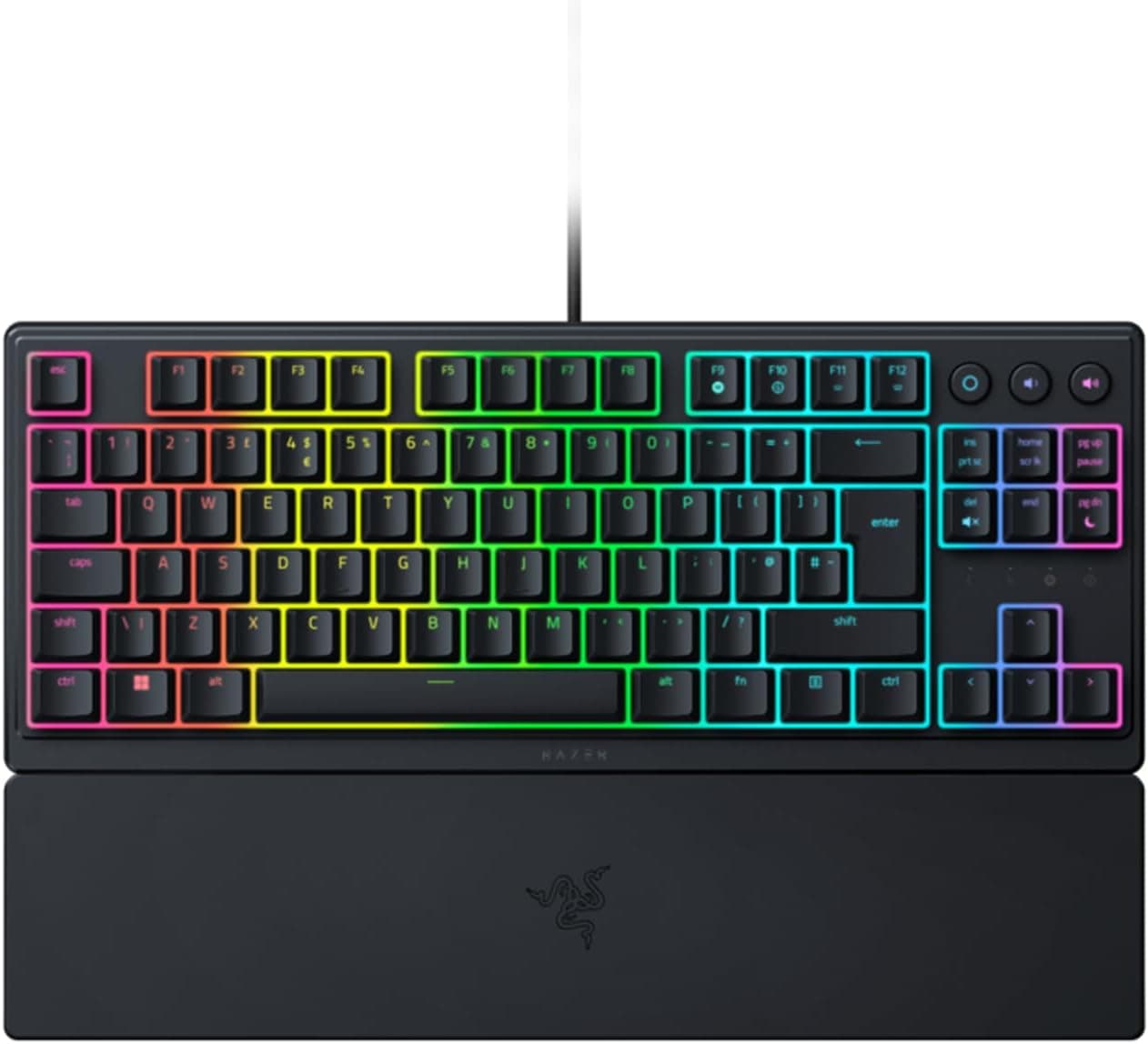
Third, magnetic Hall-effect boards like the Razer Huntsman V3 HE TKL, which offer adjustable actuation for competitive play.
The K70 CORE RGB sits outside all three. Its pitch is that you keep a full-size layout and still get a lubed linear feel with zero extra work.
If you use the numpad and the media dial daily, none of the alternatives above substitute for it. If you do not, the same budget usually buys more satisfaction in a smaller form factor.
Notes Before You Buy
The biggest miscalculation is layout. This is QWERTY NA — a US layout, not Japanese JIS.
Symbols sit in different places, the Enter key has a different shape, and there are no IME toggle keys. If you already type on US layouts, this is a non-issue.
If you expect it to feel like the JIS board on your desk today, the first few days will be genuinely irritating. Anyone alternating with a company-issued machine should budget for that switching cost.
Second, the cable is fixed. Detachable USB-C has become the norm, so it is easy to assume this one unplugs.
It does not: a damaged cable cannot be swapped on its own, and storage and transport are less flexible. For a permanently stationed desk setup the impact is small; for anyone who tidies their desk often, it adds up.
Third, hot-swap. The spec data referenced here says nothing about hot-swappable sockets, so do not buy this planning to change switches later.
Keycaps can be replaced thanks to the Cherry MX cross stems, but confirm switch-swap support on the product page before ordering. This is the mistake that is hardest to undo after purchase.
Accessories are lean as well. Expect the keyboard, the palm rest and a quick-start guide — no keycap puller and no spare caps.
If you intend to change keycaps, buy a wire or metal puller separately so you do not scratch the caps.
On software, remember that iCUE is a resident suite. The fine-grained RGB and macro control is a real strength, but if you dislike background utilities you may find it heavy.
If lighting is not a priority, configuring once and then leaving the software out of your startup is a reasonable approach.
Finally, the listing itself. Several marketplace sellers carry this product, and the listed seller, shipper and price differ between them.
Auto-collected listing data does sometimes disagree with the physical item, so before ordering, check the product images, the title, and especially the layout designation (NA/US versus JP) with your own eyes. The same goes for price: the figures in this article are snapshots from the capture dates given.
Best Use Cases
This board clicks for people who use a numpad and a media dial every day, want linear smoothness, and would rather not broadcast their typing to the room. It fits anyone splitting one desk between spreadsheet work and FPS or action games, anyone comfortable on US layout, and anyone who wants a finished typing feel straight out of the box.
It is also a sensible first "real" gaming keyboard for someone skipping the budget entry tier.
It is not the right call if you want a wireless, tidy desk, if you prefer TKL or 60% compactness, if you plan to swap switches over time, or if a Japanese JIS layout is non-negotiable. In those cases the same money goes further in a different form factor.
FAQ
Q. Is it genuinely quiet? A.
Not silent-switch quiet, but the factory-lubed linears and dual-layer foam suppress noticeably more resonance than an unlubed mechanical. Think "not loud" rather than "silent." A thin desk mat underneath cuts it further if you are worried about voice chat pickup.
Q. Is this a Japanese JIS model?
A. No. It is QWERTY NA, a US layout. Japanese IME switching must be remapped through OS settings.
Q. Does it work on PS5 or Xbox? A.
It connects over USB-A and is listed as console-compatible, but iCUE is PC-only, so you cannot change RGB or key settings while it is attached to a console. In-game keyboard support also varies by title.
Q. Can I change the keycaps? A.
Yes — Cherry MX-compatible cross stems. Choose a 104-key full-size set, and buy a puller separately since none is included.
Q. Can I change the switches? A.
The spec data referenced here does not list hot-swap support. Do not buy on that assumption; verify on the product page.
Q. Where is it cheapest? A.
At capture time, Amazon.co.jp showed ¥18,527 (2026-06-05) and Rakuten ¥24,980 (2026-08-16).
Prices move often, so check the current price and warranty terms when you buy.
Product Disclosure (Amazon)
- Manufacturer: CORSAIR
- Seller: グリーンマイルズウェイ
- Fulfilled by: グリーンマイルズウェイ
- ASIN: B0CH3MRGK7
- Note: This article covers a manufacturer-made product based on Amazon listing details.