Overview
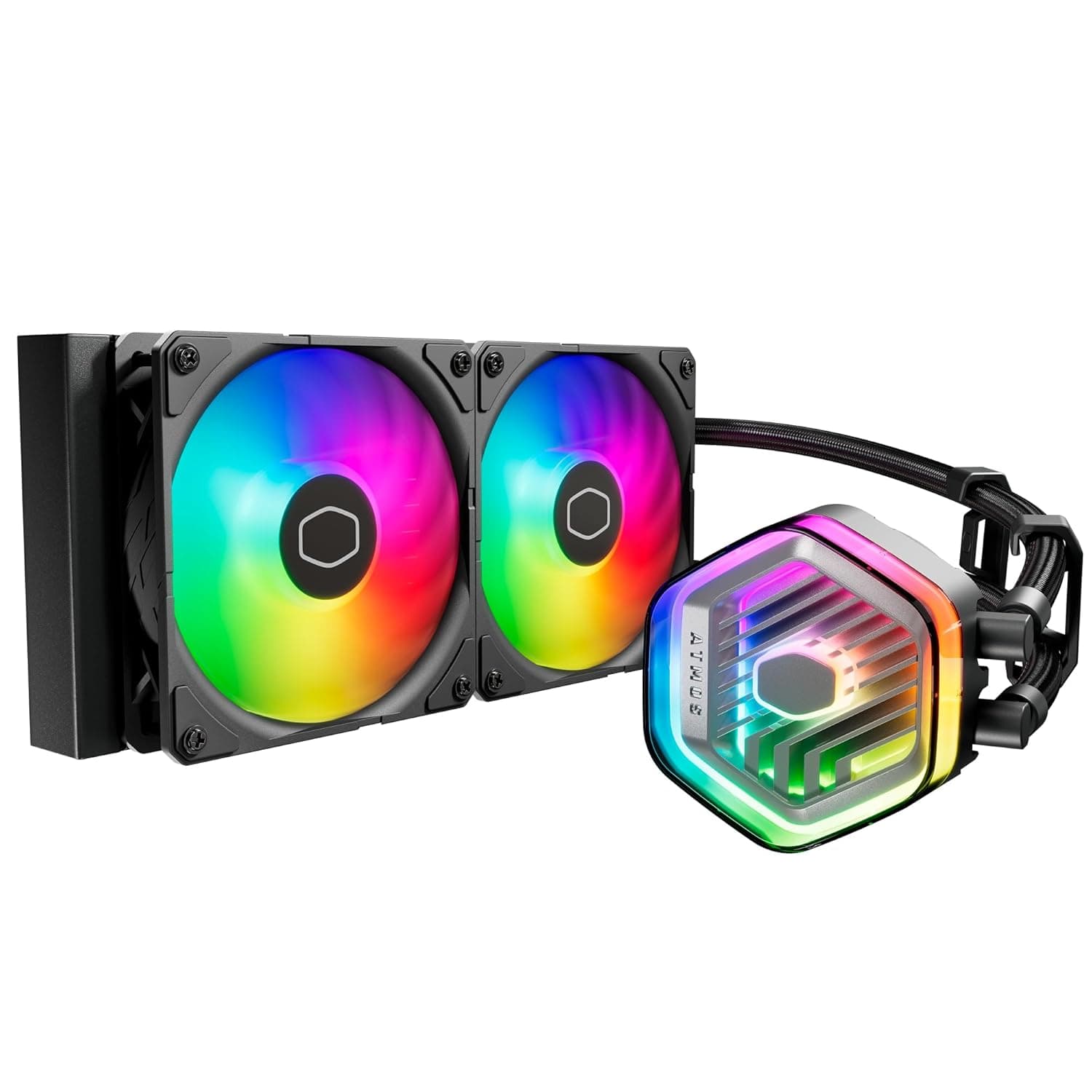
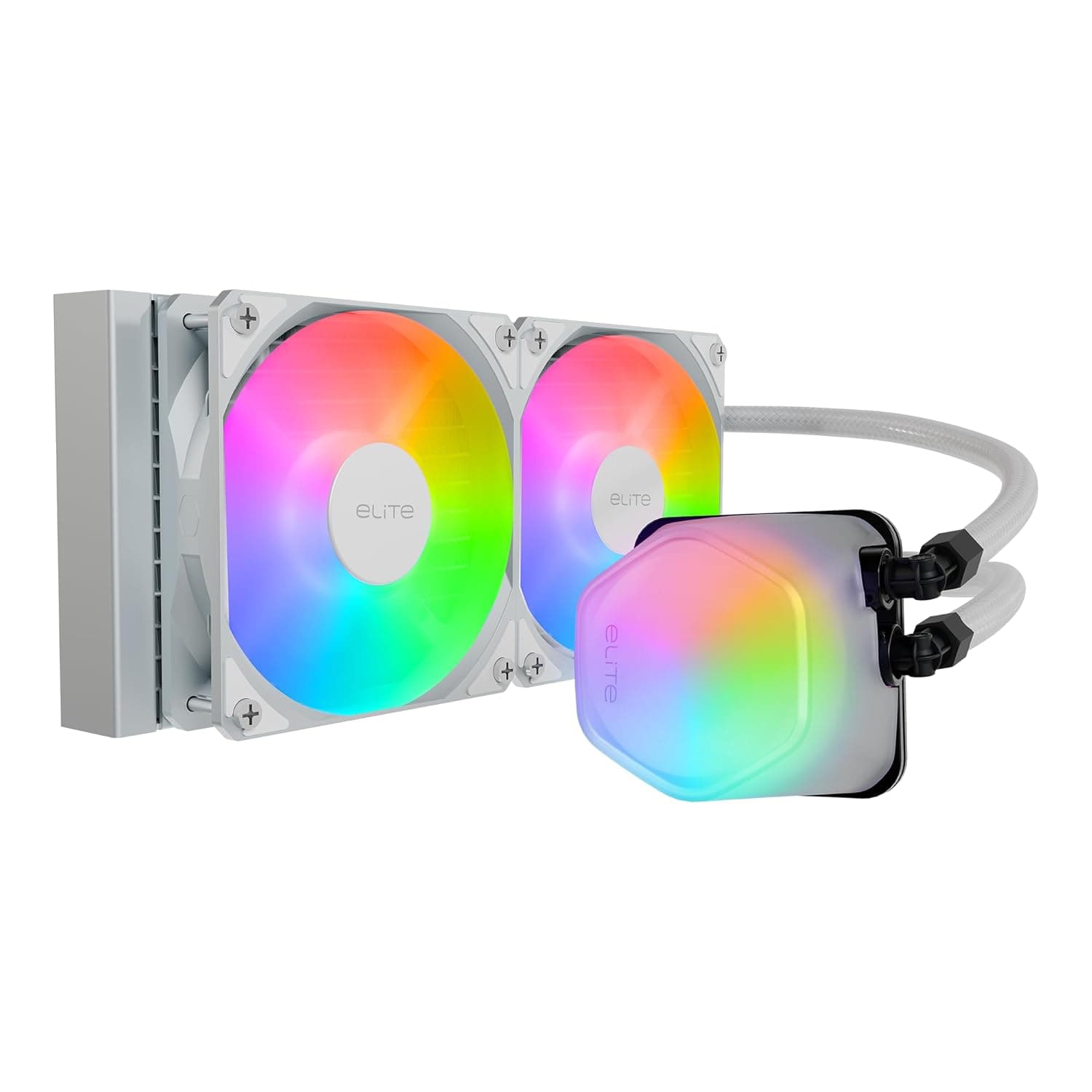
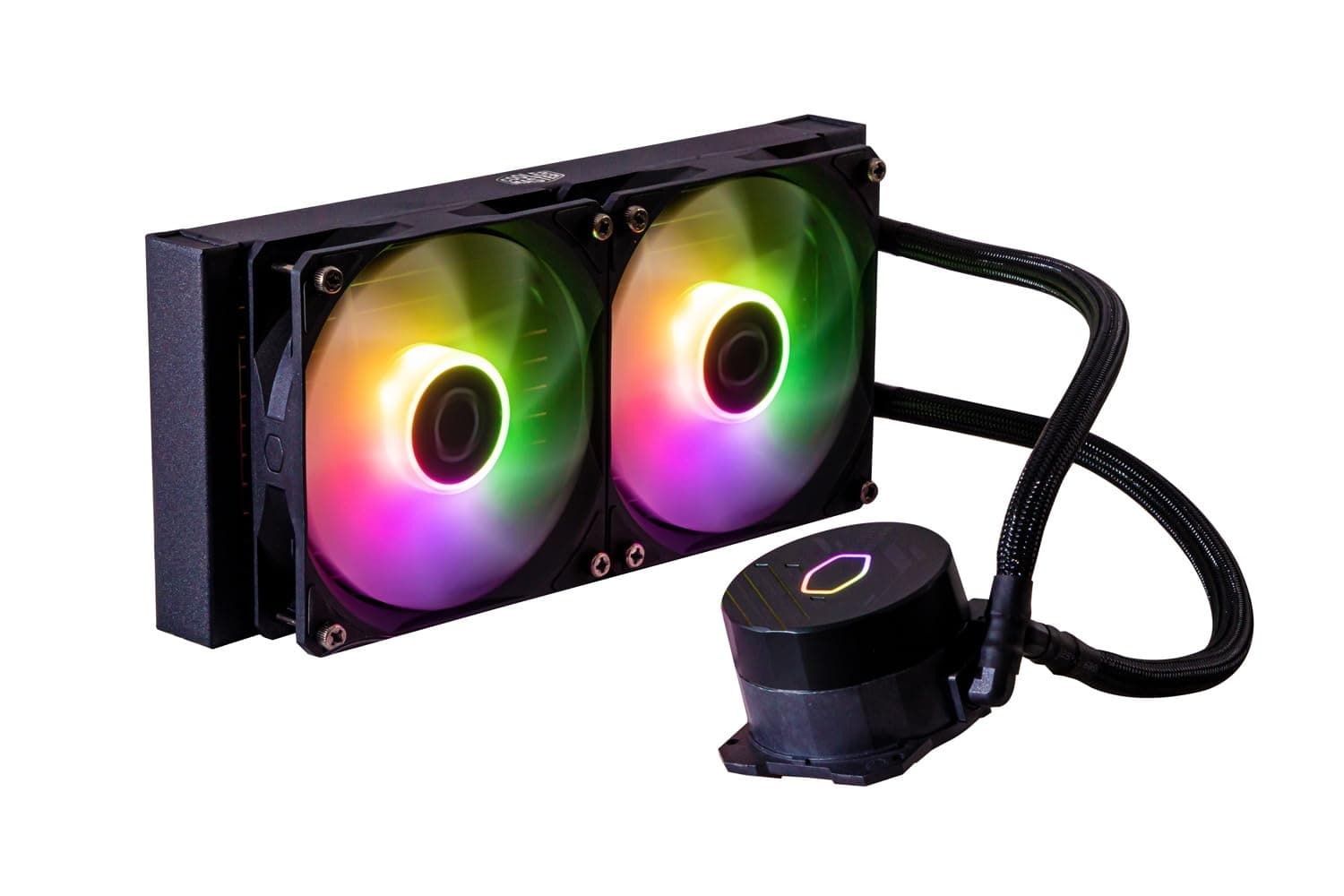
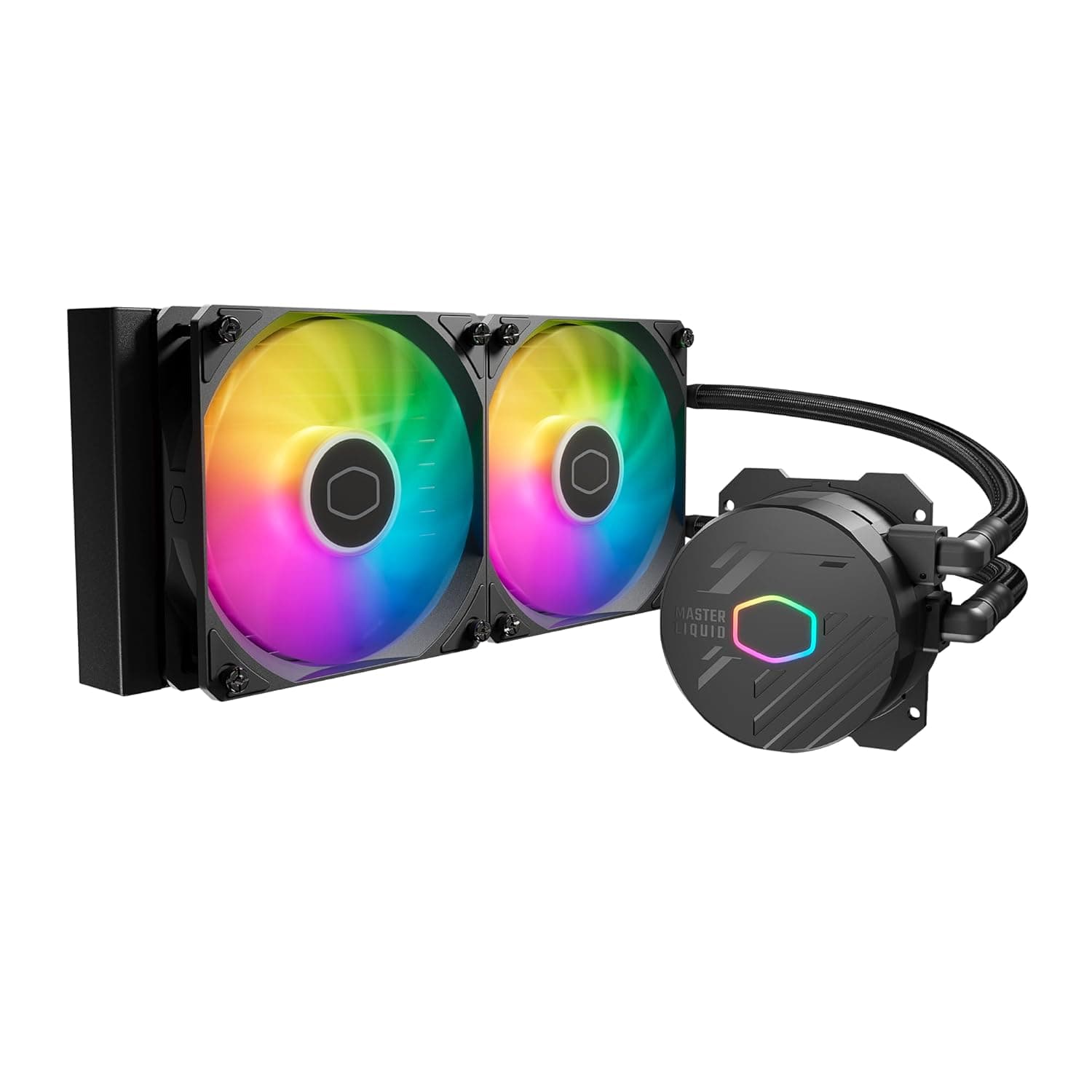
This review covers the Cooler Master PL240 Flux — 240mm ARGB AIO Liquid CPU Cooler (officially the MasterLiquid PL240 Flux). It pairs a 277 x 120 x 27mm radiator with two 120mm ARGB fans.
It is a good fit for users who want to cool mid-range to upper-mid CPUs such as the Core i5-13600K or Ryzen 7 7700X quietly while giving their build a polished ARGB look. It is a weaker choice for sustained all-core loads on flagship CPUs, or for anyone who wants fine-grained pump and fan control through dedicated software.
The design combines air-balance fans, whose blades are joined by an outer ring, with a high-density fin radiator and a copper base. The ring keeps the blades stable at high speed and suits pushing air through a restrictive radiator.
The fans are rated at up to 2300 RPM, a noise level of 32 dBA, and 6 W of fan power consumption.
On Amazon.co.Check the retailer's page for the latest user reviews.
With only a few hundred reviews, though, the sample is too small to reveal patterns such as unit-to-unit variation or early failures. Treat the rating as a guide and weigh it together with the compatibility notes and caveats below.
Key Specs and What They Mean
| Item | Value | What it means |
|---|---|---|
| Radiator | 277 x 120 x 27mm | Standard size that fits most cases with 240mm support |
| Fans | 120mm x 2, up to 2300 RPM | High ceiling; meant to be tamed with a fan curve |
| Noise level | 32 dBA | High-speed figure; quieter at low RPM |
| Pump connector | 3-pin | Not PWM; run it on voltage control or full speed |
| Fan connector | 4-pin PWM | Controlled by your motherboard's fan curve |
| ARGB connector | 3-pin 5V addressable | Not the same as 4-pin 12V RGB |
| Base material | Copper | Transfers CPU heat into the pump block |
| Warranty | 5 years (Japan official) | Confirm coverage for imports and marketplace units |
None of these numbers stand out on their own, but a 2300 RPM ceiling is high for a 120mm fan. It gives headroom under load, but with default BIOS settings the fans may ramp up sharply whenever load spikes.
Expect to tune the fan curve once before the cooler delivers its quiet character.
Compatibility Guide
Supported sockets
The cooler supports Intel LGA1700/1200/115x and AMD AM5/AM4. That covers Intel 12th to 14th Gen Core, AM5 Ryzen 7000 and later, and AM4 Ryzen 5000 and earlier, which spans most desktop platforms of recent years.
Note that LGA1851 (Core Ultra 200S) is not in the published socket list. That does not automatically mean it will not work, but it cannot be confirmed from the data here.
If you are building on LGA1851, check Cooler Master's support information before buying.
Fitting it in your case
The radiator alone is 27mm thick, and the 120mm fans sit on top of it. Typical 120mm fans are around 25mm thick, so plan for a combined depth of a little over 50mm.
For a top mount, you need that much clearance above the motherboard's top edge. This is where tall RAM and VRM heatsinks tend to collide.
A front mount reduces the space available for your graphics card by the same depth. If you use a long GPU, check your case's listed GPU length with a front radiator installed.
The pump block is about 52mm tall, which is no issue in a typical mid-tower, but worth checking against the side panel in slim cases. Tube length is not in our data, so confirm it on the product page.
Wiring (where mistakes happen)
| Cable | Where to plug it | Watch out for |
|---|---|---|
| Pump (3-pin) | AIO_PUMP / W_PUMP, or CPU_FAN if none | Set to full speed or a high voltage |
| Fans (4-pin PWM x2) | CPU_FAN / CPU_OPT, or a splitter | Tie the fan curve to CPU temperature |
| ARGB (3-pin 5V) | 3-pin 5V ARGB header | Never plug into a 4-pin 12V RGB header |
If the pump is plugged into a regular fan header that is running at low speed, it will not reach its intended flow and CPU temperatures will be higher than expected. On boards without a dedicated pump header, set whichever header you use to full speed.
Some motherboards also warn at boot when nothing is connected to CPU_FAN, so connect either the pump or the fans there.
Installation and Setup Tips
- Do not make the pump the highest point in the loop. AIOs contain a small amount of air, and if it collects in the pump it can cause noise and poor cooling. A top-mounted radiator, or a front mount with the tubes at the bottom, is the common approach.
- Use the included thermal compound. The box includes Intel and AMD mounting kits, thermal compound, and fan extension cables. If the cold plate has a protective film, remove it before installation.
- Tune the fan curve after assembly. With a 2300 RPM ceiling, keep the fans slow at idle and light load and ramp them only at higher temperatures to get the most out of the quiet design.
- Connect ARGB last. Lighting has no effect on cooling, so confirm boot and temperatures first, then set up lighting sync. This makes troubleshooting simpler.
Product Info
rmation
The Amazon.co.Check the retailer's page for the latest price.
That is on the high side, since many 240mm AIOs sell for well under ¥20,000. The model has been on the market for several years, so this may reflect marketplace seller pricing as mainstream stock thins out.
Prices change often, so check the current price and the seller on the product page before buying. eBay listings exist, but our data did not capture a specific price.
The warranty is 5 years for official Japanese units. That is reassuring for a product with a pump, which is a wear part.
Keep in mind that it assumes an official unit: if the seller is not an authorized distributor, warranty handling may differ, so check the listing.
The PL240 Flux is positioned as an upper-mid-range 240mm AIO. Instead of an LCD screen or feature-rich software, it relies on fan design, solid cooling fundamentals, and a long warranty.
Comparison With Competitors
| Product | Type | Compared with the PL240 Flux |
|---|---|---|
| NZXT Kraken X53 / Kraken Elite 240 | 240mm AIO | More polished software; Elite 240 adds an LCD |
| Corsair H100i RGB PRO XT | 240mm AIO | Detailed fan and pump control through software |
| CORSAIR H150 RGB | 360mm AIO | More cooling headroom; needs 360mm case support |
| CORSAIR iCUE H60x RGB ELITE | 120mm AIO | Fits small cases, but with less headroom |
| Thermalright Phantom Spirit 120 SE | Air cooler | No risk of leaks or pump failure |
Against other 240mm AIOs, cooling performance is generally reported to be close. The real differences are software and looks.
NZXT and Corsair let you manage the pump, fans, and lighting in one app, while the PL240 Flux relies on your motherboard. If you are comfortable with BIOS fan control and your board's RGB software, that is not a drawback.
Warranty terms vary by product and region, so compare them directly when shopping.
Recommended Users
- Gamers building around a mid to upper-mid CPU. For a Core i5-13600K or Ryzen 7 7700X running games and everyday multitasking, a 240mm radiator offers comfortable headroom, and the ARGB fans give the build a gaming look.
- Users who value quiet operation. The air-balance fans move plenty of air at low RPM, so idle and light-load noise is low. At high speed the fans reach around 32 dBA, so the cooler rewards anyone willing to adjust a fan curve.
- Builders who unify lighting through the motherboard. The ARGB LEDs on the fans and pump head sync with motherboard RGB software through a 3-pin 5V header.
- Buyers who plan to keep it for years. The 5-year warranty on official Japanese units is a real plus for a product with a pump that can fail.
Who Should Look Elsewhere
- Users running long all-core loads on a Core i9 or Ryzen 9. If you regularly encode video or render, a 280mm or 360mm radiator is the safer choice.
- Owners of small cases without 240mm support. Choose a 120mm AIO or an air cooler that fits the case height.
- Users who want one-app control or an LCD on the pump head. Higher-end NZXT or Corsair models serve that better.
- Anyone who wants to avoid leak or pump-failure risk. AIO pumps wear out. For a cooler you can leave alone for a decade, air cooling is the dependable option.
Things to Check Before Buying
Check mounting position and clearance first. A case listed with 240mm support can still have problems: a top mount may hit RAM or VRM heatsinks, and a front mount lowers the maximum GPU length.
Make sure you have a little over 50mm for the radiator plus fans.
Do not mix up the ARGB standard. This cooler uses 3-pin 5V ARGB.
Plugging it into a similar-looking 4-pin 12V RGB header can damage the LEDs. If your board has no ARGB header and you want lighting, you need a separate ARGB controller.
Lighting has no effect on cooling.
Check where the pump is connected. A 3-pin pump on a slow fan header can end up running below its intended speed.
Check the pump speed in BIOS right after assembly.
**Check the price and seller.
LGA1851 is not listed. If you are building on Core Ultra 200S, check the manufacturer's support information before buying.
Listing data for this product contains inconsistencies. The Amazon listing data we collected named SAPPHIRE, a brand known for graphics cards, as the manufacturer and recorded a different ASIN (B09C7RMJ5Z) from the product page we reference.
Our automatically collected specs also listed the cooling type as air cooling, even though this is a liquid AIO, and the 52mm height is the pump block, not a tower cooler. You may see similar inconsistencies on the product page, so use the images and product name to confirm it is the Cooler Master PL240 Flux before buying.
FAQ
Q. Can it handle a high-end chip like the Core i9-13900K? A.
It will mount and run. Under long all-core loads, however, a 240mm radiator has little headroom and clocks may not hold at their peak.
Gaming is workable, but for heavy workloads a 280mm or larger radiator is the better target.
**Q. My Ryzen 7 7700X shows high temperatures. A. Ryzen 7000 CPUs are designed to boost until they approach their temperature limit, so high readings under load are expected. Check whether clocks stay up and whether the pump is running correctly, rather than judging by temperature alone.
**Q. My motherboard has no ARGB header. A. Yes, cooling works normally. You only need a separate ARGB controller if you want to control the lighting. Do not plug it into a 12V RGB header.
Q. How loud is it? A.
The fans are rated at 32 dBA, a figure for high speed. Idle and light-load operation is quiet, and a fan curve that ramps only at higher temperatures gives a good balance of noise and cooling.
Q. Does it work with Core Ultra 200S (LGA1851)? A.
LGA1851 is not among the published supported sockets. Check the manufacturer's support information before buying for that platform.