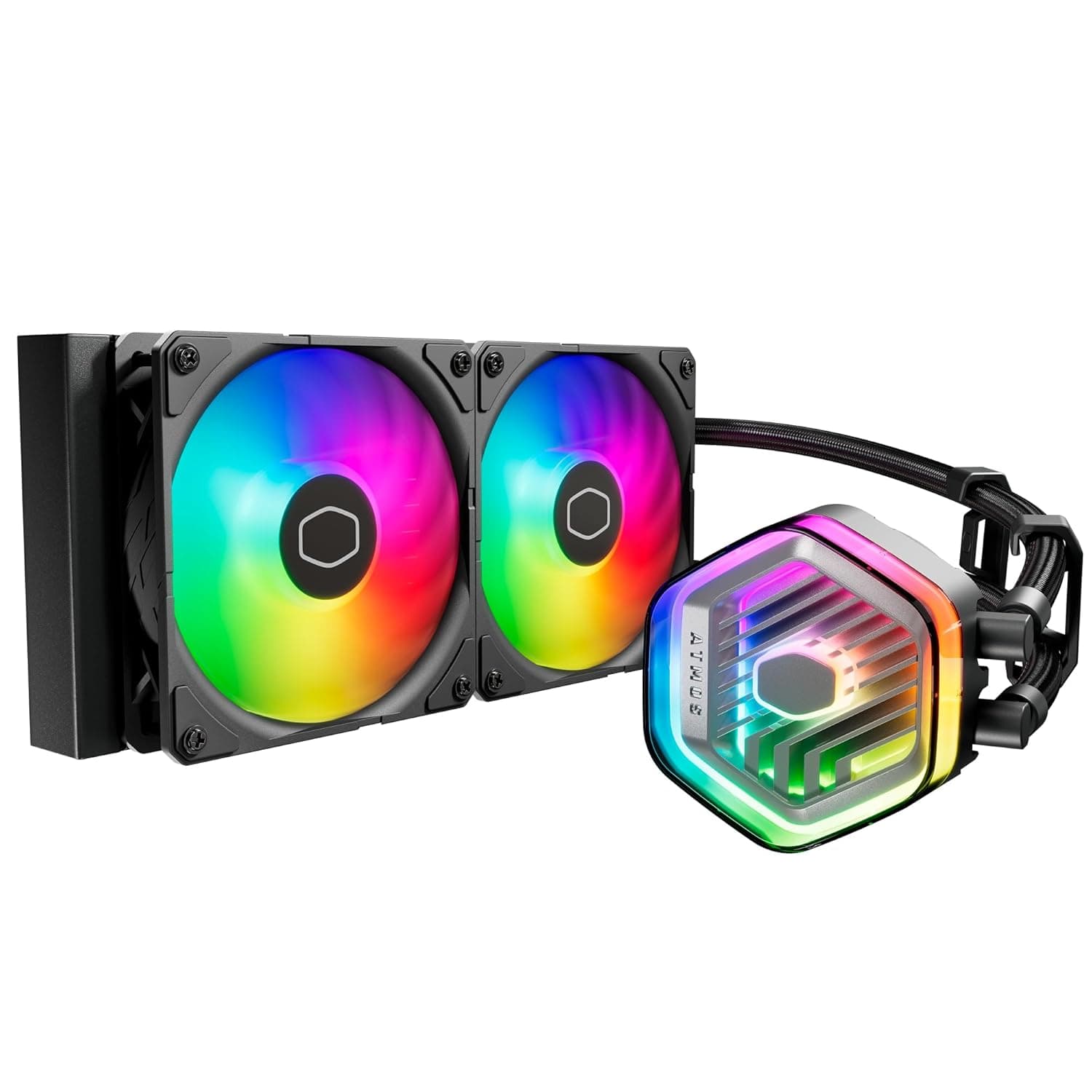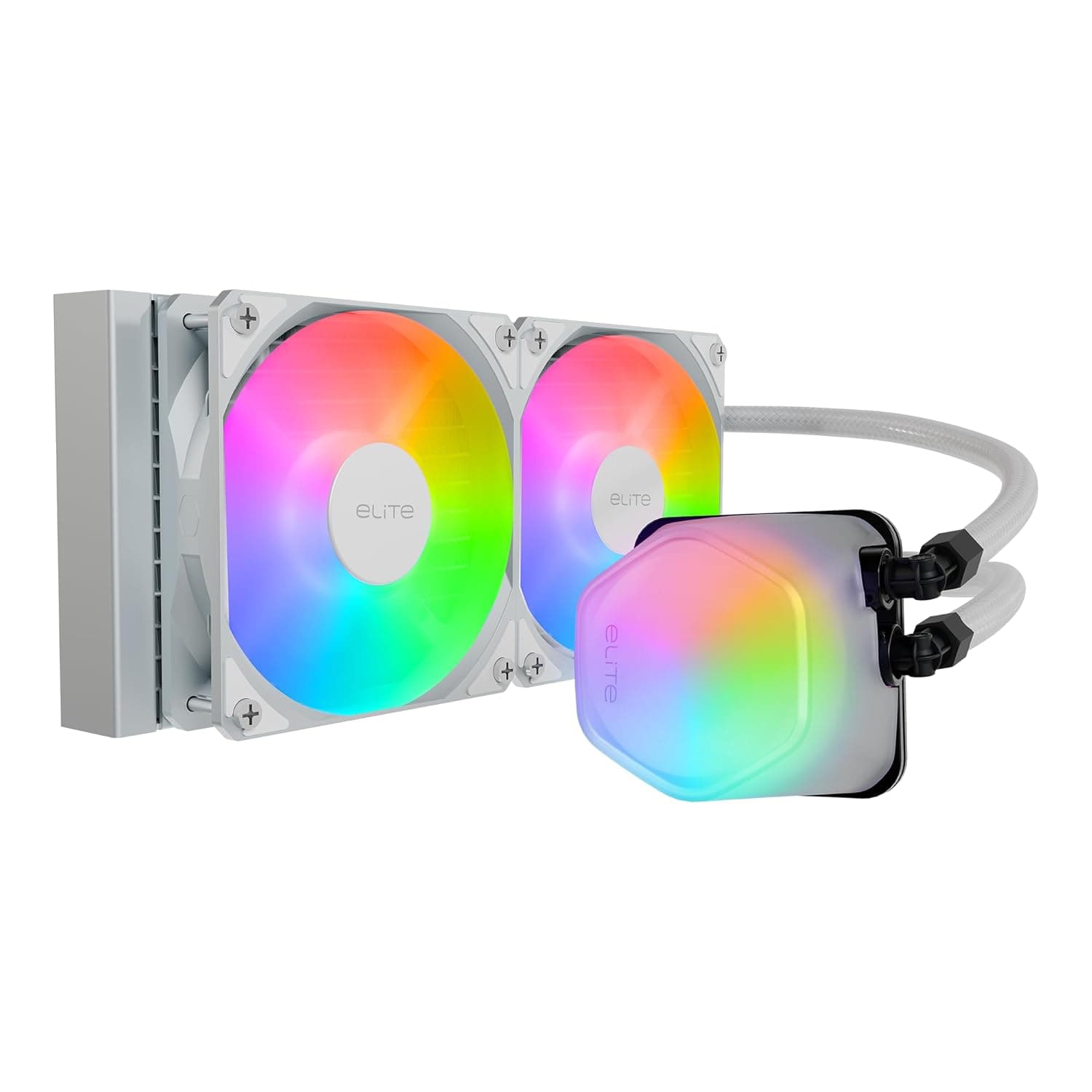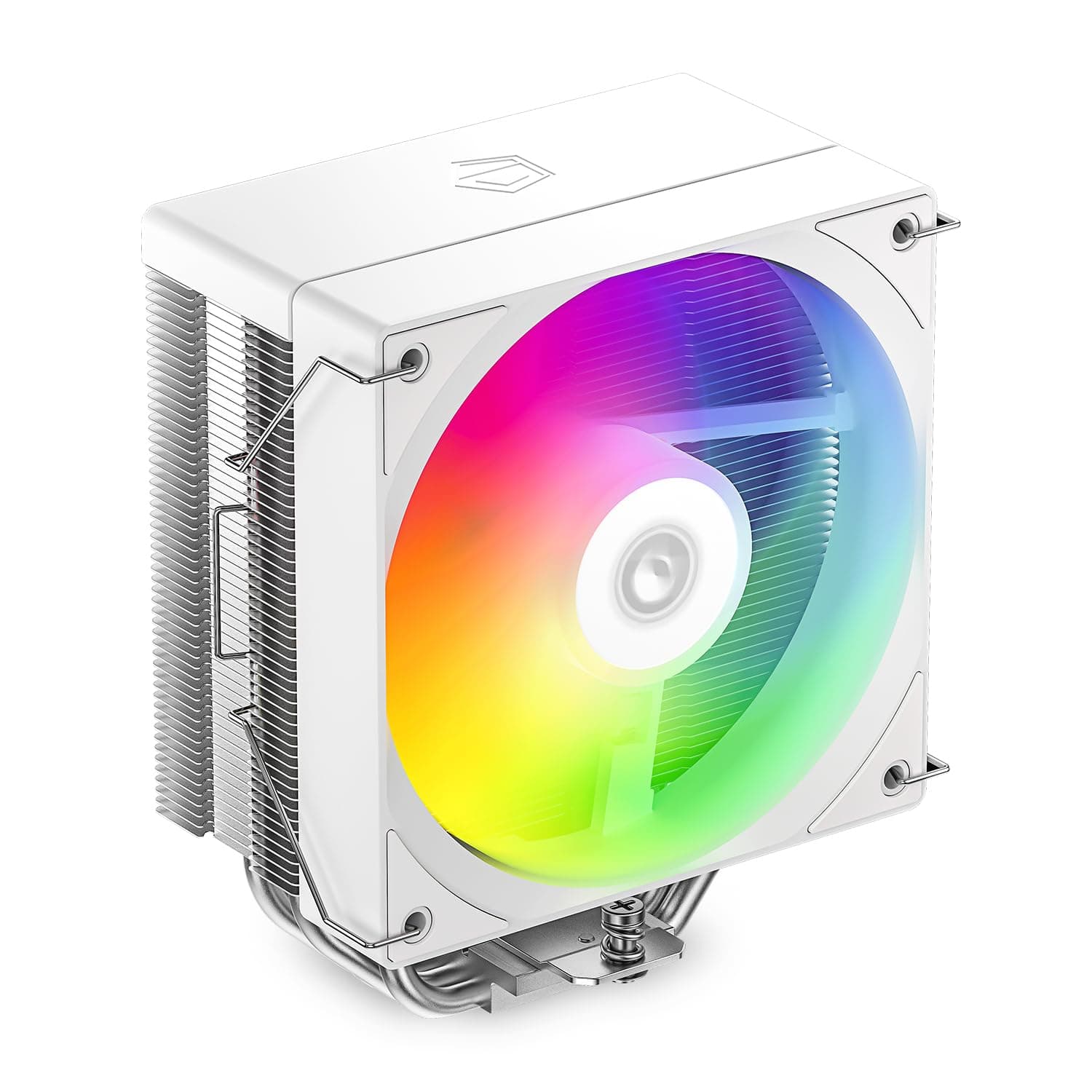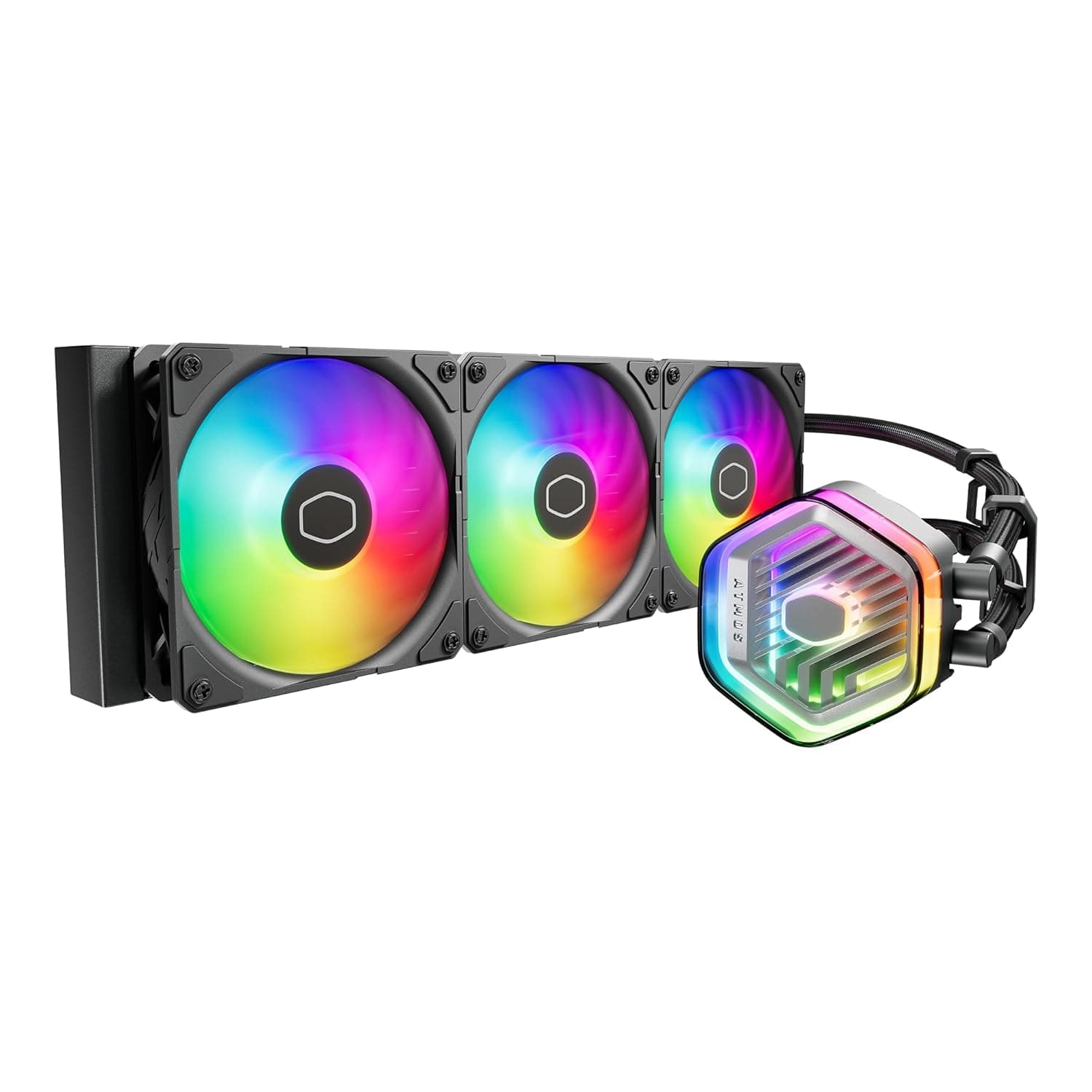
This article walks through socket compatibility, case clearance, ARGB wiring, and the pitfalls buyers usually discover only after installation.
Overview
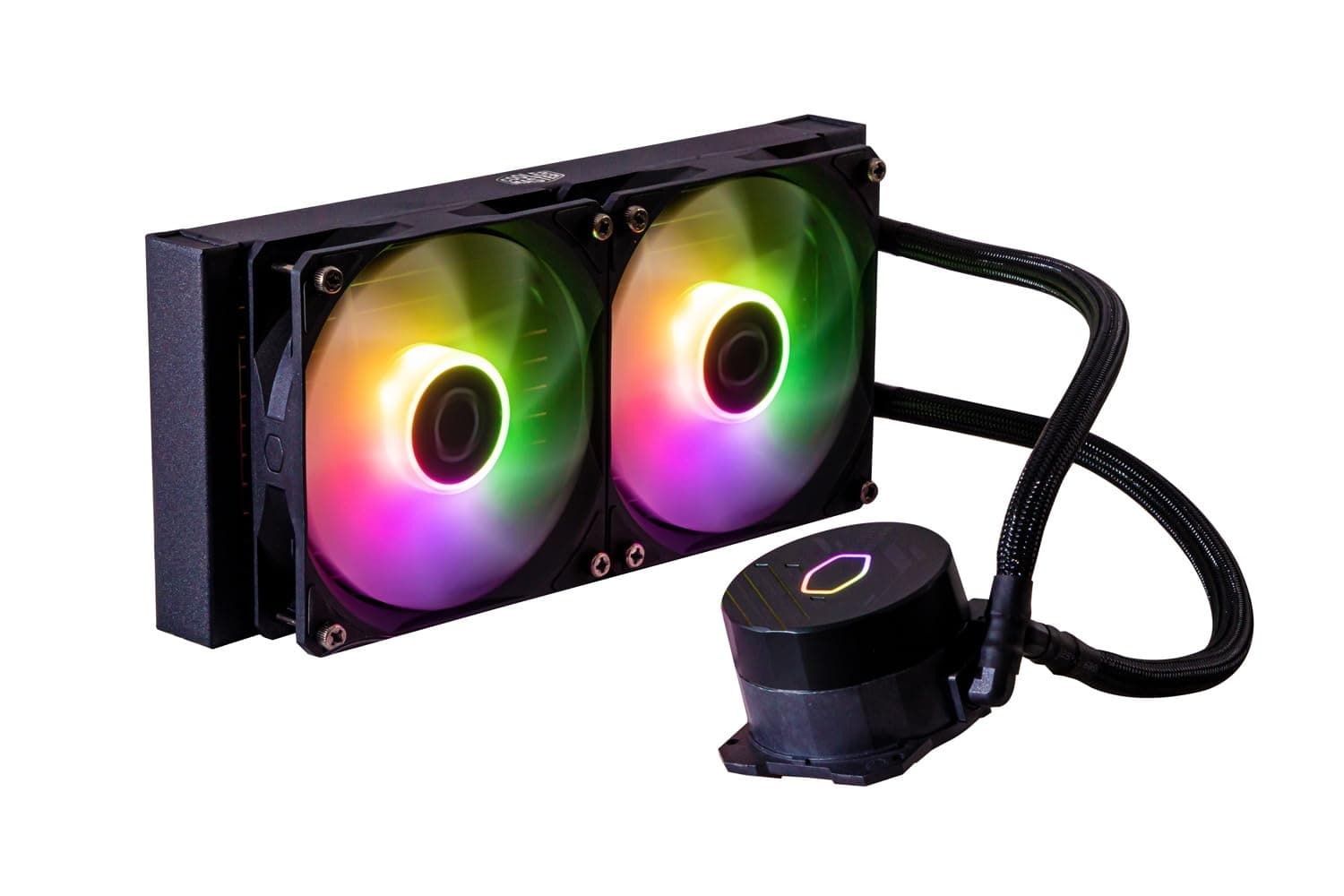
Supported sockets are wide-ranging, including Intel LGA1851 and LGA1700 and AMD AM5 and AM4 (see the official specs for the full list). The coldplate is copper, fans top out at 1750 RPM, rated noise is 27.2 dBA, and fan power draw is a modest 3.96W.
Warranty is three years.
The target audience is clear: someone running a 12th-gen-or-newer Core or a Ryzen 7000 series chip in a mid-tower, who wants RGB lighting and quiet operation without spending flagship money.
If you are chasing extreme overclocks or sustaining very high package power for hours, this cooler is undersized. The "Before You Buy" section covers exactly where that line sits.
Which Builds It Suits
| Intended use | Is the 240L Core ARGB a fit? | Notes |
|---|---|---|
| Long video encodes / compiles | Conditional | Sustained all-core loads push fans toward their ceiling |
| Showcase build with lighting | Yes | Fans and pump head sync together; tidy cabling |
| Small form factor cases | Check first | Measure top and front clearance before committing |
The product is optimized for mid to upper-mid CPUs used within sensible limits. Inside that envelope the value is strong; outside it, a larger radiator ends up cheaper than buying twice.
Compatibility Guide
Supported sockets include Intel LGA1851 and LGA1700 and AMD AM5 and AM4, as listed in the official specs. Verify your motherboard socket before buying.
LGA1851 is on the official list, but check the product page and the manufacturer's compatibility list as well.
Wiring splits three ways. Fans use 4-pin PWM, ideally on CPU_FAN and CPU_OPT.
The pump uses a 3-pin or 4-pin connector and should run at full speed rather than being throttled by PWM. Use the AIO_PUMP header if your board has one; otherwise set that header to full speed in BIOS.
Slowing the pump quiets things slightly but blunts thermal response, making sudden load spikes more likely to cause throttling. ARGB connects to a 3-pin 5V addressable header and syncs through motherboard software (Aura, Mystic Light, RGB Fusion, Polychrome).
Plugging it into a 4-pin 12V RGB header will destroy the LEDs — check pin count and voltage markings.
Front mounting can conflict with 3.5-inch bays and front-panel cable routing, and tube length is not generous enough to make every layout comfortable.
No recommended wattage is specified; size the supply around your CPU and GPU.
Product Info
rmation
Check the retailer's page for the latest price.co.jp as captured in August 2026**. Prices move with stock and sales, so confirm the current figure on the product page. Overseas marketplace listings vary independently, and grey-import units may fall outside the domestic distributor's warranty — worth checking if the three-year coverage matters to you.
A score that holds at that volume suggests defect rates and pump-noise lottery are not severe. That said, any AIO carries a moving part that air coolers do not, so failure probability over several years is inherently higher.
Treat the three-year warranty as insurance against that reality.
In the box: Intel and AMD mounting kits, two 120mm ARGB fans, the pump-and-radiator assembly, and documentation.
Versus a High-End Air Cooler
At this price you could also buy an excellent dual-tower air cooler. On raw thermals the two are often within a few degrees of each other, with the winner depending on workload.
- No memory interference. Tall heatspreaders routinely force compromises with dual-tower air coolers; a low-profile pump head sidesteps the problem entirely.
- Clear access around the socket. Removing a large heatsink makes VRM and DIMM access easier and changes the look of a windowed case substantially.
- Unified lighting. Two fans and the pump head sync under one piece of software, with no extra ARGB fans to buy.
The case for air is equally clear: fewer moving parts, more predictable lifespan, and no pump as a single point of failure. If your priority is a build you can ignore for a decade, air is the rational pick.
This choice comes down to which failure mode you dislike more, not to a benchmark chart.
Settings That Actually Matter
Build a gentle fan curve. The coolant acts as a thermal buffer, so a curve that reacts sharply to CPU temperature makes the fans surge audibly on every brief spike.
Keep RPM low through the 40–60°C band and ramp above roughly 70°C. The 1750 RPM ceiling means the cooler never becomes a jet engine — but it also means running flat out buys less than you might hope.
Mount the radiator higher than the pump where possible. Top mounting is ideal; front mounting should place the radiator toward the upper bays.
If the pump sits at the loop's highest point, air accumulated over time collects there and produces a rattling noise. That is an installation issue, not a defect, and it is avoidable on day one.
Best Use Cases
LGA1700 or AM5 builders chasing quiet operation are well served. The 1750 RPM / 27.2 dBA specification reflects the core design idea: use radiator area to keep fan speed down.
Lighting-focused builds benefit from ARGB on both fans and the pump head, synced to the motherboard — no separate ARGB fan purchase required.
Anyone using tall memory or wanting a clean socket area should also consider it. Losing the tower heatsink helps both assembly and later maintenance.
Before You Buy
Check your socket before buying. The official list includes LGA1851, LGA1700, AM5 and AM4.
Do not assume a spare Cooler Master mounting kit will bridge the gap; confirm against the product page. Anyone shopping to refresh an older build should check the compatibility list first.
** Radiator area sets a hard ceiling. Under sustained all-core load on a flagship CPU, fans will sit near their maximum while temperatures stay pinned high. That is not a failure, but the quiet operation disappears.
You are adding a single point of failure. A stalled fan raises temperatures gradually; a stalled pump does not.
Enable pump RPM monitoring in BIOS with an alarm at zero. The warranty replaces hardware, not the data lost when it stops.
Do not confuse ARGB headers. 3-pin 5V and 4-pin 12V connectors look similar, and a wrong connection burns out the LEDs.
Read the board silkscreen before plugging in.
**Measure top clearance in advance.
Listing details can disagree with the physical product. Amazon pages often bundle size, color, and non-ARGB variants together, so selecting the wrong option ships a different radiator.
Confirm from the images, title, and selected option that you are ordering the 240L Core ARGB specifically.
Frequently Asked Questions
Q. Will it work on AM4 (Ryzen 5000)? A.
Yes. AM4 is on the official list of supported sockets; check the product page's compatibility list before buying.
Q. Can the pump go on CPU_FAN?
A. Yes, but set that header to a fixed 100% in BIOS. Use AIO_PUMP if available.
Q. Is it loud? A.
The 1750 RPM / 27.2 dBA rating is conservative, so it rarely gets harsh.
Perceived noise depends heavily on your fan curve — keep it gentle.
Q. Do I need to repaste? A.
Not initially. If temperatures creep up after a few years, a repaste may help.
Avoid disassembly beyond removing the head, as it can affect warranty coverage.
Q. How long is the warranty? A.
Three years, though grey-import units may fall outside domestic support. Verify the seller is an authorized channel.
Q. Top or front mounting? A.
Top, if the case allows. Keeping the pump below the radiator's high point avoids air pockets collecting in the pump and causing rattle.
Front mounts should sit high in the case for the same reason.
Product Disclosure (Amazon)
- Manufacturer: Cooler Master
- ASIN: B0C1C68DYP
- Note: This article covers a manufacturer-made product based on Amazon listing details.