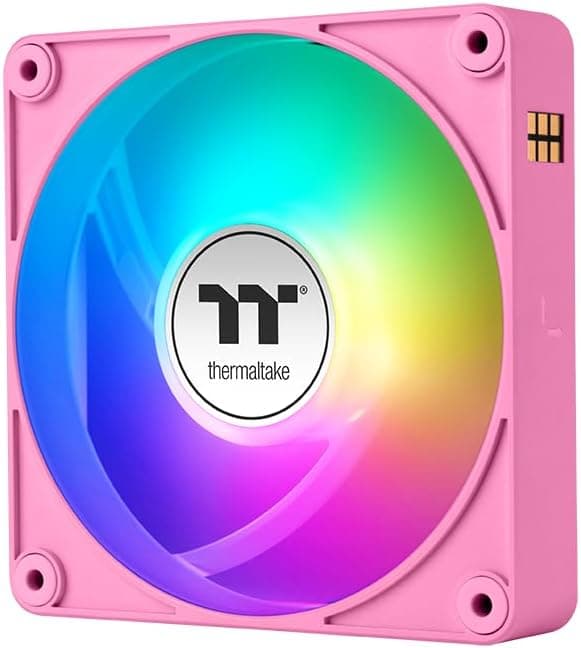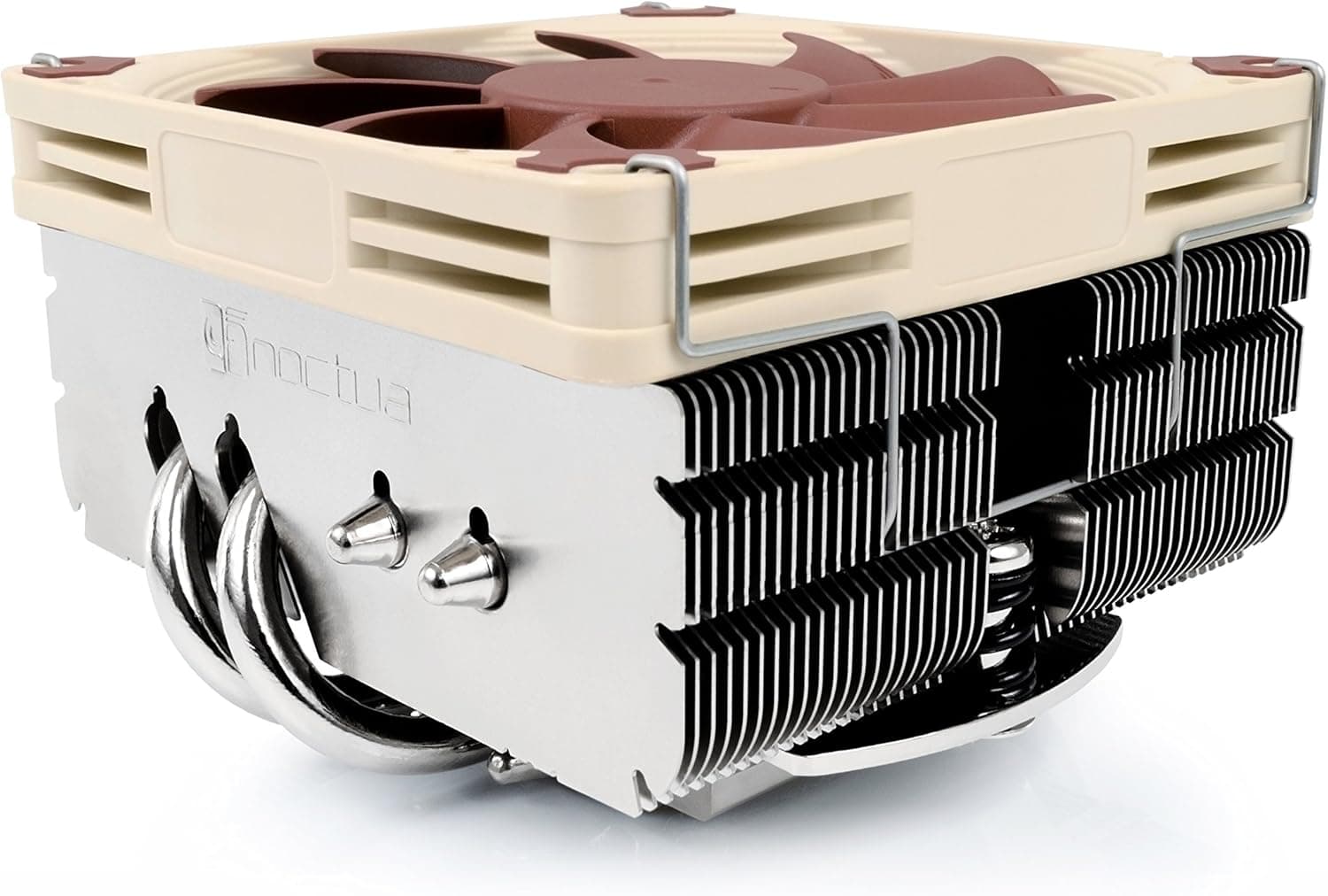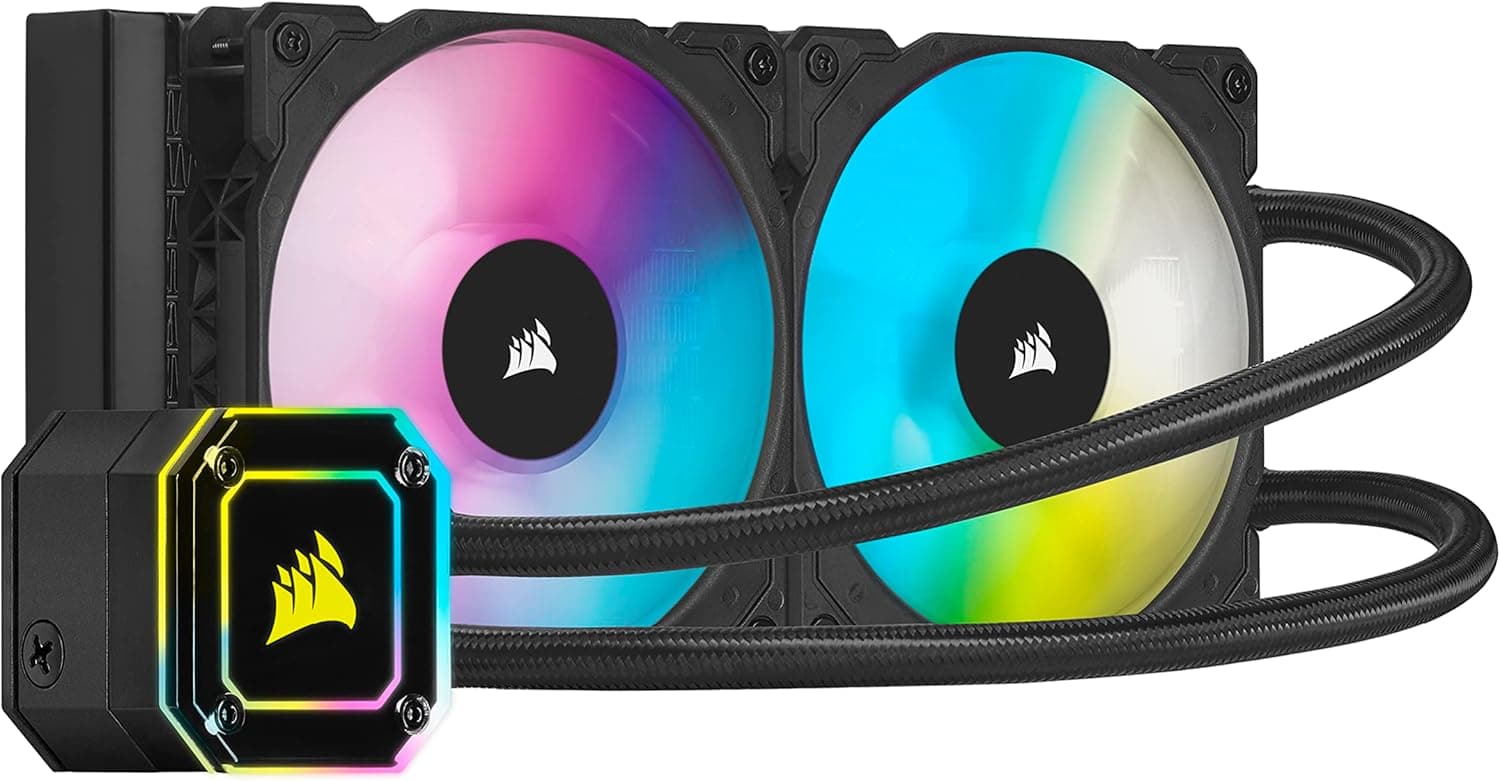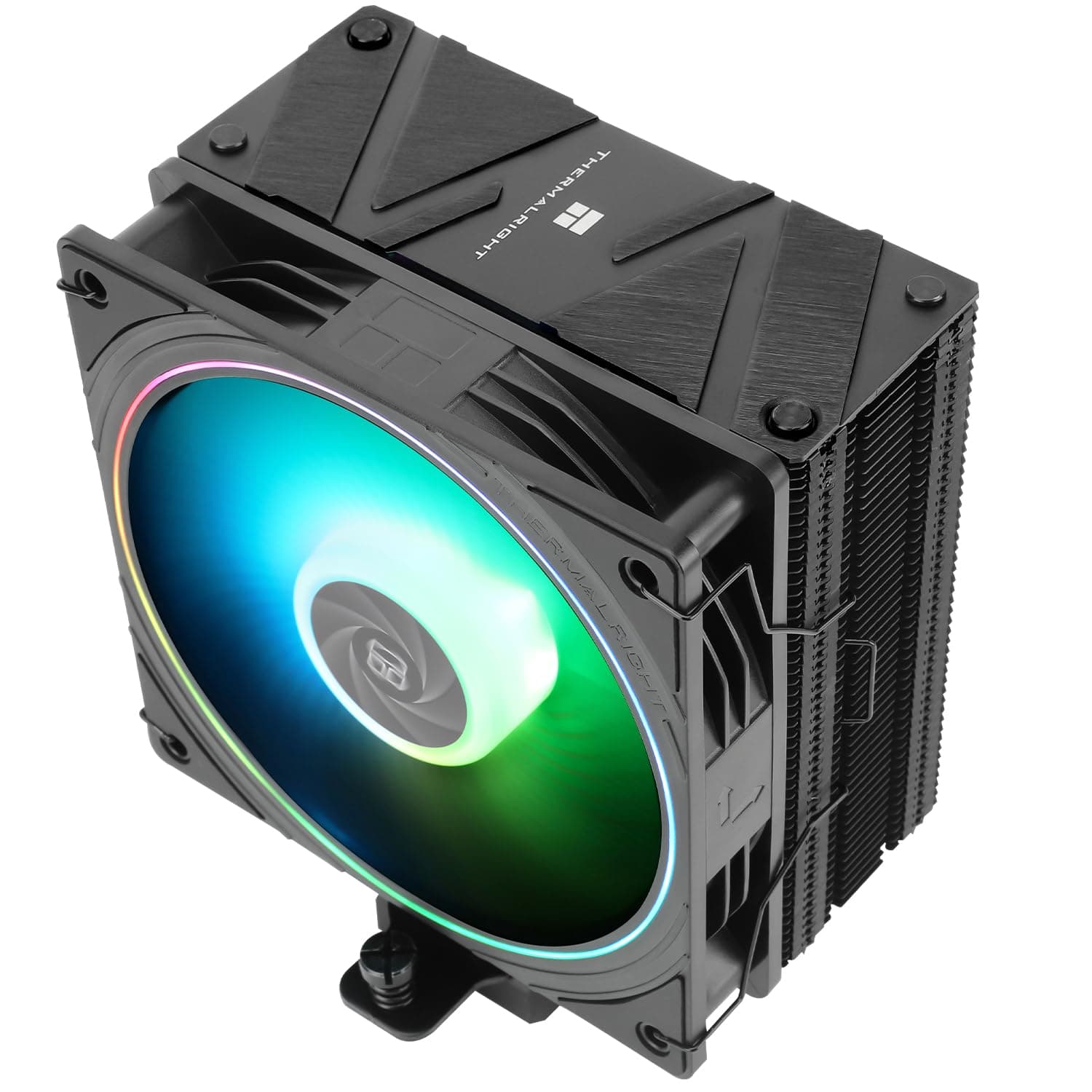
The Thermalright Assassin Spirit 120 EVO CPU Cooler is a single-tower air cooler built around four heat pipes and one 120mm PWM ARGB fan. This article explains what its socket list actually means in practice, whether it will fit your case, how far it can realistically push a CPU, and the pitfalls buyers tend to discover only after the build is finished.
Overview
The short version: this is a cooler for an everyday Core i5 or Ryzen 5 machine that should run quietly and look tidy inside the case. Four heat pipes plus a 120mm PWM ARGB fan is a standard configuration at this price, but it is a clear step up from a boxed cooler or a two-pipe budget tower.
Its most practical strength is socket coverage on both Intel and AMD, so the same part works for a new build or for keeping an older machine alive.
There is a hard physical ceiling, though. A single tower with one 120mm fan is not the right tool for a Core i9 or Ryzen 9 running all cores for hours, nor for manual overclocking.
The problem is not that it fails to cool at all; it is that the fan sits near its upper range and the quiet-operation advantage disappears first.
On reception, the Japanese Amazon listing showed 71 reviews with a 98% positive score (4.9 out of 5 stars) when the data was captured on 4 July 2026.
A tight score spread is a good sign, but with a review count still in double digits you cannot read low-frequency issues such as DOA units or mounting-hardware quirks from the average. Treat the rating as evidence that bad surprises are uncommon, and check individual reports separately.
Compatibility Guide
Here is the published support range.
| Item | Value |
|---|---|
| Sockets (Intel) | LGA1700 / LGA1200 / LGA1151 / LGA1150 |
| Sockets (AMD) | AM5 / AM4 |
| Heat pipes | 4 |
| Fan size | 120mm |
| Fan connector | 4-pin PWM |
| ARGB | Yes (3-pin 5V) |
| Noise level | 28.2 dBA |
Intel support runs from LGA1700 down to LGA1150, and AMD support covers AM5 and AM4. Note what is absent: newer sockets such as LGA1851 are not on the list.
If you plan to use it on a newer platform, confirm on the product page that a mounting kit exists for it. Assuming that AM4 support implies every recent AMD socket is a common and expensive mistake.
Check the physical dimensions before you order. The cooler stands roughly 154mm tall.
That is a non-issue in a normal mid-tower, but slim, cube and mini-ITX cases frequently cap CPU cooler height below that. Every case spec sheet lists a maximum CPU cooler height; compare the two numbers directly.
Being a few millimetres over, so the side panel will not close, is the single most common failure with towers of this size.
Memory interference is relatively unlikely with a 120mm single tower. Even so, tall heat-spreader DIMMs in the slots nearest the CPU can force you to raise the fan a few millimetres and re-clip it.
The clip mount makes that easy, but remember that every millimetre you raise the fan also raises total height and can start a fight with the case roof.
There are two cables to plan for. The fan uses a 4-pin PWM connector, so plugging it into the motherboard CPU_FAN header gives you automatic speed control.
The lighting uses a 3-pin 5V addressable header. Plugging a 3-pin 5V ARGB device into a 4-pin 12V RGB header will destroy the LEDs, and the two look similar, so read the silkscreen (5V ARGB versus 12V RGB) before connecting.
Without an ARGB header the fan still spins; you simply lose software colour control.
Product Details
The design is straightforward: an aluminium fin stack threaded by four heat pipes, with a single 120mm PWM ARGB fan held on by clips. The quoted noise level is 28.2 dBA, which should be read as a figure measured with the fan well short of full speed.
What you actually hear depends heavily on your case airflow and on the CPU power limits you set.
Treat prices as captured snapshots. The Japanese Amazon listing showed ¥11,318 when captured on 26 August 2026, while eBay US showed $29.81 when captured on 2 August 2026.
Even allowing for exchange rates the gap is not small, which suggests differences in sales channel, seller, or bundled contents. Air coolers also move on sales and stock levels, so use these figures as orientation only and check the current price on the listing before buying.
The box is said to include Intel and AMD mounting kits, fan clips, and thermal paste. Bundle contents and the paste in particular can change between production runs and retailers, so buying this cooler specifically for the included paste is unwise.
Warranty is typically quoted at one year, but the contact point and the term both depend on whether you buy through an official regional distributor or a parallel import. That difference is often exactly what the price gap represents, so the cheaper the listing, the more it is worth checking.
How It Compares
| Use case | Realistic choice |
|---|---|
| Everyday Core i5 / Ryzen 5 build | A 120mm single tower like this one is enough |
| Core i7 / Ryzen 7 with power limits | Workable, but fan speed rises in summer |
| Core i9 / Ryzen 9 all-core load or OC | Dual tower, or a 240mm-plus AIO |
| Case height limit under 150mm | A 110mm-class low-profile model |
Against dual-tower designs (six-pipe models such as the PA120, or the 110mm-class Peerless Assassin 90 SE), the difference is fin area and fan count. Thermal headroom genuinely increases, but so do weight, height and width, and clearance against memory and VRM heatsinks becomes a real constraint.
The value of this cooler is in builds that do not need that headroom: a clear upgrade over a boxed cooler with minimal clearance risk.
Against 240mm or 360mm AIO liquid coolers, the real question is not noise but where the heat goes. A liquid cooler carries CPU heat out to the radiator, which changes how heat pools around the VRM and memory.
In exchange you add a pump as a moving part and coolant as a consumable. On an air cooler like this one, the only component that wears out is the fan, and fans are replaceable.
If you expect to keep the machine for years, that matters more than it looks.
Installation Pitfalls
The first hurdle is backplate orientation and screw tightening order. The most common air-cooler mistake is tightening one side fully instead of working diagonally in small increments, which leaves the cold plate seated at an angle.
If temperatures look oddly high, or core-to-core deltas exceed 10°C, suspect the mount before anything else and reseat it.
A pea-sized dot of paste in the centre is enough. Too much squeezes out and makes a mess; too little leaves the outer cores spiking.
On LGA1700 there is also the well-known issue of the retention mechanism (ILM) bending the CPU slightly, which can weaken contact. Keep that in mind as a diagnostic step when temperatures refuse to improve.
Do not forget the BIOS. Plugging into CPU_FAN leaves you on a default fan curve, so if you want quiet you need to flatten the low-load region yourself, and if you want cooling you need to ramp earlier at high temperatures.
Remember that the 28.2 dBA figure describes a fan that is not working hard.
Who It's For
First, budget-conscious builders. As a replacement for a boxed cooler, four heat pipes and a 120mm PWM ARGB fan is a balanced package that improves both temperatures and looks.
It is not, however, the right choice for Ryzen 9 or Core i9 class chips, where cooling capacity will run short.
Second, people chasing a quiet PC. The 4-pin PWM connection lets you build a detailed fan curve and drop idle noise to a level you stop noticing.
Under sustained heavy load such as video encoding, long compiles or rendering, fan speed climbs and the quiet premise breaks down. The question is whether mostly quiet, occasionally audible is acceptable to you.
Third, people who want ARGB lighting. The fan has addressable RGB built in and can be synchronised with the rest of the build through motherboard software.
Without an ARGB header there is no colour control, and the non-RGB version is the cheaper buy. If lighting is not a priority, spending the same money on extra case fans does more for temperatures.
Before You Buy
Listing metadata does not always match the product. When the data for this article was collected, the manufacturer field on the Amazon side carried a different brand name, and the ASIN did not match the referenced listing either.
Marketplace attributes are entered by sellers and errors often persist uncorrected. Before ordering, confirm from the product image and title that you are buying the Thermalright Assassin Spirit 120 EVO, especially where a black variant or a sibling model with a different fan setup shares the same page.
Next, how to read TDP ratings. A wattage figure printed on a cooler assumes a cool room, decent case airflow, and a fan free to spin as fast as needed.
In a cramped case in midsummer, the same CPU can easily run 10°C hotter. Pairing a CPU that sits right at the rated figure means you have no margin left.
Price gaps deserve attention too. As noted, the domestic and overseas captured prices differed noticeably.
Unusually cheap listings can be parallel imports or older production runs; unusually expensive ones can be scalped low-stock inventory. Compare seller, warranty contact and bundle description, not just the number.
Finally, calibrate your noise expectations. 28.2 dBA is quiet, not silent.
And quieting the CPU cooler changes little if case fans, the PSU fan or the graphics card are louder. Silencing a build works from the loudest component down; this cooler is one move in that sequence, not the whole answer.
FAQ
Q. Can I use it with a Core i7 or Ryzen 7? A.
Conditionally, yes. With power limits applied, or with mostly short bursts of load, it stays in usable territory.
For sustained all-core workloads, choose a dual tower or a 240mm-plus AIO.
Q. How do I know if it fits my case? A.
Look for maximum CPU cooler height in the case spec sheet. This cooler is about 154mm tall, so anything below that is a no.
Leave at least 5mm of margin for cable routing.
Q. My motherboard has no ARGB header. Can I still use it? A.
Yes, as a fan it works normally; you only lose colour control. For control you need an ARGB-equipped board or a separate ARGB controller.
Never plug the 3-pin 5V connector into a 4-pin 12V RGB header.
Q. Should I buy separate thermal paste? A.
The bundled paste works fine. Buy separate paste if you want to shave one or two degrees, or if you expect to remount the cooler repeatedly.
Q. Can I replace the fan when it gets noisy? A.
Yes. Any standard 120mm 4-pin PWM fan can be clipped on in its place.
The fan is essentially the only wear item, so the fin stack and heat pipes keep working.