This article covers NZXT クラーケン Z63 280mm.
Overview
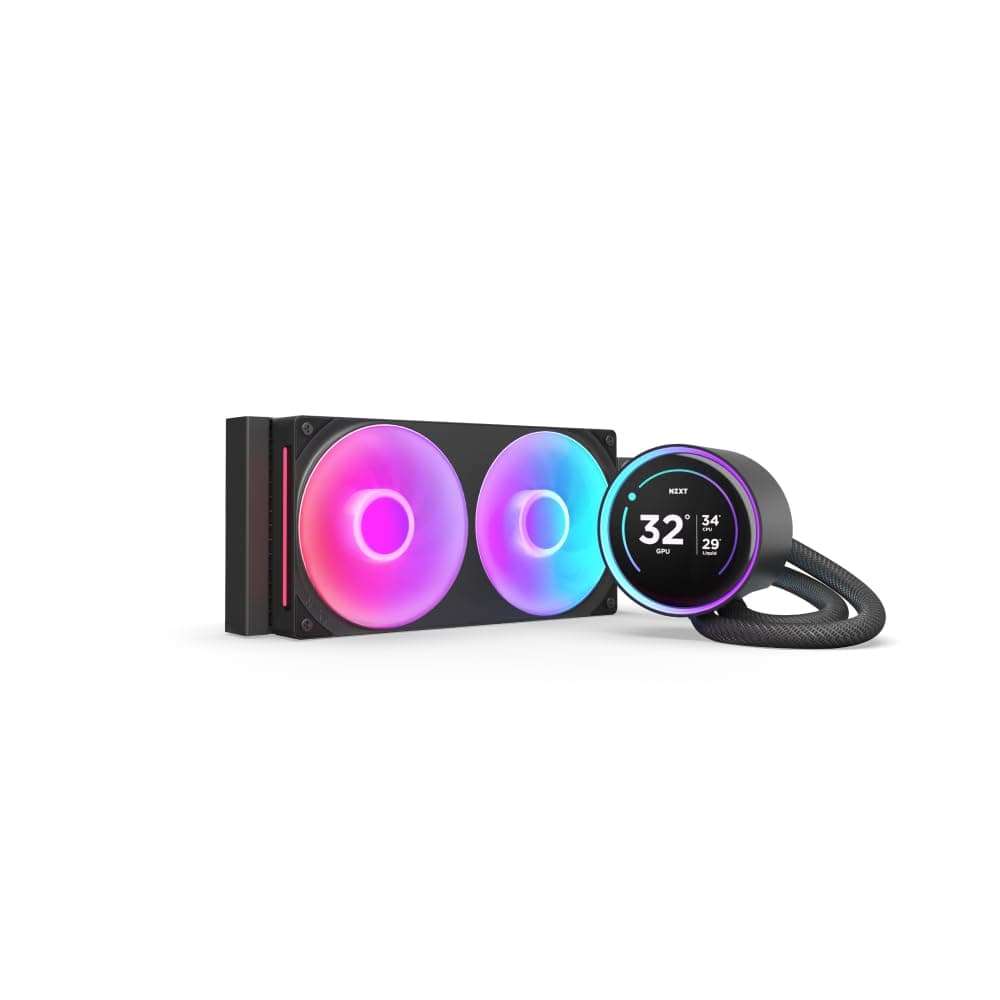
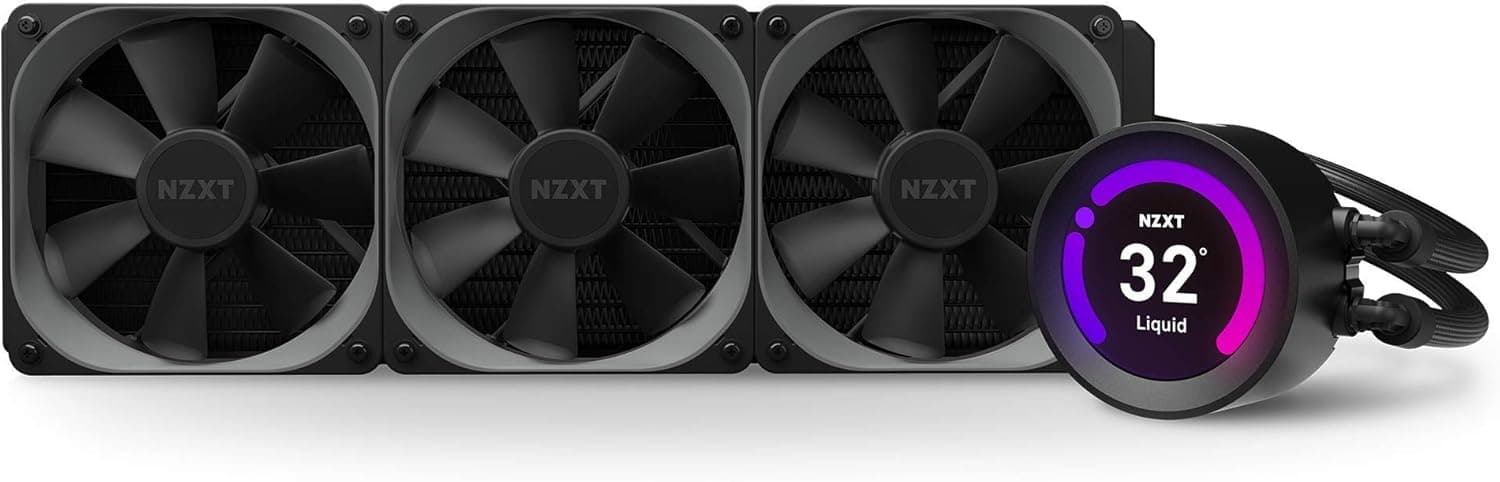
The NZXT Kraken Z63 is a 280mm all-in-one liquid CPU cooler that stands out with its customizable LCD display on the pump head. This 2.36-inch screen can show system stats, custom images, or animated GIFs, making it a centerpiece for any build that values both performance and personalization.
Equipped with a 280mm radiator and two AER P 140mm PWM fans, the Z63 delivers ample cooling capacity for high-end CPUs like the Intel Core i9 or AMD Ryzen 9. The improved pump design ensures reliable fluid circulation, while the nylon mesh sleeved tubing adds durability and a premium feel.
Positioned as a mid-high tier AIO cooler, the Kraken Z63 sits above NZXT's X-series (which lacks the LCD display) and competes directly with other display-equipped coolers like the Corsair iCUE H115i ELITE CAPELLIX and ASUS ROG RYUJIN II. It's a solid choice for builders who want top-tier cooling with a unique visual flair.
Compatibility Guide
The Kraken Z63 supports a wide range of CPU sockets:
- Intel: LGA 1200, 1151, 1150, 1155, 1156, 1366, 2011, 2011-3, 2066
- AMD: AM4, sTRX4, TR4 (Threadripper bracket sold separately)
Memory clearance is generally not an issue since the pump mounts directly over the CPU socket. However, some motherboards with tall VRM heatsinks or M.2 heatsinks may interfere, so it's wise to check clearances before installation.
The 280mm radiator measures 143×315×30mm, requiring a case that supports 280mm radiators in the top or front panel. Most mid-tower cases can accommodate this, but compact or ITX cases often cannot. Always verify your case's radiator compatibility before purchasing.
Product Info
The NZXT Kraken Z63 (model RL-KRZ63-01) launched in 2020 and has remained a popular choice among PC builders. It carries a price tag in the $180-$250 range and comes with a generous 6-year warranty.
Market positioning is mid-high tier. It offers better cooling than 240mm AIOs and includes the LCD display feature that sets it apart from standard coolers. The 280mm radiator and AER P fans can handle CPUs with TDPs up to around 250W, making it suitable for overclocked high-end processors.
Key specifications include:
- Radiator: 280mm (143×315×30mm)
- Fans: 2× AER P 140mm PWM (500-2100 RPM, 21-36 dBA)
- Pump: Improved design, 4.56W max power
- Display: 2.36-inch LCD, 24-bit color, 640×480 resolution
- Tubing: 400mm nylon mesh sleeved rubber
- Socket support: Intel LGA 1200/115x/1366/2011/2066, AMD AM4/sTRX4/TR4
Best Use Cases
- Enthusiast PC builders who want a unique aesthetic: The LCD display lets you show game logos, animated GIFs, or real-time system stats. It's a conversation starter and a way to make your build truly yours.
- Gamers and creators using high-TDP CPUs: If you're running an Intel Core i7/i9 or AMD Ryzen 7/9, especially overclocked, the 280mm radiator provides the thermal headroom needed for sustained workloads without throttling.
- Users who prioritize quiet operation: The AER P fans use fluid dynamic bearings and are very quiet at low RPM (21 dBA). At full speed (2100 RPM), they still remain reasonable at 36 dBA, making this a good choice for noise-sensitive environments.
- Who should NOT buy this: If you're on a tight budget or don't care about the LCD display, the cheaper Kraken X63 or even a high-end air cooler like the Noctua NH-D15 will serve you well. Also, if your case doesn't support 280mm radiators, consider the 240mm Kraken Z53 instead.
Things to Consider
Before buying the Kraken Z63, keep these points in mind:
First, case compatibility is critical. Not all mid-tower cases support 280mm radiators, especially in the top panel. Measure your case's radiator mounting points and ensure there's enough clearance for the radiator and fans (total thickness ~60mm with fans).
Second, the AMD Threadripper bracket is not included. If you plan to use this cooler with a Threadripper CPU, you'll need to purchase the separate bracket from NZXT.
Third, the CAM software requires an internet connection and an NZXT account for full functionality. While basic cooling works without it, you won't be able to customize the display or update firmware offline.
Competitors to consider include the Corsair iCUE H115i ELITE CAPELLIX (similar performance, RGB-focused) and the ASUS ROG RYUJIN II 280 (also has a display but with a different software ecosystem). The Kraken Z63's LCD customization is more flexible than most rivals, but the software experience can be a deciding factor.
FAQ
Q: Does the Kraken Z63 support Intel LGA 1700 sockets?
A: Officially, it supports LGA 1200 and earlier. However, NZXT offers a separate LGA 1700 retention kit. Check NZXT's website for the latest compatibility information before purchasing.
Q: Can I replace the included fans with other 140mm fans?
A: Yes, you can swap the AER P fans for any standard 140mm fan. Just make sure the fan thickness (usually 25mm) doesn't interfere with case clearance, especially if you're mount
Product Disclosure (Amazon)
- Manufacturer: NZXT
- ASIN: B084HLVZJ7
- Note: This article covers a manufacturer-made product based on Amazon listing details.