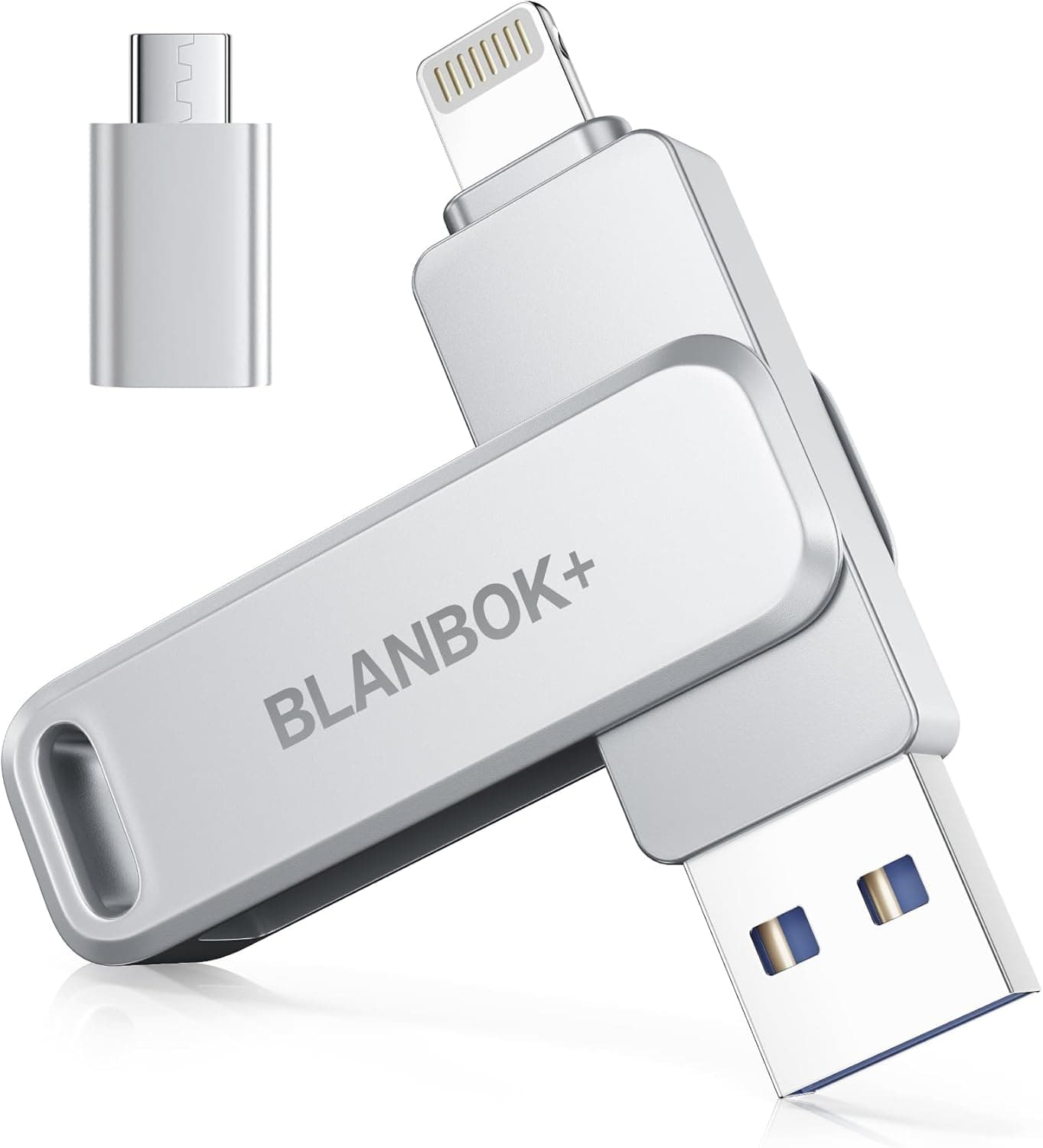
This article takes a detailed look at the 【Apple MFi認定 iphone 外付けメモリ】USBメモリ BLANBOK+ 128GB usbメモリフラッシュドラメモリメモリースティック高速データ保存 Lightning, including which devices it works with, what transfer speeds to realistically expect, and who should skip it.
Overview
The BLANBOK+ 128GB is a flash drive that combines an Apple MFi-certified Lightning connector with USB-C, USB-A, and micro USB in a single body. Its main appeal is moving data between iPhones and iPads, Android phones, and Windows/Mac computers without cables or adapters.
The short verdict: it is an affordable pick for people who want to offload iPhone photos and documents without a computer, or who pass small files between several devices. It is not a good fit for anyone who moves large video files often or cares about speed.
Rated speeds are up to 80 MB/s read and 40 MB/s write. These are maximum figures, and over Lightning in particular you are unlikely to see them (explained below).
On Amazon.co.jp the drive had 2,503 reviews averaging 3.8 out of 5 stars (about 76% positive) as of September 2026.
Many buyers are satisfied, but a noticeable share are not.
Compatibility Guide
With four connectors it is tempting to assume the drive plugs into anything, but each device uses a different connector and has its own prerequisites. Check your setup against the table below.
| Device | Connector | What to check |
|---|---|---|
| iPhone 14 or earlier / Lightning iPad | Lightning | Requires iOS 12.1 or later; operated through the companion app |
| iPhone 15 or later / USB-C iPad | USB-C | Lightning is not used; confirm app support on the product page |
| Android phone | USB-C / micro USB | The phone must support OTG (USB host) |
| Windows / Mac | USB-A / USB-C | Recognized as a standard USB drive |
Watch the iOS version. Supported OS is listed as iOS 12.1 or later.
The compatibility note says the Lightning connector works with iPhone 5 and later, but the iPhone 5 cannot be updated to iOS 12. In practice, assume you need a model that can run iOS 12.1 or later (iPhone 5s and newer).
If you plan to use an older iPhone, check its iOS version in Settings before buying.
For iPhone 15 and later. From the iPhone 15 series onward, iPhones use USB-C, so this drive's Lightning plug goes unused.
You would connect through the USB-C end instead, which means the drive's key selling point, its MFi-certified Lightning connector, no longer matters. If all your devices are USB-C, a faster USB-C-only drive may make more sense (see the comparison below).
Android needs OTG. To read external storage, an Android phone must support OTG.
Most recent models do, but some require you to switch OTG on in settings. Use either the USB-C or micro USB end, depending on your phone's port.
The file system is not stated. The original listing does not specify the format.
If the drive ships as FAT32, you cannot store a single file larger than 4GB. If you plan to keep long 4K videos, check the format on a computer first and reformat to exFAT if needed (reformatting erases everything on the drive).
Phone case interference. Drives with a bulky base around the plug may not seat fully through a thick phone case and then fail to be recognized.
If the drive is not detected, try removing the case first.
Product Info
rmation
| Item | Detail |
|---|---|
| Capacity | 128GB |
| Max read speed | 80MB/s |
| Max write speed | 40MB/s |
| Connectors | Lightning / USB-A / USB-C / micro USB |
| Supported OS | iOS 12.1+ / Android OTG / Windows / macOS |
| Warranty | 365 days |
As of September 2026, the price on Amazon.co.jp was ¥3,980.
Prices change frequently with sales and stock, so check the product page for the current price before buying. The manufacturer offers a 365-day warranty from delivery that is stated to cover initial defects and packaging damage.
The package is simple: the drive, a keychain, and a short manual.
The drive has a metal body and can be carried on the included keychain. On iPhone and iPad, a companion app called Luxsync Pro handles photo and video backup and encrypted storage.
Connected to a computer without the app, the drive behaves as ordinary storage. App names and availability can change, so it is worth checking the App Store before you buy.
In the market, this is a practical entry-to-mid-level multi-connector drive. MFi certification is reassuring, but 80 MB/s read is modest next to USB-C-only drives on USB 3.2 Gen 1 or faster, many of which exceed 100 MB/s.
It trades speed for the convenience of one drive that plugs into almost anything.
Realistic Transfer Times
At the rated maximum write speed of 40 MB/s, writing 1GB takes about 25 seconds and 10GB a little over four minutes. That is a best-case calculation; real transfers take longer depending on the number and size of files.
Large batches of small files such as photos tend to be slower because each file adds overhead.
On top of that, Lightning runs at roughly USB 2.0 speeds on most iPhones.
When you back up an iPhone over Lightning, expect speeds below the 80 MB/s and 40 MB/s maximums. You are most likely to approach the rated figures when plugged into a computer's USB-A or USB-C port.
As a rule of thumb, the drive is fine for offloading a trip's worth of photos or carrying documents and music. If you need to move tens of gigabytes of video every day, the waiting will likely become frustrating.
Comparison With Alternatives
Phone-oriented flash drives broadly fall into two camps.
| Type | Examples | Best for |
|---|---|---|
| Multi-connector with Lightning | This drive, MFi-certified photo stick 256GB, 512GB 4-in-1 phone USB drive | Lightning iPhone owners and people with many device types |
| USB-C only, high speed | 128GB USB-C solid state flash drive (up to 1000MB/s), LINTYLE 128GB external SSD (up to 450MB) | iPhone 15+ users, USB-C-only PCs and Android, speed-focused users |
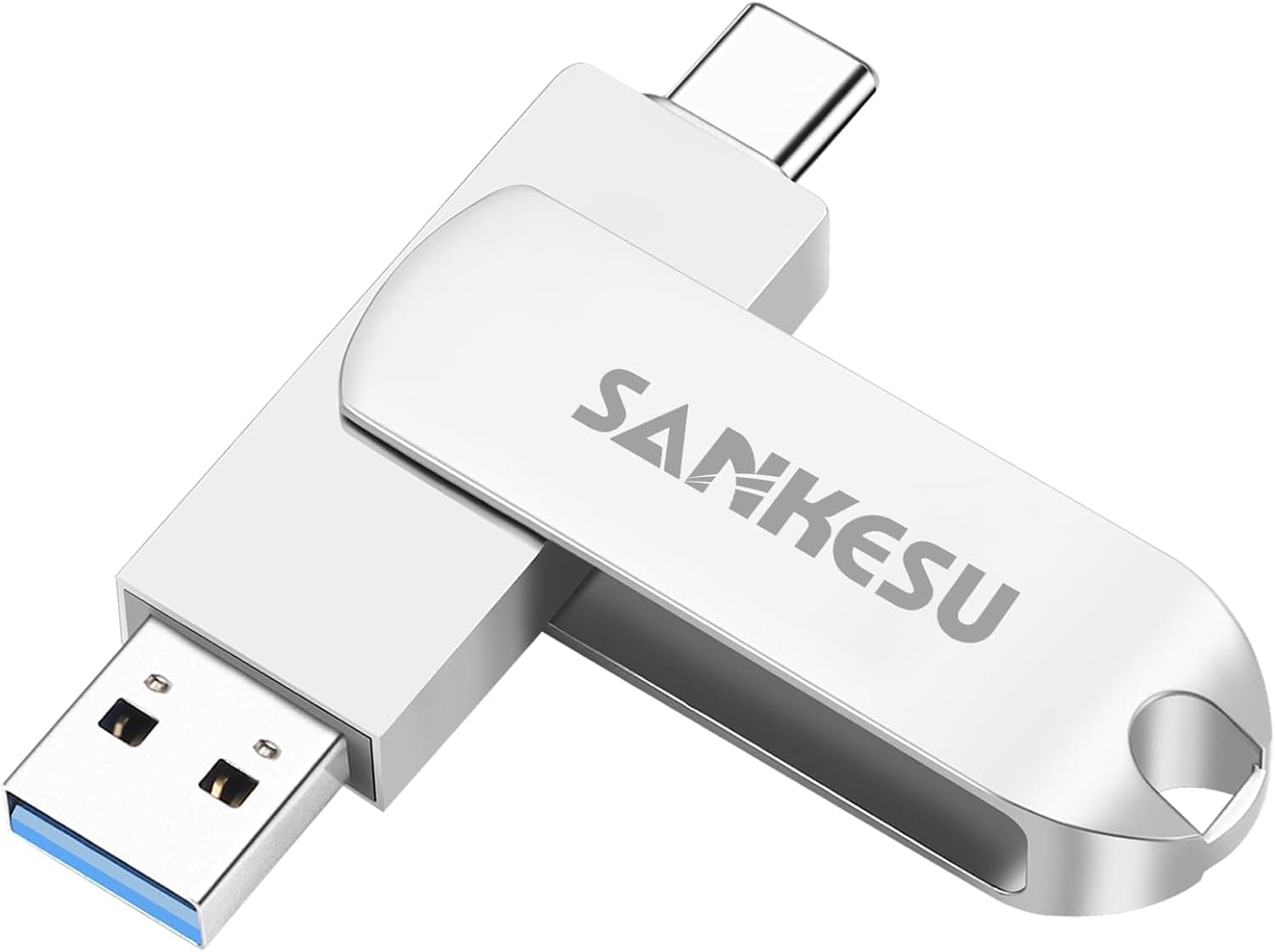
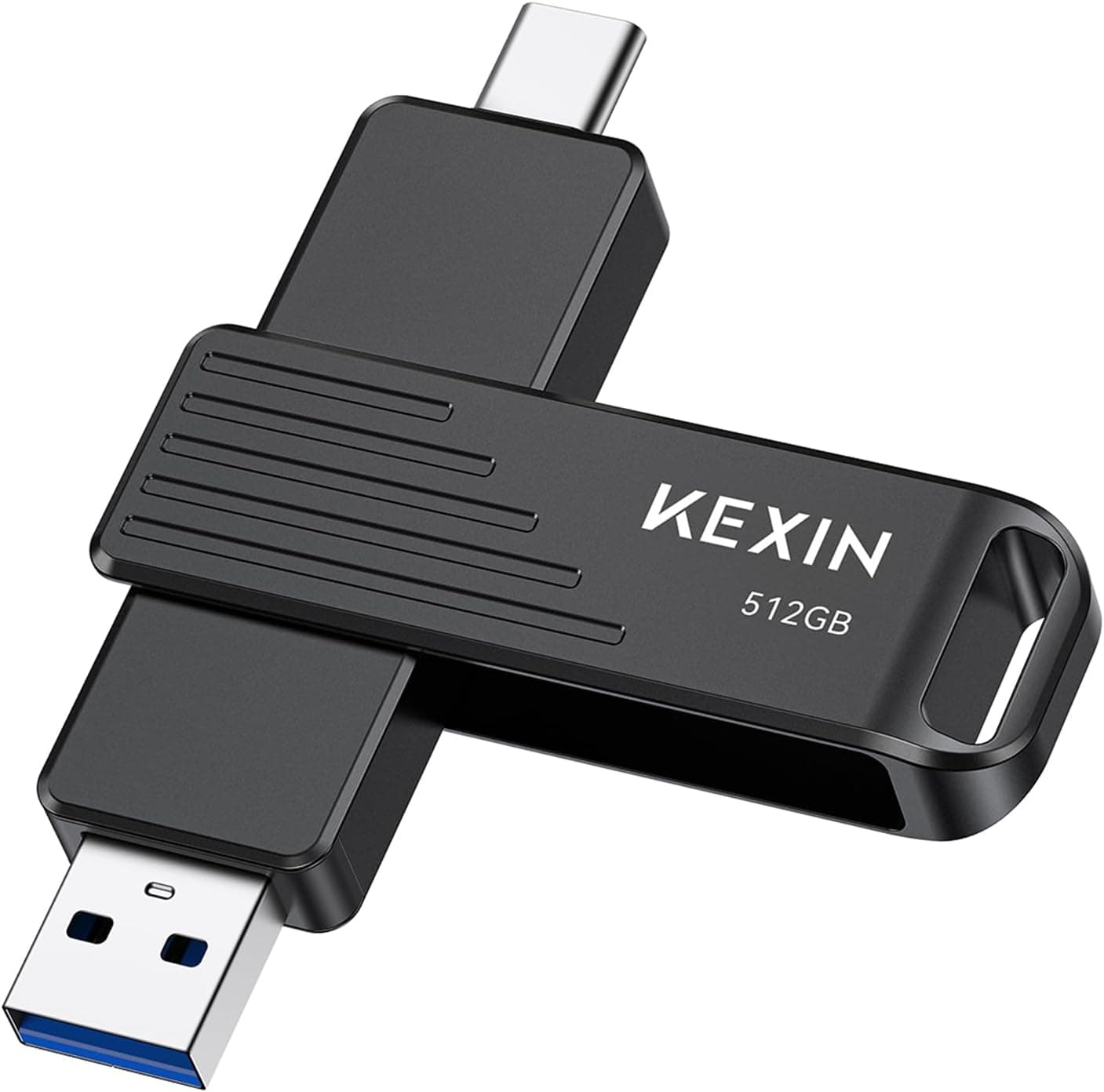
Among multi-connector drives, this one is modest at 128GB, but its MFi-certified Lightning connector is a point in its favor. If you need more space, 256GB and 512GB 4-in-1 drives are options.
Whether the iPhone side needs an app and whether the drive is MFi-certified varies by product, so check each listing.
If every device you own is USB-C, paying for a Lightning connector makes little sense. USB-C-only drives advertising up to 450MB or 1000MB/s in their names target an entirely different speed class than this drive's 80 MB/s read, and they are the better choice for moving video.
Recommended Users
- iPhone users short on storage: A good fit if you do not pay for iCloud or want an offline copy of your photos.
Plugging directly into the Lightning port completes the backup without a computer. Users who frequently move large 4K videos may find the speed lacking.
- People who juggle multiple devices: Ideal if you use a Windows PC at work, a Mac at home, and both Android and iPhone handsets.
One drive works with all of them, making file handoffs much easier. It is not suited to moving files in the tens of gigabytes.
- Privacy-conscious users: The companion app's encryption reduces the risk if the drive is lost, which is reassuring when carrying important documents or personal photos while traveling.
Connecting without the app exposes the drive as normal storage, so always use the app if you need encryption. 4.
Anyone wanting spare storage: 128GB is plenty for music, ebooks, and occasional backups, and works well as a complement to cloud storage. For professional work that needs fast transfers, look at a different product.
Before You Buy
Do not count on the maximum speeds. The 80 MB/s read and 40 MB/s write figures are maximums.
Over Lightning you should expect less, so the word fast in the product name may set expectations too high. If speed matters, choose a USB-C-only high-speed drive from the start.
Ratings suggest it mostly works, with some complaints. As of September 2026, 2,503 reviews averaging 3.8 out of 5 shows a solid track record, but it is far from a near-perfect score.
Read the low-star reviews before buying and check whether anyone reports recognition or app problems with your phone model.
Reconsider if you only own iPhone 15 or later. This drive's strength is its MFi-certified Lightning connector.
If you have no Lightning devices, that strength goes unused.
Encryption only applies through the app. Encrypted storage is a feature of the companion app.
Plugged into a computer, the drive's contents are readable like any USB stick, so set clear rules if you store sensitive data.
Never rely on a single drive as your only backup. Flash drives can fail, and their small size makes them easy to lose.
Keep a second copy of important data such as travel photos on a computer or in the cloud. Always eject the drive properly before unplugging it from a computer.
Cross-check the listing. The compatibility note says iPhone 5 and later, while supported OS is iOS 12.1 or later, and the iPhone 5 cannot actually be updated to iOS 12.
Listing details are sometimes inconsistent. If you use an older model, go by the OS requirement, and confirm from the images and title that you are looking at the right product.
FAQ
Q. Does it work with the iPhone 15 or iPhone 16? A.
The Lightning plug will not fit, so you connect via USB-C. Check the product page for which features (such as app support) work over USB-C.
Q. Can I back up iPhone photos without a computer? A.
On a Lightning iPhone, plug the drive in directly and back up photos and videos from the companion app. No computer is needed.
Q. Can it store 4K video? A.
Yes, but writing tops out at 40 MB/s and is slower over Lightning. If the drive ships as FAT32, single files over 4GB cannot be saved, so check the format if you work with long videos.
Q. My Android phone does not recognize it. A.
Confirm that your phone supports OTG and that OTG is enabled in settings. A thick case keeping the plug from seating fully is also a common cause.
Q. Is 128GB enough? A.
It is plenty for carrying photos, documents, and music, or as a supplementary backup. If you mainly store video or want to back up an entire phone, consider a larger capacity.
Product Disclosure (Amazon)
- Manufacturer: BLANBOK+
- Seller: XTL-JP Direct
- Fulfilled by: Amazon
- ASIN: B0HJCDJK1S
- Note: This article covers a manufacturer-made product based on Amazon listing details.