This article takes a close look at the LINTYLE 64GB USB-C Flash Drive — Dual-connector design with 150MB/s speeds. It covers what the rated specs mean in daily use and the pitfalls to know before buying.
Overview
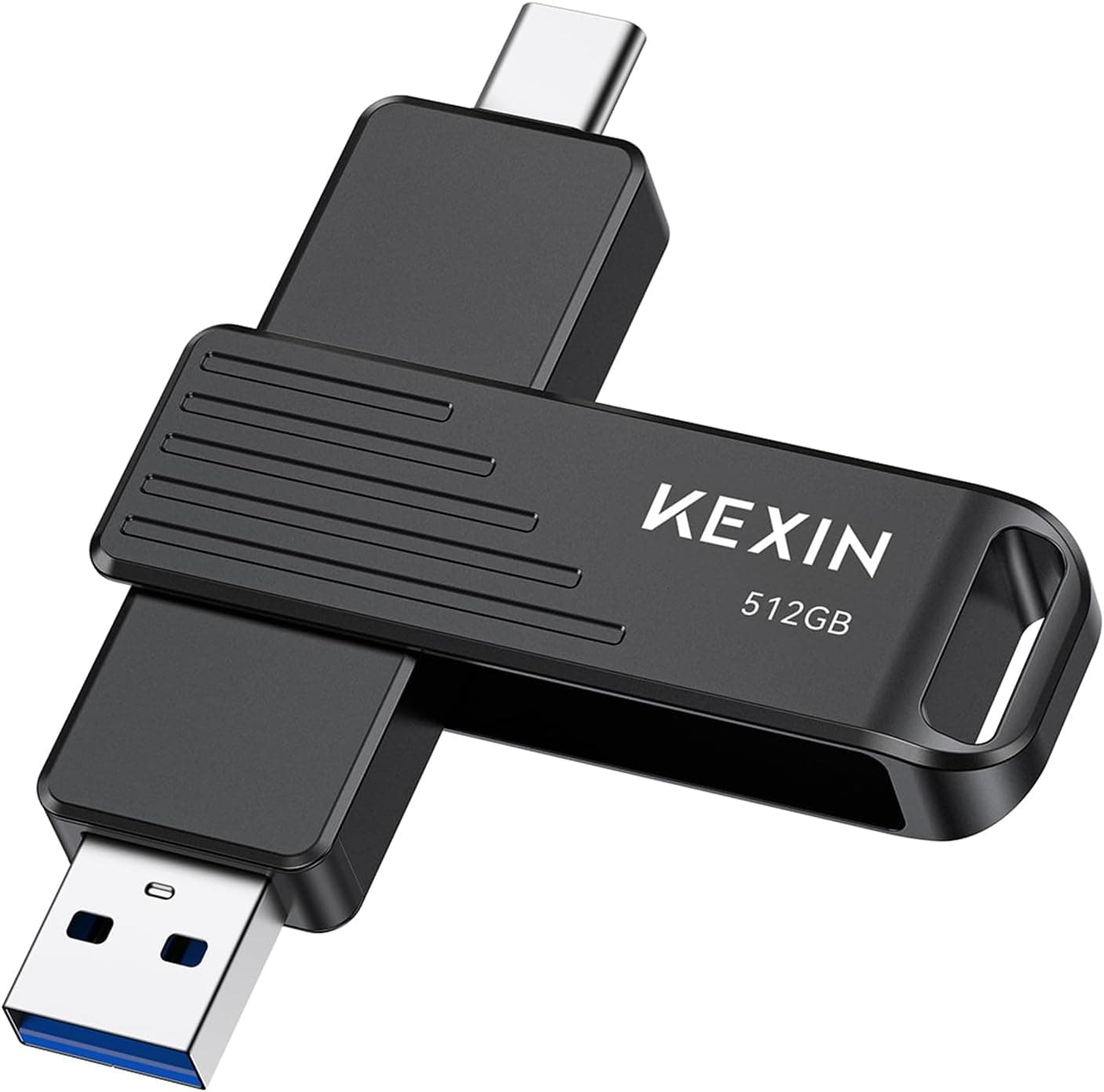
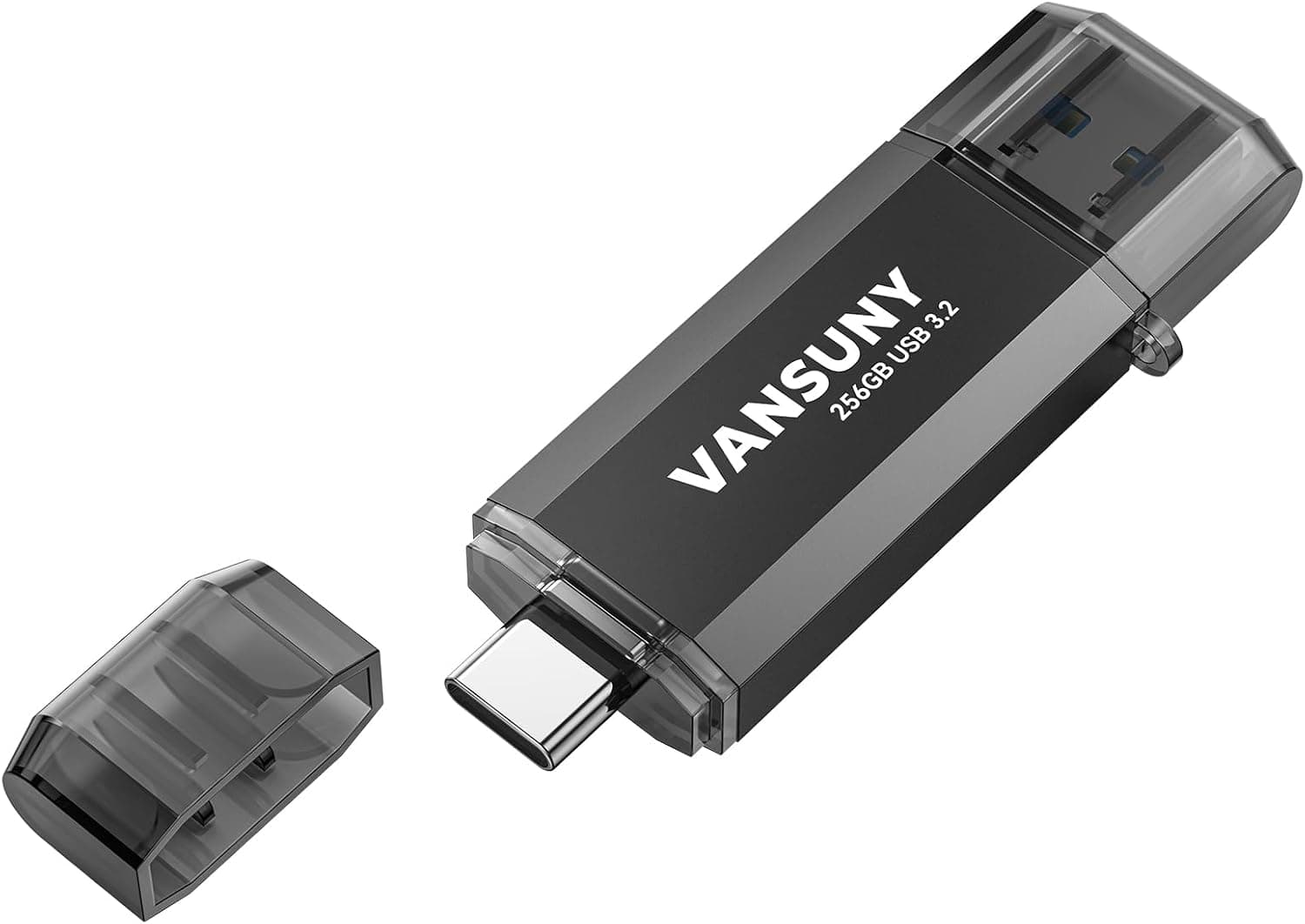
The LINTYLE 64GB USB-C Flash Drive 2-in-1 is a USB flash drive with both a USB-C and a USB-A connector in one body. It is rated for up to 150 MB/s read and up to 40 MB/s write, and it uses USB 3.2 Gen 1 (5Gbps).
In short, it suits people who want an easy way to move photos and documents between a phone and a PC. If you write large amounts of data often, though, the 40 MB/s write speed will hold you back.
Its main advantage is that it plugs straight into USB-C phones and tablets as well as older PCs that only have USB-A, with no adapter needed. It is plug-and-play and needs no driver installation, so even first-time users can start using it right away.
Real-World Transfer Times
Rated speeds are hard to picture, so the table below estimates transfer times at the rated maximums. Real speeds drop depending on the port, the number of files, and how warm the drive gets.
Treat these figures as best-case limits.
| Task | Data | Estimated time (rated speed) |
|---|---|---|
| Copy a 4GB video to the drive | 4GB | about 100 s (40 MB/s) |
| Read the same video back to a PC | 4GB | about 27 s (150 MB/s) |
| Fill the whole 64GB | 64GB | about 27 min (40 MB/s) |
| Write 1,000 phone photos (about 3MB each, assumed) | about 3GB | about 75 s |
The takeaway is that this drive reads fast but writes at a little over a quarter of its read speed. Read-heavy tasks, such as moving videos from a PC to a phone or pulling photos onto a PC, feel quick.
Writing tens of gigabytes of backups every day will feel slow. Copying lots of small files, like photos, is also usually much slower than the rated figures because each file adds overhead.
Compatibility Guide
The listing says it works with devices that have USB-C or USB-A ports, including the iPhone 15/16/17 series, iPad Pro, MacBook, Android smartphones, and Windows PCs. The original listing also mentions car audio systems and game consoles.
USB 3.2 Gen 1 is the same 5Gbps standard as USB 3.0 and USB 3.1 Gen 1.
The drive also works in USB 2.0 ports, but speeds drop to the USB 2.0 limit.
Common pitfalls:
- Base iPhones will not reach full speed. On the iPhone 15 and 16 standard and Plus models, the USB-C port runs at USB 2.0 speed, so you will not see 150 MB/s. File transfers through the Files app still work fine.
- File system. exFAT is the safe choice if you want to read and write on Windows, Mac, iPhone, and Android. macOS cannot write to NTFS out of the box, and FAT32 cannot store files larger than 4GB. Check the factory format on the product page or when you first plug the drive in. Formatting erases everything, so copy your files off first.
- Physical clearance. The drive measures 58 × 20 × 13 mm. At 13 mm thick, it can block a neighboring USB or HDMI port on a laptop. A thick phone case can also stop it from seating fully. If the drive is not detected, try again without the case.
- Car stereos and consoles. Some car units only read FAT32 or have a capacity limit. On game consoles, 64GB often falls short of the space needed to store games, so screenshots, video exports, and music files are the realistic uses. Check the device manual for supported formats.
Product Info
Key specifications:
| Item | Value |
|---|---|
| Storage capacity | 64GB |
| Interface | USB 3.2 Gen 1 |
| Read speed | up to 150 MB/s |
| Write speed | up to 40 MB/s |
| Connectors | USB-C / USB-A |
| Dimensions | 58 × 20 × 13 mm |
As of September 20, 2026, the price on Amazon.co.jp was ¥4,358.
Prices change often with sales and stock, so check the product page for the current price.Check the retailer's page for the latest user reviews.
Operating systems usually show the 64GB as roughly 59GB. That is because manufacturers count 1GB as one billion bytes, while operating systems count in units of 1,024.
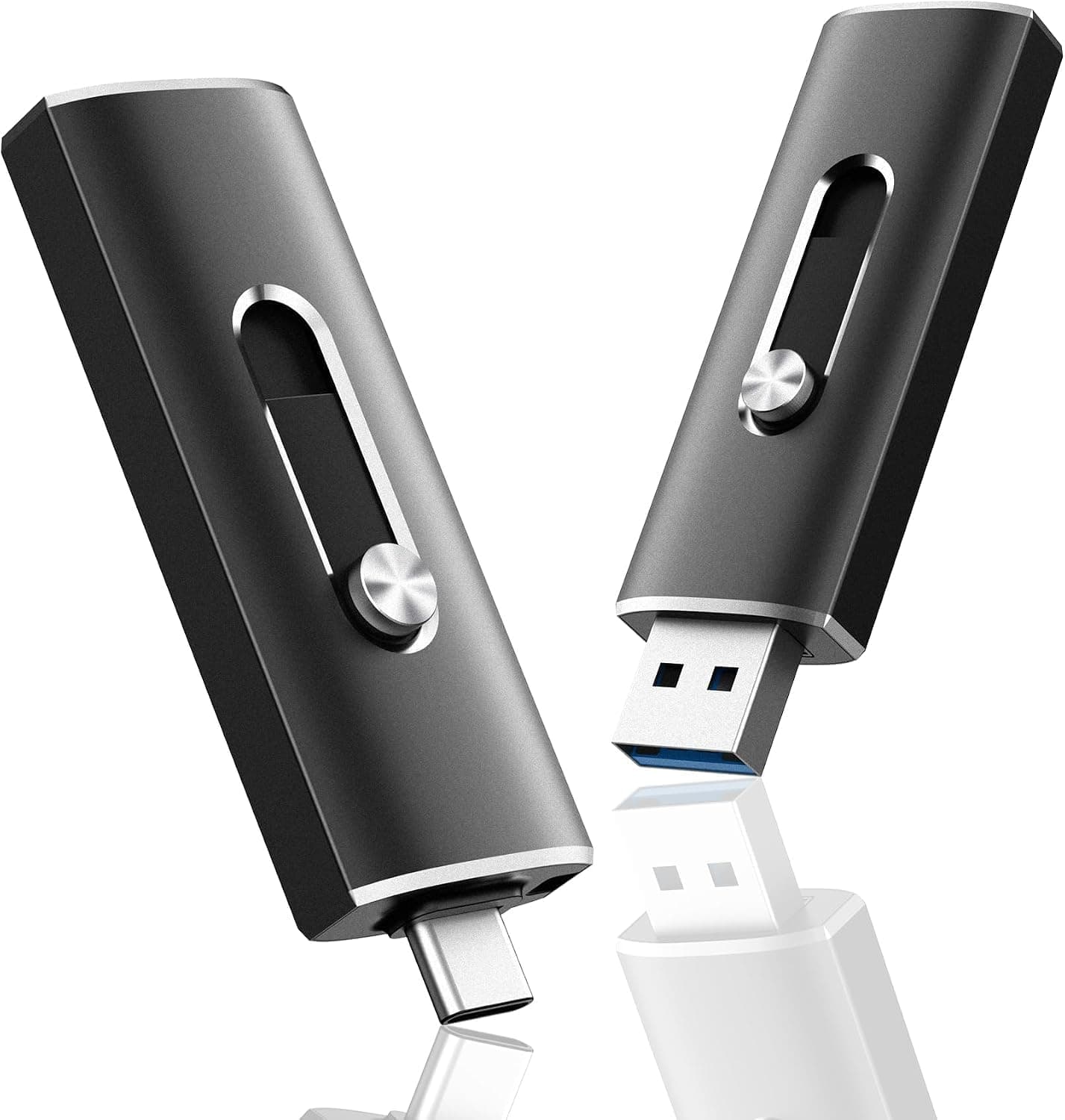
The original listing describes a retractable, cap-less design, so there is no cap to lose. No warranty period is clearly stated, so check the seller page if that matters to you.
How It Compares
Drives with both USB-C and USB-A connectors vary a lot in speed and price. Think about which class fits your use before choosing this one.
- If you need more speed: Some SSD-type flash drives advertise up to 450 MB/s or even 1000 MB/s in their titles. Many of them also write much faster, which makes them a better fit for carrying video-editing footage.
- If your iPhone uses Lightning: This drive only has USB-C and USB-A, so it will not plug directly into an iPhone 14 or earlier. You need a Lightning-compatible product.
- Where this drive fits: With 64GB and a 40 MB/s write speed, it is best treated as a phone-to-PC transfer stick. If you need more space or speed, buying a higher class from the start avoids paying twice.
Who It's For
- People who move files between phone and PC often: Two connectors mean no adapter, and it also works with office PCs that only have USB-A.
- People who want small storage to carry photos and documents: 64GB covers everyday photo and document transfers, and the 58 mm body fits in a pocket.
- People who want zero setup: It is described as plug-and-play on Windows, macOS, Linux, and Android.
- Mostly-read users: If you mainly play videos from it on a phone or open the same files on several PCs, you get the benefit of the 150 MB/s read speed.
Before You Buy
A 40 MB/s write speed is not fast. The 150 MB/s read figure gets the attention, but writing is only about a quarter of that.
Filling all 64GB takes about 27 minutes even at the rated speed, and longer in practice. It is a poor choice if you move video-editing footage daily or want to back up a whole PC.
Do not keep your only copy here. Flash drives are easy to lose, and data can get corrupted if you pull the drive out mid-transfer.
Keep important photos and documents in the cloud or on another drive too. Always use your operating system's eject option before unplugging.
Small drives often get hot during long writes, so let it rest if it feels warm.
**There are only a few reviews so far. That is too few to show patterns of early failures or durability. When it arrives, write and read back a large file right away, and confirm it works while you can still return it.
Check the product page carefully. The collected data had some mismatches.
The seller is listed as Amazon US, but the price link points to Amazon.co.jp.
A foreign marketplace also showed a price that is unrealistically high for a 64GB drive, likely from a different listing. Before buying, use the images, title, and capacity to confirm it is the right product.
FAQ
Q. Does it work with iPhone? A.
Yes, on USB-C iPhones (iPhone 15 and later), through the Files app. It does not work with Lightning iPhones (iPhone 14 and earlier).
On the iPhone 15 and 16 standard models, transfers are slower than the rated speed because the port is USB 2.0.
Q. I can't save videos larger than 4GB. A.
The drive is probably formatted as FAT32. Reformat it as exFAT, after copying off your data, since formatting erases everything.
Q. Why does it show less than 64GB? A.
It is not faulty. Manufacturers and operating systems count capacity differently, so about 59GB is normal.
Q. Will it work in a USB 2.0 port? A.
Yes, but speeds drop to the USB 2.0 limit.
For the rated 150 MB/s, use a USB 3.0 (USB 3.2 Gen 1) or faster port.
Q. Can it replace an external SSD? A.
Not for frequent, heavy writes, given its 40 MB/s write speed. Treat it as a stick for phone-to-PC transfers and carrying documents.
Product Disclosure (Amazon)
- Manufacturer: LINTYLE
- Seller: Amazon US
- Fulfilled by: Amazon US
- ASIN: B0HGFDBL81
- Note: This article covers a manufacturer-made product based on Amazon listing details.