Overview
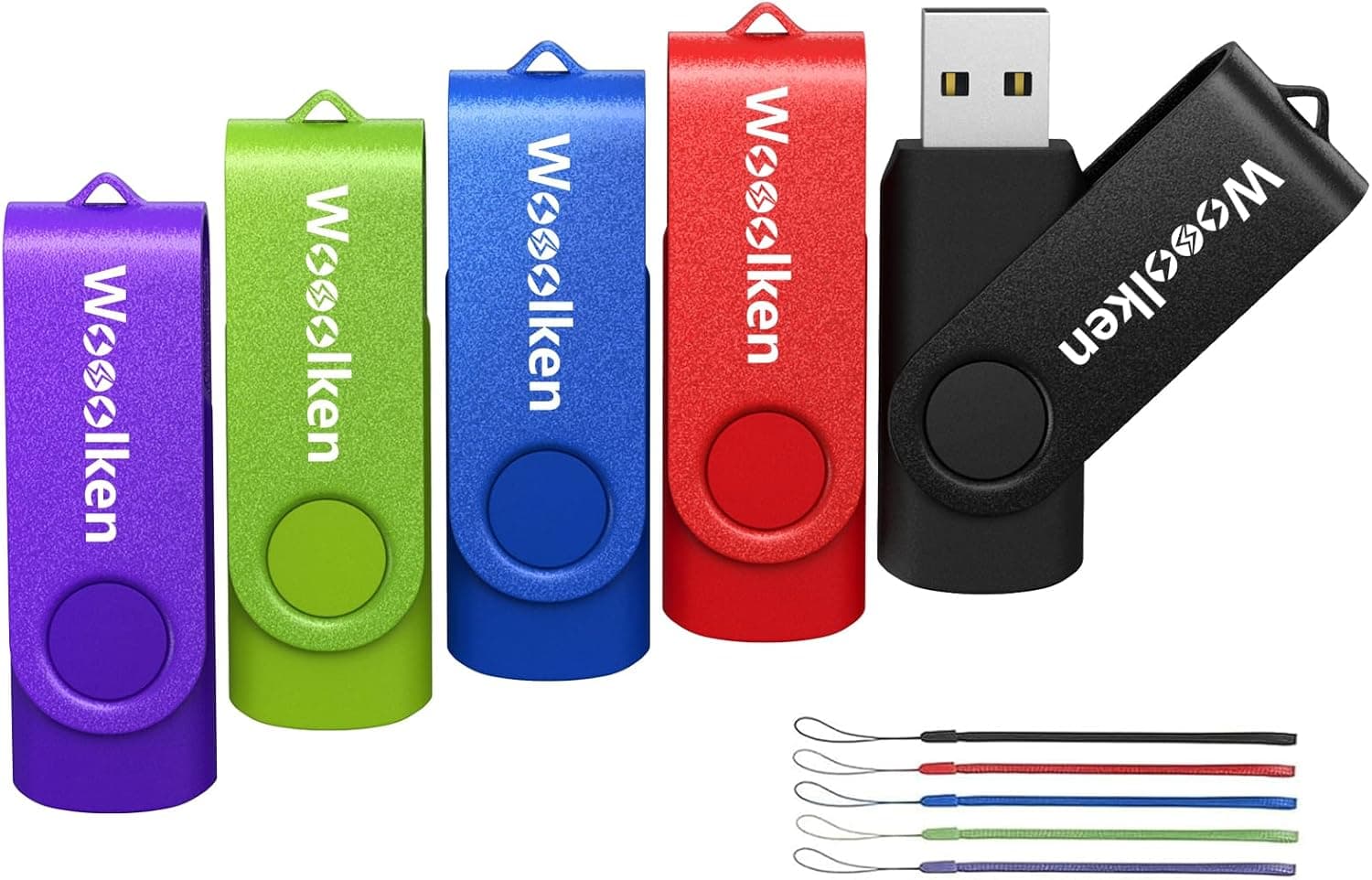
Wooolken (ウールケン) 2GB フラッシュドライブ 5個パック USB 2.0 サムドライブ USBスティックデータストレージバックアップ用回転式デザインランヤード付きジャンプドライブペンドライブジップドライブメモリースティック is a pack of five 2GB USB 2.0 flash drives.
It suits light jobs where you need several cheap sticks, such as handing out small files or carrying BIOS updates and config files. It is not suited to making OS installers, backing up photos or video, or carrying large amounts of data, because it lacks both capacity and speed.
Each drive has a swivel cover and a lanyard, so there is no cap to lose, which helps in everyday use. The listing says it is 'for data storage backup'.
Given the 2GB capacity and the nature of cheap flash memory, though, we don't recommend making it the only home for important data. It works best as a tool for moving and handing over files temporarily.
What 2GB Can and Can't Do
2GB is very small for a modern USB drive. Makers count 1GB as one billion bytes, so a computer usually shows about 1.8GB instead of 2GB.
The table below gives rough guidance by use.
| Use | Is 2GB enough? | Notes |
|---|---|---|
| Sharing documents, PDFs, spreadsheets | Yes | Hundreds of files often fit if they are light on images |
| Motherboard BIOS update files | Usually | Update files are often tens of MB |
| Music for car audio or boomboxes | Depends | Roughly a few hundred 128kbps MP3s |
| Windows 11 installer | No | Microsoft's creation tool needs 8GB or more |
| Linux install images | Mostly no | Many mainstream ISOs exceed 2GB; lightweight or netinstall images may fit |
| Photo and video backup | Not suitable | A few phone videos can fill it |
This product's strength is delivering small files reliably. It is handy for handing out materials at work or school that you won't get back, and for feeding data to older devices.
If you buy it to install an OS on a new PC build, it will almost certainly be too small. For PC building, treat it as a BIOS update drive.
Compatibility Guide
The drives use USB 2.0.
They work in USB 3.0, 3.1 and 3.2 ports, but speed stays at USB 2.0 levels.
USB 2.0 tops out at 480Mbps (about 60MB/s) in theory.
Cheap flash drives often write far slower than that in practice, so filling the full 2GB can take several minutes.
The product name does not state the connector type. Swivel USB 2.0 drives usually have USB-A, but check the product images before buying.
Laptops and tablets with only USB-C ports need a USB-C to USB-A adapter. Phones also need an adapter, and the phone must support USB storage (OTG).
Windows, macOS and Linux normally recognize USB drives without extra drivers. The listing doesn't say how the drives are formatted out of the box, so check when they arrive.
If they are FAT32, most computers, car stereos and printers can read and write them. Some older car stereos and business equipment don't recognize high-capacity drives, and there a small 2GB stick can actually be an advantage.
Product Info
On Amazon.co.Check the retailer's page for the latest price.
That works out to about ¥828 per drive, or about ¥414 per GB. Prices change often with sales and stock, so check the product page for the current price.
Check the retailer's page for the latest user reviews. With a fair number of ratings and a high average, it doesn't look like a product that fails on arrival.
Low-capacity drives tend to be used rarely, though, so faults can go unnoticed for a long time. A good rating doesn't guarantee long-term durability.
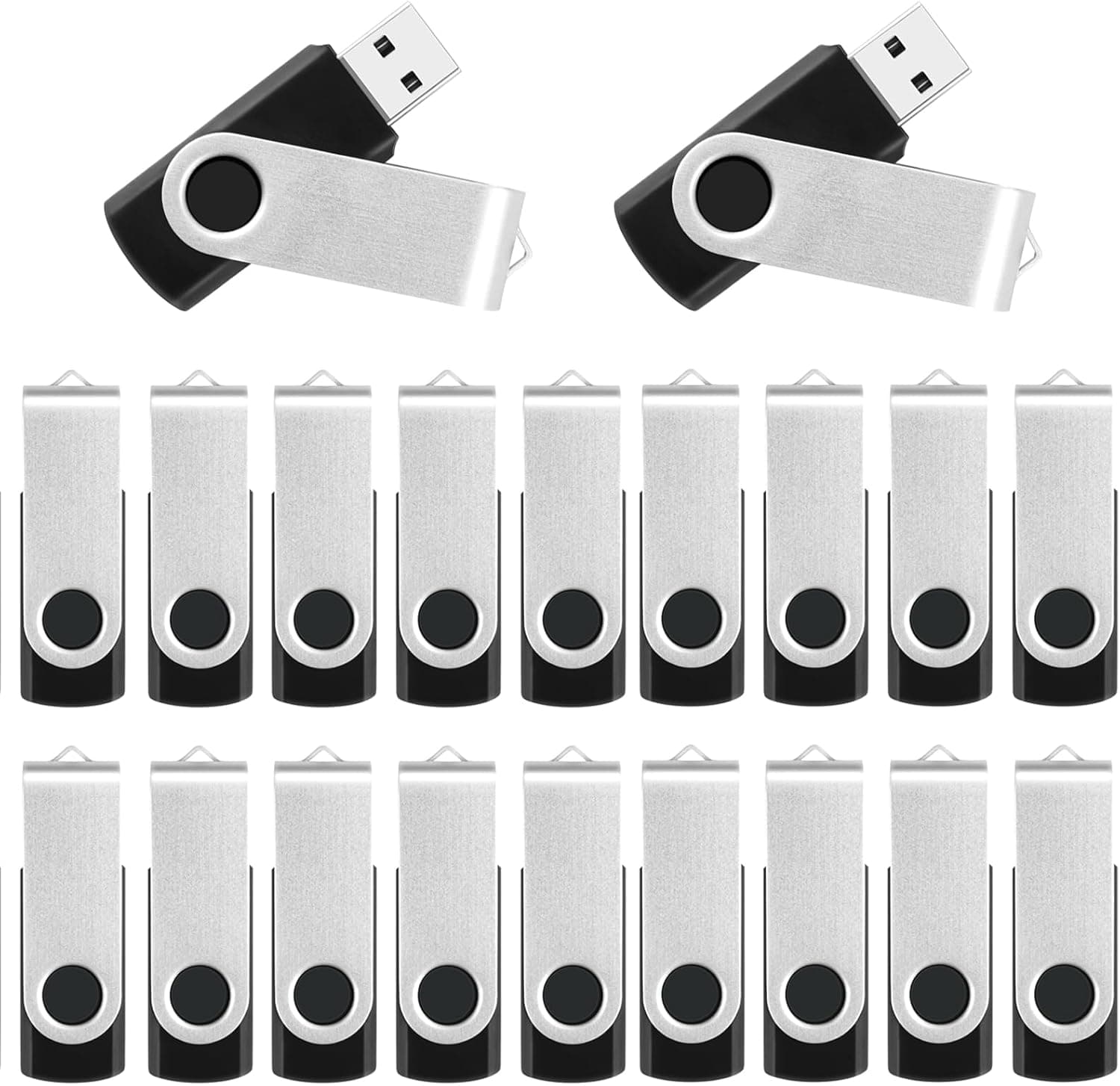
The product name tells us five things: 2GB capacity, USB 2.0, a swivel design, a lanyard, and five drives per pack.
The swivel design is a rotating cover that shields the connector. Turning the cover exposes or hides the plug, so there is no cap to lose.
The lanyard lets you wear the drive around your neck or clip it to a keyring, which makes a tiny drive harder to lose.
Comparison With Alternatives
Multi-pack USB drives vary a lot with capacity and count. Here is how this product compares with others we cover.
| Product | Capacity | Standard | Count | Best for |
|---|---|---|---|---|
| Wooolken 2GB 5-pack (this product) | 2GB | USB 2.0 | 5 | Small file handouts, BIOS updates, older devices |
| MECHEER 16GB 10-pack | 16GB | USB 2.0 | 10 | Handouts that need more headroom |
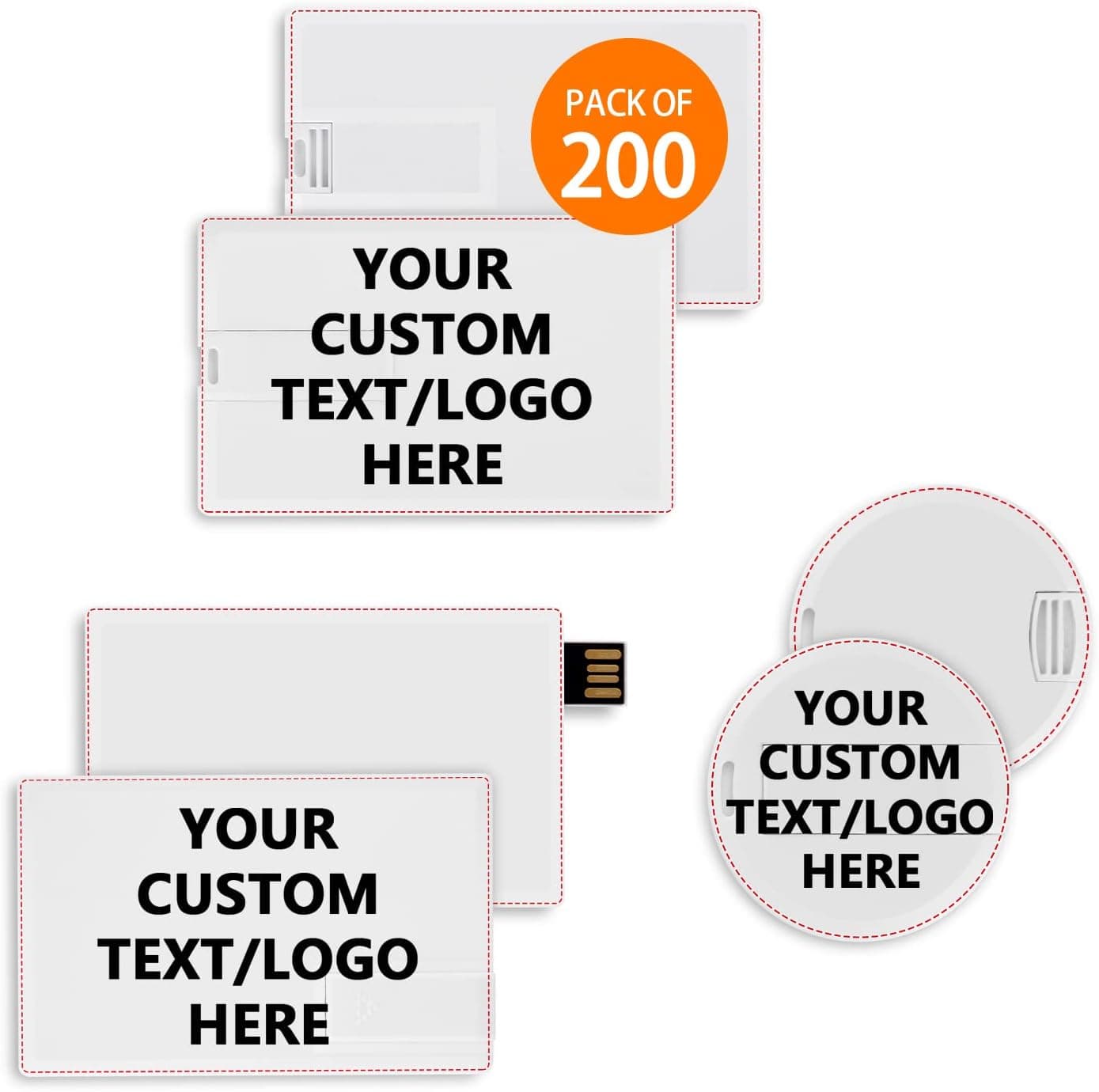
| EASTBULL 16G 200-pack | 16GB | Not stated in the name | 200 | Bulk distribution at events or work |
| ADATA UV330 16GB | 16GB | USB 3.1 | 1 | Personal use where speed matters |
This product's strengths are a manageable count of five and the small capacity itself. A 16GB multi-pack gives you more headroom for handouts and room for a Windows installer.
For drives you give away and never get back, though, extra capacity is wasted. If you know your data fits within a few hundred MB, this pack is enough.
If you often move several GB at a time, a USB 3.1 single drive such as the ADATA UV330 will feel much faster.
Who It's For
- People who hand out meeting materials or documents on USB drives and don't expect them back
- PC builders who want a dedicated USB drive for BIOS updates
- Owners of older car stereos or printers that don't recognize large drives
- Families or clubs who want separate drives for separate purposes (five drives make that easy)
- Anyone who wants a lanyard to avoid losing a drive
It isn't for people who want to make OS installers, offload phone photos and videos, or carry work data every day. For those jobs, a USB 3.x drive of 16GB or more will serve you better.
Things to Consider
First, even though the listing says 'backup', don't use these drives as your only copy of anything. Cheap flash drives can hold data less reliably when left unpowered for long periods, and they are easy to lose or break.
Always keep important data somewhere else too, such as another drive in your PC or cloud storage.
Second, check the real capacity. Cheap no-name drives are sometimes fake-capacity products that hold less than the label claims.
We have no report that this product is one of them. Still, it's worth running a full write-and-verify test on each drive when it arrives, for example with H2testw on Windows.
Testing five drives takes time, but it beats discovering corrupted files after you have handed them out.
Third, accept the speed limits. On USB 2.0, filling a drive takes several minutes, and many small files, like a photo folder, take longer still.
If you plan to copy the same data to all five drives, allow time for that.
The swivel cover means there is no cap to lose, but one side of the connector is always open, so it won't fully keep out dust or moisture. If the pivot loosens, the cover can wobble and expose the connector in your pocket or bag.
Leaving the lanyard attached while the drive is plugged in can also strain the port and the base of the drive, so don't let the strap hang loose while it is in use.
Unless you specifically need small drives, a 16GB multi-pack for a similar budget is worth considering.
Finally, be careful with the listing details. The data we collected for this item contained specs for a different product (a wired LAN adapter), a different manufacturer name (POWERCOLOR), and a different ASIN.
The mismatch may come from the Amazon listing itself, so you may see the same thing on the product page. Before buying, check the images and title to confirm that it is a pack of five 2GB USB drives.
FAQ
Q. Can I use it as a Windows 11 installer?
A. No.
Microsoft's media creation tool needs a drive of 8GB or more. For BIOS updates, 2GB is usually enough.
Q. Does it work in a USB 3.0 port?
A. Yes, but it runs at USB 2.0 speed.
Q. My PC shows less than 2GB.
Is it faulty? A.
About 1.8GB is normal.
Makers count in decimal gigabytes, while computers use binary units. If it shows much less, or fails a full-capacity test, contact the seller.
Q. Will it work with a Mac or a car stereo?
A. If it is formatted as FAT32, most devices can read and write it.
Macs with only USB-C ports need an adapter. Car stereos differ in the formats they accept, so check the manual.
Q. Is it good for long-term storage?
A. Not as your only copy.
Keep your data elsewhere as well, and use these drives for carrying and sharing files.