Overview
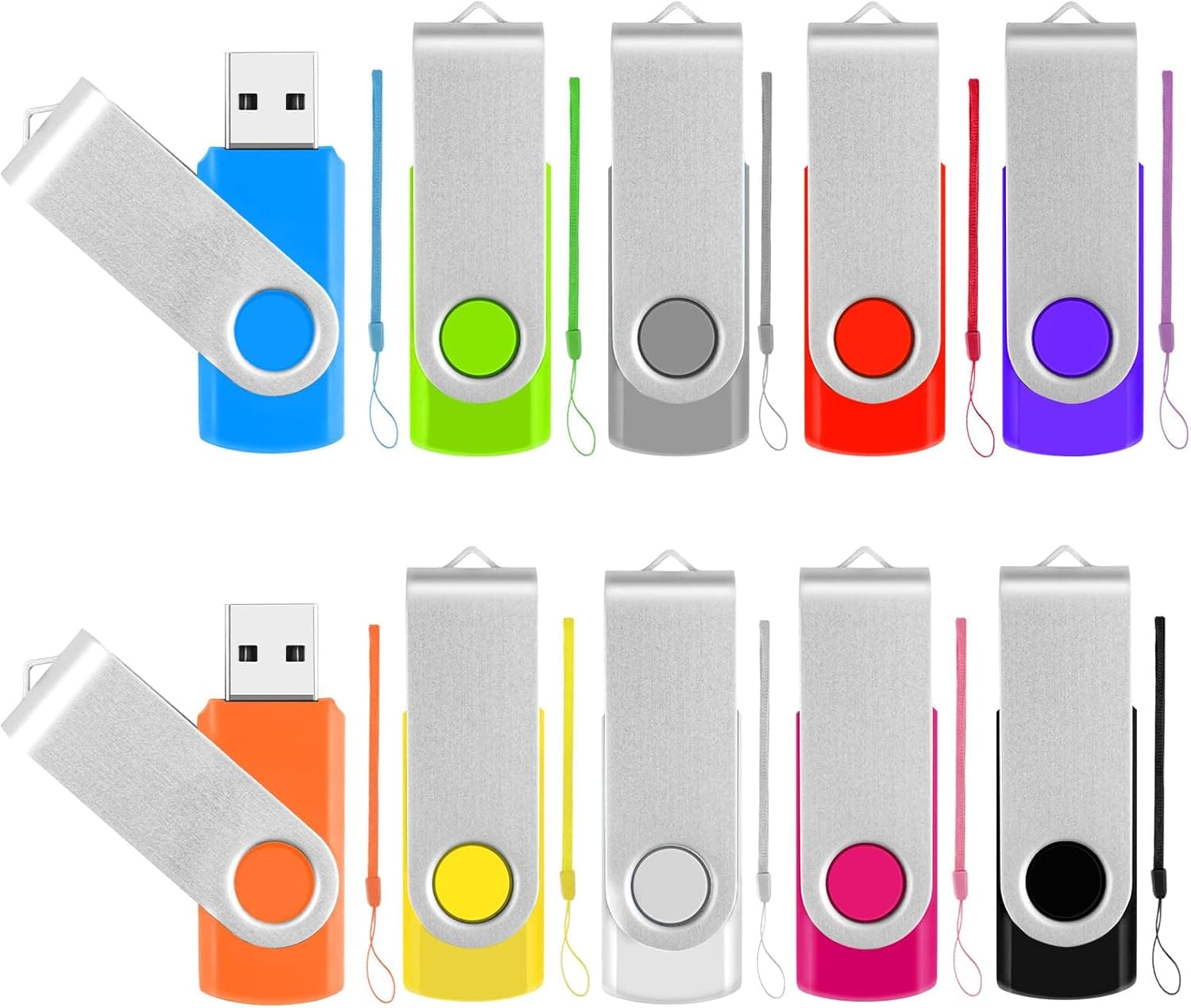
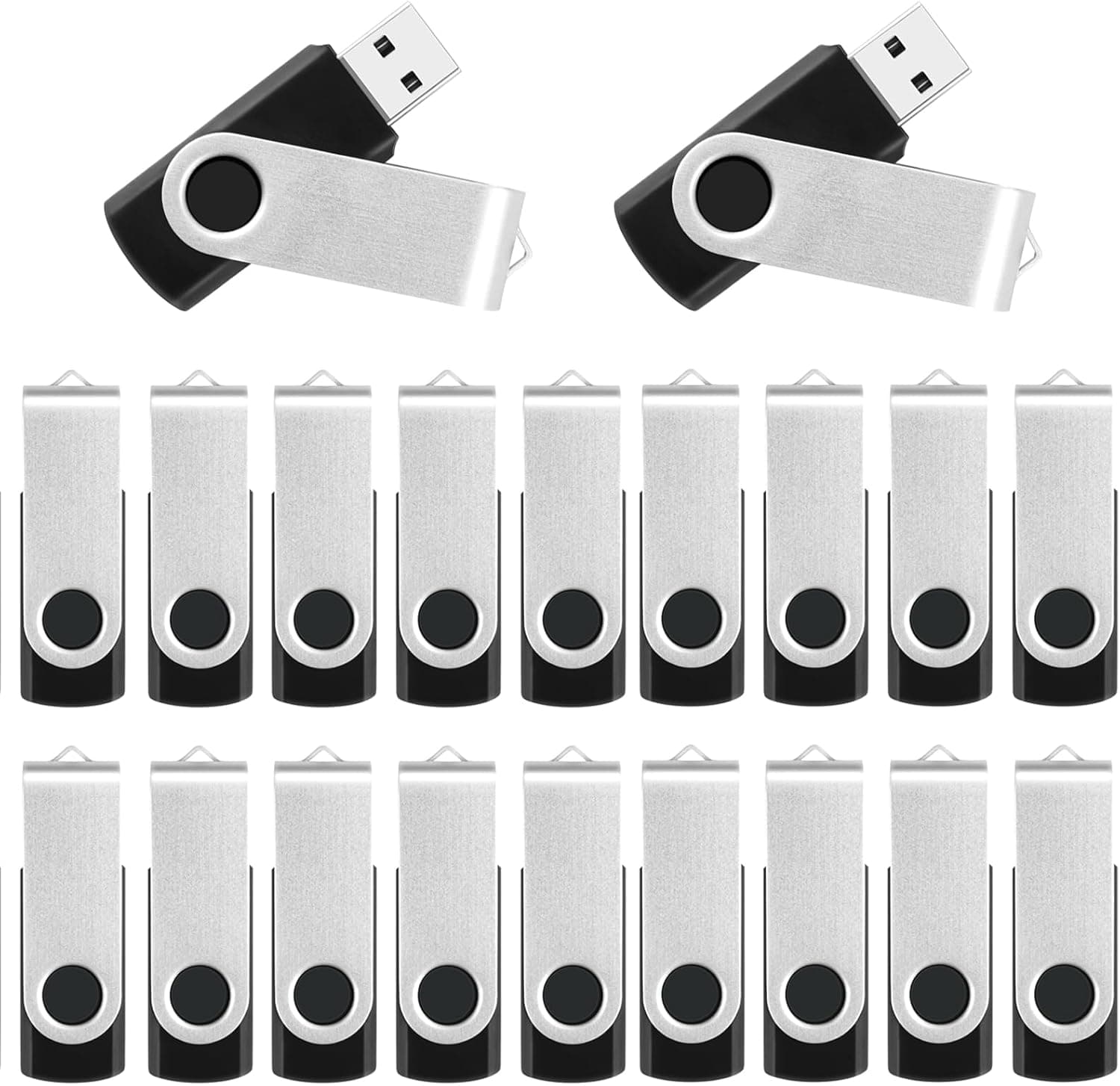
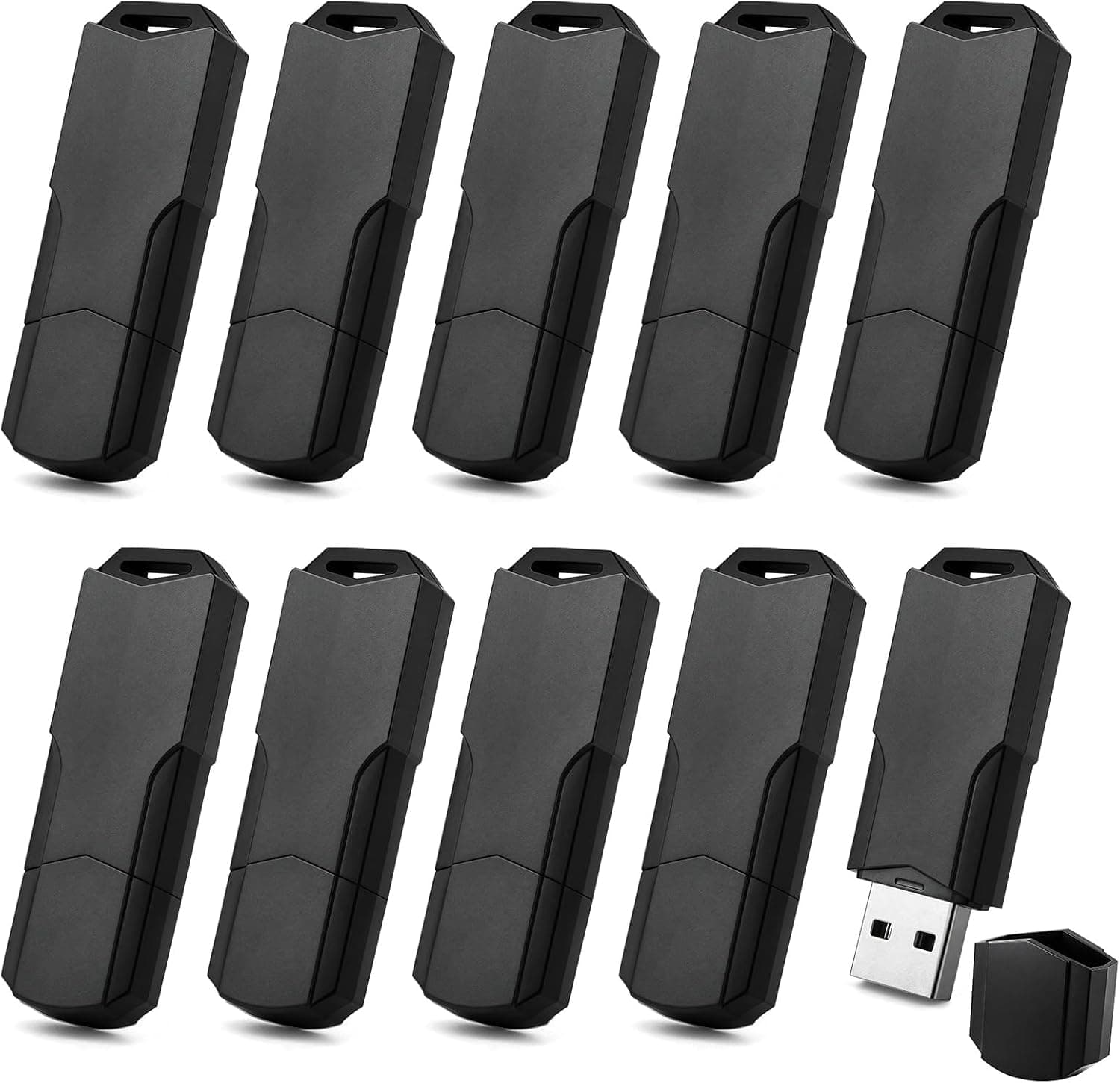
The MECHEER 16GB USB 2.0 — 10-pack flash drives with lanyards included is a set of ten 16GB USB thumb drives. Each drive has a matte black finish, a removable dust cap, and its own lanyard. They connect over USB 2.0 and work plug-and-play with no driver installation. The short version: this pack is for situations where you need many drives but don't care much about speed, such as handing out documents or photos to a group or keeping spares on hand.
It is a poor fit for moving video files or as the only home for important data. There are two reasons: the speed ceiling of the USB 2.0 standard, and the nature of a budget bulk pack.
This article covers which devices it works with, where you need to accept trade-offs, and what to check as soon as the drives arrive.
Compatibility Guide
Connector and supported devices
The connector is a standard rectangular USB-A plug. Any device with a USB-A port that supports USB mass storage should work, including PCs and TVs or car stereos that can play media from USB. Plugging into a blue USB 3.x port works thanks to backward compatibility, but speed stays at USB 2.0 levels.
The catch is devices that only have USB-C ports. Many recent laptops and tablets have no USB-A port at all, so you will need a USB-C to USB-A adapter or hub.
Check your devices before ordering so you aren't caught off guard.
Supported operating systems
Supported OSes are Windows, macOS, Linux, and Chrome OS. All of them read and write the factory FAT32 format, so passing the same drive between computers running different OSes is not a problem.
File system (the most common stumbling point)
The drives ship formatted as FAT32. FAT32 is the most widely supported format, but it cannot store any single file larger than 4GB. Long videos, OS disk images, and game data will fail partway through copying.
Reformatting to exFAT removes that limit. However, some car stereos, TVs, and older devices cannot read exFAT.
Pick the format that matches how you will use each drive.
| Format | Files over 4GB | Windows | macOS | TVs, car stereos, etc. |
|---|---|---|---|---|
| FAT32 (factory) | Not supported | Read/write | Read/write | Usually supported |
| exFAT | Supported | Read/write | Read/write | Depends on device |
| NTFS | Supported | Read/write | Read-only by default | Often unsupported |
With ten drives, you can convert a few to exFAT for large files and leave the rest as FAT32 for handouts or car use. If you do, make sure you can tell from the outside which drive uses which format (see the usage tips below).
Capacity you will actually see
The 16GB figure counts 1GB as one billion bytes. Operating systems count 1GB as 1,073,741,824 bytes, so the drive shows up as roughly 14.9GB. This is not a defect or a short-changed drive; the same thing happens with every brand.
Product Info
| Item | Details |
|---|---|
| Capacity | 16GB (per drive) |
| Interface | USB 2.0 |
| Write speed | 6x (as listed in the product data) |
| Package quantity | 10 |
| File system | FAT32 (factory) |
| Supported OS | Windows, macOS, Linux, Chrome OS |
| Accessories | Dust cap and lanyard for each drive |
The 6x write speed figure has no unit, so its meaning is unclear. Read as an optical-drive-style multiplier (1x = 150KB/s), it would mean about 900KB/s, but nothing confirms that interpretation.
It is safest not to base a purchase on this number. What we can say for certain is that USB 2.0 tops out at 480Mbps (about 60MB/s) in theory, and real transfer speeds are normally well below that.
To get a feel for the speed, here is a rough calculation. Even at 10MB/s, filling a 16GB drive would take about 27 minutes.
That is no issue for a few hundred megabytes of documents or photos, but if you load the same data onto all ten drives for distribution, expect it to take ten times as long.
The only accessories are the caps and lanyards; no software or carrying case is listed. The specs also don't mention encryption or a write-protect switch.
Warranty terms are not in the product data, so check the product page.
Prices change often, so check the product page for the current price. When comparing, divide the total by ten to get the per-drive cost, which makes it easy to compare against single 16GB drives or larger bulk packs.
Check the retailer's page for the latest user reviews. With so few reviews, one or two new ratings can swing the average considerably.
That is not enough data to judge durability or the rate of dead-on-arrival units.
Usage Tips
Tell the identical drives apart
All ten drives are the same matte black, so you will quickly lose track of which is which. Mark the lanyards with masking tape or different-colored tags. It also helps to change the volume label on each drive to something like HANDOUT-01 or BACKUP-DAD so you can identify it when it's plugged in.
Don't rely too heavily on a hub for bulk copying
When loading the same data onto all ten drives, it's tempting to plug them all into a USB hub and copy at once. But devices on a hub share bandwidth, so each drive gets slower. Splitting the drives across separate ports on the PC and copying in a few batches can actually finish sooner.
Always eject properly
Budget USB 2.0 drives may still be finishing writes in the background after a copy appears complete. Use your OS's eject function before unplugging. Before handing drives out, open each one on another PC to confirm the files are there, so nobody comes back saying their drive was empty.
Comparison With Alternatives
| Option | Best for | Trade-off |
|---|---|---|
| This pack (16GB x 10) | Small-group handouts, one drive per family member, keeping spares | Speed, brand reassurance |
| Single or small packs from established brands (same USB 2.0 16GB class) | People who need few drives but value reliability | Higher per-drive cost |
| Bulk packs of 100+ | Large events with many recipients | Storage space, unused inventory |
| USB 3.x / USB-C fast drives | People who move videos or large files regularly | Higher cost per drive |
Ten drives fits the middle ground of needing more than a few but far fewer than a hundred. If you only need one or two, buying this pack just leaves eight drives sitting in a drawer.
Choose based on both how many drives you need and how fast they must be.
Best Use Cases
- Small-group handouts: Seminars, internal training, or club activities where each person gets their own copy of materials. Ten units makes counting easy.
- Schools and education: Distributing teaching materials or collecting assignments. The lanyards let students keep drives with their keys or bags.
- Family backup copies: Give each family member a drive with copies of photos and documents, but never as the only copy (see below).
- Spares on hand: Keep a few nearby for when your usual drive fails or you need to hand someone files on short notice.
- Car stereos and TVs: Since the drives work as FAT32 out of the box, they suit loading music or photos for playback on car stereos or TVs.
Not recommended for: people who regularly handle files over 4GB, anyone who needs USB 3.0 or faster speeds, or anyone looking for long-term storage for critical data.
If you only use USB-C-only laptops or tablets, needing an adapter every time will get tedious.
Before You Buy
Test all ten drives on arrival
Budget bulk-pack USB drives can vary in quality from unit to unit. Fake-capacity drives, which report more space than they can actually store, are also a well-known problem in the USB drive market. When the drives arrive, check all ten within the return window. On Windows, H2testw can write the drive to full capacity and read it back; on macOS and Linux, F3 does the same. It takes a while per drive over USB 2.0, but that is far better than discovering a bad drive after handing it out.
Don't make it the only copy of important data
USB drives can lose data through loss, physical damage, or sudden failure. Flash memory left unpowered for long periods can also gradually lose its ability to retain data. If you store family photos on these, keep the same files on your PC, in the cloud, or on another drive, and treat the USB drive as a portable copy.
Watch what you put on handout drives
Even with lanyards, small USB drives are easy to lose. The specs don't mention encryption, so avoid handing out drives that contain personal information or confidential documents. For distribution, load only files that are safe to share and check each drive individually.
Don't count on the speed figure
As noted above, the 6x write speed rating has an unclear meaning. If speed matters, skip this product and choose a USB 3.x or faster drive with read and write speeds clearly stated in MB/s.
The product listing data contains a mismatch
The data for this product included listing details that named the manufacturer as Western Digital and gave an ASIN of B0C4HGMC36, which differs from the sales page ASIN (B0GVQS39SH), even though this is a MECHEER product. Because those details clearly don't match, they have been removed from this article. Product pages on Amazon and elsewhere sometimes mix up listing information between products. When buying, use the photos and product name to confirm you are getting the MECHEER 16GB 10-pack.
Compare price per drive
Prices shift with timing and sales. After checking the total on the product page, divide by ten and compare the per-drive cost against single drives and other bulk packs. If you'll use fewer than ten, a smaller pack may end up cheaper.
FAQ
Q. Does it work with a Mac?
A. Yes. macOS is a supported OS, and Macs can read and write the factory FAT32 format directly. On Macs with only USB-C ports, you will need a USB-C to USB-A adapter.
**Q. I can't save a video file larger than 4GB. A. No, that is a limit of the factory FAT32 format. Reformatting to exFAT lets you save larger files. Formatting erases the drive, so back up its contents first. Note that some car stereos and TVs cannot read exFAT.
Q. My PC shows less than 16GB. Why? A.
That's normal. The product counts 1GB as one billion bytes, while the OS counts 1GB as 1,073,741,824 bytes, so it shows about 14.9GB.
If it shows far less, or writes fail partway through, the drive may be defective; contact the seller within the return window.
Q. Can I use it for TV recording? A.
That depends on your TV's requirements, and many models expect an external hard drive. A 16GB USB 2.0 drive tends to fall short in both capacity and speed for recording, so check your TV's manual for supported devices.
For playing back photos or music, FAT32 works in many cases.
Q. Can I use it as an OS installation drive? A.
Capacity-wise, it meets the commonly cited minimum of 8GB. However, USB 2.0 makes both creating the installer and running the installation slow.
If you'll do this often, a separate USB 3.x drive will be much more comfortable.