This article takes a close look at the SANDISK 256GB Crayola USB-C Flash Drive — Colorful crayon-shaped USB 3.2 storage, covering which devices it works with, what its speed means in practice, and what to check before you buy.
Overview
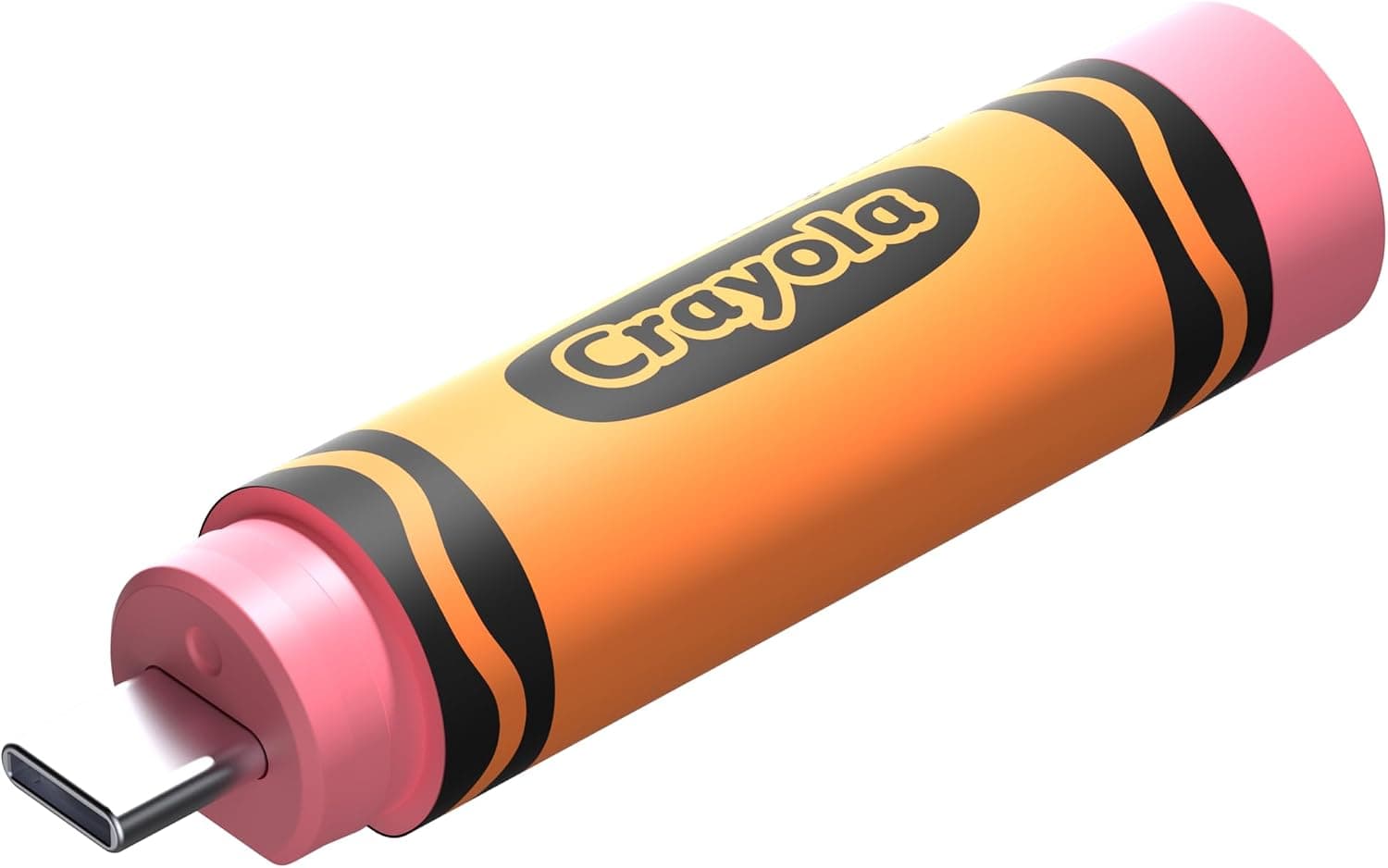
The SANDISK 256GB Crayola USB-C Flash Drive is a crayon-shaped USB drive made in collaboration with the art-supply brand Crayola. It holds 256GB, uses USB 3.2 Gen 1, and reads at up to 300 MB/s.
It comes in three colors: Mango Tango, Cerulean Blue, and Electric Lime.
In short, it is fast enough for moving photos, documents, and school projects between USB-C devices. It is also an easy drive to pick on looks alone.
Before you buy, though, know three things: the write speed is not published, it is USB-C only with no adapter in the box, and the price varies a lot between sellers.
As of September 20, 2026, the Amazon.co.Check the retailer's page for the latest user reviews.
The rating is strong, but there are still few reviews, so it is too early to judge how well it holds up over years of use.
Real-World Speed: What 300 MB/s Gets You
USB 3.2 Gen 1 has a theoretical limit of 5 Gbps.
In practice, flash drives on this standard top out at a few hundred MB/s. A 300 MB/s read speed is average to slightly above average for this class.
Under ideal conditions, reading a 1GB video file would take just a few seconds. Actual speed depends on file size, file count, and the device you plug into.
The catch is that only the read speed is published. Many flash drives write much more slowly than they read, and some slow down partway through long writes.
Copying tens of gigabytes of video from a PC to this drive may take longer than the 300 MB/s figure suggests. Check the product page or packaging for the write speed.
Thousands of small files, such as a photo library, also slow things down a lot, because each file adds its own overhead. This is true of all flash drives.
To move a large batch faster, combine the files into a single ZIP first.
Compatibility Guide
The drive uses a USB-C connector and USB 3.2 Gen 1 (up to 5 Gbps).
It plugs straight into USB-C laptops and desktops, Macs, USB-C iPads, and Android phones and tablets.
Common problems:
| What to check | Details |
|---|---|
| PCs with only USB-A ports | It won't plug in directly. You need a USB-C (female) to USB-A (male) adapter, which is not included |
| USB-C ports that run at USB 2.0 speed | The drive works, but at USB 2.0 speeds |
| Android devices | Support for external storage varies by model. Make sure your file manager app can see the drive |
| iPhone / iPad | USB-C models can read and write it through the Files app. Lightning models cannot use it |
| Phone cases and nearby ports | Its shape is different from a typical compact drive. Check the product photos to make sure it won't hit a thick case or the port next to it |
Large flash drives usually come formatted as exFAT, which works on most Windows, macOS, iPadOS, and Android devices. Confirm the factory format on the product page, though.
Older game consoles, car navigation systems, and TVs may only read FAT32. If you reformat the drive as FAT32, it can no longer store files larger than 4GB.
Product Info
| Item | Details |
|---|---|
| Capacity | 256 GB |
| Interface | USB 3.2 Gen 1 |
| Connector | USB-C |
| Read speed | Up to 300 MB/s |
| Colors | Mango Tango / Cerulean Blue / Electric Lime |
As of September 20, 2026, the drive was listed at ¥8,976 on Amazon.co.jp.
It was sold and shipped by a marketplace seller (ガジェットマーケット), not by Amazon itself. On eBay US, a listing showed $17.00 as of September 26, 2026.
The Japanese listing is much more expensive than the overseas one, which may reflect import fees added by the reseller. Prices change often, so compare other sellers and similar 256GB USB-C drives before you buy.
The SanDisk Memory Zone app (mainly for Android) can help you organize and back up files. The drive is also promoted with a 3-month subscription to the Crayola Create & Play app.
Check whether that offer works in your region and what conditions apply. The package reportedly includes only the drive, with no case or lanyard.
Warranty terms vary by product and region, so check SanDisk's official information.
Compared With Alternatives
Other flash drives are aimed at quite different needs.
| Product | Capacity | Speed (as listed) | Best for |
|---|---|---|---|
| This drive (SanDisk Crayola) | 256GB | Up to 300 MB/s read | Buyers who care about design; kids |
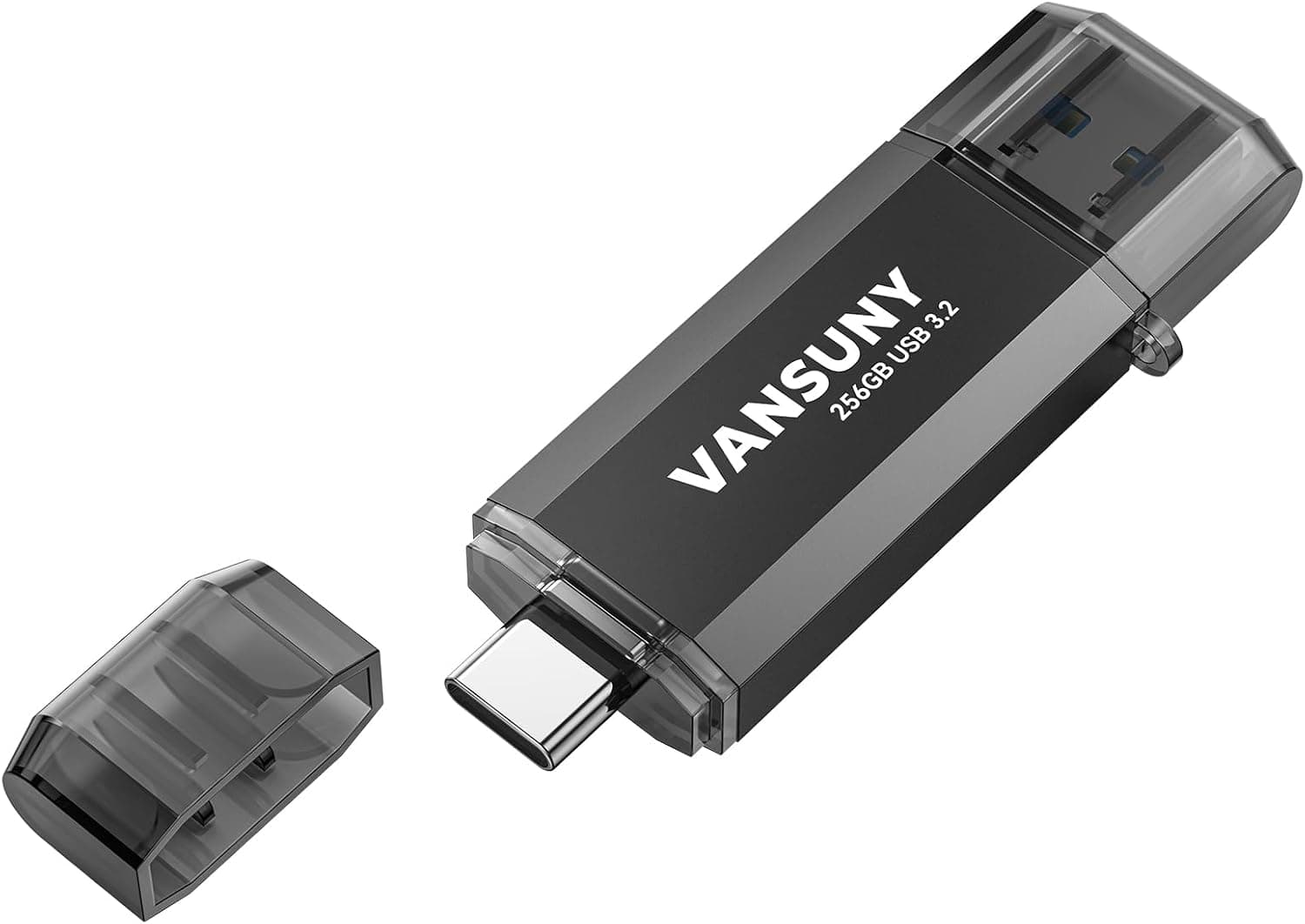
| Vansuny 256GB Type C | 256GB | 450MB | Same capacity, more speed |
| 128GB USB C solid-state flash drive | 128GB | Up to 1000 MB/s | Frequent large transfers |
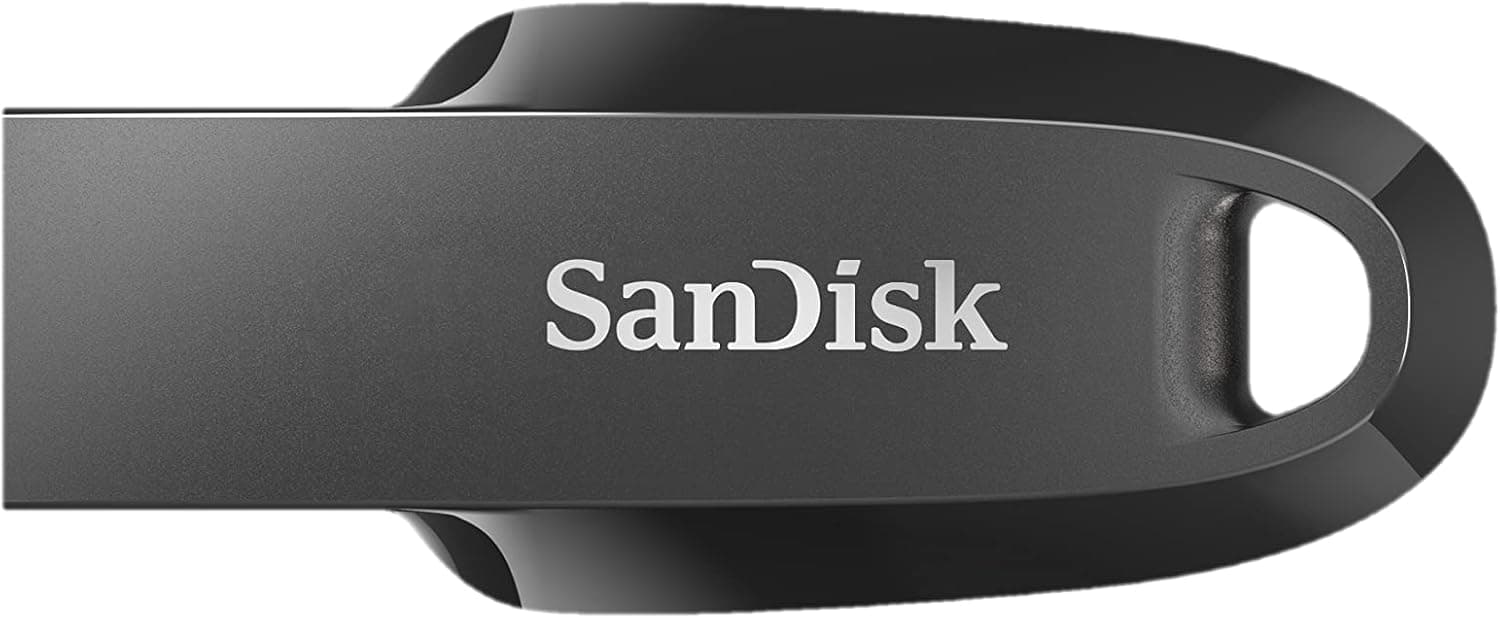
| SanDisk 1TB Extreme PRO Dual Drive | 1TB | — | A larger, higher-end model from the same brand |
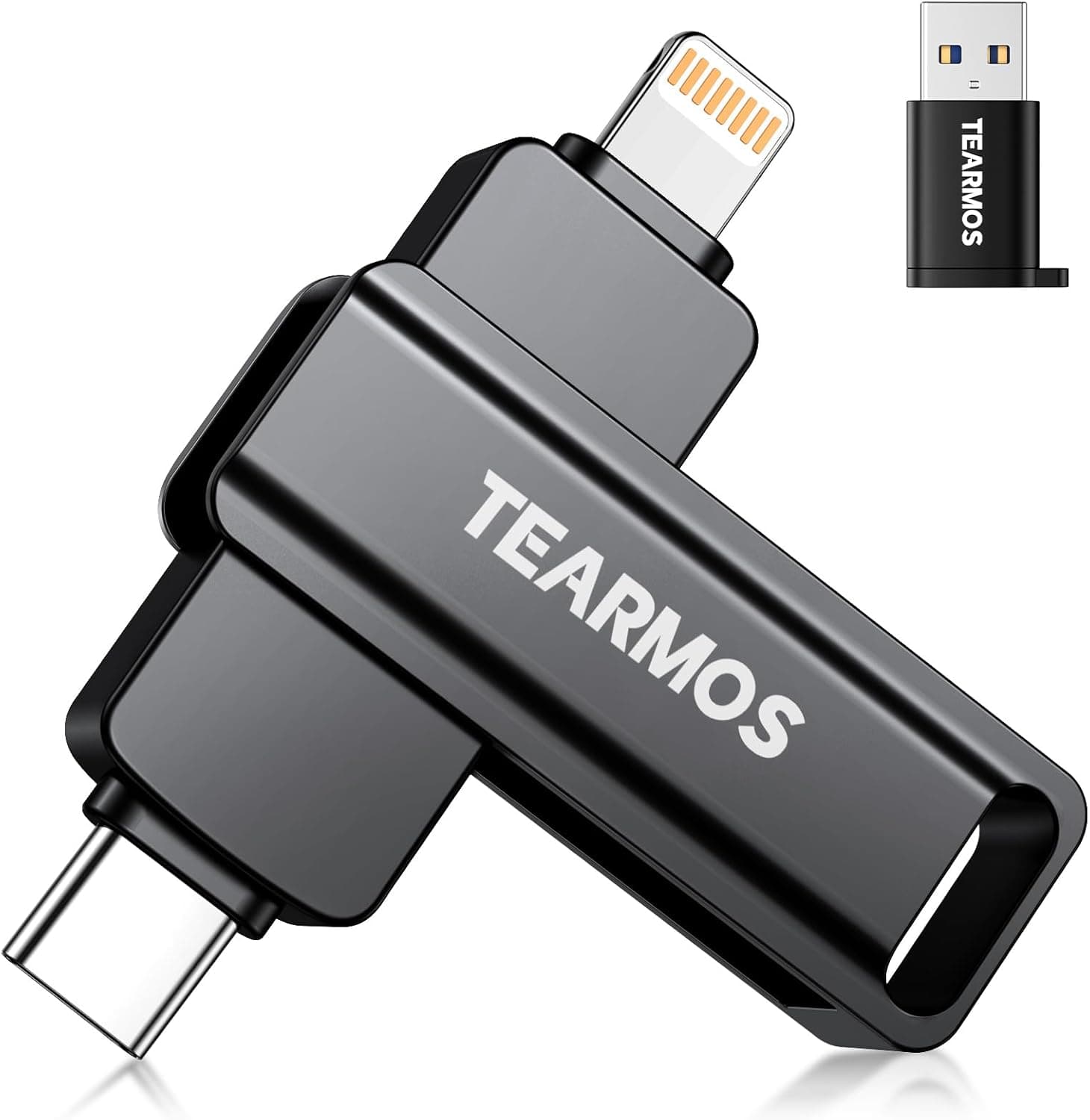
| LINTYLE 64GB USB-C 2-in-1 | 64GB | Up to 150MB | Small capacity at a lower price |
This drive doesn't win on speed or price per gigabyte. Its strengths are the design, being hard to lose, and being fun to use.
The bright colors also make it easy to tell apart from other drives in a bag. If you are choosing purely on speed or price, other options are better.
Best Use Cases
- Creative kids and students: The bright crayon shape makes it a drive young users will enjoy. It works well for storing art photos and school assignments, and the Crayola app offer adds some fun. For heavy video editing, an external SSD or SSD-based drive will be much more comfortable.
- Everyday USB-C users: If your tablet or thin laptop has only USB-C ports, you can move files without a dongle. For passing documents and photos between an iPad and a PC, 300 MB/s read is more than enough.
- Gift buyers: The crayon design looks fun at a glance and makes a good small gift for birthdays or holidays. Make sure the person you're giving it to has a USB-C device.
Things to Know Before Buying
The write speed is unknown. Only the 300 MB/s read speed is published.
If you'll mostly be writing to the drive, for PC backups or storing video footage, choose a drive with a published write speed.
**Prices vary widely.Check the retailer's page for the latest price.co.jp, compared with $17.00 on eBay US. If you buy in Japan, check who the seller is, whether the item is new or a parallel import, and whether the warranty is honored in Japan. Listing details can be wrong, so also use the photos and title to confirm that it really is SanDisk's Crayola edition.
It's USB-C only. If you'll also use it with USB-A school or office PCs, buy an adapter along with it.
A drive left in an adapter sticks out farther and puts more strain on the port.
There's no hardware encryption. It isn't suited to carrying confidential work files or personal data.
If you must use it for that, encrypt the files themselves with software.
Don't keep your only backup here. Flash drives are small, easy to lose, and can fail without warning.
Keep copies of important files on your PC or in cloud storage too. When young children use it, an adult should keep track of it so it doesn't get lost or put in their mouth.
FAQ
Q. Does it work with an iPad or iPhone?
A. Yes, on USB-C models, through the Files app. Lightning models can't use it.
Q. Can I use it with a USB-A PC?
A. Yes, with a USB-C to USB-A adapter. One is not included, so you'll need to buy it separately.
Q. Can it store videos larger than 4GB?
A. Yes, when formatted as exFAT. If you reformat it as FAT32, files over 4GB won't fit.
Q. Is it fast enough? A.
For photos, documents, and everyday file transfers, yes. If you regularly write tens of gigabytes of video, pick a faster drive with a published write speed.
Q. Does the color affect performance?
A. No. The published specs are the same for all colors, so pick whichever you like.
Product Disclosure (Amazon)
- Manufacturer: SanDisk
- Seller: ガジェットマーケット
- Fulfilled by: ガジェットマーケット
- ASIN: B0FVZ4NNC7
- Note: This article covers a manufacturer-made product based on Amazon listing details.