This article covers Skiddrive 256GB USB-Cフラッシュドライブ.
Overview
The Skiddrive 256GB USB-C flash drive is a compact thumb drive with a built-in Type-C connector. It comes with detachable USB-A and Lightning adapters, so it works with three kinds of ports.
It is rated for up to 150MB/s reads and 70MB/s writes. That is fast enough for moving phone photos and multi-gigabyte videos, but not for workloads that rewrite large amounts of data again and again.
The bottom line: this drive makes sense if you move between Android, iPhone, and PC and want one stick that replaces a pile of adapters. If everything you own is already USB-C, the bundled adapters mostly add cost.
The zinc-alloy housing is built to be carried in a pocket or bag.
The drive comes in 128GB, 256GB, and 512GB versions, and this article covers the 256GB model. That is plenty of room for phone photo and video backups or for carrying work documents and slide decks, including several months of camera roll in one go.
However, as of October 2026 the Amazon.co.jp listing had 40 reviews averaging 3.2 out of 5 stars (about 64%), so opinions are split.
With so few reviews, a handful of bad units can move the average a lot. Plan to check the capacity and speed as soon as the drive arrives.
The Before You Buy section explains how.
Compatibility Guide
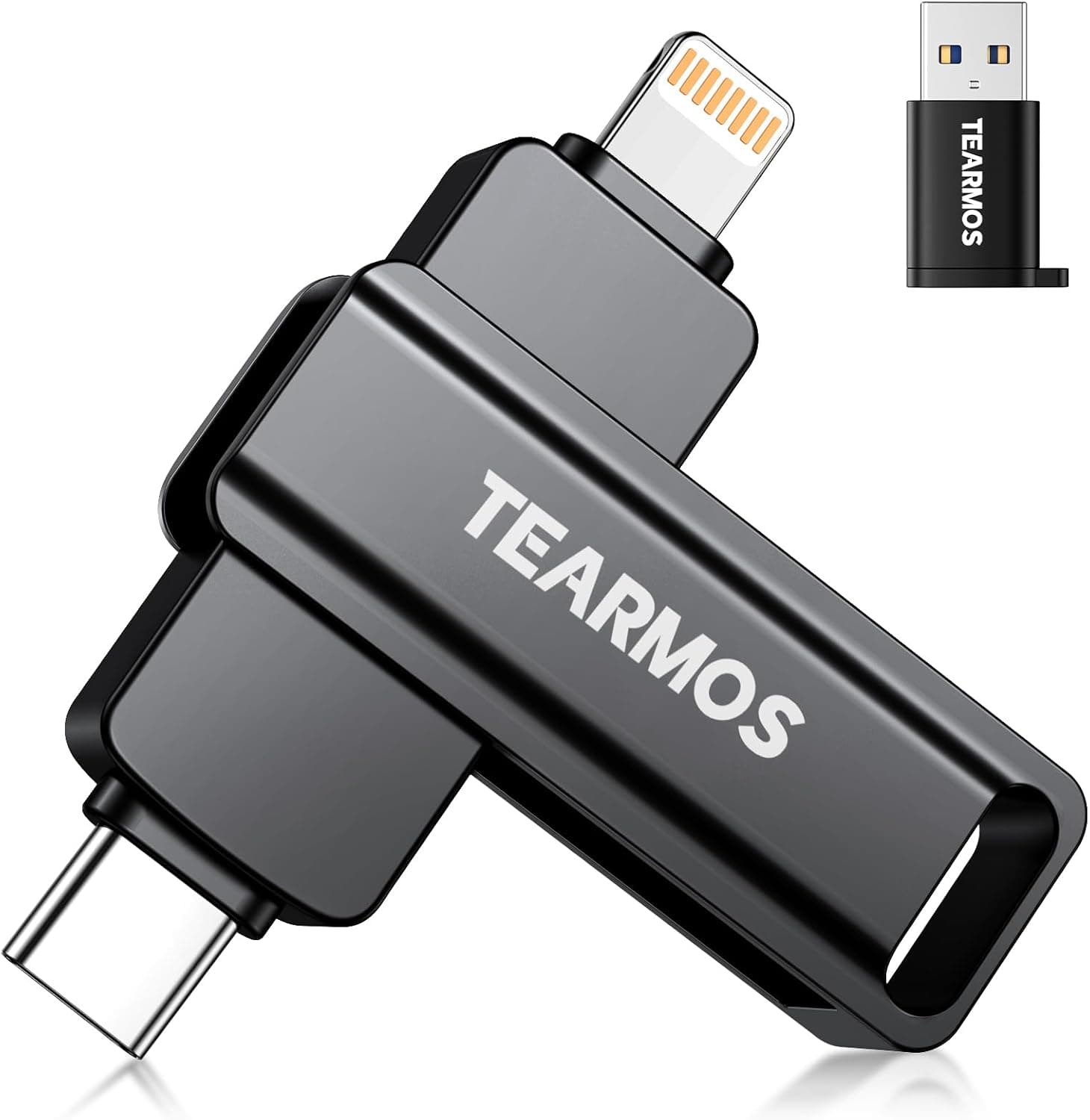
The built-in USB-C connector plugs straight into OTG-capable Android phones and tablets, and into USB-C Windows laptops and Macs. With the USB-A adapter it also connects to desktops, older laptops, TVs, and car audio units that have USB-A ports.
The Lightning adapter lets it exchange files with Lightning iPhones and iPads.
| Host | Connector | What to check |
|---|---|---|
| Android phone/tablet | USB-C direct | OTG support; some models require enabling OTG in settings |
| USB-C Windows PC / Mac | USB-C direct | Whether the port is USB 3.x (USB 2.0 ports cap the speed) |
| USB-A PC / TV / car audio | USB-A adapter | Whether the host can read FAT32 or exFAT |
| Lightning iPhone/iPad | Lightning adapter | Supported models, iOS version, and whether an app is required |
| USB-C iPhone (iPhone 15 and later) / iPad | USB-C direct | Whether the drive appears in the Files app |
One thing to know about speed: the 150MB/s and 70MB/s figures are best-case numbers on a USB 3.0 (5Gbps) or faster port.
Lightning transfers run at USB 2.0 speed, which tops out at 480Mbps (about 60MB/s) even in theory, so the drive cannot reach its rated read speed through Lightning.
USB-C ports that only support USB 2.0 speeds, such as the one on the standard iPhone 15, hit the same ceiling.
File system matters too. If the drive is formatted as FAT32, it cannot store any single file larger than 4GB.
exFAT removes that limit, but some older car stereos and TVs cannot read exFAT. The factory format is not always stated on the listing, so check it on a PC when the drive arrives and reformat for your main use.
The listing also mentions built-in encryption for locking selected files. The details, such as which operating systems support it and whether an app is needed, are not clear from the listing, so confirm how it works on the product page if encryption is your reason for buying.
Transfer Time Estimates
Assuming the drive reaches its rated speeds, transfer times work out as follows. Real-world times are usually longer, especially with many small files.
| Data | Write (70MB/s) | Read (150MB/s) |
|---|---|---|
| 1GB (a few hundred photos) | ~15 sec | ~7 sec |
| 10GB (several long videos) | ~2.5 min | just over 1 min |
| 100GB | ~24 min | ~11 min |
| Filling all 256GB | ~1 hour | ~28 min |
Offloading a month of phone photos takes only a few minutes. Rewriting the whole 256GB repeatedly takes over an hour each time.
If you shuttle 4K footage every day, a drive with faster writes will save you time.
Product Info
| Item | Detail |
|---|---|
| Capacity | 256GB (lineup: 128GB / 256GB / 512GB) |
| Interface | USB 3.0 |
| Max read | 150MB/s |
| Max write | 70MB/s |
| Housing | Zinc alloy |
| Included adapters | USB-A / Lightning |
As of October 2026, the price on Amazon.co.jp was 14,950 yen.
Prices change often and swing during sales, so check the current price on the product page. That is on the expensive side for a 256GB USB stick, so the question is whether the three-connector bundle and encryption feature are worth the difference to you.
The seller and shipper is a marketplace merchant listed as 彰’s, not Amazon itself. The listing gives no warranty period or release date, so check the seller's return and exchange terms before buying.
Both adapters are small and detachable, which makes them easy to lose.
Compared With Alternatives
Phone-compatible USB drives take quite different approaches. The table lists the figures shown in the product names of drives covered on this site.
Check each article and listing for full specs.
| Product | Capacity | Connection | Rated speed (from product name) |
|---|---|---|---|
| Skiddrive (this drive) | 256GB | USB-C plus USB-A/Lightning adapters | 150MB/s read, 70MB/s write |
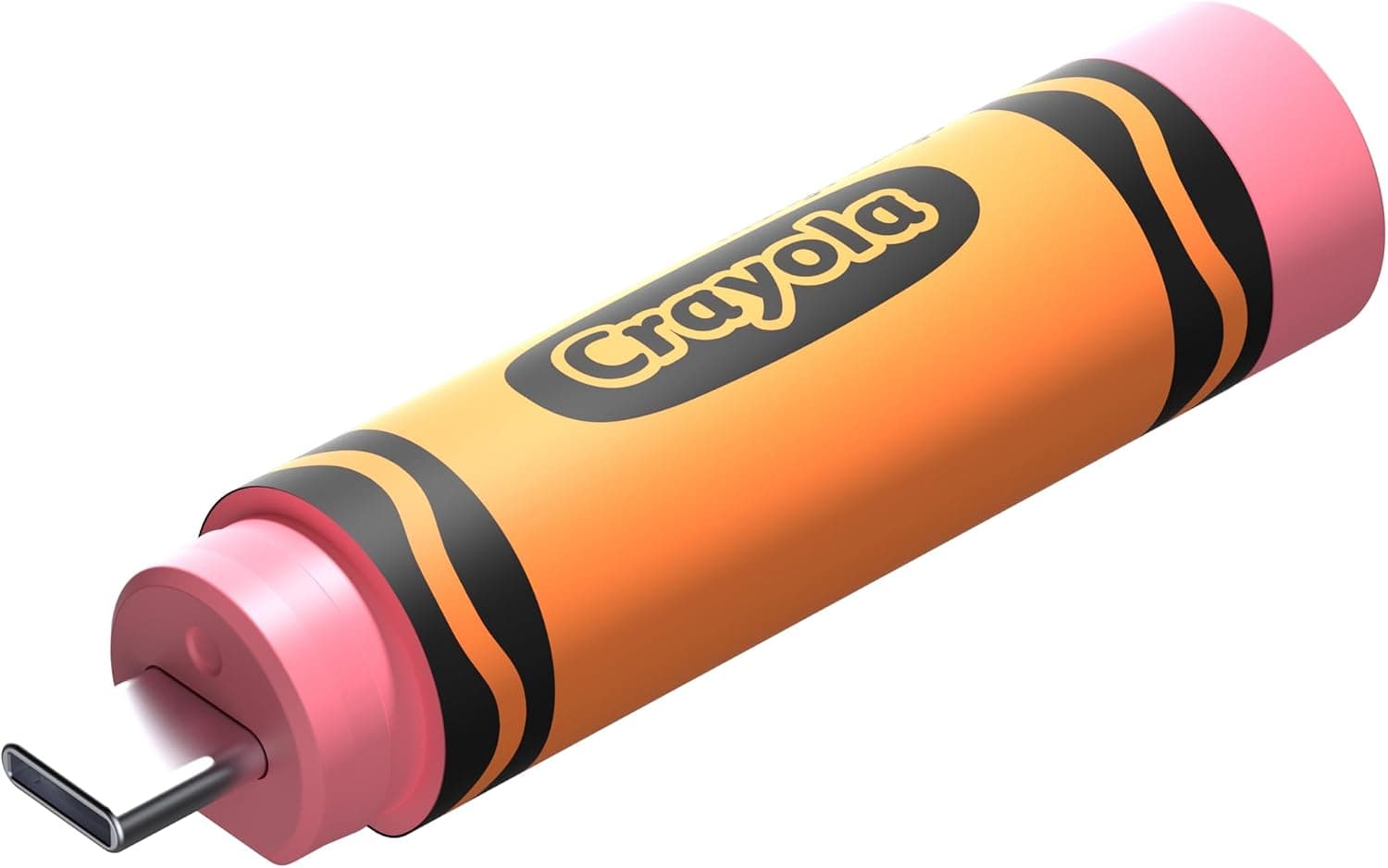
| SANDISK 256GB Crayola USB-C | 256GB | USB-C | up to 300MB |
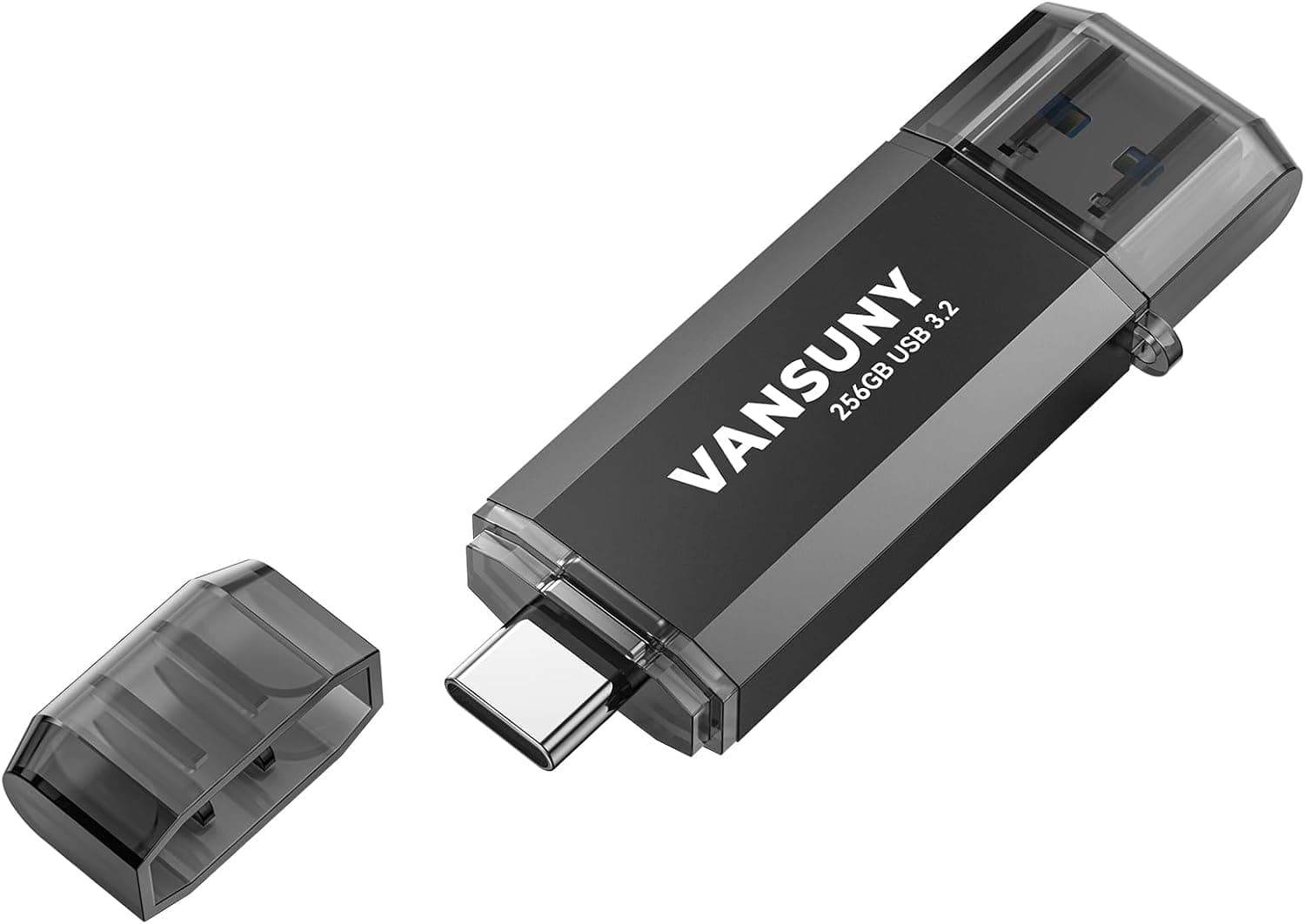
| Vansuny 256GB Type C | 256GB | Type-C | 450MB |
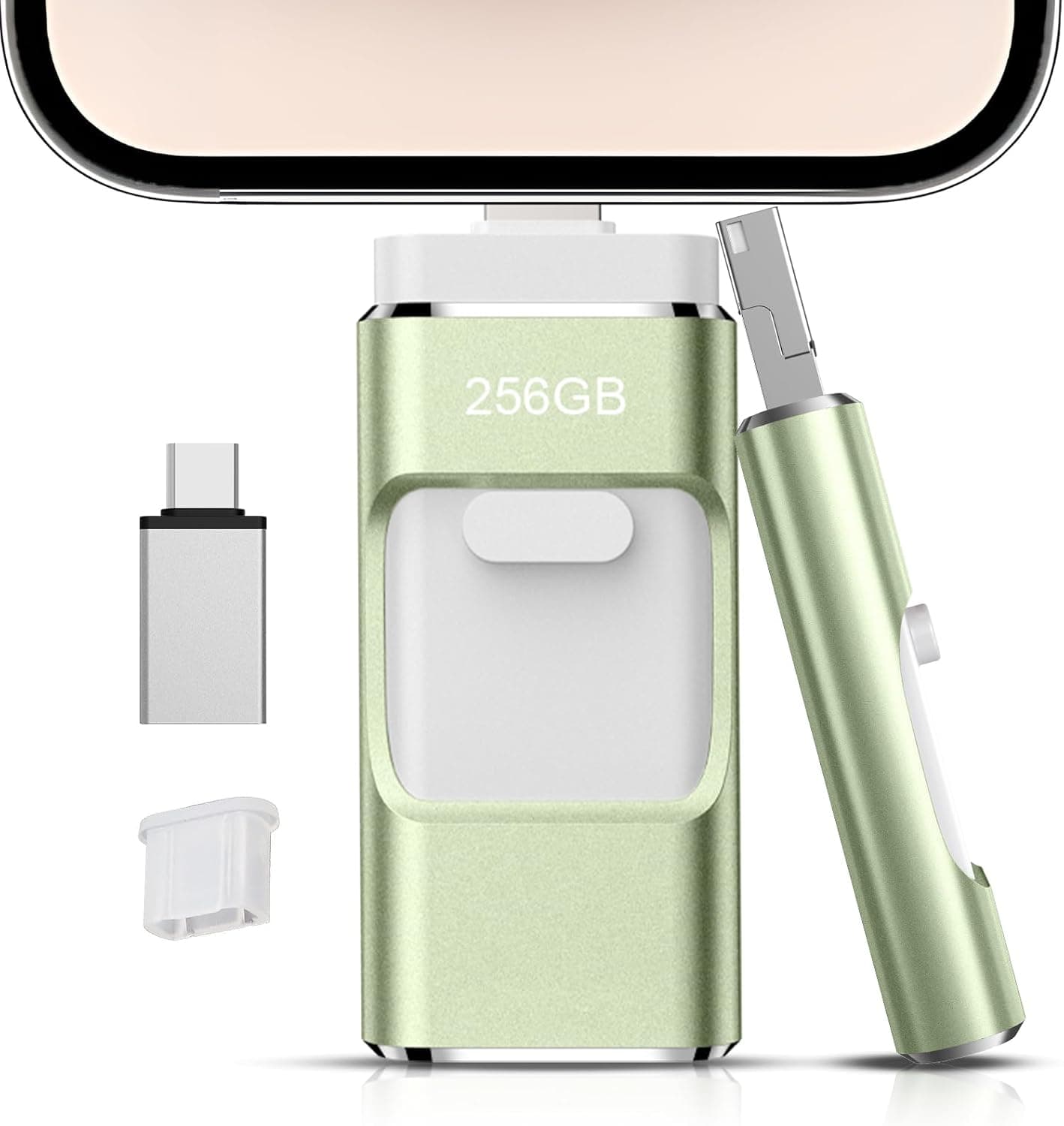
| 512GB 4-in-1 phone USB drive | 512GB | iOS/Android/PC/Mac 4-in-1 | not stated |
USB-C-only drives win on speed, while this drive and 4-in-1 types make sense if you need Lightning. If your iPhone is not a Lightning model, the Lightning adapter is useless, so count the ports on your devices before choosing.
If iPhone compatibility is your top priority, Lightning drives marketed as Apple MFi certified are also worth a look.
Who Should Buy
Android users who want quick photo and video backups: the USB-C connector plugs straight into the phone with no cable. With OTG support, you can copy files from the standard file manager, which is handy while traveling.
Owners of Lightning iPhones or iPads who also use a PC: the Lightning and USB-A adapters make it easy to move iPhone videos to a PC or open PC documents on an iPad, without putting the data in the cloud.
Laptop users short on storage: the drive works natively on USB-C laptops and Macs and on older PCs through the USB-A adapter, so it can serve as a secondary work drive for documents and presentations.
Households with mixed devices: when Android phones and Lightning iPhones share a home, collecting everyone's photos on one stick is where the three-connector design pays off most.
On the other hand, the write speed is too slow for heavy, repeated video writes. And if all your devices are USB-C, a simple single-connector drive is usually cheaper and faster.
Before You Buy
The review score is split. As of October 2026, 40 reviews averaged 3.2 out of 5, which suggests some buyers are happy and others are not.
Test the drive right away so you can still return it if something is wrong.
Verify the real capacity. Some USB drives on the market report more capacity than they can actually store.
Tools such as H2testw on Windows or F3 on Mac and Linux fill the drive and read the data back to check it. Filling all 256GB takes at least about an hour, so run the test when you have time.
Expect to see less than 256GB. Manufacturers count 1GB as one billion bytes, while operating systems count in powers of 1,024, so the drive shows up as about 238GB and a little less after formatting.
This is normal.
Lightning limits the speed. As noted in the Compatibility Guide, Lightning tops out at USB 2.0 speed, so offloading lots of video from a Lightning iPhone will take longer than the rated figures suggest.
Whether you need an app on the iPhone can depend on the model and iOS version, so check the compatibility list on the product page.
Do not make it your only backup. USB sticks are easy to lose and less reliable for long-term storage than HDDs or SSDs.
Keep important photos in at least one other place, such as a PC or the cloud.
Speed can drop during long writes. Small flash drives often slow down as they heat up under long, continuous writes, so a slowdown during a 100GB copy is not necessarily a fault.
FAQ
Q. Does it work with iPhone? A.
It is designed to connect to Lightning iPhones and iPads through the included adapter, and to USB-C iPhones (iPhone 15 and later) directly. Check the product page for supported iOS versions and whether an app is required.
Q. I cannot save videos larger than 4GB. A.
The drive is probably formatted as FAT32. Reformat it as exFAT on a PC to store files larger than 4GB.
Formatting erases the drive, so copy your data off first.
Q. Why don't I see 150MB/s? A.
150MB/s is the best case for large files on a USB 3.0 or faster port.
USB 2.0 ports, Lightning, and copying many small files all make it slower.
Q. Can I use it to record TV? A.
With the USB-A adapter it will physically plug into a TV, but each TV sets its own requirements for recording devices. TVs usually reformat the drive into a format only that TV can use, so check your TV's manual first.
Q. How do the 128GB and 512GB models differ? A.
The listing only states the capacity difference. It does not say whether speeds differ by capacity, so check the rated speeds on each model's page.
Product Disclosure (Amazon)
- Manufacturer: Skiddrive
- Seller: 彰’s
- Fulfilled by: 彰’s
- ASIN: B0H9J5NR2S
- Note: This article covers a manufacturer-made product based on Amazon listing details.