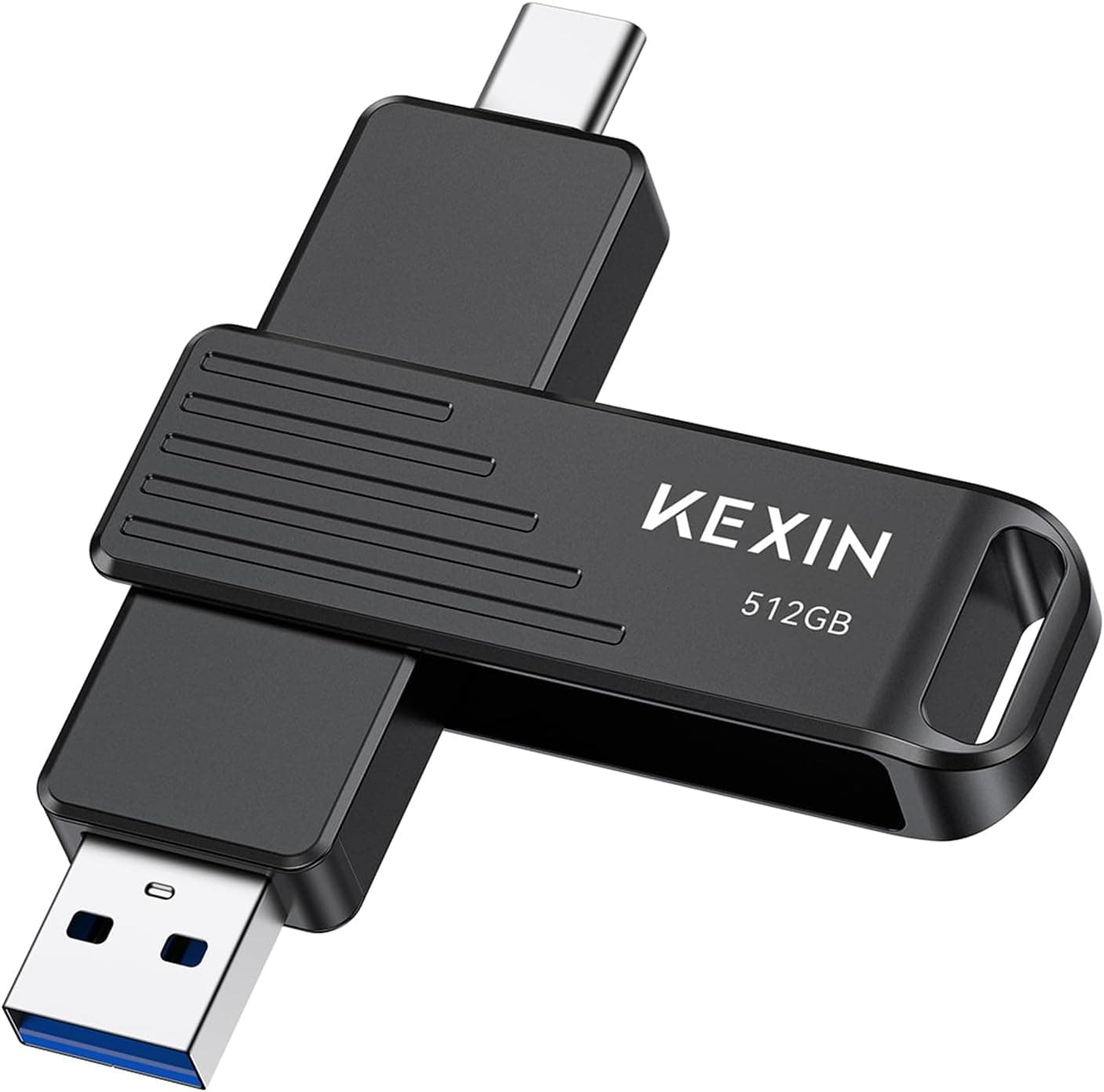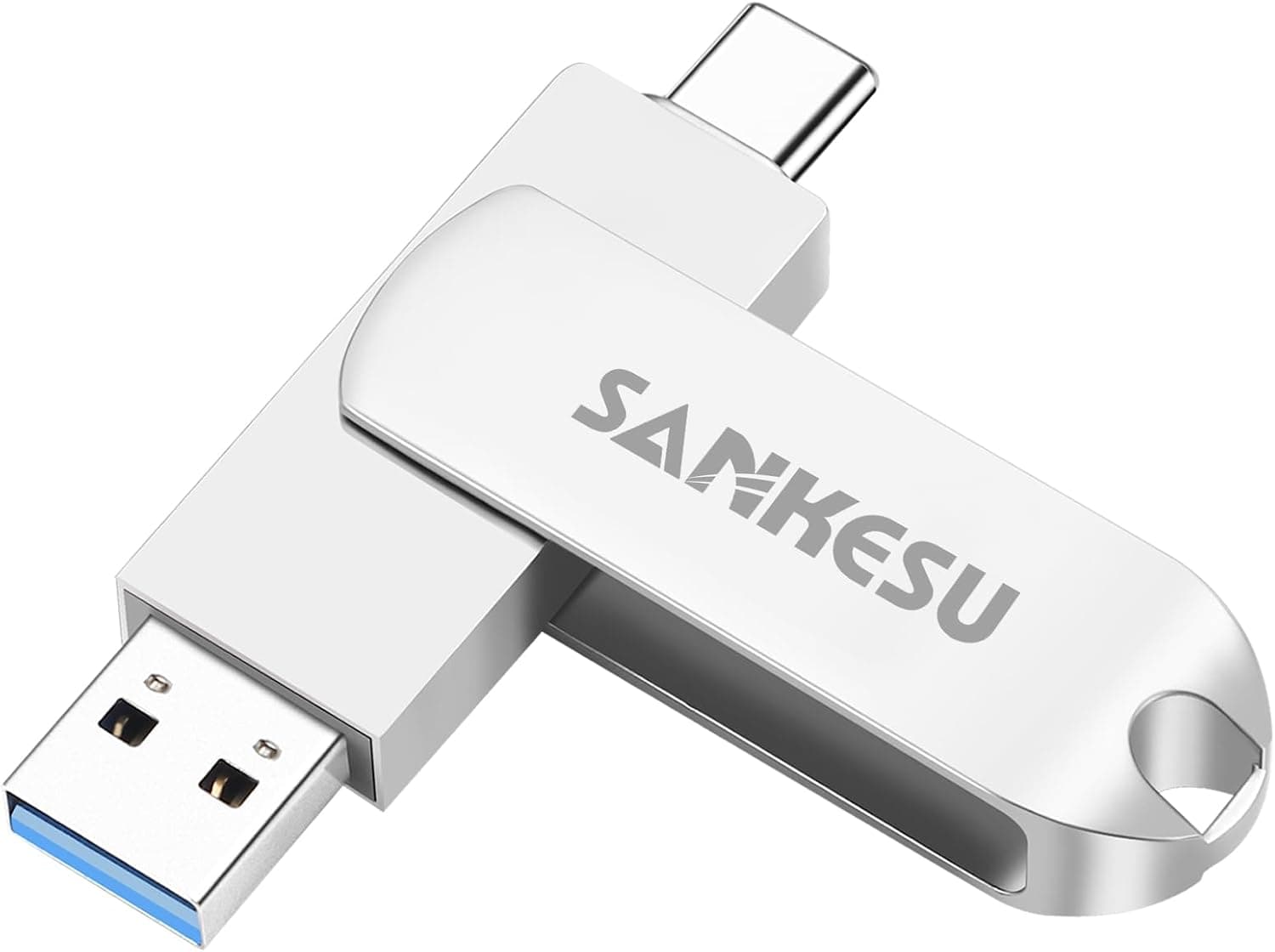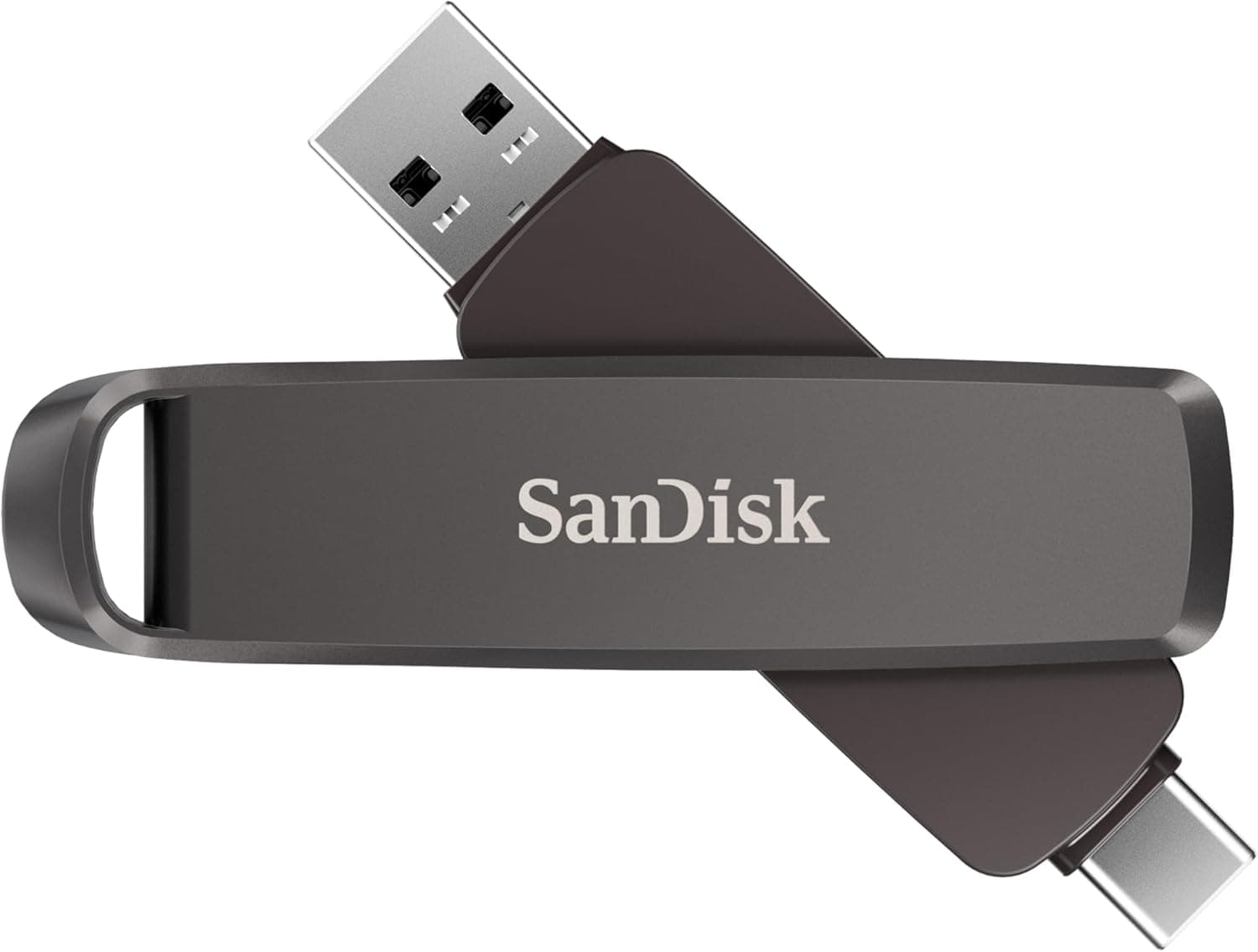
The SanDisk SDDDE1-1T00-A46 — 1TB Dual USB-C and USB-A Flash Drive is a high-capacity flash drive that puts both connector types on a single stick. If you move large files between computers that have 10Gbps USB ports, it is a strong option.
If most of the ports you plug into are USB 3.2 Gen 1 or USB 2.0, you will pay for speed you never get.
This article covers when the rated speeds are reachable, what tends to confuse new owners, and when a portable SSD is the better choice.
Overview
The SanDisk Extreme PRO Dual Drive (SDDDE1-1T00-A46) offers 1TB of capacity. SanDisk rates it at up to 1,000MB/s read and up to 900MB/s write.
It uses USB 3.2 Gen 2 and has built-in USB Type-C and USB Type-A connectors.
That lets you move between laptops, desktops, phones and tablets without an adapter. The metal body is built for daily carry.
Many ordinary USB sticks write at only tens of MB/s, or low hundreds at best. Copying tens of gigabytes of video to one of them can mean a long wait.
On paper, this drive sits close to portable SSD territory. It fills the gap between 'not worth carrying an SSD' and 'a normal stick is too slow'.
The 5-year warranty is also long for a flash drive.
On Amazon.co.Check the retailer's page for the latest user reviews.
That is a solid sample with a strong score. However, flash drive reviews are often written right after a first speed test, so they say little about long-term durability.
Compatibility Guide
USB 3.2 Gen 2 has a theoretical bandwidth of 10Gbps, and the rated 1,000MB/s is close to what that standard can deliver in practice.
In other words, you will not see that speed unless the host port supports 10Gbps. The drive is backward compatible with USB 3.2 Gen 1 and USB 2.0, so it will still be recognized.
Speed is simply capped by the port.
| Host port | Theoretical bandwidth | Expected speed with this drive |
|---|---|---|
| USB 3.2 Gen 2 | 10Gbps | Close to the rated maximum (1,000MB/s read, 900MB/s write) |
| USB 3.2 Gen 1 (formerly USB 3.0) | 5Gbps | Roughly the 400MB/s range at best |
| USB 2.0 | 480Mbps | Tens of MB/s; poor for large transfers |
These figures are rough ceilings based on each standard. Real speed also depends on file size, file count and the host controller.
Folders holding tens of thousands of small files copy far slower than rated on any USB drive.
Common pitfalls:
- Desktop front-panel ports: Front USB-A ports often top out at USB 3.2 Gen 1, and the 10Gbps ports may be on the rear I/O only. Check your motherboard manual to see which ports are Gen 2.
- Hubs and extension cables: A 5Gbps hub becomes the bottleneck. Plug directly into the computer when speed matters.
- USB-C is not automatically fast: USB-C describes the connector shape, not the speed. Some laptop USB-C ports run at 5Gbps or even USB 2.0 speeds.
- Smartphones: Android devices need USB OTG (external storage) support. Even with OTG, the phone's own USB standard may limit speed sharply.
Listed compatible systems are Windows 10/11, macOS 10.12 and later, iPadOS, and Android 6.0 and later.
iOS for iPhone is not on that list. USB-C iPhones can sometimes reach external storage through the Files app, but check SanDisk's official compatibility information before you rely on this drive with one.
Product Info
As of September 18, 2026, Amazon.co.jp listed the drive at ¥39,988 (about ¥40 per GB).
eBay had a listing at $199.00 as of September 15, 2026.
Overseas listings may come with different warranty terms depending on the seller and supply channel. Both are prices at the time of capture and change with sales and stock, so check the product page for the current price.
| Item | Detail |
|---|---|
| Model | SDDDE1-1T00-A46 |
| Capacity | 1TB |
| Interface | USB 3.2 Gen 2 |
| Read speed (max) | 1,000MB/s |
| Write speed (max) | 900MB/s |
| Connectors | USB Type-C + USB Type-A (integrated) |
| Warranty | 5 years |
The drive is reported to have launched in 2025. The box reportedly contains only the drive, with no carrying case.
Data recovery software (RescuePRO Deluxe) and encryption software (SecureAccess) are advertised as available. Software offers can change, so confirm the current terms on SanDisk's official site.
At this price the drive competes with 1TB portable SSDs. The reasons to choose it are that you carry no cable and can plug it straight into older PCs that only have USB-A.
If neither matters to you, put a portable SSD on your shortlist too.
Portable SSDs and Other Flash Drives Compared
| Option | Best for | Trade-off |
|---|---|---|
| This drive (1TB, USB-C/USB-A in one) | Carrying lots of data and plugging into old and new PCs directly | Higher price per GB than small general-purpose sticks |
| Portable SSD | Long sustained writes, external working drive | Needs a cable and is bulkier |
| Smaller USB-C stick in the same speed class | Speed matters but tens to low hundreds of GB is enough | You may outgrow the capacity |
| 300-450MB/s class flash drive | Sharing photos and documents, tight budgets | Slower with tens-of-GB video projects |
There is also a 128GB USB-C drive that advertises up to 1000MB/s. Its product name suggests a USB-C-only design, so a USB-A-only PC may need an adapter.
For everyday file sharing, a 300MB/s or 450MB/s class drive may feel nearly as fast. The speed gap matters most when each transfer runs to several or tens of gigabytes.
Recommended Users
- Video editors and photographers: Well suited to moving 4K footage and RAW photos from a shoot to an editing PC. Between two 10Gbps ports, even tens of gigabytes move quickly. For a drive that takes heavy reads and writes every day, a portable SSD may suit you better.
- IT professionals and developers: Useful for OS installers, toolkits and virtual machine images. It plugs into both a USB-C laptop and an older USB-A office PC, which helps in day-to-day work.
- Creators who work across several machines: It can hold media for Adobe Premiere Pro or DaVinci Resolve. Long writes may cause heat and slowdowns, so keep your working files on an internal SSD and use this drive for transport.
- Who should skip it: If you only store documents and a few photos, a cheaper entry-level drive is enough. If most of your ports are USB 2.0 or USB 3.2 Gen 1, you will not get speed that justifies the price.
Before You Buy
Rated speeds are maximums. The 1,000MB/s read and 900MB/s write figures are ceilings under ideal conditions, not constant speeds.
Many flash drives slow down partway through long sustained writes. If you plan to write hundreds of gigabytes at once, expect a portable SSD to hold steadier speeds.
Windows will show about 931GB. Manufacturers define 1TB as 1,000,000,000,000 bytes, while Windows counts 1GB as 1,073,741,824 bytes.
The result is a figure around 930GB, and the drive is not faulty. Formatting overhead reduces usable space a little further.
Pick the right file system. Check the factory format on the product page or the drive itself.
FAT32 cannot store files over 4GB, and macOS cannot write to NTFS out of the box. For use on both Windows and Mac, exFAT is the safe choice.
Reformatting erases the drive, so do it before you copy anything.
Do not make it your only backup. Anything you carry can be lost, dropped or damaged.
Keep important data on another drive or in the cloud too, and use this drive to move or temporarily hold files. Consider encryption if you carry sensitive data.
Check the seller and warranty. The Amazon page listed New-idea Shop as the seller, with Amazon handling fulfillment.
Warranty eligibility can depend on the sales channel. If the 5-year warranty matters to you, confirm how to claim it before buying.
Fake-capacity counterfeits also circulate among large flash drives, so run a capacity test such as H2testw on arrival to confirm the full space is writable.
Look at connector protection. Check the product images to see whether there are caps and whether the unused connector stays exposed.
If you carry it loose in a pocket or bag, you will need a way to keep dirt and lint out of the plugs.
FAQ
Q. Will it work in a USB 3.0 port? A.
Yes. It is backward compatible with USB 3.0 (USB 3.2 Gen 1), but speed is capped by the port and will not reach the rated 1,000MB/s.
Q. Does it work with an iPhone? A.
The listed systems are Windows 10/11, macOS 10.12+, iPadOS and Android 6.0+.
iOS is not listed, so check SanDisk's official compatibility information for USB-C iPhones.
Q. I cannot copy video files larger than 4GB. A.
The drive is probably formatted as FAT32. Reformat it as exFAT, after backing up its contents, because reformatting erases the drive.
Q. Why does it show less than 1TB?
A. Manufacturers and operating systems count capacity differently. About 931GB in Windows is normal.
Q. Should I buy this or a portable SSD? A.
Choose this drive if you want to plug into old and new PCs without a cable. Choose a portable SSD for long sustained writes or as a working drive.
Product Disclosure (Amazon)
- Manufacturer: SanDisk
- Seller: New-idea Shop
- Fulfilled by: Amazon
- ASIN: B0DSG45V6K
- Note: This article covers a manufacturer-made product based on Amazon listing details.