We look at the specs and compatibility, then lay out who it suits and who should skip it.
Overview
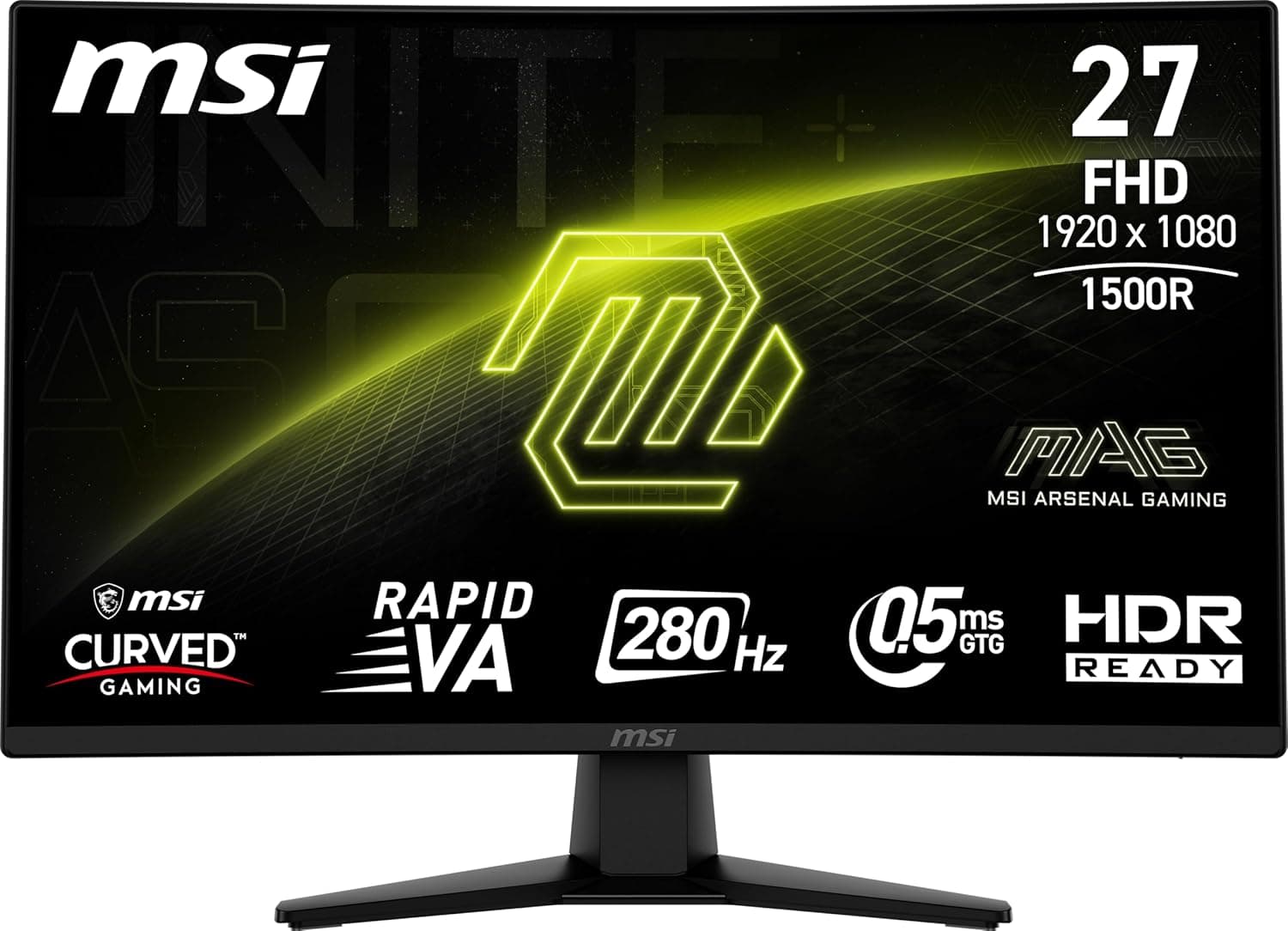
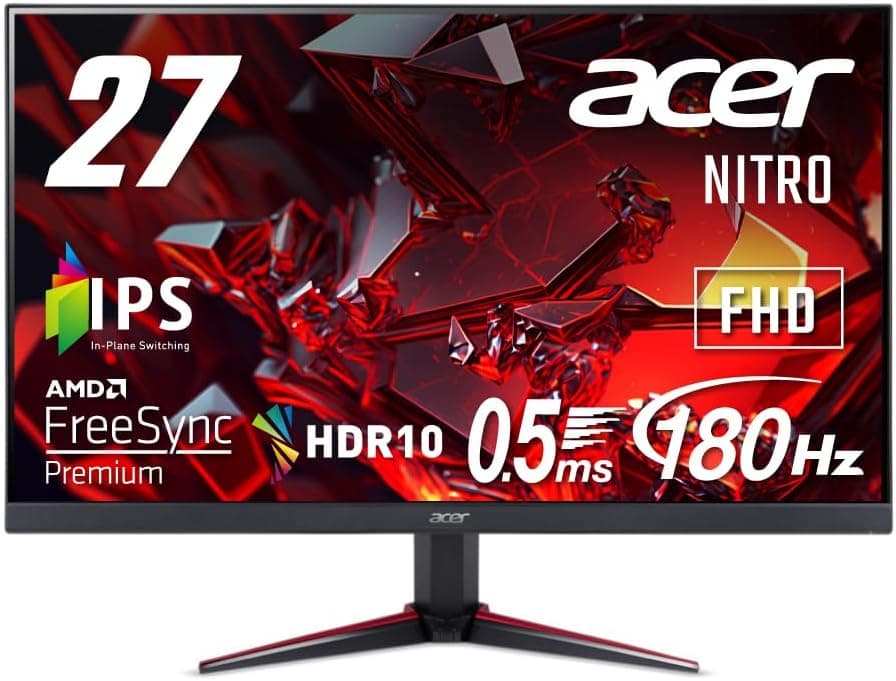
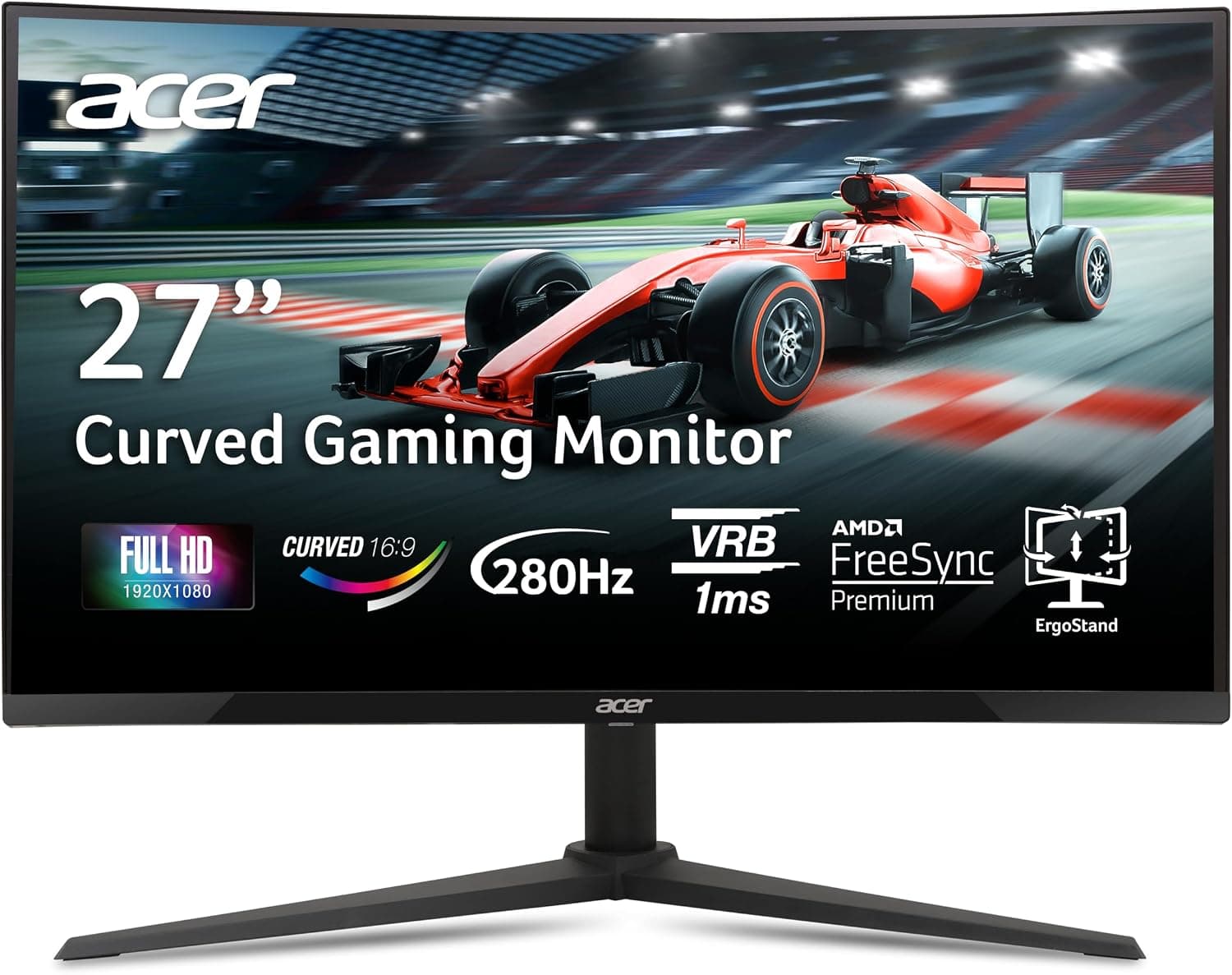
The short answer: the Acer Nitro XZ270 is for players who want a large 27-inch screen and very high frame rates while staying at Full HD. The design puts smoothness and responsiveness ahead of resolution.
The Zero-Frame design uses slim bezels, which keep the frame out of the way and work well with the 1500R curve. On Amazon.co.Check the retailer's page for the latest user reviews.
The trade-off is that 27 inches at Full HD shows visible pixel structure, which matters if you read a lot of text.
Refresh rate is how many times per second the screen redraws.
If you already own a 240Hz monitor, this is a weak reason to upgrade.
The monitor also needs a PC that can actually deliver around 280 frames per second. It is best suited to lighter esports titles such as Valorant or Counter-Strike 2 running at reduced settings.
Demanding AAA games at high settings will usually fall well short of 280fps. In those games, FreeSync Premium's variable refresh, which prevents tearing, matters more.
Compatibility Guide
| Item | Detail | What to check |
|---|---|---|
| Adaptive sync | AMD FreeSync Premium | GeForce runs it as G-SYNC Compatible |
| Resolution | 1920×1080 | Light GPU load, easy to hit high fps |
Connecting to a PC
Radeon cards support FreeSync Premium directly. There is no official G-SYNC certification, so GeForce users enable G-SYNC Compatible in the NVIDIA Control Panel.
Uncertified monitors often work fine, but flicker or other quirks are possible, so test it once after setup. Plan on using DisplayPort for G-SYNC Compatible mode.
Connecting a Console
With two HDMI inputs, you can keep both consoles connected and switch between them.
Variable refresh rate (VRR) support depends on the console. Xbox Series X|S can use VRR with FreeSync monitors in some cases.
Do not buy it expecting FreeSync Premium to remove tearing on PS5.
Mounting and Desk Space
Curved monitors are deeper than flat ones, so leave room for the arm's range of motion and the distance to the wall. The panel weight is not in our data, so check it on the product page against your arm's load rating.
Product Info
| Item | Spec |
|---|---|
| Screen size | 27 inches |
| Resolution | 1920×1080 (Full HD) |
| Curvature | 1500R |
| Response time | 1ms (VRB) |
| Adaptive sync | AMD FreeSync Premium |
As of August 27, 2026, Amazon.co.jp listed it at ¥42,580.
Prices change often with sales and stock, so check the product page for the current price before buying. That is not a large number of reviews yet, but the rating is consistently high.
It appears to have launched around late 2024.
It sits in the entry-to-mid-range high-refresh category. The panel is reported to be VA.
VA panels generally offer deeper blacks and higher contrast than IPS, but trail IPS in viewing angles, color accuracy, and smearing in dark scenes.
The warranty is reported as three years with proof of purchase, and the box as a power cable, a DisplayPort cable, and a quick-start guide. Terms can vary by region and seller.
Imported units or listings from overseas sellers may be covered differently, so confirm the seller and warranty terms before buying.
Compared With Alternatives
| Model | Size | Refresh rate | Notes |
|---|
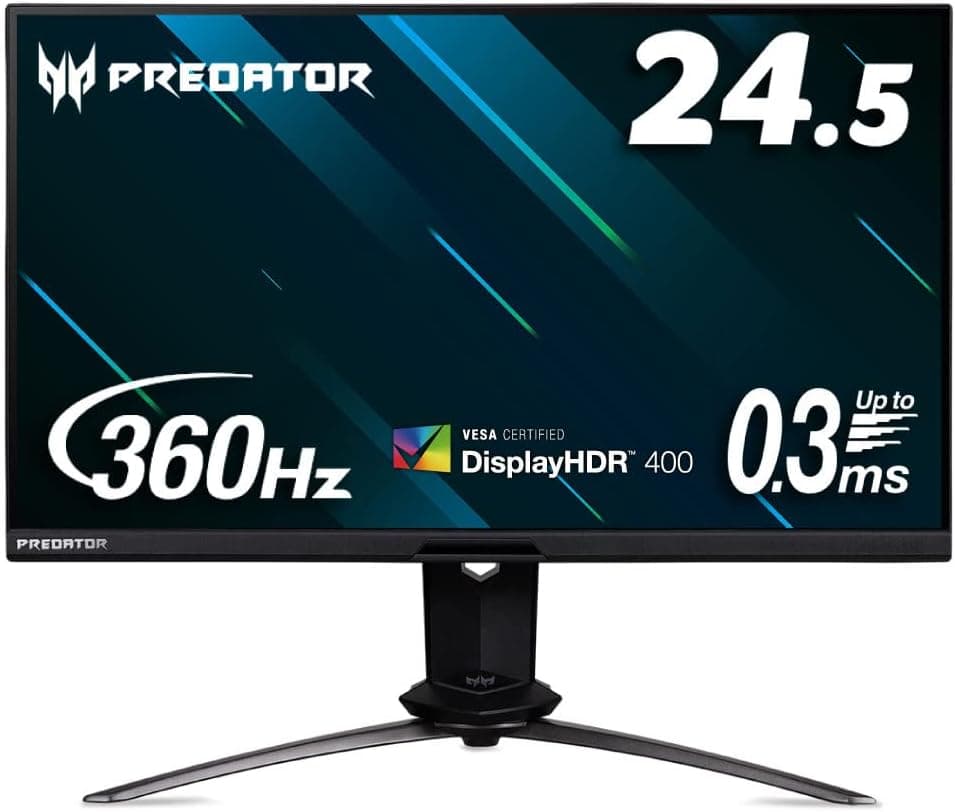
It is a strong pick for an all-out GeForce setup, but it tends to cost more and has a smaller 24.5-inch screen.
The Nitro XZ270 is for players who want 27 inches without paying for that top-end speed.
In pixel density, 23.8-inch Full HD is about 92.6 ppi, while 27-inch Full HD is about 81.6 ppi.
At the same resolution, the XZ270 shows more visible pixels. A simple rule: pick the XZ270 for gaming and high refresh, or the smaller IPS model if work and color matter.
Among flat 27-inch screens, the LG UltraGear 27GN65R-B is worth comparing, especially if you dislike curves or have a shallow desk. For an even larger screen, the 31.5-inch LG 32G620B-B is another option.
Who It Is For
**1.
Full HD keeps the GPU load light, so even a mid-range graphics card can push high frame rates, which suits buyers on a budget.
2. People who play on both PC and Xbox
With two HDMI ports, you can keep a PC on DisplayPort and a console on HDMI and switch between them.
3. Budget buyers trying a curved monitor 1500R is a typical curve for a curved monitor.
It keeps the edges of a 27-inch screen easy to see and adds immersion. It is an easy first curved monitor.
Who should skip it
Skip it if you mostly work with text, need accurate color for photo or video work, want VRR on PS5, or already own a 240Hz or faster monitor.
Before You Buy
Pixel density at 27 inches. Full HD at 27 inches works out to about 81.6 ppi, versus roughly 90 ppi for Full HD at around 24 inches.
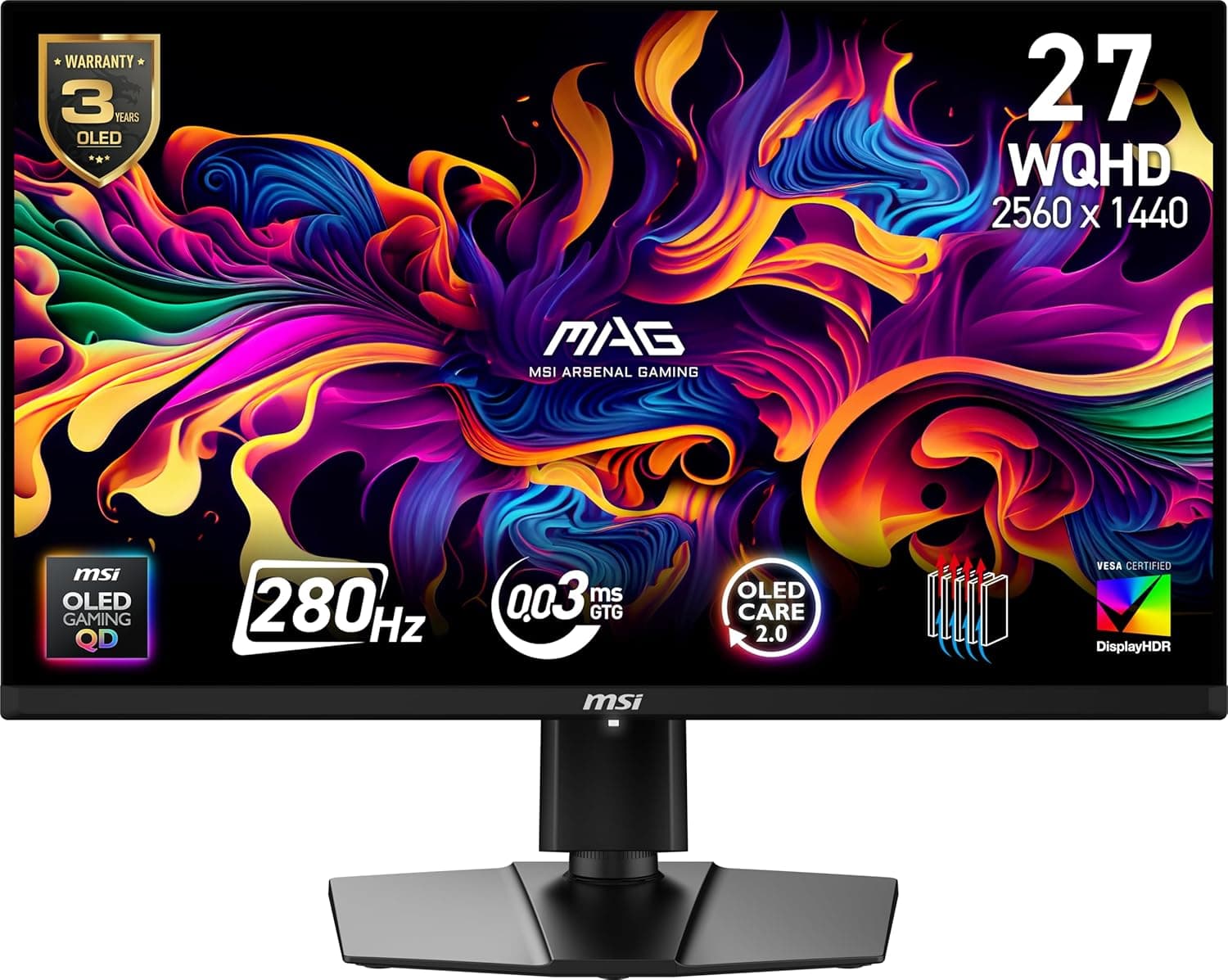
A 27-inch WQHD (2560×1440) panel reaches about 108.8 ppi.
If you spend a lot of time outside games, take this difference seriously.
What 1ms (VRB) means. The 1ms figure is measured with VRB (Visual Response Boost) enabled.
Features like this reduce blur by pulsing the backlight, so they generally dim the screen. On many monitors they also cannot be used together with adaptive sync, so check the manual for how this model behaves.
Do not assume you get 1ms at all times with VRB off.
VA panel character. VA offers high contrast and suits dark rooms.
However, fast motion over dark backgrounds tends to leave smearing trails. If you play games with many dark maps, decide whether you can accept that.
Curves and straight lines. The 1500R curve adds immersion in games and video, but it can make straight lines look slightly bent in CAD drawings or spreadsheets.
If you also use your monitor for design work, a flat panel is the safer choice.
Make sure a DisplayPort output on your graphics card is free.
Inconsistent listing data. In the pricing data for this article, the retailer labeled Amazon US actually linked to the same Amazon.co.jp page (ASIN B0DLP9JPR3).
The listing title also uses US-style English naming and does not include the XZ270 model number. Acer often sells variants under the same series name with different model suffixes.
If the seller is overseas, also check the warranty and support terms.
FAQ
Q.
A. Your game also needs to run at around 280fps.
Q. Does FreeSync work with GeForce cards? A.
There is no official G-SYNC certification, but enabling G-SYNC Compatible in the NVIDIA Control Panel usually works. Use DisplayPort and check for flicker.
Q. Can I use it with a PS5?
A.
Q. Is it good for work and everyday use? A.
It is fine for video and web browsing. Text sharpness is limited at 27 inches and Full HD, though, so if you spend long hours on documents or spreadsheets, a WQHD or higher model is easier on the eyes.
Q. Is it worth upgrading from 240Hz?
A. Unless you want a larger 27-inch or curved screen, it is a low-priority upgrade.
Product Disclosure (Amazon)
- Manufacturer: Acer
- Seller: Amazon US
- Fulfilled by: Amazon US
- ASIN: B0DLP9JPR3
- Note: This article covers a manufacturer-made product based on Amazon listing details.