Overview
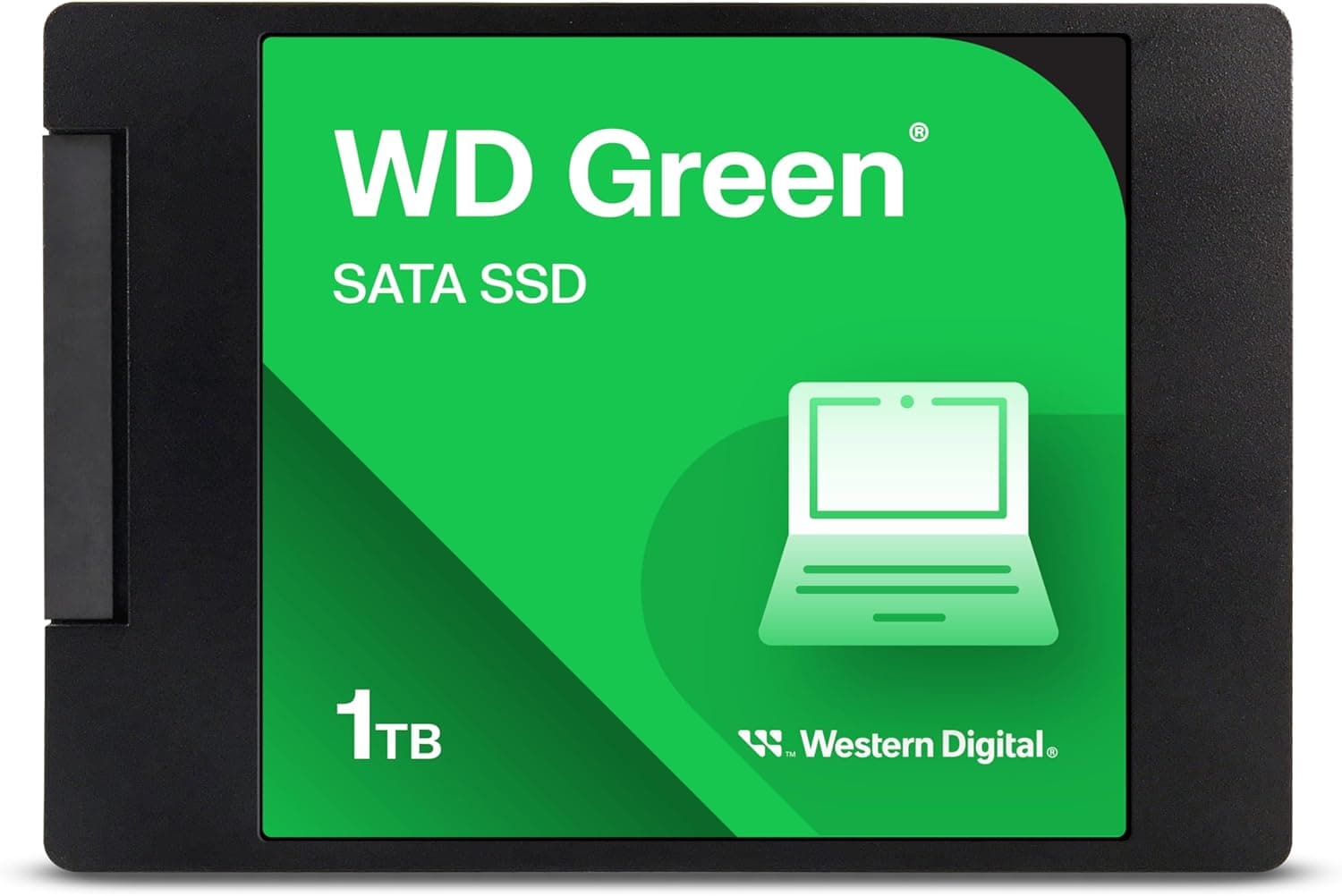
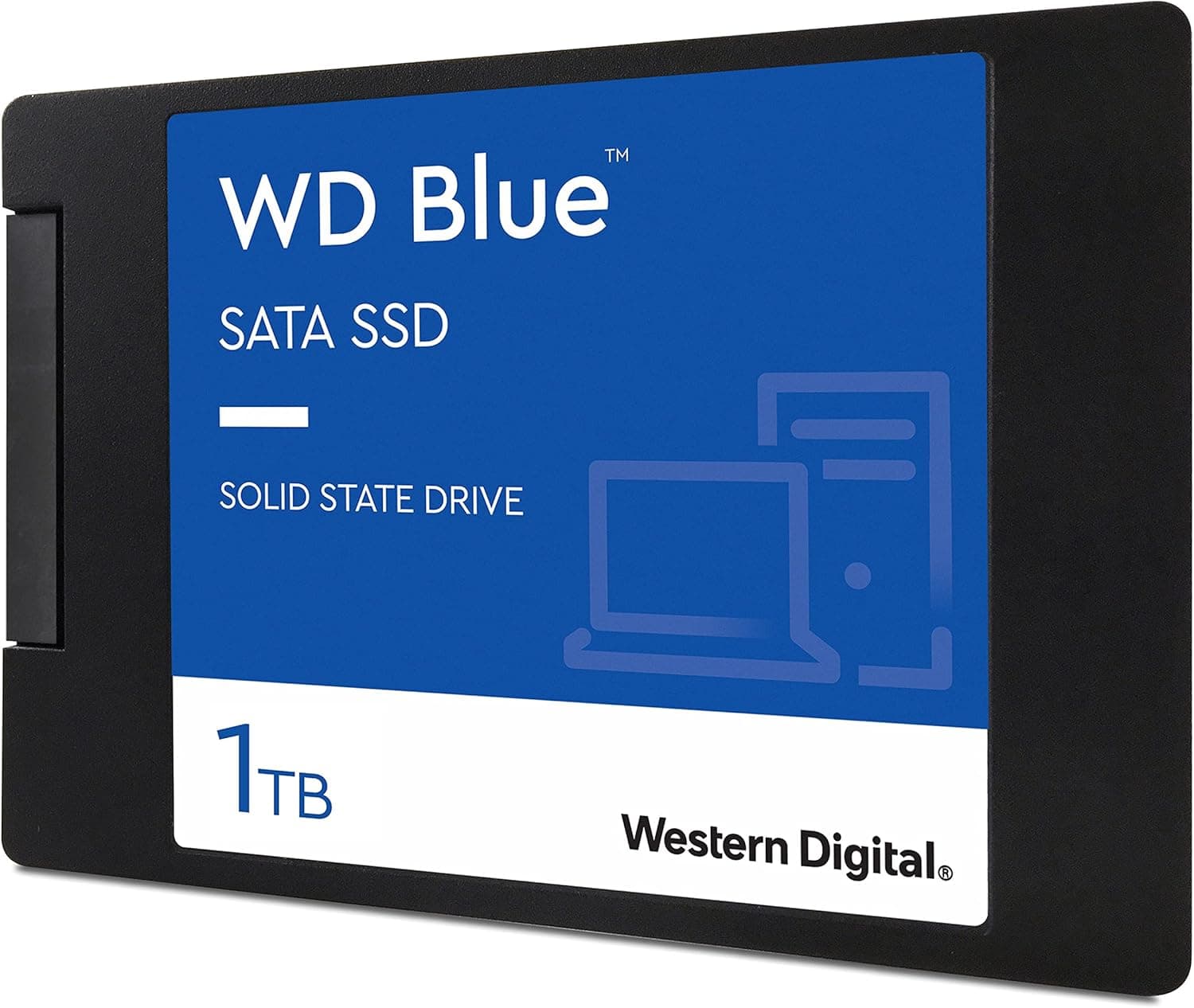
The Western Digital WD Blue 1TB 2.5-inch SATA SSD WDS100T2B0A is a long-running staple among internal SSDs.
It pairs a 2.5-inch, 7mm-thick body with a SATA III (6Gb/s) interface.
In short, it suits people replacing an HDD, people keeping an older PC without an M.2 slot in service, and people adding capacity to a PS4 (especially a PS4 Pro).
If your PC has a free M.2 NVMe slot and you simply want the fastest storage, there is little reason to choose this drive.
Sequential reads reach up to 560MB/s and writes up to 530MB/s, close to the practical ceiling of SATA. Random performance is 95,000 IOPS read and 84,000 IOPS write, endurance is rated at 400 TBW, and the warranty runs 5 years.
Nothing here is exceptional, but nothing falls short for a SATA SSD either. It is a well-balanced drive.
Quick Verdict: Where It Fits and Where It Doesn't
| Use case | Fit | Why |
|---|---|---|
| HDD replacement in a desktop or laptop | Excellent | This is where the felt improvement is biggest |
| Reviving an older PC without M.2 | Excellent | Works with any SATA port |
| PS4 Pro internal upgrade | Good | 2.5-inch SATA swaps in directly |
| Original / Slim PS4 upgrade | Fair | The console's own interface is reportedly the bottleneck |
| Secondary game storage | Good | 1TB holds several titles |
| Video editing scratch drive | Fair | NVMe is more comfortable for large files |
| PS5 internal expansion | No | The PS5 expansion slot accepts M.2 NVMe only |
The Excellent and Good rows are cases where being a SATA SSD is itself an advantage. The Fair and No rows are where the SATA speed ceiling or the connector type holds it back.
Deciding which group your use falls into before buying avoids most regrets.
Compatibility Guide
The drive uses SATA III (6Gb/s), a 2.5-inch 7mm form factor, and SATA 15-pin power.
It works in nearly any desktop or laptop that has a SATA port. Power draw needs no special planning, and you do not need to rethink your power supply.
| Target | Works? | Notes |
|---|---|---|
| Desktop PC with SATA ports | Yes | Needs a SATA data cable and a SATA 15-pin power lead |
| Case with only 3.5-inch bays | Yes | Requires a 2.5-to-3.5-inch adapter bracket |
| Laptop with a 2.5-inch bay | Usually | May rattle in a 9.5mm bay; use a spacer |
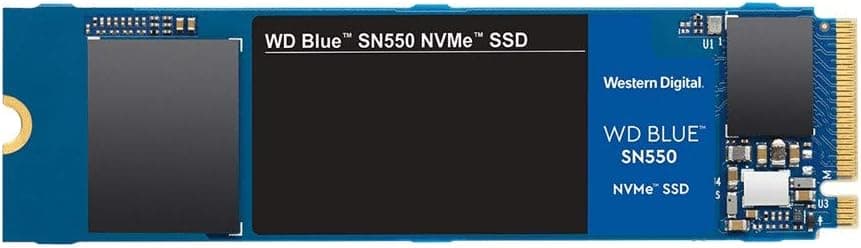
| M.2 slot | No | Completely different form factor, and not the same as M.2 SATA |
| SATA II (3Gb/s) system | Yes | Speed drops to roughly half of SATA III |
| PS4 / PS4 Pro | Yes | Requires reinstalling the system software |
| PS5 (internal expansion) | No | Internal expansion supports M.2 NVMe only |
On desktops, the common stumbling block is cabling. SATA data cables often come with the motherboard, but you will need to buy one if you do not have a spare.
Check the product page to see whether a cable is included. If your case has no 2.5-inch mounting point, you will also need a 3.5-inch bay adapter.
For laptops, first confirm that a 2.5-inch bay exists.
Many recent thin laptops have only M.2 slots, and this drive physically cannot be installed in them.
Buying it for an SSD upgrade and then finding only an M.2 slot inside is a very common mistake.
Among PS4 models, the PS4 Pro is reported to use a SATA III connection, so it can make better use of this drive. The original and Slim PS4 are reported to have a slower internal interface.
They still get faster than with an HDD, but cannot use the SSD's full speed, so keep expectations modest.
Product Info
Key specifications of the Western Digital WD Blue 1TB (model WDS100T2B0A):
| Item | Value |
|---|---|
| Interface | SATA III (6Gb/s) |
| Sequential read | 560 MB/s |
| Sequential write | 530 MB/s |
| Random read (4KB) | 95,000 IOPS |
| Random write (4KB) | 84,000 IOPS |
| TBW | 400 TB |
| Estimated durability (1TB/day writes) | about 1.1 years |
| Warranty | 5 years |
The sequential figures sit near the standard ceiling for SATA SSDs. What you actually feel, though, is random performance.
Booting the OS and launching apps means reading many small files, so moving from an HDD, which is weak at random access, makes a big difference here.
The figure of about 1.1 years at 1TB of writes per day can look worrying.
In reality, home use almost never writes 1TB a day. Dividing 400 TBW by 50GB of writes per day gives roughly 22 years, so normal use is unlikely to reach the write limit within the 5-year warranty.
Check the manufacturer's warranty terms before buying.
Check the retailer's page for the latest user reviews. Keeping a high rating across that many reviews is typical of a product that has sold steadily for years.
Prices change often, so check the product page for the current price. The price recorded in our collected data looked out of line with typical pricing for this drive, so we have left it out of this article (see Things to Consider).
How It Compares to HDDs and NVMe SSDs
| Type | Typical sequential speed | What you notice |
|---|---|---|
| HDD | A few hundred MB/s or less | Very slow random access; slow boots and app launches |
| This drive (SATA SSD) | Up to 560MB/s | A dramatic improvement over an HDD |
| NVMe SSD (PCIe Gen3) | Often in the 3,000MB/s range | Faster large-file copies and extraction |
| NVMe SSD (PCIe Gen4) | Some models around 7,000MB/s | Suited to heavy work such as video editing |
The key takeaway is that the jump from HDD to SATA SSD feels far bigger than the jump from SATA SSD to NVMe. For booting, browsing, and office work, the difference between SATA and NVMe is small.
It becomes clear only when you often copy files tens of gigabytes in size or load large amounts of video footage.
So if your PC has no M.2 slot, or it is already in use, this drive is a sound choice.
If a free M.2 NVMe slot is available and the price gap is small, NVMe is the more future-proof option.
Installation Steps (Replacing an HDD)
Back up your data. Losing data through a mistake is a bigger risk than the swap itself, so do this first.
Choose between cloning and a clean install. Clone to carry over your current setup as is, or install the OS fresh for a clean start.
If cloning, check the capacity. If more than 1TB is used on the old drive, it cannot be cloned as is.
Clean up unneeded data first. 4.
Install the drive. On a desktop, connect the SATA data cable and SATA power.
On a laptop, swap it in for the existing drive. 5.
Confirm detection in BIOS/UEFI and set the boot drive. If it is not detected, check the cable seating and the SATA port settings.
Cloning software is available from the manufacturer and from third parties. What is offered changes over time, so check Western Digital's support pages before you start.
Best Use Cases
It is ideal for users whose PC work centers on web browsing and office software and who are frustrated with a slow HDD. Simply swapping the HDD for this drive greatly shortens boot times and app loading.
It also suits people who want to keep a desktop or laptop from a few years ago, without an M.2 slot, running a while longer.
Even with the same CPU and memory, changing the storage alone makes the system feel much faster.
It is a good pick for gamers who want more internal storage on a PS4, especially a PS4 Pro. With 1TB there is plenty of room for many titles, and load times should improve.
It also fits buyers who want trustworthy storage from an established maker with a 5-year warranty on a budget. It hits the sweet spot for people who do not need NVMe speeds but want to move on from an HDD.
Things to Consider
If you have a free M.2 NVMe slot, consider NVMe first. As a SATA III drive, this SSD has roughly one-sixth the maximum throughput of a PCIe Gen3 NVMe drive, and less than a tenth of a Gen4 drive.
For creative work with large files, or if fast loading in the latest games matters, NVMe will likely satisfy you more.
Do not confuse 2.5-inch and M.2. Both are called SSDs, but the shape and connection are completely different.
Many recent laptops have no 2.5-inch bay, so always check the spec sheet or service manual before buying.
Upgrading a PS4 requires reinstalling the system software. You will need a separate USB drive holding the reinstallation file.
Follow the official PlayStation support instructions. This drive also cannot serve as PS5 internal storage, because the PS5 supports M.2 NVMe only.
Long sustained writes can fall below the rated speeds. 560MB/s and 530MB/s are maximums.
As with SATA SSDs in general, writing large amounts of data continuously can slow things down. You will not notice this in daily use, but the drive is not suited to writing hundreds of gigabytes every day.
Check the model number before buying. SATA SSDs from different generations sometimes sell side by side under the WD Blue name, and the name alone does not tell them apart.
This article covers model WDS100T2B0A. Confirm that the model number on the product page matches.
The price data does not add up. The price collected for this article was clearly higher than the typical going rate for a 1TB SATA SSD.
On top of that, the seller link labeled Amazon US actually pointed to Amazon.co.jp.
The data may have picked up a different listing or different conditions, so we have not printed the amount. When buying, always check the model number, price, and seller on the product page.
FAQ
Q. Can I use this drive in a SATA II (3Gb/s) PC? A.
Yes, but speed drops to roughly half of a SATA III connection. Random access is still faster than an HDD, so it remains a worthwhile upgrade for an older PC.
Q. How long will 400 TBW last? A.
Even at 50GB of writes per day, it equals roughly 22 years. Typical home use is very unlikely to reach the limit within the 5-year warranty.
Q. Does it work with the PS5?
A. Not as internal expansion. The PS5 expansion slot accepts M.2 NVMe drives only.
Q. Will it fit a 9.5mm laptop bay?
A. Yes. At 7mm thick it fits physically. If it rattles, add a spacer to hold it in place.
Q. Is the difference from an NVMe SSD noticeable? A.
Not much for booting and everyday apps. The difference shows in work with lots of sequential reads and writes, such as copying large files or editing video.
Product Disclosure (Amazon)
- Manufacturer: ウエスタンデジタル(Western Digital)
- ASIN: B07SPVR762
- Note: This article covers a manufacturer-made product based on Amazon listing details.