Overview
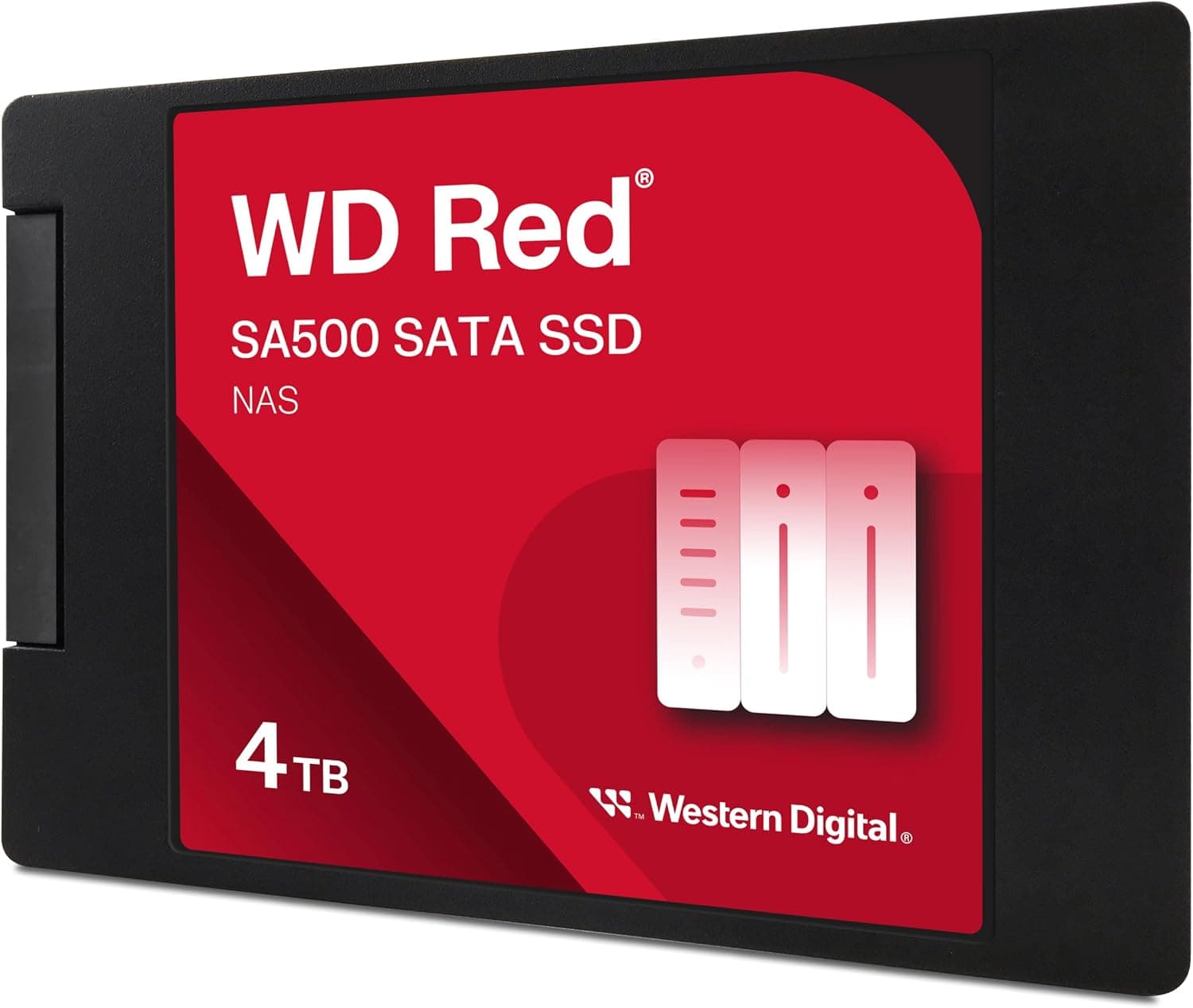
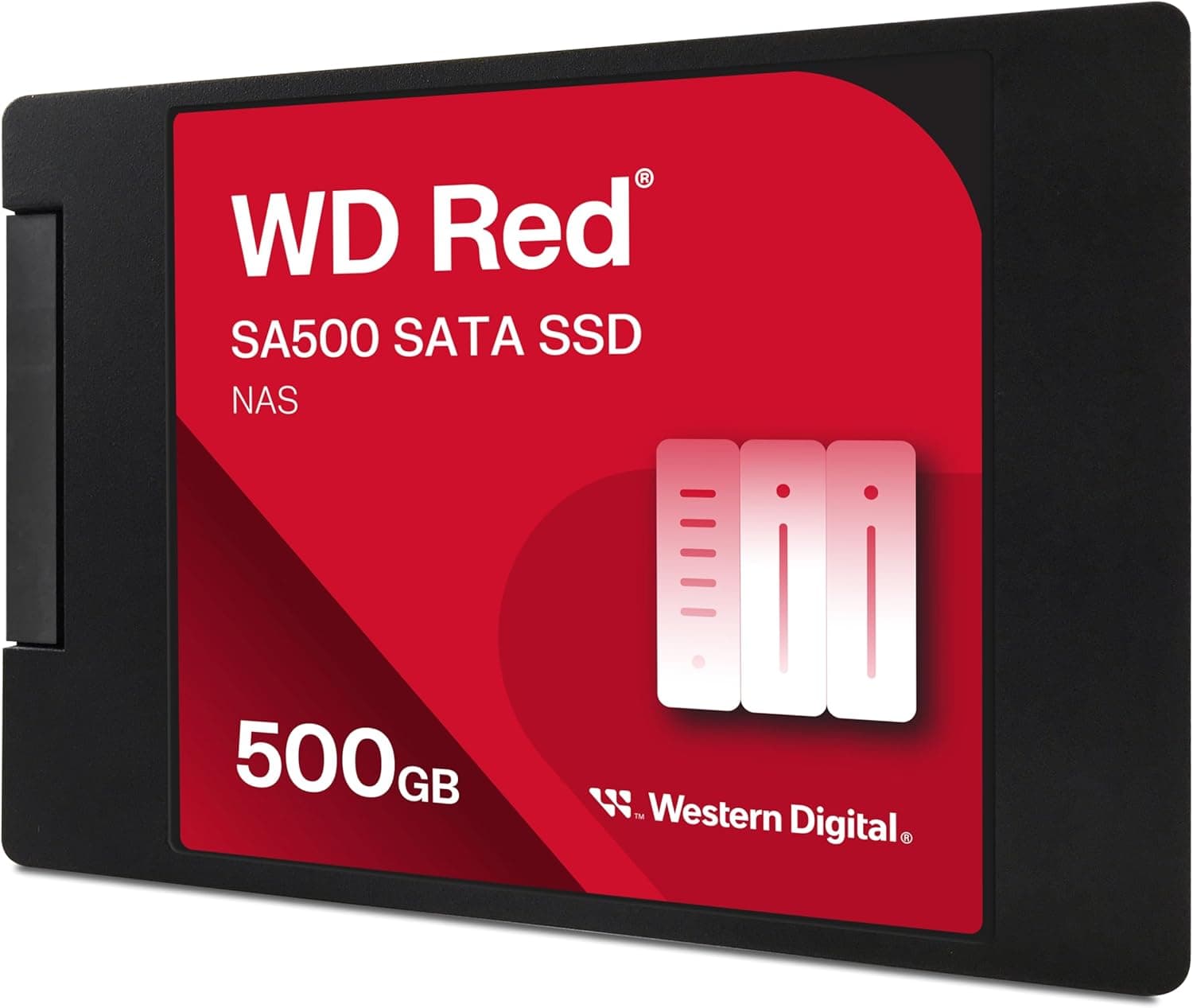
This article covers the product listed on Amazon Japan as 'Western Digital ウエスタンデジタル WD Red SATA SSD 内蔵 2TB 2.5インチ (読取り最大 560MB/s 書込み最大 520MB/s)', which is the 2TB model of the Western Digital WD Red SA500 series (model WDS200T2R0A-EC).
It is a 2.5-inch, 7mm SATA SSD built for NAS units that run around the clock.
The short version: it is a solid choice if you want to add an SSD cache or a small fast volume to an HDD-based NAS. If you only want a faster standalone PC, or cheap bulk capacity, other options fit better.
Rated performance is 560 MB/s sequential read, 520 MB/s sequential write, 87,000 IOPS random 4K read and 83,000 IOPS random 4K write. These figures sit close to the practical limit of SATA III, so speed is not a weak point for a SATA SSD.
What sets the drive apart is its endurance rating: 1300 TBW and a 5-year warranty. That lets you estimate in advance how much writing it takes to wear the drive out, which is what a NAS-focused product should offer.
Check the retailer's page for the latest user reviews. Both numbers were captured at that time and will change.
Translating 1300 TBW Into Your Own Workload
The spec sheet's 'about 3.6 years' endurance estimate assumes you write 1TB every single day, which is a harsh assumption.
Home and small-office NAS units rarely write that much, so recalculating with your own write volume changes the picture a lot. The table below simply divides 1300 TBW by the amount written per day.
| Daily writes | Time to reach 1300 TBW | Typical scenario |
|---|---|---|
| ~50GB | ~71 years | Family photos and documents |
| ~100GB | ~35 years | A few people using shared folders daily |
| ~300GB | ~12 years | Also hosting VMs or containers |
| ~1TB | ~3.6 years | The spec-sheet assumption; constant recording or heavy temp files |
| ~2TB (full drive per day) | ~1.8 years | Multi-channel 24/7 surveillance recording |
Working backwards from the 5-year warranty and 1300 TBW, the drive can absorb about 0.7TB per day (about 0.36 drive writes per day) for five years.
Check WD's warranty terms for the exact conditions. Most NAS systems show SSD wear and total writes in their management screen, so measure a few weeks of real usage and compare it with the table.
Compatibility Guide
The drive uses SATA III (6 Gb/s) and takes power from a standard SATA power connector. Its power draw is small, so PSU capacity is essentially not a concern.
These are the points where installs usually go wrong.
| Check | This drive | Common pitfall |
|---|---|---|
| Port | SATA III 6 Gb/s | On older SATA II (3 Gb/s) ports, speed tops out around 300 MB/s |
| Form factor | 2.5-inch, 7mm | A 3.5-inch bay needs an adapter; check whether your NAS tray has 2.5-inch screw holes |
| Height | 7mm | Fits 9.5mm laptop bays, but may need a spacer if it rattles |
| M.2 slot | Not usable | The series also has an M.2 version, so the two are easy to mix up |
| Power | SATA power | PSU capacity barely matters |
For NAS use, the NAS software matters more than the hardware. Check the NAS maker's documentation to confirm SSD cache support, TRIM support, and whether this model is on the compatibility list.
Some models show warnings or limit certain features when a drive isn't on the list. At 2TB, the drive is below the old MBR limit of about 2.2TB, so capacity alone almost never stops it from being recognized.
Product Info
| Item | Value |
|---|---|
| Capacity | 2TB |
| Sequential read / write | 560 MB/s / 520 MB/s |
| Random 4K read / write | 87,000 / 83,000 IOPS |
| TBW | 1300 TB |
| Endurance estimate | ~3.6 years at 1TB written per day |
| Warranty | 5 years |
| Form factor / interface | 2.5-inch / SATA III |
Random read and write performance are nearly equal. On a NAS where several people open and save small files at the same time, these numbers matter more than sequential speed.
HDDs move a mechanical head to read and write, so they struggle with many small files accessed at once, and covering that weakness is this drive's main job.
Prices change often, so check the product page for the current price. As of September 30, 2026, the listed price was unusually high for a 2TB SATA SSD (see Things to Consider).
Using It in a NAS: Cache or Storage Pool?
There are two main ways to use a SATA SSD in a NAS: as a cache in front of the HDDs, or as an SSD-only storage pool (volume).
As an SSD cache. Frequently read data is kept on the SSD so the HDDs are accessed less.
Many NAS units let you build a read-only cache with one drive. A read-write cache, however, usually expects two drives in a mirror (RAID 1), because if a single cache SSD fails, data that hasn't been written back to the HDDs yet can be lost.
If you plan to use a read-write cache, budget for two drives from the start.
As an SSD-only volume. This works well as a small fast area for virtual machines or frequently opened working folders.
Two 2TB drives in a mirror give you 2TB of usable space. For storing years of photos and video, SSDs lose badly to HDDs on price per terabyte.
Network speed also matters. A typical 1GbE (gigabit) network delivers a little over 100 MB/s in practice, so it cannot use the 560 MB/s this SATA SSD offers.
On a 1GbE NAS, switching to SSD makes folders open faster, keeps things from bogging down when several people connect at once, and makes the NAS quieter. It does not make large file copies faster.
The sequential speed advantage only shows up clearly on 2.5GbE or 10GbE networks.
How It Differs From HDDs and NVMe SSDs
| Aspect | This drive (SATA SSD) | NAS HDD | NVMe SSD |
|---|---|---|---|
| Many small files at once | Strong | Weak | Very strong |
| Price per TB | Higher | Lowest | Higher |
| Noise and vibration | Silent | Seek noise and vibration | Silent |
| NAS fit | Any 2.5-inch bay | 3.5-inch bays | Only models with M.2 slots |
| Noticeable gain on 1GbE | Faster response | Baseline | Little gain over SATA SSD |
As the table shows, this drive is best at covering an HDD's slow spots without changing your existing NAS setup. If you want a faster PC boot drive and have an M.2 slot, an NVMe SSD gives you more speed for the money.
In a NAS or older desktop without M.2 slots, being a 2.5-inch SATA drive is an advantage.
Who It's For
- You have an HDD-based NAS and folder listing or file search feels slow: an SSD cache makes small-file access much lighter.
- Your family or a small office hits the NAS at the same time: random performance in the 80,000 IOPS range helps here.
- NAS noise or vibration bothers you: if the NAS sits in a bedroom or study, SSDs eliminate seek noise.
- You want to plan writes within the warranty: the stated 1300 TBW and 5-year warranty make planning easy.
Who should skip it: If you want 4TB or more of cheap storage, NAS HDDs are better value per terabyte. If you just want a faster PC with an M.2 slot, an NVMe SSD fits better.
For workloads that write close to the full capacity every day, such as multi-channel 24/7 surveillance recording, you will reach the TBW limit early, so look at higher-endurance models.
Things to Consider
The price at capture time looked wrong. As of September 30, 2026, the Amazon page showed a price far too high for a 2TB SATA SSD.
The seller and shipper was a third-party seller called SideMarket, not the manufacturer. One likely reason is that stock is running low and the seller has set a high price.
Prices change often, so check the product page for the current price and compare it with other retailers selling the same model (WDS200T2R0A) before you buy.
Confirm the listing and model number. The WD Red SA500 line comes in several capacities, and in both 2.5-inch and M.2 versions.
Make sure the images, title and model number on the listing match the 2TB 2.5-inch version (WDS200T2R0A).
The Amazon disclosure at the end of this article is automatically collected listing data. Listing details can contain errors, so also confirm the product from its images and title.
On 1GbE, faster copies are not guaranteed. As explained above, the network hits its limit first.
If you want faster transfers of large video files, upgrade the network before you upgrade to SSDs.
Don't build a read-write cache with one drive. Some NAS units will let you set one up, but a drive failure can lead to data loss.
If you use a single drive, keep it as a read-only cache.
Older NAS units may lack TRIM support. Without TRIM, write speed can drop over long-term use.
Check the NAS maker's compatibility list and firmware release notes before you buy.
FAQ
Q: Can I use it in a desktop or laptop? A: Yes.
With a SATA III port and a 2.5-inch bay (or an adapter), it works as a normal 2.5-inch SSD.
It is built for NAS use, though, so it has no special advantage as a PC boot drive. For PC-only use, compare prices with general consumer SSDs.
Q: Is 1300 TBW enough for a home NAS? A: For most home workloads, yes.
Even at 100GB written per day, it would take about 35 years on paper. The real concern is continuous writing, such as 24/7 camera recording.
Q: Can I build an SSD cache with just one drive? A: Many NAS units allow a read-only cache with one drive.
A read-write cache normally uses two mirrored drives; otherwise a drive failure can cause data loss.
Q: Can I mix it with HDDs in the same RAID? A: Not recommended.
Performance within a RAID follows the slowest drive, so the SSD's advantage disappears. Use SSDs as a cache or as an SSD-only volume.
Q: How long is the warranty?
A: 5 years.
Product Disclosure (Amazon)
- Manufacturer: ウエスタンデジタル(Western Digital)
- Seller: SideMarket
- Fulfilled by: SideMarket
- ASIN: B0D1B4PFVL
- Note: This article covers a manufacturer-made product based on Amazon listing details.