Overview
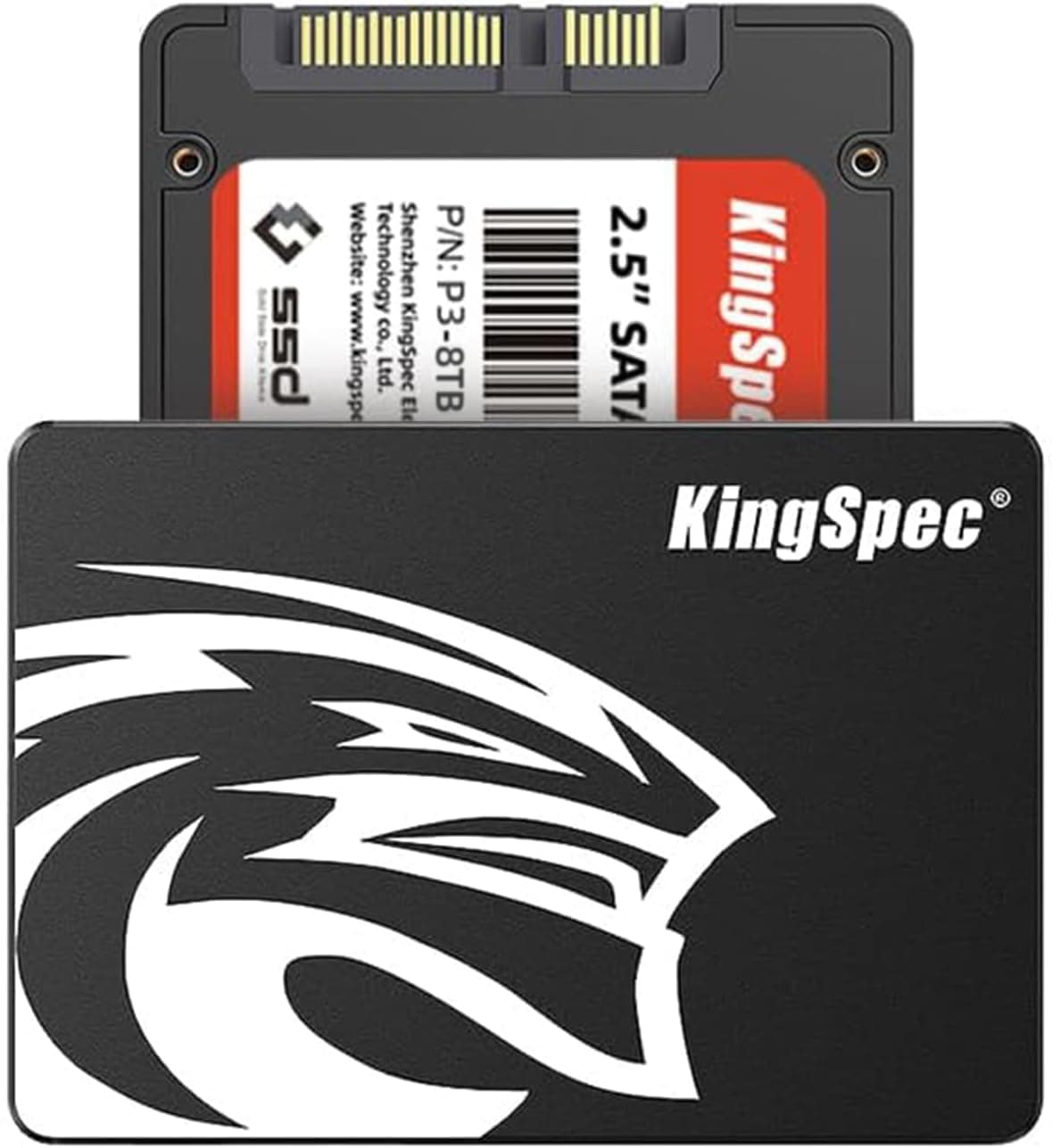
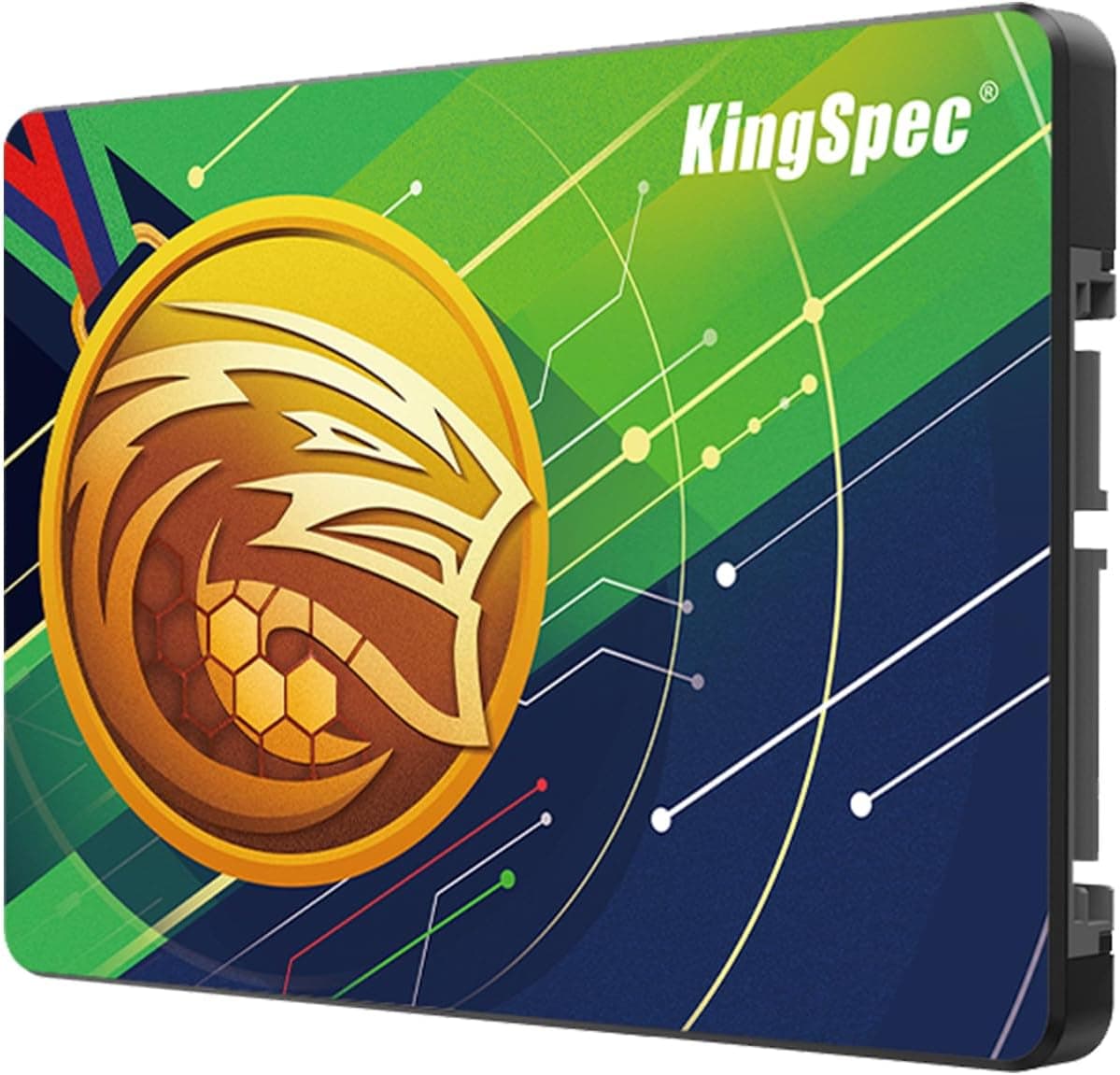
KingSpec's 2.5-inch internal SSD in the 1TB capacity is a straightforward SATA III upgrade for older PCs. It delivers sequential read speeds up to 570MB/s and write speeds up to 540MB/s, which is about the practical ceiling for the SATA interface. The drive uses 3D NAND TLC flash, a solid choice for users migrating from a mechanical hard drive.
This SSD is designed as an internal drive for notebooks and desktops, and it can dramatically cut OS boot times and application loading. One thing to note: the drive ships unformatted, so you will need to initialize it before first use. It has been verified to work with Windows, Mac OS, Linux, and UEFI environments, giving it broad system compatibility.
In the current storage market, this drive sits in the entry-to-mid tier of SATA SSDs. It will not match the speed of an NVMe drive, but for SATA-only systems or as a secondary storage drive, it offers a well-balanced mix of capacity, price, and reliability.
Compatibility Guide
This SSD uses the 2.5-inch form factor and connects via the SATA III (6Gbps) interface. Desktop users may need a 2.5-inch mounting bracket to fit it into a standard 3.5-inch drive bay. Laptop users should verify that their machine has a 2.5-inch drive bay before purchasing.
The drive is backward compatible with SATA II (3Gbps) and SATA I (1.5Gbps) ports, but performance will be capped at the port's maximum speed. To get the full 570MB/s read speed, you need to connect it to a SATA III port.
If you plan to use this as an external drive, you will need a separate SATA enclosure. This is an internal drive, not a portable USB SSD, so factor in the extra cost of an enclosure if that is your intended use.
Product Info
The KingSpec P3-1TB model is a 2.5-inch SATA SSD built with 3D NAND TLC memory. It offers sequential read speeds up to 570MB/s and write speeds up to 540MB/s, with a mean time between failures (MTBF) rated at 1 million hours. The manufacturing process includes full inspection and aging tests to ensure data integrity and longevity.
In terms of market positioning, this is an entry-level SATA SSD. It cannot compete with NVMe drives on raw transfer speeds, but for users looking to speed up a SATA-only PC, it is a cost-effective option. The drive comes with a 3-year manufacturer warranty, and dedicated technical support is available if you run into issues.
Best Use Cases
- Users with older laptops or desktops still running on HDDs. This SATA drive slots right into existing hardware without needing NVMe support, making it a simple drop-in upgrade. If you own a newer system with an M.2 slot, you would be better served by an NVMe drive.
- People who need a large secondary drive for data storage. The 1TB capacity provides ample room for documents, photos, and videos alongside the OS. Creative professionals who frequently move large files will find the SATA speed limit frustrating and should look at NVMe options.
- Budget-conscious builders who want to speed up an existing PC without spending much. SATA SSDs are generally cheaper than NVMe drives and are easy to install. Gamers or power users chasing the fastest load times will be disappointed by the SATA bottleneck.
Things to Consider
This SSD ships unformatted, so you must initialize it before first use. If you skip creating a new volume in Windows Disk Management or Mac Disk Utility, you may encounter issues like the drive not being recognized or showing as RAW.
The SATA III interface is the main limitation here. While boot times and application loading will improve dramatically over an HDD, large file transfers will be noticeably slower than on an NVMe drive. If you regularly move big files, the speed difference will be obvious.
Also, remember this is an internal drive. To use it externally, you will need to buy a SATA enclosure separately. Before purchasing, check whether your PC has a free 2.5-inch drive bay or an available SATA port.
FAQ
Q: Can I install this SSD in my laptop?
A: Yes, as long as your laptop has a 2.5-inch drive bay and a SATA connection. Some ultra-thin laptops only support M.2 drives, so check your laptop's specifications first. Also, be aware of drive bay thickness limits (7mm or 9.5mm) on some models.
Q: Can I use this as an external drive?
A: This is an internal SSD. To use it externally, you will need a separate SATA-to-USB enclosure or docking station. Keep in mind that the total cost will be higher than buying a purpose-built portable SSD.
Q: Do I need to format the drive before using it?
A: Yes, this drive is not formatted at the factory. You must create a new volume using Windows Disk Management or Mac Disk Utility before first use. Failing to do so may result in the drive not being recognized properly.
Product Disclosure (Amazon)
- Manufacturer: kingspec
- Brand: KingSpec
- Model: 1TB
- ASIN: B0DRBMCG6Z
- Note: This article covers a manufacturer-made product based on Amazon listing details.