Overview
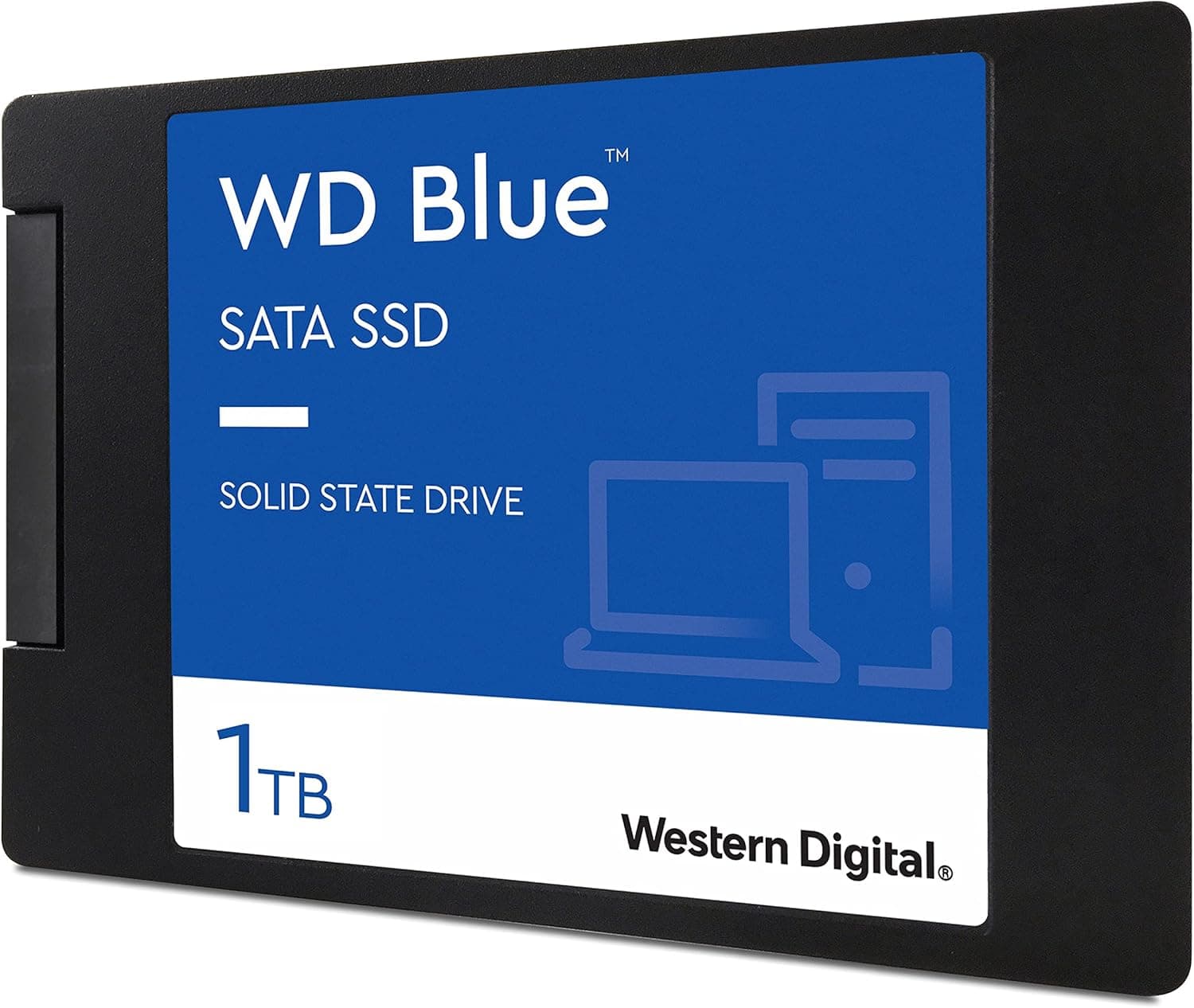
The fanxiang S101Q is a 2.5-inch internal SSD that connects over SATA3.0 at 6Gb/s. It uses 3D NAND flash and is rated for up to 560MB/s sequential read and 510MB/s sequential write. The lineup spans 256GB through 4TB, and the 1TB version covered here sits in the middle of that range, which makes it usable both as a system drive and as bulk storage.
This is a product aimed squarely at people replacing an older hard disk. fanxiang states that SATA SSD technology delivers roughly six times the speed of a conventional HDD. With no moving parts, it runs quietly, generates little heat, and is described as resistant to drops and impacts. The company lists notebooks, desktops, all-in-one PCs, and home servers among the machines it can serve.
The 1TB model carries a rated endurance of 320TBW and an MTBF of 1.5 million hours, and fanxiang backs it with a three-year manufacturer warranty. Rather than chasing NVMe-level throughput, the S101Q targets buyers who value the simplicity of SATA and a sensible capacity-to-price balance. That places it in the entry-to-mid tier of the 2.5-inch SSD market.
Compatibility Guide
The interface is SATA3.0 at 6Gb/s, and fanxiang notes backward compatibility with 3Gb/s and 1.5Gb/s links. At 7mm thick in the 2.5-inch form factor, it fits desktop 2.5-inch bays and notebooks that accept 7mm drives.
On a desktop build, you will need a free SATA port on the motherboard plus a SATA power cable from the PSU. When swapping a notebook drive, confirm first that the internal drive is a 2.5-inch SATA unit; slim laptops with only an M.2 slot cannot take this drive directly.
fanxiang describes broad compatibility with Windows, Linux, Unix, and Mac OS, and the listing notes confirmed operation on PS4, which makes it a candidate for console storage swaps. Because the link is SATA, you will not see multi-GB/s transfers. Even on a motherboard with PCIe 4.0 or 5.0 slots, this drive runs at the SATA ceiling.
Product Info
In the SATA 2.5-inch segment, the S101Q is an entry-to-mid offering. NVMe drives dominate new builds, yet SATA bays remain common on older desktops, aging notebooks, and consoles, and that is exactly where this drive makes sense. The published figures are 560MB/s read, 510MB/s write, 320TBW endurance on the 1TB model, and a 1.5 million hour MTBF. fanxiang also cites error correction and data protection features. Note that the maximum transfer speeds are measured in the company's own environment and are not guaranteed on every system.
Best Use Cases
- Owners of older notebooks or desktops still running a hard disk who want faster boot and file access: the SATA interface drops straight into the existing bay, though anyone with a free NVMe slot should weigh that option instead.
- People who need a quiet, shock-resistant 1TB secondary drive for photos, documents, and video archives: capacity is generous for the price, but it is not the right pick as a scratch disk for heavy video editing.
- Console owners replacing the internal drive on a PS4: the 2.5-inch SATA shape matches and the listing notes confirmed operation, while capacity limits and the swap procedure still need checking on the console side.
Things to Consider
SATA is the hard limit here. Sequential transfers fall well short of NVMe drives, so if you move large files regularly or want the shortest possible game load times, an M.2 drive on a compatible slot is the better investment. Before buying, verify that you have a free 2.5-inch bay, an open SATA port, and a spare SATA power connector. Notebook buyers should confirm the machine accepts a 7mm 2.5-inch drive, since M.2-only designs cannot take it without an adapter. Finally, the rated 320TBW endurance on the 1TB model is worth weighing if you write large amounts of data every day; a higher capacity or a different model may suit that workload better.
FAQ
Q: Can I install this in a PC that only has M.2 slots?
A: No. It is a 2.5-inch SATA drive, so you need a 2.5-inch bay, a SATA port, and SATA power. It cannot plug directly into an M.2 slot.
Q: Will swapping my notebook's HDD for this drive make it faster?
A: If the notebook uses a 2.5-inch SATA drive, boot times and file loading should improve noticeably. If the machine is M.2-only, the swap is not possible.
Q: Should I choose 1TB or 2TB?
A: Base it on how much you store and how often you write. 1TB handles an OS, applications, photos, and documents comfortably; for continuous large video writes, a roomier capacity is the safer choice.
Product Disclosure (Amazon)
- Manufacturer: fanxiang
- Model: S101Q
- ASIN: B0CM8QWND1
- Note: This article covers a manufacturer-made product based on Amazon listing details.