Overview
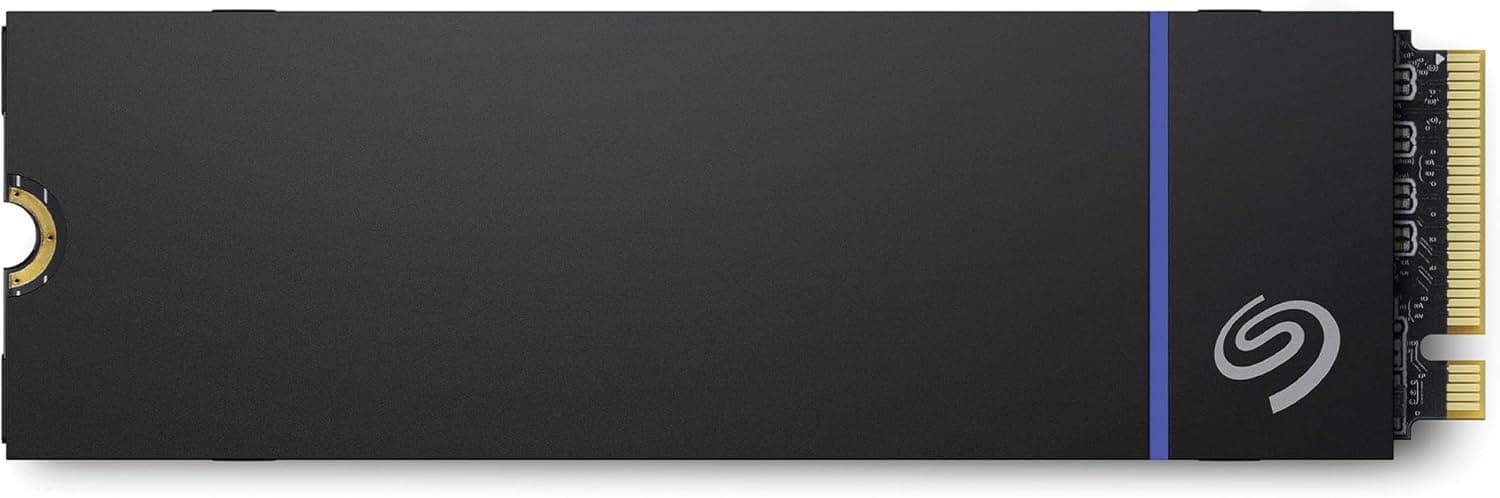
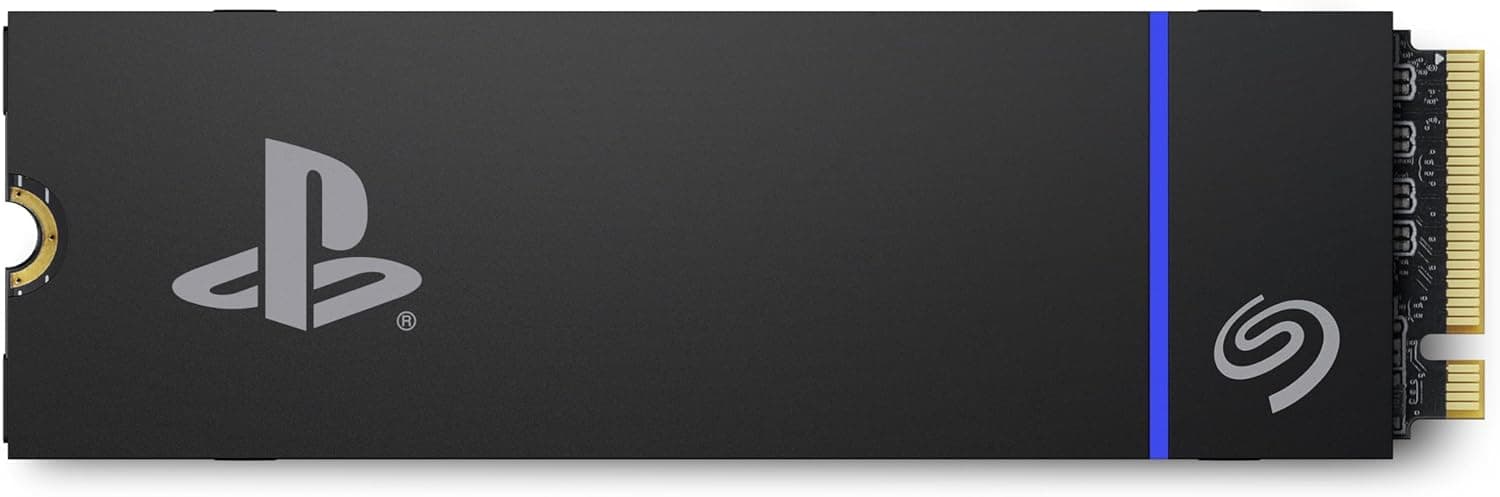
The Seagate Game Drive PS5 NVMe SSD (model ZP2000GP3A1001) is an officially licensed expansion drive designed for the PlayStation 5. The 2TB version delivers PCIe Gen4 NVMe speeds up to 7,300MB/s read and 6,000MB/s write, making it one of the fastest options in its class. It comes with a pre-installed custom heat sink, so you don't need to add any additional cooling when installing it into your console.
Seagate is a trusted name in storage, and this drive carries a five-year warranty. It is compatible with both standard and digital editions of the PS5, and it lets you run PS5 and PS4 games directly from the SSD. The price is positioned in the mid-to-high tier for 2TB drives, but the official license and reliability justify the premium for many gamers.
This SSD is an excellent choice for anyone who wants to expand their console's storage without compromising on speed or falling into compatibility pitfalls.
Compatibility Guide
The drive fits into the PS5's internal M.2 slot, which supports PCIe Gen4 x4 SSDs with a heatsink. It meets the console's size and thickness requirements, so you can install it with a single screwdriver. The official firmware ensures seamless operation on all PS5 models.
On a PC, it works as a standard M.2 NVMe drive if your motherboard has a PCIe Gen4 slot. However, the heat sink is taller than typical bare SSDs, so check clearance in your case or laptop before buying. Desktop users with roomy cases will have no issues, but ultra-slim builds might not accommodate it.
For both platforms, the drive uses the NVMe 1.4 protocol and supports PCIe Gen4, giving you full bandwidth for high-speed transfers.
Product Info
The Seagate Game Drive PS5 NVMe SSD 2TB was released around 2023, marketed as an official PlayStation licensed product. It comes with a five-year warranty and is available from major retailers. The package includes the drive with the custom heat sink already attached, so installation is straightforward.
This drive is designed to deliver maximum sequential read speeds of 7,300MB/s and write speeds of 6,000MB/s, which saturate the PCIe Gen4 interface. Its 'COOL SPEED AHEAD' heat sink keeps temperatures in check during long gaming sessions, preventing thermal throttling.
Market positioning-wise, it sits at the high-performance end of PS5 expansion SSDs, offering a balance of speed, capacity, and official certification that many users find worth the extra cost over generic drives.
Best Use Cases
For PS5 gamers with a growing library, the 2TB capacity is a sweet spot. You can store dozens of large AAA titles without worrying about space, and load times become nearly instantaneous. The official license means zero compatibility headaches—just plug it in and go.
Creative professionals on PC, such as video editors or photographers, will benefit from the high sequential write speeds when exporting large files. The drive also works well as a secondary high-performance storage for gameplay recording and streaming.
If you only need a small capacity boost, a 1TB model might suffice and cost less. Also, budget-conscious users may find cheaper alternatives from other brands, though those might lack the official PS5 certification or integrated heatsink.
Things to Consider
Prices are noticeably higher than non-licensed SSDs with similar specs. If you are a casual user who rarely plays more than a few games at a time, a 1TB or even a SATA SSD might be more economical. Also, the heat sink adds thickness, so it won't fit in some ultra-thin laptops or compact PC cases—always measure your M.2 clearance first.
Another point is that PS5 firmware updates may occasionally change how expansion drives are handled, but official licensed products like this one usually get support quickly. Finally, consider that 2TB might not be future-proof if game sizes keep growing; think about whether you'd rather invest in a 4TB model now.
FAQ
Q: Can I use this SSD in a PC?
A: Yes, as long as your motherboard has a PCIe Gen4 M.2 slot. The heat sink is thicker than standard, so ensure you have space.
Q: Is installation difficult?
A: No, it's simple. Remove the PS5's expansion slot cover, insert the drive, and secure it with the screw. No extra tools beyond a screwdriver are needed.
Q: How does it compare to an external HDD?
A: It is over 100 times faster in sequential reads, drastically cutting game load times. For PS5 games, an internal SSD is the only way to get full performance.
Product Disclosure (Amazon)
- Manufacturer: シーゲイト(SEAGATE)
- Seller: 八機商事
- Fulfilled by: 八機商事
- ASIN: B0CGF9T5P2
- Note: This article covers a manufacturer-made product based on Amazon listing details.