Overview
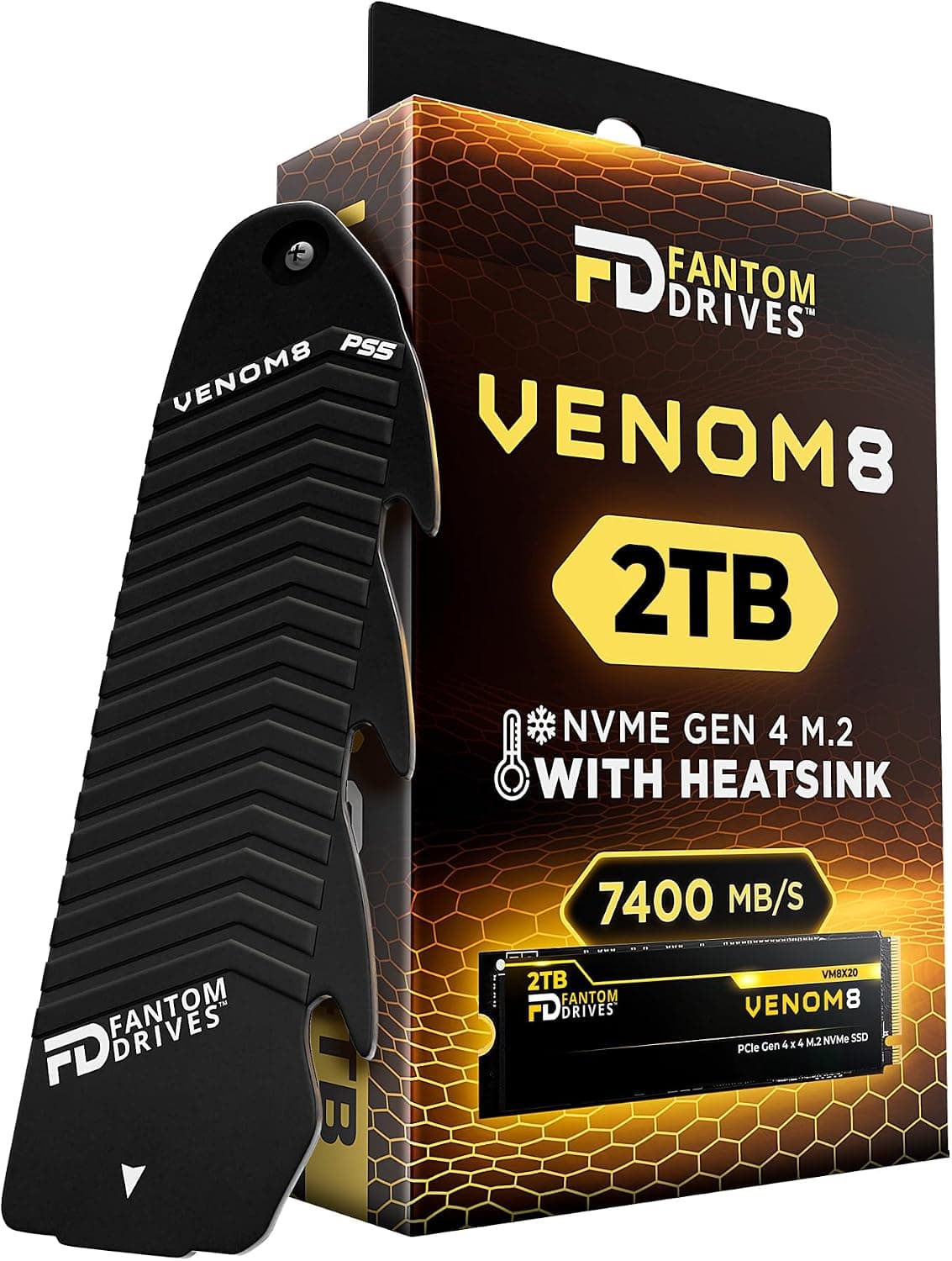
The KIOXIA EXCERIA Heatsink NVMe™ SSD 2TB。 is a PCIe 4.0 x4 / NVMe 1.4 M.2 2280 SSD built on KIOXIA's BiCS FLASH 3D NAND.
Its defining feature is a heatsink that comes pre-installed. It's rated for sequential reads of up to 7,000MB/s, and it goes straight into the PlayStation 5 expansion slot without a separate cooler.
The short verdict: if you want to fix a full PS5 in one purchase with no extra parts, this is a strong option. On desktop PCs it's less clear-cut.
Many motherboards ship with their own M.2 heatsink cover, and the built-in heatsink can get in the way.
If the drive will only ever live in a PC, compare it with heatsink-free drives in the same class before you buy.
This article uses the supplied specs (2TB capacity, PCIe 4.0 x4, 7,000MB/s max read, 800TB TBW, 45g) to cover how the drive works on PS5 and on PC, and what the TBW figure means in real years of use.
It also flags spec entries in the listing that appear to belong to a different product.
Compatibility Guide
The drive is M.2 2280 and uses NVMe over PCIe 4.0 x4. It also works in PCIe 3.0 slots, but speed is then capped by the slot.
| Environment | Works? | Common pitfall |
|---|---|---|
| PS5 (expansion slot) | Yes | Update the system software first. No extra heatsink needed |
| Desktop, PCIe 4.0 M.2 slot | Yes, full speed | Can't be stacked with the board's M.2 heatsink cover. Remove the cover |
| Desktop, PCIe 3.0 M.2 slot | Yes | Practical ceiling is around 3,500MB/s |
| Laptop | Usually no | Heatsink height often keeps the bottom panel from closing |
| 2.5-inch bay / SATA | No | This is an M.2 NVMe drive, so it can't connect over SATA cables |
PS5. Sony's guidance for expansion SSDs is roughly: PCIe Gen4 x4 M.2 NVMe, 5,500MB/s or faster read recommended, and total height including the heatsink within the specified limit.
This drive is designed for PS5 installation with its heatsink attached. After you install it, the console prompts you to format it, and then it can store games.
Desktop PCs. The most common problem is conflict with the motherboard's own M.2 heatsink cover.
You can't put that cover on top of the integrated heatsink, so you'll need to remove the cover and set it aside. M.2 slots directly under the graphics card can also leave little clearance between the heatsink and the back of the card.
Check the board manual to pick a slot before you install the drive.
Laptops. With the heatsink, the drive is much thicker than a bare M.2 SSD.
Most laptop M.2 bays are designed for thin drives, so this one is generally a poor fit.
Choose a heatsink-free model for laptops.
Product Info
| Item | Value |
|---|---|
| Capacity | 2TB (2000GB) |
| Interface | PCIe 4.0 x4 / NVMe 1.4 |
| Sequential read | Up to 7,000MB/s |
| Form factor | M.2 2280 with integrated heatsink |
| TBW | 800TB |
| Weight | 45g |
As of May 2026, the Amazon.co.jp listing was ¥38,936. SSD prices move with sales and NAND market swings, so treat that figure as a reference point and check the current price on the product page.Check the retailer's page for the latest user reviews.
The rating is high, but with that few reviews a handful of outliers can move the average.
The supplied data doesn't include write speed or power draw. If you're buying for sustained writes, such as video exports, check write performance on KIOXIA's product page.
The warranty is described as 5 years or until TBW is reached, but who handles claims can depend on the seller (see below).
What 800TB TBW Means in Years
The spec sheet lists an "endurance estimate" of about 2.2 years, based on writing 1TB per day.
That sounds short, but writing 1TB every day is far beyond typical home use. The assumption is very conservative.
| Daily writes | Time to reach 800TB |
|---|---|
| 1TB (spec sheet assumption) | ~2.2 years |
| 100GB (frequent large game swaps) | ~22 years |
| 50GB (typical gaming / office) | ~44 years |
As a game drive for PS5 or PC, you'll almost certainly outgrow its capacity or replace it for a newer generation long before reaching the TBW. TBW only becomes a real concern for write-heavy work, such as long video capture sessions or virtual machine disks that are written to constantly.
Compared With Alternatives
- PS5-licensed 2TB drives with heatsinks (e.g. Seagate's game drive): These take the same approach, with PCIe Gen4, NVMe 1.4, and a heatsink. For PS5 use, decide on price, warranty terms, and which brand you prefer.
- Heatsink-free PCIe 4.0 2TB drives (e.g. Fikwot FN955): A simpler fit for PCs where you want to keep the board's M.2 cover. For PS5 use you'd need to buy a heatsink separately.
- PCIe 3.0 NVMe drives: On older boards that can't reach PCIe 4.0 speeds anyway, a cheaper PCIe 3.0 drive feels nearly the same in practice.
Most of this drive's value is that it's ready for the PS5 out of the box. In a PC-only build, part of what you pay for goes unused.
Who Should Buy
- PS5 owners who are running out of space: The integrated heatsink means you don't have to pick a separate cooler. At 2TB, you can keep several 100GB+ titles installed.
- PCIe 4.0 desktop owners adding a game drive: Load times and map loading get faster. Plan on removing the board's M.2 cover.
- People who may move it between PS5 and PC later: It works in either, so it's a safe choice when you haven't decided where it will end up.
Not a good fit for: laptop upgrades, builds where you want to keep the motherboard's M.2 cover, or professional workloads with heavy daily writes.
For the last case, choose a drive with higher TBW or published write performance.
Things to Check Before Buying
1. The listing's spec data includes another product's details. The source spec table for this article included "SATA 6 Gbps", "2.5-inch", "Phison S11", "DRAM-less", "Toshiba 64-layer NAND", and "2021".
None of these match a PCIe 4.0 M.2 NVMe drive with an integrated heatsink.
They appear to come from an older SATA drive that also uses the EXCERIA name. This article doesn't use those values.
You may see the same mix-up on the product page, so confirm from the photos and product title that you're buying the heatsink M.2 SSD.
Check the release date with KIOXIA as well.
2. The seller isn't Amazon itself. When the data was captured, the drive was sold and shipped by STORE ELEVEN.
Before you order, confirm whether warranty claims go to the seller or to KIOXIA, and whether the 5-year warranty applies.
**3. If you want to use the motherboard's cover, buy a heatsink-free drive from the start.
4. Expect about half the speed on PCIe 3.0. The 7,000MB/s figure applies to PCIe 4.0 slots.
On PCIe 3.0 boards, speed tops out around 3,500MB/s, so you won't get the performance you're paying extra for.
5. Check the official write speed. The supplied data only includes read speed.
If write speed matters for your work, confirm it on the manufacturer's page.
FAQ
Q. Can I install it in a PS5 as-is? A.
Yes. The heatsink is built in, so you don't need another one.
Update the PS5 system software, insert the drive, and format it when the console prompts you.
Q. Does it work on a PCIe 3.0 motherboard?
A. Yes, but speed is limited to the PCIe 3.0 ceiling, around 3,500MB/s.
Q. Can I use it with my motherboard's M.2 heatsink cover? A.
Not together. Remove the board's cover and rely on the drive's own heatsink.
Q. Isn't 800TB TBW low?
A. At 50GB of writes per day, it would take over 40 years to reach. For gaming it's a non-issue.
Q. I installed it in my PC, but it doesn't show up in File Explorer. A.
New drives come uninitialized. Open Disk Management in Windows, initialize the drive (usually as GPT), and create a volume.
Product Disclosure (Amazon)
- Manufacturer: KIOXIA
- Seller: STORE ELEVEN
- Fulfilled by: STORE ELEVEN
- ASIN: B0D5QC3FT1
- Note: This article covers a manufacturer-made product based on Amazon listing details.