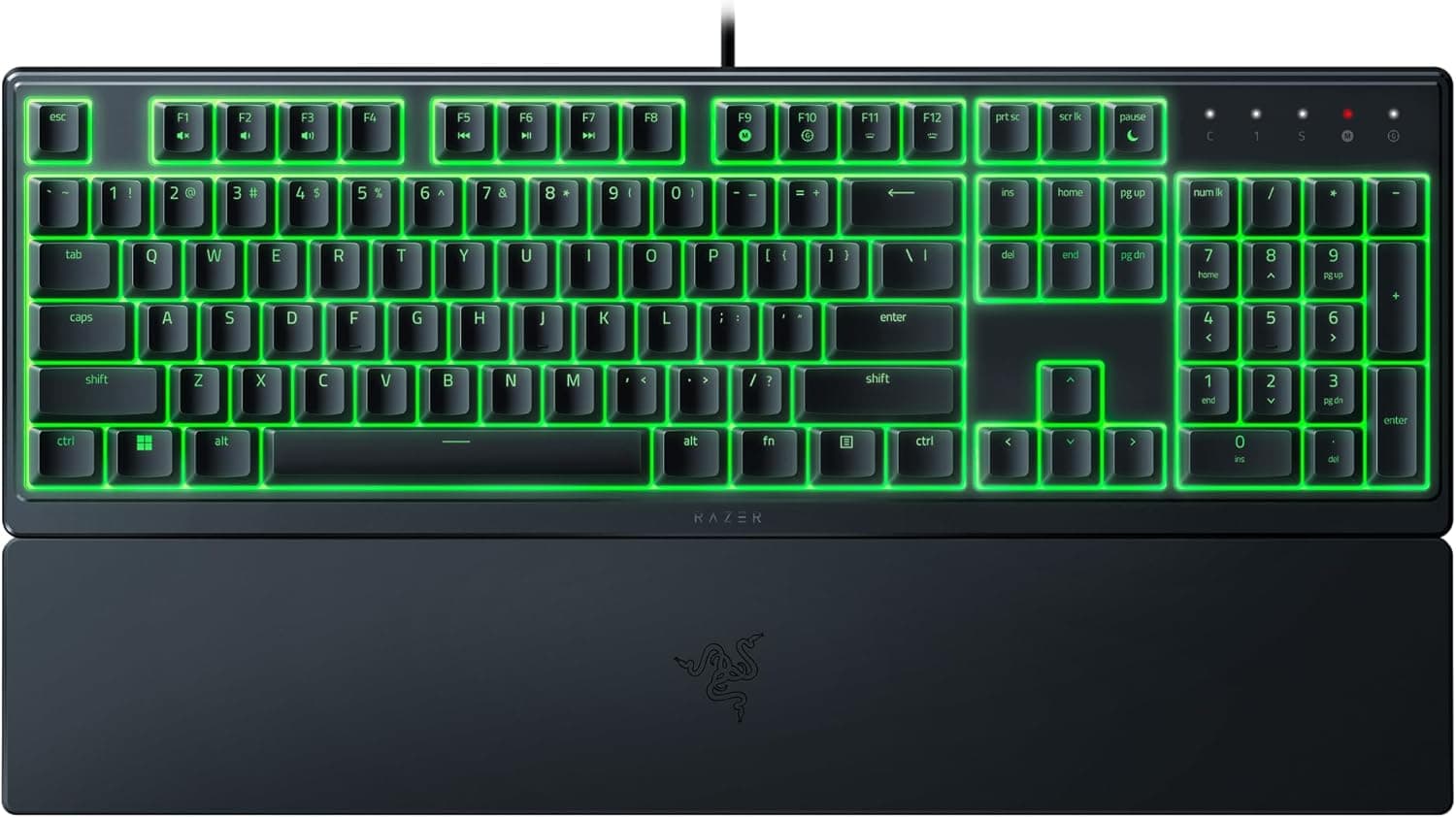
Overview
The Razer Ornata V3 X ゲーミングキーボード is an entry-level wired keyboard aimed at people who need a gaming setup they can use without making noise. The short verdict: if you want mechanical typing feel, look elsewhere — but if your goal is quiet late-night play, or keeping your Razer Synapse and Chroma settings in one place alongside other Razer gear, it does exactly that job.
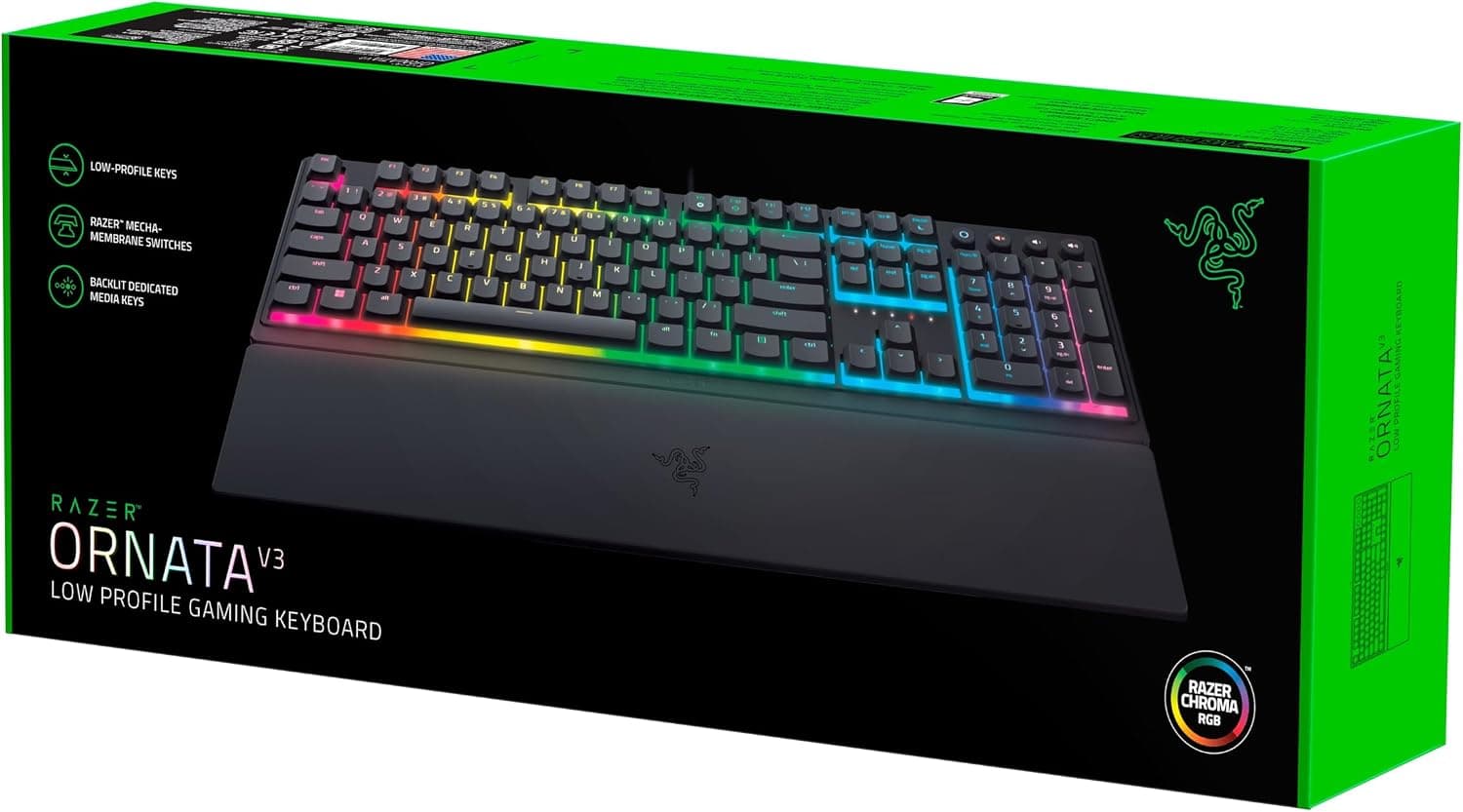
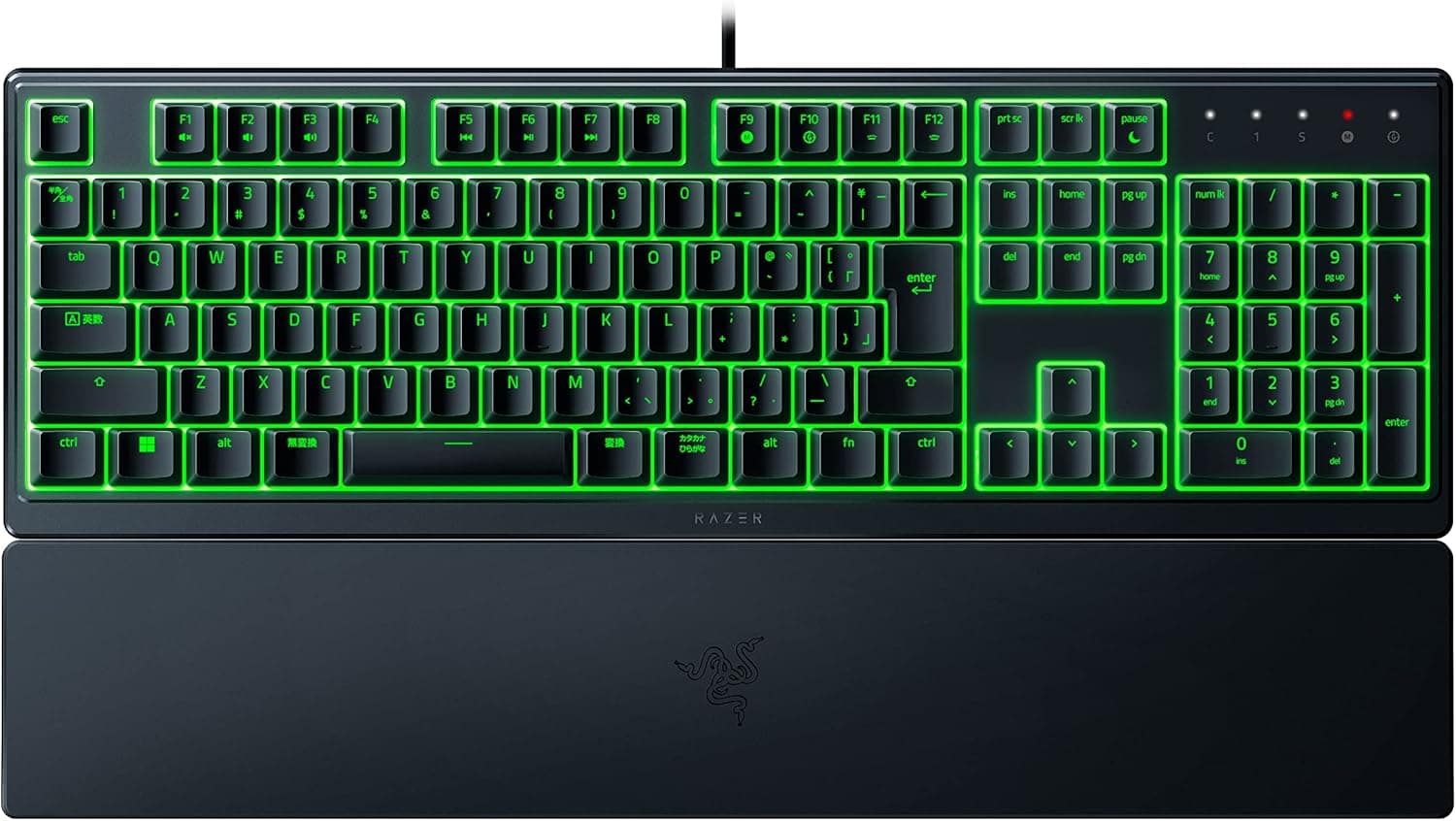
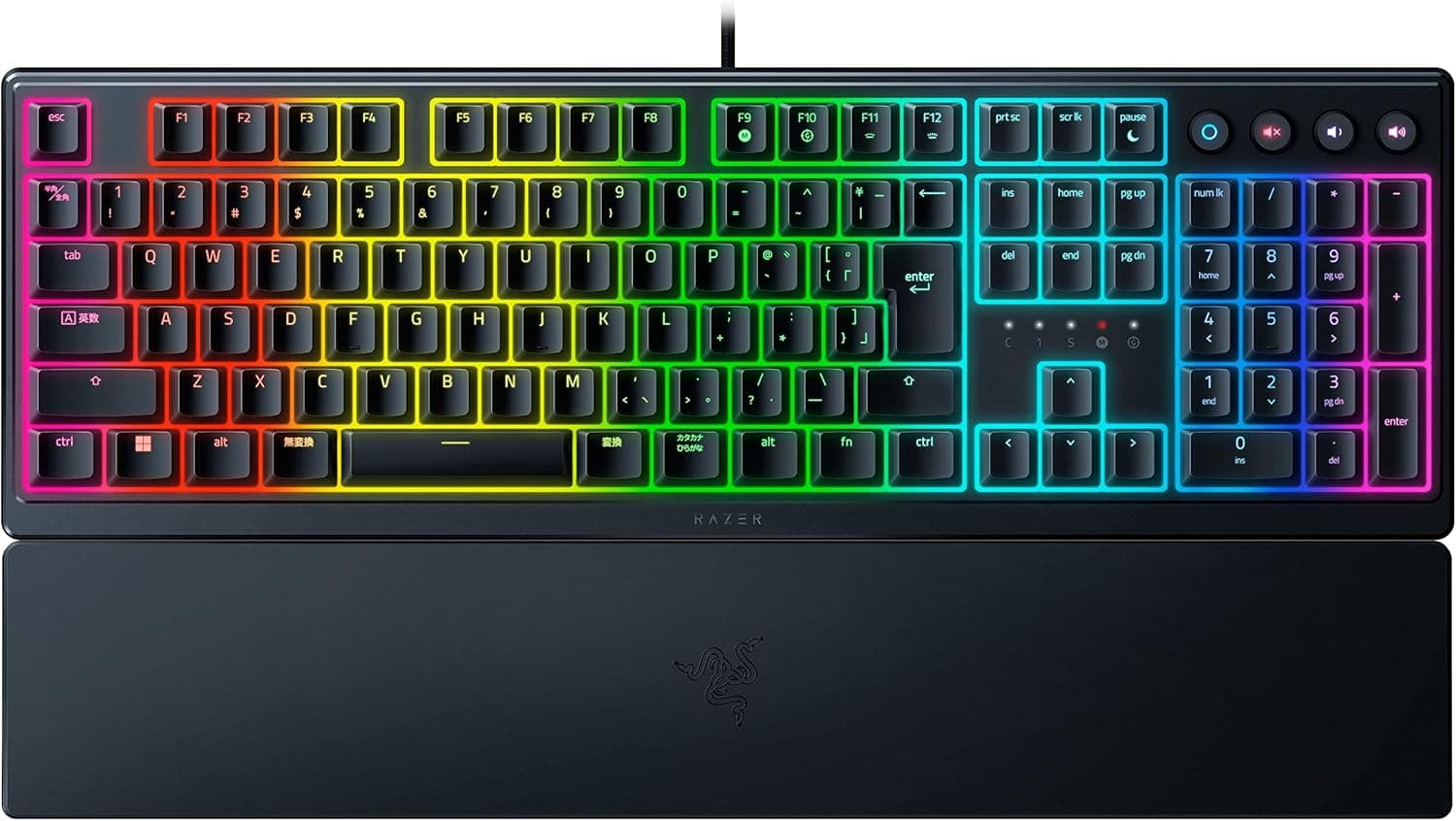
Inside are silent membrane switches paired with low-profile keycaps. The caps carry a UV coating to resist legend wear and shine.
The numbers are worth citing. For an entry-tier peripheral, 544 is a large enough sample to rule out the "unknown quantity" risk.
A 4.4 average, though, is not universal praise — it reflects a split over typing feel and footprint, both covered below.
What Membrane Actually Changes
Membrane switches close a contact by collapsing a rubber dome. There is no crisp actuation point; resistance builds continuously from first press to bottom-out.
The upside is quiet operation. The downside is that your fingers get less information about when a key registered.
Low-profile keycaps add to that. Shorter travel means less finger movement, which helps with rapid repeats and long typing sessions.
If you are used to a laptop keyboard, the transition is nearly seamless. Coming from a tall desktop board, expect a few days of "did that register?" before your hands recalibrate.
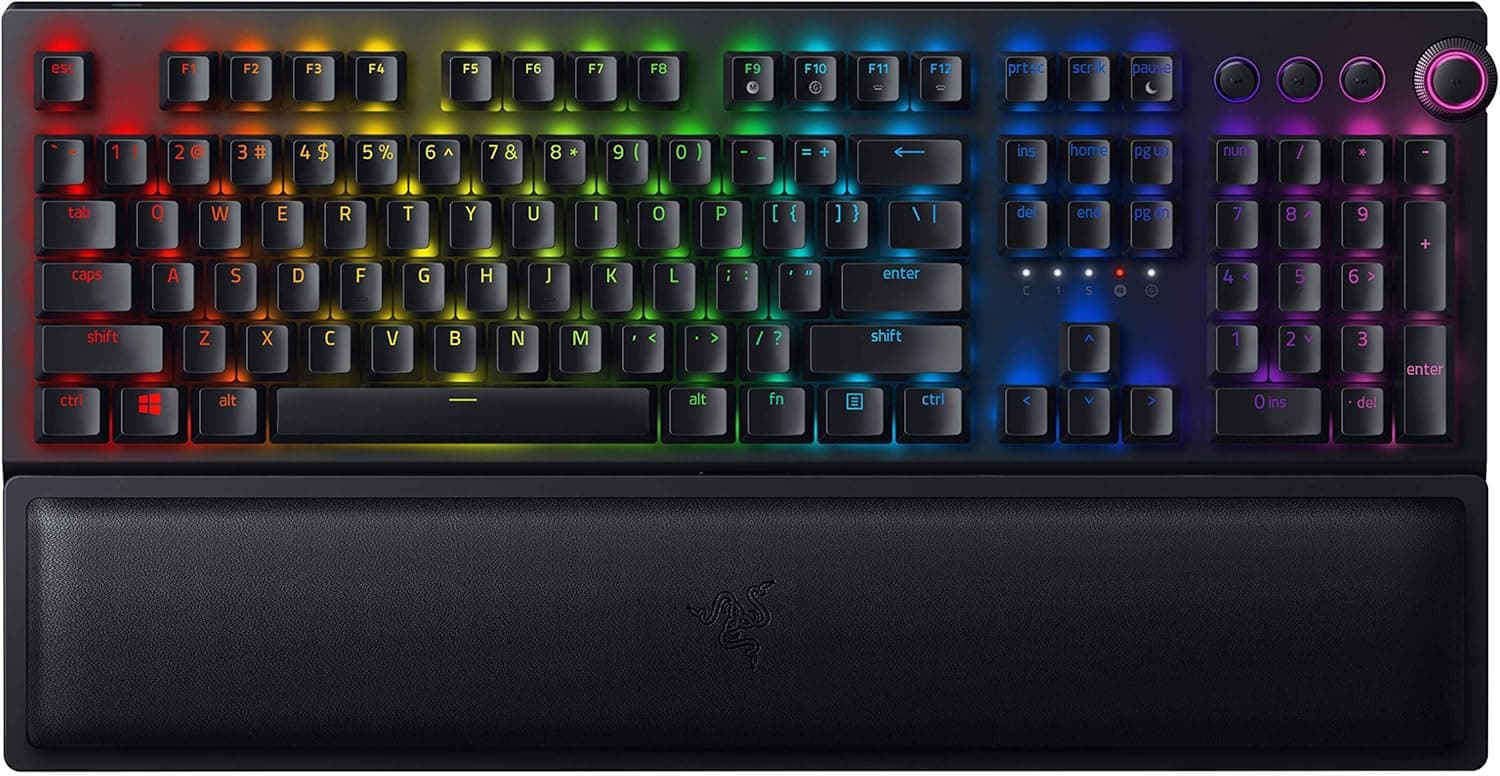
The included ergonomic wrist rest attaches magnetically. Bundle contents can vary between listings, so if the wrist rest is the reason you are buying, confirm what is in the box on the product page first.
Compatibility Guide
Connection is USB-C wired only, with a cable of about 1.8 m. There are no batteries to die and no dropouts, but there is always a cable.
Supported OS is Windows 7 and later. macOS is not officially supported, and this is the most commonly misunderstood point.
Basic typing over USB usually works on a Mac, but Razer Synapse does not run on macOS, so key remapping, macros, and Chroma RGB customization — the actual reasons to pick Razer — are all unavailable. If you switch between Windows and Mac, drop this from your shortlist.
On consoles, PlayStation and Xbox hardware accepts it as a USB keyboard. That means text entry and browser navigation, not guaranteed in-game keyboard control — whether a title accepts keyboard input is up to the game.
Synapse does not run on consoles at all.
Physical fit matters too. If you play FPS at low DPI, measure your actual keyboard-plus-mousepad span before committing.
| Check | Value | What it means |
|---|---|---|
| Connection | USB-C wired | Not for wireless/Bluetooth needs |
| Cable | ~1.8 m | Reaches a floor-standing PC |
| OS | Windows 7+ | No macOS software support |
| Weight | ~700 g | Light; can slide under hard use |
The right column is the practical reading. If the rubber feet feel weak, a thin desk mat fixes it.
Product Info
Released in 2022, the Ornata V3 X sits at the entry point of Razer's range. Skipping mechanical switches keeps the price down while retaining the expected basics: Chroma RGB, spill resistance, and Synapse remapping.
The spec sheet lists lighting only as "Chroma RGB" without stating zone count. Ornata models vary from single-zone to eight-zone, so if per-zone color control is a firm requirement, verify the lighting spec on the product page.
This article will not guess.
A candid note on price: the pricing data attached to this article shows figures that are clearly out of scale for an entry-tier silent membrane keyboard (captured July and September 2026). That strongly suggests the collector picked up a different product or a reseller listing, so no amount is quoted here.
Prices move constantly — check the product page for the current figure, and cross-check a couple of retailers against comparable membrane and mecha-membrane boards.
Most peripherals at this tier ship with one, so two is on the generous side. It is sold through major e-commerce sites, electronics retailers, and the official Razer store.
Compared With the Alternatives
Within Razer there are three comparisons. The Ornata V3 TKL drops the numpad and narrows the footprint — the better pick for small desks and low-sensitivity mouse users.
The Cynosa line is also membrane but not low-profile, for people who want deeper travel. The BlackWidow line is fully mechanical, trading quiet for feel.
Widening the field, the real question is not "quiet or tactile" but "quiet, or pay for silent mechanical." Silent linear and hot-swap boards have pushed down into the entry tier, so membrane is no longer the only quiet option.
The Ornata V3 X's durable edge is ecosystem: one Synapse install managing your mouse, headset, and keyboard together. If you own no other Razer gear, that advantage is worth nothing to you.
Best Use Cases
- Existing Razer owners — one Synapse profile and one Chroma sync instead of another background utility per brand.
- Laptop keyboard users — short travel makes the transition easy if tall desktop boards have tired your fingers.
- People sharing one desk between work and play — numpad for data entry, RGB and macros for games, one device for both.
Things to Consider
Skip it if typing feel is your priority. A rubber dome cannot structurally match a mechanical switch's defined actuation point or return.
Buying it expecting "quieter and nicer than a cheap mechanical" almost always ends in disappointment; stretch the budget to silent mechanical instead.
Treat the keycaps as fixed. The low-profile caps are proprietary, so standard Cherry MX sets will not fit, and there is no hot-swap.
This is not a keyboard you modify over time.
** "Not enough room to swing the mouse" is the single most common regret at this size. If you touch the numpad a few times a month, a TKL will make you happier.
On macOS it becomes a plain USB keyboard. No lighting control, no remapping.
Listing metadata can be wrong. In the data behind this article, the price source label did not match the actual storefront, and the amounts themselves were out of scale for this product class.
The Amazon seller and shipper are also a third-party marketplace merchant rather than Razer or Amazon itself. Listing details genuinely do contain errors sometimes.
Spill resistance is not waterproofing. It is designed for small splashes, not a tipped-over mug.
If it happens, unplug immediately and dry it face-down.
FAQ
Q: Does it work on a Mac? A: It usually registers as a USB keyboard for typing, but official support is Windows 7 and later only.
Synapse does not run on macOS, so no remapping, macros, or Chroma customization.
Q: How much quieter is it than mechanical? A: No manufacturer noise figure exists, so no hard number — but structurally it is far quieter than a clicky blue switch.
Against a silent linear mechanical, the gap narrows a lot.
Q: Can I swap keycaps or switches? A: Assume no to both.
The low-profile caps are proprietary, and membrane construction has no swappable switches.
Q: Will it work on PS5 or Xbox? A: For chat entry and browsing, yes.
In-game keyboard control depends on the title, and Synapse does not run on consoles.
Q: How trustworthy is the review score?
Most negatives concern typing feel and footprint, matching the cautions above.
Q: Can I change the lighting? A: Yes, via Synapse on Windows.
The spec sheet says only "Chroma RGB" without zone detail, so check the product page if you need per-zone control.
Product Disclosure (Amazon)
- Manufacturer: Razer(レイザー)
- Seller: 海亀商通
- Fulfilled by: 海亀商通
- ASIN: B09X5YLT91
- Note: This article covers a manufacturer-made product based on Amazon listing details.