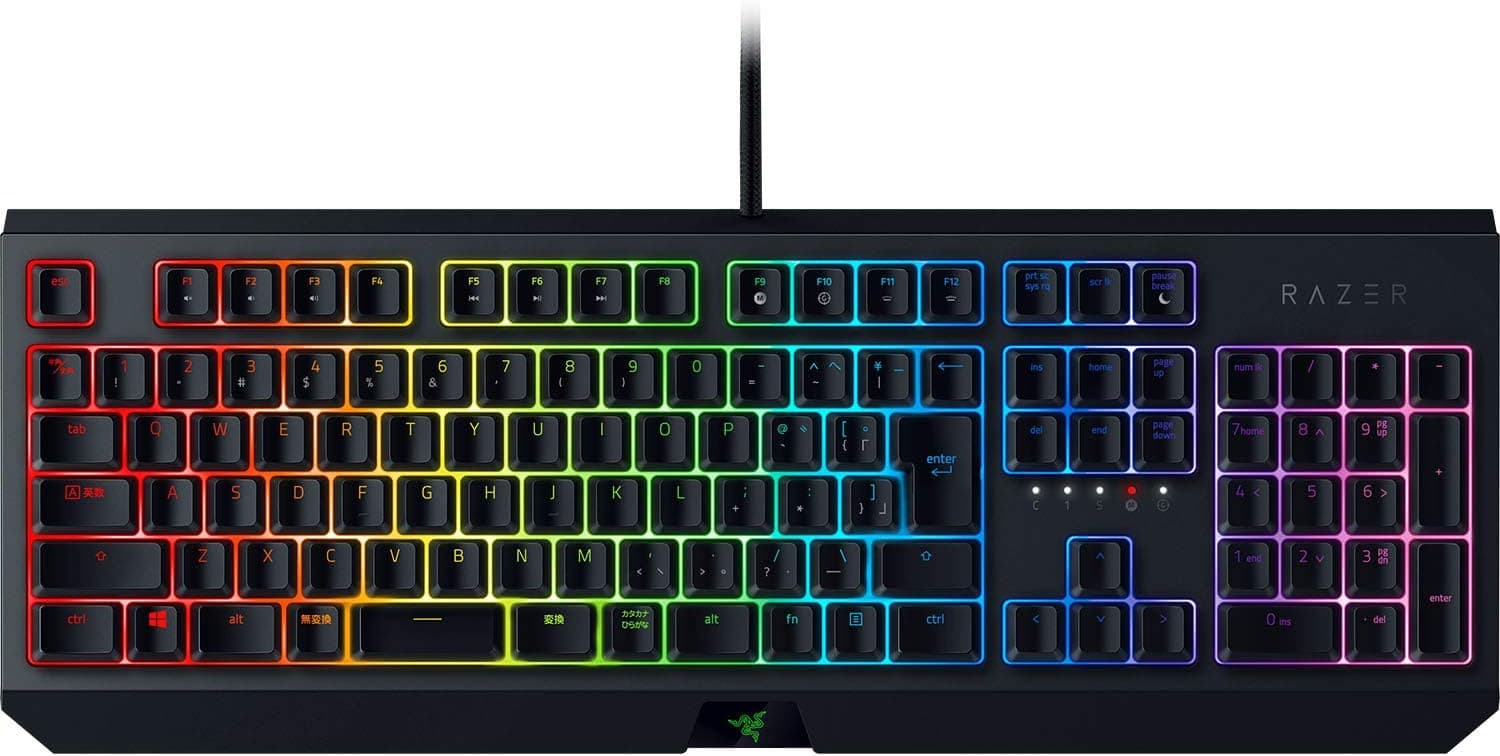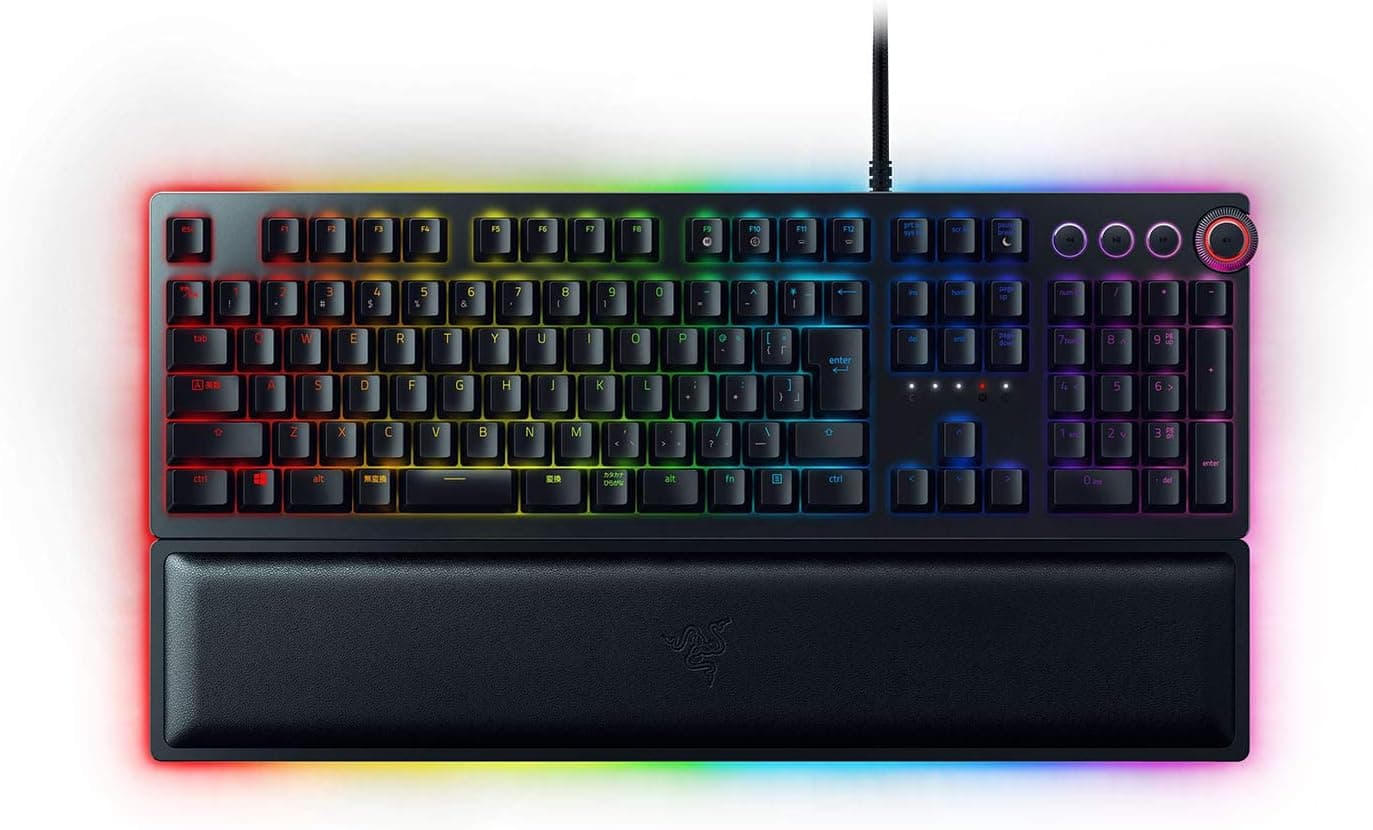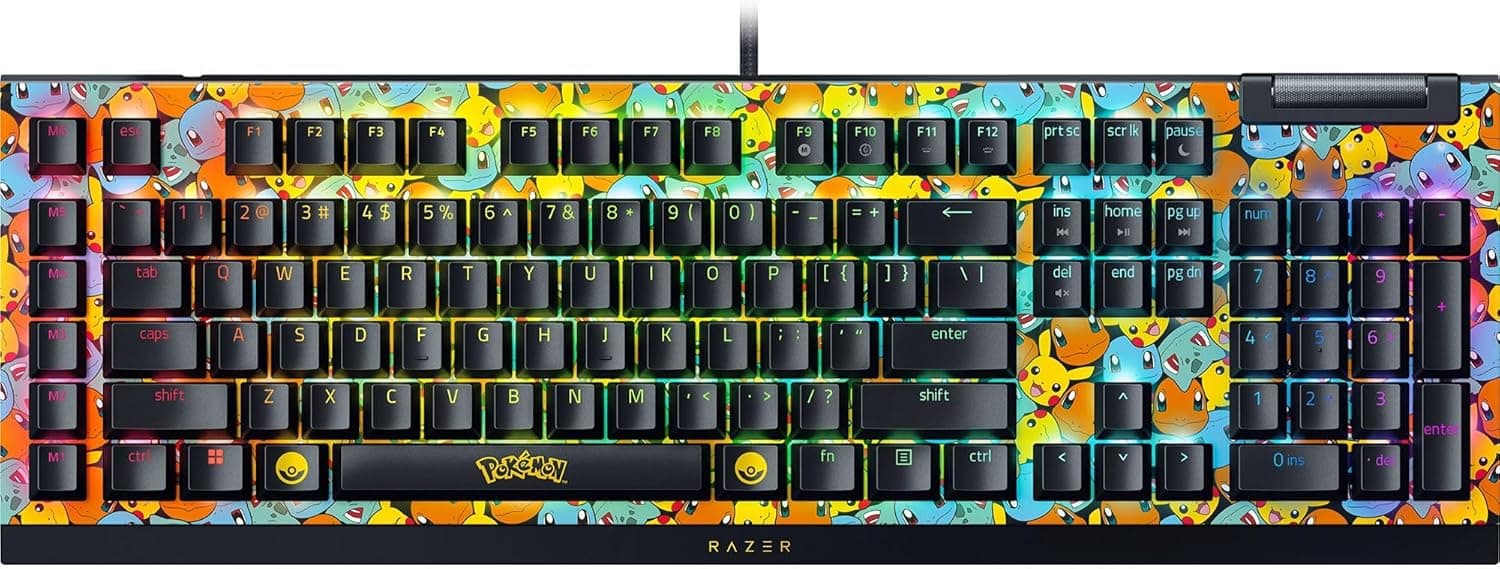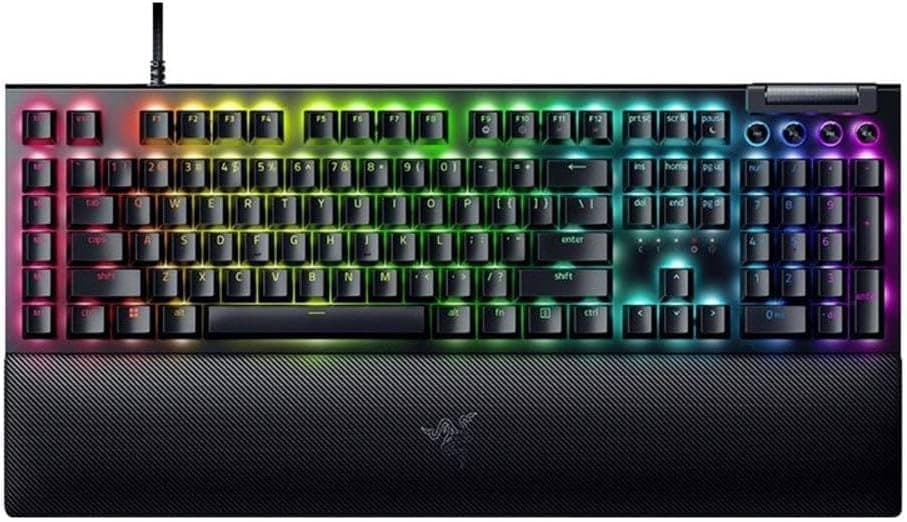
This article takes a closer look at the Razer BlackWidow V4 Pro (Green Switch) - Mechanical Gaming Keyboard (Clicky Mechanical Switches), covering specs, review data, and the practical trade-offs.
Overview
The Razer BlackWidow V4 Pro is Razer's flagship full-size (104-key) mechanical gaming keyboard. The short verdict: unless you either build macros regularly or actively enjoy a clicky typing sound, this is more keyboard than you need.
If you do fit those two profiles, few boards in this class offer this many physical controls.
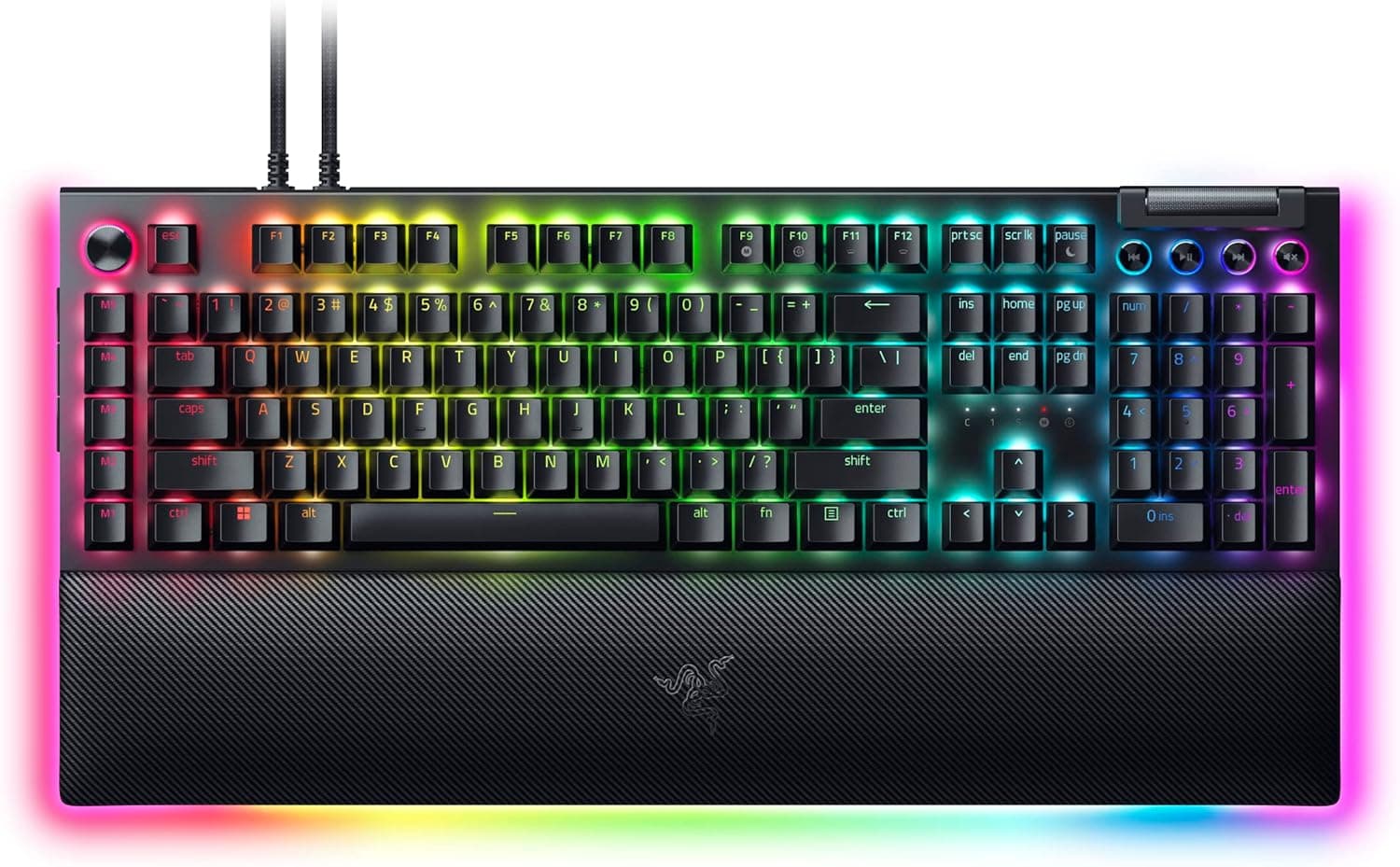
The core of the design is three input systems: eight dedicated macro keys along the left edge, a Command Dial at the top left, and a multi-function roller. All are remappable in software, so they serve streaming scene switches, volume, and brightness just as well as in-game abilities.
Lighting covers per-key RGB plus an underglow RGB strip, with Razer Chroma RGB sync across supported devices and games.
As captured on 2026-06-30, the Amazon.co.Check the retailer's page for the latest user reviews.
That sample is small enough that the score is indicative rather than conclusive, but it is a reasonable result for a flagship board.
About the Razer Green Switch
Razer Green is a clicky switch: you get an audible click and a distinct tactile break partway through the keypress. Confirmation arrives through both your finger and your ear, which helps you catch typos early and makes long typing sessions feel responsive.
The trade-off is unavoidable. Clicky switches are meaningfully louder than silent linear or standard tactile switches. That is true of clicky switches generally, not just Razer Green, and no amount of foam or gasket mounting removes it.
If noise is a constraint, a linear Yellow-switch variant of the same BlackWidow family is the safer pick. Do not assume you can swap switches later to solve this — check the product page for hot-swap support before counting on it.
Compatibility Guide
Connection is wired only, via a detachable USB-C to USB-A cable roughly 2 m long. There is no wireless mode.
The detachable design does mean you can replace just the cable if it fails, and route it more cleanly under a desk.
| Item | Spec | Practical note |
|---|---|---|
| OS | Windows 10/11 | Full Synapse functionality here |
| macOS | Basic key input only | No macro or lighting customization |
| Layout | 104-key full size plus macro column | Wider than a standard full size — measure your desk |
Width is the most common mistake. On top of the 104-key full-size layout, the added macro column pushes the board wider than a typical full size, and the magnetic wrist rest adds depth.
If you use a keyboard tray or a sliding shelf, measure the surface before ordering.
The second is the USB port. With lighting active, a stable direct port is more reliable than an unpowered hub, where flicker or dropped detection can occur.
Product Info
Pricing needs a warning. The captured figures were ¥71,852 on Amazon.co.jp as of 2026-06-30, ¥80,346 as of 2026-08-26, and $189.99 on eBay US as of 2026-08-02.
The two yen figures sit far above this product's normal class (the original launch positioning was around ¥30,000). The listing ships from an import reseller rather than Razer or a major retailer, and the overseas marketplace figure from the same period is $189.99 — which points to parallel-import or resale markup.
So do not read those yen figures as the going rate. All three are snapshots from their capture dates and move with sales and seller rotation.
Check the current price and seller on the product page, and compare against the Razer store or an authorized retailer where possible.
Alternatives
The closest comparisons are the Corsair K70 family and the Logitech G915. The K70 line's strength is switch choice, including Cherry MX options, which suits anyone who already knows the feel they want.
The G915 offers low-profile mechanical switches and wireless, better for a clean desk or a shallower travel preference.
Where the BlackWidow V4 Pro clearly wins is the sheer count of physical auxiliary inputs. Eight macro keys plus a dial plus a roller is a different experience from reaching for an Fn layer.
Where it loses is footprint, quietness, and portability. That is a design philosophy difference, not a ranking — pick the side that matches your desk.
Best Use Cases
- Serious MMO and MOBA players: map abilities, items, and target swaps to the eight macro keys and the Command Dial. Fewer Fn-layer reaches means more repeatable execution under pressure.
- Streamers and recorders: assign scene switches, mic mute, and volume to the macro keys and roller so you never look away from the game.
- People who want the click: Razer Green gives clear feedback and stays satisfying for long typing sessions, not just gaming.
- Desk lighting builders: per-key RGB, underglow, and Razer Chroma RGB let the board sit inside a coordinated setup.
Things to Consider
1. Assume it is loud. This is the main compromise.
Clicky switches create their feel by making noise. In a shared room, an office, a voice-chat-heavy setup, or late at night, the sound will be an issue, and mic noise suppression will not fully hide it.
If quietness matters at all, choose a different switch.
2. Razer Synapse is Windows-only. macOS gets basic typing but no macro recording, remapping, or lighting customization.
Since most of this board's value sits in those features, macOS users are paying flagship money for an ordinary keyboard.
3. This is a set-it-and-leave-it board.
It is poor for travel, and low-sensitivity FPS players will find the full-size width plus macro column eats into mouse space. A TKL or 65% makes more sense for FPS-first setups.
4. No wireless. Wired only. The detachable cable helps with cable management, but it does not satisfy a wireless requirement.
**5. Verify the seller and the price.Check the retailer's page for the latest price. Parallel-import units may be handled differently from domestic stock for warranty purposes. Confirm the warranty terms, support contact, and keyboard layout (this model circulates in multiple layouts) before ordering. Listing metadata — manufacturer, model number, compatibility — is sometimes wrong on marketplace pages, so check both the photos and the title to confirm you are buying the Green Switch version of the BlackWidow V4 Pro. The V4 line also includes the V4 X and V4 75%, which differ in whether the macro keys and Command Dial are present at all.
6. The review count is 89. That is the figure captured on 2026-06-30.
A 4.3 average is good, but the sample is too small to reveal QC patterns.
Read the 1- and 2-star review bodies before buying.
FAQ
Q. How loud is the Razer Green switch? A.
There is no published decibel figure, so no exact number — but clicky switches are clearly louder than silent or standard tactile ones. Expect voice chat partners and people in the same room to hear it.
Choose a linear model if you need quiet.
Q. Does it work on macOS? A.
Basic typing works. Razer Synapse is Windows-only, so macros, remapping, and lighting customization — the features you are paying for — are unavailable.
Look elsewhere if macOS is your main platform.
Q. Are the macro keys useful outside games? A.
Yes. Synapse can bind arbitrary keystrokes or app launches, so they work well for video editing shortcuts, streaming scene switches, and boilerplate text.
The dial and roller suit continuous values like volume, brightness, and timeline scrubbing.
Q. Why does the price swing so much? A.
Mostly the seller. Check the seller and fulfillment details, compare across retailers, and treat the current product page as the only reliable price source.
Q. Do I need the wrist rest? A.
Not strictly, but this is a standard-height mechanical board, so typing flat for long periods tends to angle the wrists up. The included rest is magnetic and trivial to attach — start with it on.
Q. Can I replace the cable? A.
Yes, since it is a detachable USB-C to USB-A cable. Check connector clearance before buying a custom cable, as some housings interfere physically.
Product Disclosure (Amazon)
- Manufacturer: Razer(レイザー)
- Seller: 輸入本舗T-market
- Fulfilled by: 輸入本舗T-market
- ASIN: B0BSTNTLR1
- Note: This article covers a manufacturer-made product based on Amazon listing details.