Overview
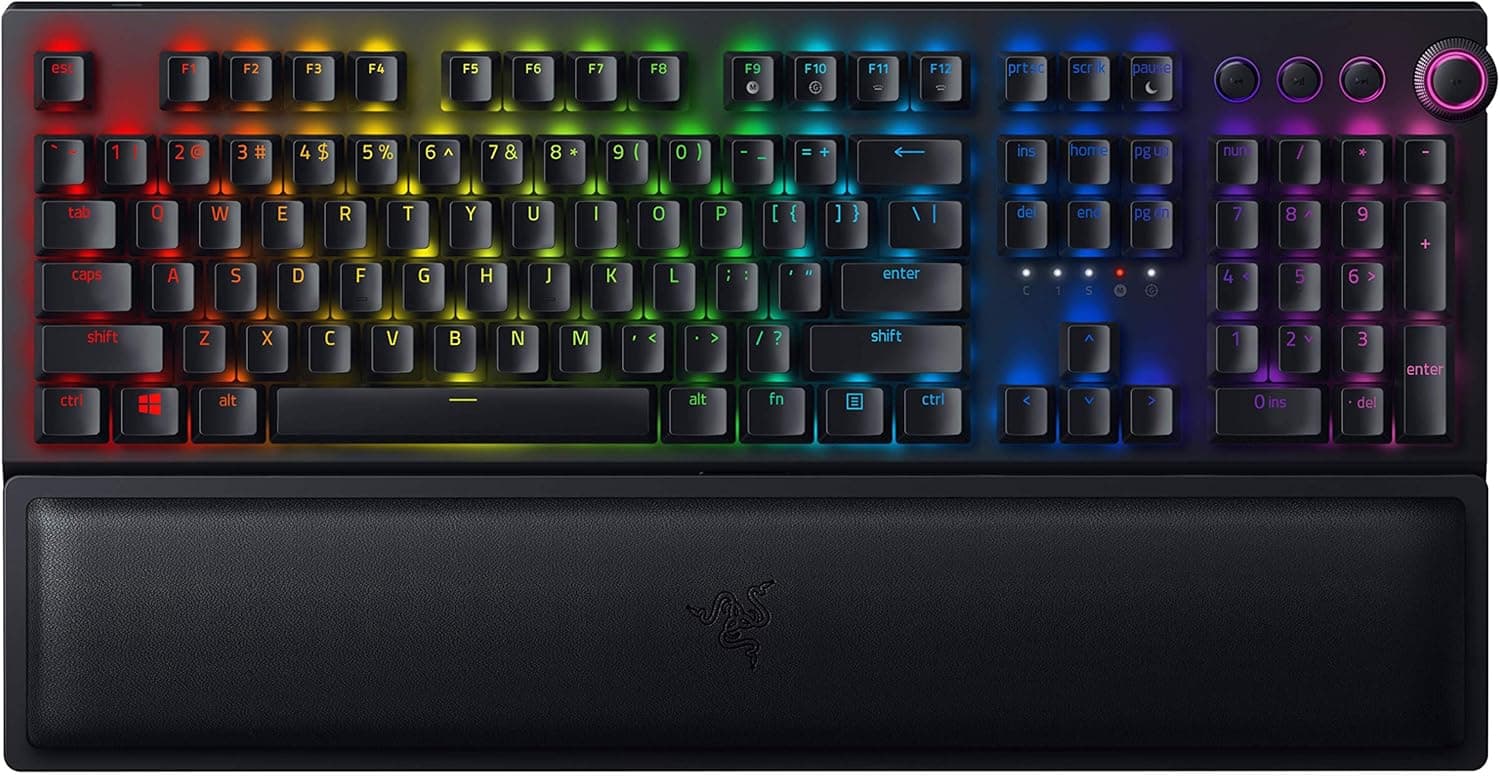
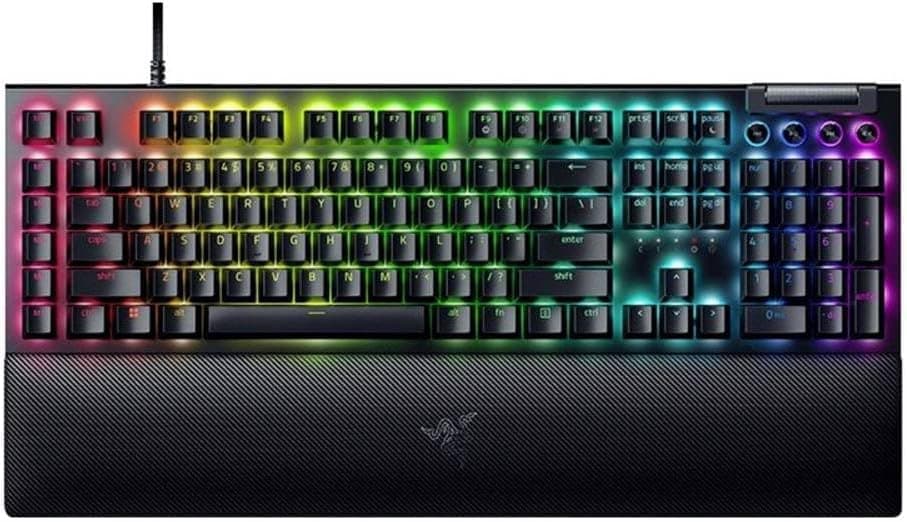
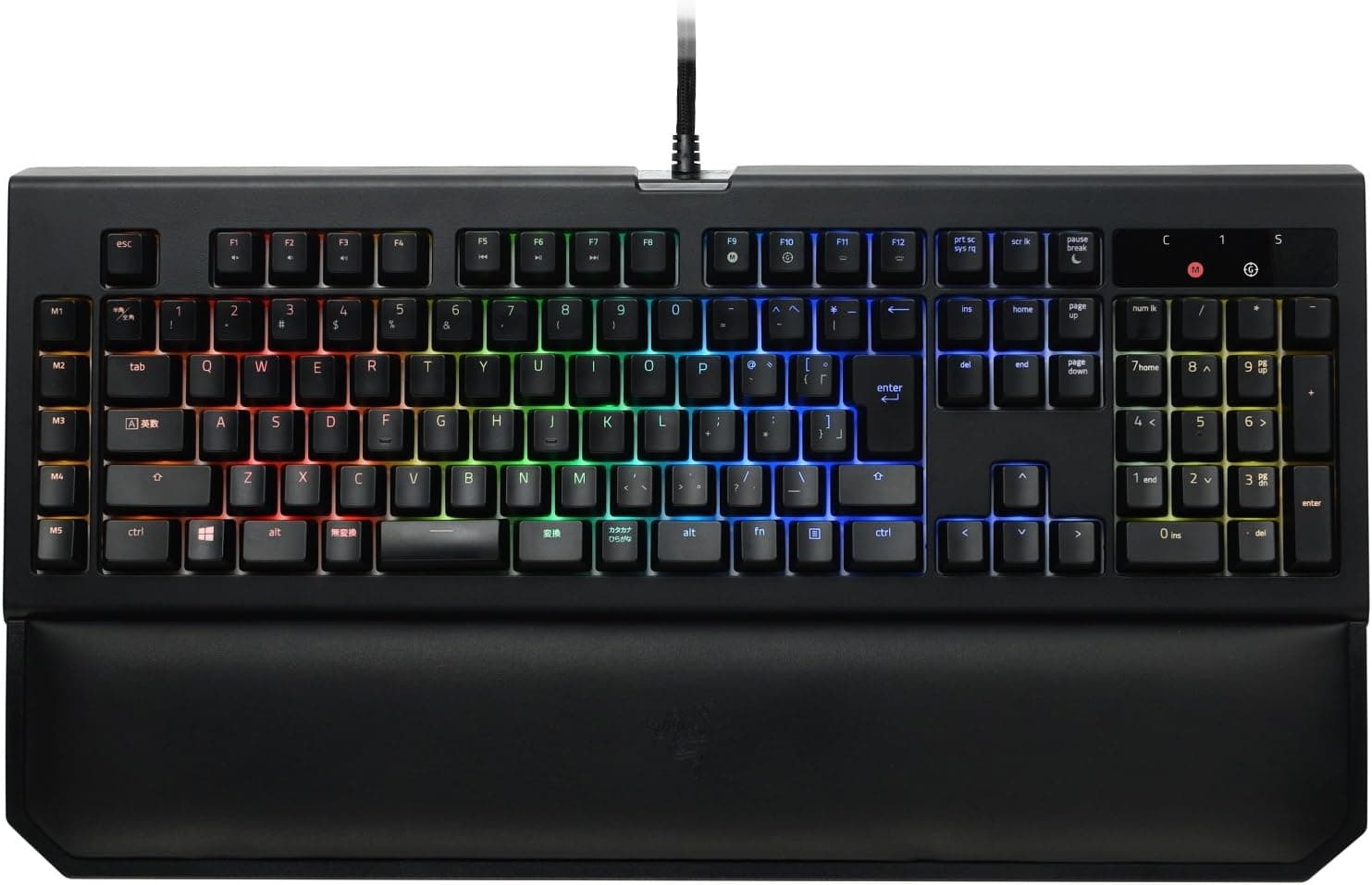
The Razer BlackWidow Chroma V2 JP Yellow Switch (model RZ03-02033100-R3J1) is a full-size mechanical gaming keyboard with a numpad, built around Razer's own Yellow mechanical switches. The short version: it suits people who type Japanese every day and want a quiet, smooth linear feel for gaming too.
It is a poor fit if you want to replace the cable or swap switches, or if you need a compact board to free up desk space.
The Yellow switch is a light linear switch with a 45g actuation force and no audible click like Blue switches. Backlighting is per-key Chroma RGB with 16.8 million colors, and Razer Synapse handles per-game profiles, lighting effects and macros.
Polling rate is 1000Hz, key rollover is 10 keys, and a magnetic ergonomic wrist rest is included.
This is an older model (the original article gives a 2017 release, which is when the Japanese JIS Yellow Switch model appeared). Compared with current keyboards, that age shows in a non-detachable cable and switches you cannot swap.
This article uses the listed specs to work out who still has a reason to pick it today, and where you will have to compromise.
Compatibility Guide
Connection and OS
The keyboard connects over USB through a fixed, non-detachable cable. The listed OS support is Windows 7, 8, 10 and 11.
Lighting, macros and profile management all depend on Razer Synapse. On macOS, basic typing works, but the software does not, so the lighting stays at its default.
You need one free USB port. Some thin laptops only have USB Type-C ports, which means you need an adapter or hub, so check the cable's connector in the product photos.
On game consoles it is often recognized as a generic USB keyboard, but Chroma lighting control is unavailable and console support is not guaranteed. If console use is your main goal, pick a product that explicitly supports your console.
Desk Space and Weight
The body measures 475 × 171 × 39 mm and weighs 1500 g. Being full-size, it is wide, and the wrist rest adds depth at the front.
If your desk is shallow, or you play FPS games at low sensitivity with large mouse sweeps, measure how much room is left to the right of the keyboard before buying.
The 1.5kg weight keeps the keyboard from sliding while you type.
It also makes the board a poor choice if you move it around often. It is designed to stay in one place.
Layout
The layout is Japanese JIS, with Muhenkan, Henkan and Katakana/Hiragana keys around the spacebar. If you already type on a standard Japanese keyboard, you will feel at home.
However, the spec lists the key count as 104 keys, while a typical full-size JIS board is usually counted at 108 to 109 keys. The difference may come from a different counting method or from a listing error, so check the product photos if the exact layout matters to you.
US-layout keycap sets often do not fit the JIS-specific keys: the tall Enter key, the shorter spacebar and the keys around the right Shift. If you plan to swap keycaps, you need a set that supports JIS.
Software (Razer Synapse)
Razer Synapse has gone through several generations. Older devices may not be supported by the newest version, or may only be configurable in an older release.
Check Razer's official supported-device list to see which Synapse version works with this keyboard. If you are buying it for the lighting or macros, this is the most important thing to confirm.
Product Info
| Item | Value |
|---|---|
| Model number | RZ03-02033100-R3J1 |
| Switch | Razer mechanical switch (Yellow) |
| Actuation force | 45 g |
| Keystroke durability | 80 million |
| Backlight | Chroma RGB (16.8M colors) |
| Polling rate | 1000 Hz |
| Key rollover | 10-key |
| Layout | Japanese JIS (listed as 104 keys) |
| Interface | Wired USB (fixed cable) |
| Dimensions | 475 × 171 × 39 mm |
| Weight | 1500 g |
The switches are rated for 80 million keystrokes. For everyday typing and gaming, the cable or the keycap legends are more likely to wear out before the switches do.
10-key rollover means up to 10 simultaneous key presses register correctly. Outside of fighting or rhythm games with heavy chording, you will rarely hit that limit.
Check the retailer's page for the latest price. A capture of the same listing on August 26, 2026 recorded a much lower ¥4,990.
An eBay listing showed $126.55 as of August 2, 2026 (an overseas listing, so shipping and import fees may be extra).
Because prices vary this widely between captures, always check the current price before buying. Also confirm whether a cheap listing is new, used or outlet stock, and whether it is the domestic warranty version.
Check the retailer's page for the latest user reviews. The rating is good but the sample is small, so read the individual reviews for defect reports.
The Japanese listing marks this unit as covered by the official Japanese distributor warranty, which the original article gives as two years. Whether you actually get that warranty depends on where you buy, so check the seller's terms.
The box contains the keyboard, the wrist rest, a quick-start guide and Razer stickers. No spare keycaps or cable are included.
How the Yellow Switch Feels
The Yellow switch is linear, so it travels to the bottom with no bump. There is none of the tactile step you get with Brown switches.
At 45g, it is on the light side for mechanical switches. Keys register with a light touch, which helps with fast repeated presses and fine WASD movement without tiring your fingers.
Razer rates it at 1.2mm actuation and 3.5mm total travel, slightly shallower than typical mechanical switches.
The flip side of light, short keys is that they can register when you merely rest a finger on them. Some people make more typos in long typing sessions because they brush neighboring keys.
Switch feel is very personal, so trying a similar switch in a store before you buy is the safest approach.
Quiet does not mean silent. There is no click, but you will still hear the key bottoming out and springing back.
With a nearby microphone for voice chat or streaming, those sounds can be picked up. If that bothers you, repositioning the mic or fitting aftermarket O-rings (small dampeners placed under the keycaps) will help.
Compared with Alternatives
Whether to buy this keyboard today comes down to how it compares with newer designs at a similar price. Here are the main types and how they differ.
| Alternative type | Difference from this keyboard | Best for |
|---|---|---|
| This model (full-size, JIS, Yellow) | Numpad and JIS layout in one board. Fixed cable, no switch swapping | Heavy Japanese and number input, quiet linear gaming |
| Wired hot-swap TKL | Swap switches to change the feel. No numpad, so more mouse room | Switch experimenters, gamers who need desk space |
| Compact magnetic-switch board | Often adjustable actuation, competitive focus. Far fewer keys | FPS players chasing input speed |
| Low-profile mecha-membrane | Different feel from mechanical, lower height | Users of thin keyboards who prioritize price and quiet |
Once you need both a numpad and a JIS layout, and you prefer linear switches, the list of candidates gets much shorter. If you meet all of those conditions, this keyboard is still worth considering despite its age.
If you can drop either requirement, newer designs give you more options.
Best Use Cases
- Gamers and streamers who want quiet typing: The Yellow switches have no click and a smooth linear stroke. They suit FPS and RTS players who press keys rapidly, and streamers who do not want clicking on stream (bottom-out noise still applies, as noted above).
- Heavy Japanese typists: The JIS layout includes the dedicated conversion keys, so it feels like any standard Japanese keyboard. The full numpad helps with spreadsheets and data entry.
- Razer ecosystem users: You can sync lighting with Chroma-compatible Razer mice and mousepads, and Synapse macros help automate repetitive tasks (confirm which Synapse version supports this keyboard first).
Who Should Skip It
- People who prefer the click of Blue switches or the tactile bump of Brown switches
- Anyone who wants protection against a broken cable, or wants to swap switches
- Users with limited desk space who want a compact layout
- Mac or console users who want full lighting control
- Casual users who do not need a gaming keyboard and would be fine with a cheap membrane board
Things to Consider
The cable cannot be replaced. The USB cable is permanently attached, so a damaged cable is hard to repair yourself.
Avoid running over it with a chair or bending it hard against a desk edge. Routing it so the base of the cable is not under strain will extend its life.
Check software support first. Because this is an older product, confirm on Razer's official compatibility list that current Synapse can configure it.
If lighting or macros are why you are buying it and they turn out to be unsupported, you are left with a plain Yellow-switch keyboard.
**Prices vary widely, so check the condition. If you find a cheap listing, confirm whether it is new, used or outlet stock, and whether it carries the Japanese distributor warranty. For eBay or other overseas listings, the key questions are whether the unit really has the JIS layout and whether any domestic warranty applies.
If buying used, test every key (especially the heavily used WASD, spacebar and Enter). Look for uneven or dead LEDs, sticky keys, chatter (one press registering twice) and wear where the cable meets the body.
The switches are rated for 80 million keystrokes, but worn legends and dust-related sticking are common on heavily used units.
Keycap swaps have limits. The Yellow switch uses a cross-shaped stem, so most Cherry MX-compatible keycaps fit physically.
However, JIS-specific keys such as Enter, the spacebar and right Shift often do not match US-layout sets. If you want the RGB to shine through, you also need keycaps with translucent legends.
Verify the key count and passthrough ports in the product photos. The spec lists 104 keys, which does not match a typical full-size JIS count.
The original article also says there is no USB passthrough port (a port on the keyboard for plugging in a mouse or other device). Features vary between BlackWidow generations, so if you need passthrough, check the photos.
Listing details are sometimes wrong, so use the photos and the model number RZ03-02033100-R3J1 to confirm you are looking at the right product.
FAQ
Q. Does it work on a Mac? A.
Basic typing works. Razer Synapse is unavailable, so you cannot change lighting or record macros.
Some JIS keys may also map differently on macOS than on Windows.
Q. Are Yellow switches really quiet? A.
They are much quieter than Blue switches because there is no click. They are not silent, though: bottoming out and key return still make noise.
With a nearby mic, O-rings are a sensible fix.
Q. Can I change the keycaps? A.
Yes, the cross stem accepts most Cherry MX-compatible keycaps. Make sure the set includes the JIS-size keys.
Q. Can I use it with a PS4 or PS5? A.
It is often recognized as a generic USB keyboard, but console operation is not guaranteed and lighting control is not available. If console use is your priority, choose a product that supports it.
Q. Why do prices vary so much between listings? A.
The model is several years old, so stock, outlet, used and overseas listings are all mixed together. Prices are only valid at the time they were captured and change constantly, so check the condition and warranty before buying.
Product Disclosure (Amazon)
- Manufacturer: Razer(レイザー)
- ASIN: B074Z8Q8CB
- Note: This article covers a manufacturer-made product based on Amazon listing details.