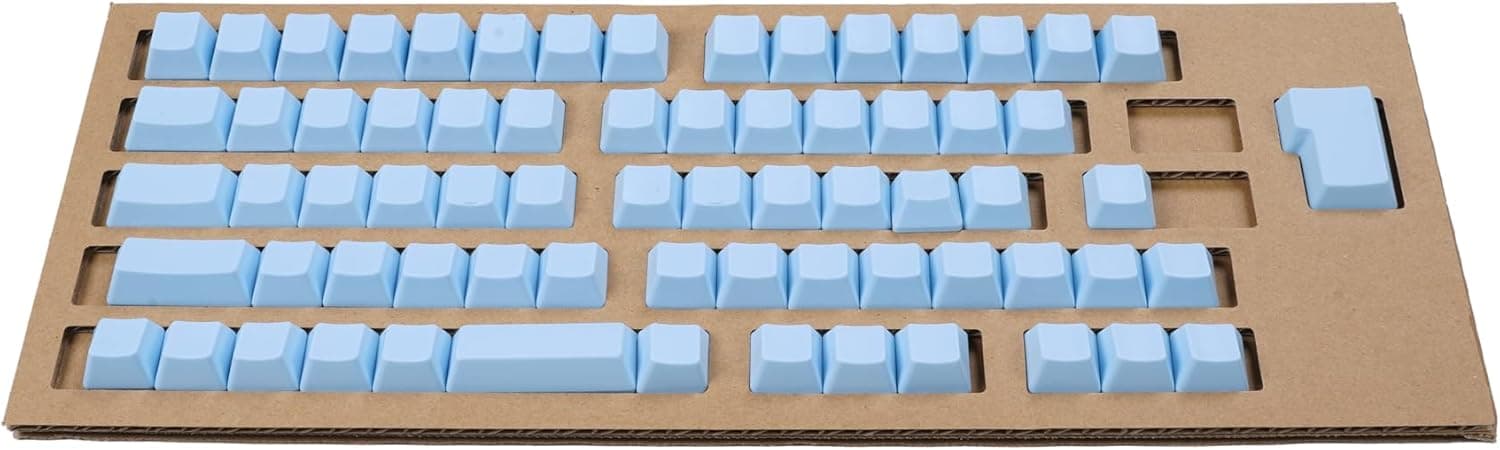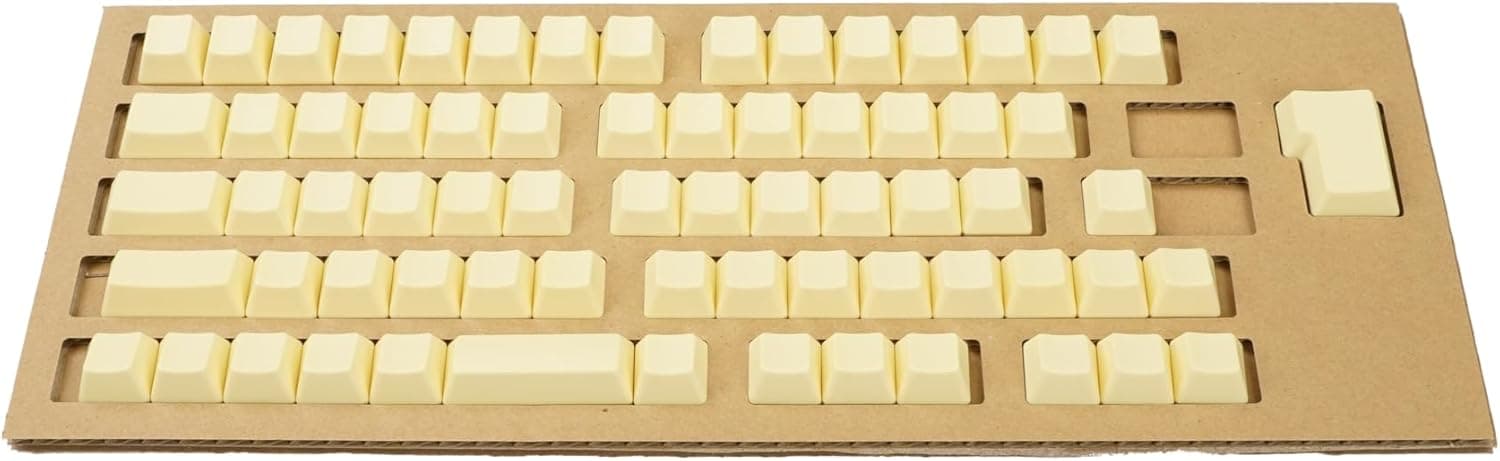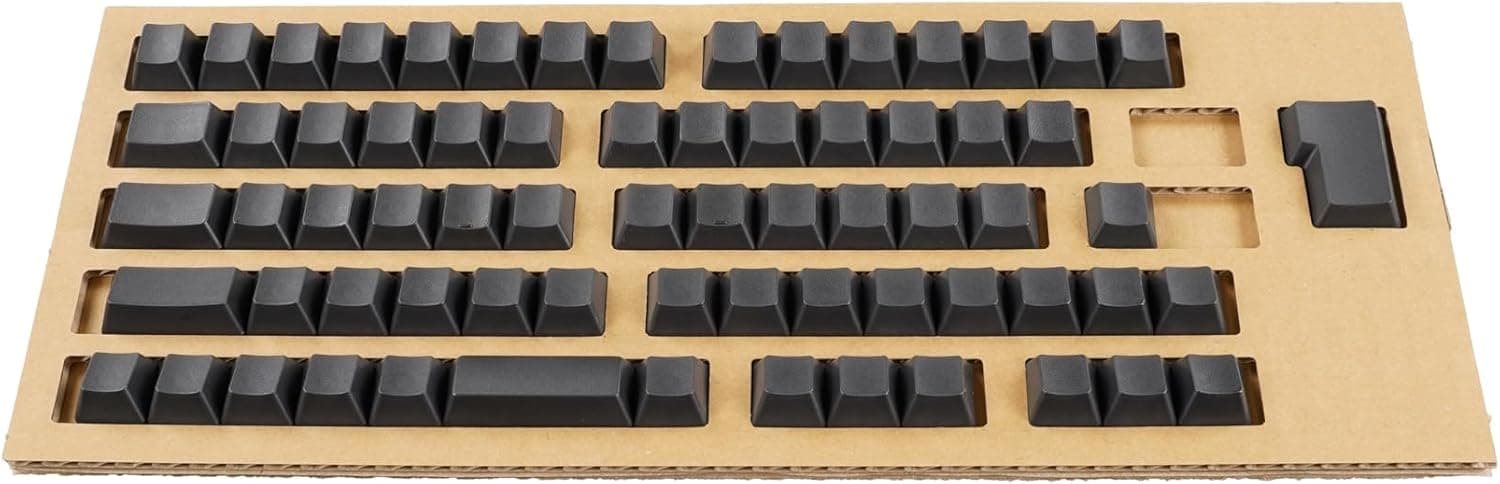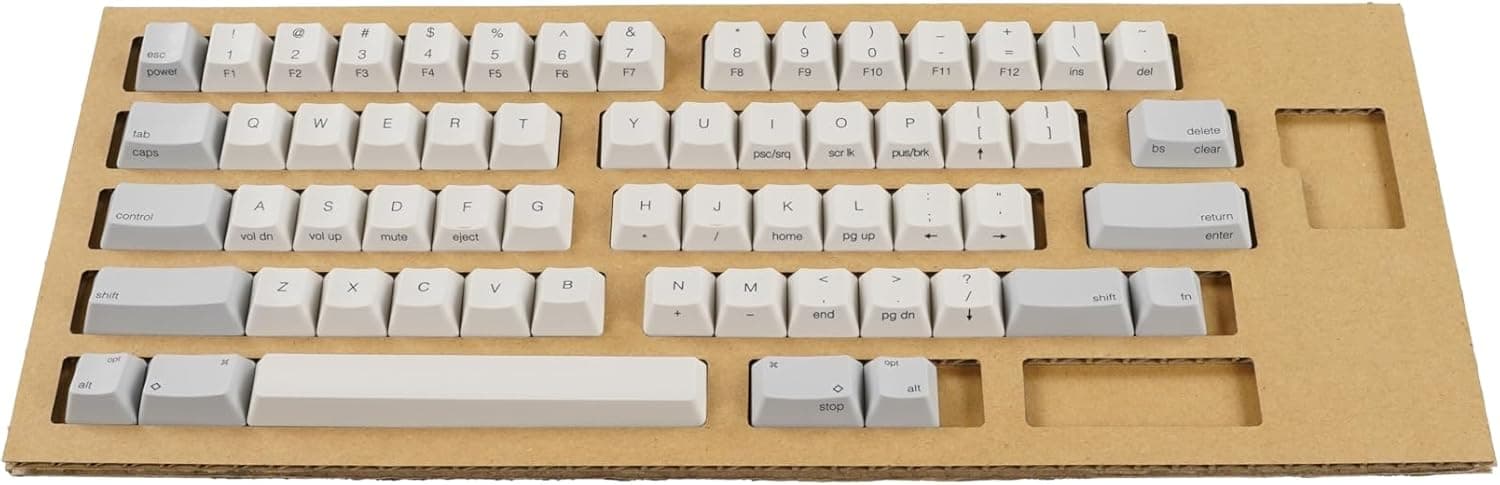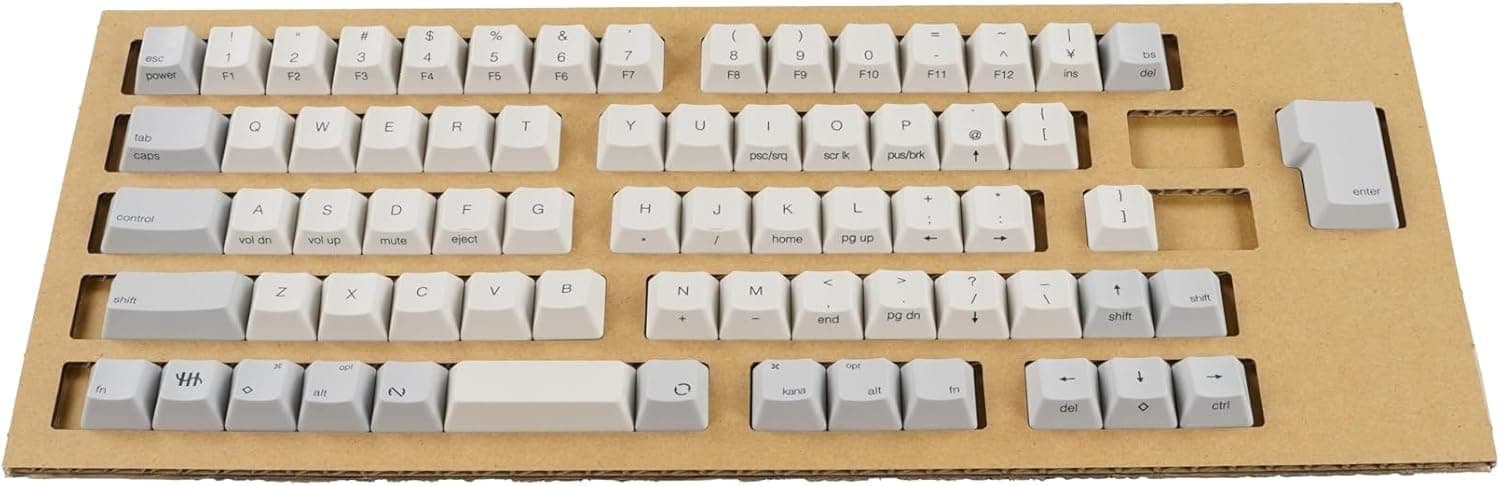
The PFU HHKB Professional keycap set PD-KB420KTWC (Japanese layout, center-printed, white) is a genuine replacement part that restores a well-used HHKB to like-new appearance without replacing the keyboard itself. This article covers how to confirm model fit, the mistakes people actually make during the swap, and when you should skip this product.
Overview
PD-KB420KTWC is an official keycap set sold by PFU (Fujitsu Group) for the HHKB Professional series. It is built exclusively for Japanese-layout models and uses center-printed legends on a white base.
The package contains a full set of 69 keycaps, including the spacebar and all modifier keys.
The short verdict: this set is for owners whose HHKB still works perfectly but whose keycaps have gone shiny or whose legends have faded. HHKB's electrostatic capacitive switches last for many years, while the caps your fingers touch degrade on a much shorter cycle.
Replacing the caps instead of the whole keyboard is the core value proposition here.
It is not the right product if you want a visibly customized look. Because it is an OEM part, swapping it simply returns the keyboard to its original appearance.
Buying it expecting a style change will disappoint.
Compatibility Guide
Only Japanese-layout HHKB Professional models are supported:
| Supported model | Notes |
|---|---|
| HHKB Professional JP | Wired Japanese layout |
| HHKB Professional JP Type-S | Silenced Japanese layout |
| HHKB Professional BT | Bluetooth model |
| HHKB Professional HYBRID | Wired and wireless |
| HHKB Professional HYBRID Type-S | Silenced HYBRID |
The single most common mistake is buying this for an English-layout HHKB. The two layouts differ in key count and key assignment, so a 69-key Japanese set will not fit an English-layout board.
English-layout owners need the PD-KB400 series instead. Remember the pattern: 420 means Japanese layout, 400 means English layout.
The second requirement is switch type. These caps are shaped for electrostatic capacitive stems and will not mount on Cherry MX-compatible mechanical keyboards.
Key pitch is 19.05mm, matching standard full-size spacing, but the stem geometry differs — which is exactly why off-the-shelf MX keycaps do not work on an HHKB either.
The swap itself is purely mechanical: no soldering, no software configuration. Pull the old caps with the included tool and press the new ones on.
The work is done at your own risk, and a damaged stem may not be covered by warranty.
Product Info
| Item | Value |
|---|---|
| Number of keys | 69 |
| Key pitch | 19.05mm |
| Legend printing | Center printed |
| Layout | Japanese |
| Color | White |
| Accessories | Keycap puller, instruction manual |
| Compatible models | HHKB Professional JP / JP Type-S / BT / HYBRID / HYBRID Type-S |
On Amazon.co.Check the retailer's page for the latest price.
An eBay US listing was seen at $53.23 around the same time.
Both are point-in-time figures that move with sales, currency rates, and stock. Always check the product page for the current price.
Genuine accessories rarely see deep discounts, so waiting for a large price drop is not a productive strategy.
On reception, Amazon.co.Check the retailer's page for the latest user reviews.
The review count is modest, but that is natural for a part bought only by long-term HHKB owners who have decided to refresh their caps. The low count is not in itself a quality concern.
The caps are generally understood to be PBT, the material commonly used for HHKB stock keycaps, but this is not stated in the listed specifications — check the product page if material matters to you. As a general rule PBT resists shine better than ABS over long use.
Product Disclosure (Amazon)
- Manufacturer: HHKB
- Seller: PFUダイレクト
- Fulfilled by: PFUダイレクト
- ASIN: B0CNG6ZYKX
- Note: This article covers a manufacturer-made product based on Amazon listing details.
Doing the Swap
The job is simple, but order matters. First, photograph your existing layout.
The manual includes a key placement chart, but a photo of your own board is the most reliable reference for modifier key positions.
Hook the puller on opposite corners of the cap and pull straight up. Prying at an angle stresses the conical spring and stem of a capacitive switch.
The spacebar is the riskiest piece because its size invites one-sided force — work slowly from near the center.
Rather than removing every cap at once, go row by row: pull a row, seat the new row, move on. That makes misplacement far less likely.
Budget around 30 minutes if it is your first time, more if you also clean as you go. Wash the removed caps with mild detergent and keep them as spares; they become insurance if you ever break a single cap later.
How It Differs From the Other Sets
PFU splits these sets by layout (Japanese or English), legend (center-printed or blank), and color (white, wisteria, and so on). PD-KB420KTWC is the Japanese / center-printed / white combination.
Choose this way: pick center-printed if you occasionally glance at legends or if others use the keyboard too; pick blank if your touch typing is solid and you value a clean look. White suits owners who want the caps to match the body, while colored variants are for a deliberate accent.
Center printing also reads as calmer than typical top-edge legends, simply because the text sits lower in the field of view.
Best Use Cases
- Long-term HHKB owners — reset shine and faded legends without buying a new board. As an OEM part, color, texture, and profile match the original exactly.
- Second-hand HHKB buyers — replace caps that carry someone else's wear. Even adding this cost to a used body usually stays well below the price of a new keyboard.
- DIY maintainers — the puller and manual are included and no disassembly or soldering is required, so the barrier is low.
- Anyone managing shared or loaner HHKBs — swapping only the caps between users is a practical hygiene policy.
Things to Check Before Buying
The biggest pitfall is layout confusion. This set will not fit an English-layout HHKB.
Check the bottom of your keyboard for the model number; "JP" means Japanese layout.
There are no individual keys — it is a full 69-cap purchase. If only a few home-row caps are shiny, buying the whole set is poor value, and cleaning or swapping in caps from rarely used positions is the more rational fix.
Only the caps become new again. If your typing feel has degraded because of dust inside the housing or the switches themselves, new caps will not restore it.
Blow out the housing with compressed air while the caps are off.
The work carries some risk. Snapped stems and deformed spacebars do happen. Take your time and mind the direction of force.
Also note that listing information on retail pages is sometimes wrong or vague. Before ordering, verify the model number PD-KB420KTWC against the product images and title yourself.
Prices are point-in-time and will change after this article is written.
Finally, this is not a custom keycap product. There is no range of materials or finishes like the MX-compatible aftermarket offers; it exists to restore, not to restyle.
If you want a visible change, look at the colored or blank variants instead.
FAQ
Q. Will it fit an English-layout HHKB?
A. No. It is Japanese-layout only. English-layout owners should choose a PD-KB400 series set.
Q. Can I use these on a Cherry MX keyboard?
A. No. They are shaped for HHKB's capacitive switch stems and will not mount on MX stems.
Q. How long does the swap take? A.
Around 30 minutes for a first-timer. Working row by row reduces placement errors; allow extra time if you clean along the way.
Q. Can I buy individual keys? A.
No. It is sold only as a full 69-cap set.
For a few worn caps, cleaning or repositioning existing caps is an alternative.
Q. What about warranty? A.
The replacement work is at your own risk, and warranty terms depend on where you bought it — check your retailer's stated conditions.
Q. What does it cost? A.
¥7,590 including tax on Amazon.co.jp as captured in August 2026.
Prices for genuine accessories move little, but confirm the current figure on the product page.