Overview
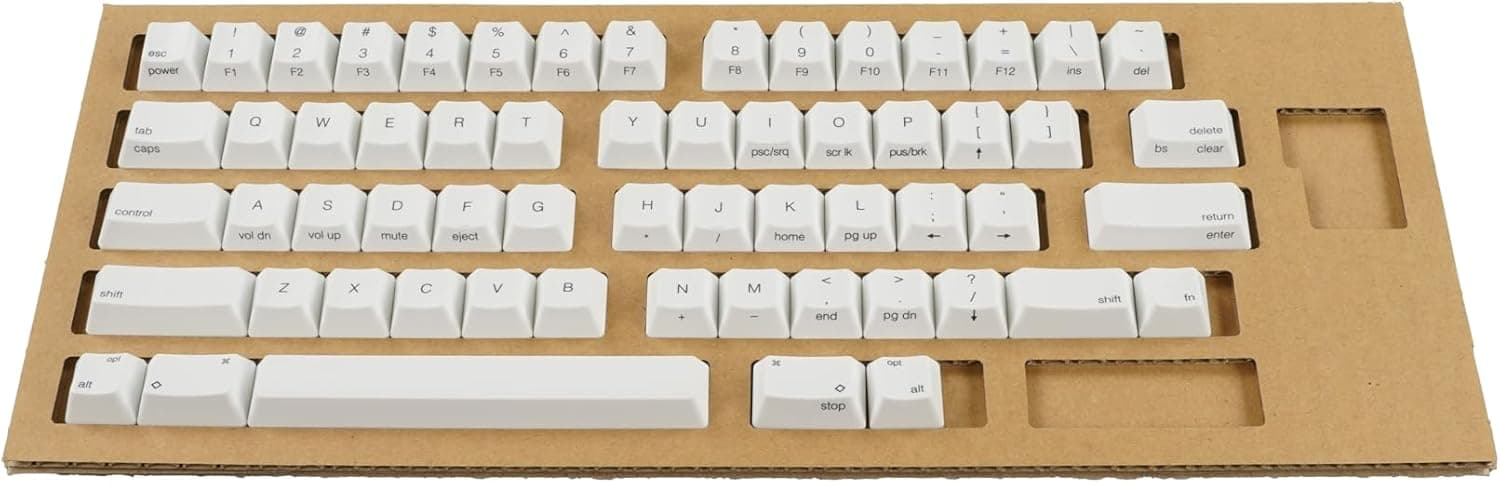
The PFU HHKB Professional Keycap Set, English Layout, Center Printed, Fuji (PD-KB400KTLPC; listed as "PFU HHKB Professionalシリーズキートップセット英語配列中央印字藤 PD-KB400KTLPC") is an official replacement keycap set for English-layout HHKB Professional series keyboards. If you own an English-layout HHKB Professional and want to change its look without changing the typing feel, this is one of the safest choices.
It will not fit the HHKB Studio, Japanese-layout models, or ordinary mechanical keyboards. Before buying, check that your keyboard is supported.
The soft lavender design is inspired by the graceful wisteria flower (fuji) and adds an elegant, dreamy touch to your desk. The set includes all 60 keys, a keycap puller, and an instruction manual.
The legends are printed in the center of each keycap for a clean look.
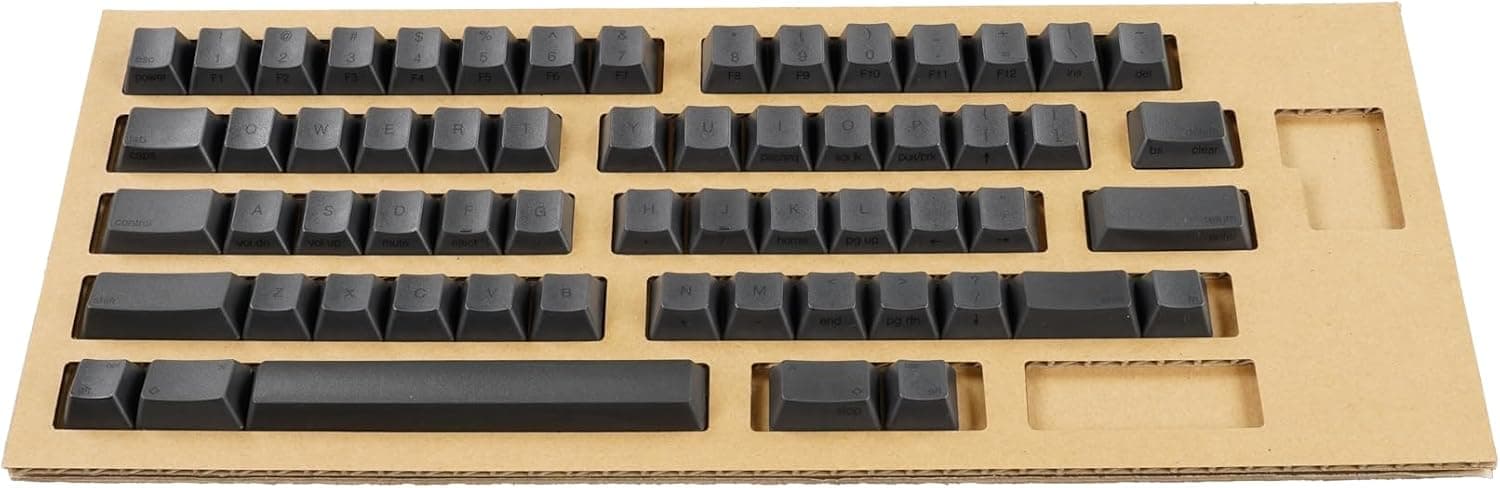
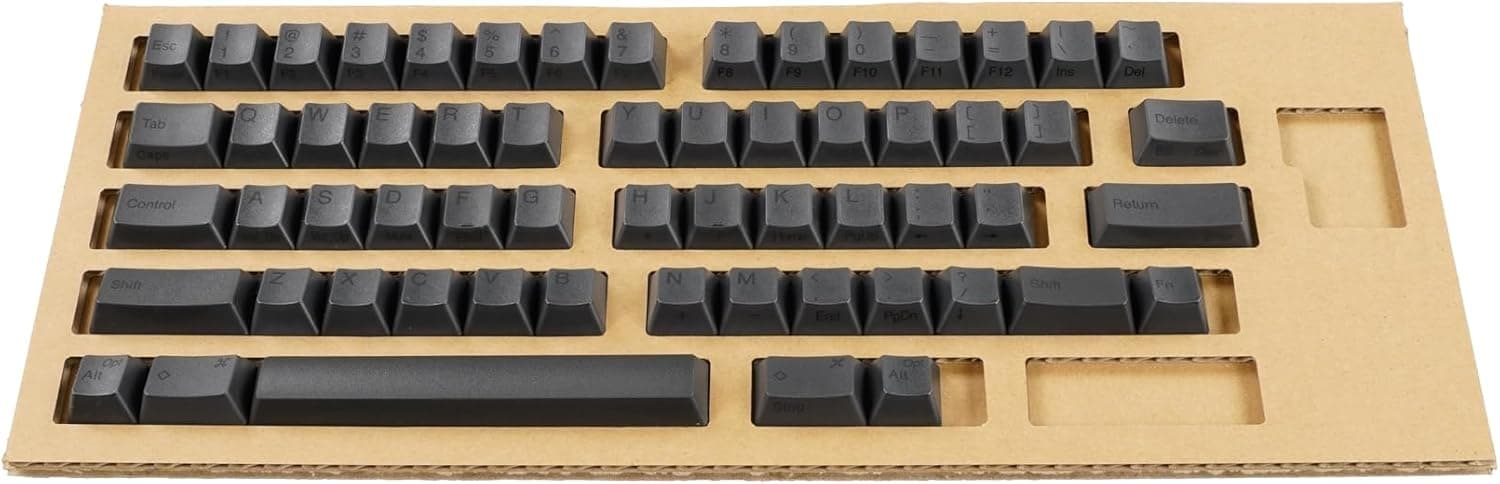
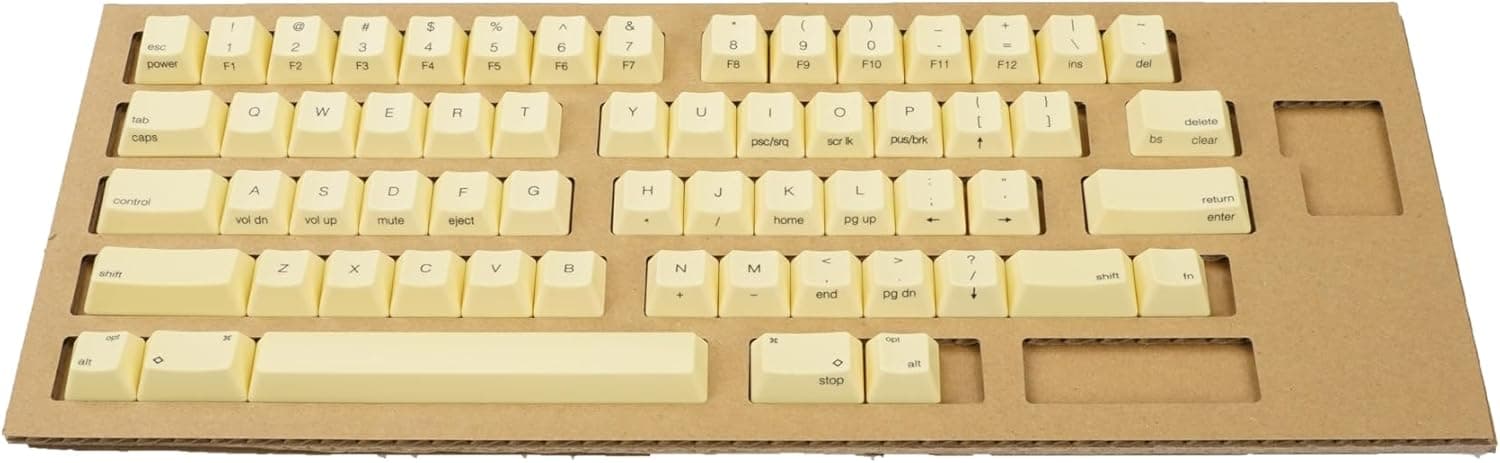
This set is the fourth release in PFU's HHKB Color Keycap Project, after the Sakura, Wasabi, and Tanpopo sets. You can combine it with those sets or with the standard White, Sumi (ink), and Snow sets to create your own color scheme.
Compatibility Guide
| Item | Details |
|---|---|
| Compatible | HHKB Professional series, English layout |
| Not compatible | HHKB Studio series |
| Not compatible | Japanese-layout models |
| Number of keys | 60 (full English layout) |
| Material | PBT (polybutylene terephthalate) |
This set is made only for English-layout HHKB Professional models. These keyboards use Topre electro-capacitive switches, and their keycaps mount differently from Cherry MX-compatible mechanical boards.
MX-compatible keycap sets and HHKB Professional keycaps are not interchangeable. If you assume any keycap fits any keyboard, you will end up with a set you can't use.
The HHKB Studio is a separate product line with mechanical switches, and this set is officially listed as not compatible with it. The HHKB name alone does not guarantee a fit, which makes this the easiest mistake to make.
Japanese-layout models have 69 keys instead of 60, with different key widths. This English-only set cannot replace all of their keys.
Within the Professional series, support can be listed separately by generation or model (HYBRID, Classic, and so on). Compare your exact model name with the compatibility list on the product page before ordering.
Product Info
| Item | Details |
|---|---|
| Model | PD-KB400KTLPC |
| Material | PBT |
| Keys | 60 |
| Printing | Center printed |
| Color | Fuji (wisteria lavender) |
| Compatible models | HHKB Professional series, English layout |
| Contents | 60 keycaps, keycap puller, manual |
When checked on October 5, 2026, the set was listed at ¥8,250 on Amazon.co.jp, sold and shipped by PFU Direct.
Prices change with sales and stock, so check the product page for the current price. For a full official set, the price is reasonable.
On the same date, the Amazon listing had a rating of 4.9 out of 5 from 48 reviews.
The rating is excellent, but 48 reviews is still a small number. Things like color preference and how easy the swap is vary from person to person, so check the photos yourself before deciding.
PBT is generally less prone to developing a shine than ABS plastic. Because the stock HHKB Professional keycaps are also PBT, changing colors should not noticeably change the typing feel or durability.
How It Differs from Other Keycaps
MX-compatible keycap sets come in many colors, and sets with more than 100 keys are common. However, none of them fit an HHKB Professional.
If you want to change the color of an HHKB Professional, you are basically limited to dedicated sets. Among them, this one has the advantage of being made by the manufacturer.
Compared with the standard Sumi, White, and Snow sets, the main difference is color. The material and compatibility are the same, so you can mix sets, for example by making only the modifier keys or a few letters wisteria.
HHKB keycaps have a different height and angle for each row. When mixing, swap each key only with the key in the same position.
Swap Steps and Tips
- Take a top-down photo of your keyboard first.
It helps if you want to restore the original keys or check a mixed layout. 2.
Use the included puller and pull each keycap straight up. Prying at an angle can damage the keycap or the stem.
- Swap one row at a time.
Removing every key at once makes it easy to mix up keys from different rows. 4.
Handle long keys such as the space bar with extra care. If there is a stabilizer wire, follow the manual.
- After installing the keys, press every key to check that it registers and does not stick.
You swap keycaps at your own risk, and the keycaps can get scratched in the process. Read the included manual before you start.
Recommended Users
- English-layout HHKB Professional owners who want a new desk look: Official keycaps fit properly and match the stock quality, so this is an easy way to change the look.
- Keyboard customization fans: Combine this set with the Sakura, Wasabi, or Tanpopo sets or the standard colors to create your own color scheme. The center-printed English legends keep the look clean.
- Users who want to keep the HHKB typing feel: The PBT keycaps match the stock material, so only the color changes.
- Owners of blank models who want legends back: On an English-layout board, this set works as a complete 60-key set with printed legends.
This set is not for HHKB Studio users or owners of Japanese-layout models. If you have never swapped keycaps before, follow the steps above and take your time.
Before You Buy
The most common mistake is buying for the wrong model. This set fits only English-layout HHKB Professional models.
It does not fit the HHKB Studio, Japanese-layout models, or MX-compatible keyboards. You can tell the layout from the Return key shape or the number of keys.
If you are unsure, compare the model number on the label under your keyboard with the product page.
The color may look different on screen than in person. Pale lavender can look different depending on your monitor and room lighting.
Check several product photos, including whether the lavender is in the legends or the keycaps themselves.
Watch the row shapes when mixing sets. Each HHKB row has its own keycap shape, so a key of the same width will sit at the wrong height in another row.
Swap only keys in the same position. Store removed keycaps sorted by row so they are easy to put back.
Check the printing for Fn-layer functions. On a center-printed set, the labels for functions you reach with the Fn key may not appear the same way as on your current keycaps.
If you rely on printed labels for arrow keys or volume, check the product photos to see what is printed.
Prices and review counts were recorded at a specific time. On October 5, 2026, the set cost ¥8,250 and had a 4.9 rating from 48 reviews.
Both will change, so check the listing before you order.
FAQ
Q. Does it fit the HHKB Studio? A.
No. It is made only for English-layout HHKB Professional models and is officially listed as not compatible with the HHKB Studio series.
Q. Can I use it on a Japanese-layout HHKB Professional? A.
No. The Japanese layout has 69 keys with different shapes, so this English-only set cannot replace them.
Q. Will it work on a regular mechanical keyboard? A.
No. The HHKB Professional uses electro-capacitive switches with a keycap mount that is different from MX-compatible keyboards.
Q. Can I replace only some of the keys? A.
Yes. You get all 60 keys, so you can swap only the ones you want and keep the rest.
When mixing, swap each key only with the key in the same position.
Q. Will the typing feel change? A.
It should not change much, because the set uses the same PBT as the stock keycaps. Its main purpose is to change the color.
Product Disclosure (Amazon)
- Manufacturer: HHKB
- Seller: PFUダイレクト
- Fulfilled by: PFUダイレクト
- ASIN: B0FXLVLW1W
- Note: This article covers a manufacturer-made product based on Amazon listing details.